Customer Media
Highlights
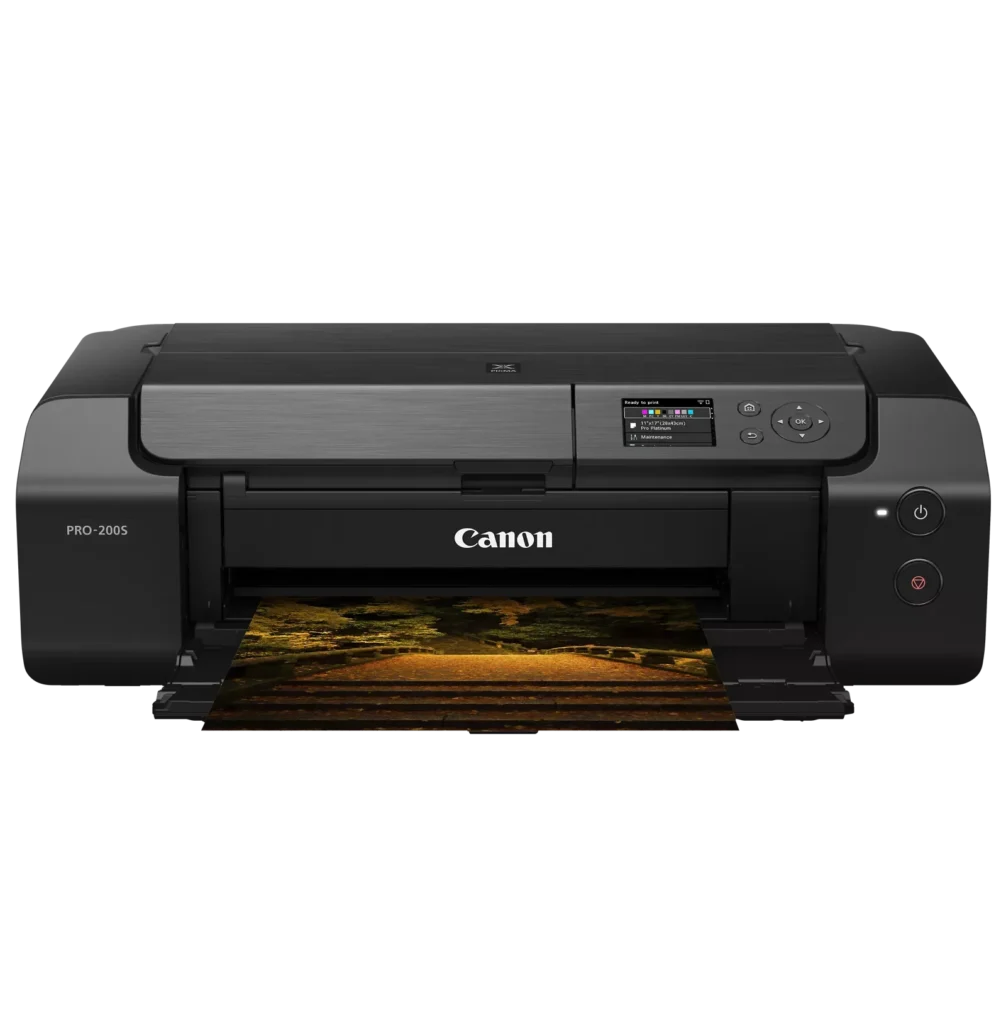
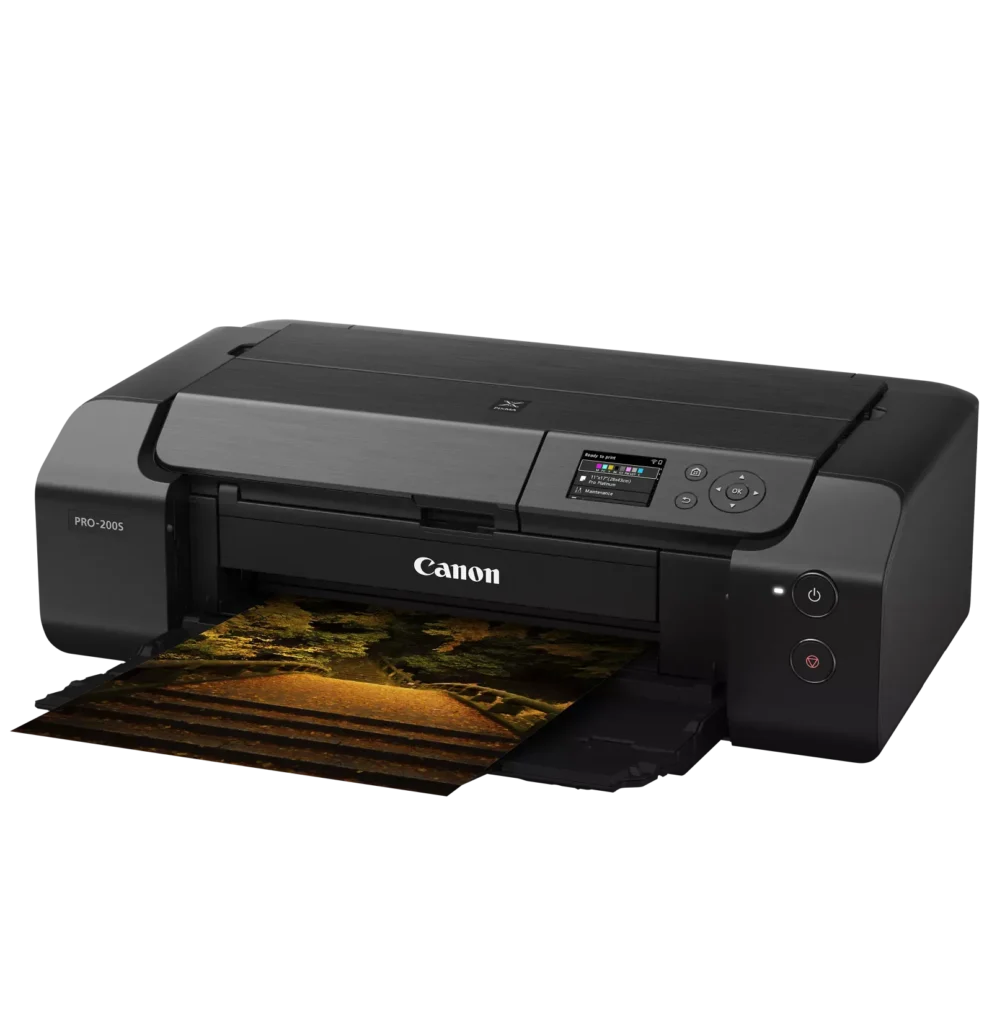
| 8-Color Dye-Based Ink System | Utilizes an enhanced eight-color dye-based ink system, including three monochrome inks, to deliver vibrant, professional-quality photos with expanded color gamut and deep blacks. |
|---|---|
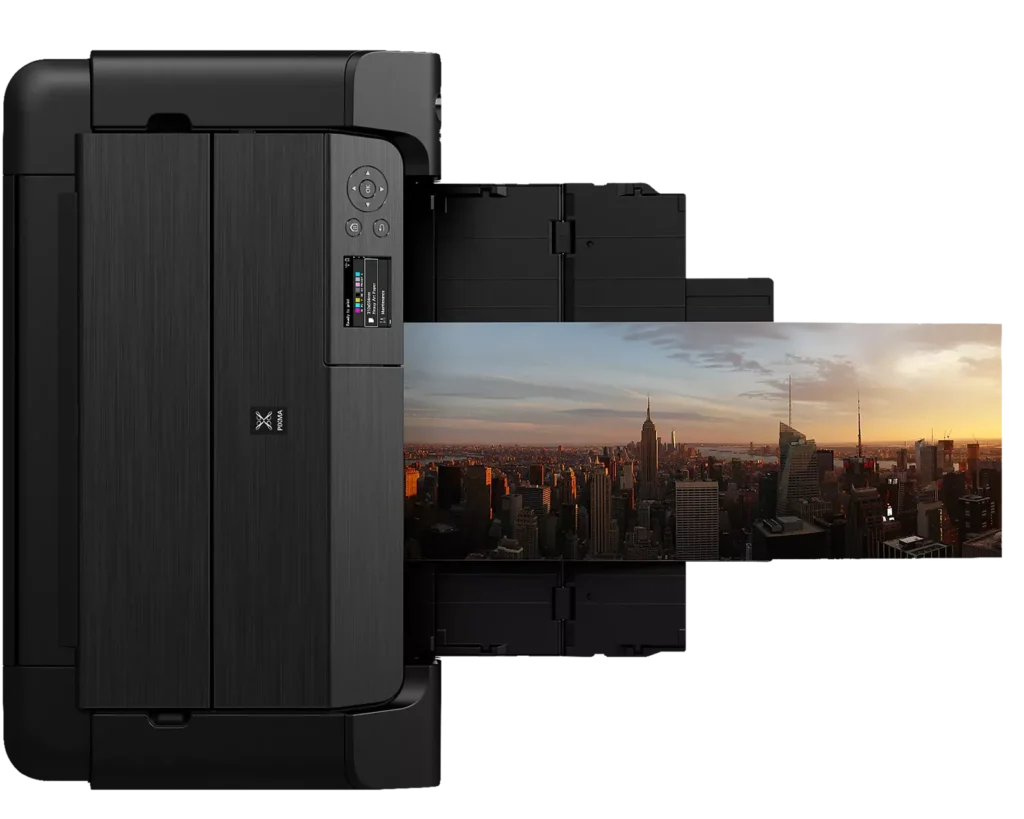
| Versatile Media & Panorama Printing | Supports a wide range of media types and sizes, offering borderless printing up to 13" x 19" (A3+) and the ability to create custom panorama prints up to 39" in length. |
| High-Speed Professional Output | Designed for efficiency without compromising quality, capable of producing a bordered A3+ color print in approximately 90 seconds and an 8" x 10" bordered print in just 53 seconds. |
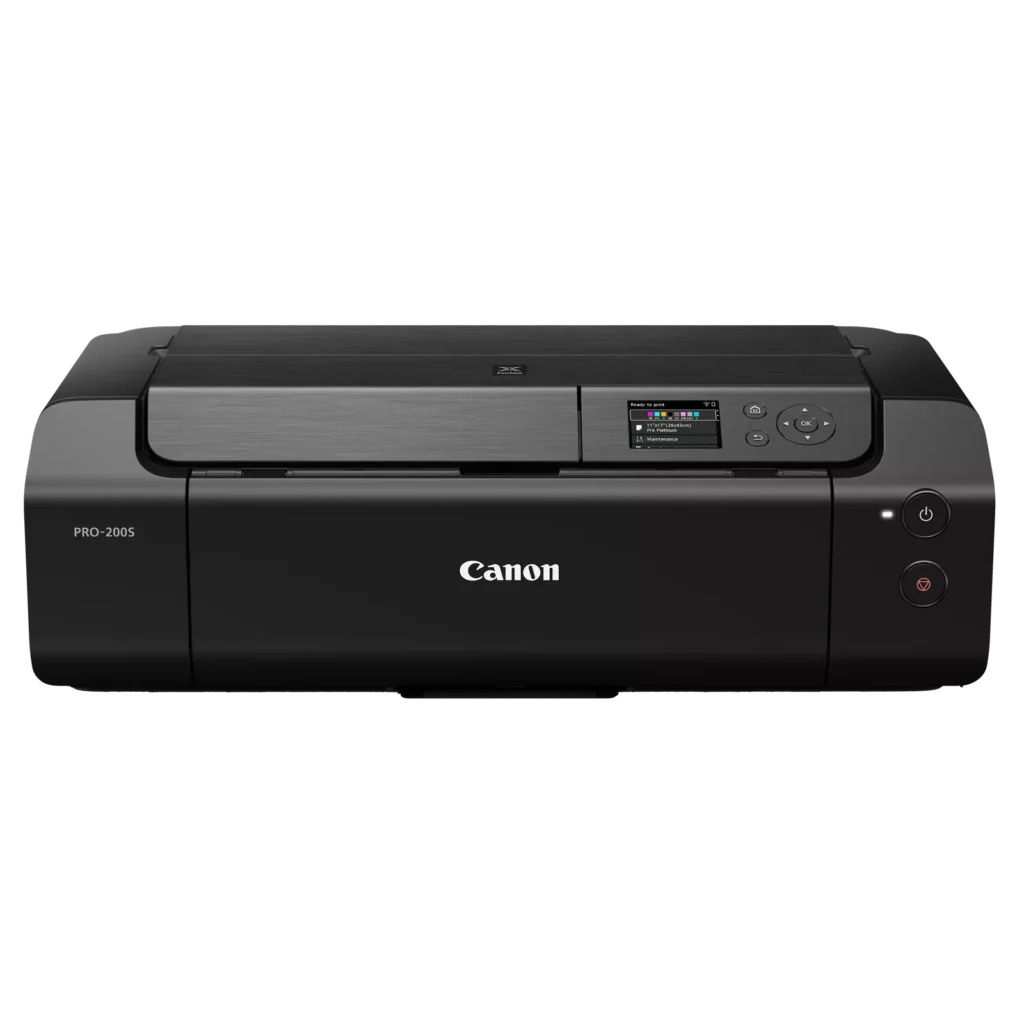
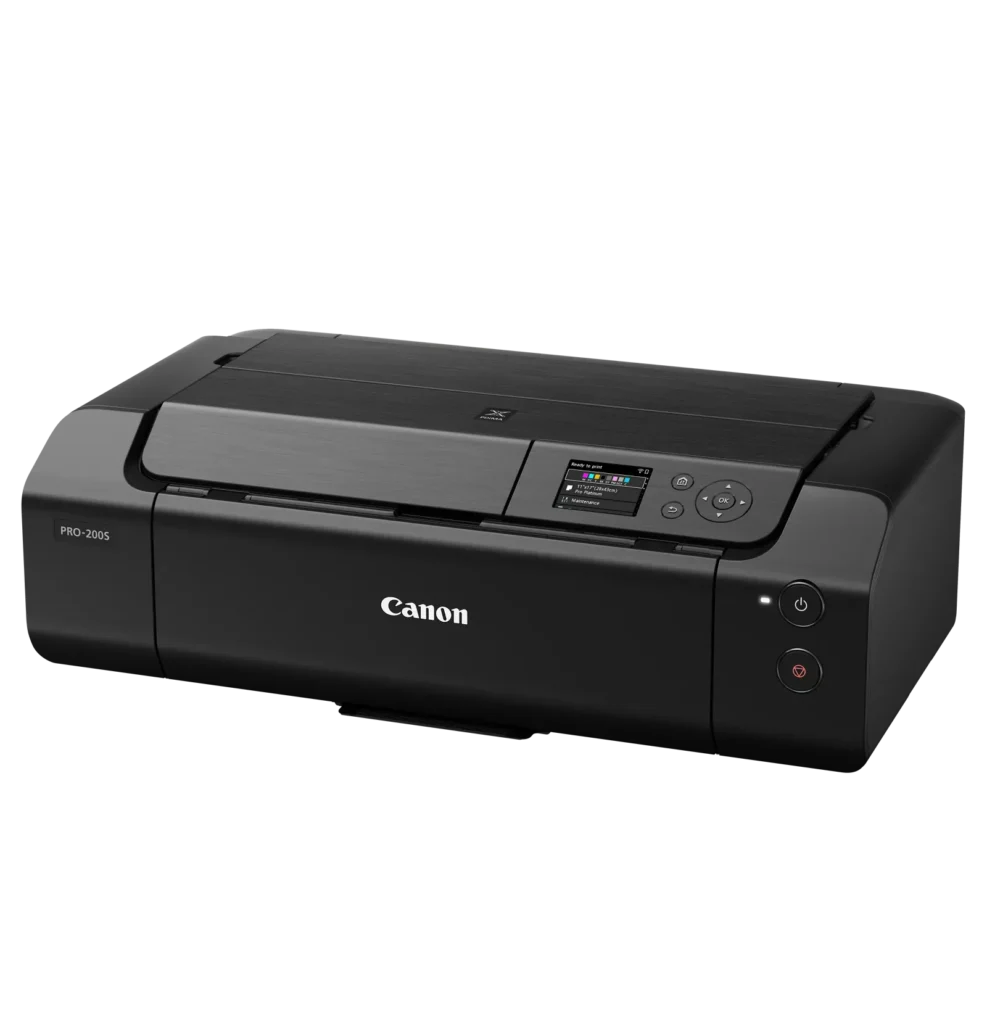
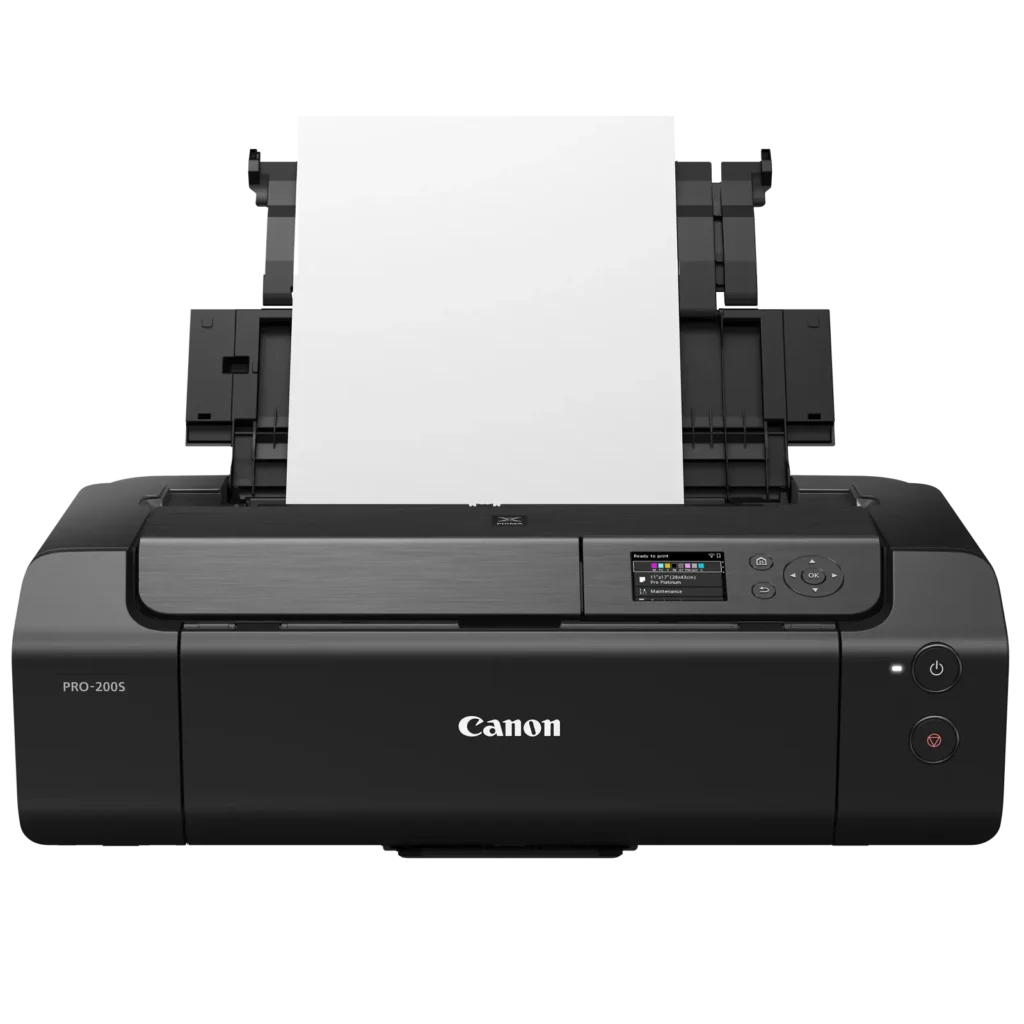
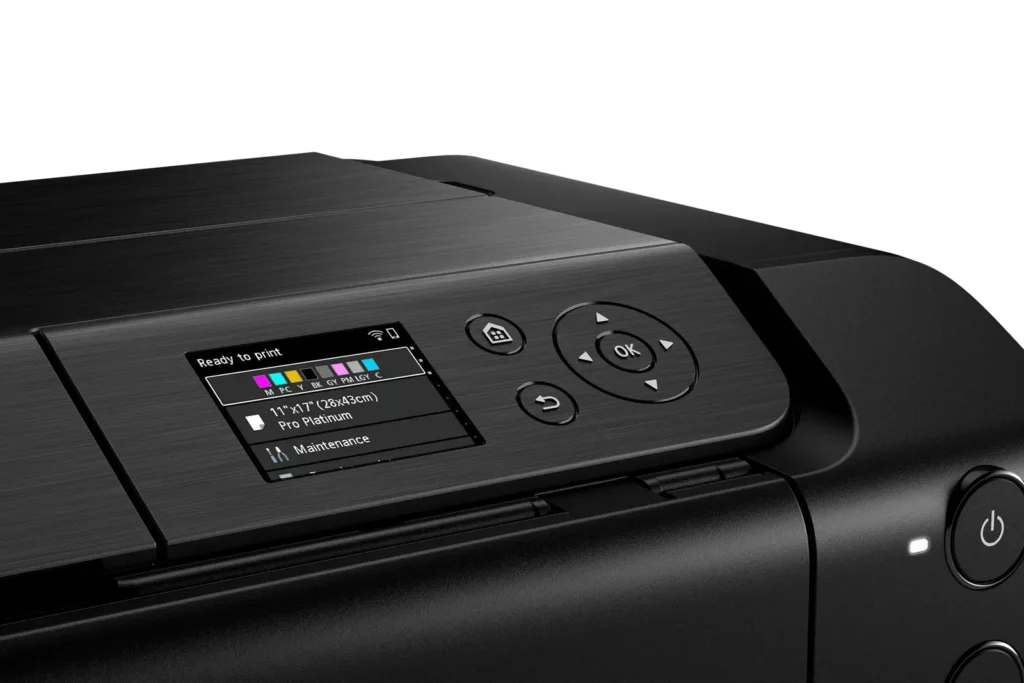
| Intuitive 3.0" Color LCD Display | Features a built-in 3.0-inch color LCD monitor that allows users to easily check ink levels, perform printer maintenance, and navigate settings at a glance. |
| Seamless Connectivity & Workflow | Offers flexible connection options including Wi-Fi, Ethernet, and USB, while supporting mobile printing via AirPrint and Canon's Professional Print & Layout software for a streamlined editing-to-print workflow. |
Pros & Cons
Pros
- Exceptional Print Quality: Users consistently praise the vibrant, professional-level results and wide color gamut, describing the prints as stunning, gorgeous, and nearly true to color when using high-quality photo paper.
- Versatile Media Support: The printer handles various sizes up to 13×19 inches, supports thick card stock up to 130 lbs, and includes a specialized tray for printing on CDs, making it suitable for diverse creative projects.
- Quiet Operation: Reviewers noted that this is one of the quietest printers they have owned, providing a professional and non-disruptive experience during the printing process.
Cons
- Slow Printing Speed: Multiple reviewers highlight that the printer is significantly slower than expected, particularly for high-quality photos or black-and-white documents, with some noting speeds as low as 2 pages per minute.
- Difficult Setup and Connectivity: Users frequently encounter issues with wireless configuration, including long setup times exceeding six hours and the need to manually reconnect to Wi-Fi using a small, painful touch screen after powering the unit off.
- Unreliable Paper Feeding: The feeding mechanism often fails to detect paper or requires manual, one-by-one feeding for specific media types, leading to frequent errors and wasted materials.
You might also like












Customer Reviews
Showing reviews 31-40 of 79
-
Poor quality, poor experience
Verified purchase Verified purchase: This reviewer bought the product.Isabelle Stepien October 25, 2025Review source: AmazonAll printers are fundamentally bad and frustrating, but this one is a cut above.
Main pain points:
1. Every time the printer is turned off and back on you need to reset up connection to WiFi. You must use the painful 2 inch x 3 inch touch screen to enter the long wifi password and wait for it to find the network.2. Print quality is TERRIBLE, images looks spotty and the color is dull. I have tried every setting and it’s bizarre. See example in attached image.
3. Poor support and guidance from Canon
-
Quality output, but it's sloooow and problematic
Verified purchase Verified purchase: This reviewer bought the product.Il Moro di Venezia October 22, 2025Review source: AmazonI’d like to say this is a step up from my previous Canon MX850…but it’s more like a step sideways. What I gained in print quality (better colour matching, crisper output, and no more ink spatters on my card stock), I lost in speed and ease of use. The one thing that remains consistent is Canon’s poor firmware, driver, and printer interface (I have a Windows 11 machine). I use InDesign to print cards and it’s nothing short of an ordeal to get through the printing process. Sometimes it’s the same experience…often there are anomalies such as it deciding that it wants to default to a paper stock or profile that I’ve never used.
Also, it’s really needy. Forget being able to load the manual feed with 3 sheets of card stock, setting the print interface to print 3 copies, and walking away. It will want you to press the “OK” button on the printer each time it queues up a new sheet.
NOTE TO CANON: Welcome to the 21st Century! Kindly consider getting together with the Windows driver team to figure out how you can better serve your customers with an improved printer interface and experience (maybe bring in Adobe just to be safe). It’s not just about the dated Win95 UI, it’s also about all the ways in which you funnel users down a dead end path that will make them curse your name.
-
Little big issues
Verified purchase Verified purchase: This reviewer bought the product.SERGIOM October 18, 2025Review source: BestbuyIt works well but at times it will pause and stop printing then the screen will say “processing “ and it will stay like that for about 10-15 min
-
Worth it
Verified purchase Verified purchase: This reviewer bought the product.IowaCustomer October 17, 2025Review source: AmazonHoly smokes is this printer amazing! I was looking for something to print out photos and make some custom stickers. I was looking at other PIXMA printers but the reviews were so mixed. This one hurt my wallet but I caught it on sale and it was worth it. It was plug and play. No fone tuning necessary. I used canon photo paper and they turned out amazing.
-
Slow B+W
Amazon Customer October 15, 2025Review source: AmazonThis is a high quality color photo printer. If you happen to print a black and white document in B/W mode, it is SLOOOOOOOW AS HE… Maybe someone knows a box to uncheck. Printing is extremely confusing in 2025.
-
Beautiful prints, mildly frustrating at times, but worth it
Verified purchase Verified purchase: This reviewer bought the product.Haya P. October 13, 2025Review source: AmazonI love how my printer has been working so far, but there have been a few hiccups along the way. Definitely be prepared to be ready to navigate various errors during and after setup. At one point I had to redo the connection to my wifi/computer entirely because it would not register to my PC at all.
There is also a slight learning curve as to what to put in the top feed/manual feed, though I would recommend manual feed for most things. It lets you print borderless and does not give you weird errors about margins (top feed will refuse to print if you do not set the paper size to “A4 margin” or “letter margin”, etc.). Manual feed also allows you to use thicker paper and paper with special coatings on it. Also I cannot use the Professional Print and Layout program anymore, either, which is a bit disappointing because I liked how easy it was to use.
Once it prints, however, it prints beautifully. I have been using paper from Red River, specifically their Polar Matte 60 and Palo Duro etching, which they recommend for the printer. All my prints so far have been vibrant and gorgeous, and nearly true to color (that is entirely on me, though, not the printer. I need to get better at making color adjustments). It prints at a decent speed, but the higher quality you want, the slower it will be.
Overall would recommend this printer. I am just starting out with printing my artwork and making stickers and I am so glad I invested in this to start out with.
-
Beautiful Prints
Verified purchase Verified purchase: This reviewer bought the product.AmieeK October 10, 2025Review source: BestbuyA little complicated to set up but it prints absolutely beautiful prints.
-
Grandma
Verified purchase Verified purchase: This reviewer bought the product.RuthF October 9, 2025Review source: BestbuyI really like my Large printer. I’ve only printed 4×6 so far a they turn out beautiful ,I’ll be printing larger ones. I really like my printer.
-
Great printer
Verified purchase Verified purchase: This reviewer bought the product.Ebww October 3, 2025Review source: BestbuyThis is a really good photo printer. I downgraded from a canon pro300 for this because the colors were too washed out due to pigment ink on the pro 300. This printer is basically the same in look and feel but prints so much better vibrant prints due to dye ink. If all you will use this for is photo printing it is the best. Highly recommend
-
Phenomenal Printer
Verified purchase Verified purchase: This reviewer bought the product.JossefR October 3, 2025Review source: BestbuyThis is a great great printer for photos and its awesome for prints of my artwork.