Customer Media
Highlights
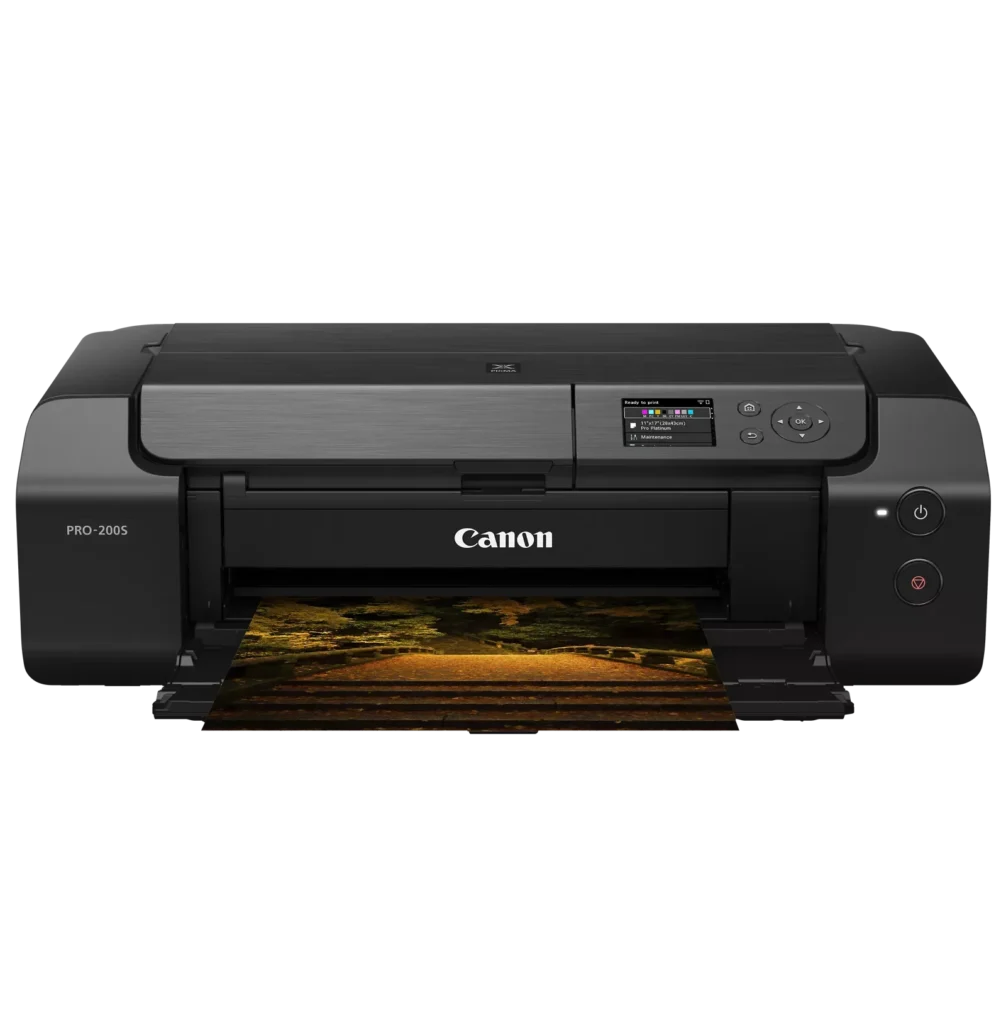
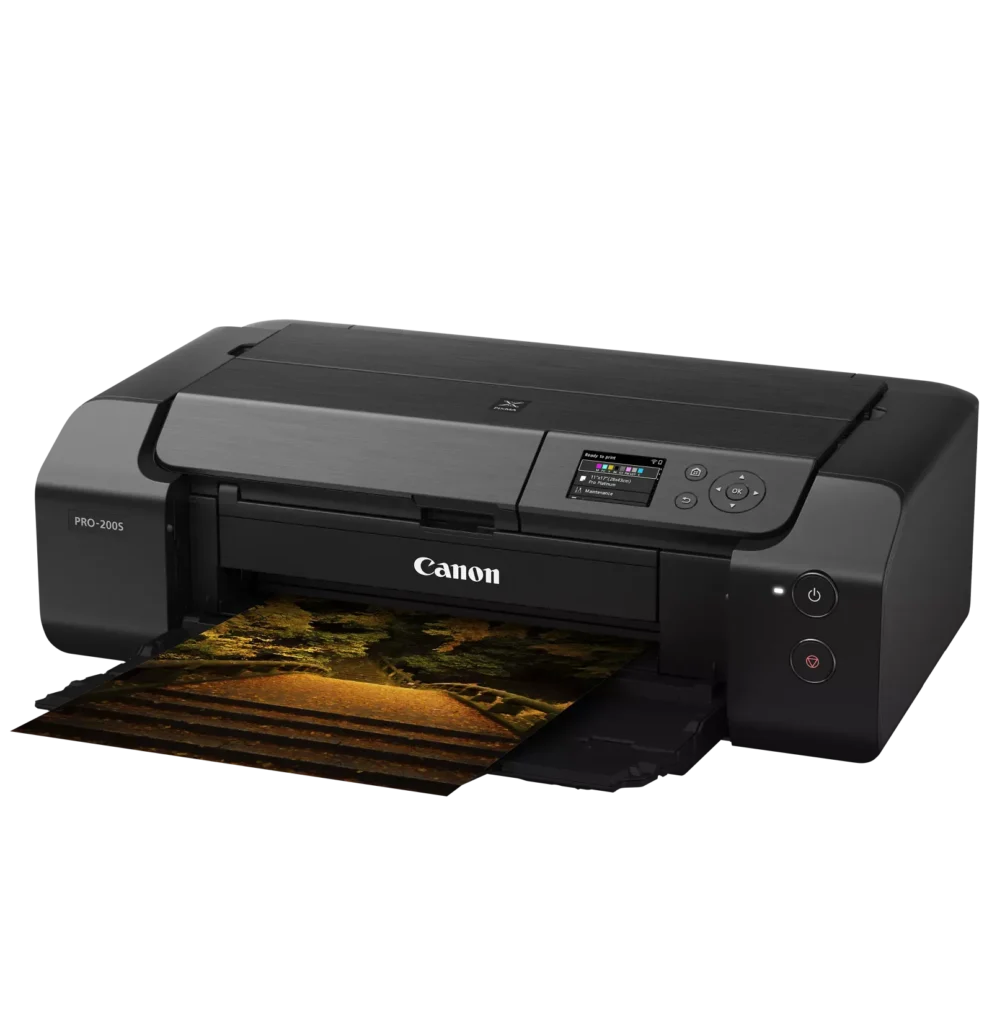
| 8-Color Dye-Based Ink System | Utilizes an enhanced eight-color dye-based ink system, including three monochrome inks, to deliver vibrant, professional-quality photos with expanded color gamut and deep blacks. |
|---|---|
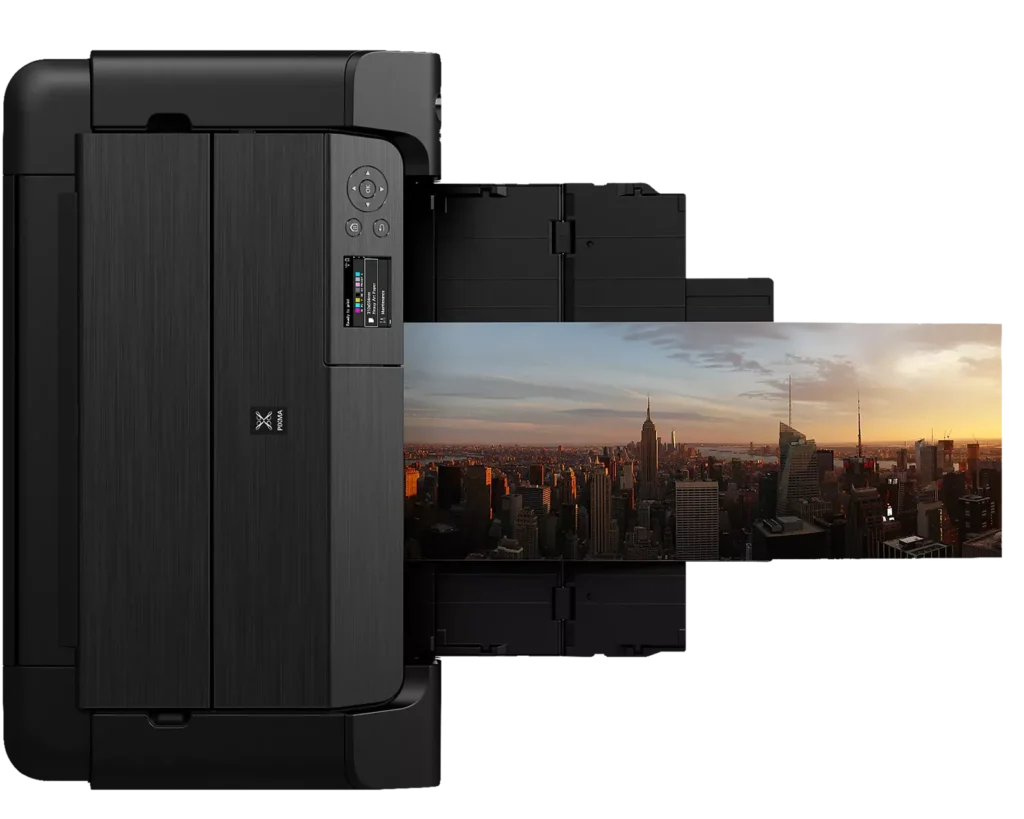
| Versatile Media & Panorama Printing | Supports a wide range of media types and sizes, offering borderless printing up to 13" x 19" (A3+) and the ability to create custom panorama prints up to 39" in length. |
| High-Speed Professional Output | Designed for efficiency without compromising quality, capable of producing a bordered A3+ color print in approximately 90 seconds and an 8" x 10" bordered print in just 53 seconds. |
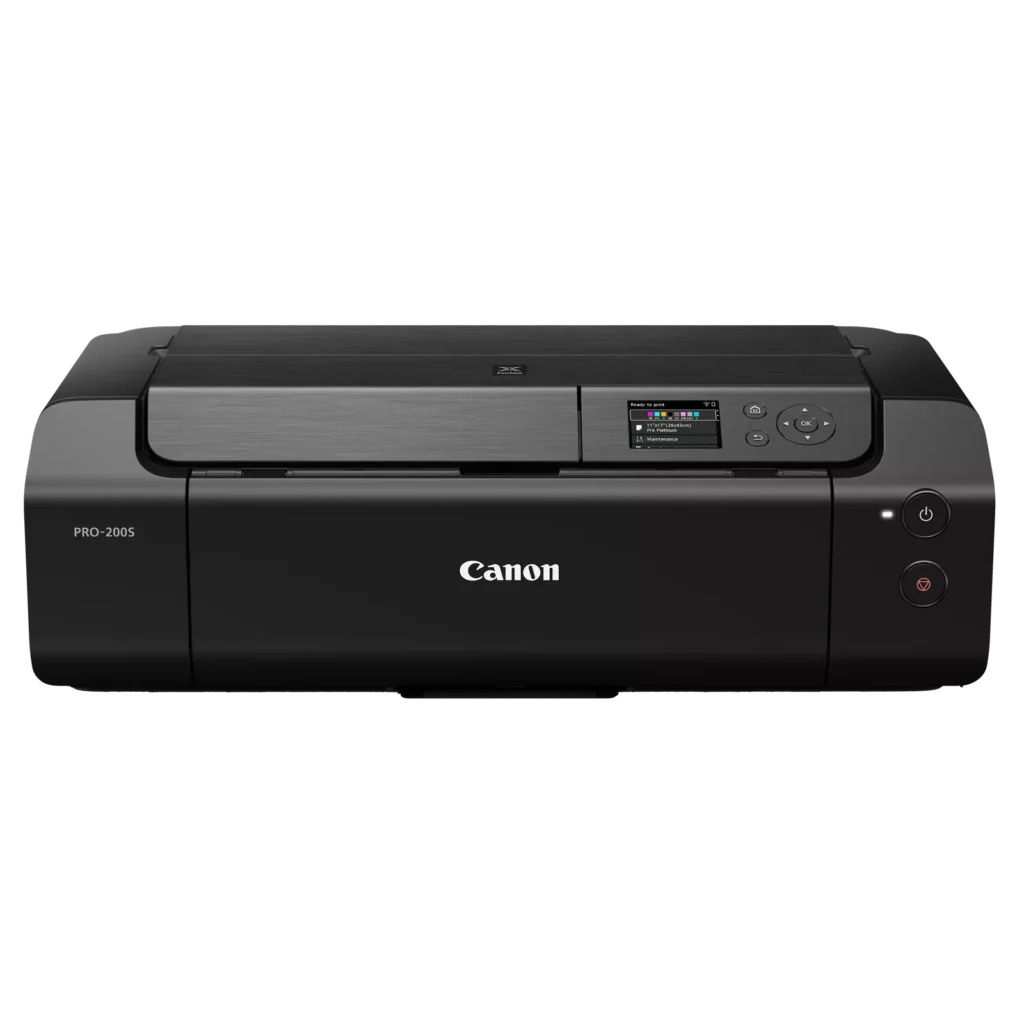
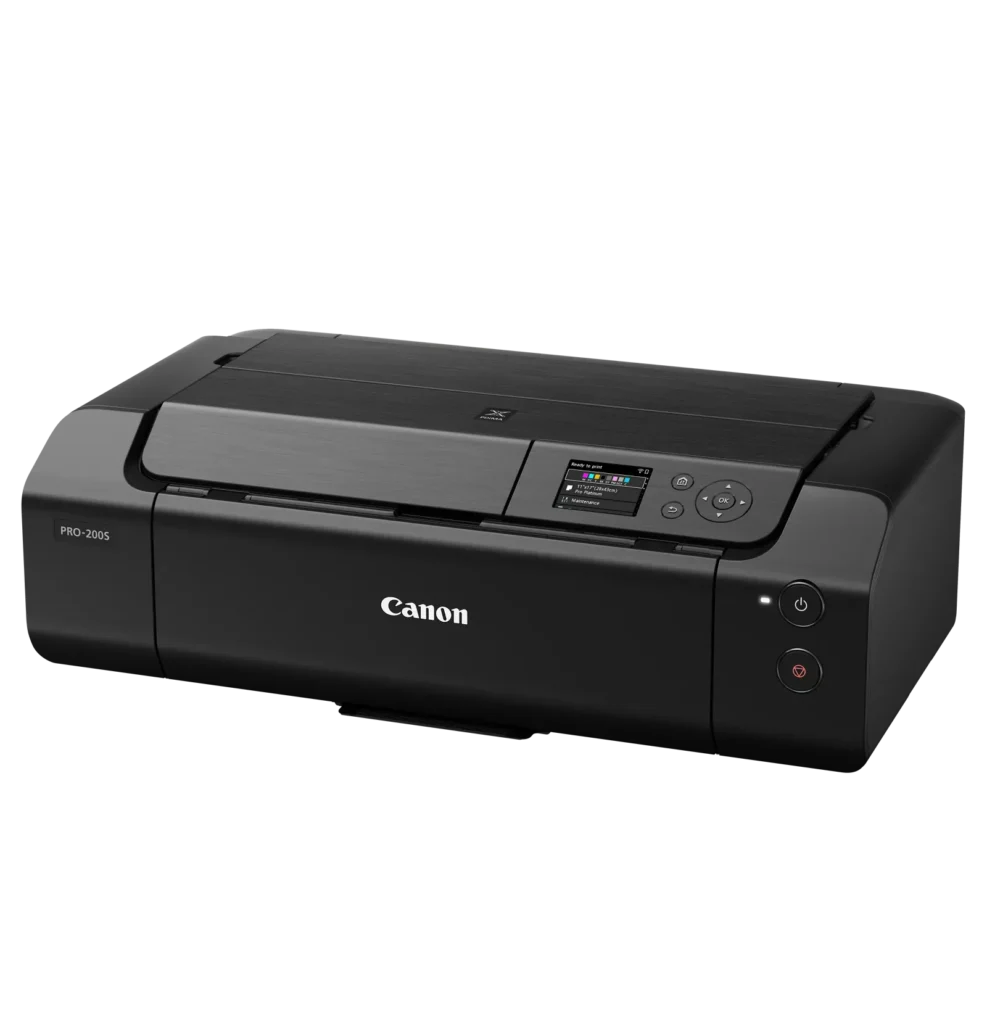
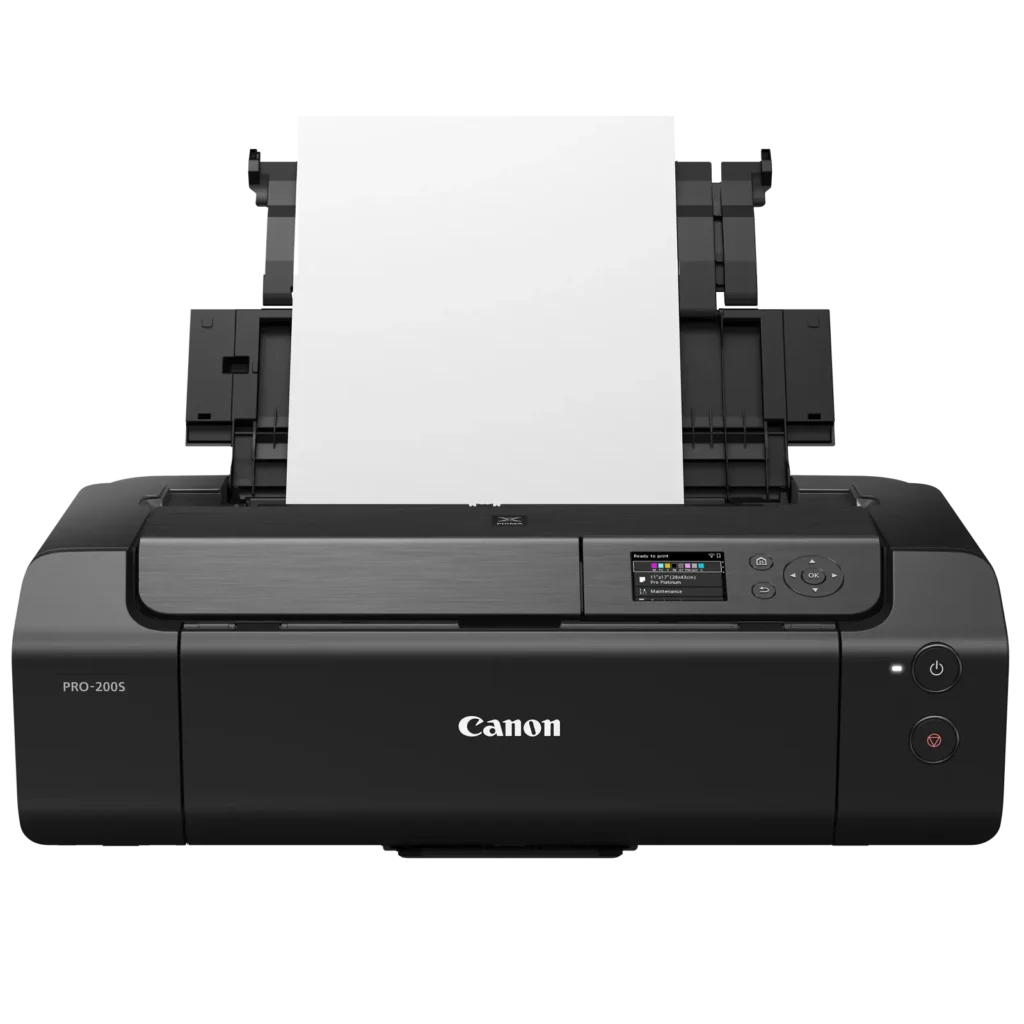
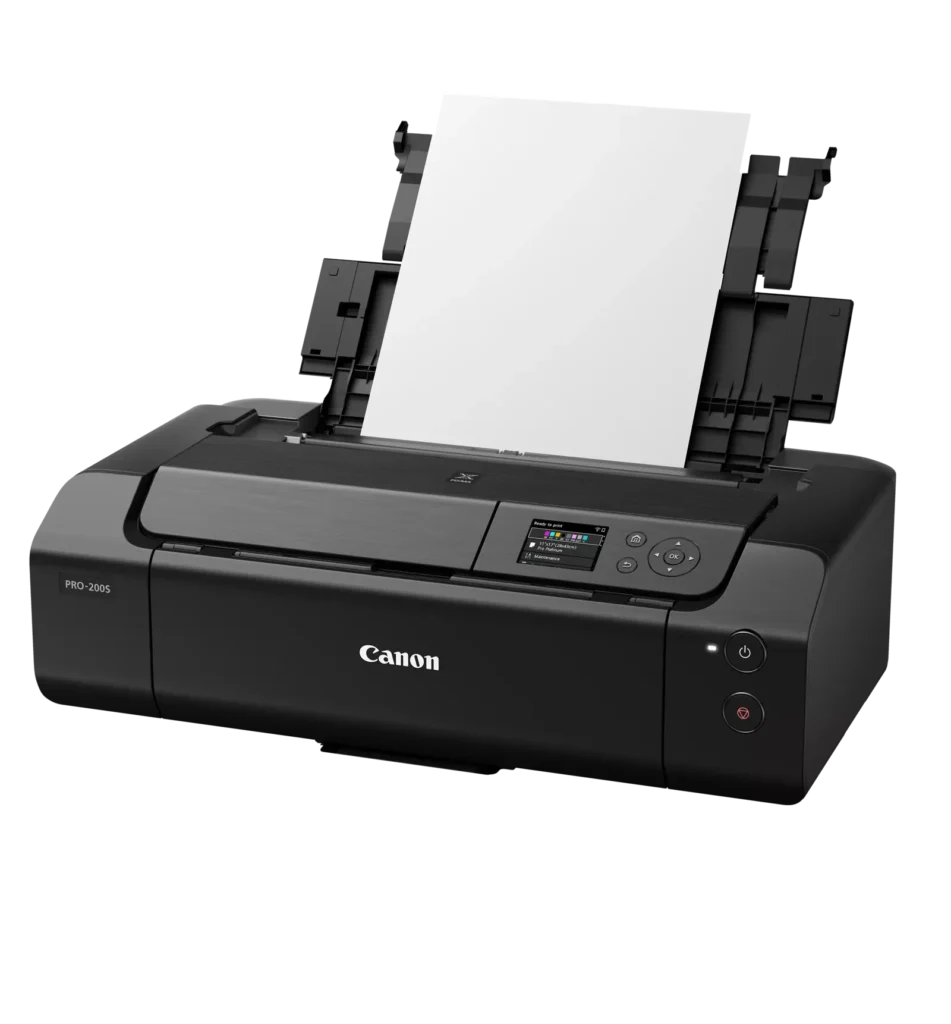
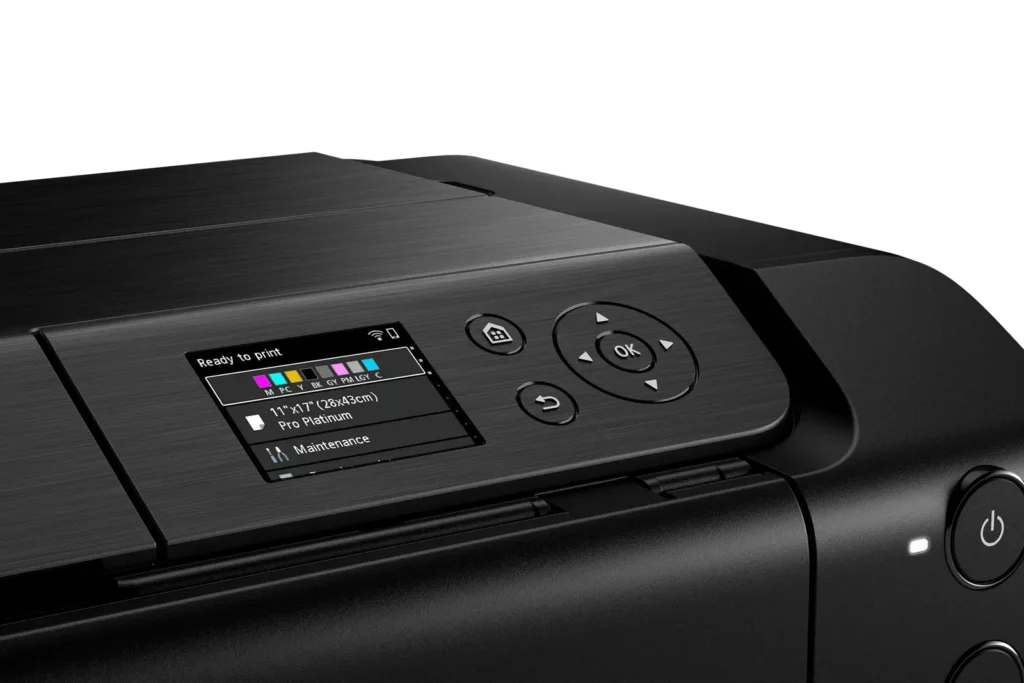
| Intuitive 3.0" Color LCD Display | Features a built-in 3.0-inch color LCD monitor that allows users to easily check ink levels, perform printer maintenance, and navigate settings at a glance. |
| Seamless Connectivity & Workflow | Offers flexible connection options including Wi-Fi, Ethernet, and USB, while supporting mobile printing via AirPrint and Canon's Professional Print & Layout software for a streamlined editing-to-print workflow. |
Pros & Cons
Pros
- Exceptional Print Quality: Users consistently praise the vibrant, professional-level results and wide color gamut, describing the prints as stunning, gorgeous, and nearly true to color when using high-quality photo paper.
- Versatile Media Support: The printer handles various sizes up to 13×19 inches, supports thick card stock up to 130 lbs, and includes a specialized tray for printing on CDs, making it suitable for diverse creative projects.
- Quiet Operation: Reviewers noted that this is one of the quietest printers they have owned, providing a professional and non-disruptive experience during the printing process.
Cons
- Slow Printing Speed: Multiple reviewers highlight that the printer is significantly slower than expected, particularly for high-quality photos or black-and-white documents, with some noting speeds as low as 2 pages per minute.
- Difficult Setup and Connectivity: Users frequently encounter issues with wireless configuration, including long setup times exceeding six hours and the need to manually reconnect to Wi-Fi using a small, painful touch screen after powering the unit off.
- Unreliable Paper Feeding: The feeding mechanism often fails to detect paper or requires manual, one-by-one feeding for specific media types, leading to frequent errors and wasted materials.
You might also like












Customer Reviews
Showing reviews 41-50 of 79
-
Sir
Verified purchase Verified purchase: This reviewer bought the product.krista s. October 2, 2025Review source: AmazonIt’s a very good photograph printer. The only thing that I don’t like about it it does not work with iPhone very well.it does.
-
Great image quality when using the correct paper
Verified purchase Verified purchase: This reviewer bought the product.Patti September 28, 2025Review source: AmazonAttached image is holographic sticker, the big sheet is straight paper, the 2 dragons are holographic sticker on black cardstock and the human is a holographic sticker on white paper
We got this printer to start printing our own mtg proxi’s. We ordered it because we can print to the edge of the paper and not be restricted by paper size. This works great.
The picture quality is dependent on the paper you use. We started with cardstock and the image was muted because the paper soaked up the ink. We printed on Photo paper and the image was amazing but you have to allow it to dry for a second.
I marked as a 4 because we use the self feed for holographic paper for our images and we are forced to feed the paper 1 at a time. It would be so much easier to put the bundle in and let it print all 14 pages instead of printing 1 page then running through compete cycle then you can load the next page and start over.
-
Unable to print 11×14 prints
Verified purchase Verified purchase: This reviewer bought the product.JIM C September 26, 2025Review source: AmazonPrinter is sturdy and made well. My HUGE problem with this Canon Printer is CANON decided to OMIT 11×14 paper size printing. CANON tech folks said the reason was 11×14 is not a popular paper size anymore?! Since this was my favorite format, all my paper and frames are now useless… This fact causes me to reduce stars for the Pro-200S Printer Review.
Very unhappy with Canon, and feel I wasted my purchase $$$ with this printer. -
Great printer!!
Verified purchase Verified purchase: This reviewer bought the product.B. Murphy September 23, 2025Review source: AmazonGreat printer! I’ve printed on glossy paper up to 13×39 and it did a beautiful job. Also printed on canvas paper and it was great. I do suggest you use the Canon Professional Print and Layout Utility and download paper profiles. But the prints come out just like what you see on the screen. I highly recommend this printer
-
Feeding paper is a nightmare. Print spots on images.
Verified purchase Verified purchase: This reviewer bought the product.Dana R Buan September 21, 2025Review source: AmazonIf you have even $100 more in your budget, spend it on a better printer. I have had this printer for 4 months and I am using it to print cards for my shop. I don’t get a lot of sales, but using this printer has been a nightmare. I get ink spots on the images and the printer does not feed. I am actually grateful my shop is not successful because if I needed to print more than two cards in a day, I would be furious. This printer causes me more headaches than it’s worth. Save your money and buy a better one.
-
Too smart
Verified purchase Verified purchase: This reviewer bought the product.WagTV September 19, 2025Review source: BestbuyThis pronter is too smart for its own good. It will kick out a piece of paper for some reason saying its the wrong paper evn after confirming numerous times. Way more headache than its worth. I shouldve spent th eextra $100 and got the epson. The ink doesnt last long AT ALL and is not very available either.
-
Beware
Verified purchase Verified purchase: This reviewer bought the product.Amazon Customer September 9, 2025Review source: AmazonAmazon is selling gray market merchandise which has no USA warranty
-
Easy to use
Verified purchase Verified purchase: This reviewer bought the product.MariaC September 5, 2025Review source: BestbuyExcellent print quality, fast, and easy wireless setup.
-
PRO-200S nice prints but no paper included
Verified purchase Verified purchase: This reviewer bought the product.Maui September 1, 2025Review source: AmazonSETUP: Got this set up and printing in under 30 minutes with my Mac over wifi. Only issue with setup is that it automatically configured itself to use the Airprint driver, which caused the Canon software setup to have issues finding the right non-airprint driver. I rarely use Airprint anyway, so I deleted the Airprint printer and redid Add printer step.
TESTING: Tested on plain paper and HP Premium Photo Paper using the Professional Print Layout (PLL) software and the Bill Atkinson image recommended by Red River Paper. BEWARE, despite what the description says, the PRO-200S box DOES NOT INCLUDE ANY CANON PHOTO PAPER sample pack (specifically five sheets of 8.5″ x 11″ Canon Photo Paper Pro Luster LU-101), and I searched the packaging several times. Make sure you have some inkjet paper to test prints with when you buy this. Unhappy about that, but not worth knocking off a star. You can purchase the Canon Pro Paper Samples Pack 8657B012 on Amazon for roughly $15.
I will update this review if I experience any issues. Otherwise, I’m pretty pleased with the print quality so far and the UI on the printer and the PLL app.
-
Nice size and easy
Verified purchase Verified purchase: This reviewer bought the product.Christina August 31, 2025Review source: BestbuyFast and easy to set up. It’s a nice size for a small desk area.