Customer Media
Highlights
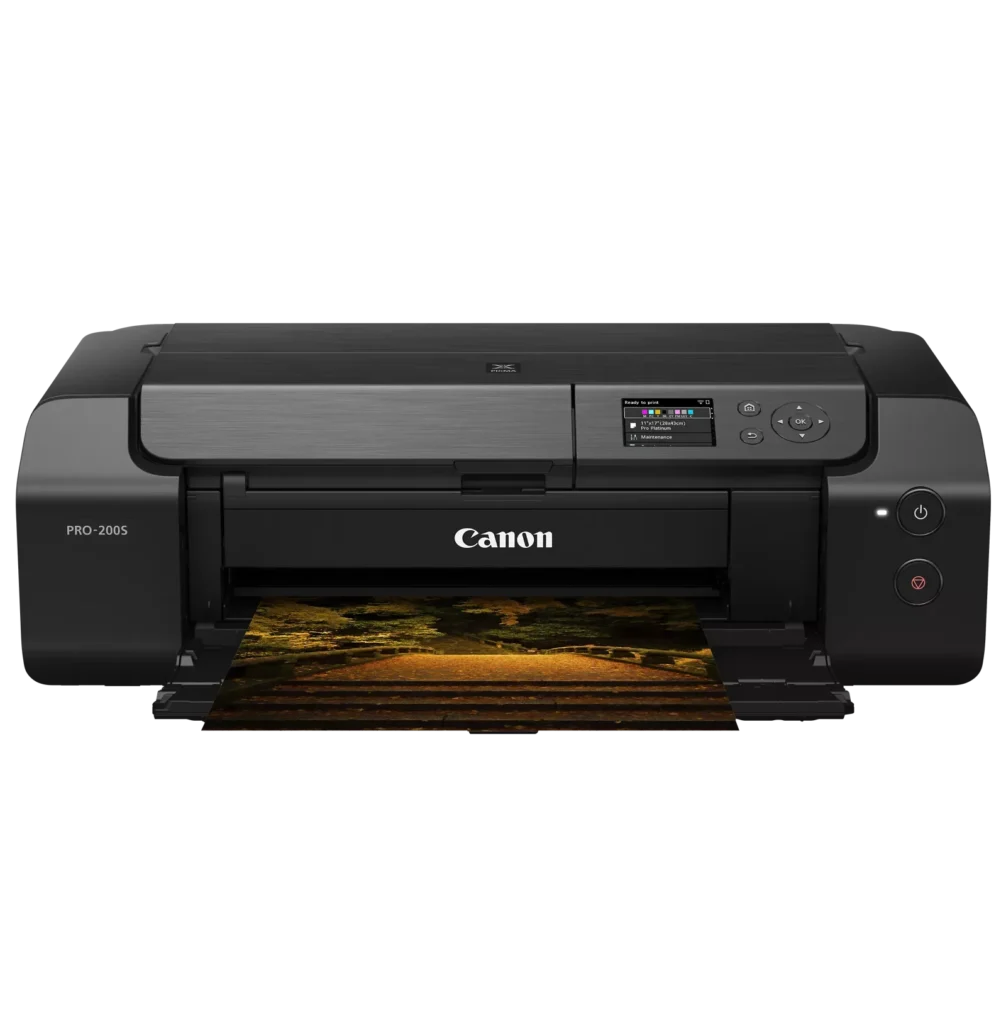
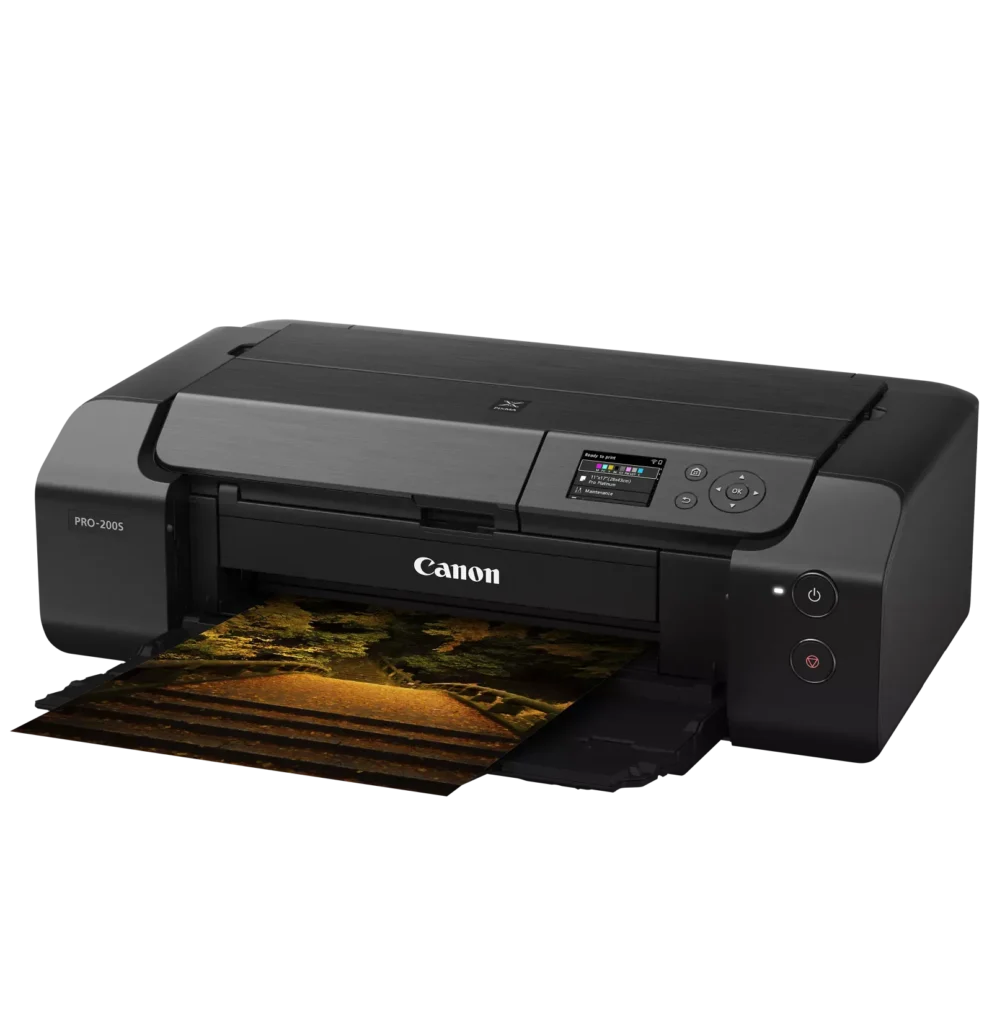
| 8-Color Dye-Based Ink System | Utilizes an enhanced eight-color dye-based ink system, including three monochrome inks, to deliver vibrant, professional-quality photos with expanded color gamut and deep blacks. |
|---|---|
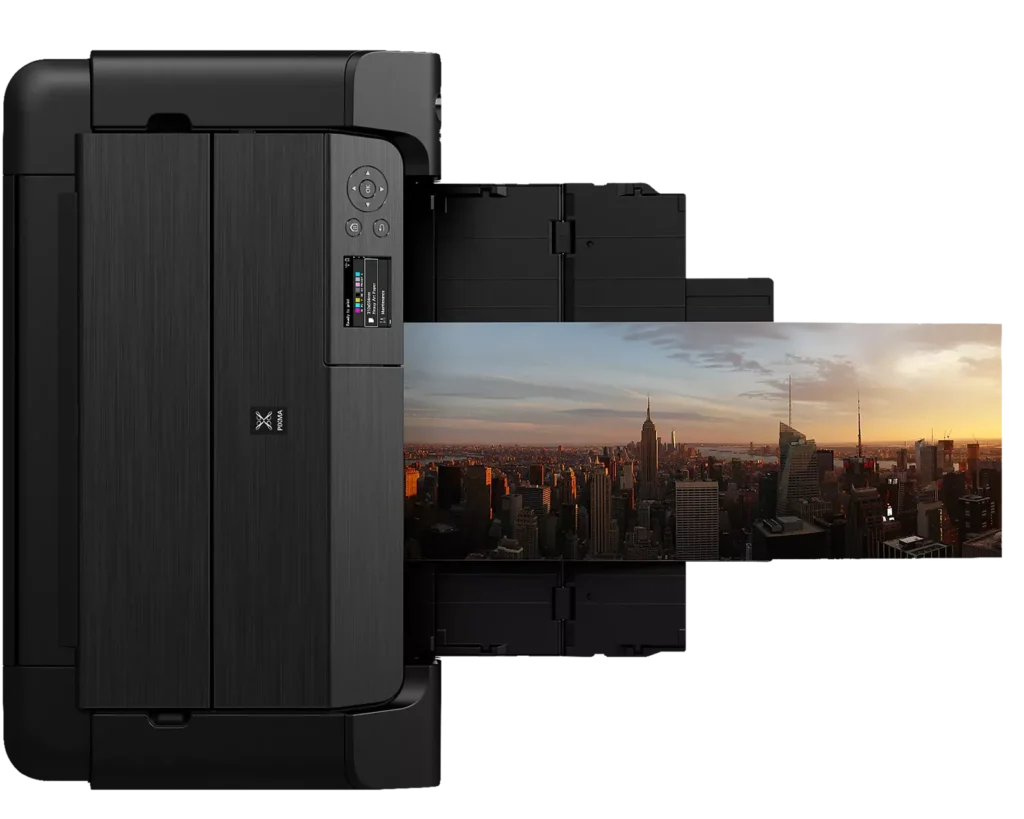
| Versatile Media & Panorama Printing | Supports a wide range of media types and sizes, offering borderless printing up to 13" x 19" (A3+) and the ability to create custom panorama prints up to 39" in length. |
| High-Speed Professional Output | Designed for efficiency without compromising quality, capable of producing a bordered A3+ color print in approximately 90 seconds and an 8" x 10" bordered print in just 53 seconds. |
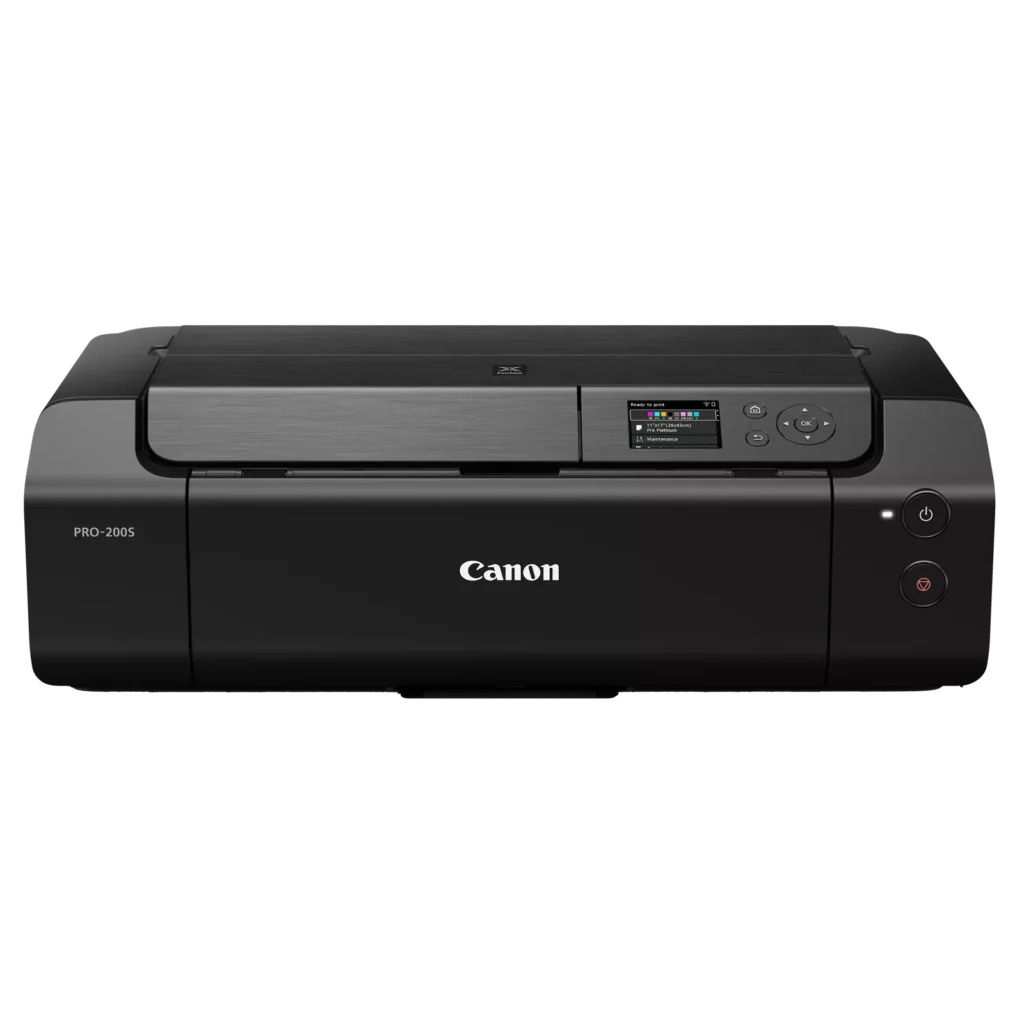
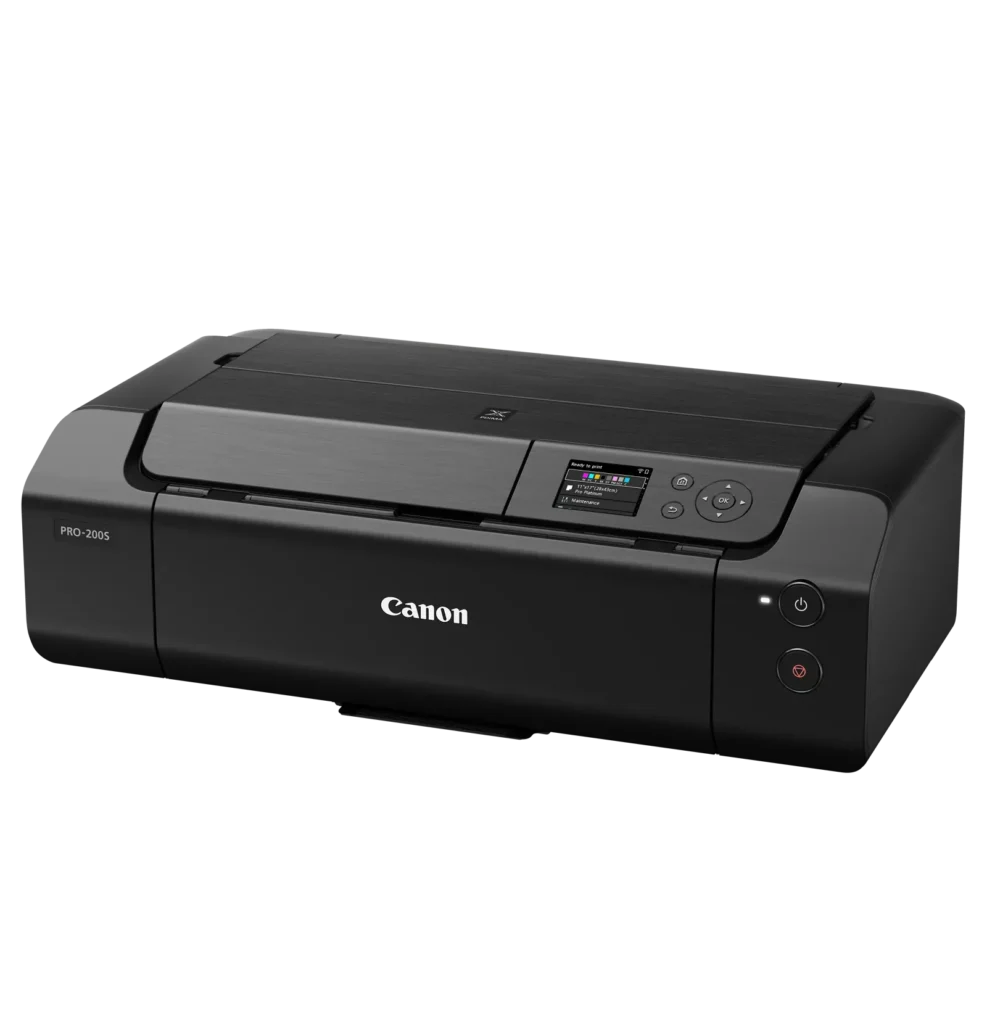
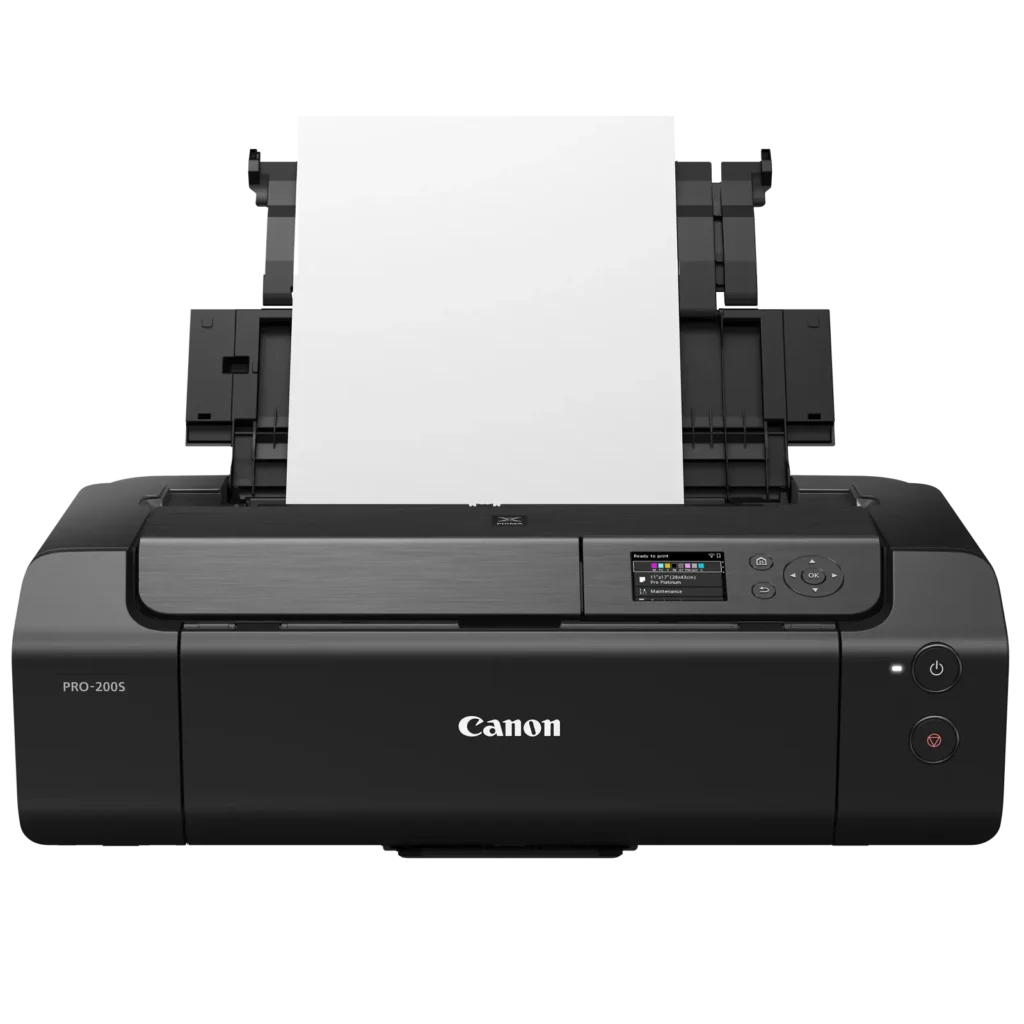
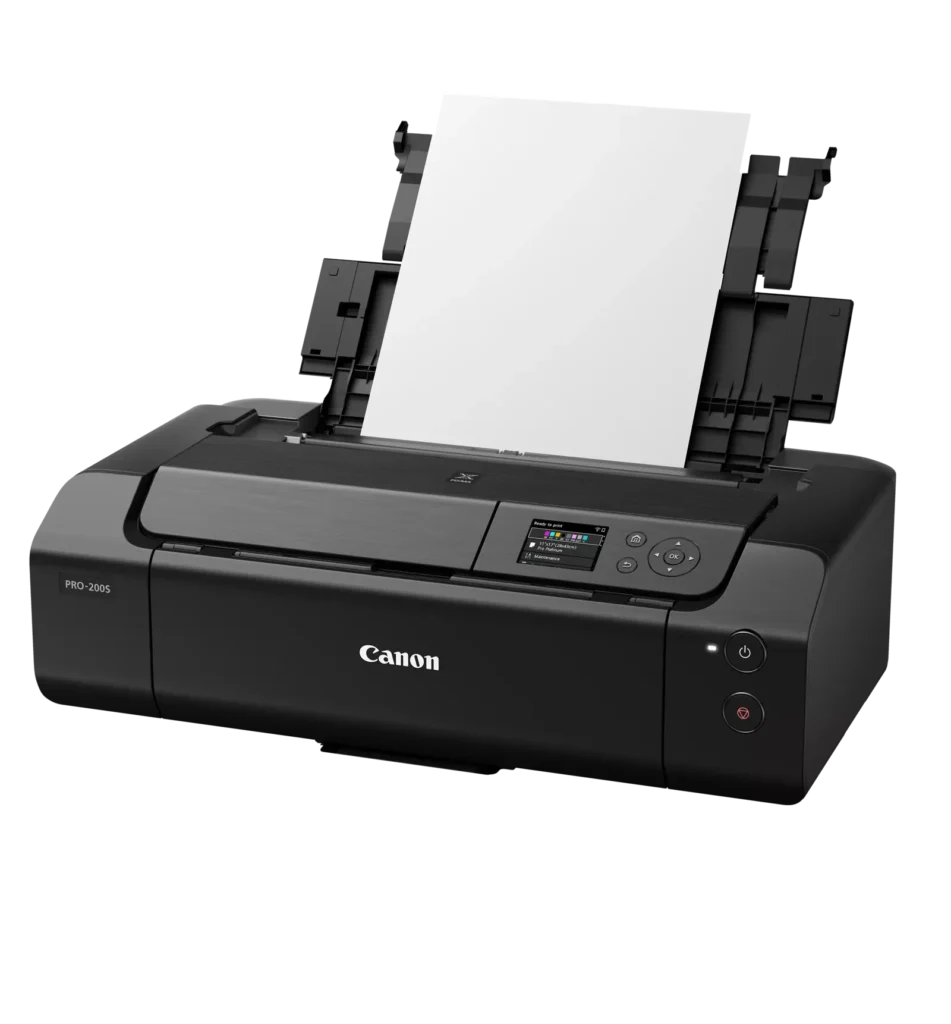
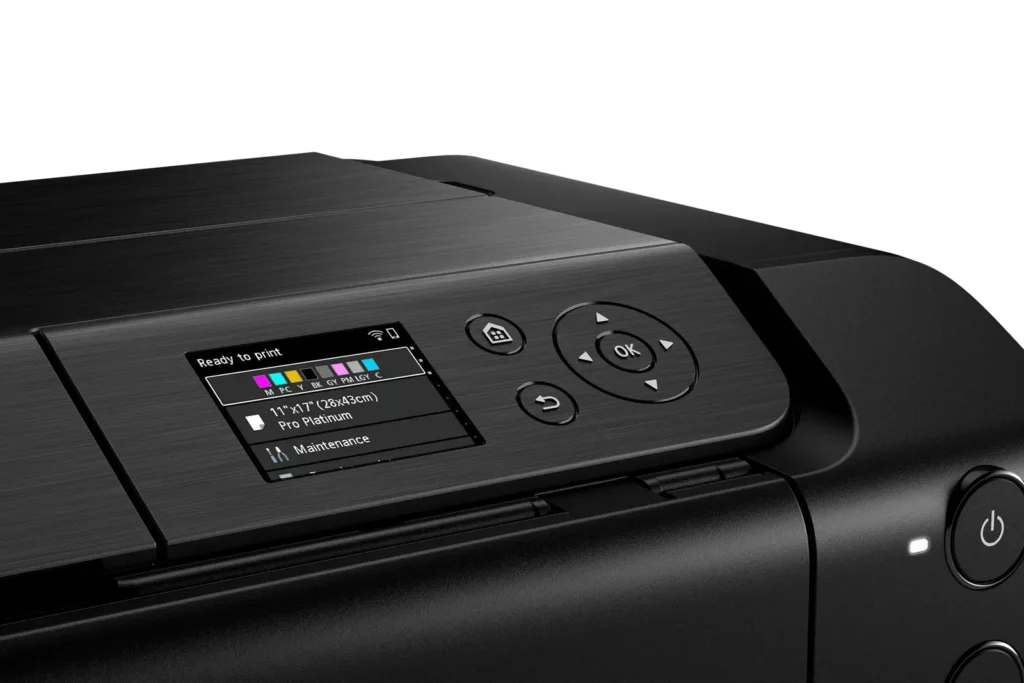
| Intuitive 3.0" Color LCD Display | Features a built-in 3.0-inch color LCD monitor that allows users to easily check ink levels, perform printer maintenance, and navigate settings at a glance. |
| Seamless Connectivity & Workflow | Offers flexible connection options including Wi-Fi, Ethernet, and USB, while supporting mobile printing via AirPrint and Canon's Professional Print & Layout software for a streamlined editing-to-print workflow. |
Pros & Cons
Pros
- Exceptional Print Quality: Users consistently praise the vibrant, professional-level results and wide color gamut, describing the prints as stunning, gorgeous, and nearly true to color when using high-quality photo paper.
- Versatile Media Support: The printer handles various sizes up to 13×19 inches, supports thick card stock up to 130 lbs, and includes a specialized tray for printing on CDs, making it suitable for diverse creative projects.
- Quiet Operation: Reviewers noted that this is one of the quietest printers they have owned, providing a professional and non-disruptive experience during the printing process.
Cons
- Slow Printing Speed: Multiple reviewers highlight that the printer is significantly slower than expected, particularly for high-quality photos or black-and-white documents, with some noting speeds as low as 2 pages per minute.
- Difficult Setup and Connectivity: Users frequently encounter issues with wireless configuration, including long setup times exceeding six hours and the need to manually reconnect to Wi-Fi using a small, painful touch screen after powering the unit off.
- Unreliable Paper Feeding: The feeding mechanism often fails to detect paper or requires manual, one-by-one feeding for specific media types, leading to frequent errors and wasted materials.
You might also like












Customer Reviews
Showing reviews 51-60 of 79
-
I love my PIXMA PRO-200S
Verified purchase Verified purchase: This reviewer bought the product.Garcha August 27, 2025Review source: BestbuyI’ve had this printer for a few months now and it has not disappointed me. It took me a little bit of patience to figure it out, but it is what I expected and more.
-
Not recommend
Verified purchase Verified purchase: This reviewer bought the product.VikramP August 22, 2025Review source: BestbuyBought this item was delivered to wrong house and luckily it’s couple of houses they came and gave it to me I tried to use it and not that great had issues…
-
Prints amazing quality photos but does not print 3.5"x3.5" as advertised.
Verified purchase Verified purchase: This reviewer bought the product.Royce Atkins August 19, 2025Review source: AmazonPrinter works great for the sizes I was able to print from. It is advertised as being able to print 3.5″ by 3.5″ however the Canon website says the minimum is 3.5″ x 5″ but it can use 3.5″x3.5″ paper? I haven’t figured out how to get it to work if it is at all possible. I would have given this product 5 stars but it is falsely advertised and I purchased 3.5″x3.5″ paper specifically for this which is a bit frustrating. Other than the the quality is incredible and works flawlessly when using the correct paper sizes.
It was easy to connect.
Prints quickly.
So far no issues with the durability of the product. It is a bit pricey but the quality of the photos match the price I believe.
Hopefully they can add 3.5″x3.5″ functionality one day.
-
Canon 200 s
Verified purchase Verified purchase: This reviewer bought the product.Home August 8, 2025Review source: BestbuyFantastic printer. Does every job so far except some labels
-
It’s not working at all!
Verified purchase Verified purchase: This reviewer bought the product.Luvian August 6, 2025Review source: AmazonIt’s not working at all😭😭😭😭 why I ordered this. Give me my money back. It’s big mistake. Don’t ever order from this company!!! Im sitting 7 hours yesss 7 hours and it’s still not working! I need my money back immediately
-
Amazing First Photo Printer
Verified purchase Verified purchase: This reviewer bought the product.Christopher August 5, 2025Review source: BestbuyThis is my first ever photo printer and the quality is amazing. Especially when using the Pro Platinum paper, the quality is unbelievable. Highly recommend. The printer moves alot when it is printing so just be sure you have it set on a sturdy table or counter or this beast will rock the table back and forth.
-
Nice printer
Verified purchase Verified purchase: This reviewer bought the product.PaulineC July 28, 2025Review source: BestbuyThis is well worth it. It is larger than I expected, but that cannot be helped. At least there won’t be lines throughout the photos.
-
Great
Verified purchase Verified purchase: This reviewer bought the product.ChelseaW July 25, 2025Review source: BestbuyInk runs fast but prints images great like my epson 8550
-
Great Value and quality
Verified purchase Verified purchase: This reviewer bought the product.Paul B July 16, 2025Review source: AmazonGreat device that has a good value and high quality. easy to setup and use.
-
Professional print at amateur prices
Verified purchase Verified purchase: This reviewer bought the product.Mohnscot July 14, 2025Review source: BestbuyWe have printed 8×12 and 13×19 glossy photos and are thrilled. Easy to setup and start printing in minutes. If you wish to share prints with friends or even for sale, you can’t go wrong.