Customer Media
Highlights
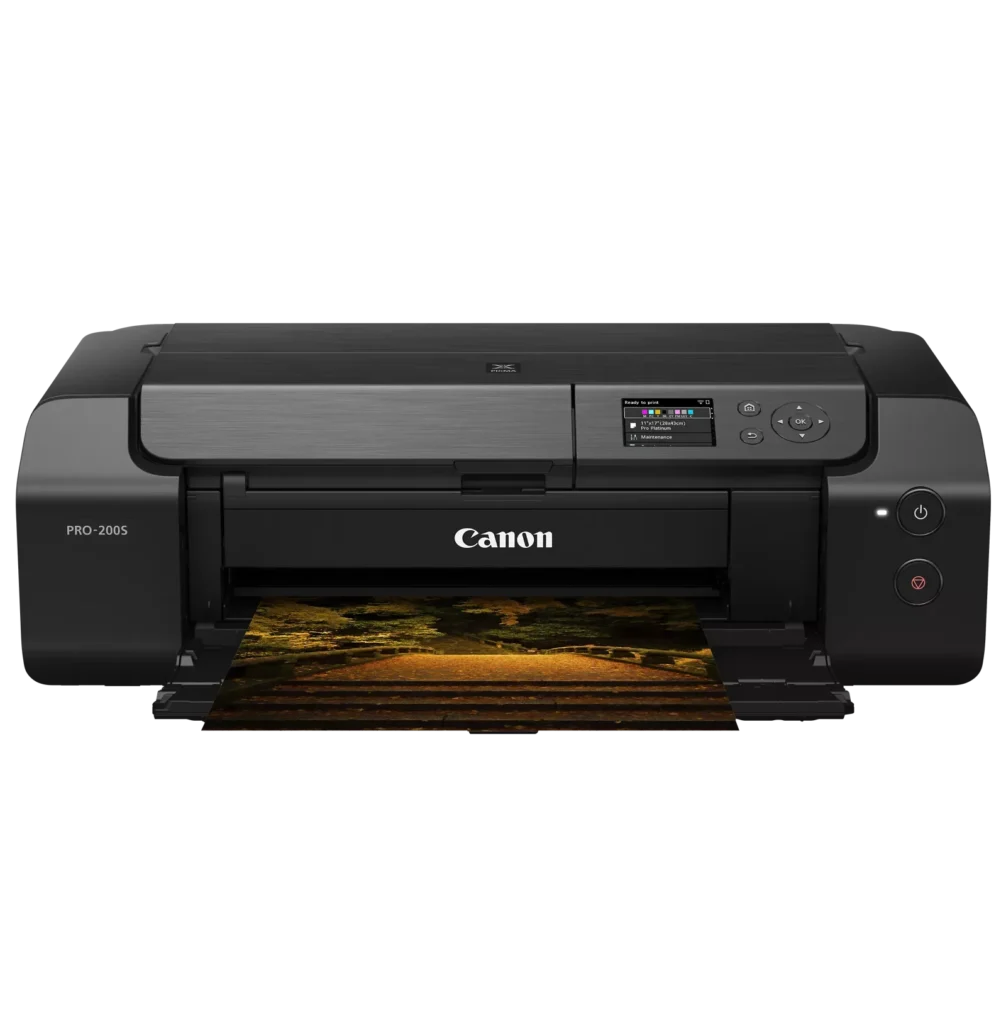
| 8-Color Dye-Based Ink System | Utilizes an enhanced eight-color dye-based ink system, including three monochrome inks, to deliver vibrant, professional-quality photos with expanded color gamut and deep blacks. |
|---|---|
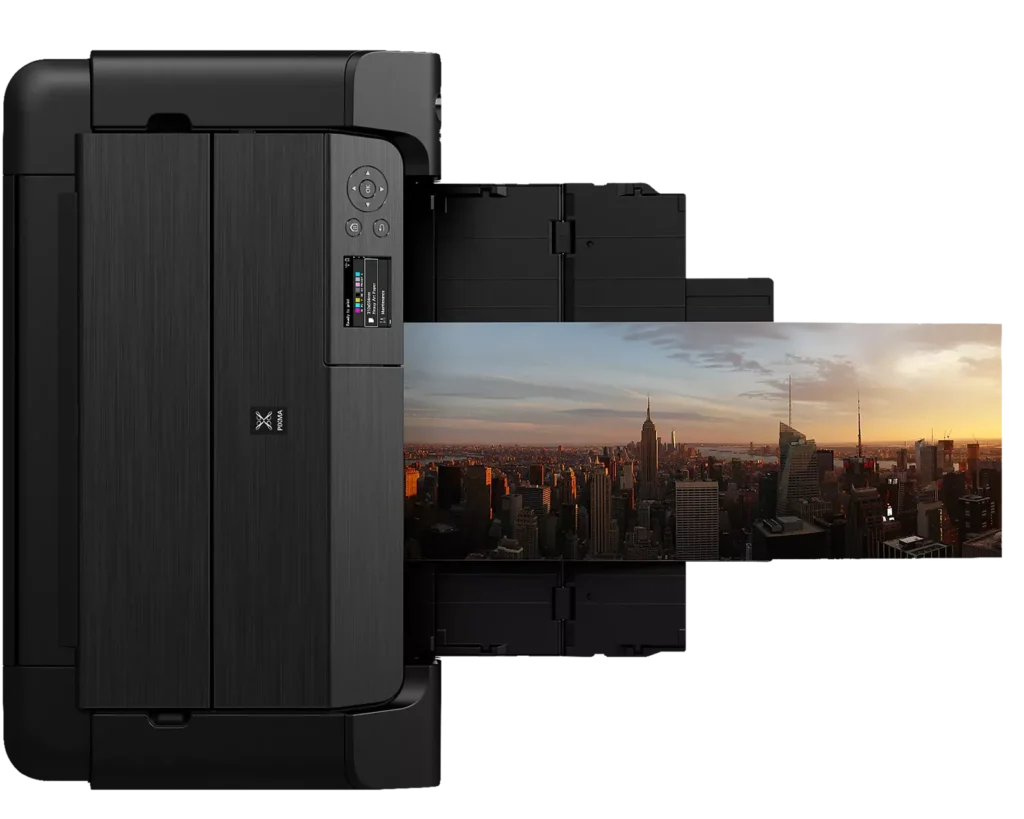
| Versatile Media & Panorama Printing | Supports a wide range of media types and sizes, offering borderless printing up to 13" x 19" (A3+) and the ability to create custom panorama prints up to 39" in length. |
| High-Speed Professional Output | Designed for efficiency without compromising quality, capable of producing a bordered A3+ color print in approximately 90 seconds and an 8" x 10" bordered print in just 53 seconds. |
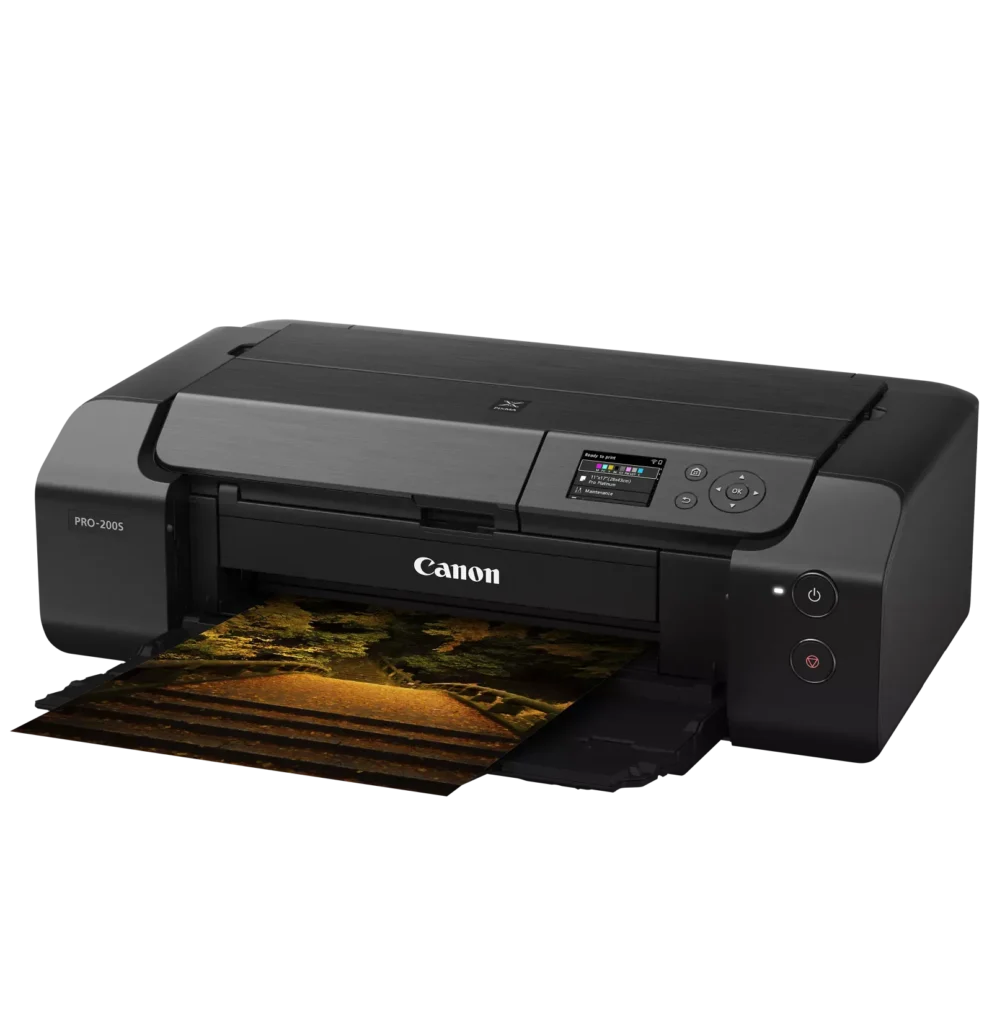
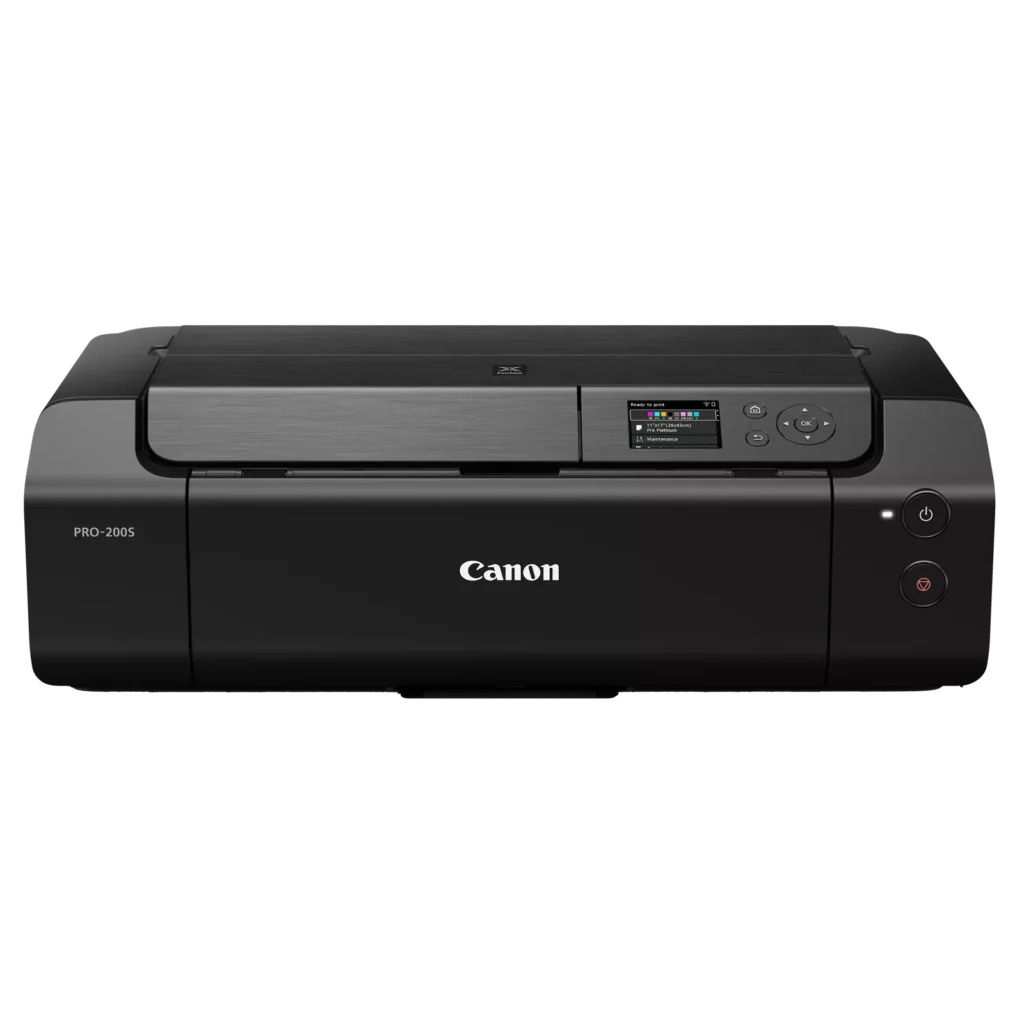
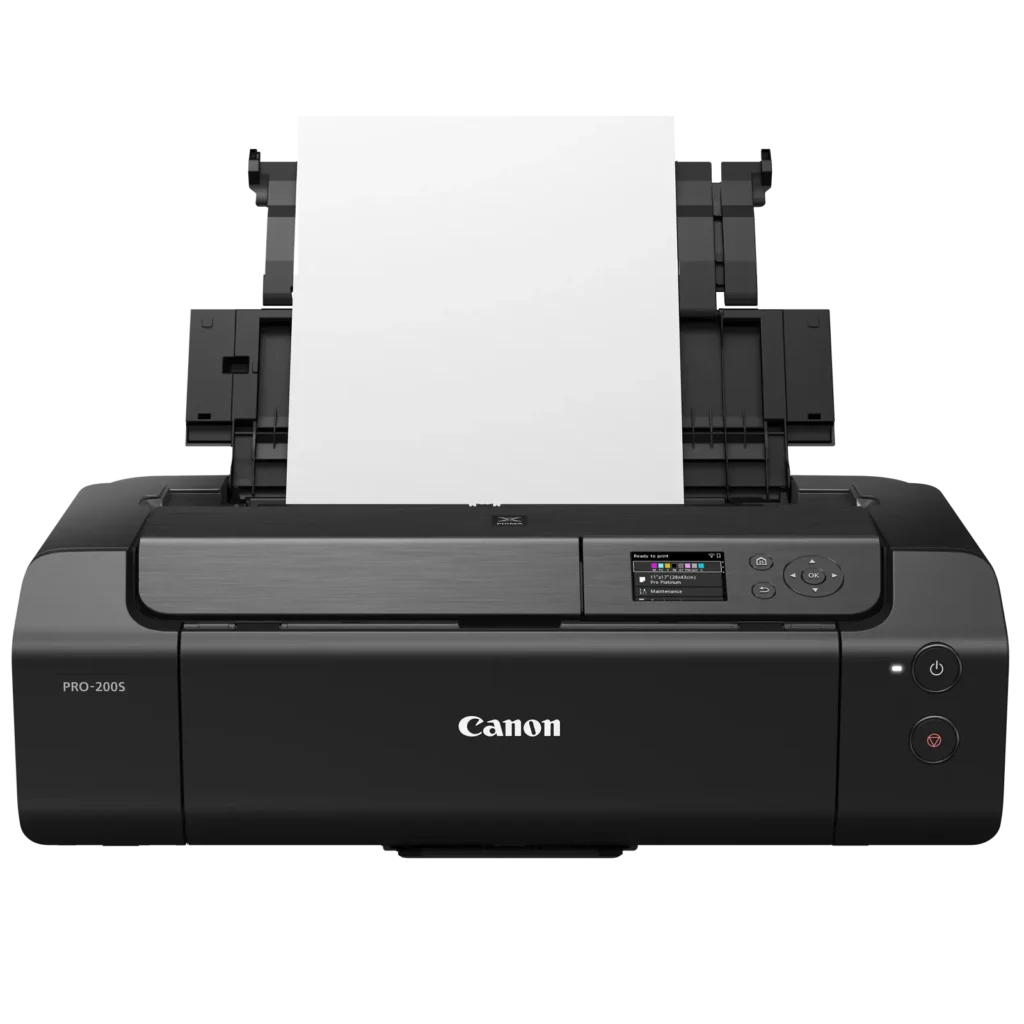
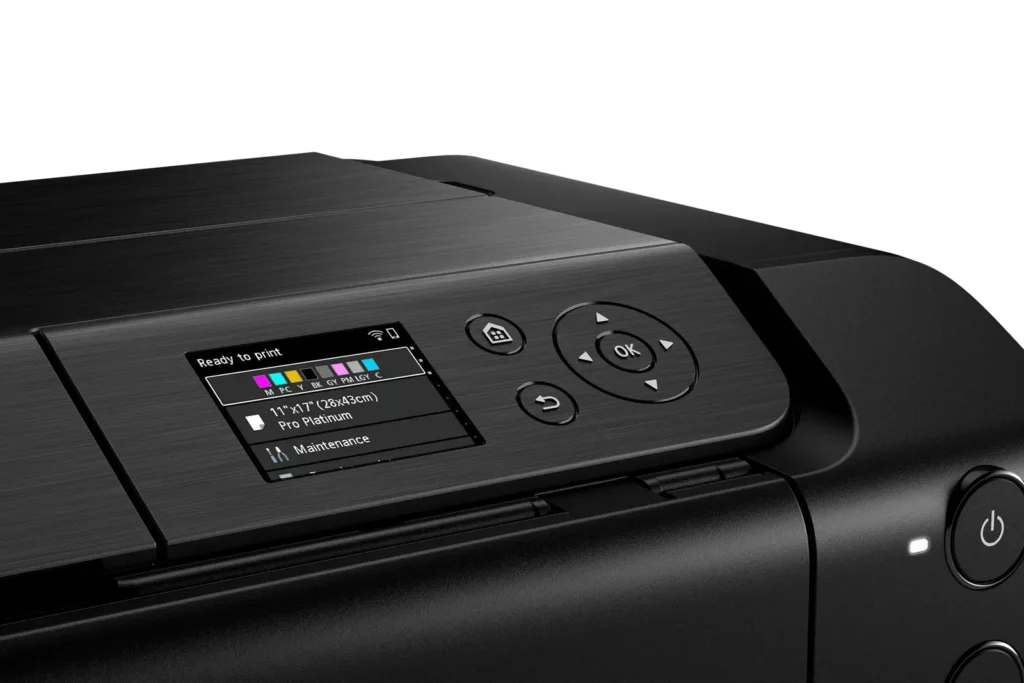
| Intuitive 3.0" Color LCD Display | Features a built-in 3.0-inch color LCD monitor that allows users to easily check ink levels, perform printer maintenance, and navigate settings at a glance. |
| Seamless Connectivity & Workflow | Offers flexible connection options including Wi-Fi, Ethernet, and USB, while supporting mobile printing via AirPrint and Canon's Professional Print & Layout software for a streamlined editing-to-print workflow. |
Pros & Cons
Pros
- Exceptional Print Quality: Users consistently praise the vibrant, professional-level results and wide color gamut, describing the prints as stunning, gorgeous, and nearly true to color when using high-quality photo paper.
- Versatile Media Support: The printer handles various sizes up to 13×19 inches, supports thick card stock up to 130 lbs, and includes a specialized tray for printing on CDs, making it suitable for diverse creative projects.
- Quiet Operation: Reviewers noted that this is one of the quietest printers they have owned, providing a professional and non-disruptive experience during the printing process.
Cons
- Slow Printing Speed: Multiple reviewers highlight that the printer is significantly slower than expected, particularly for high-quality photos or black-and-white documents, with some noting speeds as low as 2 pages per minute.
- Difficult Setup and Connectivity: Users frequently encounter issues with wireless configuration, including long setup times exceeding six hours and the need to manually reconnect to Wi-Fi using a small, painful touch screen after powering the unit off.
- Unreliable Paper Feeding: The feeding mechanism often fails to detect paper or requires manual, one-by-one feeding for specific media types, leading to frequent errors and wasted materials.
You might also like












Customer Reviews
Showing reviews 71-79 of 79
-
Excellent wide format printer for prints that will not be exposed to moisture
Verified purchase Verified purchase: This reviewer bought the product.Paul Bradley May 16, 2025Review source: AmazonThis is a nice wide format printer. Easy to set up and use. The printing options should cover just about any print application that is suitable for inkjet printing. Print quality is very good. This printer uses dye based ink so prints are subject to moisture damage. While past Canon wide format printer models provided a straight through feed path for printing on thicker media, this model does not. It will print on CD’s but not on other thick media that does not fit the special tray designed for CDs.
-
Prints like a dream!
Verified purchase Verified purchase: This reviewer bought the product.Jesse Teeples May 11, 2025Review source: AmazonThis was a gift from my family, and U have to say, I’m very impressed by the quality of the prints. All images come out exactly how you want them to, and set up was so easy, I was printing in minutes.
-
excelente
Verified purchase Verified purchase: This reviewer bought the product.Arturo Ramos-Vargas May 2, 2025Review source: Amazonexcelente impresora
-
Flawless
Verified purchase Verified purchase: This reviewer bought the product.Aaron Grifka April 22, 2025Review source: AmazonIf I could swear I would truly describe how awesome this thing is, buy one if you can. So much fun, and use out of this it’s 10/10
It is a pretty heavy. Very big by itself compared to regular printers THIS ONE DOES COME WITH CD DRIVE! For burning logo’s on CD. -
Printer Head Allignmemt Error
Verified purchase Verified purchase: This reviewer bought the product.Ms Mel April 14, 2025Review source: AmazonJust received the Pro200S today and have been trying to get the printer head to align for the last 3 hours. This was a hard $650 lesson to learn. I was so excited to get it for my business and now I’m just so disappointed and full of regrets.I hope Canon.can replace it or help in some way.
-
Great prints
Verified purchase Verified purchase: This reviewer bought the product.A. Sams April 9, 2025Review source: AmazonDoes not disappoint.
-
Just Very Good
Verified purchase Verified purchase: This reviewer bought the product.Michael Garisek April 6, 2025Review source: AmazonPerfect
-
Canon replaced
Verified purchase Verified purchase: This reviewer bought the product.Russ March 15, 2025Review source: AmazonI called canon and they sent a replacement. On the original there was an error message and the print head lever was partially broken.
-
Beyond Impressed!
Anonymouse March 10, 2025Review source: BestbuySimply blown away by the quality of prints. Printed quite bit in the first weekend on Pro Glossy II and 13×19 Pro Platinum Canon paper and the results are impressive to say the least. Canon’s software is not difficult to learn and is simple to get started. I did not like the integration with Lightroom printing (Adobe to blame there), but Canon’s own Professional Print and Layout software (download on their website) is extremely well made.
Cost breakdown on ink is roughly 30 cents for a 4×6, 50 cents for a 5×7, and $1.39 for 13″x19″… which the detail and color gamut are simply out of this world.
For those wondering, this model is essentially the same as the Canon Pixma Pro 200, with very minor changes to WiFi security and connection, more Eco-Friendly packaging, and the little S on the printer. This model uses the same ink as its discontinued predecessor.