Customer Media
Highlights
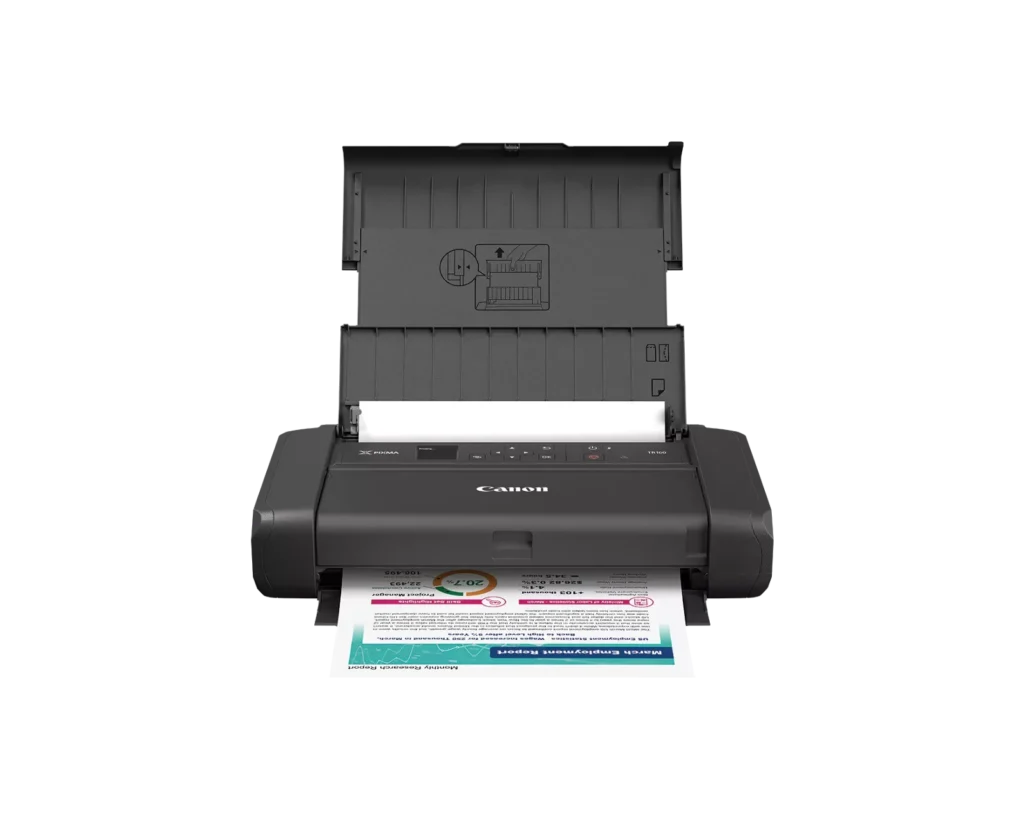
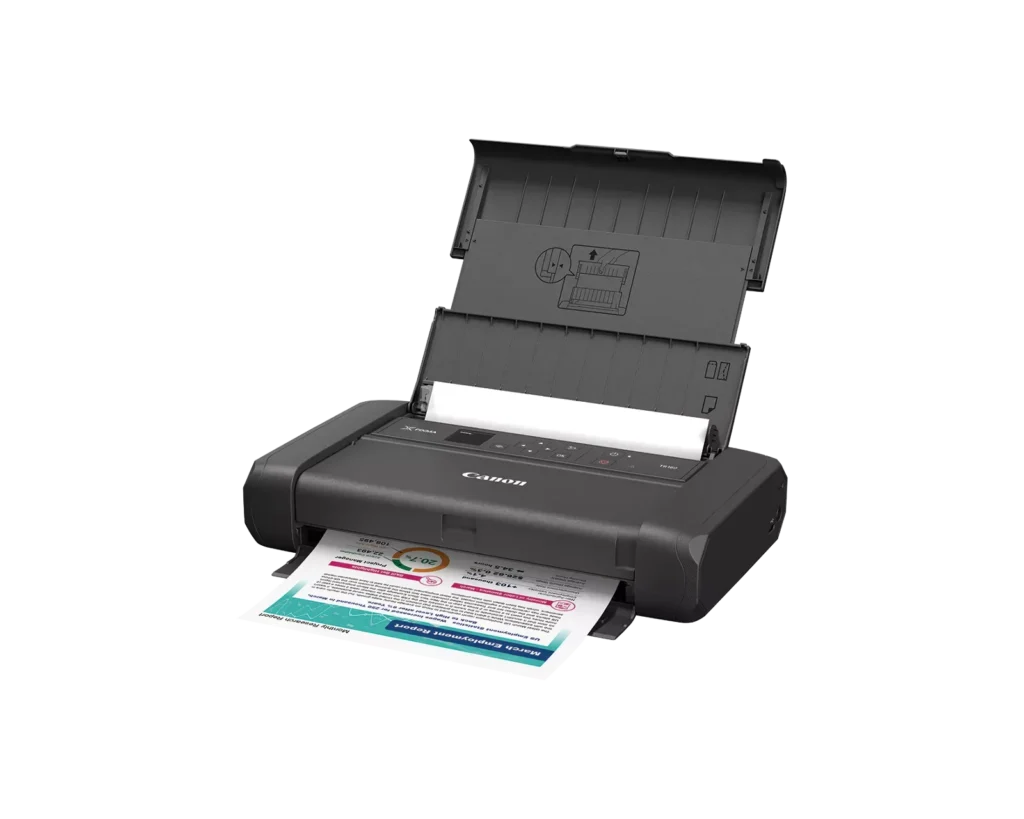
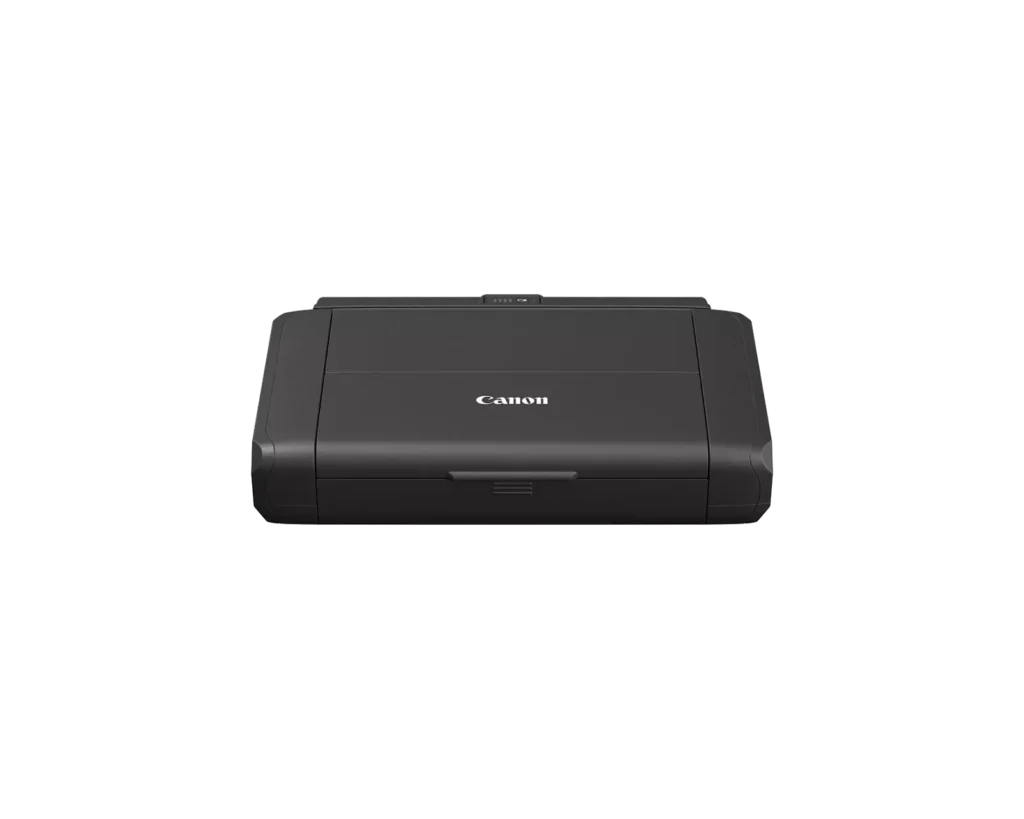
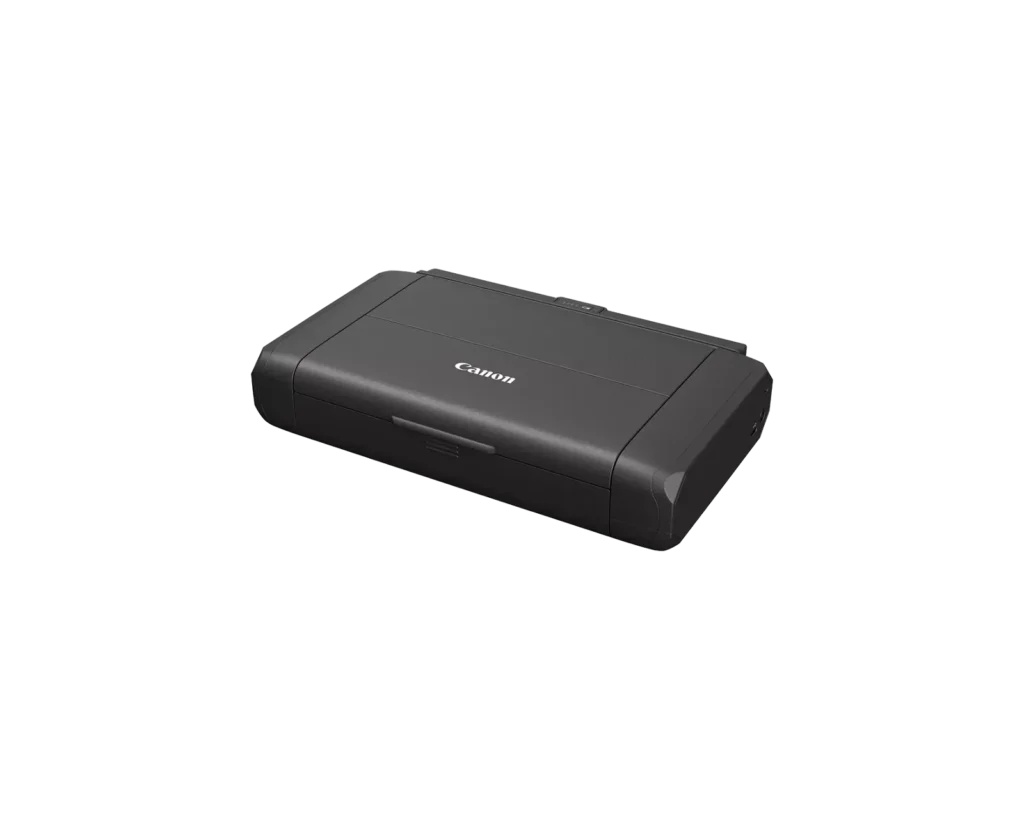
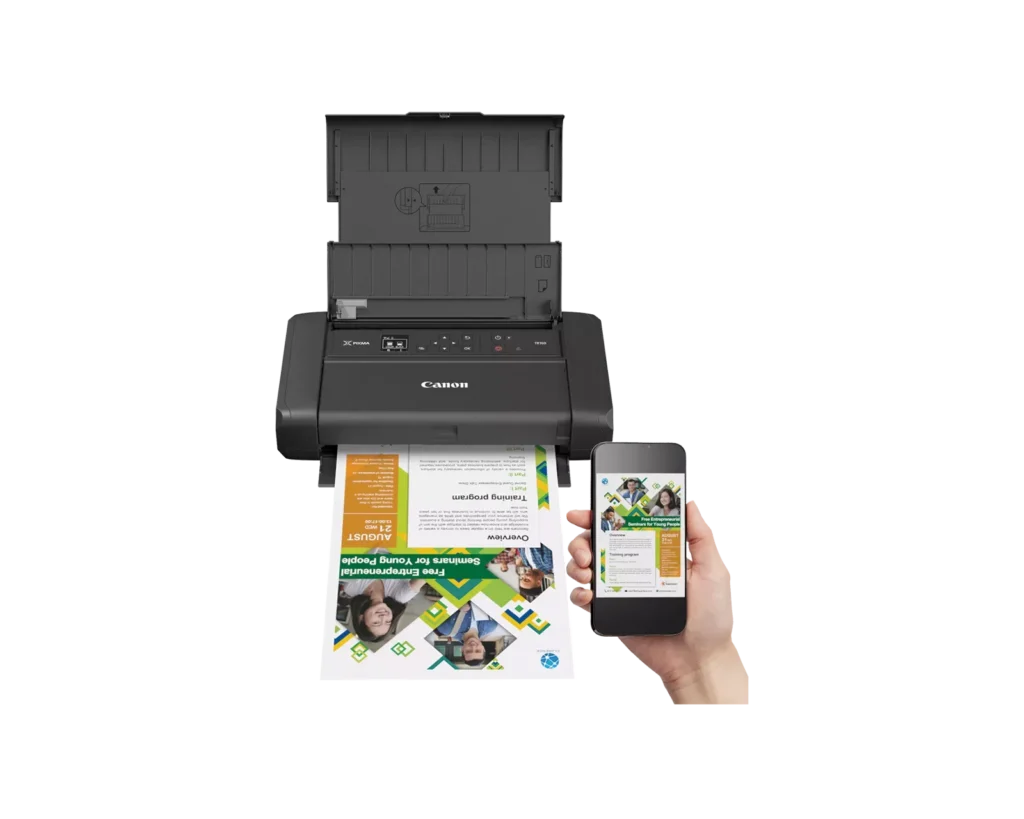
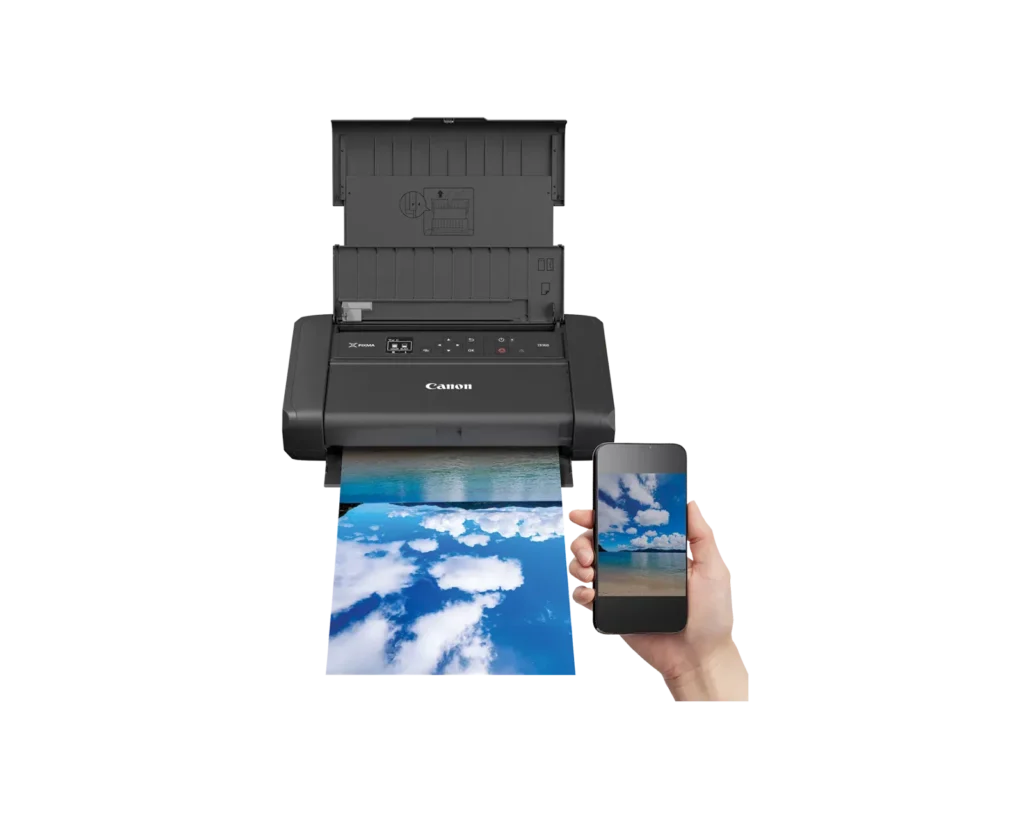
| Ultimate Portability | Designed for professionals on the move, this sleek and lightweight printer fits effortlessly into a bag or backpack, allowing you to print high-quality documents and photos from virtually anywhere. |
|---|---|
| Seamless Wireless Connectivity | Enjoy hassle-free printing from your smartphone, tablet, or computer using the Canon PRINT app, Apple AirPrint, and Mopria Print Service. Wireless Direct mode even allows you to connect your device without a router. |
| Intuitive 1.44" OLED Display | The built-in monochrome OLED display provides a clear and intuitive interface to easily check ink levels, printer status, and connection settings at a glance. |
| Custom Template Storage | Save time by storing up to five custom templates, such as contracts or frequently used forms, directly on the printer to be printed instantly from the display without needing an external device. |
| Flexible Power Options | Power your printer using the included AC cable or the optional LK-72 rechargeable battery pack for true mobile freedom. The printer also supports convenient charging via a USB-C to USB-A cable. |
Pros & Cons
Pros
- Exceptional Portability: The printer is highly valued for its small footprint and lightweight design, allowing it to fit easily into gear bags, briefcases, and even under car seats for travel.
- High Print Quality: Users consistently report that the device produces clear, sharp, and professional-looking documents and photos, often exceeding expectations for a portable inkjet unit.
- Versatile Mobile Printing: The printer supports direct wireless printing from smartphones and tablets via the Canon app and AirPrint, enabling users to print on the go without a traditional network.
Cons
- Unreliable Connectivity: A significant number of reviewers experienced frequent connection drops, difficult WiFi setup, and software that feels outdated or requires constant reconfiguration.
- Expensive Battery Requirement: While marketed as portable, the battery pack necessary for cordless operation is sold separately, which many customers found to be a misleading and costly hidden expense.
- High Ink Consumption: Several users noted that the printer 'eats' ink quickly and that the cartridges are quite small, leading to frequent replacements and higher long-term operating costs.
You might also like












Customer Reviews
Showing reviews 81-90 of 123
-
has work arround butttttttt
Verified purchase Verified purchase: This reviewer bought the product.Amazon Customer September 6, 2025Review source: Amazondon’t buy it. cant refund it
-
Would NOT connect wirelessly to my laptop
Verified purchase Verified purchase: This reviewer bought the product.Nick N. September 5, 2025Review source: AmazonSetup was somewhat of a pain as I had to lookup a youtube video on how to install printhead/ink tanks. More of a pain that I could not for the life of me get it to setup to connect wirelessly to my laptop so I gave up and went with USB cord connection. Other than that, printing quality is fine. You may have to restart the printer if you’re stuck on the error that prevents you from doing print tests.
-
Lifesaver
Verified purchase Verified purchase: This reviewer bought the product.Amazon September 5, 2025Review source: AmazonLove this <3
-
Easy, but with one constraint
Verified purchase Verified purchase: This reviewer bought the product.HNGR5MX September 1, 2025Review source: AmazonGreat little travel business printer.
Don’t forget to purchase a case to make things easier. Side note, it is a little delayed, about 10-15 seconds when printing from your phone. However, when printing from your MacBook, you have to be connected USB or through a network. You can’t print directly like you can from your iPhone. Though with AirPrint, you don’t need to download any additional software. -
Not meant for home or office. A part time travel asset.
Verified purchase Verified purchase: This reviewer bought the product.L. Attkiss August 29, 2025Review source: AmazonIt is limited. Has too frequent problems that need adjustment or attention. When printing out 19 pages, lots of blanks between printed pages. I could only really use it traveling or in a pinch. Haven’t checked out a battery and can’t comment on that.
-
Great out the box, requires some patience
Incentivized Incentivized review: The reviewer received a benefit for sharing feedback.CaptCode3 August 28, 2025Review source: AmazonI picked up the Canon PIXMA TR160 and was impressed right out of the gate. It’s compact, easy to carry, and holds up to 50 sheets of paper, which is pretty generous for a portable printer. The print quality was great, and it handled both documents and photos smoothly the first time I used it.
That said, it’s not exactly seamless after that. Every time I go to use it again, I end up having to reconfigure the setup, whether it’s reconnecting to Wi-Fi or adjusting settings. It’s like starting fresh each time, which gets old fast.
If you only print occasionally and don’t mind a little setup each time, it’s still a handy option. But if you’re hoping for something truly plug-and-play, this one might test your patience.
-
Great Little Printer for Occasional Users
Verified purchase Verified purchase: This reviewer bought the product.Skoo August 27, 2025Review source: AmazonGreat little printer for occasional users. The small size lets us hide it away. Ours is our only printer and it works great for our low-demand needs. Ink usage seems reasonable but more importantly, the ink cartridge/jets do not dry up when unused for a long time. We can return to our home after being away for months and the printer just starts working fine. The WiFi connection is also very reliable (with our Eero Pro/Pro6 access points). Even after being off for a long time, it never loses connection. Setting up Macs (using Bonjour) was a breeze and the software has been very reliable.
The only downside is the rear holder isn’t tall enough and paper will start to curl if left for a long time. I recognize this is not a permanent installation printer so this is more us than Canon, so it still gets 5-stars.
-
That It’s a quality printer and works great! I also bought the Battery Pack and case!
Verified purchase Verified purchase: This reviewer bought the product.Hank Ciak August 25, 2025Review source: AmazonDon’t know, haven’t set it up but My Sister’s works great and that’s why I bought it!
-
Canon tr160
Verified purchase Verified purchase: This reviewer bought the product.Regina Howard August 23, 2025Review source: AmazonLove it. Faster than our office printer.
-
HORRIBLE WIRELESS PRINTER.
Verified purchase Verified purchase: This reviewer bought the product.Monica D August 22, 2025Review source: AmazonAbsolute waste of money. This printer has serious connectivity issues and turns what should be a very easy and quick 1-page print job into an hour-long frustration, and STILL will not print. Not only is their app and platform outrageously outdated, but this is the second Canon printer to fail to work. Do not purchase Canon printers. Waste of money and time.