Customer Media
Highlights
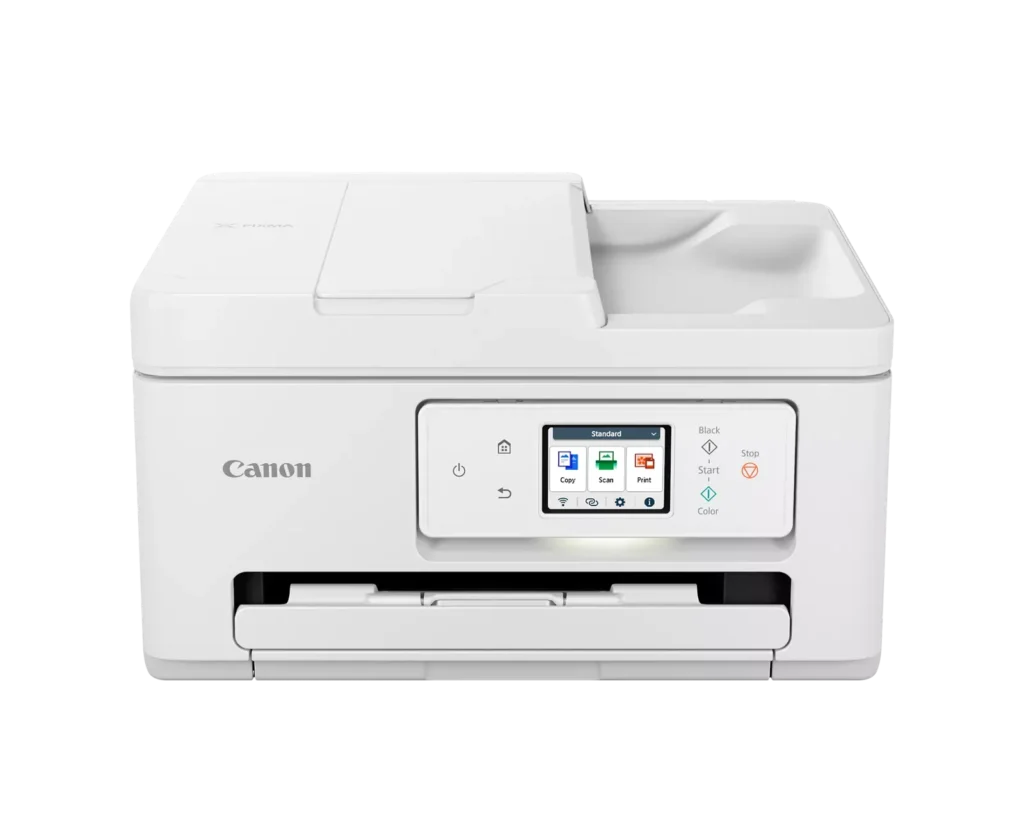
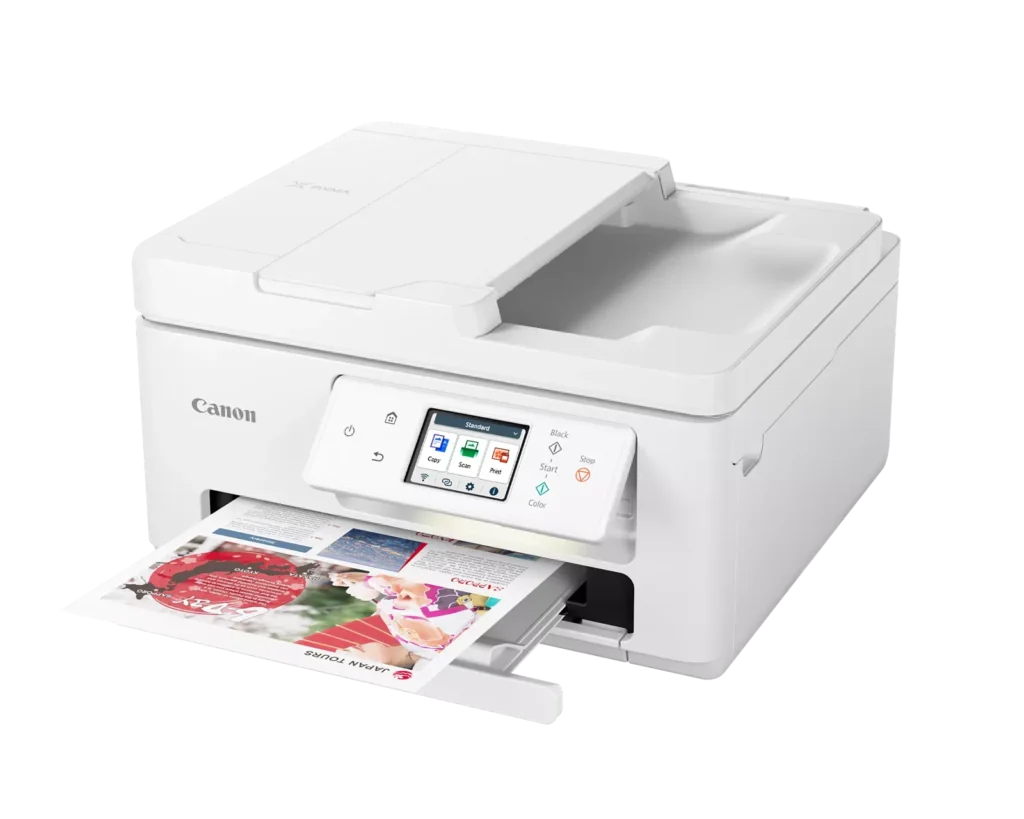
| Versatile All-in-One Performance | The PIXMA TR7820 is a compact 3-in-1 solution that allows you to print, copy, and scan with ease. It delivers fast ISO print speeds of up to 15 ipm in black and 10 ipm in color, making it ideal for home offices and school assignments. |
|---|---|
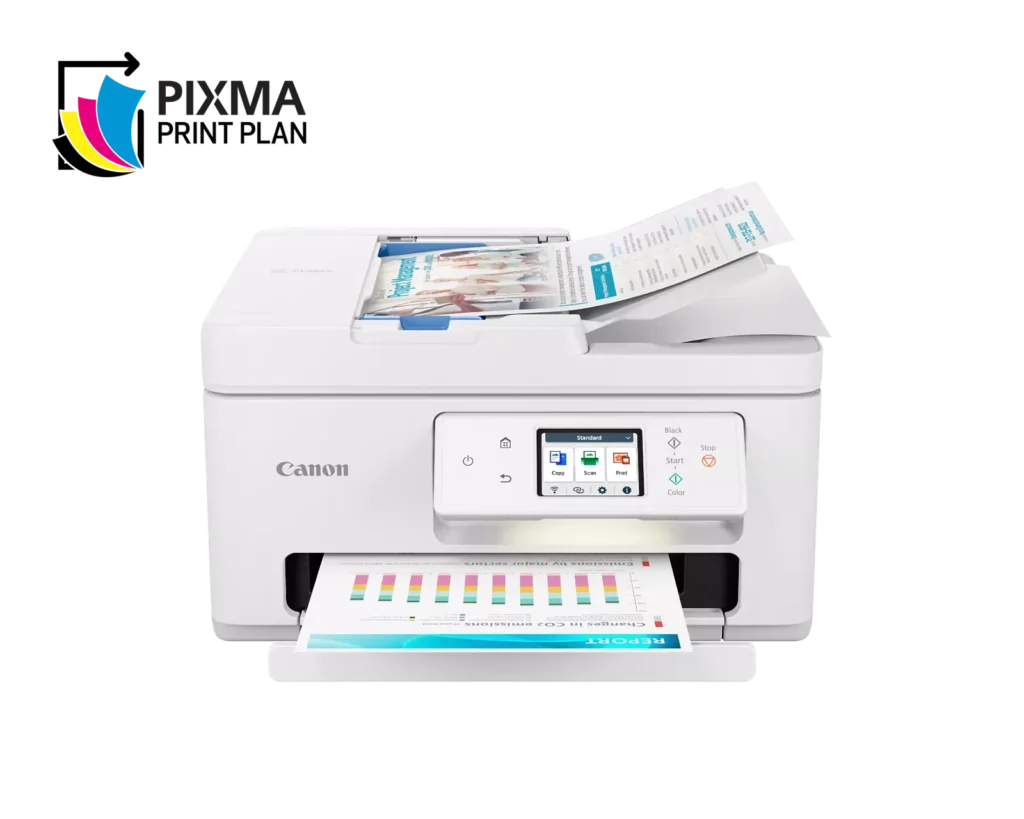
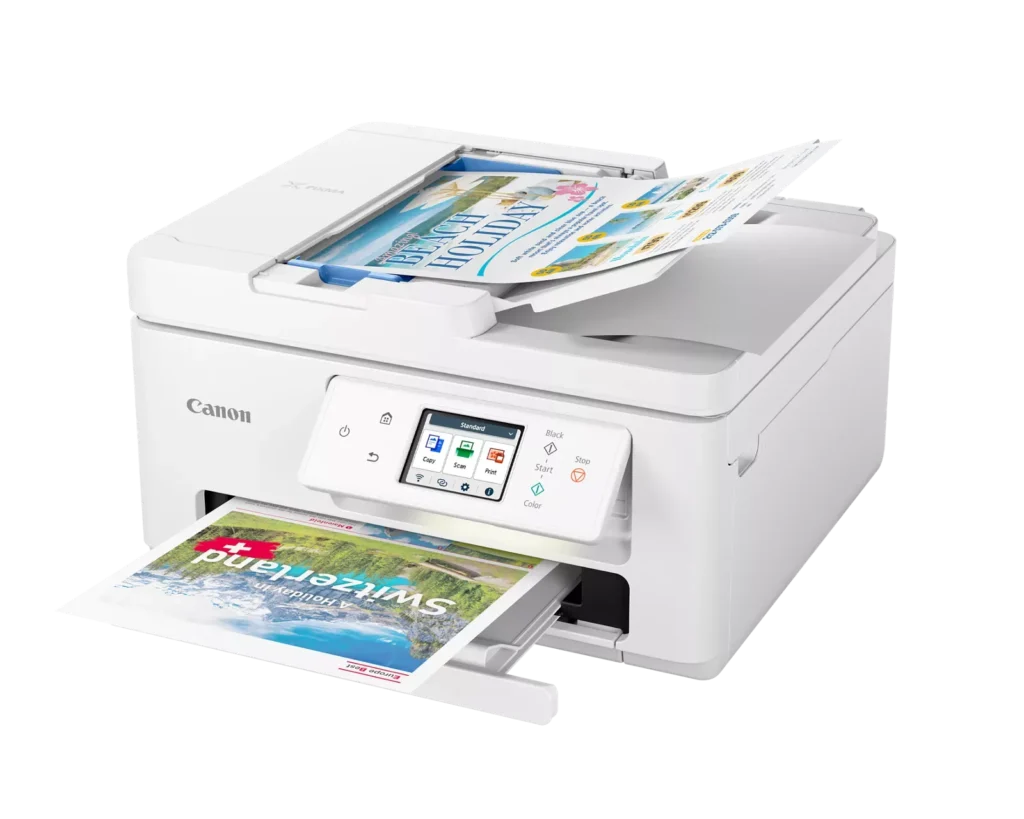
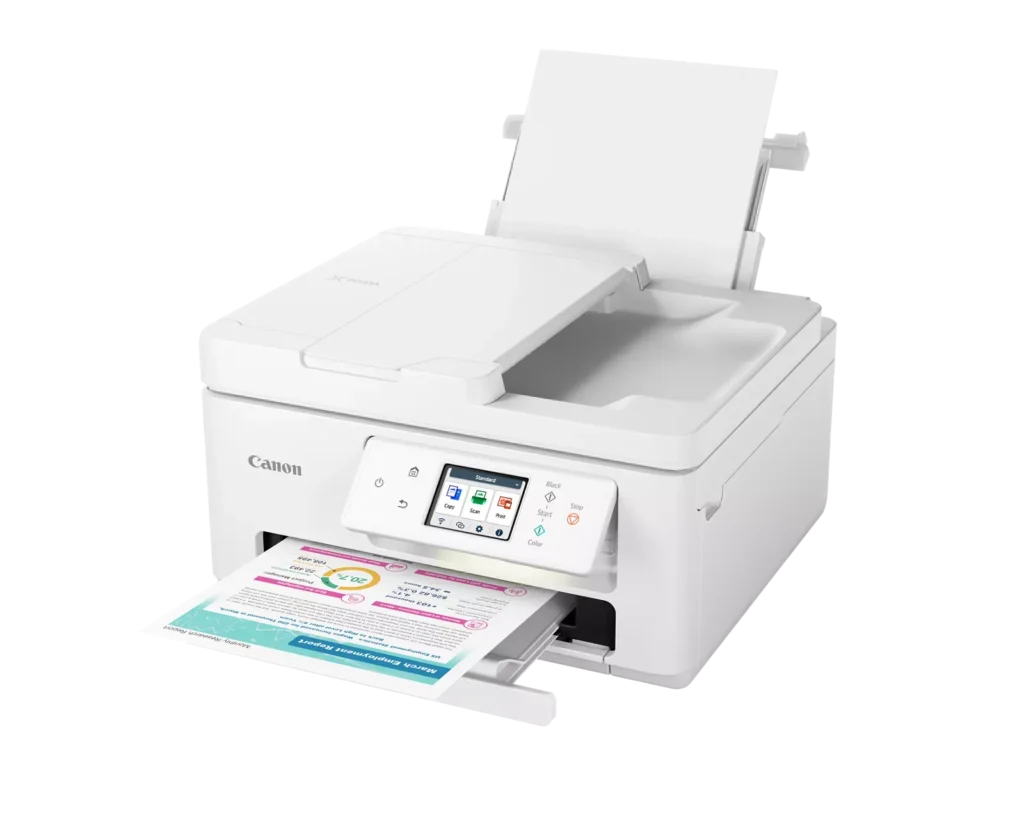
| Efficient Paper Handling | Boost productivity with a 35-sheet Automatic Document Feeder (ADF) for multi-page scanning and copying. The printer also features a dual-tray system with a 100-sheet front cassette and a 100-sheet rear tray, providing a total capacity of 200 sheets. |
| Intuitive 2.7" LCD Touchscreen | Navigate printer functions and settings effortlessly using the built-in 2.7-inch color LCD touchscreen. The user-friendly interface simplifies setup and provides quick access to maintenance and cloud printing options. |
| Seamless Wireless Connectivity | Equipped with Dual-Band Wi-Fi (2.4GHz and 5GHz), the TR7820 ensures a stable connection for wireless printing. It supports mobile printing via the Canon PRINT app, Apple AirPrint, and Mopria Print Service for convenient printing from smartphones and tablets. |
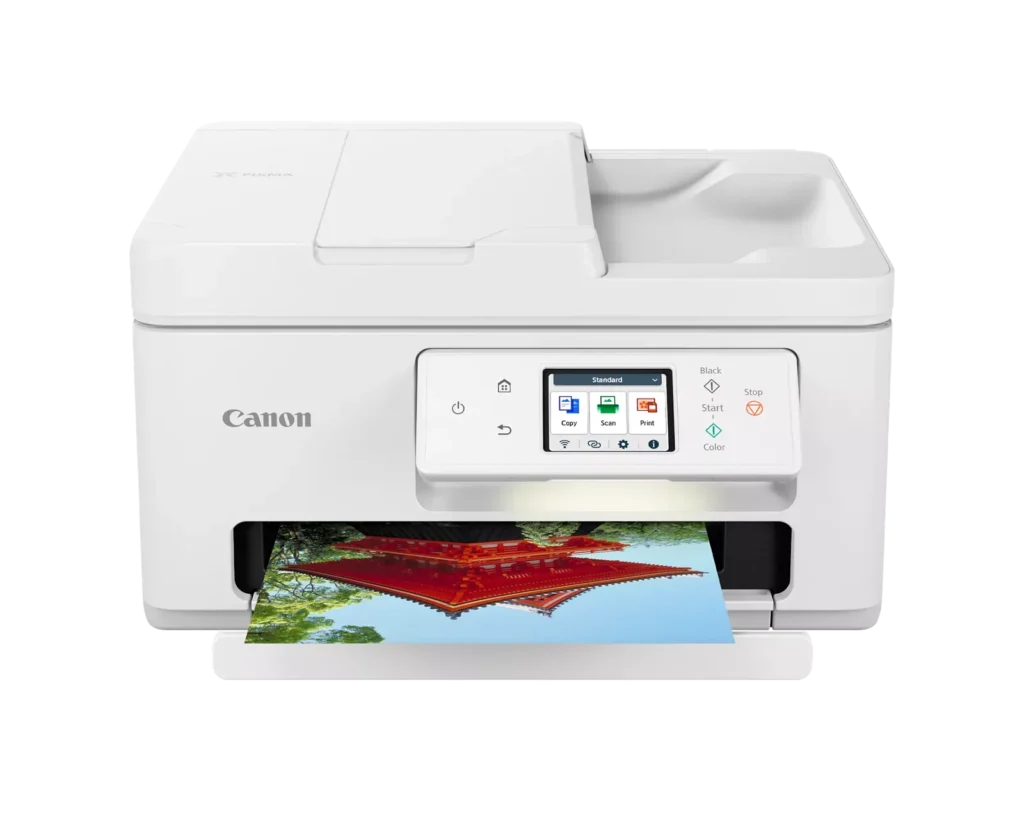
| High-Quality Hybrid Ink System | Utilizing a 2-cartridge FINE Hybrid ink system, this printer produces sharp black text with pigment-based ink and vibrant, borderless photos up to 8.5" x 11" with dye-based colors. The mess-free cartridges are designed for easy replacement. |
Pros & Cons
Pros
- Simple and Quick Setup: Many reviewers found the initial installation process to be exceptionally easy, with some reporting they were able to start printing within minutes of unboxing.
- Excellent Print Quality: The printer is frequently praised for producing sharp, clear text and vibrant photos, with several users noting it performs better than previous models from other brands.
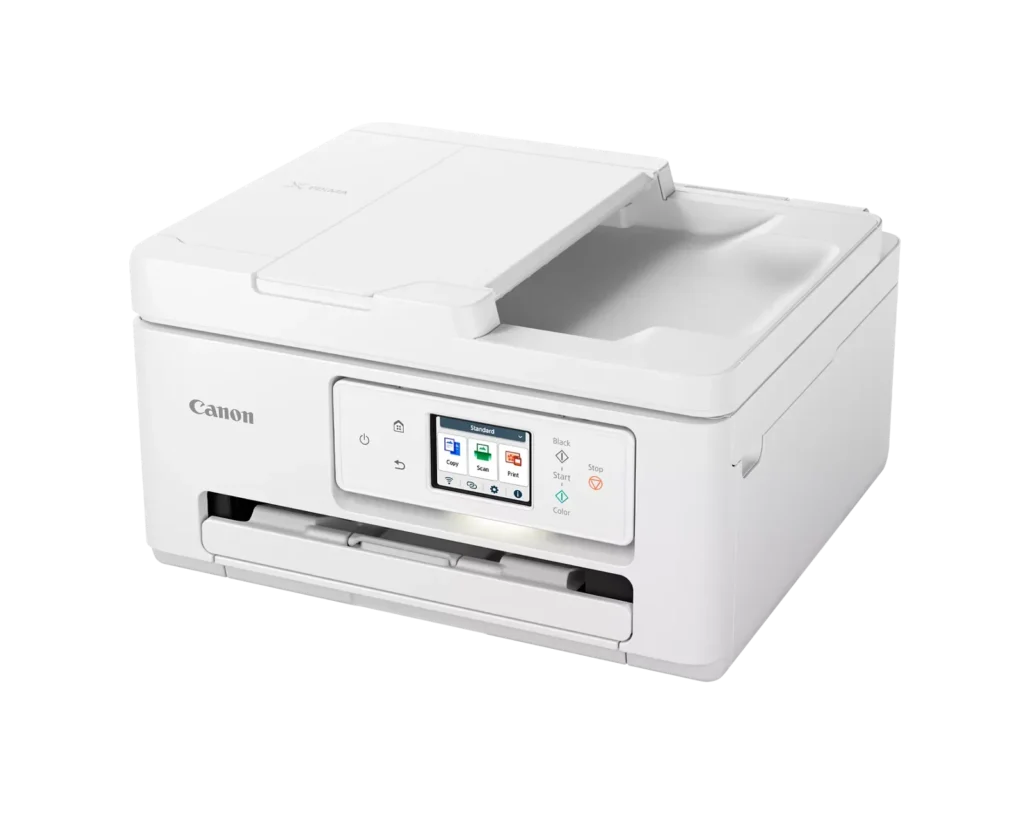
- Compact and Space-Efficient: The small footprint of the device is a major highlight for users with limited desk space, making it an ideal choice for home offices and small business environments.
Cons
- High Ink Consumption and Cost: A recurring complaint is that the printer 'eats' ink quickly, and the cost of replacement cartridges is often described as expensive or nearly the price of the printer itself.
- Unreliable Wireless Connectivity: Numerous users reported that the printer frequently goes offline or loses its Wi-Fi connection, requiring constant troubleshooting or a switch to a wired USB connection.
- Lack of Duplex Scanning: Despite having an Automatic Document Feeder (ADF), the device does not support automatic double-sided scanning, which was a deal-breaker for several customers.
You might also like












Customer Reviews
Showing reviews 1-10 of 278
-
Extremely Disappointed
Verified purchase Verified purchase: This reviewer bought the product.Eric January 1, 2026Review source: AmazonI’m totally disappointed with this printer, and unfortunately it was too late to return by the time I realized how bad it was. It’s way too slow, the letter tray feels cheap and flimsy, and the photo printing quality is downright poor. For my needs, this has been a complete waste of money. I wouldn’t recommend it to anyone looking for a reliable or well‑built printer.
-
Good purchase.
Verified purchase Verified purchase: This reviewer bought the product.SandraH December 26, 2025Review source: BestbuyThe printer works beautifully. Easy to set up and operate.
-
Nice All-in -One if You Don’t Mind high Ink Cost
Verified purchase Verified purchase: This reviewer bought the product.Mr. Review December 23, 2025Review source: AmazonBought as a replacement for an obsolete PIXMA model – prefer Canon models over others. Very compact design compared to previous model. Everything about this printer screams “awesome” except for one thing. Learned the ink cost is expensive as the two Canon ink cartridges cost between $60-$90, combined, to replace. Plus, was not able to find generic replacement ink. Notwithstanding the ink cost, was willing to keep it until I learned the ADF does not do automatic duplex scanning – contrary to what Rufus, the Amazon Bot, advised when I asked it before purchasing. This was a deal breaker for me. Figured if I hand to settle on a device without auto duplex scanning, I prefer a device with lower ink costs via available generic ink cartridges. Otherwise, an excellent buy.
-
Absolutely the WORST printer I've ever owned
Verified purchase Verified purchase: This reviewer bought the product.RebelDebutante December 19, 2025Review source: AmazonLiterally dumping this at Goodwill today because it is absolutely the WORST printer I’ve ever owned and complete junk. Constantly jams. The feeder can’t handle more than 2 pages at a time. Copies come out flipped upside down or right-justified for no apparent reason. Please save yourself a LOT OF HASSLE and DON’T BUY THIS.
-
Cannon Printer
Verified purchase Verified purchase: This reviewer bought the product.RobertD December 13, 2025Review source: BestbuyExcellent choice for my little office. It replaced an HP 8260 which I had nothing but problems with.
-
Nice printer
Verified purchase Verified purchase: This reviewer bought the product.KyMz December 12, 2025Review source: BestbuySo far I have had good luck with the printer. The only trouble I had was trying to print on cardstock and it jammed. Finally got it to go through. Still learning all the functions.
-
Not worth the price!
Verified purchase Verified purchase: This reviewer bought the product.GAKS81 December 12, 2025Review source: BestbuyVery cheaply made and was unimpressed with the quality of the printer overall.
-
Creaky and Slow to Start, Guzzles Ink, Ugly Prints
Verified purchase Verified purchase: This reviewer bought the product.Vanessa December 10, 2025Review source: BestbuyWas easy to set up. I opted for a wired connection bc I’ve had connection issues with previous printers and wanted to avoid any issues.
Once I realized how quickly this printer burned through ink, I looked to buy a refill. Color ink was backordered at multiple retailers. I brought it online and registered for an ink subscription. That service immediately began to count my prints even though I was using my own ink and hadn’t received anything from them.
The printer makes so much noise as it prepares to print. It’s creaky and loud. Even wired, it lags before it starts printing and just seems slow to get going.
I can’t get it to print a true black or deep brown image. I tried to print a coffee graphic and a very dark green was the best it could do for black coffee. I’m using matte paper and tried different settings. Greeting card worked better, but it still doesn’t look correct. Seems more difficult than necessary.
I do like the 2 trays and duplex printing. Alignment was easy bc the printer just ran the paper back through and handled it on its own.
Refills being so costly and out of stock seems like a bad sign. I don’t want to be forced to subscribe to ink, but this printer really burns through it and a subscription seems necessary.
Overall, not happy with this purchase, but not sure there is a better alternative without jumping to a much higher price.
-
So far so good
Verified purchase Verified purchase: This reviewer bought the product.Kimberly December 8, 2025Review source: BestbuySo far it’s been great in terms of it does what I need it to do. My only problem is that in the beginning I had trouble connecting it to my MacBook. I was unable to print wirelessly, and the printer wouldn’t show up in my network. This is the first time I’ve had this problem with a wireless printer. Occasionally, it’ll happen where I have to turn off the printer several times so that it can show up but it’s very rare now. Otherwise it prints nicely.
-
Don’t buy unless you have time to wait.
Verified purchase Verified purchase: This reviewer bought the product.JohnG December 7, 2025Review source: BestbuyThis is the worst printer I have EVER owned. Purchased this just for a few packing slip prints a month for a small business. This thing EAT’S INK and constantly cycles its self. We are continually waiting for this thing to start up even after adjusting settings. Takes sooo much time to think and print. So here is the end result of my ever owning one of these again. NEVER AGAIN