Customer Media
Highlights
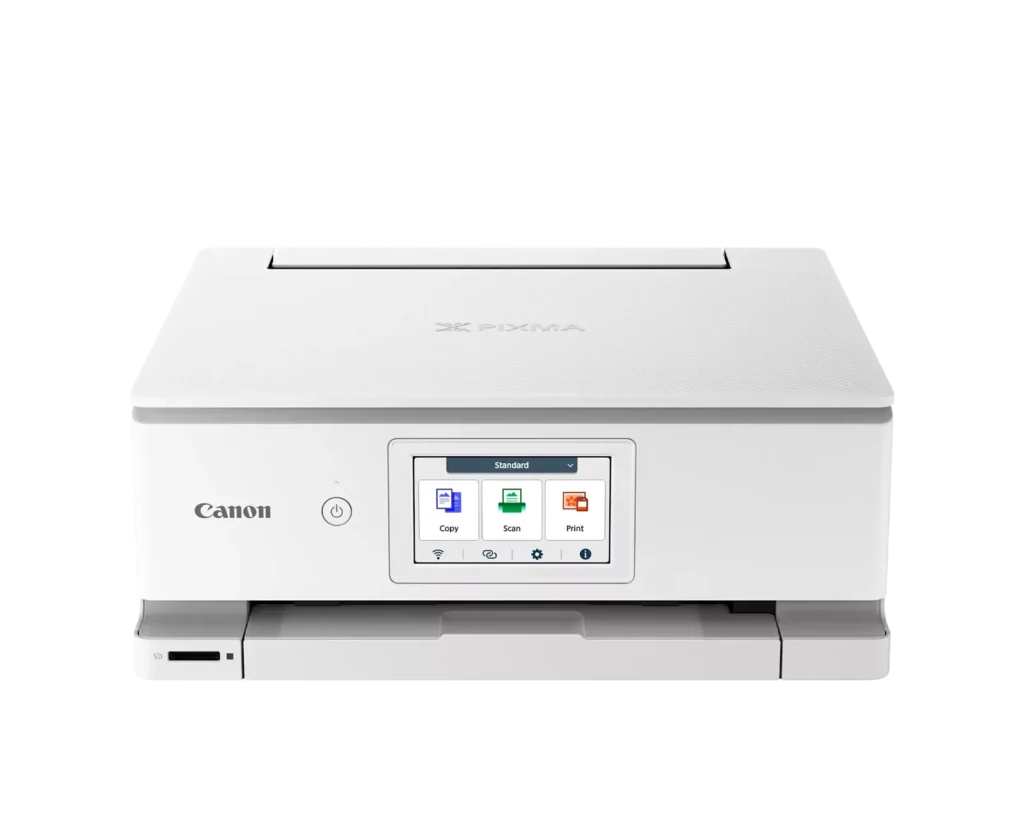
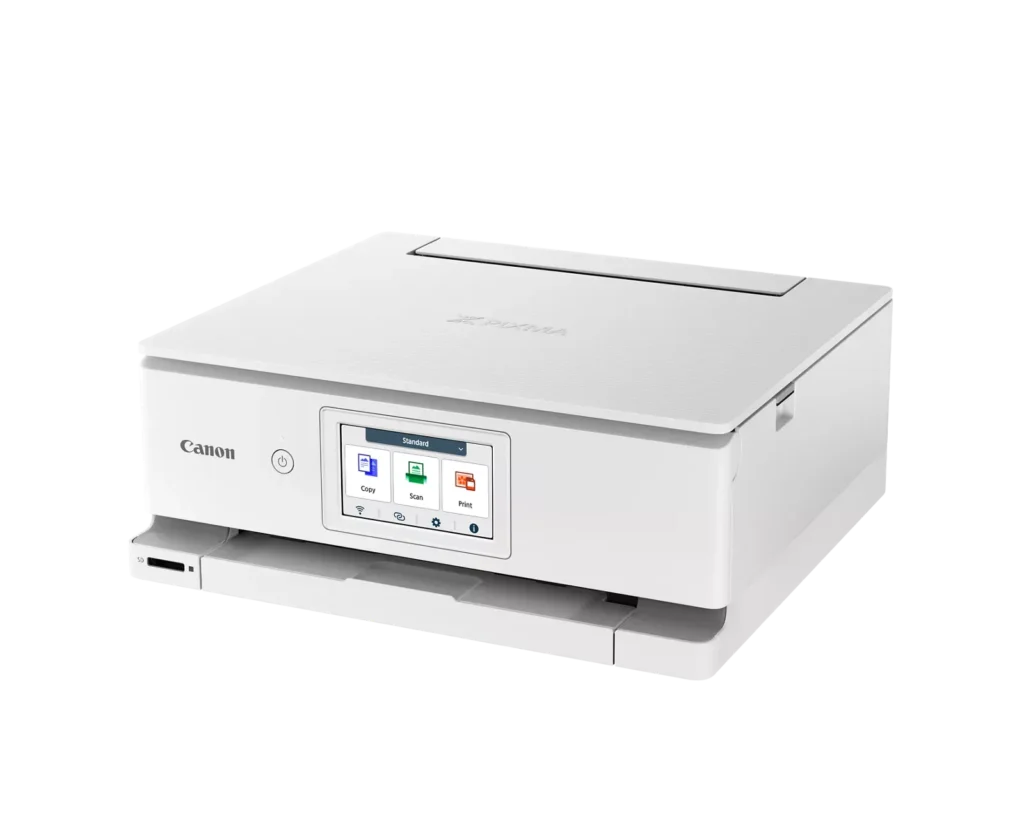
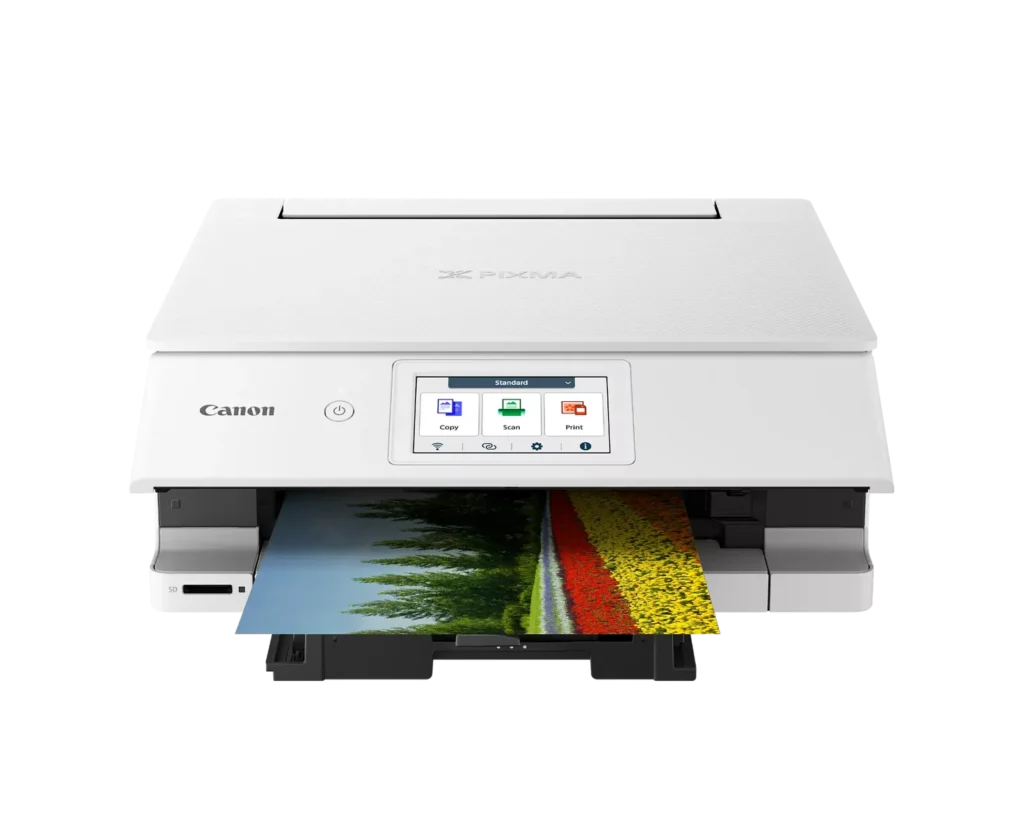
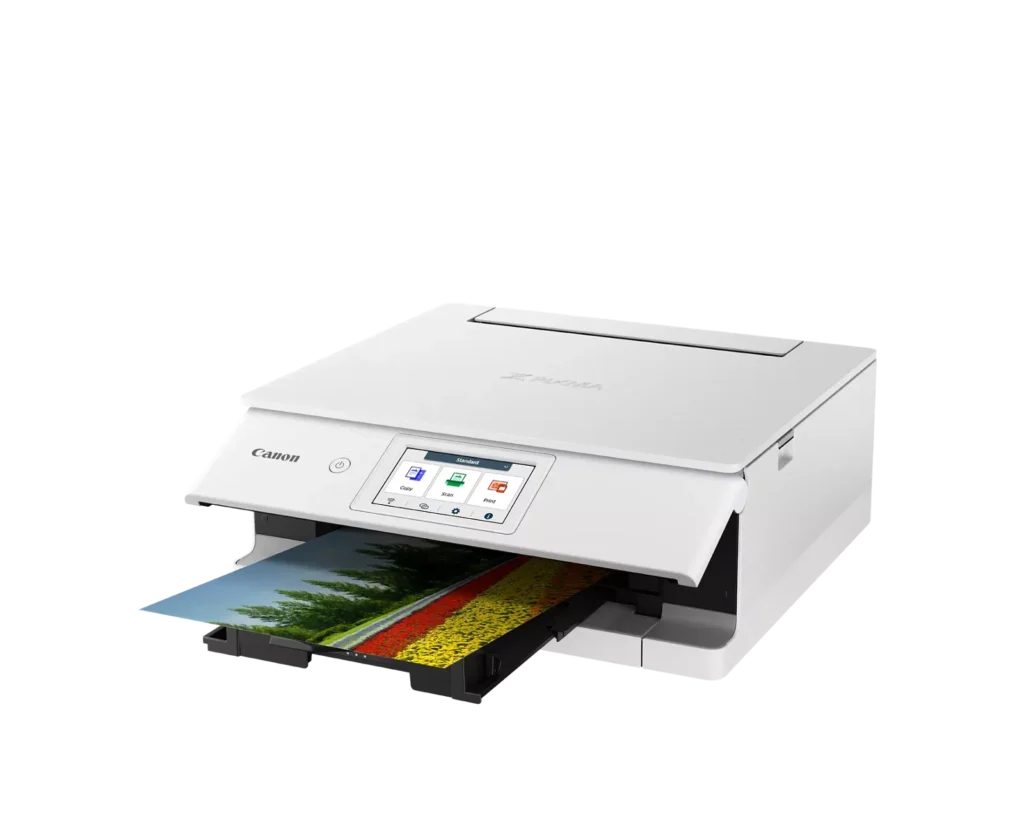
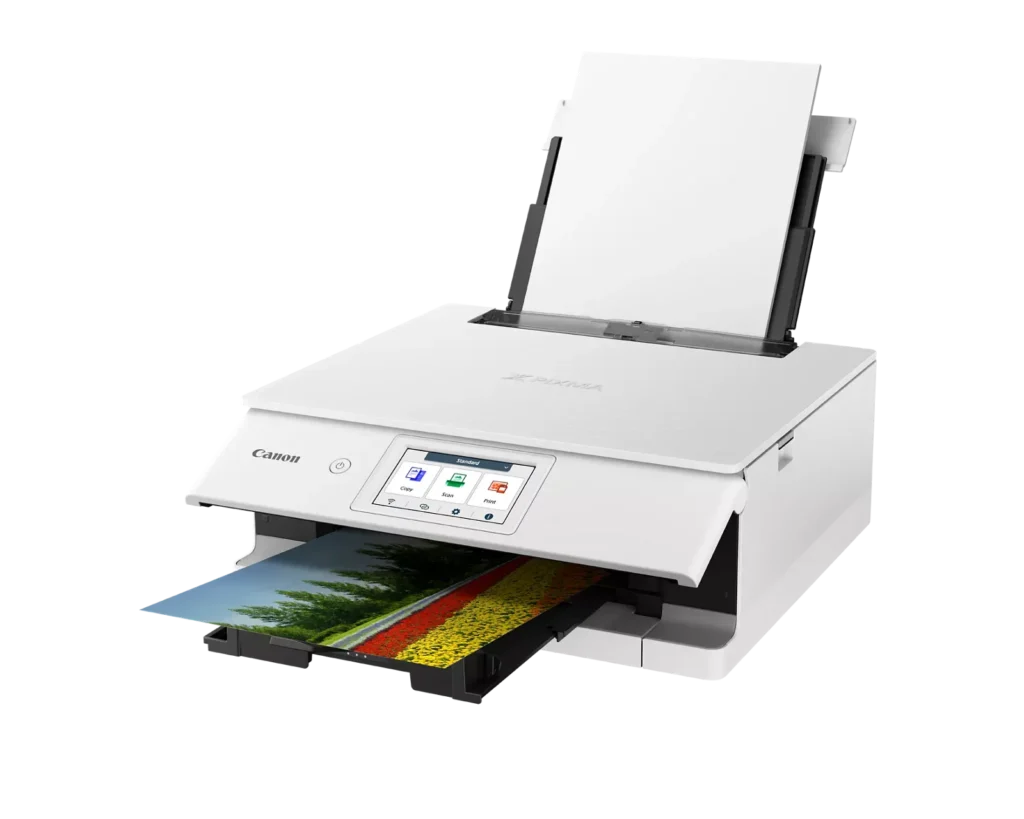
| Superior 6-Color Individual Ink System | Produces vibrant, professional-quality photos and sharp, crisp text using a hybrid ink system that includes a dedicated gray ink for smooth gradations and pigment black for high-quality documents. |
|---|---|
| Intuitive 4.3" Color Touchscreen | Features a large, easy-to-use LCD touchscreen interface that allows for seamless navigation of printer functions, photo previews, and maintenance tasks directly from the device. |
| Versatile Dual-Paper Feeding | Equipped with a 100-sheet front cassette for plain paper and a 100-sheet rear tray for specialty media, plus a multi-purpose tray for printing on envelopes, banners, and even printable discs. |
| Advanced Wireless & Mobile Connectivity | Offers stable dual-band Wi-Fi (2.4GHz/5GHz) and supports effortless mobile printing through the Canon PRINT app, Apple AirPrint, and Mopria, alongside a built-in SD memory card reader for direct photo printing. |
| Efficient Auto 2-Sided Printing | Enhances productivity and reduces paper consumption with built-in automatic duplex printing, delivering fast output speeds of up to 15 images per minute (ipm) in black and 10 ipm in color. |
Pros & Cons
Pros
- Superior Photo Quality: Reviews highlight the 6-ink system's ability to produce vibrant, sharp, and professional-looking photos with deep color definition and accurate tones.
- User-Friendly Interface: The 4.3-inch color touchscreen is frequently cited as intuitive and simple to navigate, making the printer's various functions easy to operate.
- Compact and Sleek Design: Users appreciate the small footprint and stylish appearance, which allows the printer to fit easily into home offices or creative workspaces without taking up much room.
Cons
- Unreliable Wireless Connectivity: A significant number of users report frequent connection drops, difficulty syncing with mobile devices, and the printer often appearing as 'offline' even when near the router.
- High Ink Costs and Restrictions: The proprietary ink cartridges are described as expensive and small in capacity; additionally, some users noted the printer refuses to recognize third-party or refurbished replacements.
- Fragile Build Quality: Multiple reviewers expressed concern over the lightweight, thin plastic construction, specifically mentioning that the paper trays and scanner lid feel flimsy and prone to breaking.
You might also like












Customer Reviews
Showing reviews 1-10 of 74
-
this printer will not do card stock in auto duplex, it also will not save a custom size envelope
Verified purchase Verified purchase: This reviewer bought the product.RSF December 23, 2025Review source: Amazondriver software stinks
-
Disappointed in connections
Verified purchase Verified purchase: This reviewer bought the product.Dustin May December 20, 2025Review source: AmazonHard to set up and get connected to multiple devices. Having a lot of trouble printing from my phone. I am hopeful I can change my review soon but as of right now I am disappointed in this purchase.
-
Works well. Easy to use.
Verified purchase Verified purchase: This reviewer bought the product.LJW December 12, 2025Review source: AmazonI had this printer for years. Excellent product. Clear printout. Very easy to use. I came back for a second.
-
PLASTIC
Verified purchase Verified purchase: This reviewer bought the product.John Golom December 12, 2025Review source: AmazonColors are great. Print speed is OK. But it’s made of lightweight, cheap plastic. Plastic extension has to be pushed back in place after every use. My PIXMA 7520 was a well-built workhorse. I’ll be surprised if this goes a year without the plastic parts breaking
-
Cartridge free.
Verified purchase Verified purchase: This reviewer bought the product.YounusC December 6, 2025Review source: Bestbuy2 weeks ago just hooked up and couple of prints to check out if working fine. Best thing I like cartridge free.
-
Not intuitive but quality photos with some streaking.
Verified purchase Verified purchase: This reviewer bought the product.Historken December 4, 2025Review source: AmazonNo manual so you tube videos. Awkward trays and very small ink cartridges. Compact size a f photo quality excellent. Not working wirelessly yet.
-
I have been a composing room Printer for 41 years. This is a good machine.
Verified purchase Verified purchase: This reviewer bought the product.David J Webb November 29, 2025Review source: AmazonI was impressed with the Canon PIXMA TS8820 Printer itself. I personally see it as an impressive upgrade to the Canon TR4722 I all ready have in my possession. It is a good machine to take proofs on and in standard mode it works well with duplex documents.
The 6 ink system contains what promises to be just below the Pro-200 I all ready own. The fact that they have a black cartridge is one big improvement. That means not having to combine colors to produce black. And we all have documents where text is a major user of ink. The current RGB system makes the 5 cartridges probably excellent for producing reasonably priced photos. I normally use JPG for a whole lot of my photographs over the years. Canon goes out of its way to make things right for customers. For that I am very impressed. -
But another Printer poor quality
Verified purchase Verified purchase: This reviewer bought the product.Amazon Customer November 28, 2025Review source: AmazonThe print quality is good but the printer keeps getting stuck on processing and won’t print.
I’ve tried my computer and my phone. I have to pull the tray out to get it to print.
Sorry I purchased this printer. It’s very poor quality. -
Very nice printer
Verified purchase Verified purchase: This reviewer bought the product.100% satisfied this company se… November 27, 2025Review source: AmazonWorks excellent
-
SAVE TIME, MONEY, & YOUR SANITY!
Verified purchase Verified purchase: This reviewer bought the product.chris varrichio November 21, 2025Review source: AmazonI have spent HOURS trying to connect my MacBook Air to this computer WITHOUT SUCCESS!
Believing setup would be easy, I bought extra ink (TWO MISTAKES!!)
I was on Canon help desk for over an hour and he could not get the connection working.
LESSON LEARNED: I will NEVER buy a Canon printer again! (Hopefully YOU won’t either…)