Customer Media
Highlights
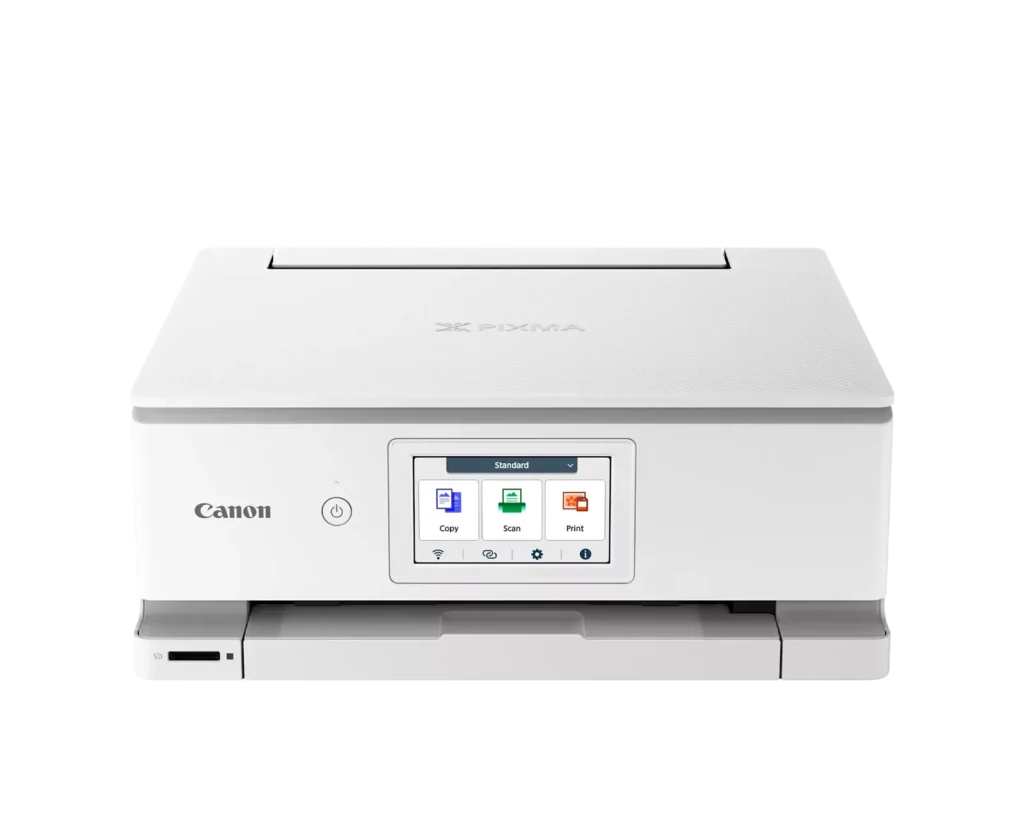
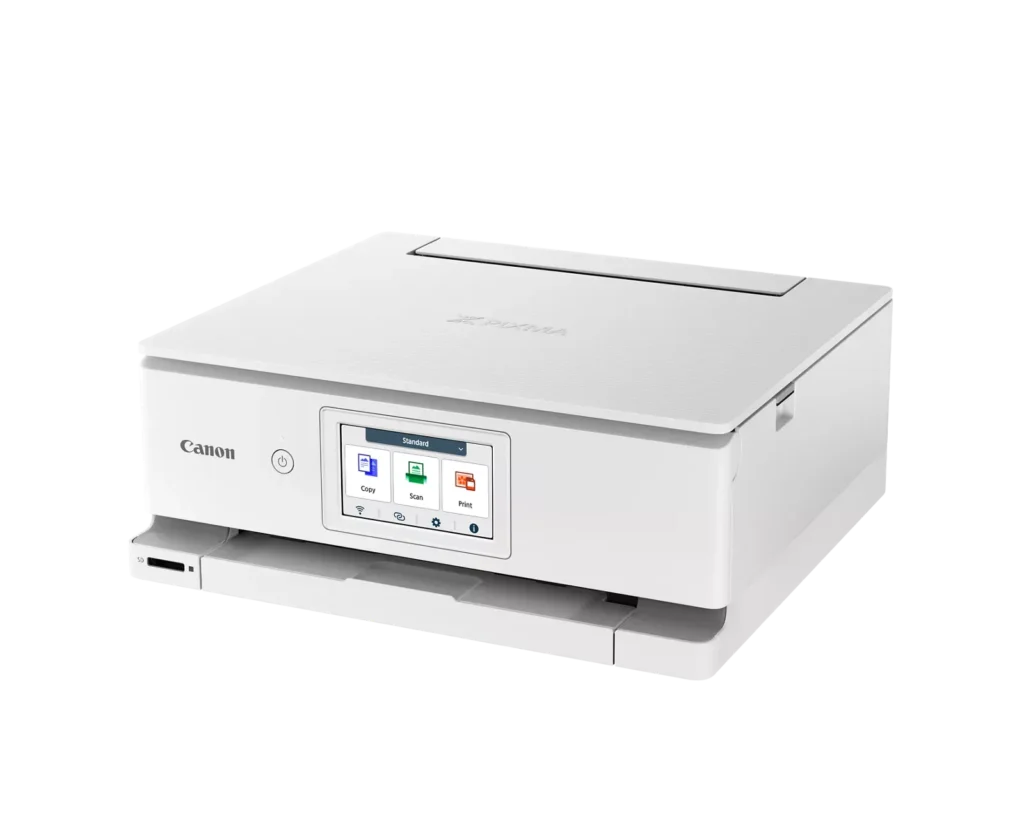
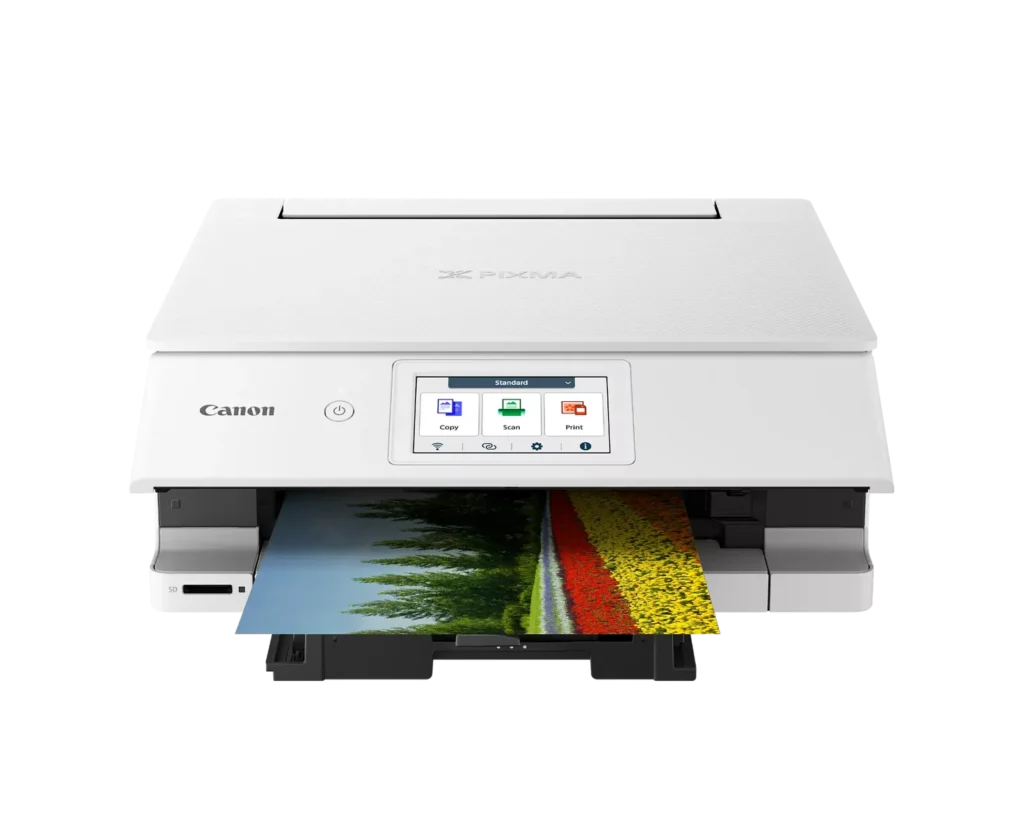
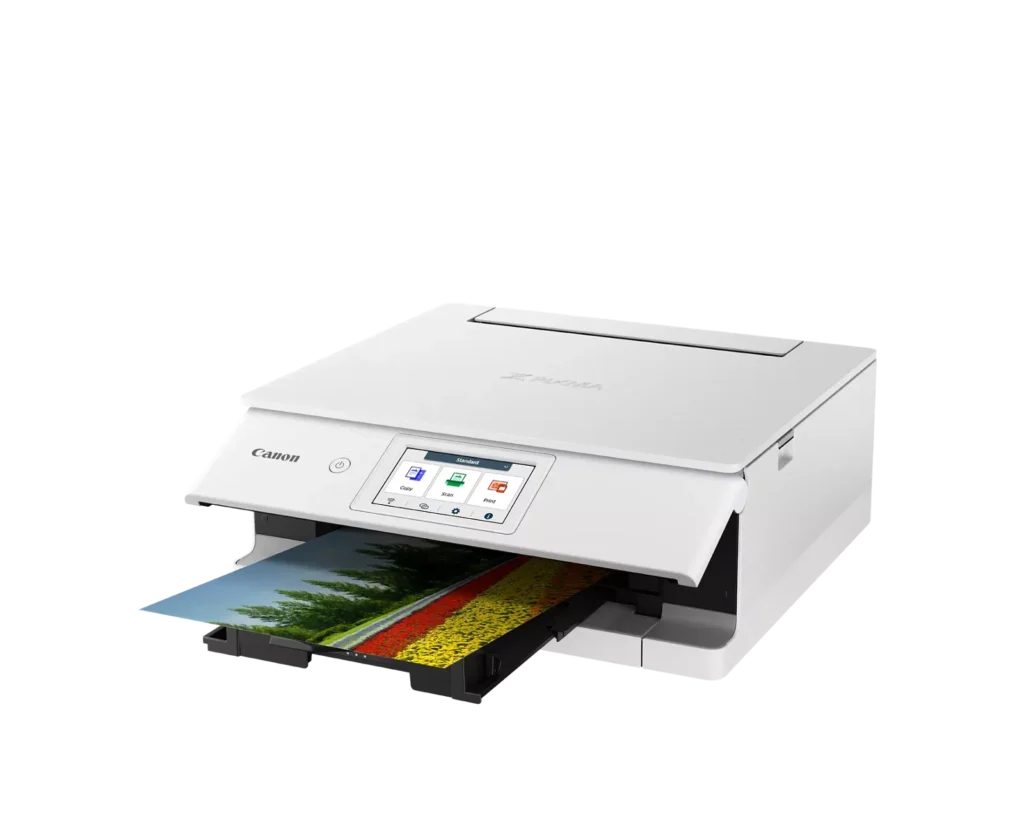
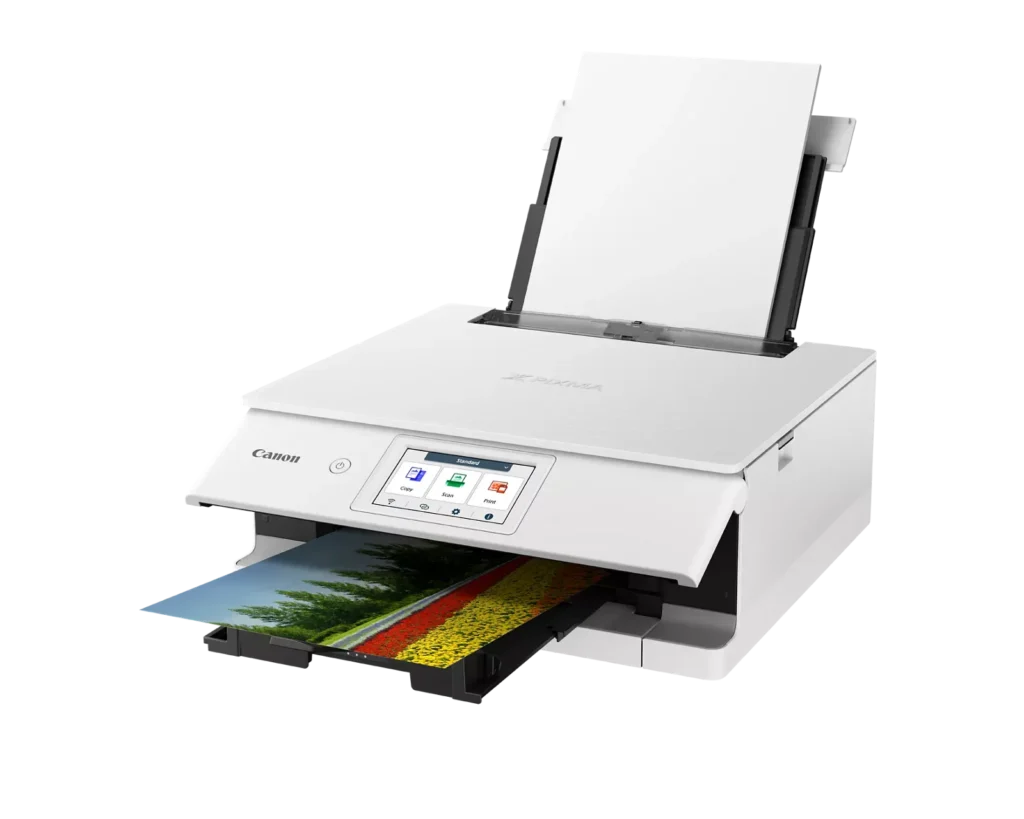
| Superior 6-Color Individual Ink System | Produces vibrant, professional-quality photos and sharp, crisp text using a hybrid ink system that includes a dedicated gray ink for smooth gradations and pigment black for high-quality documents. |
|---|---|
| Intuitive 4.3" Color Touchscreen | Features a large, easy-to-use LCD touchscreen interface that allows for seamless navigation of printer functions, photo previews, and maintenance tasks directly from the device. |
| Versatile Dual-Paper Feeding | Equipped with a 100-sheet front cassette for plain paper and a 100-sheet rear tray for specialty media, plus a multi-purpose tray for printing on envelopes, banners, and even printable discs. |
| Advanced Wireless & Mobile Connectivity | Offers stable dual-band Wi-Fi (2.4GHz/5GHz) and supports effortless mobile printing through the Canon PRINT app, Apple AirPrint, and Mopria, alongside a built-in SD memory card reader for direct photo printing. |
| Efficient Auto 2-Sided Printing | Enhances productivity and reduces paper consumption with built-in automatic duplex printing, delivering fast output speeds of up to 15 images per minute (ipm) in black and 10 ipm in color. |
Pros & Cons
Pros
- Superior Photo Quality: Reviews highlight the 6-ink system's ability to produce vibrant, sharp, and professional-looking photos with deep color definition and accurate tones.
- User-Friendly Interface: The 4.3-inch color touchscreen is frequently cited as intuitive and simple to navigate, making the printer's various functions easy to operate.
- Compact and Sleek Design: Users appreciate the small footprint and stylish appearance, which allows the printer to fit easily into home offices or creative workspaces without taking up much room.
Cons
- Unreliable Wireless Connectivity: A significant number of users report frequent connection drops, difficulty syncing with mobile devices, and the printer often appearing as 'offline' even when near the router.
- High Ink Costs and Restrictions: The proprietary ink cartridges are described as expensive and small in capacity; additionally, some users noted the printer refuses to recognize third-party or refurbished replacements.
- Fragile Build Quality: Multiple reviewers expressed concern over the lightweight, thin plastic construction, specifically mentioning that the paper trays and scanner lid feel flimsy and prone to breaking.
You might also like












Customer Reviews
Showing reviews 11-20 of 74
-
Scanning S/W no longer functions on Windows 11
Verified purchase Verified purchase: This reviewer bought the product.biff November 11, 2025Review source: AmazonRecent updates to Windows 11 have caused the Canon scanning s/w to need a reboot after each scan when using a wifi connection, otherwise it typically fails to communicate with the printer part way through the scan, putting up an error dialog to that effect. This occurs on multiple models I have tried. All work fine in the precise same setup when using 3rd party scanning s/w. Two stars because this has been an issue for months now, and the s/w that comes with the printer should actually function, without having to purchase 3rd party s/w. I purchased the new model in order to scan documents and reduce paper, so for me its primary purpose is woefully deficient.
-
Smaller footprint, faster, quieter than MX7700 series
Verified purchase Verified purchase: This reviewer bought the product.John E. Keim November 9, 2025Review source: AmazonThis was a replacement for an 8 year old MG7700 series Pixma printer. The printer didn’t break but drivers to use it with later Apple iOS eventully ran out of life.
This printer has additionally functionality, has a smallerfootprint, is quieter and faster than the old printer. Printed some photos on photo grade paper and they looked great. Scanning s/w is simplified but just as functional. Some unused options were removed or its assumed is handled by the producer of the print. The new SD card option is also handy.
I’m happy with the replacement.
-
No good no wires and WiFi doesn’t connect
Verified purchase Verified purchase: This reviewer bought the product.Irene R November 6, 2025Review source: AmazonI cannot get the wifi to connect to print and it doesn’t come with wires so I cannot use it at all
-
Avoid if you need Dependable Wireless Printing
Verified purchase Verified purchase: This reviewer bought the product.Angie November 2, 2025Review source: AmazonThe longer I own this printer, the more I relate to the scene in Office Space where they take the printer out and demolish it. It prints beautifully, but the wireless functionality is almost non existent. My previous printer would print instantly, regardless of how long it had been since I last printed something. This printer…forgets it’s a printer. The Print Center status window shows the printer is Online until I send something to print…then, it’s suddenly Offline.
Avoid like the plague.
(It might work better if connected with a cable.) -
Pixma printer
Verified purchase Verified purchase: This reviewer bought the product.A. Horton October 30, 2025Review source: AmazonThis printer does it all. Scans, copies, prints. Colorful photo prints. Like the 6 ink cartridges. Best printer I’ve had since the pixma TS9120 is no longer.
-
Faulty device!!! DO NOT buy from this seller!!!!!
Verified purchase Verified purchase: This reviewer bought the product.Moni October 13, 2025Review source: AmazonThe device they shipped me did not work couldn’t even get through the set up. Therefore it won’t work. I got the return approved returned it to the seller and only got the sales tax for it.
-
Amazing printer
Verified purchase Verified purchase: This reviewer bought the product.George October 7, 2025Review source: AmazonCurrently have owned this printer for about 2 months and zero issues, prints amazing
-
Working well, doesn't give options sometimes of cassette or backward paper
Verified purchase Verified purchase: This reviewer bought the product.Gabby S. September 23, 2025Review source: AmazonSo far working well, but every so often it doesn’t give us the option to choose cassette or back load paper, be aware of this if it tells you printer is out of paper.
Still need to try out more printing may update after. -
Not up to Canon's usual standard.
Verified purchase Verified purchase: This reviewer bought the product.Catherine September 15, 2025Review source: AmazonNot the usual print quality that I’m used to getting from Canon, print has a washed out look, not crisp and dark. The ink doesn’t seem to come in XL size, and is hard to find, even though it’s a relatively new model. I’ve always used only Canon printers and ink, this just isn’t up to standard.
-
Excellent choice
Verified purchase Verified purchase: This reviewer bought the product.Placeholder August 7, 2025Review source: AmazonSet up so easy with the canon app! Just received and love it. Photos print brilliantly. Perfect.