Customer Media
Highlights
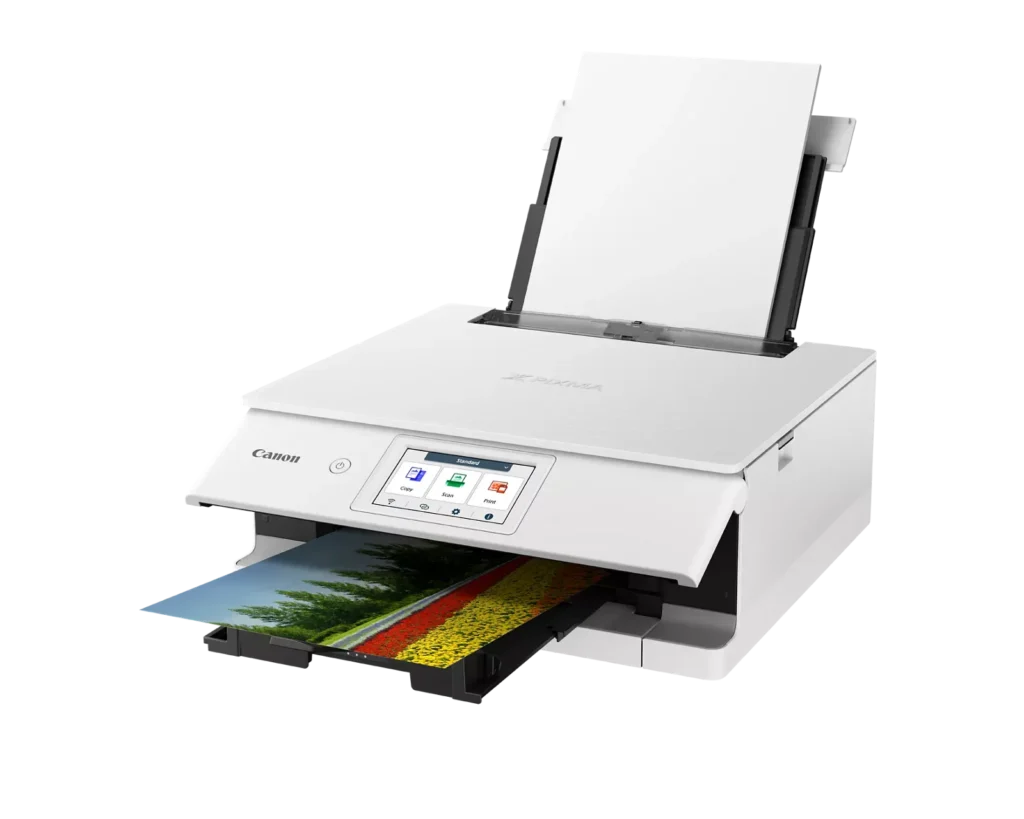
| Superior 6-Color Individual Ink System | Produces vibrant, professional-quality photos and sharp, crisp text using a hybrid ink system that includes a dedicated gray ink for smooth gradations and pigment black for high-quality documents. |
|---|---|
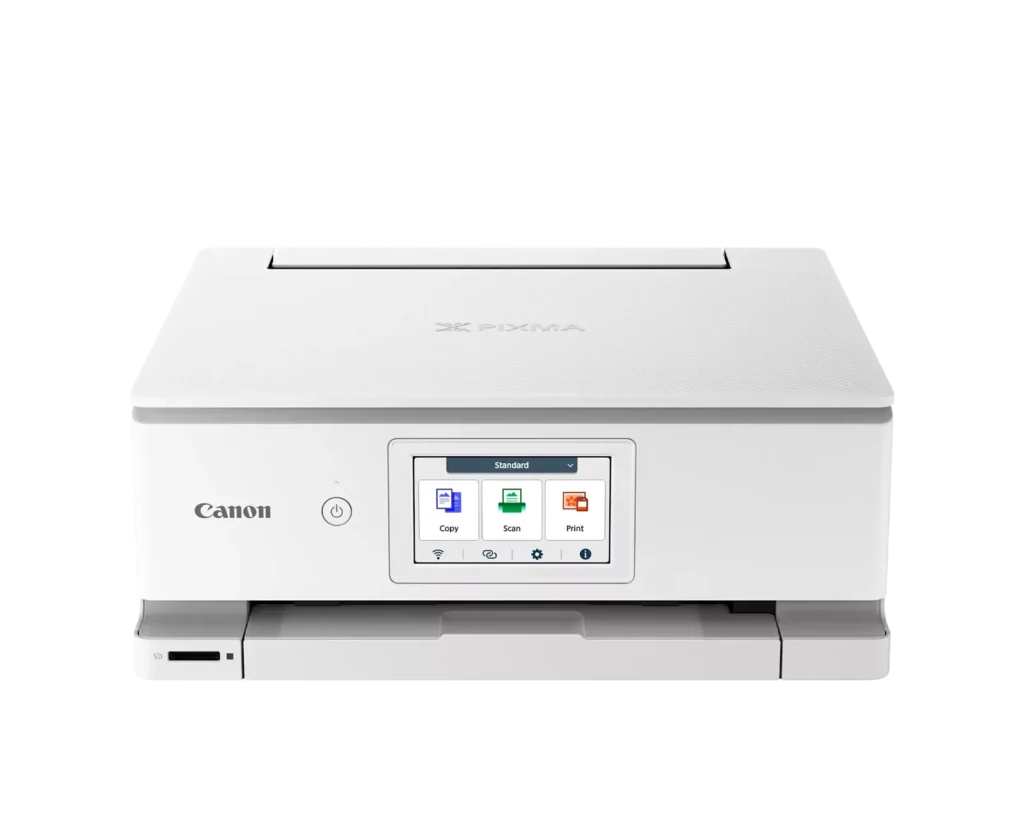
| Intuitive 4.3" Color Touchscreen | Features a large, easy-to-use LCD touchscreen interface that allows for seamless navigation of printer functions, photo previews, and maintenance tasks directly from the device. |
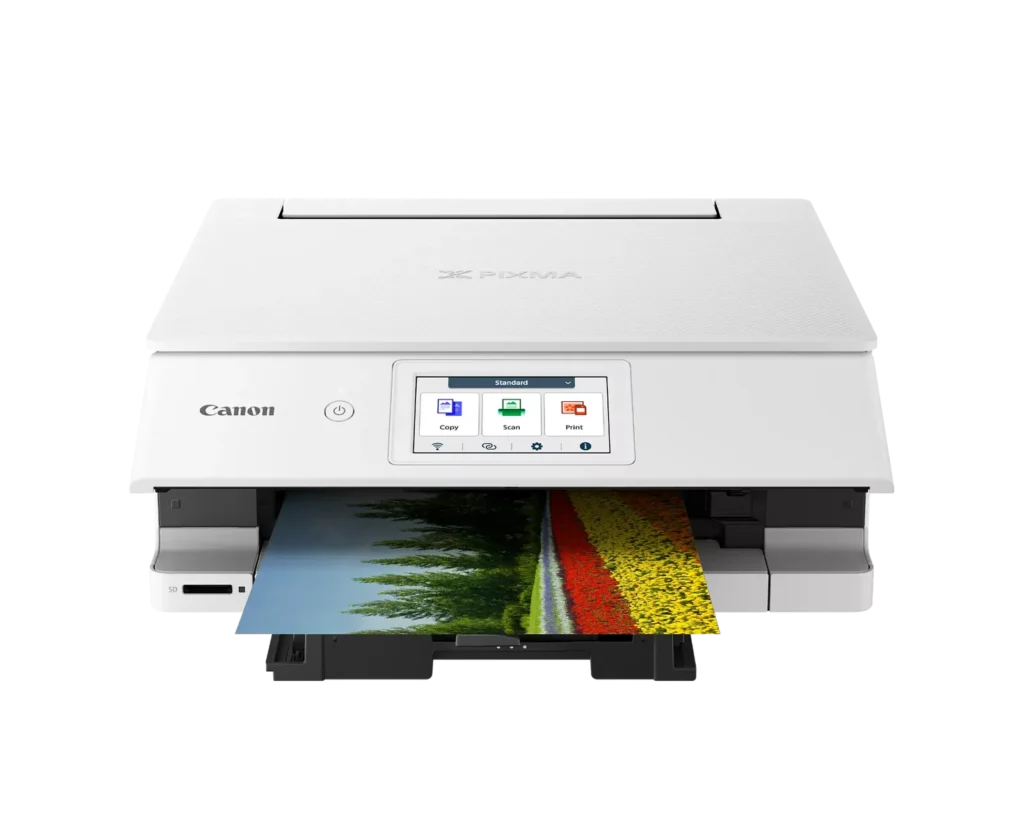
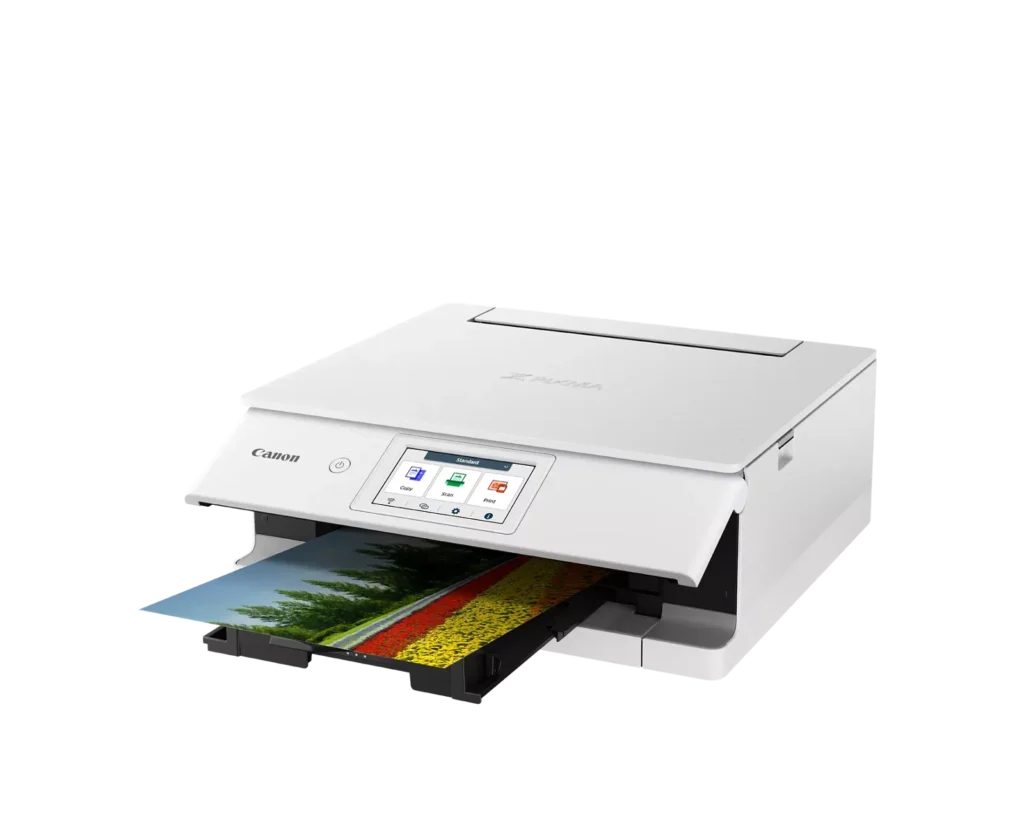
| Versatile Dual-Paper Feeding | Equipped with a 100-sheet front cassette for plain paper and a 100-sheet rear tray for specialty media, plus a multi-purpose tray for printing on envelopes, banners, and even printable discs. |
| Advanced Wireless & Mobile Connectivity | Offers stable dual-band Wi-Fi (2.4GHz/5GHz) and supports effortless mobile printing through the Canon PRINT app, Apple AirPrint, and Mopria, alongside a built-in SD memory card reader for direct photo printing. |
| Efficient Auto 2-Sided Printing | Enhances productivity and reduces paper consumption with built-in automatic duplex printing, delivering fast output speeds of up to 15 images per minute (ipm) in black and 10 ipm in color. |
Pros & Cons
Pros
- Superior Photo Quality: Reviews highlight the 6-ink system's ability to produce vibrant, sharp, and professional-looking photos with deep color definition and accurate tones.
- User-Friendly Interface: The 4.3-inch color touchscreen is frequently cited as intuitive and simple to navigate, making the printer's various functions easy to operate.
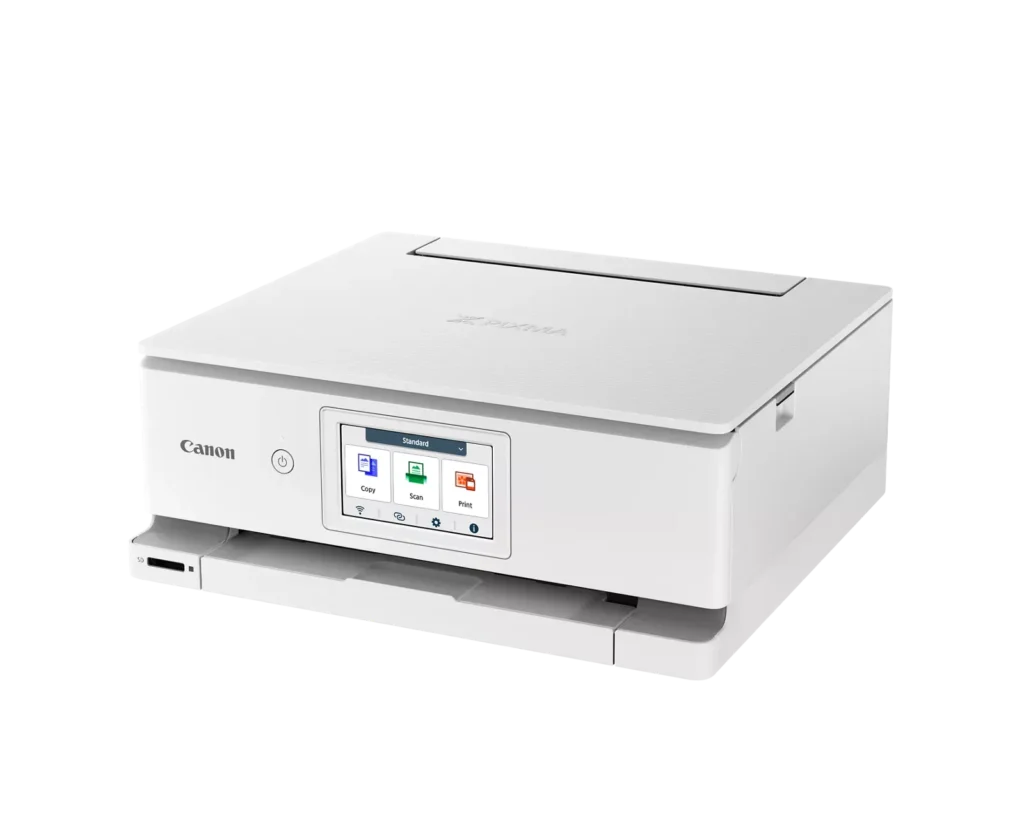
- Compact and Sleek Design: Users appreciate the small footprint and stylish appearance, which allows the printer to fit easily into home offices or creative workspaces without taking up much room.
Cons
- Unreliable Wireless Connectivity: A significant number of users report frequent connection drops, difficulty syncing with mobile devices, and the printer often appearing as 'offline' even when near the router.
- High Ink Costs and Restrictions: The proprietary ink cartridges are described as expensive and small in capacity; additionally, some users noted the printer refuses to recognize third-party or refurbished replacements.
- Fragile Build Quality: Multiple reviewers expressed concern over the lightweight, thin plastic construction, specifically mentioning that the paper trays and scanner lid feel flimsy and prone to breaking.
You might also like












Customer Reviews
Showing reviews 31-40 of 74
-
Very Happy So Far!
Verified purchase Verified purchase: This reviewer bought the product.Just Retired April 12, 2025Review source: AmazonMy old TS8220 printer bit the dust after about 5 years, so I decided to go with this unit. Basically the same but newer, so I figured a shorter learning curve!! I took 1 star away because there was hardly any documentation on how to set it up. It’s all done through the printer itself and online, which meant a lot of going back and forth. I missed some of the instructions, including the app that would have made everything so much simpler!! I did finally figure it all out, but it had me going for a bit – especially the scanning part!!
It actually connected to my modem/computer much easier than the old one. The ink capacity seems fine so far. I wish that there were other printers using the same ink tanks though. That would bring the cost of the ink down I would think. Speed of printing seems great. Printed out a form in no time flat. Print quality also good. I haven’t done any photos yet so I can’t comment on that. The construction doesn’t seem as heavy duty as the last one, so I will have to be careful when using the rear tray or adding paper to the bottom tray. I do a lot of cards, so having a dual feed was very important to me.
All-in-all, a great printer for the price. I’m hoping for many years of use from this!! -
It's headed for the trash
Verified purchase Verified purchase: This reviewer bought the product.molaafan April 3, 2025Review source: AmazonCanon “support” was basically useless. I have had 2 Canon Pixma (MG6220) printers in the past 12 years. No problems with set-up or use. I also have a Canon Pro 100 that works reliably. However, this TS8820 has been a problem from day one. Set up was a nightmare. When it prints, it prints VERY slowly! Often it gets tired and prints only half of the page! Today I tried using the scanner. It was scanning one page per minute (advertised rate is 10-15 pages per minute B&W). Even when I connected it via USB, I kept getting the error message “connection problem.” A very frustrating and disappointing purchase. Next stop, Epson.
-
Expensive Ink
Verified purchase Verified purchase: This reviewer bought the product.Carolyn Smith March 19, 2025Review source: AmazonGreat printer but the ink is too expensive!
-
Might as well light money (and free time) on fire
Verified purchase Verified purchase: This reviewer bought the product.Came burst open and moldy—can’… February 20, 2025Review source: AmazonWhat a piece of…. I’m really feeling Office Space right now over this stupid waste of resources. It feels flimsy, it’s stupidly confused about how to use it’s own back tray for scanning, and instructions on the internet of course do not line up with the options I have in available to me. Oh, just select this option in that menu! Well I don’t have that menu. I could have gone to the…ing post office or kinkos or some nonsense and been back home in the time it’s taking this piece of… to figure its… out. I… hate this stupid machine. Don’t buy it. It’s not worth the hassle.
-
Solid printer for home use!
Incentivized Incentivized review: The reviewer received a benefit for sharing feedback.Justamere Reviewer February 16, 2025Review source: AmazonThis printer provides excellent printing quality. I was actually shocked to discover it has six different colors of ink cartridges! This may feel like a lot to keep track of for someone who is not used to so many varieties all at once. Installation was fairly simple. I initially had it installed as a wireless printer. Due to the printer being used in a rural area, the wi-fi was not sufficient for the printer to receive and print documents in a timely manner (my internet’s fault, not at all the printer’s.) But it was an absolute bear to switch the printer from wireless mode back to its wired-in mode. It threw some error codes and required uninstalling and re-installing the setup wizard, but eventually began to work and is now right as rain. The printer is sleek, as attractive as a printer can be, and easy enough for most people to use without issue.
-
Not the option for a home office "All In One" printer/Scanner/Copier.
Verified purchase Verified purchase: This reviewer bought the product.Jim Kelley February 13, 2025Review source: AmazonCaution to potential buyers: This “all in one” will not scan multiple page documents. I would assume it will not copy multiple pages as well. Once I found out the short comings of this machine’s abilities I threw up my hands and and purchased another HP. In order to scan a multiple page document the user has to place each each page individually on the scanner platen and scan each page. True, multiple pages can be added to a single file. But not without manual assistance. This is not a machine for a true home office user. The ink cartridges also in my opinion appear to hold very little ink so I don’t know how long a black cartridge, which is what I use the most, will last.
-
Nice simple printer
Incentivized Incentivized review: The reviewer received a benefit for sharing feedback.smiley February 12, 2025Review source: AmazonI have a quite old printer starting to go out. In researching options which the ink cartridges should last a while and seemed reasonably priced Canon seemed one of the better options. Been running for a few months now and no issues. Setup was pretty easy, I did set it up to a windows PC. In my household we homeschool our 3 kids and this has been invaluable for printing their assignments. I cannot attest to using photo paper or anything super fancy, but it does print really good quality prints on regular generic Amazon printer paper when printing the kid’s curriculum.
I have not used the special modes liek printing from my phone, but again my use case is for a desktop PC and printing from there. It was as easy as connecting everything and off to the races.
The copy and scan functions likewise worked fine after driver installs.
As far as ink usage I still show pretty good after several months of printing multiple booklets. The cartridges seem to last a long time. As said the replacements are not super expensive either, so I am pretty happy with it. Hard to beat for the price.
-
I love Canon
Verified purchase Verified purchase: This reviewer bought the product.Nat February 8, 2025Review source: AmazonI bought this printer to replace my canon PIXMA 922, which lasted for almost10 years. I loved that work horse of a printer so much that there was no doubt in my mind that I would stick with Canon. This new printer TS8800 is smaller and more lightweight which I really appreciate. It takes up less space. It was super easy to connect and I have had zero problems with it since I got it last month, I use it almost daily for work. The cartridges do seem to run out a little more quickly than my previous printer. I was able to use cartridges that are not namebrand, which is always a plus.
-
horrible setup, even worse useability
Verified purchase Verified purchase: This reviewer bought the product.Greg February 3, 2025Review source: AmazonBy far the most difficult printer to setup that I’ve ever owned, and I’ve had quite a few. Still unable to get this to connect/stay connected to my wireless. The brother it was bought to replace took just a few minutes to connect. Been screwing with this Canon POS for several hours now and nothing but frustration. It’s soon to be in the recycle pile! Worked for a few days, then back to constantly having to screw with it ti get it working! Constantly shows as offline – it’s 3 ft from the wireless router. Router shows it as connected, Canon app says offline.. DON’T waste your money on this!
-
Impressive Printer, Very Happy Customer
Verified purchase Verified purchase: This reviewer bought the product.Dani February 1, 2025Review source: AmazonSo far, this printer has not disappointed! I’ve always disliked HP printers since I was little, but I’m so glad I chose this Canon printer. I had always associated Canon printers with Apple products, but after doing some research, I found out it’s not Apple-specific. This Canon printer works perfectly with my Android devices, allowing me to print from my phone, tablet, or desktop via Wi-Fi or wired connection. It can print in color or black and white, scan, photocopy, email, and even print directly from an SD card. There are so many features—it’s unbelievable! It was also the easiest printer to set up ever—it literally took less than 5 minutes to set up on my own; I didn’t need anyone’s help. I haven’t even explored the app or all the desktop accessories fully yet. It’s honestly the best printer I’ve ever had. The ink was a little pricey, but what ink isn’t? I’ve been printing a lot more lately, so I expected to need extra ink. Overall, I’m incredibly impressed. I highly recommend it and have already shared my positive experience with several people. Plus, it looks sleek and stylish!