Customer Media
Highlights
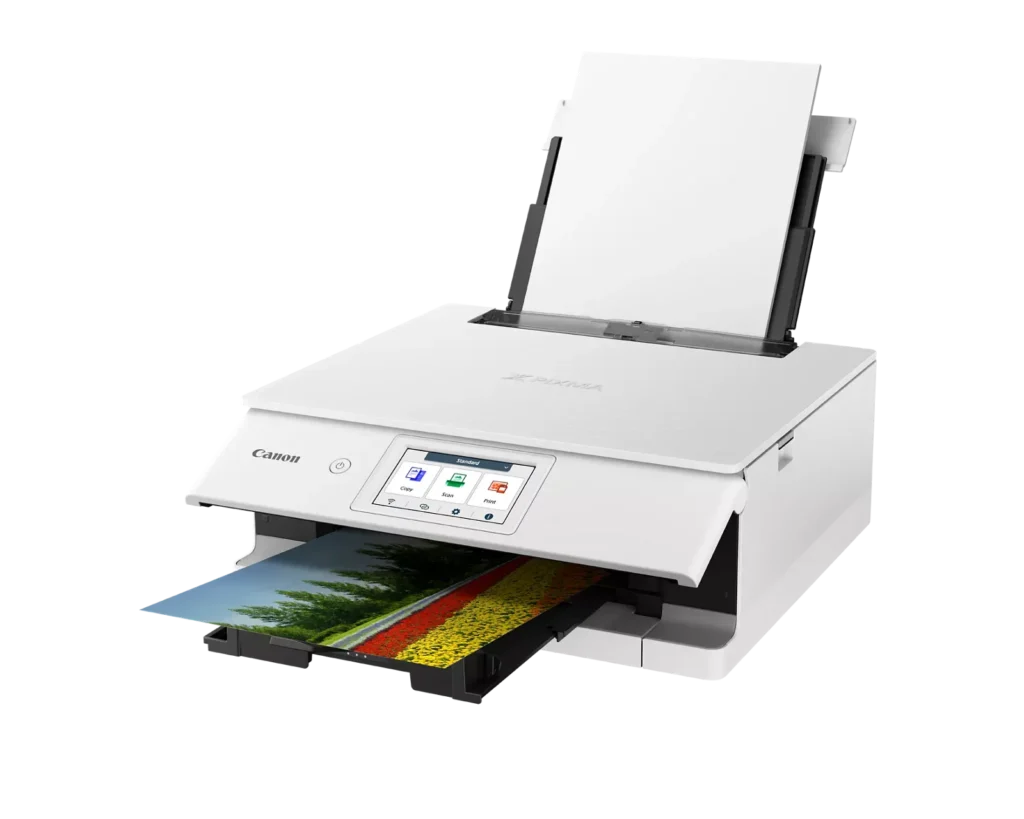
| Superior 6-Color Individual Ink System | Produces vibrant, professional-quality photos and sharp, crisp text using a hybrid ink system that includes a dedicated gray ink for smooth gradations and pigment black for high-quality documents. |
|---|---|
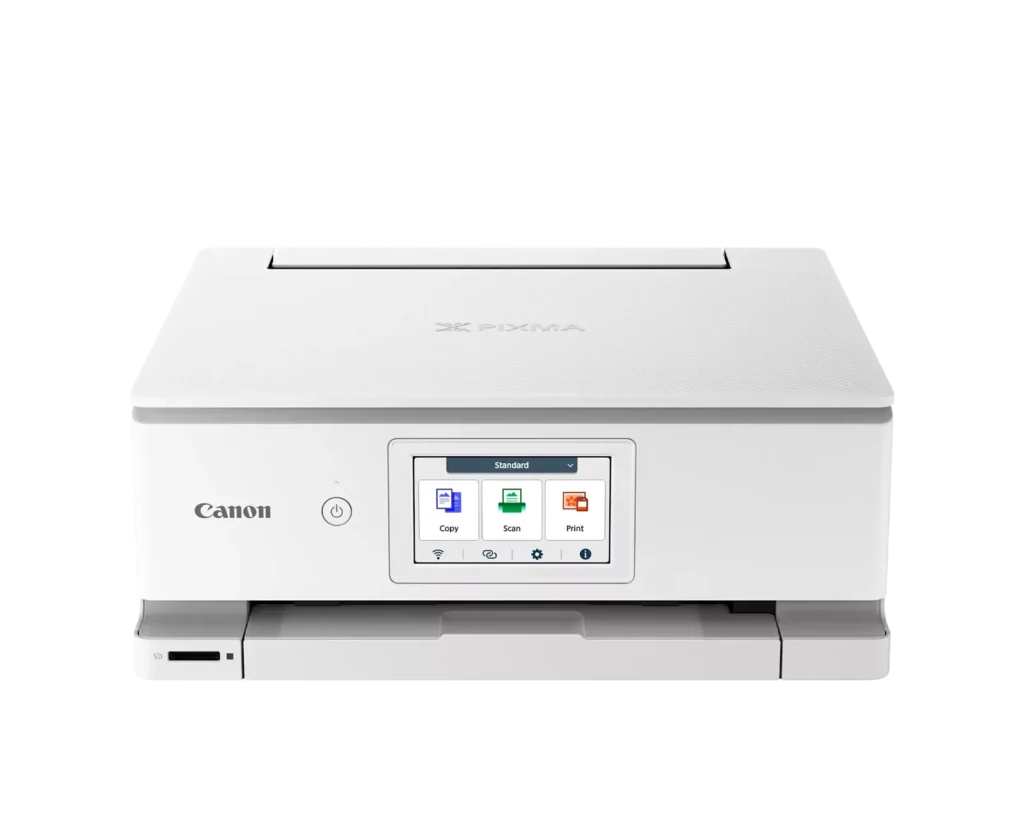
| Intuitive 4.3" Color Touchscreen | Features a large, easy-to-use LCD touchscreen interface that allows for seamless navigation of printer functions, photo previews, and maintenance tasks directly from the device. |
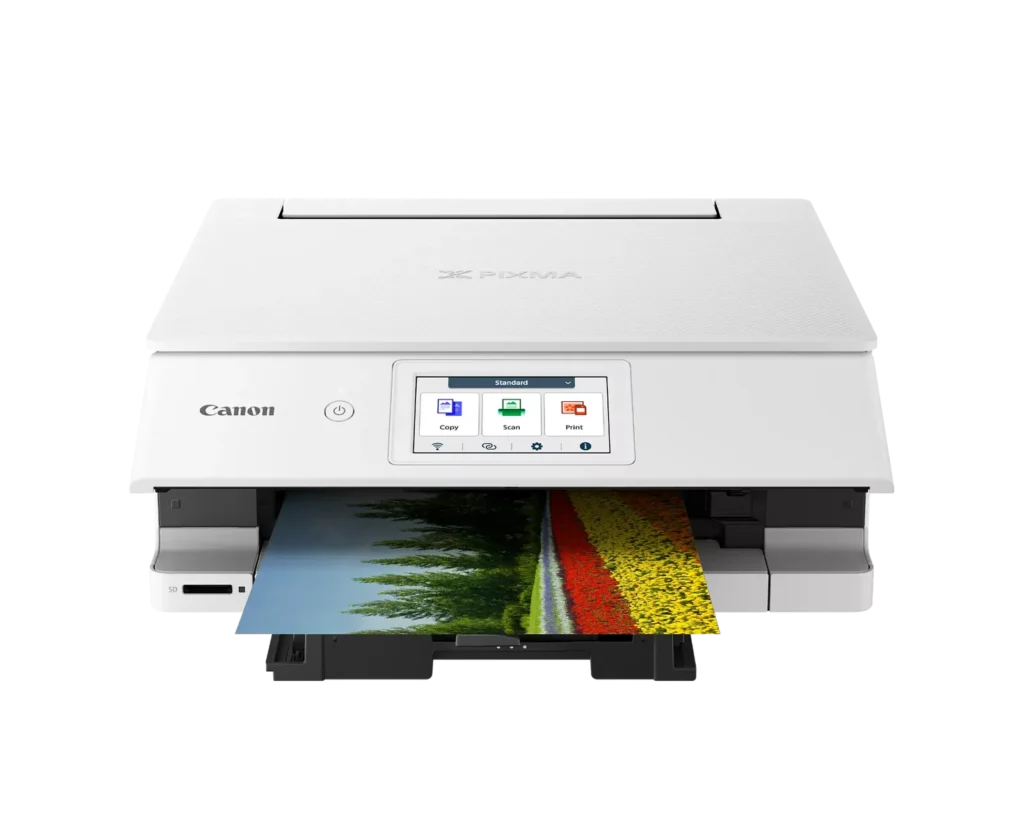
| Versatile Dual-Paper Feeding | Equipped with a 100-sheet front cassette for plain paper and a 100-sheet rear tray for specialty media, plus a multi-purpose tray for printing on envelopes, banners, and even printable discs. |
| Advanced Wireless & Mobile Connectivity | Offers stable dual-band Wi-Fi (2.4GHz/5GHz) and supports effortless mobile printing through the Canon PRINT app, Apple AirPrint, and Mopria, alongside a built-in SD memory card reader for direct photo printing. |
| Efficient Auto 2-Sided Printing | Enhances productivity and reduces paper consumption with built-in automatic duplex printing, delivering fast output speeds of up to 15 images per minute (ipm) in black and 10 ipm in color. |
Pros & Cons
Pros
- Superior Photo Quality: Reviews highlight the 6-ink system's ability to produce vibrant, sharp, and professional-looking photos with deep color definition and accurate tones.
- User-Friendly Interface: The 4.3-inch color touchscreen is frequently cited as intuitive and simple to navigate, making the printer's various functions easy to operate.
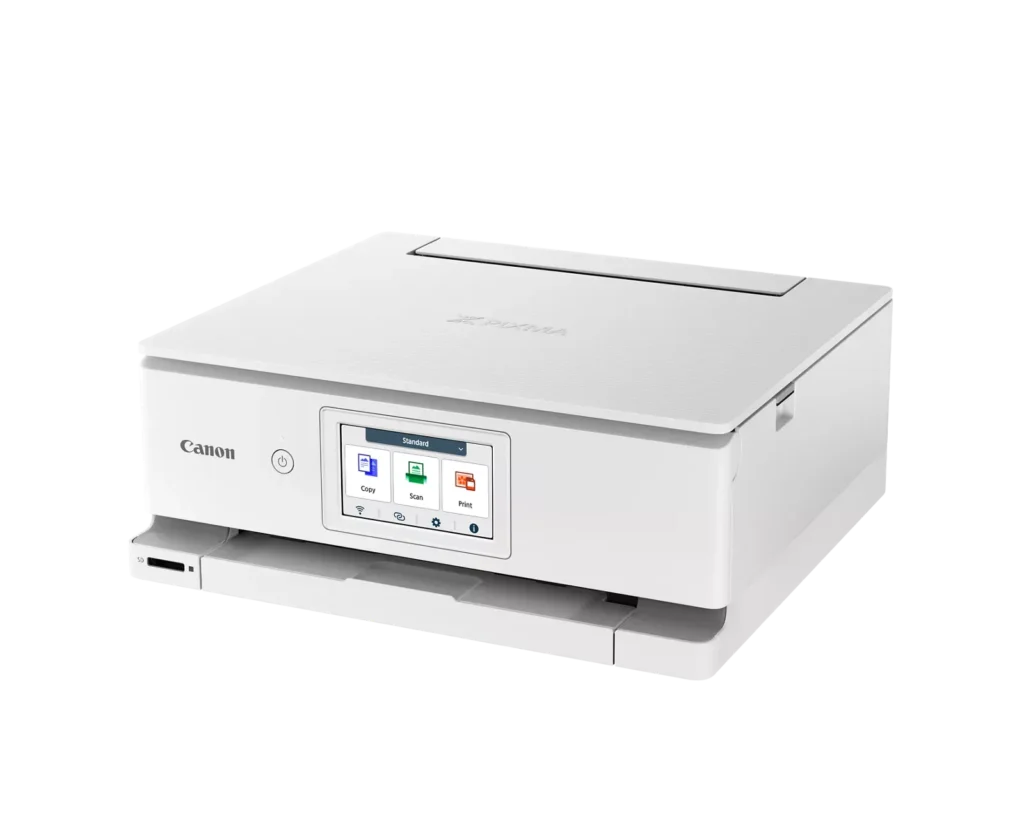
- Compact and Sleek Design: Users appreciate the small footprint and stylish appearance, which allows the printer to fit easily into home offices or creative workspaces without taking up much room.
Cons
- Unreliable Wireless Connectivity: A significant number of users report frequent connection drops, difficulty syncing with mobile devices, and the printer often appearing as 'offline' even when near the router.
- High Ink Costs and Restrictions: The proprietary ink cartridges are described as expensive and small in capacity; additionally, some users noted the printer refuses to recognize third-party or refurbished replacements.
- Fragile Build Quality: Multiple reviewers expressed concern over the lightweight, thin plastic construction, specifically mentioning that the paper trays and scanner lid feel flimsy and prone to breaking.
You might also like












Customer Reviews
Showing reviews 51-60 of 74
-
Powerful
Incentivized Incentivized review: The reviewer received a benefit for sharing feedback.ThoseKiddosMama November 26, 2024Review source: AmazonThis is an incredible printer. It is fast, efficient, and has so many cool features. I absolutely love it. Plus, since it’s an HP, you can sign up for HP online (for a fee) and have new ink (and, even paper) sent to you when you’re running low. It’s a win-win and this works so well. Very easy to set up. It was honestly flawless. Looks nice. Works so well. So fast, too.
-
Perfect at home printer
Incentivized Incentivized review: The reviewer received a benefit for sharing feedback.Mandy D November 25, 2024Review source: AmazonThis printer has been so wonderful to have at home and has been a game changer for our family. We were using a slightly bigger printer but having to pay every month for an ink subscription, and if it wasn’t paid then we couldn’t print! We homeschool so that didn’t really fly very well for us. This printer is so quiet and compact it takes up nearly no space at all and you never really hear it when it’s working which is amazing. We’re able to print plenty for all of our schooling and work needs seamlessly. Has a tray that comes out to catch paper on it’s own when you print which is nice so you don’t have to worry about papers falling in the floor. Scans wonderfully as well and has a nice touch screen that guides you through everything with a breeze. Was super easy to hook up to wifi and use with multiple devices. I would definitely recommend this printer it’s been amazing!
-
Worst set up I ever had
Verified purchase Verified purchase: This reviewer bought the product.Kenneth F. November 15, 2024Review source: AmazonSet up is terrible. I consider myself fairly computer literate, but this thing is lacking. Pressing on button and installing ink is easy. BUT there are NO instructions how to connect to printer or smart phone. It is not the old “plug and play”. My computer is not seeing the printer even though it is on my wifi. You have to Google for help. I think you have to install different apps for your phone and computer -not provided by Canon. I am giving up after a couple hours and hope to have better luck tomorrow.
-
Strange front panel
Incentivized Incentivized review: The reviewer received a benefit for sharing feedback.Leo23 November 4, 2024Review source: AmazonI like this printer. I got it for some basic printing – mostly for school and work, but I also wanted something capable of printing photos. It prints pretty quickly and relatively quietly. I do like that it has separate cartridges because I will likely run out of one and not the others first, but they are expensive. The photos I’ve printed look really nice (I have a Pixel 7 Pro and the photos look the same on my phone as they do printed). One issue I haven’t figured out is if you can scan more than one page at a time – it would be really nice if I could!
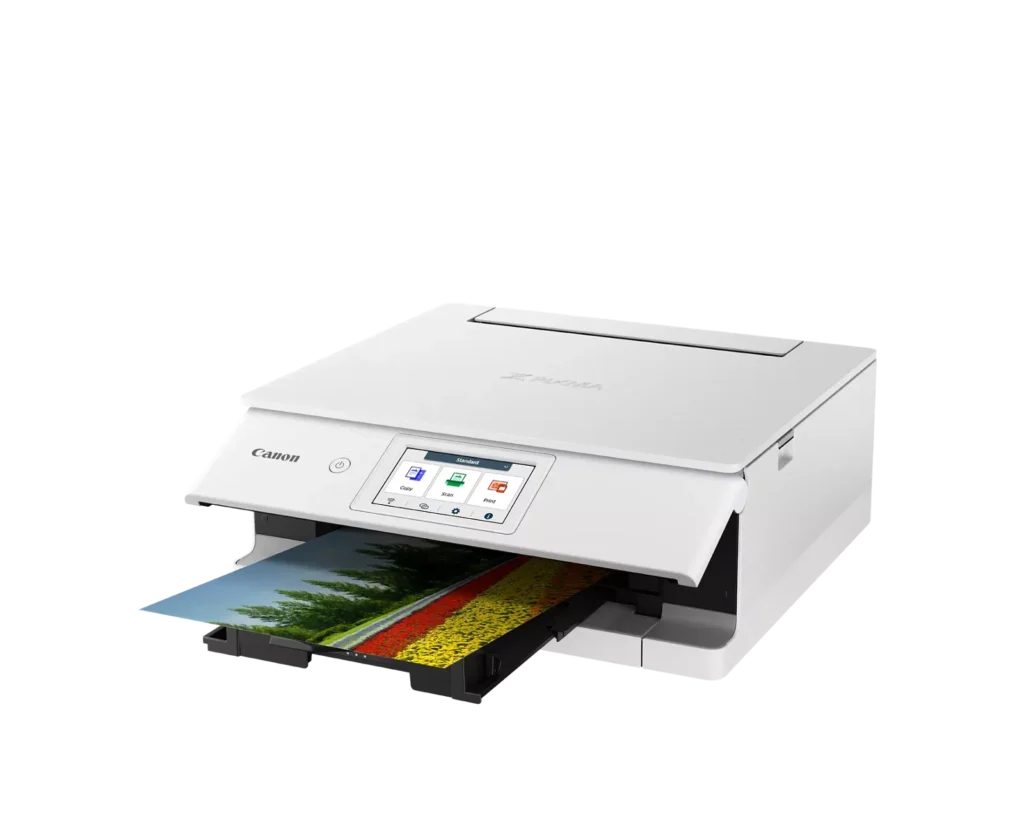
The weird thing for me, though, is the strange front panel. It tilts out and the paper tray comes forward, but then if you are done printing and turn it off, you have to manually push the front panel back. It just seems that it would do both. I wonder how that it will affect the durability. Overall, a good printer for the price.
-
Solid printer
Verified purchase Verified purchase: This reviewer bought the product.SeaDuck November 2, 2024Review source: AmazonWe upgraded from a previous version of this printer that had died after several years. Setup and programming were easy, and once drivers were installed both computers print via wifi just fine.
It’s a little faster than our old one, but the ink cartridges from the old one, though they are the same size, will not work in the new one. -
Great printer. Prints and even scans via wireless connections.
Incentivized Incentivized review: The reviewer received a benefit for sharing feedback.stanleydecastro November 1, 2024Review source: AmazonPrinter setup was pretty quick. Connection via the wifi was painless and super easy. You do have t install the wireless app on your laptop though. This prints relatively quickly. You can prints AND SCAN wirelessly with this printer. As such, there is no need for a USB printer cable. It uses six ink cartridges (each costs about $15 when its time to replace). I cant comment on how long the cartridges last at this time. So far I have had ZERO issues with this printer. I do feel that this is a little on the expensive side. With that said, I’m definitely happy with this purchase. I hope this review helps
-
Misleading Description
Verified purchase Verified purchase: This reviewer bought the product.Nicholas T. Rimedio November 1, 2024Review source: AmazonThe information provided in the discription of the printer is very misleading. I thought that I was buying a megatank printer capable of producing around 2500 photos. The Pixma TS8820 only yeilds about 196. The printer did produced excellent photos from both iPhone and iPad.
-
Incredible Quality!
Incentivized Incentivized review: The reviewer received a benefit for sharing feedback.AnonKnown October 23, 2024Review source: AmazonThis printer is fantastic. It came packaged well with nothing missing or broken. The instructions were pretty easy to understand & putting the printer together was comparable to the difficulty of any other printer. Once the printer was set up, the connection was a little bit of a pain. I’m not sure if it was just my phone, but I ended up having to download the Canon Printer app to get it to connect. From there, it took a little bit of time to adjust some settings since there’s a variety of options. I chose a typical photo of a cityscape to test the printer with. As you can see in the photos I’ve added, the picture came out clean, bright, colorful, & vivid- I was impressed it came out that nice considering it was on regular computer paper. This printer has come in really handy & I absolutely believe it’s worth the price. I do wish it were easier to connect to different devices, but that’s a super small inconvenience in my opinion. 9/10
-
Great Printer for Photos
Incentivized Incentivized review: The reviewer received a benefit for sharing feedback.WeBuyEverythingOnAmazon October 21, 2024Review source: AmazonI like this Pixma printer for photos. It’s a new model to me that I’ve not seen before but it functions very similarly to other Pixma printers I own (or have owned in the past). Setup is pretty good, and of course you must connect to Canon software and get regaled with requests to get on a subscription ink plan, something I declined but I’m not against these plans in general – there is some value to be had there, particularly for someone who does a lot of prints, especially a lot of photo prints.
Color is very good – deep and rich, with great results on photo-glossy printing paper, and we’ve tried a lot of different formats, lighting, and color density. All very good. It’s not the fastest printer on the market, but it might be about the most accurate for color definition and tone in this value range. I definitely recommend.
-
So far so good!
Incentivized Incentivized review: The reviewer received a benefit for sharing feedback.LN October 19, 2024Review source: AmazonSo far everything seems really nice. I needed a document printer, and this does the job very well.
The screen is such a nice touch for a printer, as I don’t often see this for my work. Everything is easy to load and adjust as well.
I love the wireless feature as it makes things so much easier and convenient!
It’s definitely a lot smaller than the toner printer I’ve had before. Thats great when you’re looking to minimize space use on the desk.
For $299 with $100 off, this was a good bargain. Ink may be the deal killer for you so be sure to reassess your needs from a printer before diving into ink jet!