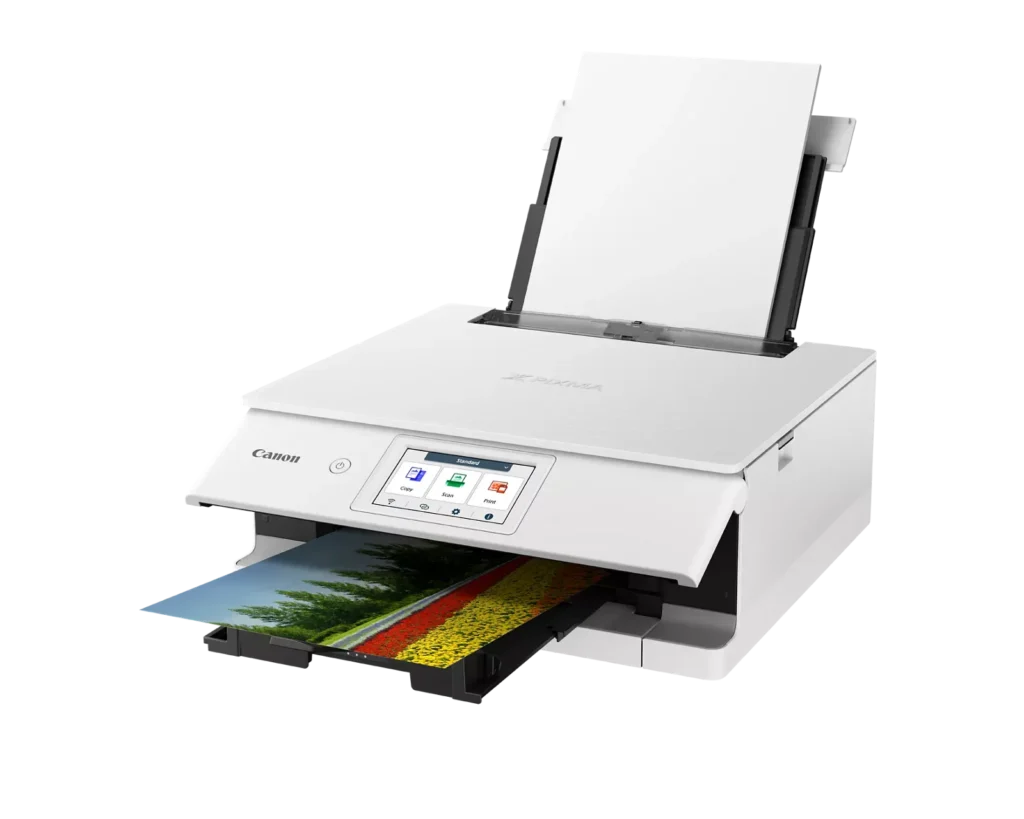
Customer Media
Highlights
| Superior 6-Color Individual Ink System | Produces vibrant, professional-quality photos and sharp, crisp text using a hybrid ink system that includes a dedicated gray ink for smooth gradations and pigment black for high-quality documents. |
|---|---|
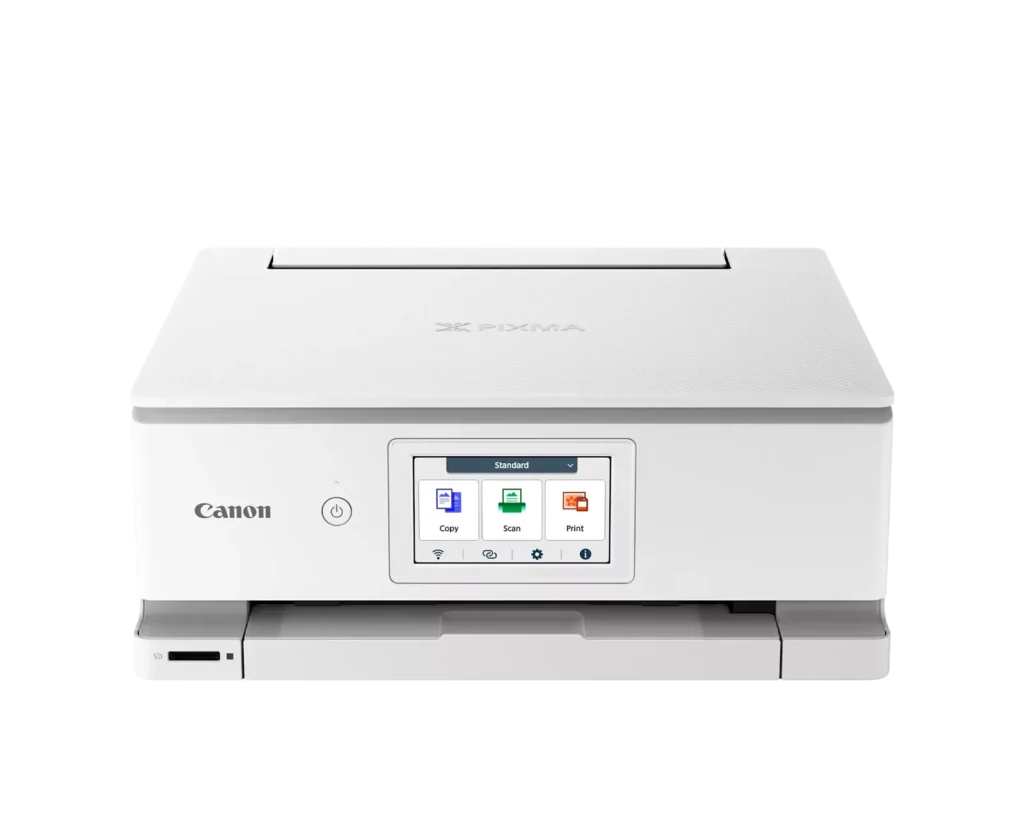
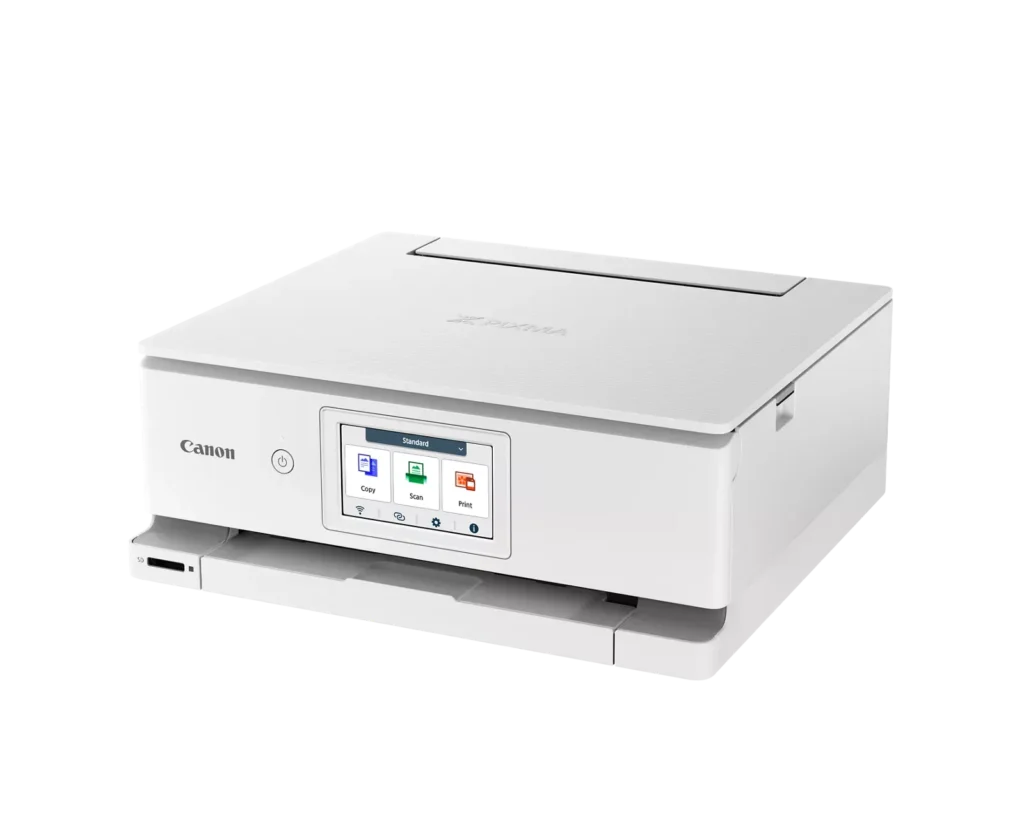
| Intuitive 4.3" Color Touchscreen | Features a large, easy-to-use LCD touchscreen interface that allows for seamless navigation of printer functions, photo previews, and maintenance tasks directly from the device. |
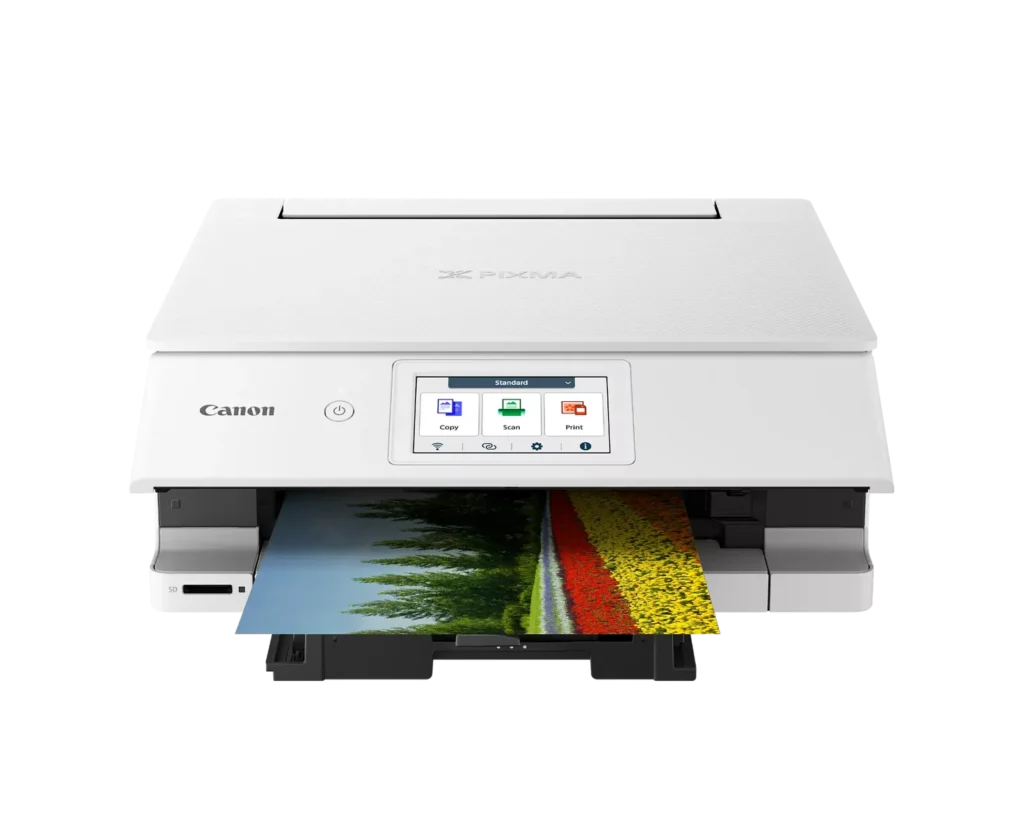
| Versatile Dual-Paper Feeding | Equipped with a 100-sheet front cassette for plain paper and a 100-sheet rear tray for specialty media, plus a multi-purpose tray for printing on envelopes, banners, and even printable discs. |
| Advanced Wireless & Mobile Connectivity | Offers stable dual-band Wi-Fi (2.4GHz/5GHz) and supports effortless mobile printing through the Canon PRINT app, Apple AirPrint, and Mopria, alongside a built-in SD memory card reader for direct photo printing. |
| Efficient Auto 2-Sided Printing | Enhances productivity and reduces paper consumption with built-in automatic duplex printing, delivering fast output speeds of up to 15 images per minute (ipm) in black and 10 ipm in color. |
Pros & Cons
Pros
- Superior Photo Quality: Reviews highlight the 6-ink system's ability to produce vibrant, sharp, and professional-looking photos with deep color definition and accurate tones.
- User-Friendly Interface: The 4.3-inch color touchscreen is frequently cited as intuitive and simple to navigate, making the printer's various functions easy to operate.
- Compact and Sleek Design: Users appreciate the small footprint and stylish appearance, which allows the printer to fit easily into home offices or creative workspaces without taking up much room.
Cons
- Unreliable Wireless Connectivity: A significant number of users report frequent connection drops, difficulty syncing with mobile devices, and the printer often appearing as 'offline' even when near the router.
- High Ink Costs and Restrictions: The proprietary ink cartridges are described as expensive and small in capacity; additionally, some users noted the printer refuses to recognize third-party or refurbished replacements.
- Fragile Build Quality: Multiple reviewers expressed concern over the lightweight, thin plastic construction, specifically mentioning that the paper trays and scanner lid feel flimsy and prone to breaking.
You might also like












Customer Reviews
Showing reviews 61-70 of 74
-
Great home printer
Incentivized Incentivized review: The reviewer received a benefit for sharing feedback.SummerDaze October 18, 2024Review source: AmazonWe ordered this printer to replace our older black and white inkjet. As our kids have gotten older, they have more things they want printed in color so we wanted something that could do that with ease at home. We have only done printing and copying so far, but I imagine the rest of the features will work as well as everything else.
-
Fantastic Prints for Photos and Documents!
Verified purchase Verified purchase: This reviewer bought the product.SKC October 17, 2024Review source: AmazonI recently got the Canon TS8820, and I have to say, it’s fantastic for both photos and documents. The photo quality is absolutely amazing! These days, there are a lot of printers with big tanks, but not many that can print photos this beautifully. Plus, it has two types of black ink, which makes my work documents look great too. I’m really happy with this purchase.
-
Outstanding
Incentivized Incentivized review: The reviewer received a benefit for sharing feedback.Tell It Like It Is October 16, 2024Review source: AmazonCanon seems to be the leader in home printer technology. This latest Canon offering, the PIXMA TS8820 is outstanding in every regard. Build quality is excellent. It operates quietly. Set up was quick and simple. Print quality is astounding. It copies, scans, and prints. Speed is excellent. And the touchscreen controls are intuitive and simple to use.
-
Sleek
Incentivized Incentivized review: The reviewer received a benefit for sharing feedback.AmazonReviewer October 16, 2024Review source: AmazonThe setup to my PC was super easy and fast. It took me a bit longer to get my iPhone connected but I’m also not great with tech. It’s probably easier than I made it.
There are multiple ink cartridges which is nice since you can swap the one color you’re empty instead of wasting other colors. There’s also 2 black cartridges; one for high quality prints and one for standard everyday document printing. It’s faster drying ink so there’s no smears right off the printer if grabbed quickly.
The paper trays are the standard lower one and an upper one that is perfect for cardstock and photo paper so it doesn’t get bent/curved while going through the printer.
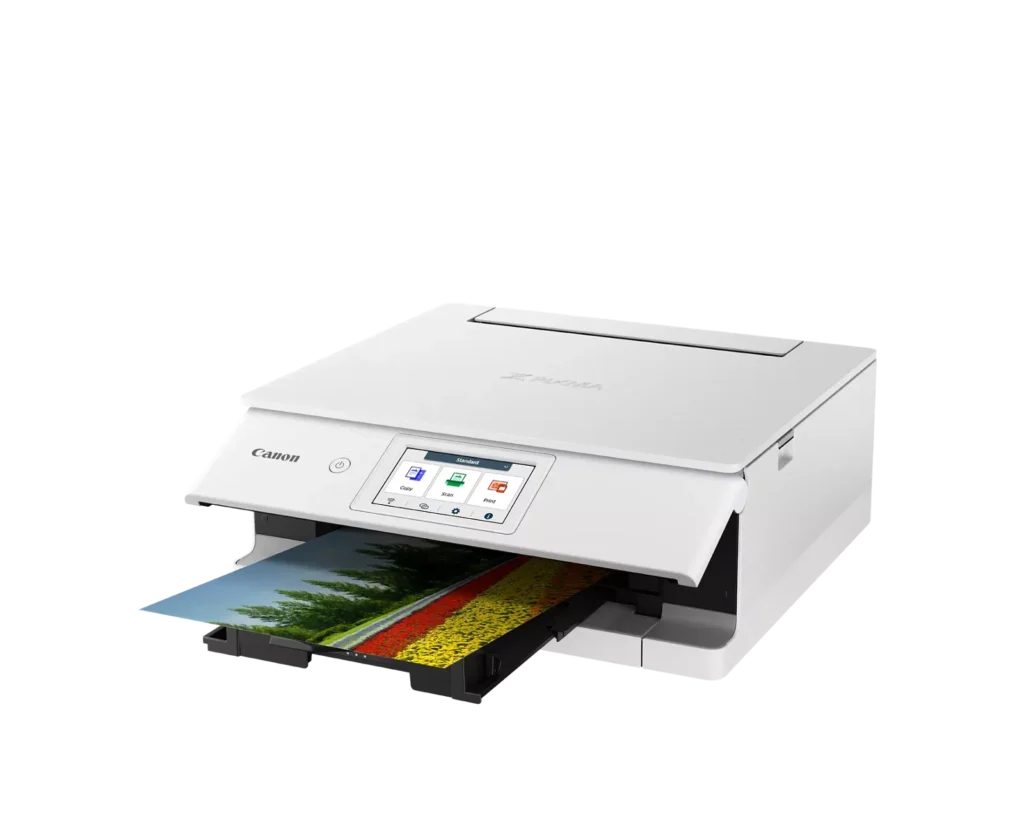
Overall this is a really nice printer and the design is super sleek. The front face folds down when not in use and tips up for easier visibility.
I haven’t bought replacement ink for it yet but started looking and can’t find it in local big box stores, only Amazon. Maybe this is a really new model of printer and it’s not popular yet. -
Great printer with individual ink replacement
Incentivized Incentivized review: The reviewer received a benefit for sharing feedback.Customer Review October 15, 2024Review source: AmazonI’ve owned other Canon PIXMA printers in the past and liked them so I decided to give this wireless one a try. This printer has a lot of very nice features. The one I like best probably is the touch screen. I’ve never had a printer with a touch screen before and this makes it much easier to interact with compared to buttons and nested menus. The white color also lightens up the home office and is nicer than a big black box on the desk.
The footprint of the printer is on the large side, probably because of the built in scanner. It’s not overly large though and the scanner function is very nice to have. It prints well and clearly and I really love that you can replace the 6 inks individually. One of the biggest issues I have with ink jet printer is that I end up throwing away cartridges half full of ink because one color ran out. I really like that the printer connects to my network on either 2.4GHz or 5 GHz frequencies.
Overall this is a very nice printer from a trusted Manufacturer and seems like a good value for an ink jet printer.
-
Looks and works well, ink EXPENSIVE
Incentivized Incentivized review: The reviewer received a benefit for sharing feedback.Customer Review October 14, 2024Review source: AmazonGot this without checking on the cost of ink. Of course, this one uses yet another different cartridge, one that the generic manufacturers haven’t yet copied. So the ink is VERY expensive as of this writing. It’s a shame the printer manufacturers still use this business model, but it is what it is. The printer works well and the quality of the prints are good. I’m dreading the day one of the colors runs out though….
-
Eh.
Incentivized Incentivized review: The reviewer received a benefit for sharing feedback.Joey Carl October 11, 2024Review source: AmazonFor the price point I’m surprised at this printer. The top cover that lifts up to scan is very thin and feels like it’s going to break at any second. The tree that flies out for the paper also feels like it’s going to break, the tray that pops out for printed pages seems even flimsier.
Expect a lot better from a big name brand like this. Technically the printer itself does do a great job printing… But I’ve only been using it for a couple weeks and I don’t expect this thing to actually last more than a few months before something breaks or cracks. I feel like I have to be extremely delicate with it even though it weighs a billion pounds.
-
Mostly what I wanted
Incentivized Incentivized review: The reviewer received a benefit for sharing feedback.jymmiphreak October 10, 2024Review source: AmazonPrints can look a little washed out, at times, but that’s mostly an inkjet thing. It’s bolder than others I have had in the past, though. It’s also pretty fast. It prints edge to edge color images in a minute or two. Scanner function comes in handy, too. My only real other complaint is the cost of ink. Yes, you can only replace the color that you need. But each color is between $15 and $17 at the time of this review. And there are 6… Not terrible if you only need 1 or 2, but more will get pricey quick. I also am unable to find anywhere with all 6 in 1 pack, yet. Every other Canon ink comes in a full pack, but this one doesn’t seem to, at the moment. I’d probably look for something with similar quality and less expensive refills in the future, though. Prints pretty nice for an inkjet, though!
-
Time to upgrade from my 1990's gear
Incentivized Incentivized review: The reviewer received a benefit for sharing feedback.James A. Woolsey October 10, 2024Review source: AmazonI’ve been a computer geek since the 1980’s.
I still have my Epson flat bed scanner, a reliable workhorse, but large.
Black and white: an HP1020 laser; another reliable workhorse.
Had early inkjets, they were messy, no two sided prints; refills were expensive, I tried add-on ink tanks with hoses…another mess.
Then my favorite, which alas is dying: HP color laser, with laser toner cartridges. It leaks toner and it a real pain to open and clean. Big and bulky but ooohh I loved it.Along comes this nice Canon All-in-One. How does it compare?:
Black ‘n white: I’ll still use the HP for most things, toner is cheaper. The Canon has the advantage of being able to do both sides automatically. Print quality is excellent.Scanning: this seems a tad slower than the old Epson. I used to scan entire books sheet by sheet and once the process got going it was pretty fast. I notice this seems to hesitate a while before making the scan. The DPI only goes to 600 which is fine for most things, but sometimes I want 1200., especially for many of the tiny type user manuals that come nowadays.
If you wanted to scan a lot of documents like digitizing invoices, this would be slow. I have an Epson SnapScan which is a speed scanner for that kind of job…you can load up 25-50 pages and it does both sides at once, and fast.Color printing: it does a great job. I really like being able to do two sides automatically. Thumbs up!
Of course the catch with inkjets has always been they get you on the refills. Manufacturer estimates of how many color pages you can print are averages aren’t they? Not really for pages of full color. So far I have not found any non OEM refills, but they should come in time.
Another good feature is the extra gray ink cartridge, which allows finer shades of color.
It’s compact design is a space saver. I am very happy to have the Canon now. I would certainly recommend it for home users.
-
Nice upgrade to my old Canon PIXMA
Incentivized Incentivized review: The reviewer received a benefit for sharing feedback.C. J. October 9, 2024Review source: AmazonI have had a Canon PIXMA 472 for about 10 years and it was due for an upgrade. This thing is everything I need, just newer and better.
It scans, it prints, it’s wifi, can print from phones.
It is our family printer for homework, legal, everything.