Customer Media
Highlights
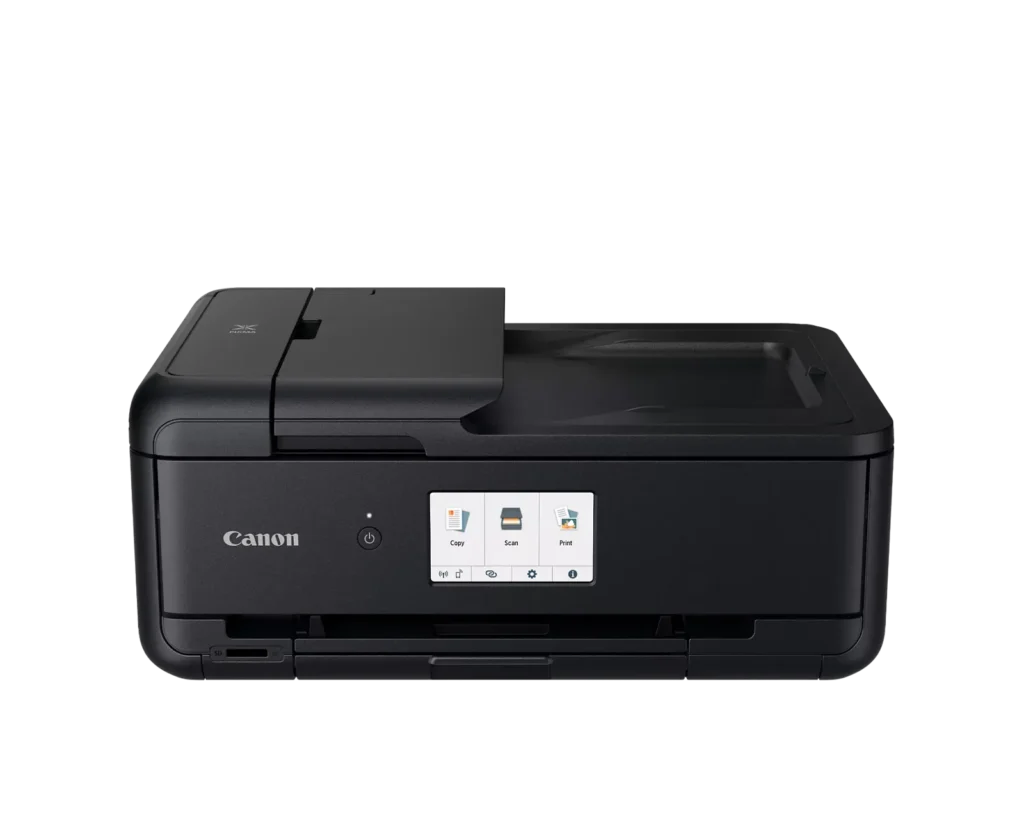
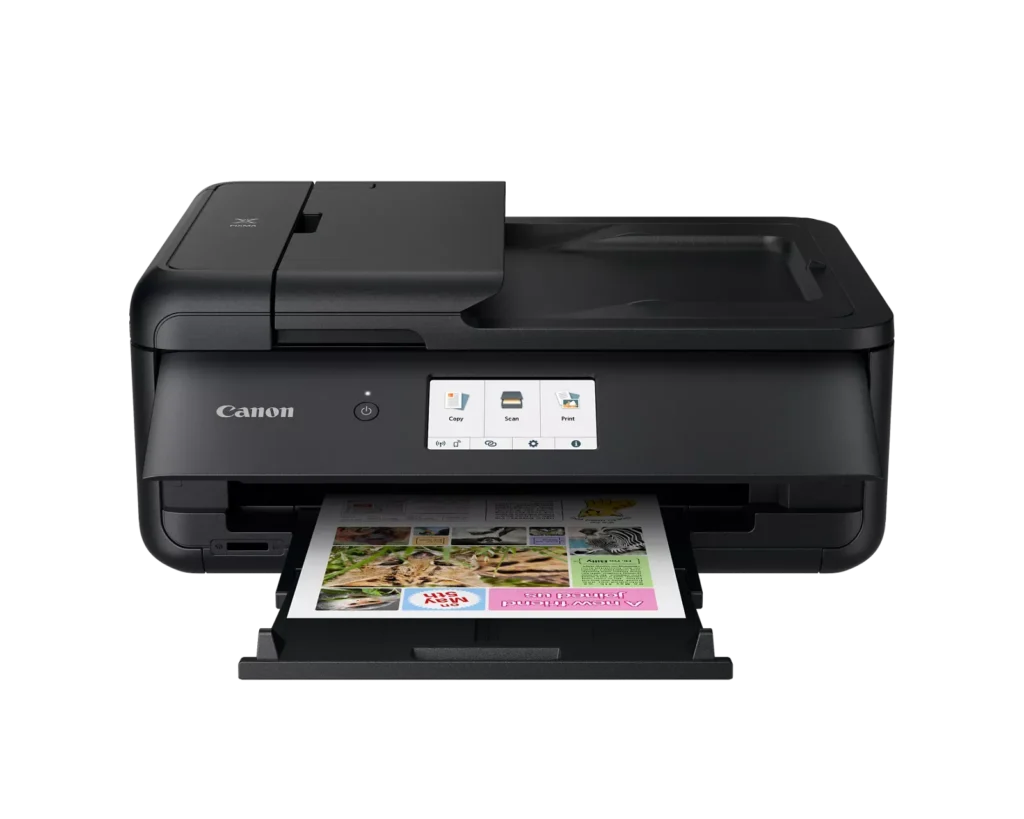
| Versatile Large Format Printing | The PIXMA TS9520a handles a wide range of media sizes, including 11" x 17" (Tabloid) for large documents and 12" x 12" square paper, making it an ideal choice for scrapbooking, crafting, and professional presentations. |
|---|---|
| 5-Color Individual Ink System | Utilizes a hybrid ink system with four dye-based inks for vivid colors and a pigment-based black ink for sharp, crisp text. The individual cartridge design allows you to replace only the specific color that runs out. |
| Comprehensive Wireless Connectivity | Easily print from your smartphone or tablet using the Canon PRINT app, Apple AirPrint, or Mopria Print Service. It also features built-in Wi-Fi, Ethernet for wired networking, and an integrated SD memory card slot for direct photo printing. |
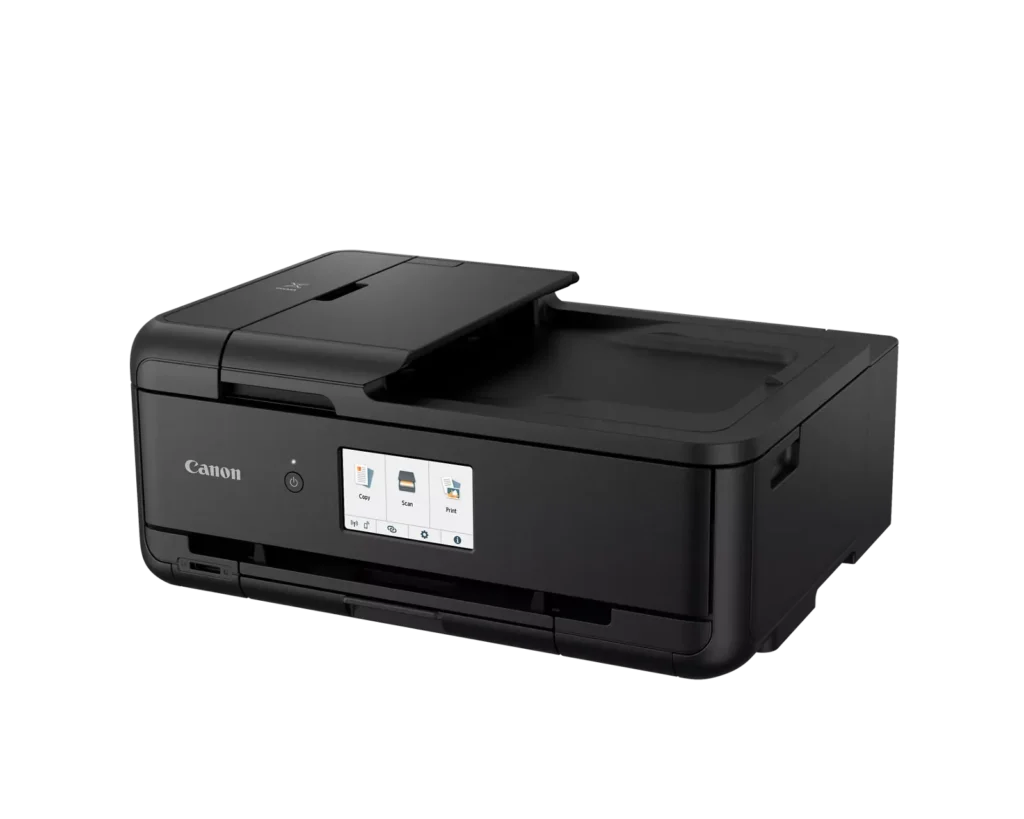
| Intuitive 4.3" Touchscreen Interface | Navigate printer settings, select premade printable patterns, and manage copy or scan jobs effortlessly via the large, easy-to-read 4.3-inch LCD touchscreen display. |
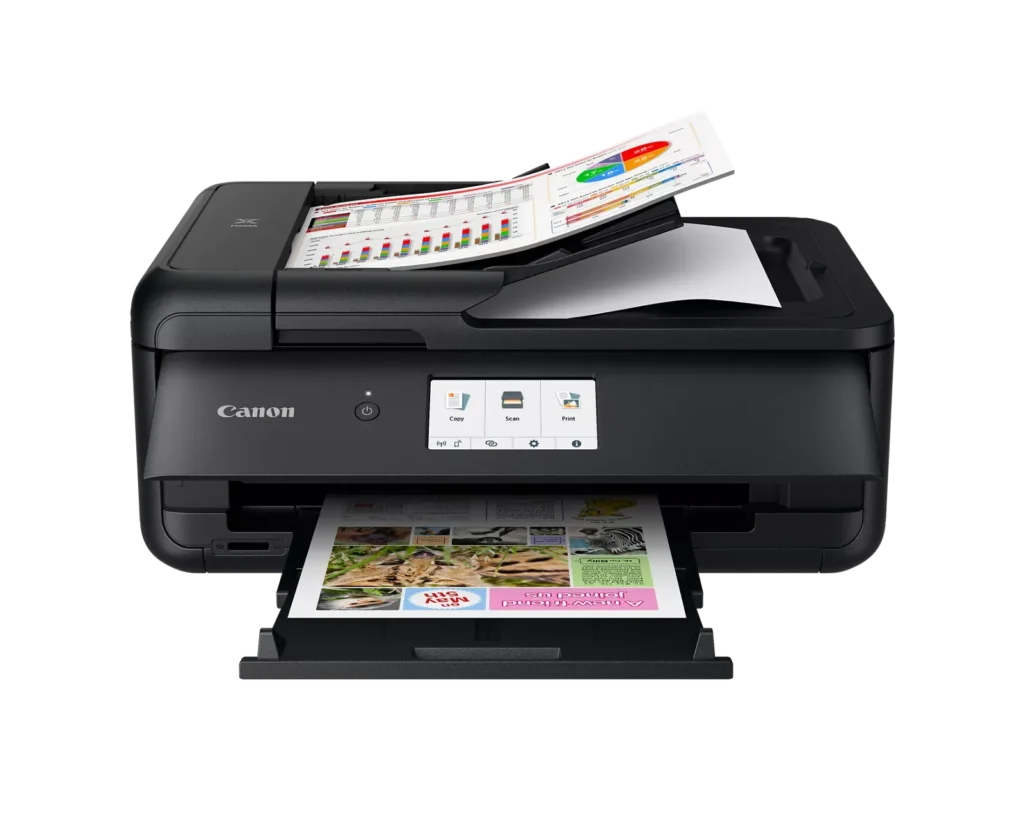
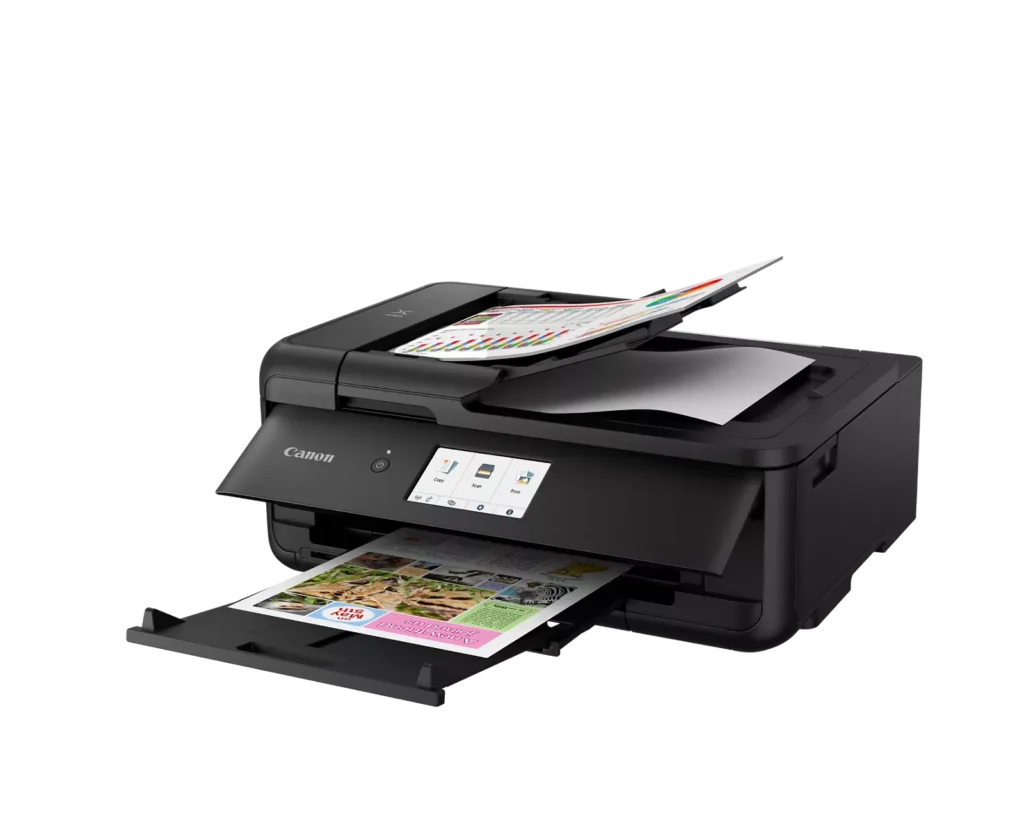
| Enhanced Productivity Features | Equipped with a 20-sheet Auto Document Feeder (ADF) for quick multi-page scanning and copying, as well as Auto 2-Sided (Duplex) printing to help reduce paper consumption and save time. |
Pros & Cons
Pros
- Versatile Media Support: The printer handles a wide range of media sizes and types, including 11×17 (A3) paper, legal-sized documents, and direct printing onto CD/DVD discs.
- High Print Quality: Users consistently report sharp, professional-looking text and excellent photo quality with accurate colors, often surpassing commercial printing services.
- Individual Ink Cartridges: The five-cartridge system allows users to replace only the specific colors that run out, and many reviewers successfully used more affordable third-party ink refills.
Cons
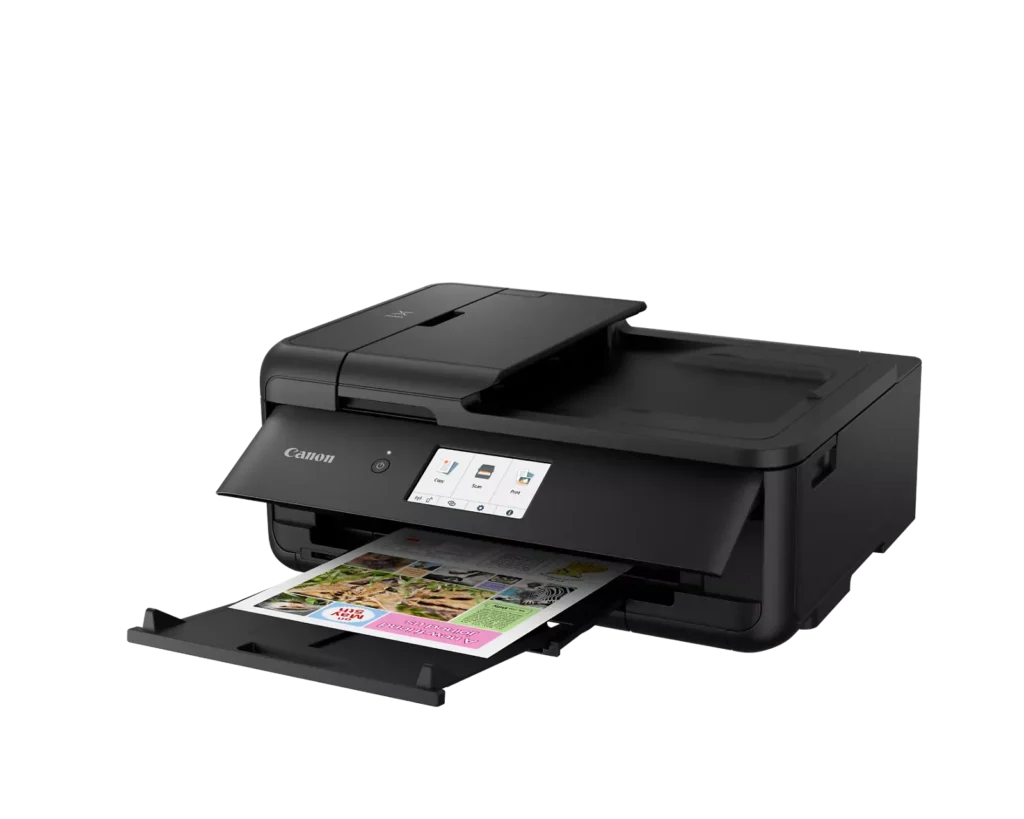
- Inconvenient Manual Design: A major point of frustration is that the front operational panel and paper tray must be manually opened for the printer to function, making remote or unattended printing difficult.
- Unreliable Wireless Connectivity: Many reviewers experienced frequent Wi-Fi drops, difficulty connecting to 5G networks, and compatibility issues with modern security protocols like WPA3.
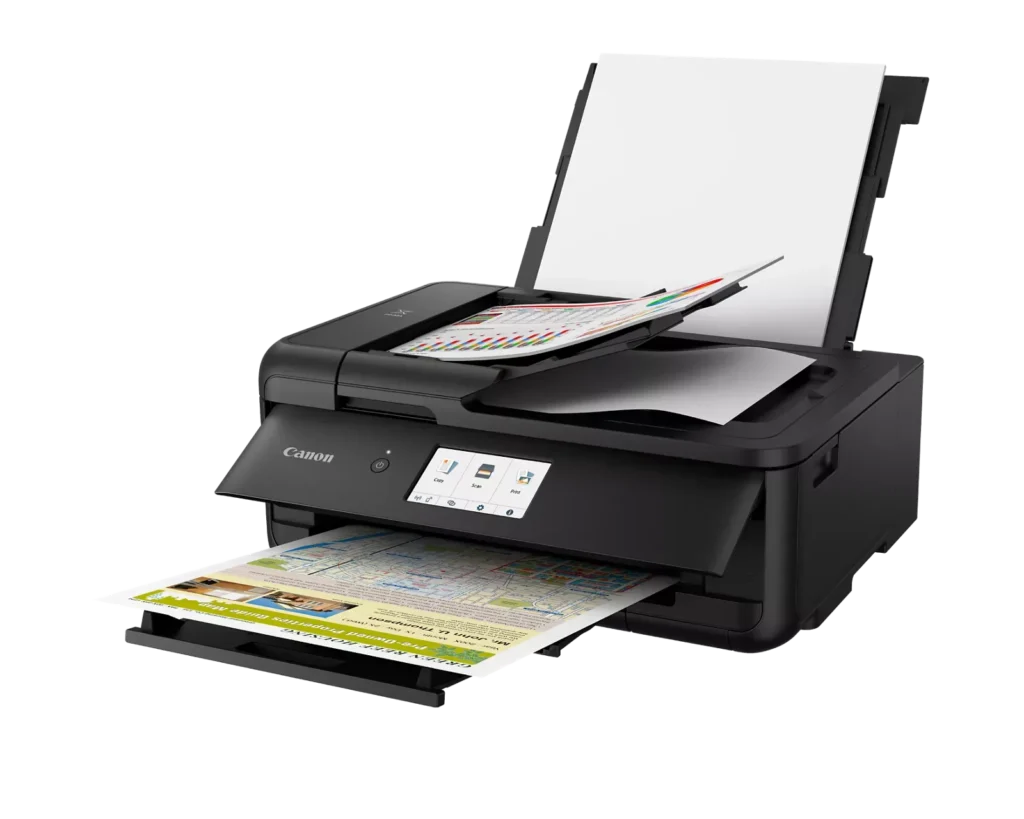
- Frequent Paper Jams: A significant number of users reported persistent paper jams and feeding errors, sometimes occurring immediately out of the box or requiring the machine to be moved to access the rear door.
You might also like












Customer Reviews
Showing reviews 101-110 of 131
-
No USB Port
Incentivized Incentivized review: The reviewer received a benefit for sharing feedback.Zeebles November 19, 2024Review source: AmazonVery disappointed. The primary reason for my obtaining this printer was to be able to scan. Yes it will scan but it takes gymnastics. All I wanted and expected was a USB port where I could plug in a thumb drive. Hit a button and have the scan file load to the drive. No such luck.
Yes, it does print well.
-
The key to printing wirelessly
Verified purchase Verified purchase: This reviewer bought the product.Tommy M. November 10, 2024Review source: AmazonWireless connection😟
I have not been able to make this happen… I have been using Canon printers for decades…
You may be sorry if you buy this printer!I need to return this lousy printer!!! It is not working!!!…
-
Awkward Printer
Verified purchase Verified purchase: This reviewer bought the product.Paula N. November 5, 2024Review source: AmazonI owned another Canon printer previously. While the print on this one is clear and crisp, The printer has some awkward features. The front navigation panel has to be lifted up while printing, making it hard to see any stats or messages on the screen. The rear tray also is inconvenient. You can’t just load the paper in and go. You have to close a feed slot cover before printing. While this doesn’t affect the functionality, it is really a poor design for a printer. If I had to choose again, it probably wouldn’t be this model.
-
Designed for LARGE PAPER
Incentivized Incentivized review: The reviewer received a benefit for sharing feedback.Am Spider November 2, 2024Review source: AmazonI didn’t realize when I first got this printer that it was actually designed to be able to print on large 11×17 or 12×12 sheets, which is actually pretty awesome for an at-home all-in-one, BUT, that does mean it needs to be larger to deal with the larger paper. While that fact isn’t hidden in the description of this product, it’s also not advertised as one of the top selling points, so it might be easy to overlook. This is a printer designed to handle large paper and therefore is not the most compact printer on the market.
That being said, this is a nice little printer. It has a lot of great features, and I love that the ink cartridges are separate. I’m considering converting it to an ink tank, though. I guess it’ll depend on how much I actually use it vs how much I merely thought I’d use it when I got it. It was easy enough to set up by following the instructions, and I’m happy with the results so far
-
Easy setup!
Verified purchase Verified purchase: This reviewer bought the product.Dalespip October 19, 2024Review source: AmazonReplaced our 5-year old Pixma printer with this one. I like being able to replace the cartridges when needed. Hope it lasts just as long as the old one.
-
Best for photos and large documents, and lower volume printing needs
Incentivized Incentivized review: The reviewer received a benefit for sharing feedback.Prime Mom October 18, 2024Review source: AmazonI do a lot of printing, so I got this Canon Pixma TS9520a as a backup printer. I’m also planning to use it to print large documents. I haven’t had a project to test that out on yet, but we could have really used it for my son’s science fair project this year.
The printer was easy to connect to wi-fi. It does a good job of printing regular size documents, and a great job with photos. A small sample pack of photo paper is included. I wish it held more paper and was easier to refill, but the amount seems similar to my other printer.
This inkjet printer is less expensive than my ink tank printer. However, if you do a lot of printing like I do, an ink tank or laser printer is probably going to be more economical in the long run. Cartridges are ridiculously expensive these days. I think this inkjet works well for less intensive printing and special projects, and it will be one my son can use for middle school work.
-
Great Printer experience
Incentivized Incentivized review: The reviewer received a benefit for sharing feedback.Kindle Customer October 14, 2024Review source: AmazonLike all the Canon printers I’ve ever purchased either for home or the office, this one was simple and easy to set up and use right out of the box.
After downloading the CanonPrint app and following the instructions it was simplicity itself to start printing and scanning.The liquid crystal display on the front of the printer also provides video instructions on how to use it, and quite nicely gives warnings if you’re not doing it correctly. Both the rear tray and the bottom tray also provide prompts/reminders to input what type of paper you’re loading.
The printer has a nicely compact footprint and takes up a lot less console space than the one its replacing.
Love that.
Thus far we are finding this to be a very good printer experience and love the ease of use. -
Don't buy a Canon printer.
Verified purchase Verified purchase: This reviewer bought the product.Leneray October 12, 2024Review source: BestbuyHorrible printer. The online interface with the pc is poor at best. Continously requires reinstallation to connect. I couldn’t return it since it was past the deadline. I bought a Brother at 1/ the cost that is easy to use and dependable.
-
Convenient and reliable all-in-one printer for remote use.
Incentivized Incentivized review: The reviewer received a benefit for sharing feedback.Elizabeth A Johnson October 7, 2024Review source: AmazonI got the Canon PIXMA TS9520a for my husband’s woodshop, which is located approximately one acre away from our house. It became tedious for him to constantly have to leave his work to walk back to the home office and pick up his printouts. He is free of such interruptions now that he has this new wireless printer. His work flow is uninterrupted as he can print straight from his woodshop thanks to the seamless wireless connection.
The quality of the printouts has been amazing, particularly the precise diagrams and images he requires. It is adaptable, as it can handle a variety of media kinds and formats, including documents and photographs. Not only does the printer fit nicely into his limited space, but it is also not too large. The touchscreen is simple to use and set up. This printer has dramatically enhanced productivity in his woodshop due to no longer having to come to the home office to get his printouts. The Canon PIXMA TS9520a is a fantastic choice for a long-lasting, versatile printer in a remote location.
-
Easy To Use, Wireless Connection Still Unreliable
Incentivized Incentivized review: The reviewer received a benefit for sharing feedback.Nate Groshan October 4, 2024Review source: AmazonUpdate 10/7/24: I had the printer turned off for a few days because I didn’t have to print anything. When I turned it back on today, it was doing the same nonsense as my old Canon printer–not responding, not printing, even though it is connected to the Wifi network and my PC. After 20 minutes of messing with the printer and still getting nothing to print, I retract everything I said about Canon getting better at handling wireless connections in my original review. Nothing has changed, they are still terrible.
Original Review: I haven’t had a printer for a few years and the last Canon printer I had always struggled to connect wirelessly and most of the time you had to rely on a wired connection to get it to print. I’m happy to see that things have improved over the years. This printer was easy to set up, easy to connect to wifi, and easy to use wirelessly from the phones and computers in my home. So far, I have had no technical difficulties and everything has just worked.
I’ve only printed a handful of black-and-white documents so far, but everything looks good. The blacks are dark and the letters and lines are sharp. I can’t speak to what the print quality is like for photos and things of that nature, but there does seem to be a slight improvement in print quality over my older Canon printer, so I’m guessing that color printing and basic photo printing will look good too with the right paper.
My early impressions are that this is a good quality printer that is easy to use, fairly compact, and plenty good enough for my home office needs.