Customer Media
Highlights
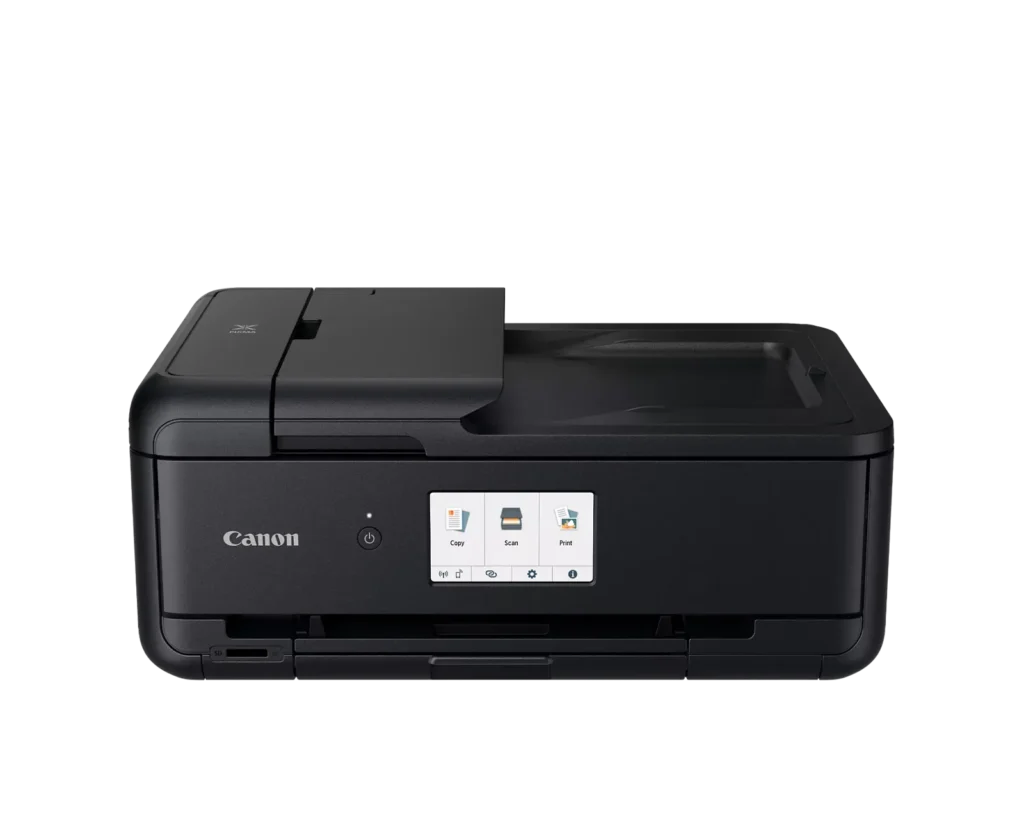
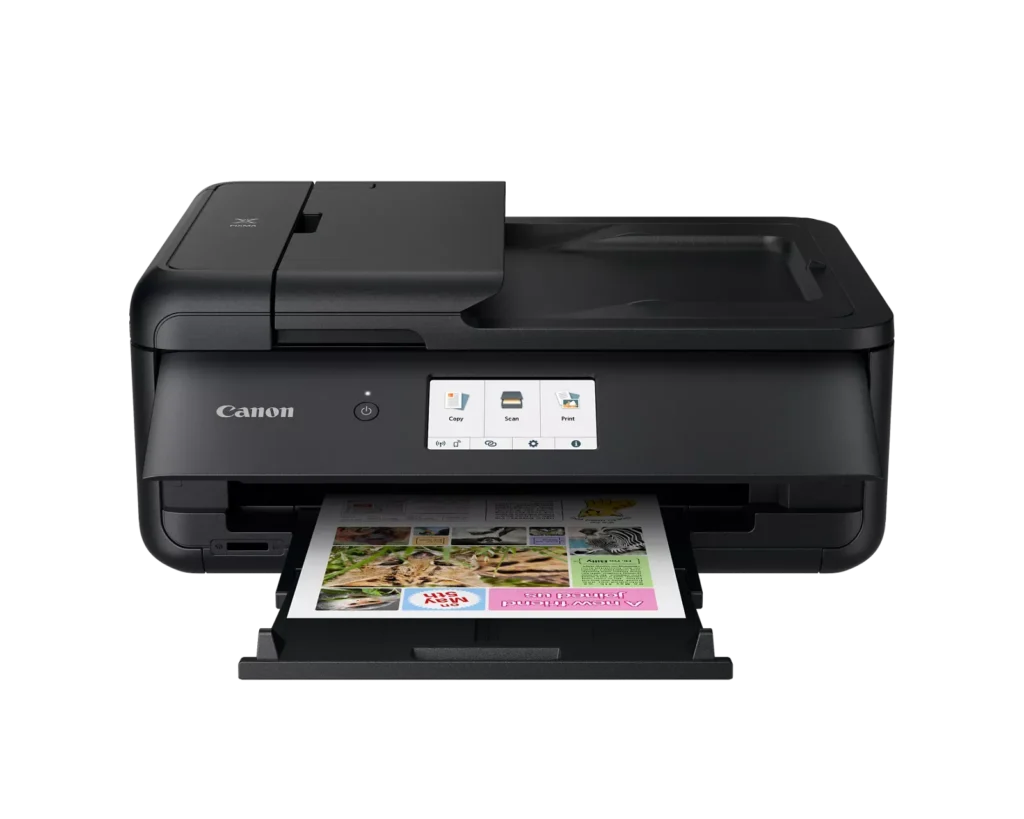
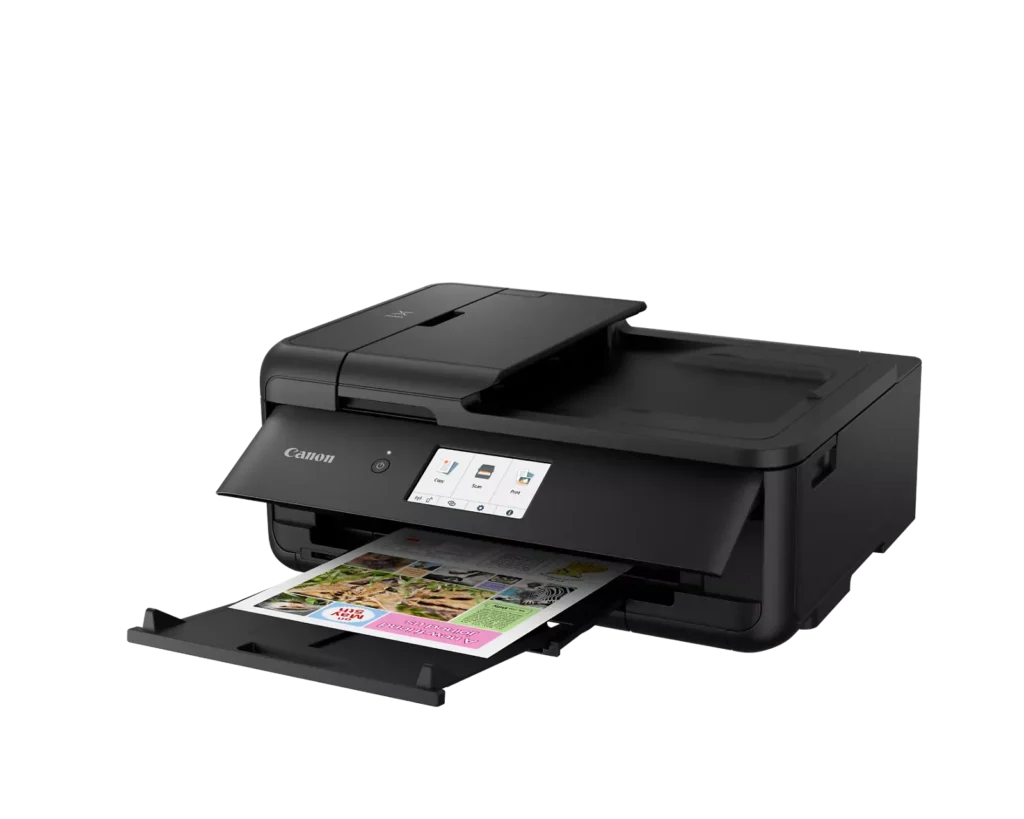
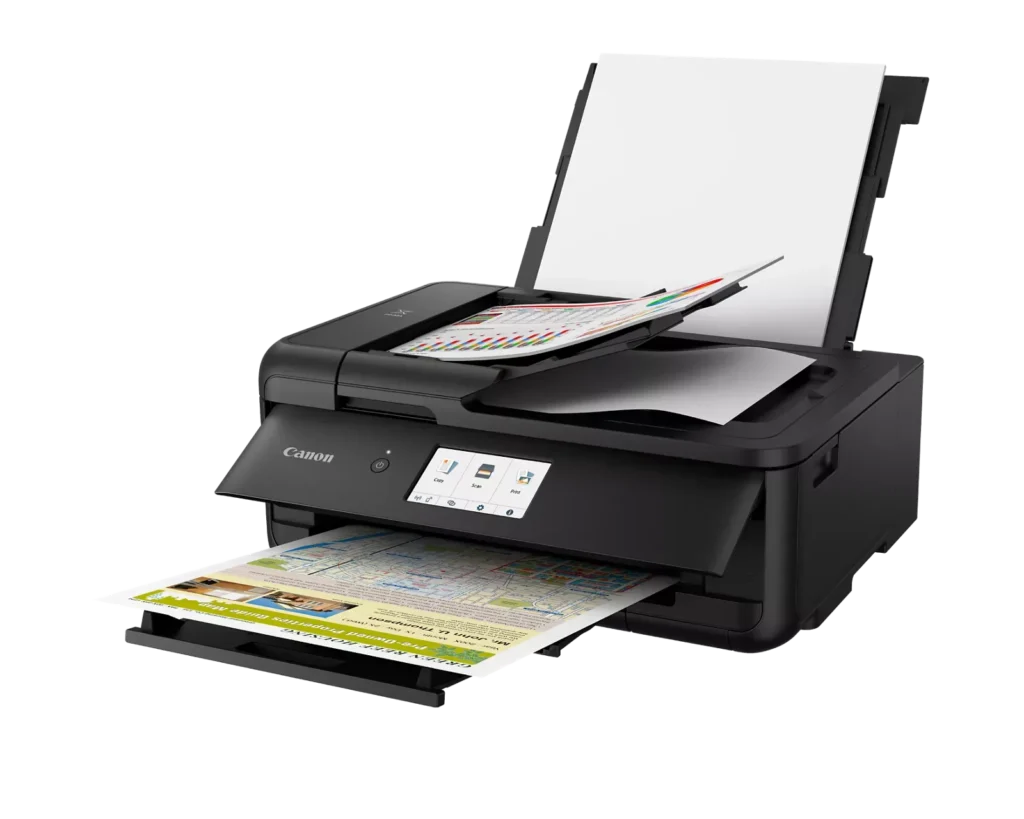
| Versatile Large Format Printing | The PIXMA TS9520a handles a wide range of media sizes, including 11" x 17" (Tabloid) for large documents and 12" x 12" square paper, making it an ideal choice for scrapbooking, crafting, and professional presentations. |
|---|---|
| 5-Color Individual Ink System | Utilizes a hybrid ink system with four dye-based inks for vivid colors and a pigment-based black ink for sharp, crisp text. The individual cartridge design allows you to replace only the specific color that runs out. |
| Comprehensive Wireless Connectivity | Easily print from your smartphone or tablet using the Canon PRINT app, Apple AirPrint, or Mopria Print Service. It also features built-in Wi-Fi, Ethernet for wired networking, and an integrated SD memory card slot for direct photo printing. |
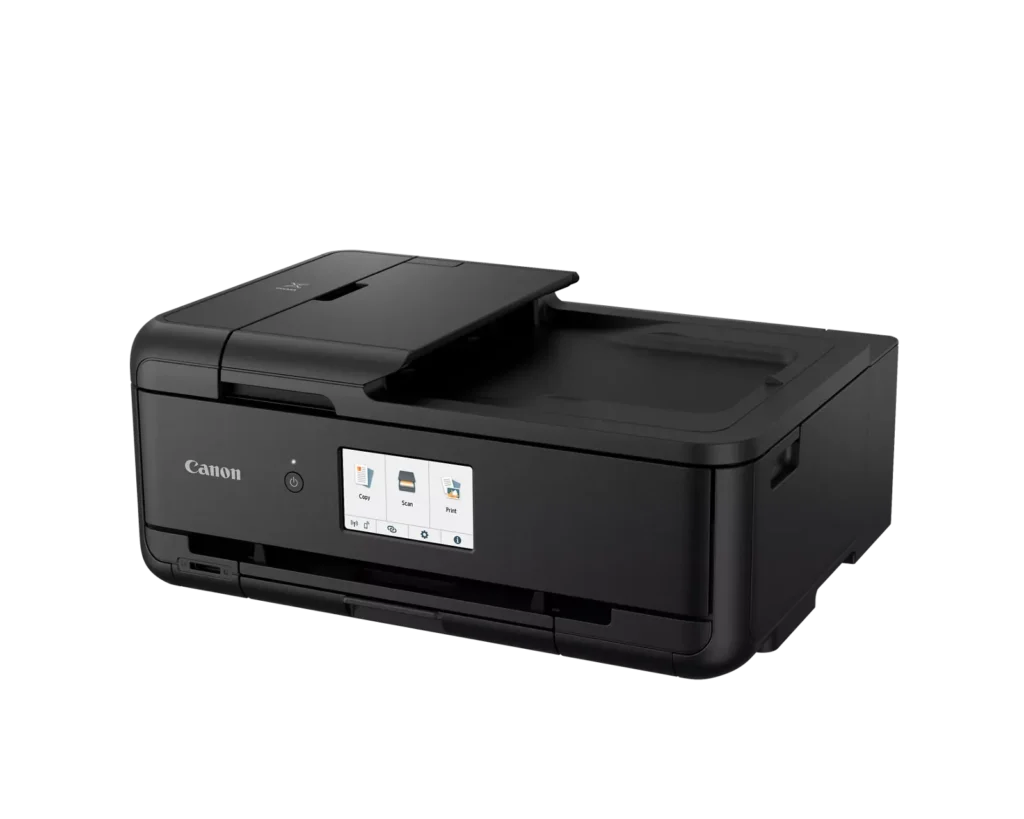
| Intuitive 4.3" Touchscreen Interface | Navigate printer settings, select premade printable patterns, and manage copy or scan jobs effortlessly via the large, easy-to-read 4.3-inch LCD touchscreen display. |
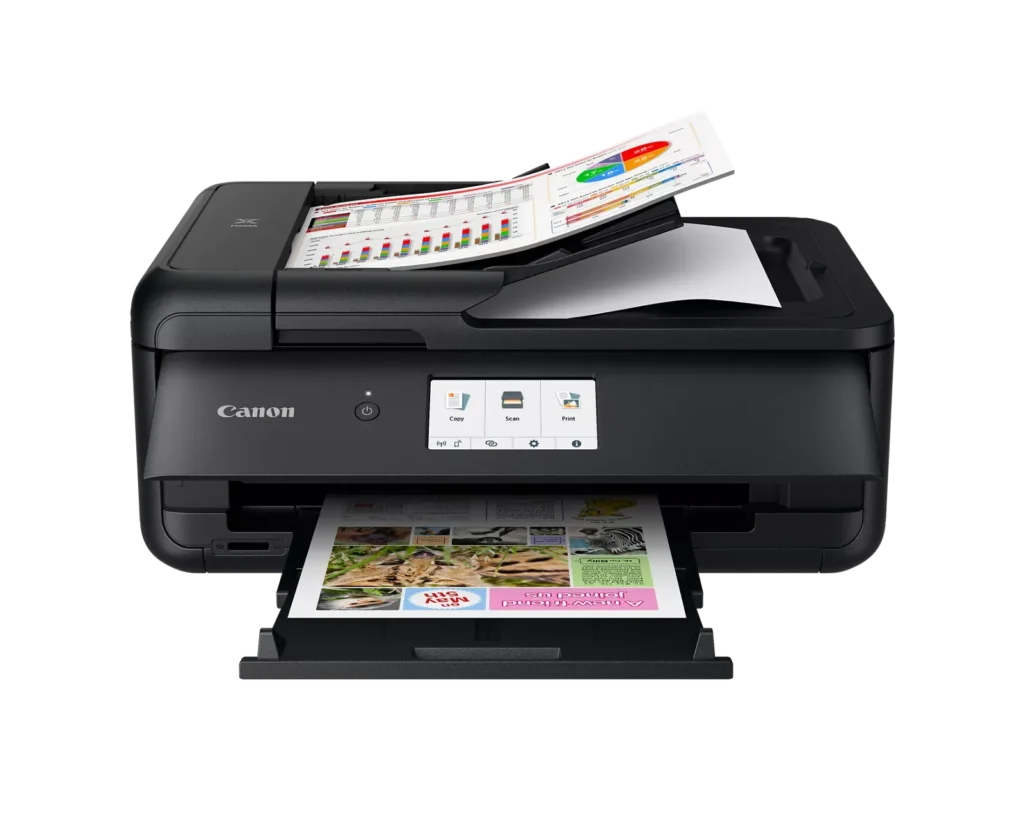
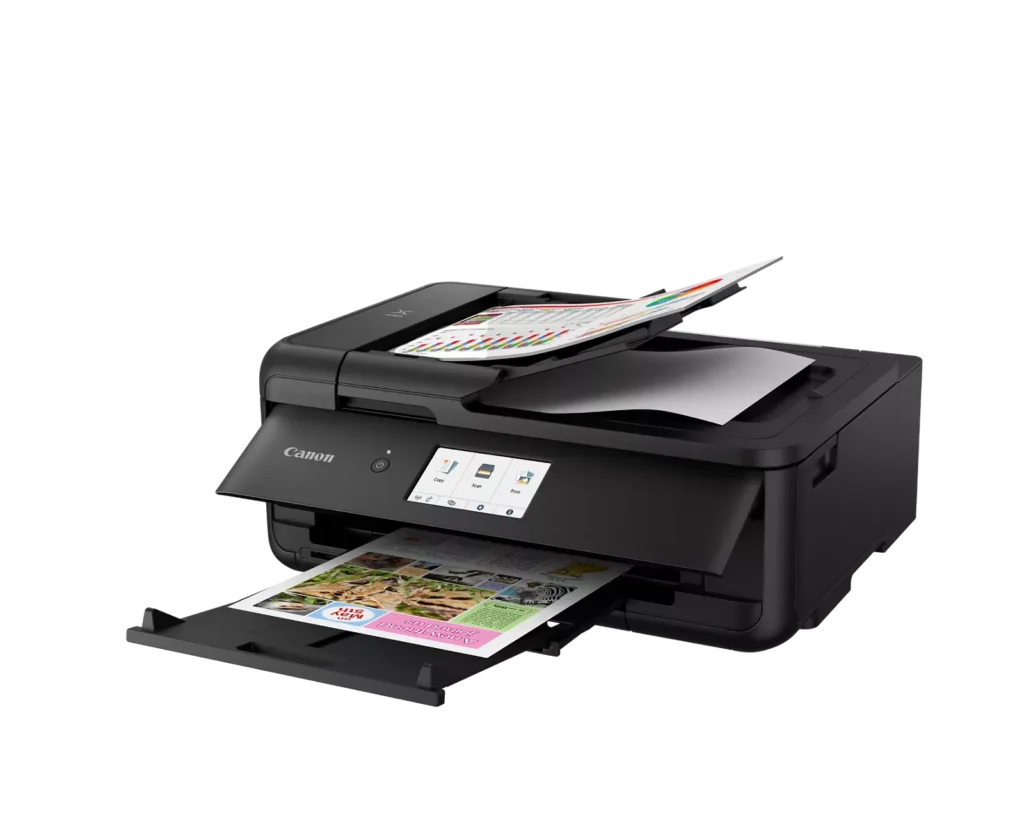
| Enhanced Productivity Features | Equipped with a 20-sheet Auto Document Feeder (ADF) for quick multi-page scanning and copying, as well as Auto 2-Sided (Duplex) printing to help reduce paper consumption and save time. |
Pros & Cons
Pros
- Versatile Media Support: The printer handles a wide range of media sizes and types, including 11×17 (A3) paper, legal-sized documents, and direct printing onto CD/DVD discs.
- High Print Quality: Users consistently report sharp, professional-looking text and excellent photo quality with accurate colors, often surpassing commercial printing services.
- Individual Ink Cartridges: The five-cartridge system allows users to replace only the specific colors that run out, and many reviewers successfully used more affordable third-party ink refills.
Cons
- Inconvenient Manual Design: A major point of frustration is that the front operational panel and paper tray must be manually opened for the printer to function, making remote or unattended printing difficult.
- Unreliable Wireless Connectivity: Many reviewers experienced frequent Wi-Fi drops, difficulty connecting to 5G networks, and compatibility issues with modern security protocols like WPA3.
- Frequent Paper Jams: A significant number of users reported persistent paper jams and feeding errors, sometimes occurring immediately out of the box or requiring the machine to be moved to access the rear door.
You might also like












Customer Reviews
Showing reviews 111-120 of 131
-
Decent Printer for Everyday Use
Incentivized Incentivized review: The reviewer received a benefit for sharing feedback.C. Lynn September 30, 2024Review source: AmazonI found the Canon PIXMA to be a solid choice for general office tasks. Setting it up was straightforward, and I was able to reach their support easily when I had a question; they were very helpful. The printer has a good range of features, and the print quality is adequate for everyday printing needs. However, I wouldn’t recommend it for crafting purposes, as the quality doesn’t quite meet the standards I was hoping for. Overall, it works well for standard office use.
-
Defective Scanner, AVOID!
Verified purchase Verified purchase: This reviewer bought the product.Southern Charm September 21, 2024Review source: AmazonI thought I was upgrading to a better Canon Pixma all-in-one printer/scanner with an auto-document feeder for scanning. I scan a LOT of multi-page documents. This scanner creates a long black line on documents if you use the auto-document feeder mode. The black streak isn’t there if you place a document directly on the glass, but then I’m back to doing things one page at a time. That negates the entire reason I bought the scanner.
Canon Support is a joke and non-responsive. How can a brand new printer I just purchased less than a month ago not be supported without buying their extra CarePak plan?!
Thus, I’m returning this lemon printer to Amazon and will probably go with Epson instead. It’s too bad because my prior Pixma TS9200 was a great little printer/scanner, it’s just not a good fit anymore for the volume of documents I scan anymore. If you need a good scanner, AVOID THIS PRODUCT!
-
Grest choice
Verified purchase Verified purchase: This reviewer bought the product.Chaz September 20, 2024Review source: BestbuyThis worked out great. Great size and fast printing. I like the front load cassette. Recommend highly!
-
Amazing print quality!
Incentivized Incentivized review: The reviewer received a benefit for sharing feedback.GobboGoblin September 19, 2024Review source: AmazonThis printer is fantastic! It can print on several sizes from 4×6″ all the way up to 11×17″ and can print on different materials including photo paper! It also prints all the way to the edge which is great for photos or transfer prints. It was pretty easy to setup by following along the video and can print via wired connection or from the app. Printing from the app is as easy as selecting the file or photo to print, making sure your settings are right, then hitting print! This is super easy to use and I haven’t had any issues with it.
-
Great for big prints; make sure to convert to inktank
Incentivized Incentivized review: The reviewer received a benefit for sharing feedback.Customer Review September 18, 2024Review source: AmazonI requested this Canon printer specifically to convert it into an ink tank printer to print A3 posters and art prints. Thus, my review will reflect this sole purpose. I don’t think this would make a good office printer for non-art use due to the very strange demands this printer has. For one, it takes up a lot of space in comparison to my other A4 printer. The scan bed is average and the document printing is the same quality as my A4 inktank printer. This takes cartridges so it is not ideal to print lots of documents on unless you are willing to use a third-party conversion kit to turn this printer into a refillable ink tank printer.
On to the great aspects of this printer. It IS convertible into an ink tank printer using third-party conversion kits. This means no more cartridges. The cartridges themselves are individually replaceable and are quite pricey so I recommend you go the extra mile with this to convert it to save money in the long run. The PIXMA does a great job at printing artwork and photos on both glossy and matte paper and I had no trouble printing using A3 paper. It prints double-sided and some parts are replaceable that other brand printers do not allow you to replace. I like that aspect of this Canon. It doesn’t feel cheap and ugly.
There are a lot of settings to this printer that are tuned to art so I recommend this solely for those who are artists or photographers only. The PIXMA TS9520A is targeted towards those two groups of people and if you just need a basic document printer, go get a laser printer and save yourself the hassle of cartridges altogether. 🙂 I would recommend this solely if you are looking for a double-sided A3 printer.
-
A Versatile Printer for Home and Office
Incentivized Incentivized review: The reviewer received a benefit for sharing feedback.Gilbert September 13, 2024Review source: AmazonThis all-in-one printer delivers exceptional quality for all your printing, scanning, and copying needs. The wireless feature makes it easy to connect and print from multiple devices, whether you’re working from home or simply handling personal tasks. The print quality is crisp, especially for documents and photos, and the setup is straightforward. It’s a reliable machine that fits perfectly in any home office.
-
Compact and has lightweight with lots of options
Incentivized Incentivized review: The reviewer received a benefit for sharing feedback.Mil September 10, 2024Review source: AmazonIt has great quality and a compact size, making it easy to install and it works well. The only drawback is that it’s a bit slow when copying, and it would be better if it came with extra ink to avoid needing a refill too soon. Despite this, it’s a solid option for a home office. Overall, I’m pleased with it.
-
Well-Designed Deksjet from Canon for Photo and Utility Printing
Incentivized Incentivized review: The reviewer received a benefit for sharing feedback.Wobbegong September 8, 2024Review source: Amazon(This review is for the Canon PIXMA TS9520a Printer.)
I have set up quite a few Canon printers over the years, and this one was by far the simplest. A well-designed color video screen guides you through the process. During the installation, it basically asks if you want to connect to the cloud for marketing purposes; I said no, and we’ll see if that’s respected. I use the printer’s ethernet connection method.
The printer uses five cartridges: a pigment-based black 280 cartridge for day-to-day monochrome printing, and four dye-based 281 cartridges (cyan, yellow, magenta, and black) for color/photo printing.
So far, I have tested prints on standard printer paper, and also some photos with premium matte and glossy papers from Red River. All have turned out very well.
Overall, I’m quite pleased with the Pixma TS9520a.
-
Moderna, compacta y profesional
Incentivized Incentivized review: The reviewer received a benefit for sharing feedback.Happy 5 family September 8, 2024Review source: AmazonImpresora de excelente calidad, muy completa y multifuncional. Silenciosa y fácil de usar.
-
What a dumb design
Verified purchase Verified purchase: This reviewer bought the product.A reviewer September 7, 2024Review source: AmazonThis printer requires you to leave the front door (that has a touchscreen) open. Anytime you want to print anything. Since nobody wants to have to go physically adjust their printer before they print one page, the result is that you have to leave the front cover open 100% of the time.