Customer Media
Highlights
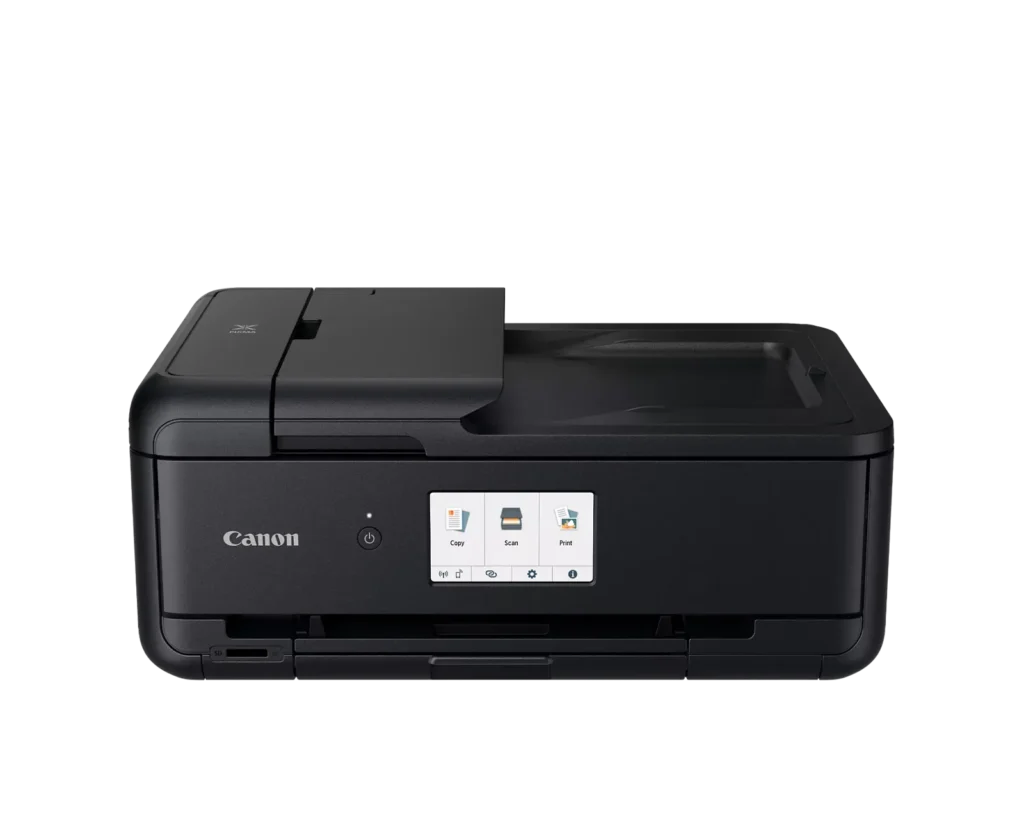
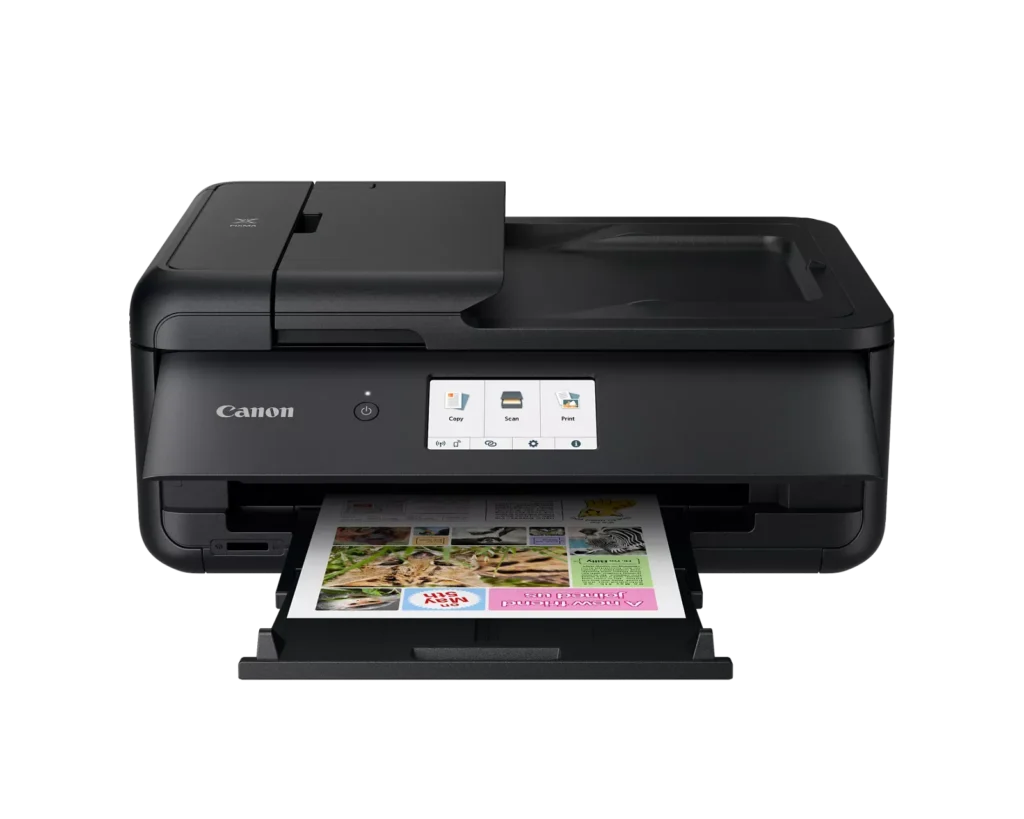
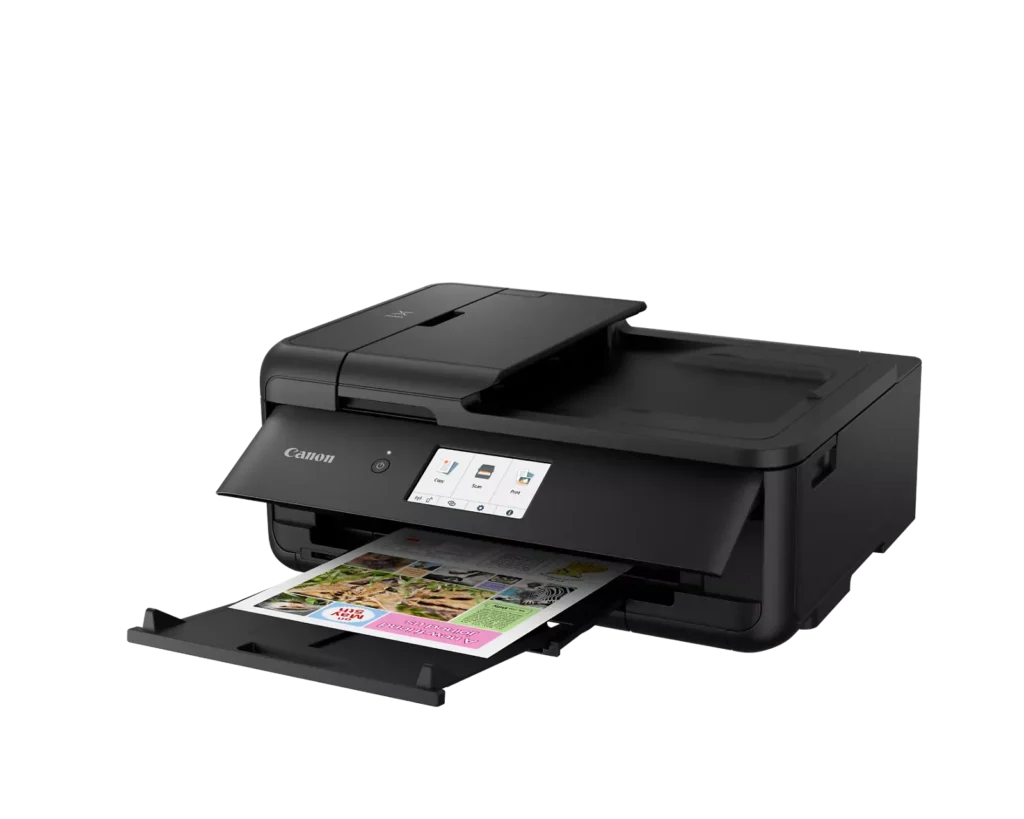
| Versatile Large Format Printing | The PIXMA TS9520a handles a wide range of media sizes, including 11" x 17" (Tabloid) for large documents and 12" x 12" square paper, making it an ideal choice for scrapbooking, crafting, and professional presentations. |
|---|---|
| 5-Color Individual Ink System | Utilizes a hybrid ink system with four dye-based inks for vivid colors and a pigment-based black ink for sharp, crisp text. The individual cartridge design allows you to replace only the specific color that runs out. |
| Comprehensive Wireless Connectivity | Easily print from your smartphone or tablet using the Canon PRINT app, Apple AirPrint, or Mopria Print Service. It also features built-in Wi-Fi, Ethernet for wired networking, and an integrated SD memory card slot for direct photo printing. |
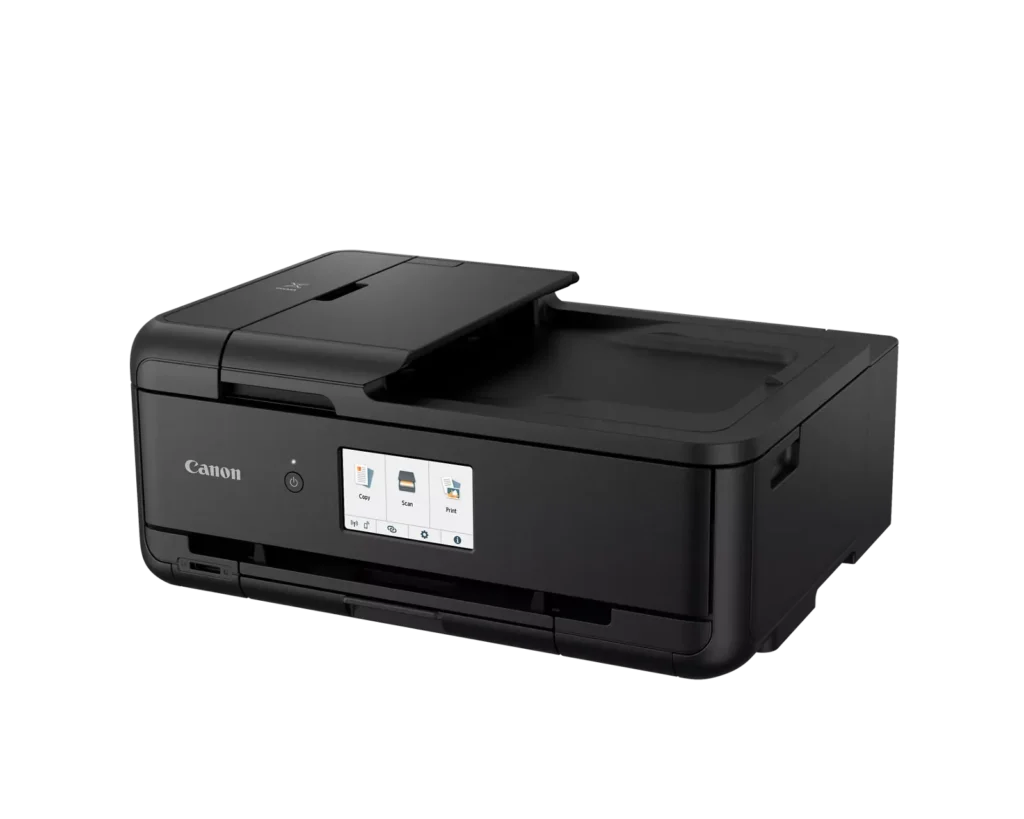
| Intuitive 4.3" Touchscreen Interface | Navigate printer settings, select premade printable patterns, and manage copy or scan jobs effortlessly via the large, easy-to-read 4.3-inch LCD touchscreen display. |
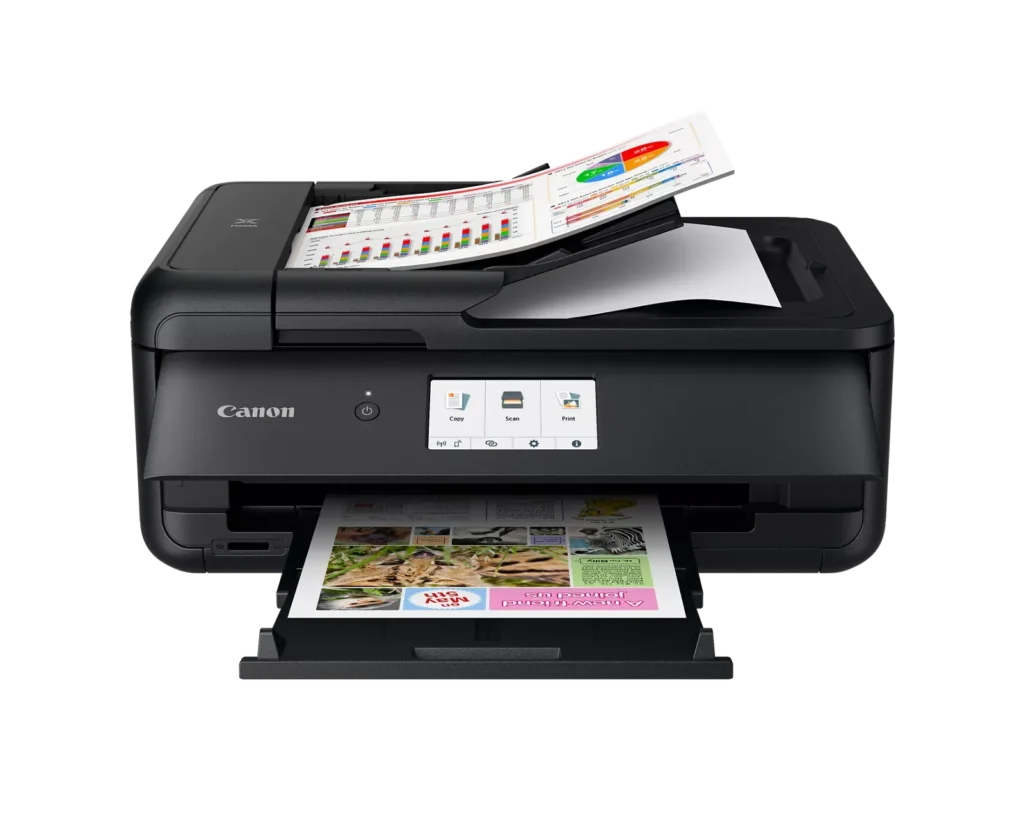
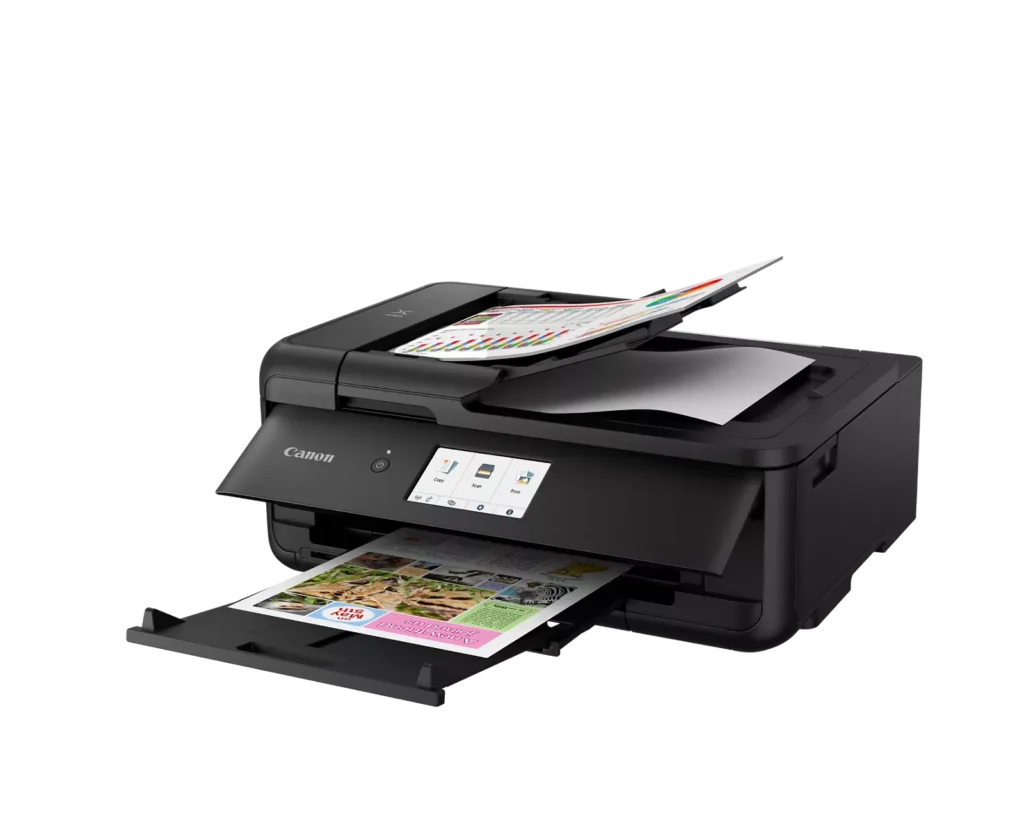
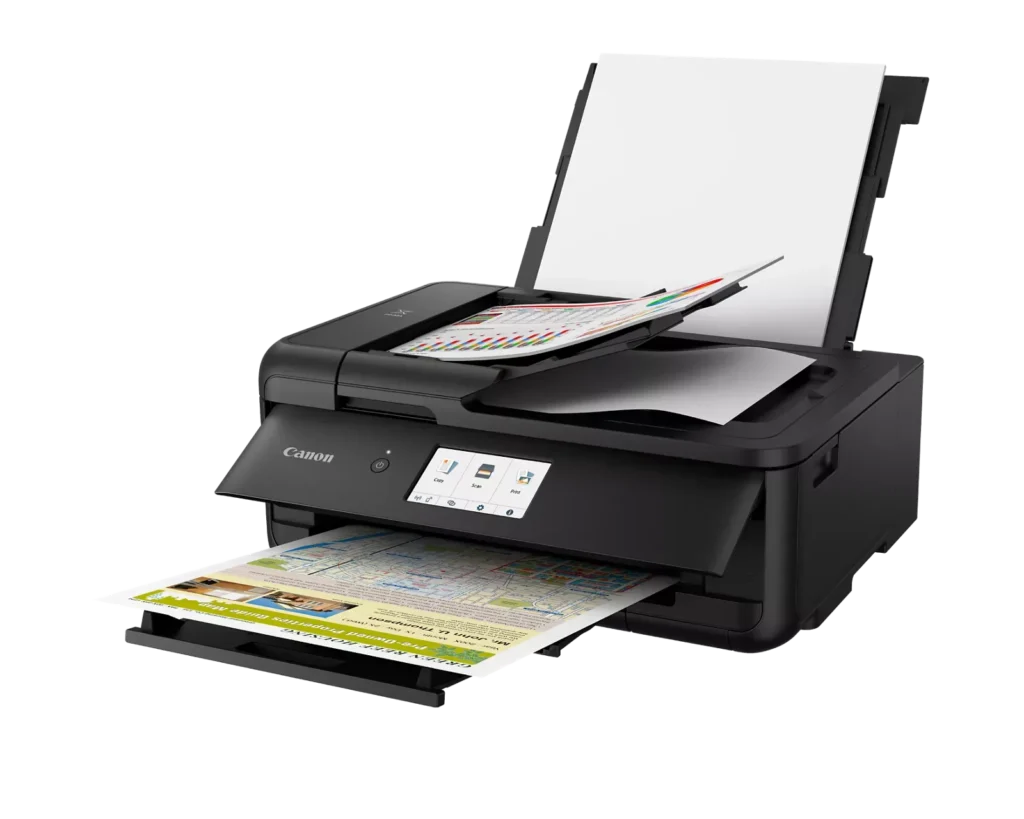
| Enhanced Productivity Features | Equipped with a 20-sheet Auto Document Feeder (ADF) for quick multi-page scanning and copying, as well as Auto 2-Sided (Duplex) printing to help reduce paper consumption and save time. |
Pros & Cons
Pros
- Versatile Media Support: The printer handles a wide range of media sizes and types, including 11×17 (A3) paper, legal-sized documents, and direct printing onto CD/DVD discs.
- High Print Quality: Users consistently report sharp, professional-looking text and excellent photo quality with accurate colors, often surpassing commercial printing services.
- Individual Ink Cartridges: The five-cartridge system allows users to replace only the specific colors that run out, and many reviewers successfully used more affordable third-party ink refills.
Cons
- Inconvenient Manual Design: A major point of frustration is that the front operational panel and paper tray must be manually opened for the printer to function, making remote or unattended printing difficult.
- Unreliable Wireless Connectivity: Many reviewers experienced frequent Wi-Fi drops, difficulty connecting to 5G networks, and compatibility issues with modern security protocols like WPA3.
- Frequent Paper Jams: A significant number of users reported persistent paper jams and feeding errors, sometimes occurring immediately out of the box or requiring the machine to be moved to access the rear door.
You might also like












Customer Reviews
Showing reviews 121-130 of 131
-
Canon Pixma Printer
Incentivized Incentivized review: The reviewer received a benefit for sharing feedback.Amazon Customer September 6, 2024Review source: AmazonI ordered this product to replace an older Canon Pixma printer that we use around the house. This printer is definitely an upgrade, especially with the various inks in separate cartridges. I just stopped printing in color with my last printer because I was tired of a cartridge being “empty” (it really wasn’t empty, it was just out of a particular color).
Around the house, I really just need this printer to print b&w documents, so with the scanner and the copier and ability to print photos, it has way more functionality than I may ever need.
This printer was fairly easy to install/set up using the supplied instructions. I did have to google how to discover the printer on an ethernet connection, but that was the worst of it.
The two things that I dislike about this printer are 1) the real estate that it takes up and 2) the limited paper that you can put in the printer. I had actually planned to use this printer for printing paperwork at a sporting event, but the printer is just so big and in order to operate it, you have to open a door and swing out an enormous tray. It literally doubles the amount of room that it takes up – and it will not print if they aren’t open). And the paper tray at the bottom holds a ridiculously small amount of paper (maybe 100 pages?); I would be constantly restocking paper. You could argue that I could load paper into the back slot, but my sporting event can be splashed or windy; I need the paper to be safe inside the printer. So this will be used around the house and I will probably complain every time I have to open the printer’s maw to print something.
-
good printing
Incentivized Incentivized review: The reviewer received a benefit for sharing feedback.ge-ra September 4, 2024Review source: AmazonI like that the printer does not take up a lot of space. The quality of the printing Is also good.
I will say that it’s not that great for high volume of sheets, but it’s good for anything under 20 pages at a time. overall a good printer. -
Must have it!
Incentivized Incentivized review: The reviewer received a benefit for sharing feedback.Ervis Zejneli August 31, 2024Review source: AmazonHome or office or anything else you just name it. It’s so helpful. I’m in love with it. You won’t regret buying it.
-
Big upgrade from our HP printer
Incentivized Incentivized review: The reviewer received a benefit for sharing feedback.Linda August 30, 2024Review source: AmazonI really like this Canon Pixma TS9520a printer. Previously I was using a HP Envy 6055 printer, and while it was nice and reliable, I like this Canon printer even more.
What I like:
– It seems to print faster than my HP printer.
– It has more print size choices than my HP printer.
– It has an ethernet port! Our computers are hard wired (we don’t use wifi on our desktop pcs), so sharing the HP printer was a headache.
– My absolute favorite feature is that it has individual color ink cartridges. Refills cost more than my HP ink refills, but the HP combines three colors into one cartridge and if one color runs out you have to replace the whole cartridge (even if there is plenty of ink left in the other colors, the printer simply won’t print if it detects one is empty). So I ended up having to buy ink cartridges a lot and wasting ink (because no one uses the colors in equal amounts!).Please note that our use case for the printer is in our home office (I work from home). It is used for work/school/home needs (general printing of documents). We don’t really print photos so I don’t have much of an opinion of photo quality, and since we don’t connect wirelessly to print I don’t have an opinion on the wireless functionality. For our needs, this printer is a big upgrade.
-
Lots of features
Incentivized Incentivized review: The reviewer received a benefit for sharing feedback.T-Square August 30, 2024Review source: AmazonI got this ‘Canon PIXMA TS9520a – Wireless Home All-in-One Inkjet Printer’ up and running an so far so good.
It’s big and pretty hefty but that doesn’t bother me at all. If it has lots of features, as this one does, it’s worth the extra weight.
It has a nice touchscreen panel, prints two-sided, and can print on larger pages. It has individual color ink cartridges, which is the only way to go as far as I’m concerned. There’s nothing worse than having to replace a whole ink cartridge array just because one of the colors runs out. In this case, that’s not a problem and each color can be replaced individually as needed.
I’ve had experience with Canon printers before and have always loved them…until they mysteriously died on me. Hopefully that won’t happen with this because I really like what it’s doing for me so far.
So at this moment I’ll remain guardedly optimistic, as I would with ANY brand of printer, because they all have their little tricks that usually show up after they’ve been up and running for a while, and especially when it comes time to replace the ink. But my initial impressions are favorable and I’ll enjoy this printer’s many nice features. If anything goes sideways I’ll update this review accordingly. -
Canon Printer – still a great quality printer
Verified purchase Verified purchase: This reviewer bought the product.Amazon Customer August 29, 2024Review source: AmazonThis is a replacement for the Canon printer that we purchased in 2011. The old one still worked perfectly but the “ink waste receptacle” was almost full. That is what the printer kept telling me for the seven months it took me to buy a new printer. Canon no longer supported that printer and it is something I could not repair myself. So far, this printer works just as well as the last one. I am still figuring out how to do the things I used the old one for.
-
Second canon pixma printer , has good reviews
Incentivized Incentivized review: The reviewer received a benefit for sharing feedback.curiousmetoo August 29, 2024Review source: AmazonExcellent build and print quality and performance, easy to setup with great canon utilities, decent speed and does not jam. This is our second canon pixma printer – the other one is an ink tank and Mortimer take a bit of time to connect and print after it goes to sleep. This one uses regular ink cartridges so not prone to drying up like ink tank printers that need to be used every week to avoid problems. Has the usual print copy and scan with open bed but what’s cool is the ability to print wide format like 11×17 or 12×12 and also has auto duplex printing on both sides. Canon makes great quality printers with legendary Japanese quality like brother etc and highly recommend. Can use 100’sheet rear tray or 100’sheet bottom cassette, color touchscreen, memory card, mobile printing etc. standard. Connectivity – you need to be able to debug a bit using the various canon utilities, but is quite solid overall other than the usual reboot every now and then to fix issues. Print quality is terrific in any case.
-
Solid Home Office AIO
Incentivized Incentivized review: The reviewer received a benefit for sharing feedback.Steven M. Silverman August 28, 2024Review source: AmazonIt’s taken me decades to learn to buy only what’s needed to do the job at hand and not to buy capabilities that are not needed or necessary. I used to get caught up comparing specs and getting excited at advanced capabilities that while being impressive are not useful for me at all. Why buy a combination can and bottle opener when I never open cans?
I have in my office, high speed lasers, a high speed duplex scanner, and combination laser printer, copier and fax machine. But that’s an office that needs those capabilities. For home, I just need a good, reliable inkjet AIO. I need to be able to print the infrequent business quality document and some pictures. I need to make the occasional scan (including multiple pages) and I need the once in a while copy. For anything heavier duty, I can always take it to work.
This Canon PIXMA TS9520a – Wireless Home All-in-One Inkjet Printer fits the bill. It’s plenty fast for home use (15 PPM B/W and 10PPM color) and the print quality for both the printed word and pictures is excellent. Scanning, while not particularly quick is accurate and straight even when feeding several pages and copying works fine.
The setup is pretty simple although I did seem to have a problem connecting to the network by cable. However, I set up the configuration manually and that seemed to sidestep the problem altogether. I’m replacing a Brother with very similar specs. This Canon has a larger/brighter display and seems to do everything a little smoother. This canon also provides a 2nd paper feed in the back which handles larger format paper (up to 12″x 12″ and 11″x 14″.
I’ve always liked canon printers and this printer shows me why. Simple to set up and operate.
-
Great features and very user friendly!
Incentivized Incentivized review: The reviewer received a benefit for sharing feedback.TomP August 28, 2024Review source: AmazonThis review is for the Canon all-in-one TS9520a printer. From all of the features listed, I really thought this was going to be quite fiddly and difficult to figure out, but I was able to print and scan quickly, without even opening the online manual.
Just download the CanonPrint app for your desktop computer, laptop, phone and any other device you intend to use, and follow its instructions. The LCD on the front of the printer actually gives you video instructions on how to use it, and warnings if you’re not doing something right. One thing I learned quickly is that when printing the front panel needs to be opened (at least slightly) and paper receiving tray pulled out, before it will operate. When you open the rear tray it will prompt you to input what type of paper you’re loading, and the bottom tray does as well. The bottom tray is perfect for regular printer paper, and makes the printer footprint much more compact. For any photo paper you need to open the rear tray, which takes up more desk space. This printer also has a sleep mode, which is adjustable or can be turned off, and will awaken automatically when a print job is sent to it.
Connecting to my Wi-Fi was easy, with just one slight hiccup in the beginning. In my first attempt to connect it did not recognize the 2.4 GHz side of my router, so I tried one more time and it connected. Connecting my phone was seamless, and I printed a beautiful 4×6 glossy from my picture gallery very quickly. Again, I was just using the LCD on the front panel and the CanonPrint app on my old Android phone.
Scanning document files to your computer is very simple as well. I tried the auto feed on top, and with the LCD on the front you can choose what file type/size you want, and color black vs. white etc. For scanning things other than regular printer paper, the auto feeder lifts up, and reveals a regular flatbed scanner.
After doing all that I opened up the online manual, and it is very comprehensive and easy to understand. The Easy PhotoPrint software also looks very comprehensive, and reminds me of the excellent Canon print software I’ve had on my previous Canon printers.
So I’m very pleased with this printer, and believe it is a great value at the current asking price of around $200. ⭐⭐⭐⭐⭐
-
Canon PIXMA TS9520a
Verified purchase Verified purchase: This reviewer bought the product.JohnP July 19, 2024Review source: BestbuyAll instructions are on-line. It would have been much easier to set up if I did not have to go on-line to follow each step.