Customer Media
Highlights
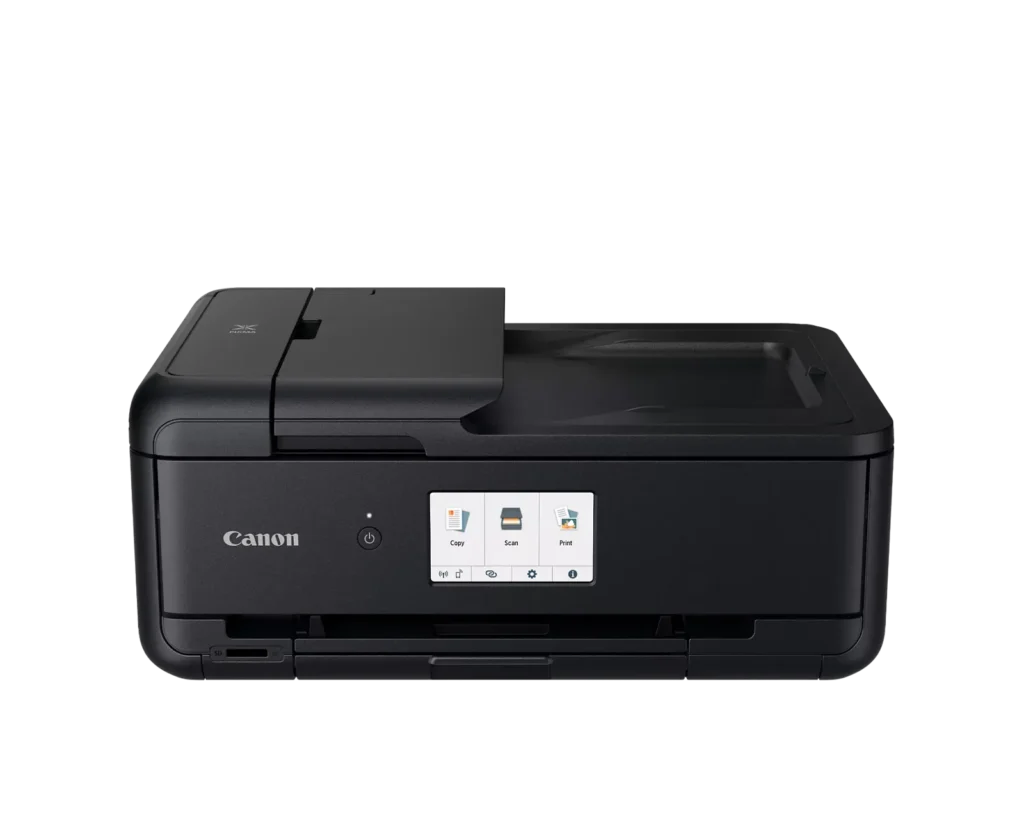
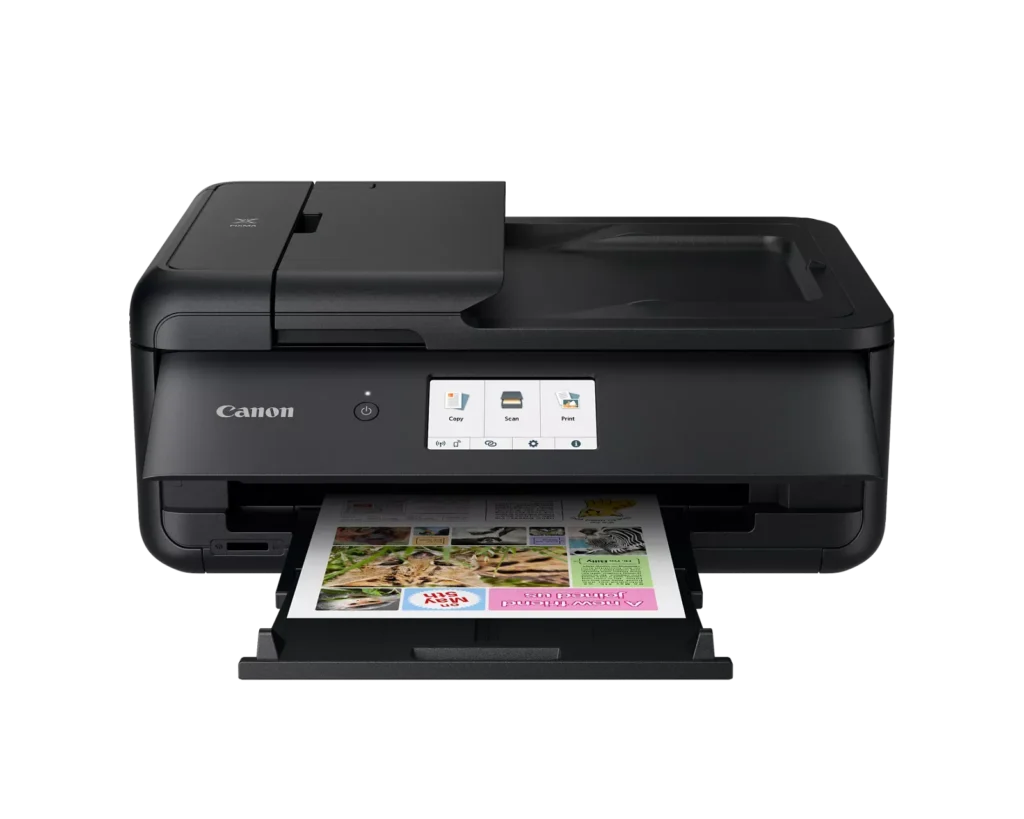
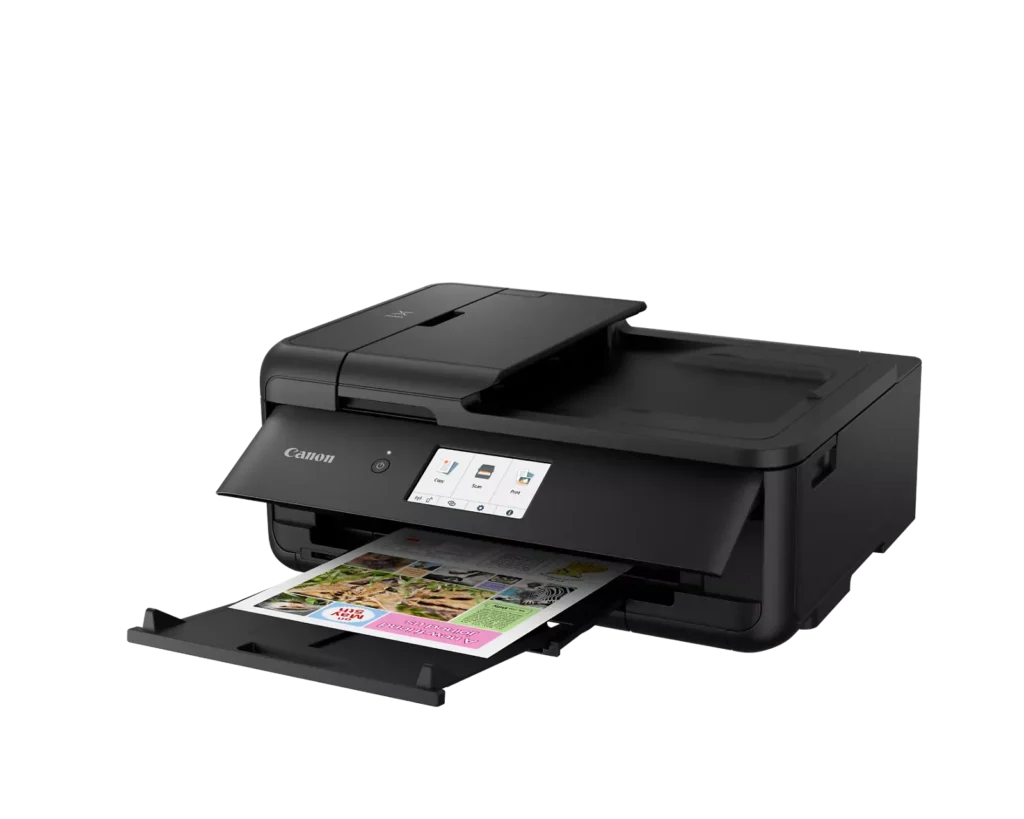
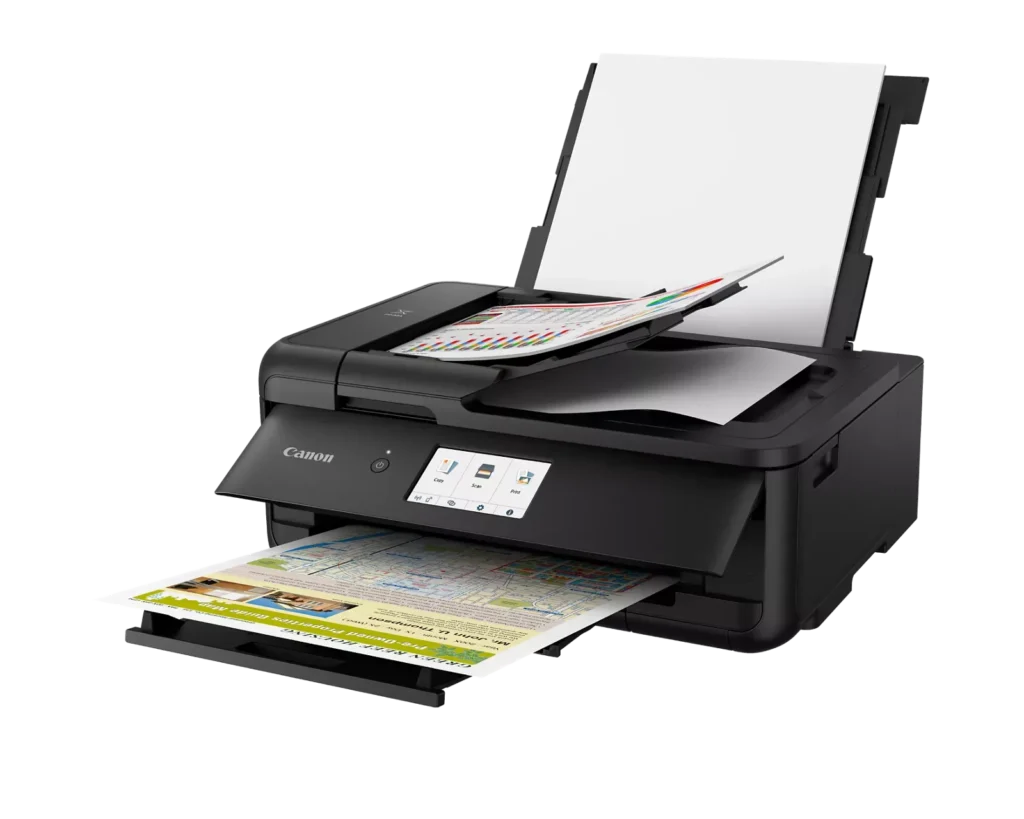
| Versatile Large Format Printing | The PIXMA TS9520a handles a wide range of media sizes, including 11" x 17" (Tabloid) for large documents and 12" x 12" square paper, making it an ideal choice for scrapbooking, crafting, and professional presentations. |
|---|---|
| 5-Color Individual Ink System | Utilizes a hybrid ink system with four dye-based inks for vivid colors and a pigment-based black ink for sharp, crisp text. The individual cartridge design allows you to replace only the specific color that runs out. |
| Comprehensive Wireless Connectivity | Easily print from your smartphone or tablet using the Canon PRINT app, Apple AirPrint, or Mopria Print Service. It also features built-in Wi-Fi, Ethernet for wired networking, and an integrated SD memory card slot for direct photo printing. |
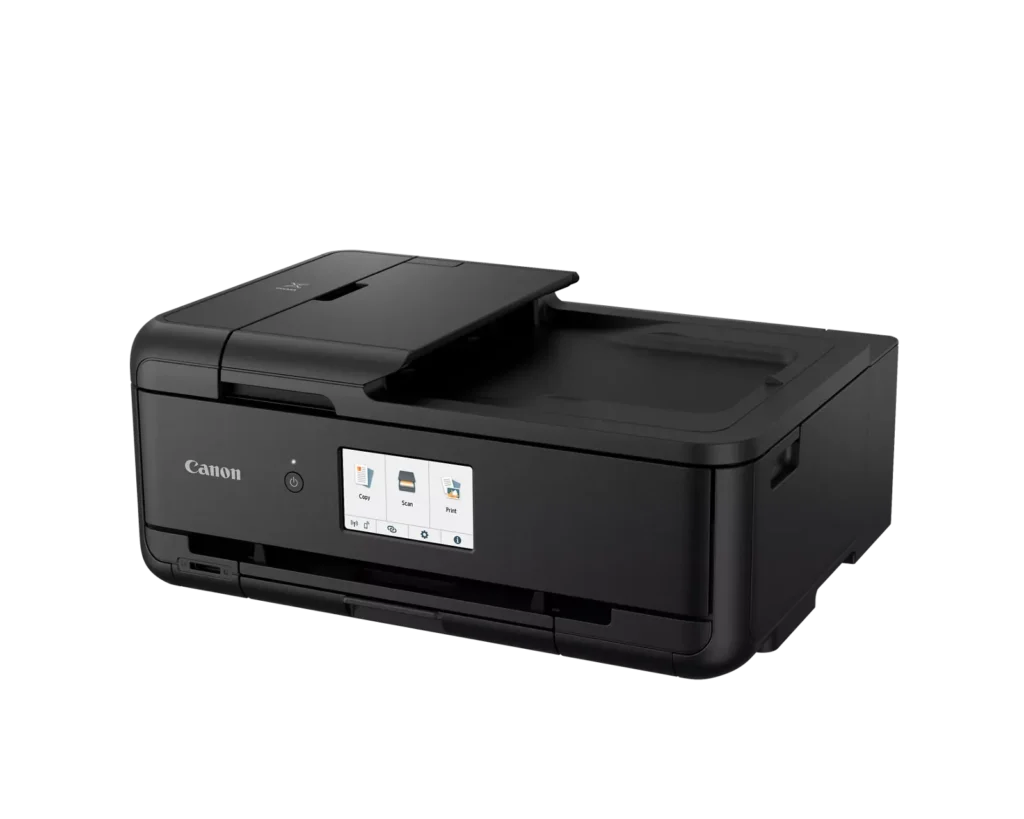
| Intuitive 4.3" Touchscreen Interface | Navigate printer settings, select premade printable patterns, and manage copy or scan jobs effortlessly via the large, easy-to-read 4.3-inch LCD touchscreen display. |
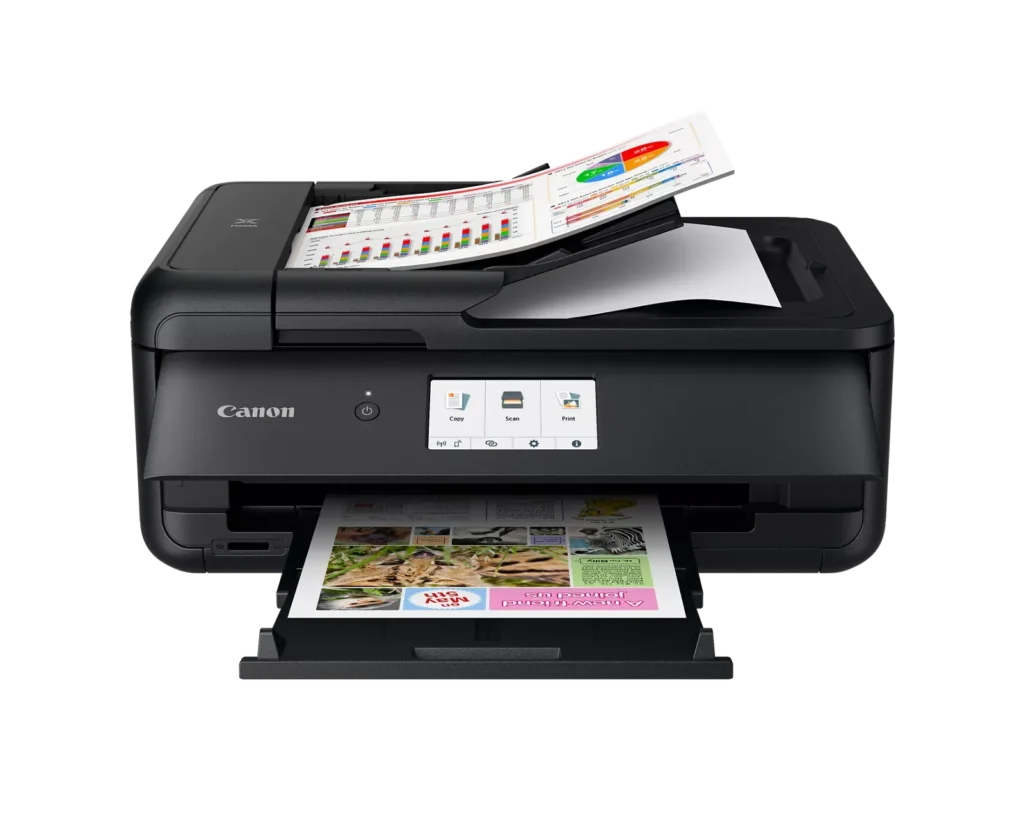
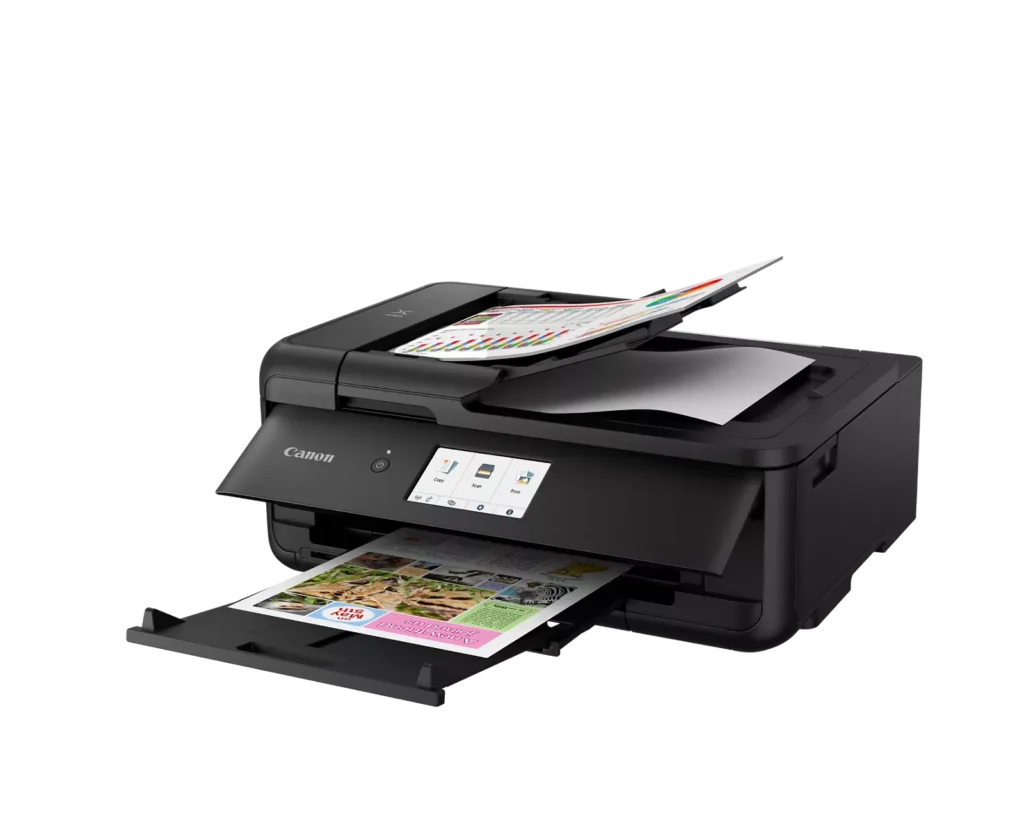
| Enhanced Productivity Features | Equipped with a 20-sheet Auto Document Feeder (ADF) for quick multi-page scanning and copying, as well as Auto 2-Sided (Duplex) printing to help reduce paper consumption and save time. |
Pros & Cons
Pros
- Versatile Media Support: The printer handles a wide range of media sizes and types, including 11×17 (A3) paper, legal-sized documents, and direct printing onto CD/DVD discs.
- High Print Quality: Users consistently report sharp, professional-looking text and excellent photo quality with accurate colors, often surpassing commercial printing services.
- Individual Ink Cartridges: The five-cartridge system allows users to replace only the specific colors that run out, and many reviewers successfully used more affordable third-party ink refills.
Cons
- Inconvenient Manual Design: A major point of frustration is that the front operational panel and paper tray must be manually opened for the printer to function, making remote or unattended printing difficult.
- Unreliable Wireless Connectivity: Many reviewers experienced frequent Wi-Fi drops, difficulty connecting to 5G networks, and compatibility issues with modern security protocols like WPA3.
- Frequent Paper Jams: A significant number of users reported persistent paper jams and feeding errors, sometimes occurring immediately out of the box or requiring the machine to be moved to access the rear door.
You might also like












Customer Reviews
Showing reviews 11-20 of 131
-
Just as described
Verified purchase Verified purchase: This reviewer bought the product.Virginia Ann Kirkman Meddles October 25, 2025Review source: AmazonIt is exactly what we needed. We print from a laptop & it produces clear pages. It seems to be a good deal for what we paid.
-
Great Printer/Scanner, so far.
Verified purchase Verified purchase: This reviewer bought the product.tmelo67 October 25, 2025Review source: BestbuyBought this Canon AIO Printer to replace an Epson that never worked properly at scanning (Windows couldn’t never find the scanner, only the printer, regardless of settings).
Never had issues with Canon before and so far, this one is working great and one feature that I was also looking for was the ability of printing right on my DVD disks.
I can also make document copies right from the printer without using my Computer. -
Don't do it
Verified purchase Verified purchase: This reviewer bought the product.Ashley October 19, 2025Review source: AmazonDon’t buy any printer from Canon. Theyre POS. In the pic you see that cow isn’t black. The sensor lines aren’t filled in and the gray background is supposed to be black. So WTF
-
Print quality is excellent
Verified purchase Verified purchase: This reviewer bought the product.Bclark October 14, 2025Review source: AmazonVery nice printer. The printer quality is excellent. My previous printer was a Canon TR8620a that was ruined due to cheap ink. This printer is better quality than my previous TR8620a because it built better, even if it’s just the output paper tray. I’m glad I chose this printer and would buy it again. Yes, I’m staying with OEM Ink.
-
Decent little printer/fax/scanner
Verified purchase Verified purchase: This reviewer bought the product.greeneyedlady October 4, 2025Review source: AmazonNice printer.. Print nice photos and I like the scanner and fax functions. I actually own two of these. Nice little printer for the price point. If you’re not printing off a lot of pages and just use it sporadically, the ink will last you a while. When you have to do a lot of printing, the ink tanks don’t last very long. That’s the only downside to this printer. I wish they had mega size tanks for ink
-
Good Quality
Verified purchase Verified purchase: This reviewer bought the product.DependableMacBookAir September 30, 2025Review source: BestbuyI bought the printer for school. I have already used is several times and find that I like both the printing and scanning features. I test printed a few pictures and they cam out looking really good. I am looking forward to using the printer more.
-
Easy set up
Verified purchase Verified purchase: This reviewer bought the product.Wheels September 19, 2025Review source: AmazonMy old Canon of 12 years finally gave up. Found this Canon and it had everything I needed. I have always had excellent results and service life from Canon. This printer was so easy to set up. Just a few inputs from me and the printer did the rest. The print quality is excellent, and it comes with a set of ink cartridges. You will not be disappointed.
-
Looking for this printer forever!!!
Verified purchase Verified purchase: This reviewer bought the product.Patricia Lesmeister September 17, 2025Review source: AmazonI have been looking for anotherCanon5 ink Cartridge printer for the past few years and have not been able to find one. This one works absolutely wonderful and the ink cartridges are very reliable in price.That’s why I wanted a Canon 5 ink Cartridge printer
-
mess
Verified purchase Verified purchase: This reviewer bought the product.diana September 14, 2025Review source: Amazonwhat a mess.. paper feeds from back and front… stupid printer chooses which feed it’ll use..no matter how you reset….no problem..unless you want to use photo paper..
-
You have to flip up the front panel before it will print
Verified purchase Verified purchase: This reviewer bought the product.Phil September 13, 2025Review source: AmazonI wanted to like this printer. But what I didn’t know when I bought it was that the flap in the font has to be popped up for it to print anything. So every time you have to get up, flip the panel up before it will print. I wanted to just have this on my desk for infrequent printing, but now I have to to get up and go to the printer every time before I can print. I don’t like that. Otherwise it prints fine.