Customer Media
Highlights
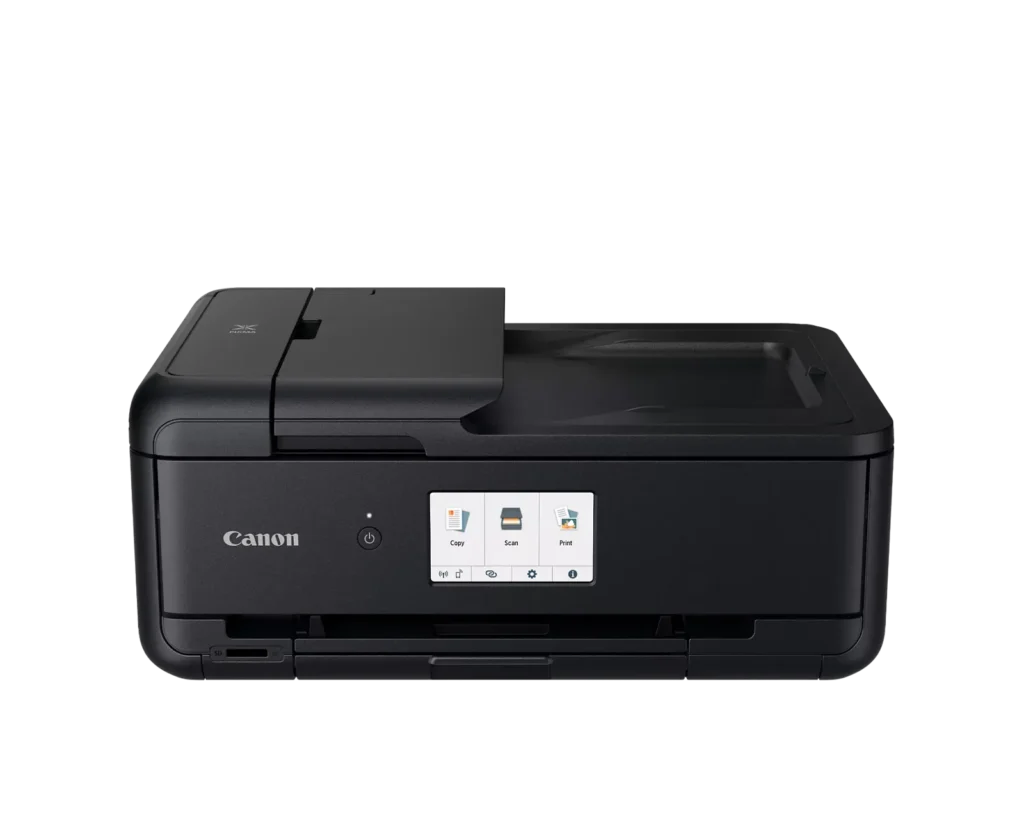
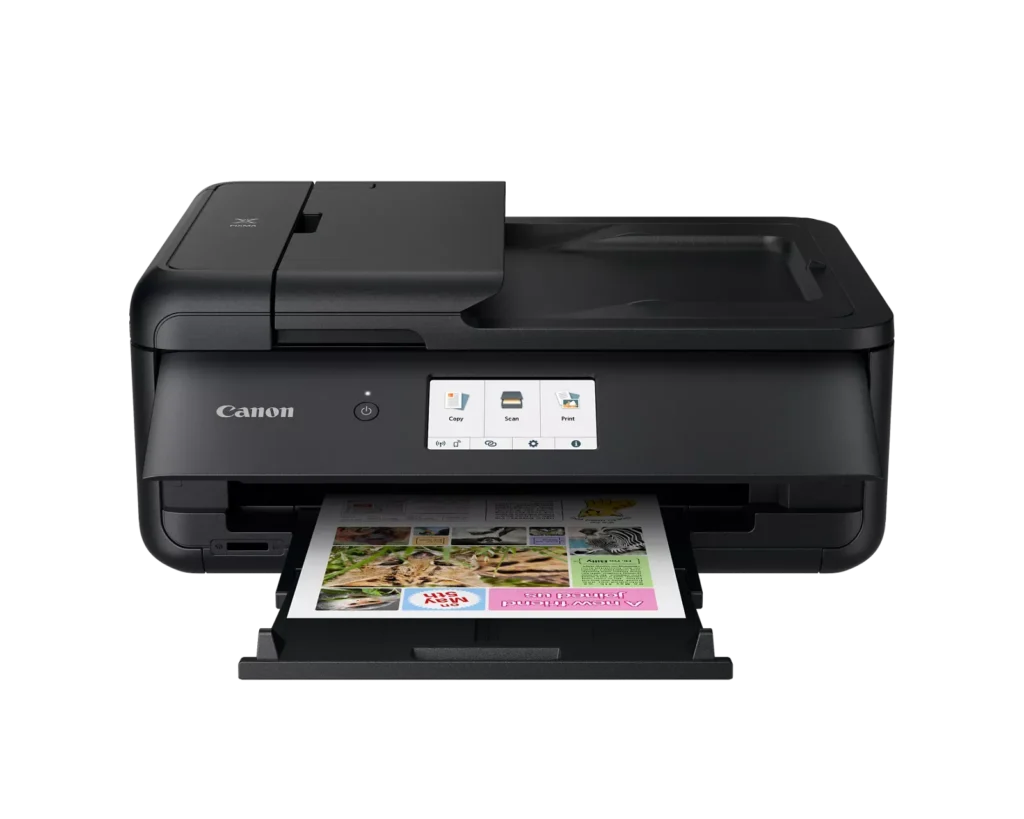
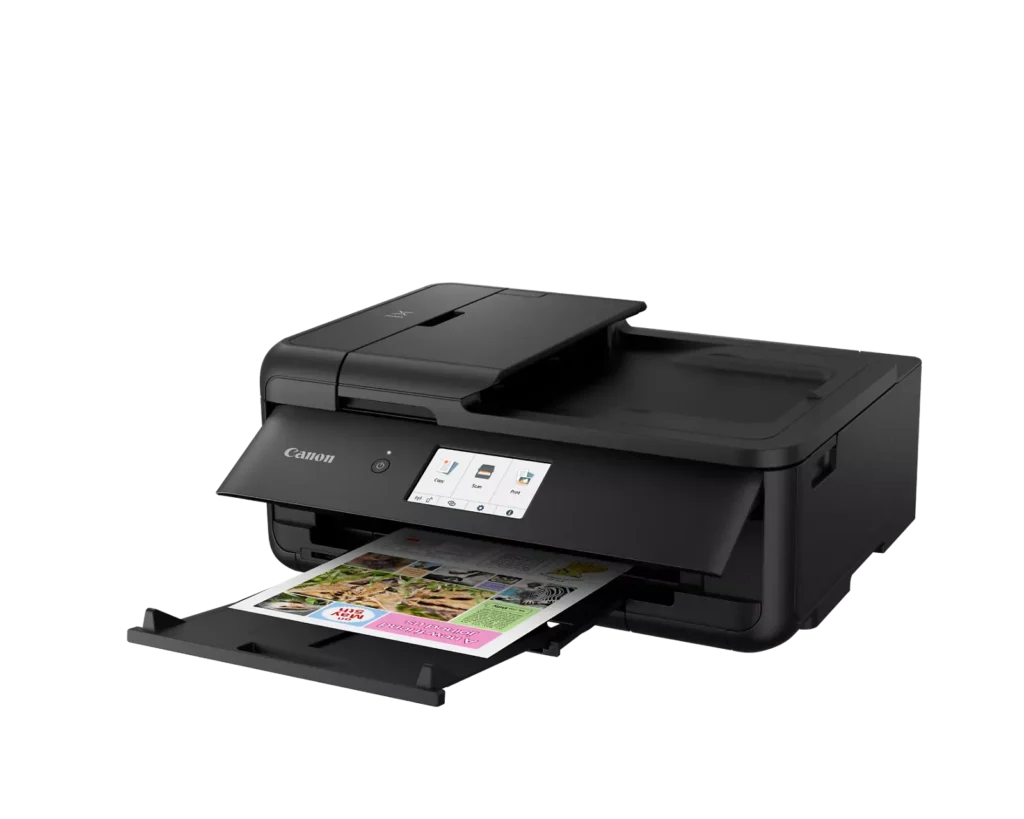
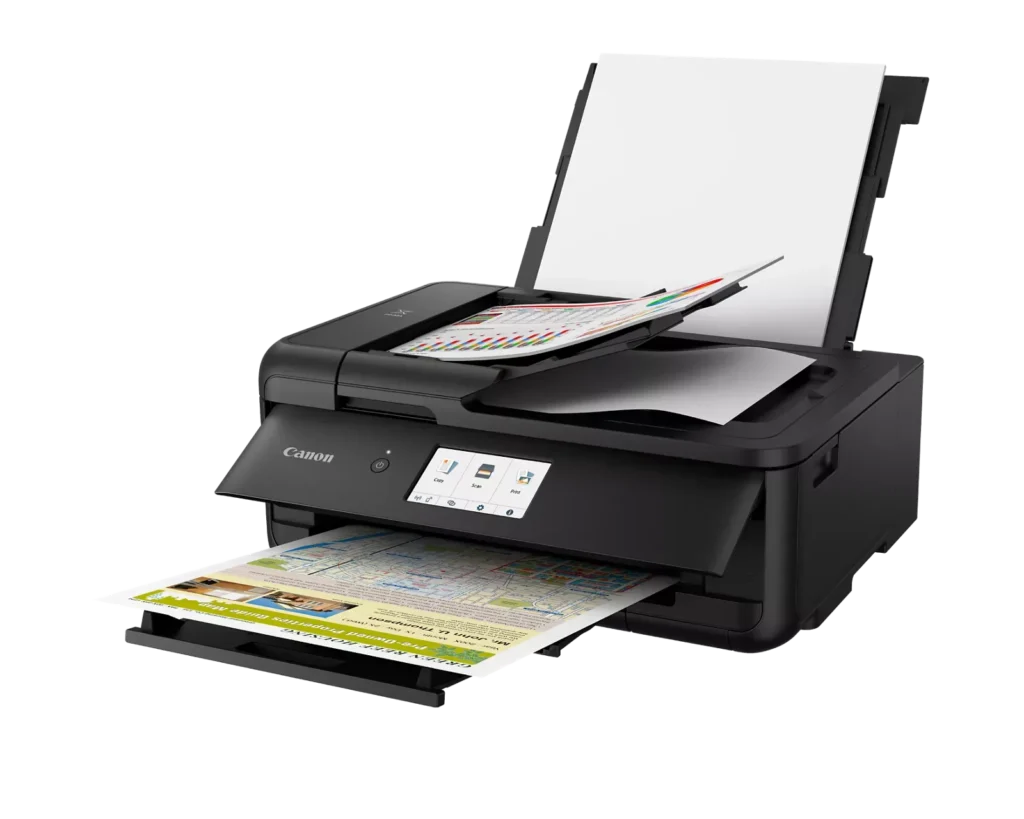
| Versatile Large Format Printing | The PIXMA TS9520a handles a wide range of media sizes, including 11" x 17" (Tabloid) for large documents and 12" x 12" square paper, making it an ideal choice for scrapbooking, crafting, and professional presentations. |
|---|---|
| 5-Color Individual Ink System | Utilizes a hybrid ink system with four dye-based inks for vivid colors and a pigment-based black ink for sharp, crisp text. The individual cartridge design allows you to replace only the specific color that runs out. |
| Comprehensive Wireless Connectivity | Easily print from your smartphone or tablet using the Canon PRINT app, Apple AirPrint, or Mopria Print Service. It also features built-in Wi-Fi, Ethernet for wired networking, and an integrated SD memory card slot for direct photo printing. |
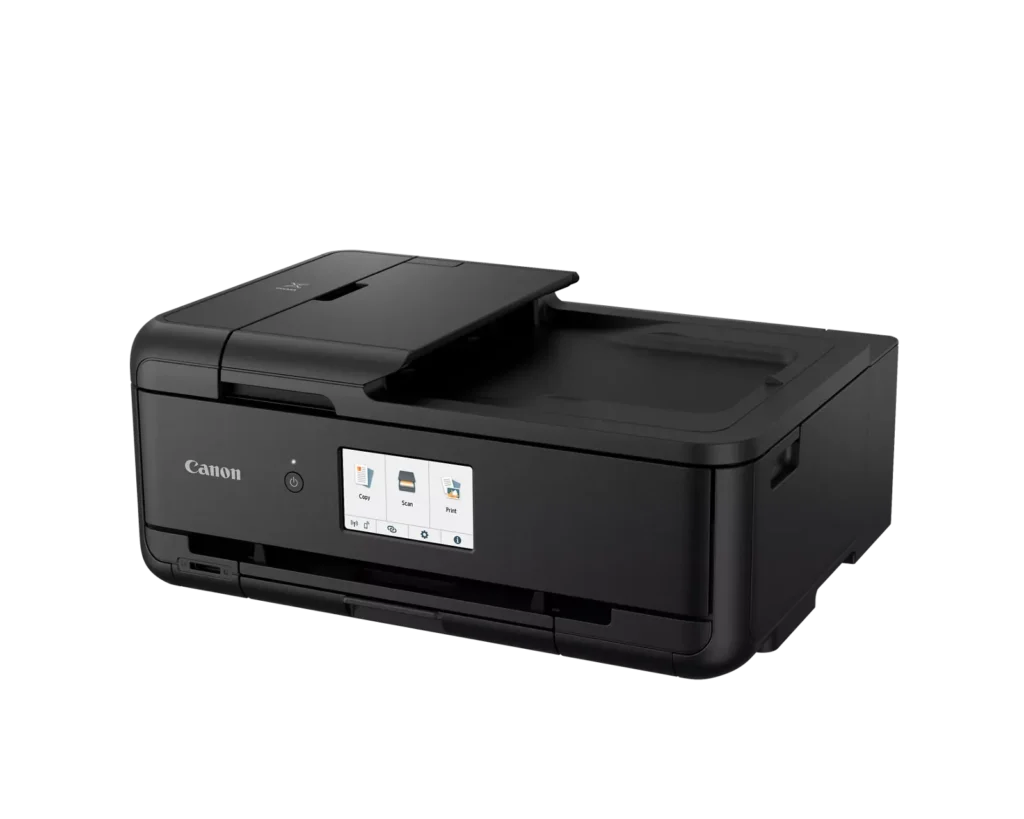
| Intuitive 4.3" Touchscreen Interface | Navigate printer settings, select premade printable patterns, and manage copy or scan jobs effortlessly via the large, easy-to-read 4.3-inch LCD touchscreen display. |
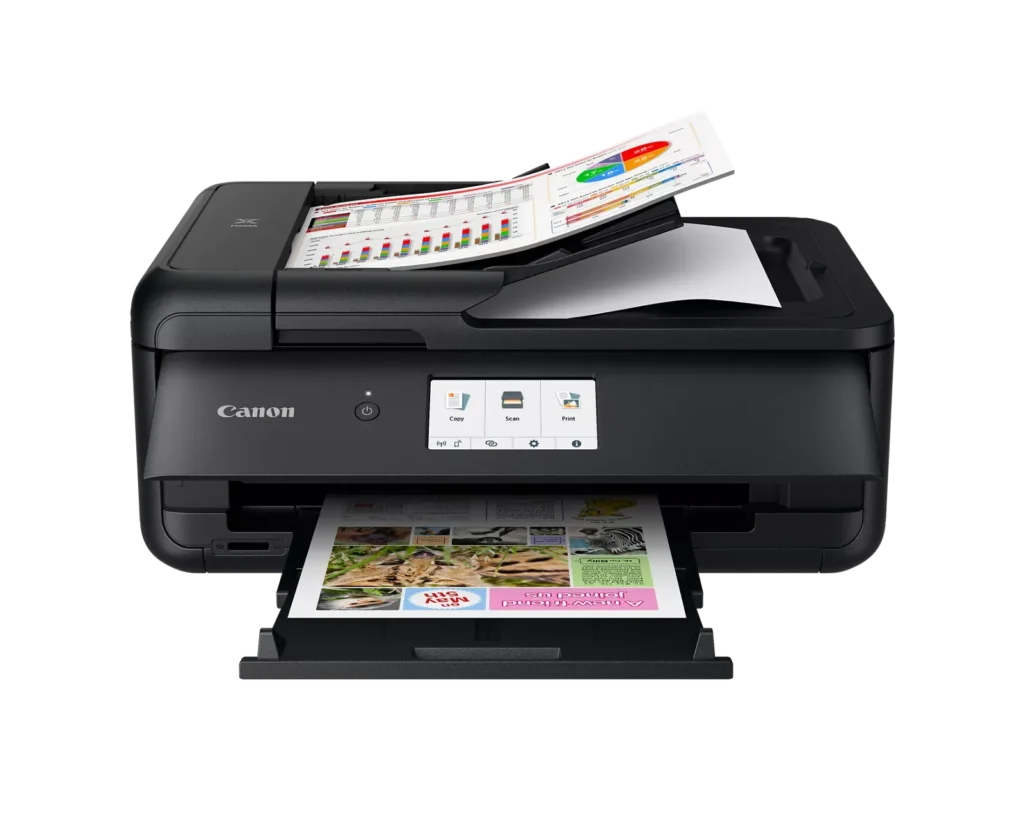
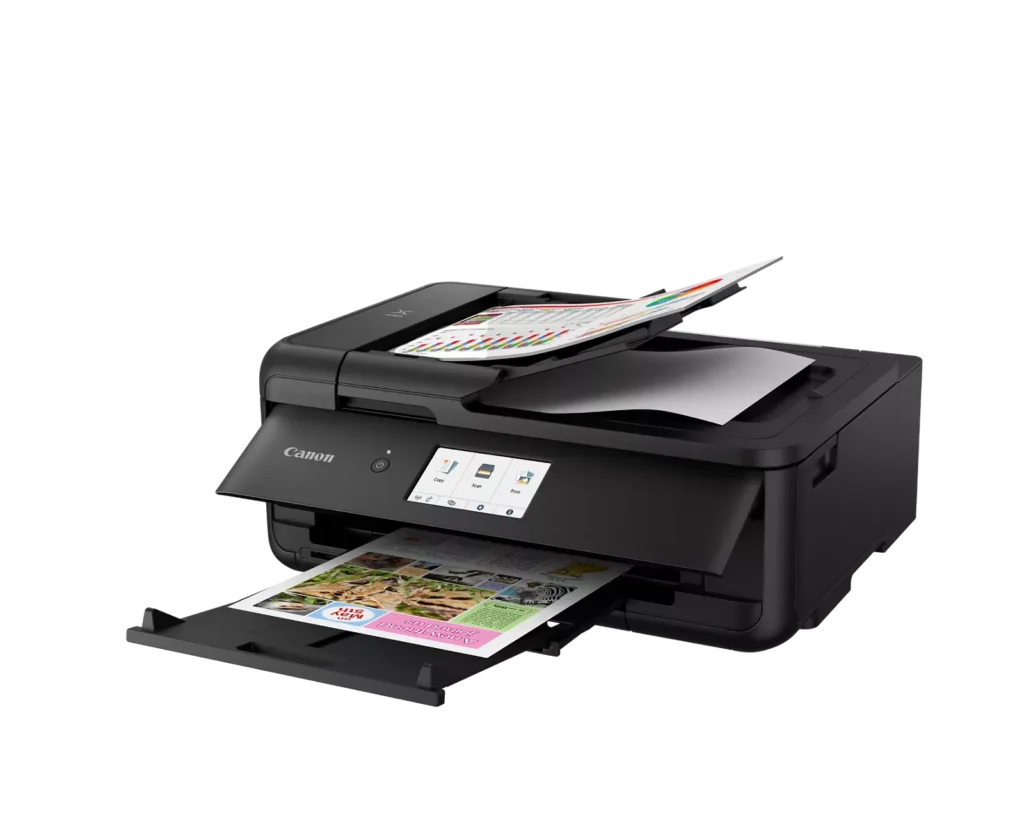
| Enhanced Productivity Features | Equipped with a 20-sheet Auto Document Feeder (ADF) for quick multi-page scanning and copying, as well as Auto 2-Sided (Duplex) printing to help reduce paper consumption and save time. |
Pros & Cons
Pros
- Versatile Media Support: The printer handles a wide range of media sizes and types, including 11×17 (A3) paper, legal-sized documents, and direct printing onto CD/DVD discs.
- High Print Quality: Users consistently report sharp, professional-looking text and excellent photo quality with accurate colors, often surpassing commercial printing services.
- Individual Ink Cartridges: The five-cartridge system allows users to replace only the specific colors that run out, and many reviewers successfully used more affordable third-party ink refills.
Cons
- Inconvenient Manual Design: A major point of frustration is that the front operational panel and paper tray must be manually opened for the printer to function, making remote or unattended printing difficult.
- Unreliable Wireless Connectivity: Many reviewers experienced frequent Wi-Fi drops, difficulty connecting to 5G networks, and compatibility issues with modern security protocols like WPA3.
- Frequent Paper Jams: A significant number of users reported persistent paper jams and feeding errors, sometimes occurring immediately out of the box or requiring the machine to be moved to access the rear door.
You might also like












Customer Reviews
Showing reviews 21-30 of 131
-
Dont waste your money
Verified purchase Verified purchase: This reviewer bought the product.Kindle Customer September 10, 2025Review source: AmazonLines in my prints. stopped for only a short time now keeps troughing a error and cant get customer service during hours i am not working. Worst purchace. would give 0 stars if it was an option
-
Not as expected
Verified purchase Verified purchase: This reviewer bought the product.magpac95 September 8, 2025Review source: BestbuyI had high expectations for photo printing but my old HP had better quality and color.
-
ALWAYS JAMS
Verified purchase Verified purchase: This reviewer bought the product.Parker95 September 6, 2025Review source: AmazonTHIS IS THE WORST PRINTER I HAVE EVER HAD! The paper JAMS EVERY TIME and I have to reload the paper about 5 times for every session where I am printing- partly because the tray can only handle about 10 sheets and partly because it JAMS ALL THE TIME
-
nice
Verified purchase Verified purchase: This reviewer bought the product.Tom Pepper September 6, 2025Review source: Amazon385865
-
This thing sucks
Verified purchase Verified purchase: This reviewer bought the product.E.S. August 31, 2025Review source: AmazonWorst printer I’ve ever owned and my husband threw out the box before we tried it out so I can’t even return it. There wasn’t a user guide in the box or a cable to connect it to my laptop for scanning. I’ve tried getting it to “find” my laptop wirelessly but it either can’t do that or it just doesn’t work. If I had a guide to troubleshoot I could tell you but I don’t. We’ve been trying to figure out how to scan something for half an hour and absolutely can’t figure it out. Not even a port for a flash drive. It’s like this thing time traveled from the 90s. The print quality is TERRIBLE. I can’t figure out how to get it to print in the layout I want (no margins). The worst part is that it’s apparently completely manual which I didn’t even think to check because I never would have thought anyone was still making printers like that. In order to print something, you have to walk over to it, open the front panel and pull out the tray first. Absolute piece of junk. And it’s huge which I was forgiving because I thought the print quality would be good but NOPE. ZERO STARS.
-
Buyer beware –
Verified purchase Verified purchase: This reviewer bought the product.Doug August 23, 2025Review source: AmazonThis printer generated an error code after about 8 months of use. After trying everything in the Canon troubleshooting guides (minimal information) and trying tips from several youtube videos, we gave up and decided to get a different brand. The error is a generic 5100 code which indicates a paper jam. Tried everything to make sure there was not any paper jammed anywhere in the unit. Also tried cleaning the encoder and many other tips from youtube and Reddit. I’m done with it. No more Canon printers.
-
Finally a printer that does not require a computer science degree to set up!
Verified purchase Verified purchase: This reviewer bought the product.Mary Alice Melwak August 22, 2025Review source: AmazonAfter three previous purchases and failed linkages with laptop this unit was truly the easiest to set up and link with a MacBook Pro. Good customer service with agents fluent in English. Prints well and I thank Canon for designing this printer as one that can be set up without an advanced degree in printer set up!!
-
Impossible wireless connection
Verified purchase Verified purchase: This reviewer bought the product.Pegasusb August 22, 2025Review source: BestbuyThe printer is OK, but it does not easily connect to wireless networks, and the instructions are useless. It took a call to a very helpful Canon service rep who explained that it does not work if your wireless router uses WEP 3, the security protocol released in 2018. How could a new product in 2025 not work with the best security protocol that is already 7 years old? Come on Cannon!
-
Printing is great, scanning is disappointing
Verified purchase Verified purchase: This reviewer bought the product.Donna Newell August 20, 2025Review source: AmazonI had a hard time finding a replacement for my previous Canon printer that served me well for years. It finally bit the dust when the ink overflow pad got full, and there is no way to replace it. This one seemed the like the best I could find to suit my desire to print documents and photos, and this time with an automatic document feeder.
The quality of the photo printing is great, better than sending the photos to Walgreens and way better than CVS. It helps that I can see how it prints and make adjustments if necessary, whereas sending them out you are at their mercy as to how much contrast and sharpness they decide to apply. So I’m very happy with that part.
However, I am trying to scan photos for my mother, and was soooo disappointed to discover that the maximum scanning resolution is 600 dpi. Really??? Obviously I screwed up when asking Rufus, because he told me it would be 1200. But maybe I asked in a way that was interpreted for printing. In any case, Rufus now tells me that the scanning resolution is never mentioned specifically. No wonder! I would not have bought this one if I had known. Who would think that a printer at this price level would be worse than the printer I bought 10 years ago. (A printer that would still be working if that pad were replaceable.)
The reviews said that this printer with this type of ink would make better prints than the mega tanks, and the ink price is similar to what I’m used to paying, so I’m fine with that.
I remember having some frustration getting it set up and connected, and I don’t remember what resolved it, but I don’t think it was anything that was wrong. It just didn’t want to work until it did, as far as I could tell. But it has been a few months, so I don’t remember the specifics.
Anyway, my documents print well, and the ADF is nice for certain applications to speed up the process too. I’m not wild about the design with the tray sticking out, but whatever, it works. I wish I could still get my old canon printer back again. But this one will have to do. After reading so many reviews I’m not sure what other printer might be better. I may just have to get a designated scanner if Canon has decided they don’t want to support good photo scanning on their printers.
-
Works well
Verified purchase Verified purchase: This reviewer bought the product.COP August 19, 2025Review source: AmazonBought this to replace a Canon MX882. Works well, does appear to be quieter than the 882 and a little bit faster. Is is also slightly smaller which is nice for my situation. The software setup was a little bit cumbersome but not overly so.