Customer Media
Highlights
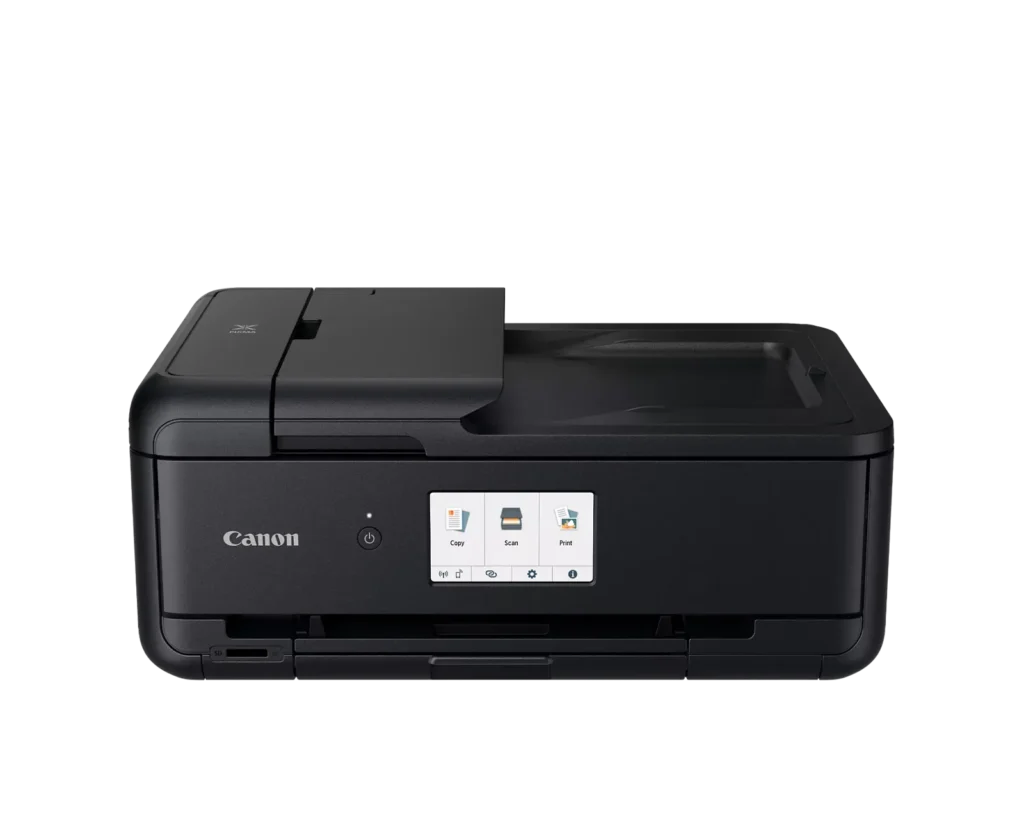
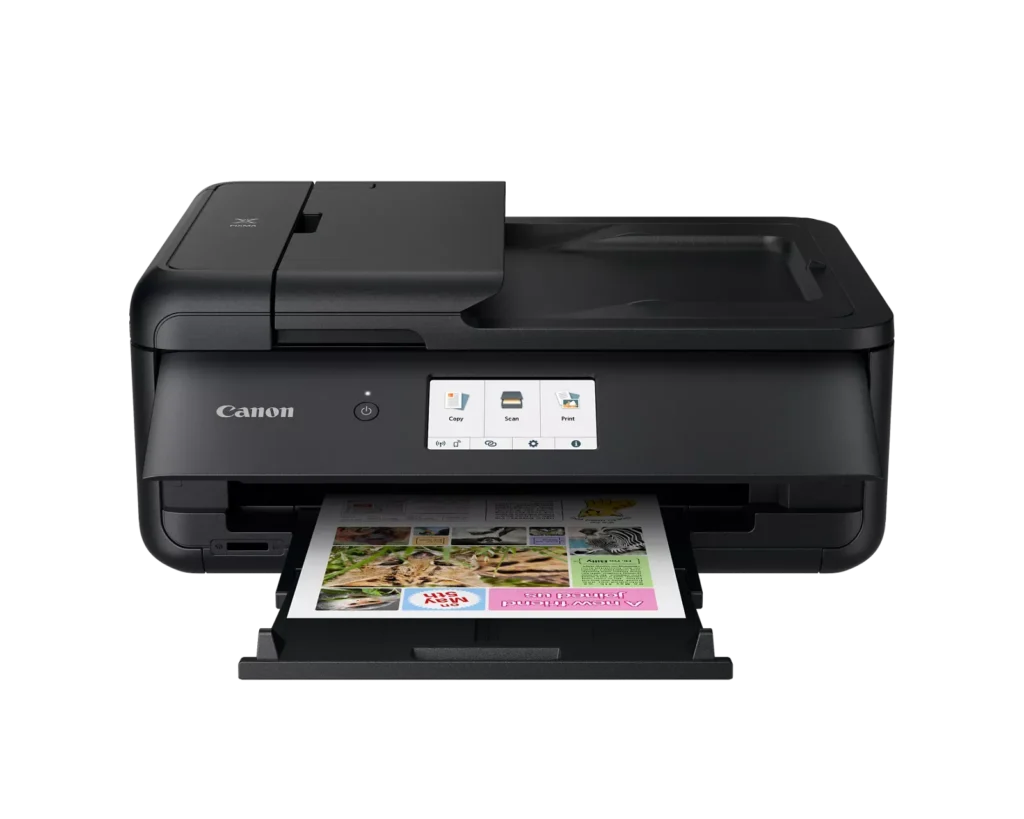
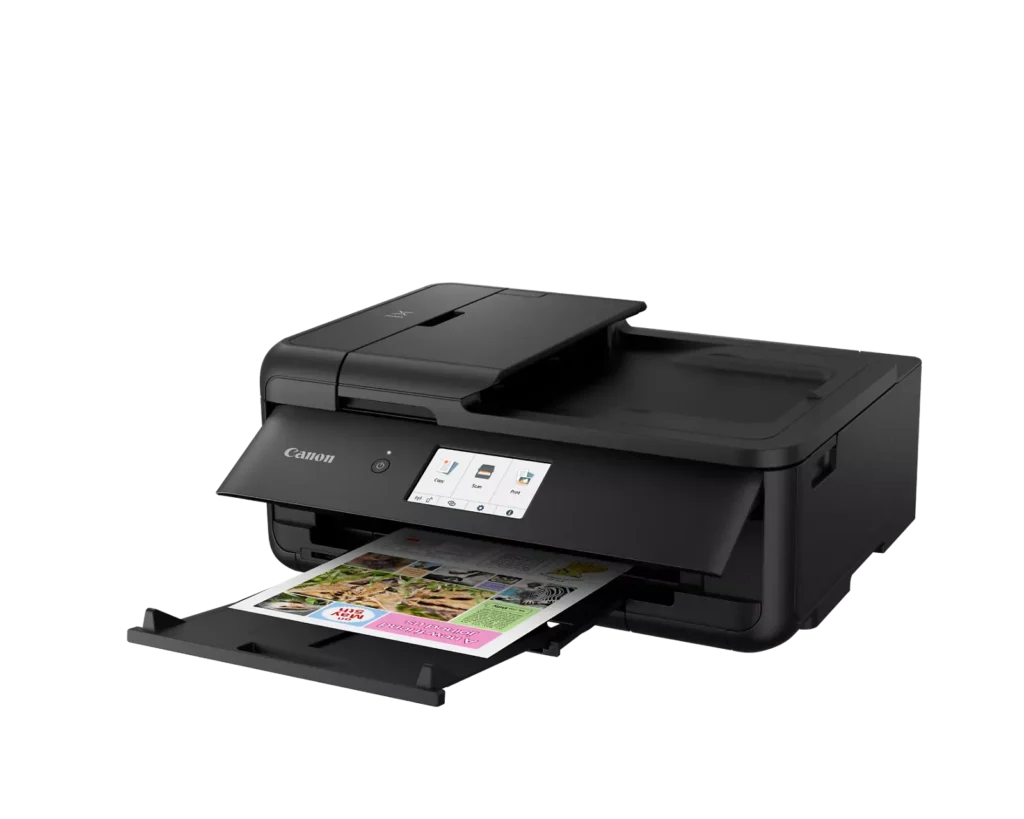
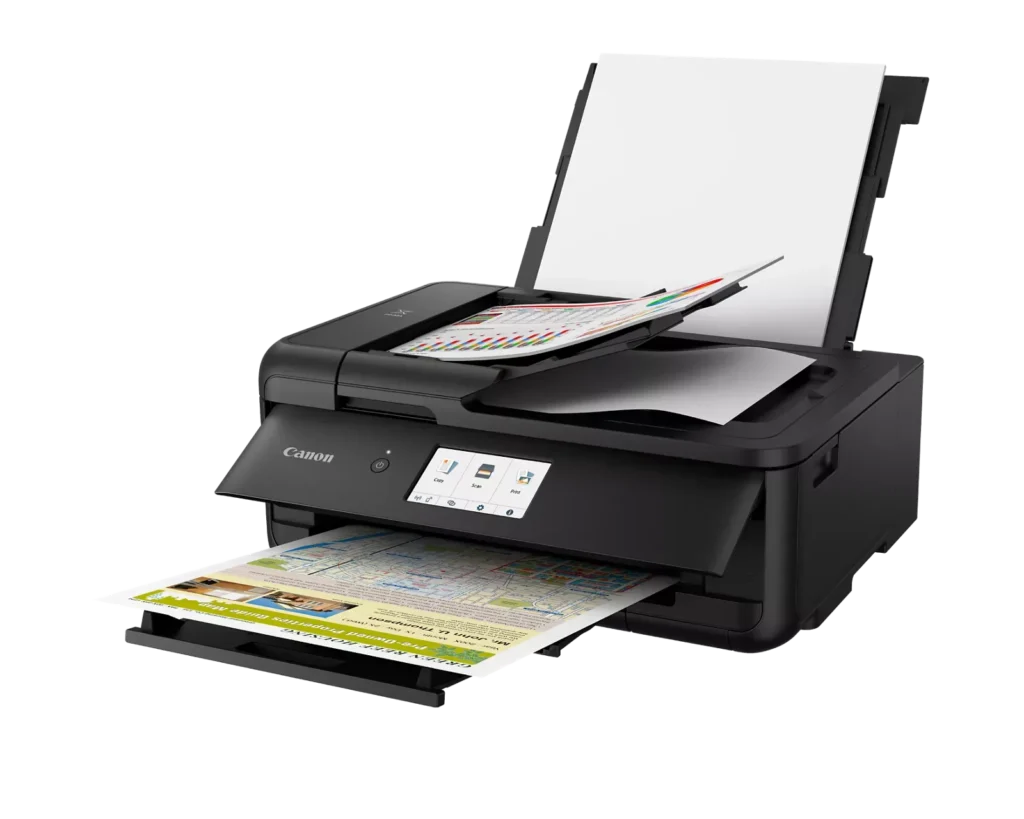
| Versatile Large Format Printing | The PIXMA TS9520a handles a wide range of media sizes, including 11" x 17" (Tabloid) for large documents and 12" x 12" square paper, making it an ideal choice for scrapbooking, crafting, and professional presentations. |
|---|---|
| 5-Color Individual Ink System | Utilizes a hybrid ink system with four dye-based inks for vivid colors and a pigment-based black ink for sharp, crisp text. The individual cartridge design allows you to replace only the specific color that runs out. |
| Comprehensive Wireless Connectivity | Easily print from your smartphone or tablet using the Canon PRINT app, Apple AirPrint, or Mopria Print Service. It also features built-in Wi-Fi, Ethernet for wired networking, and an integrated SD memory card slot for direct photo printing. |
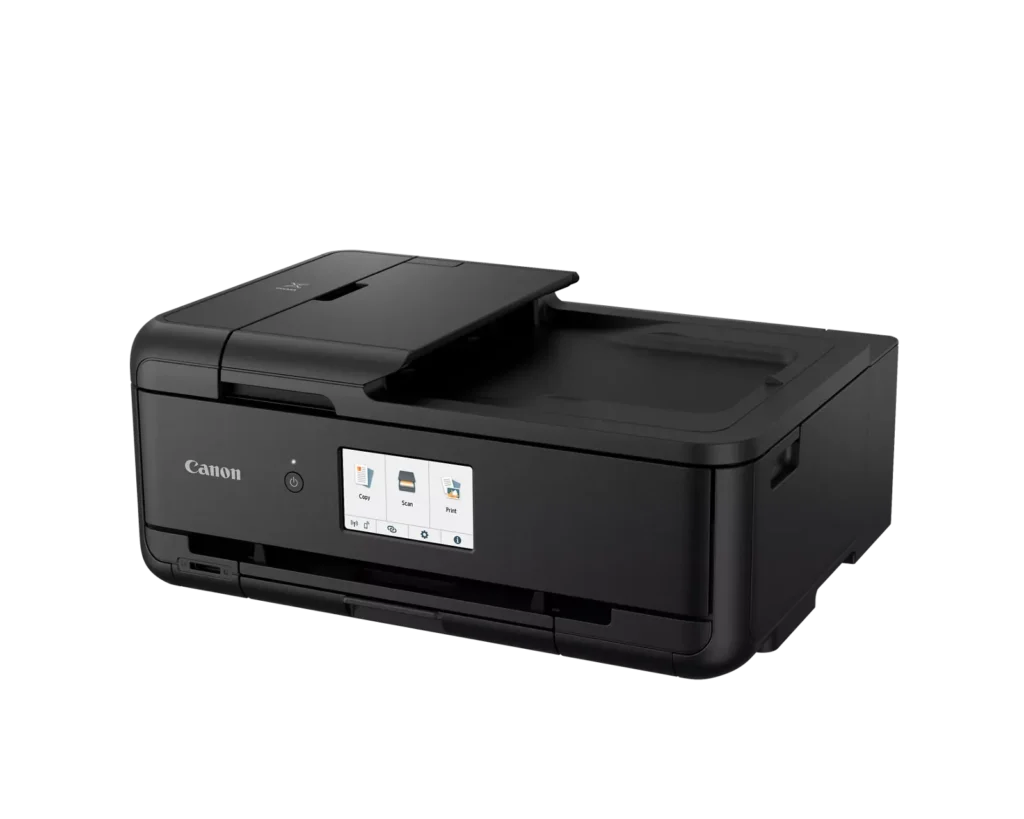
| Intuitive 4.3" Touchscreen Interface | Navigate printer settings, select premade printable patterns, and manage copy or scan jobs effortlessly via the large, easy-to-read 4.3-inch LCD touchscreen display. |
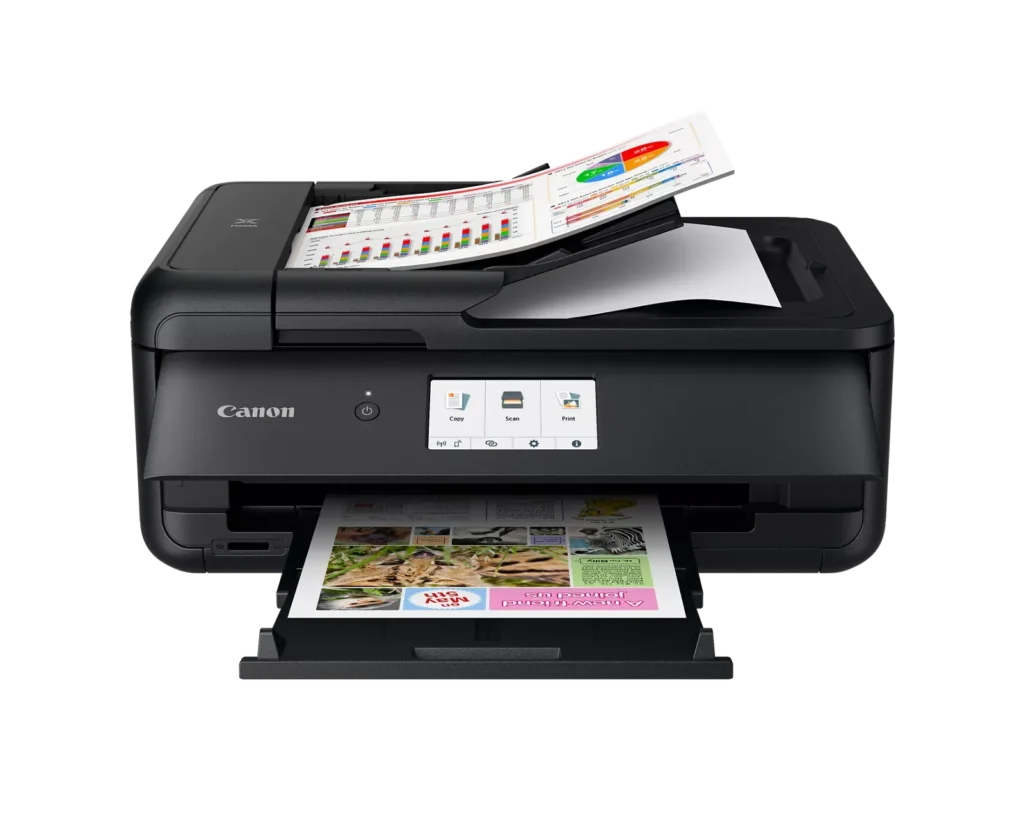
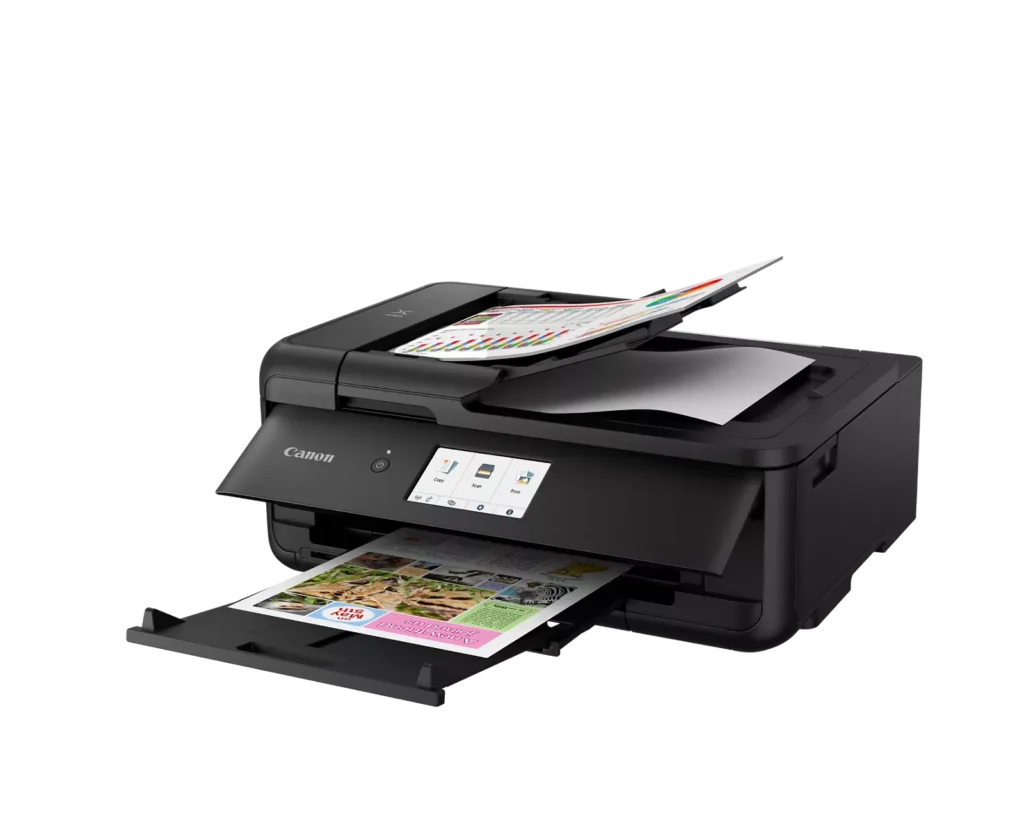
| Enhanced Productivity Features | Equipped with a 20-sheet Auto Document Feeder (ADF) for quick multi-page scanning and copying, as well as Auto 2-Sided (Duplex) printing to help reduce paper consumption and save time. |
Pros & Cons
Pros
- Versatile Media Support: The printer handles a wide range of media sizes and types, including 11×17 (A3) paper, legal-sized documents, and direct printing onto CD/DVD discs.
- High Print Quality: Users consistently report sharp, professional-looking text and excellent photo quality with accurate colors, often surpassing commercial printing services.
- Individual Ink Cartridges: The five-cartridge system allows users to replace only the specific colors that run out, and many reviewers successfully used more affordable third-party ink refills.
Cons
- Inconvenient Manual Design: A major point of frustration is that the front operational panel and paper tray must be manually opened for the printer to function, making remote or unattended printing difficult.
- Unreliable Wireless Connectivity: Many reviewers experienced frequent Wi-Fi drops, difficulty connecting to 5G networks, and compatibility issues with modern security protocols like WPA3.
- Frequent Paper Jams: A significant number of users reported persistent paper jams and feeding errors, sometimes occurring immediately out of the box or requiring the machine to be moved to access the rear door.
You might also like












Customer Reviews
Showing reviews 31-40 of 131
-
Nearly Impossible to set up wirelessly
Verified purchase Verified purchase: This reviewer bought the product.Bruce Fleet August 17, 2025Review source: AmazonThis s a good quality printer and scanner BUT it is nearly impossible to get it to connect to our home wireless network. I am tech savvy but this thing ruined my day. After spending an hour or more trying to set this up wirelessly, I spent another hour with Canon tech support before they could even get it working.
A few months later we moved to our new home. Again…impossible to set it up wirelessly. This time I gave up a bought a printer cable. -
No good
Verified purchase Verified purchase: This reviewer bought the product.B August 17, 2025Review source: AmazonDoesn’t work but one day then stop working
-
Not user friendly.
Verified purchase Verified purchase: This reviewer bought the product.MB456 August 15, 2025Review source: BestbuyNot user friendly. This printer is difficult to use and the quality is very disappointing.
-
It’s okay
Verified purchase Verified purchase: This reviewer bought the product.Headset August 11, 2025Review source: BestbuyIt prints very good, but sometimes i have troubles with paper
-
Consistency with upgrade.
Verified purchase Verified purchase: This reviewer bought the product.Phil Mackall August 9, 2025Review source: AmazonI had an earlier model of the series and loved it. It finally died. This newer model is a bit faster and a few changes in the paper tray design, but basically it’s the comfort of my old printer with no learning curve. And I didn’t have to throw out my recently purchased ink cartridges.
-
Frustrating and error-prone
Amanda August 4, 2025Review source: AmazonFar and away the worst printer, from a software/hardware standpoint I’ve ever owned. The wifi connect simply wont connect and needed to do a direct line, the process to even try connecting it was tedious, confusing and inefficent. The hardware design is ridiculous—there’s are several different flaps that need to be in specific positions in order for it to print anything, but the paper feeders frequently jam so every single time I need to reset or unjam the printer (which is almost literally every single time) I need to re-set all the flaps. It has way too many flimsy moving parts which is why it probably has so many issues. It cannot figure out or detect accurately the paper size I’m using even though I’ve only EVER used the standard 8.5×11. I have yet to print a single thing out without an issue arising. The print quality is just okay, and not worth the headaches it causes and the amount of paper it wastes trying to resolve every paper jam it causes. As a professional graphic designer, I would consider myself pretty good with technology, computers and printers. I wanted this for all it’s multi-functions but I hate using it for even the most simple tasks. Don’t waste your time or money.
-
Auto-Duplex? Forget it!
Verified purchase Verified purchase: This reviewer bought the product.Friedemann Schaefer July 20, 2025Review source: AmazonThere is no such thing as an Auto-Duplex as advertised!!
-
Great printer but inconvenient wireless connection
Verified purchase Verified purchase: This reviewer bought the product.SC Cowboy July 16, 2025Review source: AmazonGreat printer, but it occasionally loses the wireless connection and has difficulty getting connected again.
-
Great printer, easy setup
Verified purchase Verified purchase: This reviewer bought the product.KB15 July 11, 2025Review source: BestbuyThis printer was very easy to set up and connect to my computer. It prints things quickly and it’s very easy to copy things with it.
-
Great value and reliable
Verified purchase Verified purchase: This reviewer bought the product.djk123 July 4, 2025Review source: AmazonPrinter arrived on time. Easy setup, but did not like having to go to a website just for the instructions. The large card included in the box had plenty of space to print instructions.
This replaced an older ix6800 that the print head is going bad. The head has been replaced twice already. We have 3 Canon printers and like the reliability. No paper jams, good print quality. No problem printing even if it hasn’t been used for a week.