Customer Media
Highlights
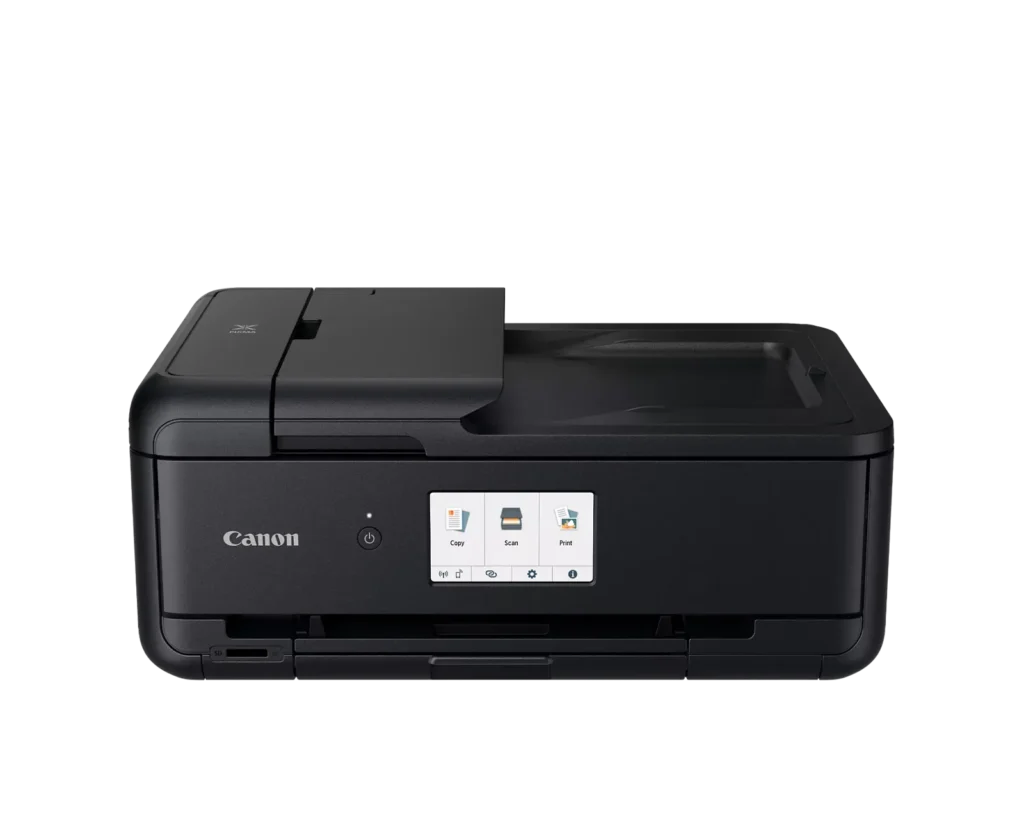
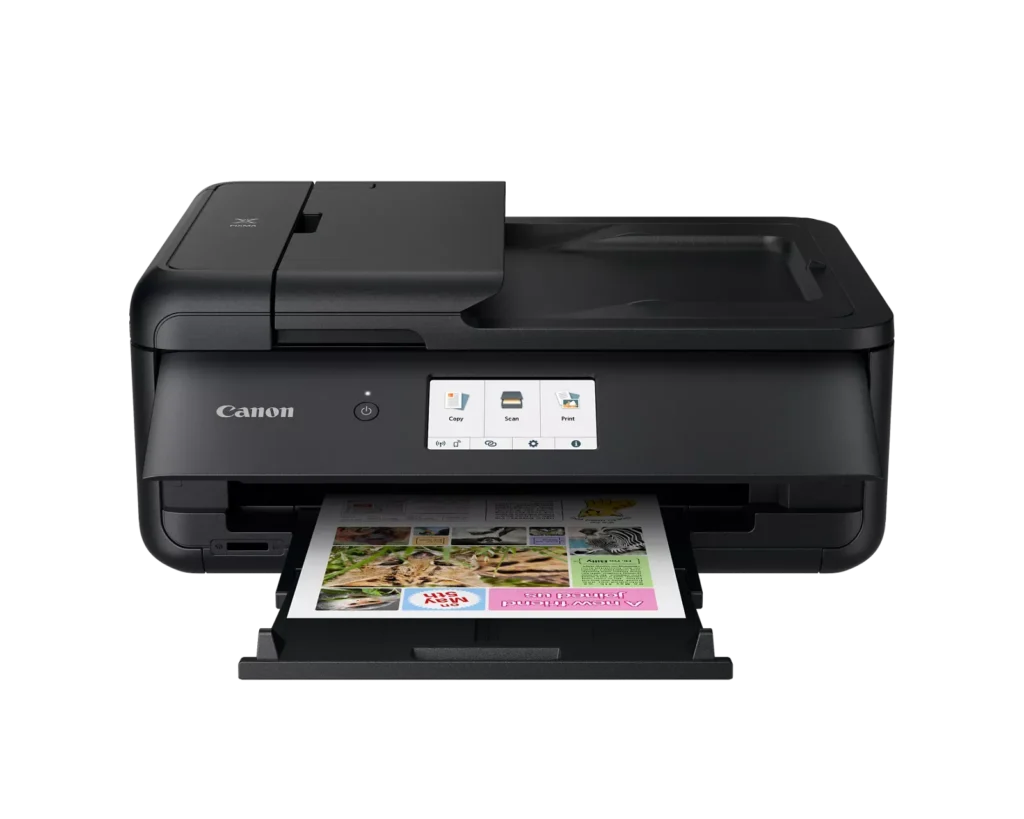
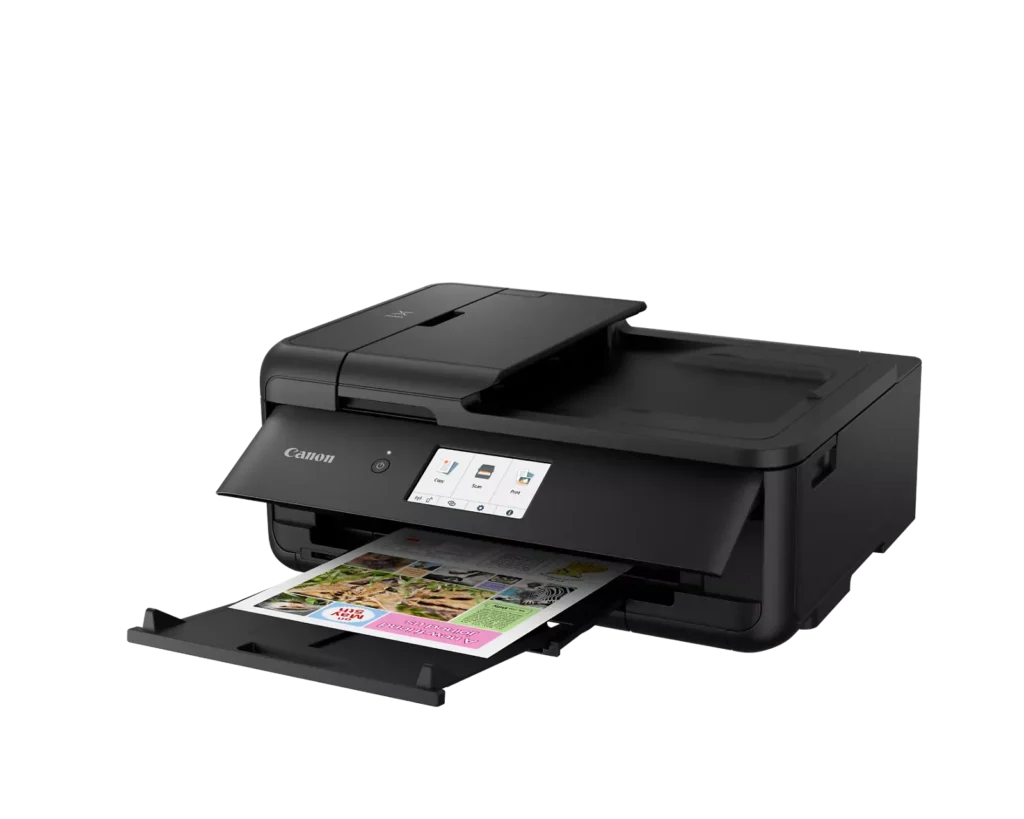
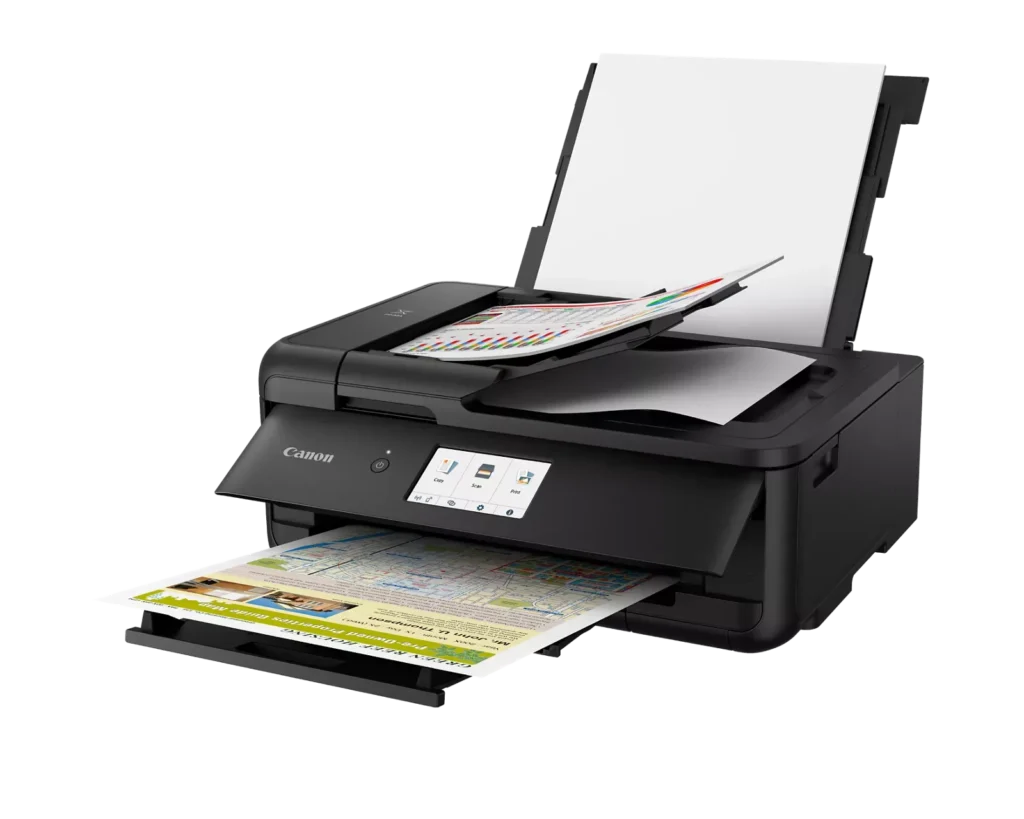
| Versatile Large Format Printing | The PIXMA TS9520a handles a wide range of media sizes, including 11" x 17" (Tabloid) for large documents and 12" x 12" square paper, making it an ideal choice for scrapbooking, crafting, and professional presentations. |
|---|---|
| 5-Color Individual Ink System | Utilizes a hybrid ink system with four dye-based inks for vivid colors and a pigment-based black ink for sharp, crisp text. The individual cartridge design allows you to replace only the specific color that runs out. |
| Comprehensive Wireless Connectivity | Easily print from your smartphone or tablet using the Canon PRINT app, Apple AirPrint, or Mopria Print Service. It also features built-in Wi-Fi, Ethernet for wired networking, and an integrated SD memory card slot for direct photo printing. |
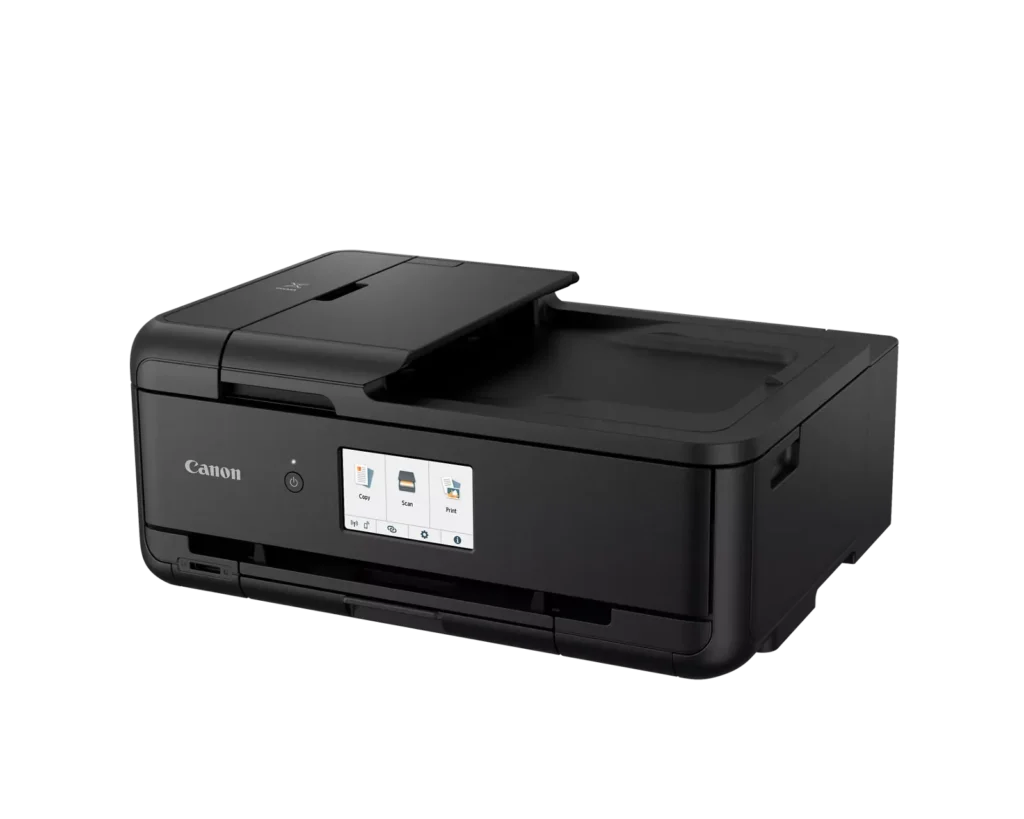
| Intuitive 4.3" Touchscreen Interface | Navigate printer settings, select premade printable patterns, and manage copy or scan jobs effortlessly via the large, easy-to-read 4.3-inch LCD touchscreen display. |
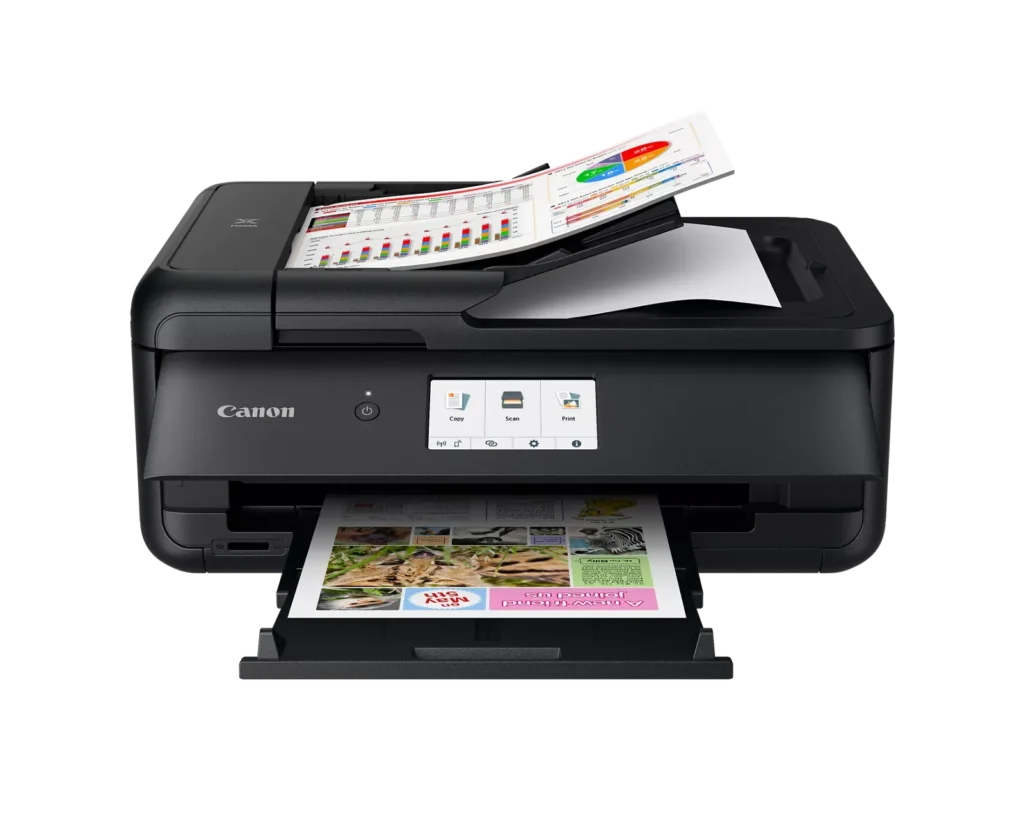
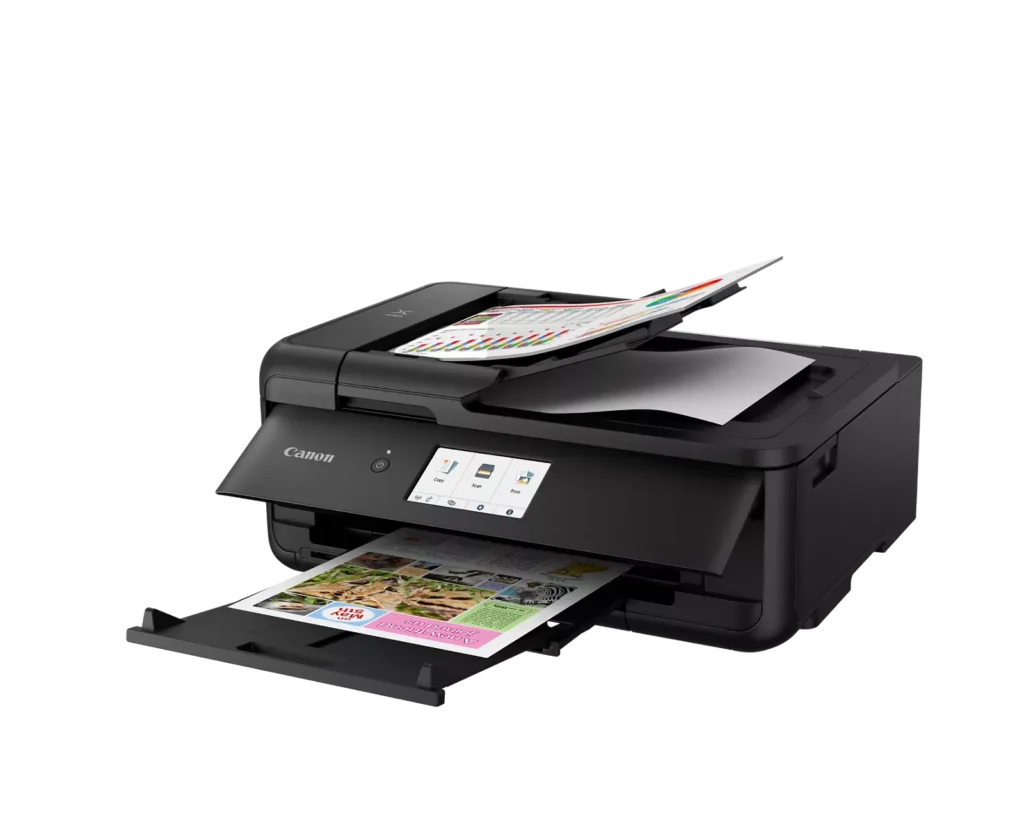
| Enhanced Productivity Features | Equipped with a 20-sheet Auto Document Feeder (ADF) for quick multi-page scanning and copying, as well as Auto 2-Sided (Duplex) printing to help reduce paper consumption and save time. |
Pros & Cons
Pros
- Versatile Media Support: The printer handles a wide range of media sizes and types, including 11×17 (A3) paper, legal-sized documents, and direct printing onto CD/DVD discs.
- High Print Quality: Users consistently report sharp, professional-looking text and excellent photo quality with accurate colors, often surpassing commercial printing services.
- Individual Ink Cartridges: The five-cartridge system allows users to replace only the specific colors that run out, and many reviewers successfully used more affordable third-party ink refills.
Cons
- Inconvenient Manual Design: A major point of frustration is that the front operational panel and paper tray must be manually opened for the printer to function, making remote or unattended printing difficult.
- Unreliable Wireless Connectivity: Many reviewers experienced frequent Wi-Fi drops, difficulty connecting to 5G networks, and compatibility issues with modern security protocols like WPA3.
- Frequent Paper Jams: A significant number of users reported persistent paper jams and feeding errors, sometimes occurring immediately out of the box or requiring the machine to be moved to access the rear door.
You might also like












Customer Reviews
Showing reviews 41-50 of 131
-
WILL NOT LOAD PAPER, NOT-TA !
Verified purchase Verified purchase: This reviewer bought the product.Moser June 24, 2025Review source: AmazonWOW!!!! My wife and I should have listened to those writing bad reviews, we’ve owned All-in-one printers for the last 20 years but this is not of the same quality that we are used to. New out of the box and following all written directions we COULD NOT get this printer to feed the paper without a jam. We spent 4 hours reading all we could, watching YouTube Videos in the event we missed something and NOPE so that’s all she wrote. Our first 4 hours was not a good experience at all, GOODBYE CANNON.
-
Several Issues
Bruce A Willins June 24, 2025Review source: AmazonI actually bought 2 of these (sorry I did). Three major issues. First, often fails to recognize and feed from the front tray. Second, often flags conflicts between application and printer drive settings. Third, picture quality is not good.
-
If your old printer still works, don't upgrade to this model! You WILL be disappointed.
Verified purchase Verified purchase: This reviewer bought the product.JV June 20, 2025Review source: AmazonWhy did you pick this product vs others?:
I bought this product based on previous Canon printer experience. Past experience was excellent, no problems. This printer has been nothing but problems. It doesn’t work like advertised. It doesn’t play well with other printer drivers; especially other Canon printer drivers. After having this for 6-months I still can’t use to its full capabilities. Very disappointed. Hard to install. Print speed startup is slow. Printer footprint in documentation needs to be updated; it takes up more space than advertised in order to take advantage of all functions. -
Okay printer scanner but seems I can't get it connect wiresless to Xfinity XB8 modem/router.
Verified purchase Verified purchase: This reviewer bought the product.Bud June 7, 2025Review source: AmazonWireless will not connect to my Xfinity router/modem XB8. I had to use a USB cable connection. I am disappointed but basic printer/scanner works well but (compared to my previous Canon MX922) it requires more manual intervention.
-
Should not have bought it
Verified purchase Verified purchase: This reviewer bought the product.JoyceW June 6, 2025Review source: BestbuyI bought this to replace a Canon MX920 due to a Microsoft Windows 10 update effectively disabling the scanner program. However, this issue still remains with the new one. It is almost identical in looks but much flimsier. It also appears that there may be issues with Windows 11.
-
Not Happy with this printer…becoming more comfortable with machine
Verified purchase Verified purchase: This reviewer bought the product.C. Bernal May 30, 2025Review source: AmazonNot happy with this printer….no disk…no manual…like to have never got the printer downloaded, because the online instructions are so bad….cannot figure out how to use the colored ink, the whole setup with this printer is lousy…my old printer was way better, I miss it already…I definitely would have never bought this printer, may return it….
Well today is the second day of printer and getting a little more familiar with it, but with no manual I have had to research how to operate the features of this machine which I am starting to like…I save paper by printing on both sides..and it does a lot more than my previous printer…which I like also…I had a rough start, but now since I have been working on all the kinks of how to work this machine I feel more comfortable of keeping it… -
Don't Do it!!
Verified purchase Verified purchase: This reviewer bought the product.Craig T. Metzger May 30, 2025Review source: AmazonMy last Canon printer, a Canon PIXMA MG7520, lasted for about nine years with little to no issues. I loved it. It died last week, so I figured I would get another Canon. It’s okay, but wow, have they gone downhill. My printer is across the room from me; It’s across the house from my wife. With the old printer, we would work on a document, press print, grab the document, and we were done. We kept the printer’s cover closed, and that kept the printer dust-free. Next time we printed, the print cover opened automatically, and we could just walk over and grab the next document. But now, we have to open everything on the printer before we start working/printing, walk over before each print job to open the printer, or keep it open all the time and while we wait for someone to rip a piece off or for the inside of the printer to get coated in dust. The print quality isn’t as good as the MG7520, the resolution isn’t as fine, and the MG7520 used gray ink for better black and white printing. The scanner resolution is about half that of the old printer as well. The only real plus is that the TS9520a can print on paper up to 11″ x 17″. It’s amazing how one little feature (or lack thereof) can completely change one’s perspective on a printer. Now I know. When I need another printer, I’ll look into other brands. Maybe Canon will have better printers by then…maybe not.
Update – Oh hell no! The printer jammed. It happens. The options are: 1) Scan a barcode. 2) Read the Manual. 3) Power it on and off. I did all three. There isn’t any paper in the machine except in the tray where it belongs. It still won’t print. I go to the software I installed on my PC, and now, only 4 months after I installed it, the proper drivers aren’t installed. I click support, and it takes me to the shopping page. Because that’s what I need to do, purchase a new printer. Nope! I have been singing the praises of Canon for many years! Simple operation. High Quality. Easy maintenance. Great support, the few times I needed to contact them. Not anymore. This is a DISASTER! I’m done. I’ll never purchase another Canon printer again!
-
Great Canon Printer
Verified purchase Verified purchase: This reviewer bought the product.JayB May 30, 2025Review source: BestbuyCanon makes a great printer, I have always used Canon printers and this one works very well
-
Poor design. Poor performance.
Verified purchase Verified purchase: This reviewer bought the product.Mary D. May 25, 2025Review source: AmazonIf i could give this printer a -10 I would. It is constantly turning off and will not come on again. Wireless printing does not work in all areas. This is a poor design and will be the last Canon printer I buy. DO NOT BUY THIS PRINTER unless you enjoy the frustration of it not working.
-
Canon inkject printer
Verified purchase Verified purchase: This reviewer bought the product.MichaelM May 24, 2025Review source: BestbuyThe printer is all that I wanted. It does great normal printing but also produces quality photo prints. My only issue was understanding that the control panel needs to be opened for the printer to operate. Instructions could have been clearer in this area. Very happy with my purchase.