Customer Media
Highlights
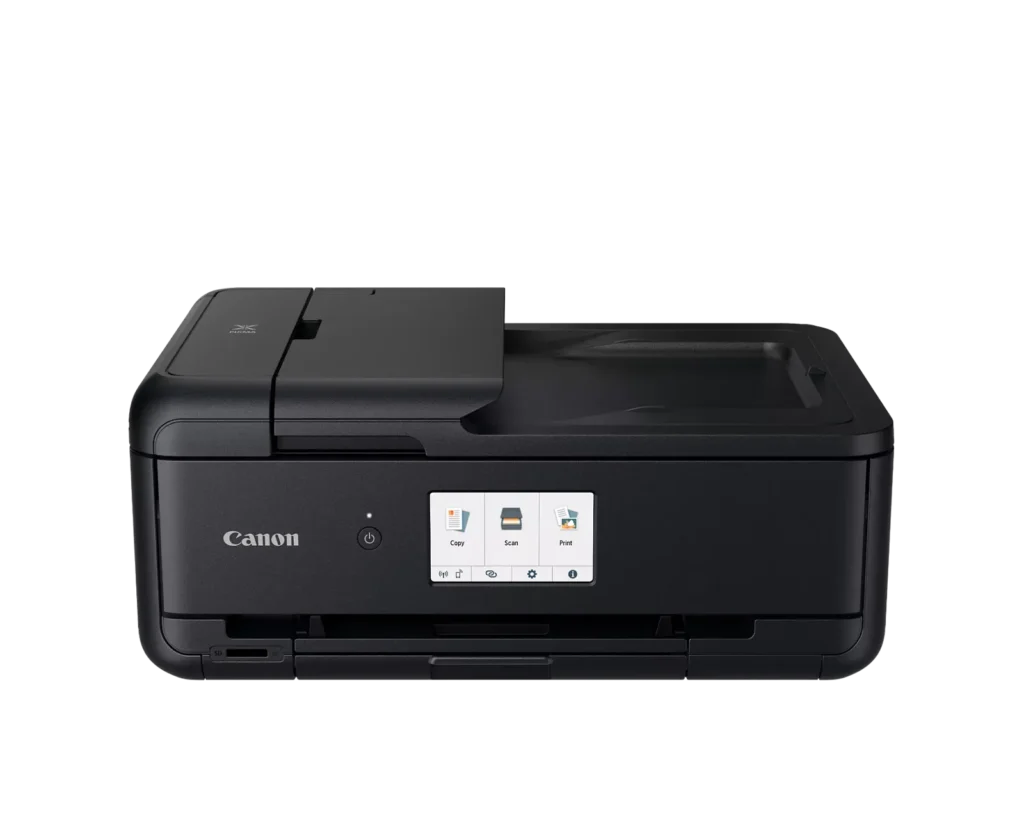
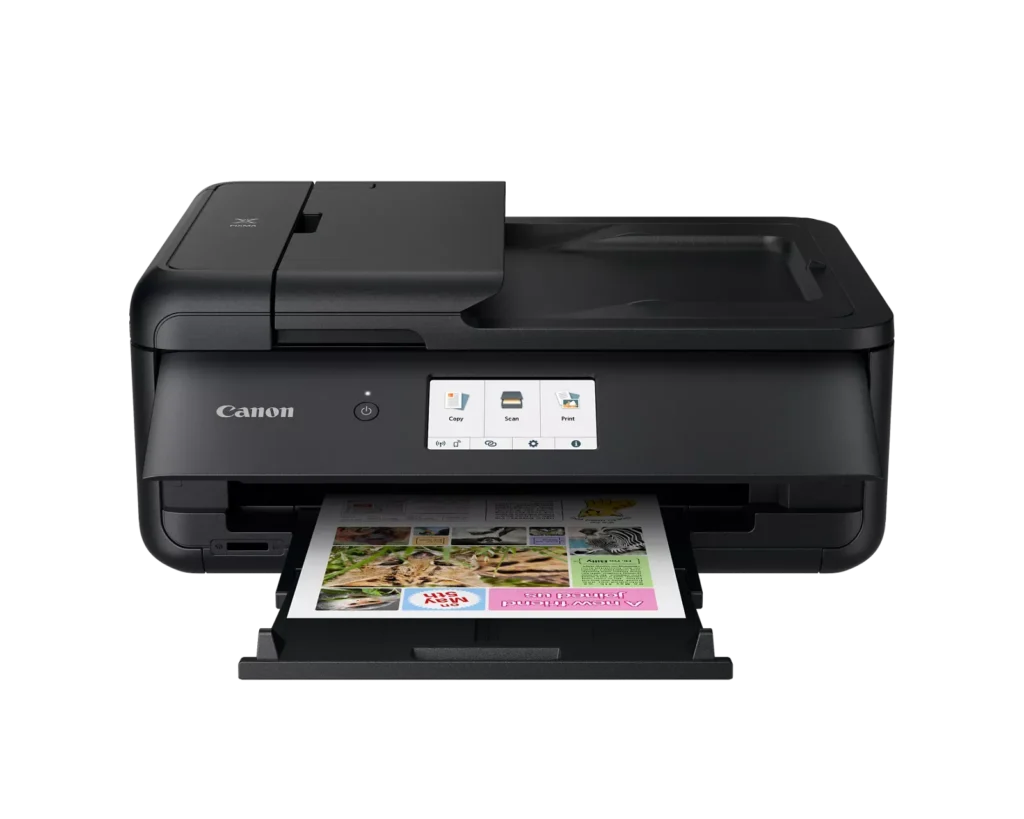
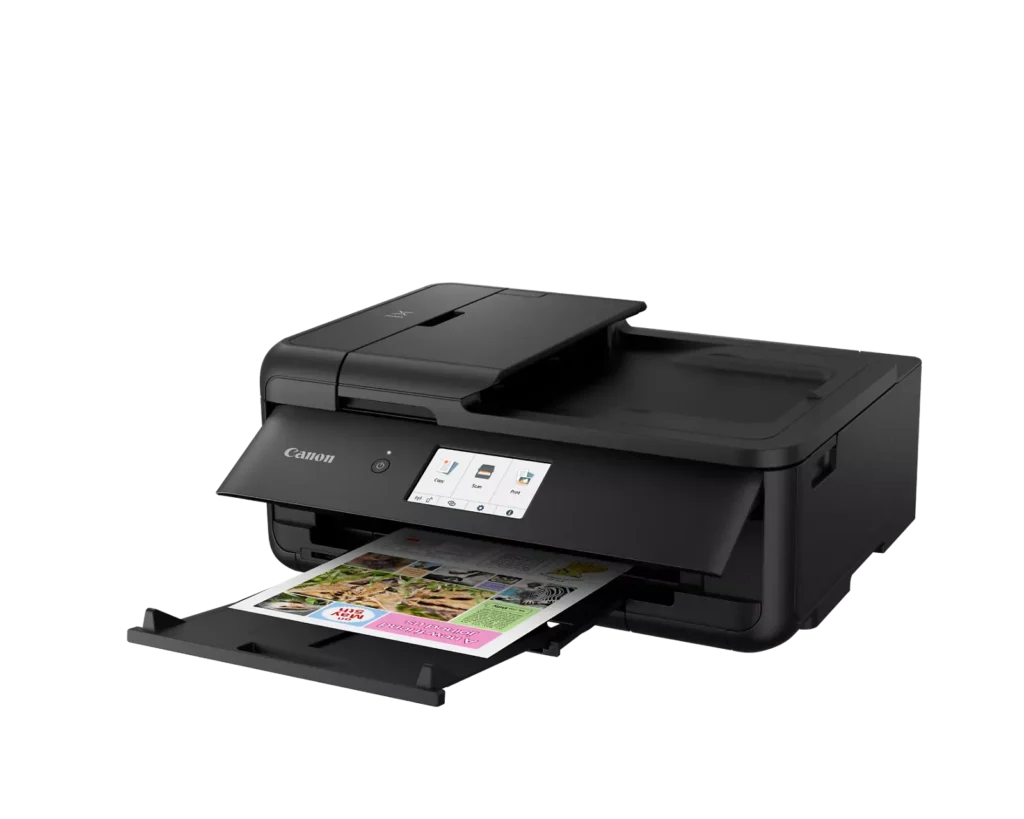
| Versatile Large Format Printing | The PIXMA TS9520a handles a wide range of media sizes, including 11" x 17" (Tabloid) for large documents and 12" x 12" square paper, making it an ideal choice for scrapbooking, crafting, and professional presentations. |
|---|---|
| 5-Color Individual Ink System | Utilizes a hybrid ink system with four dye-based inks for vivid colors and a pigment-based black ink for sharp, crisp text. The individual cartridge design allows you to replace only the specific color that runs out. |
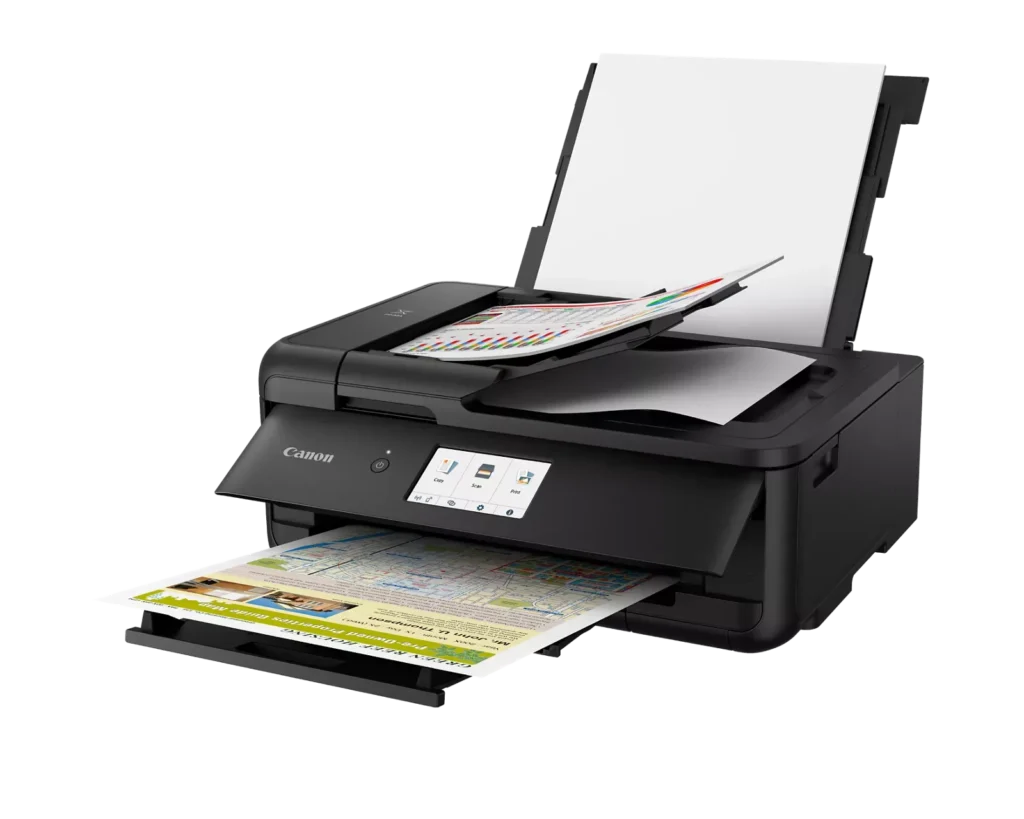
| Comprehensive Wireless Connectivity | Easily print from your smartphone or tablet using the Canon PRINT app, Apple AirPrint, or Mopria Print Service. It also features built-in Wi-Fi, Ethernet for wired networking, and an integrated SD memory card slot for direct photo printing. |
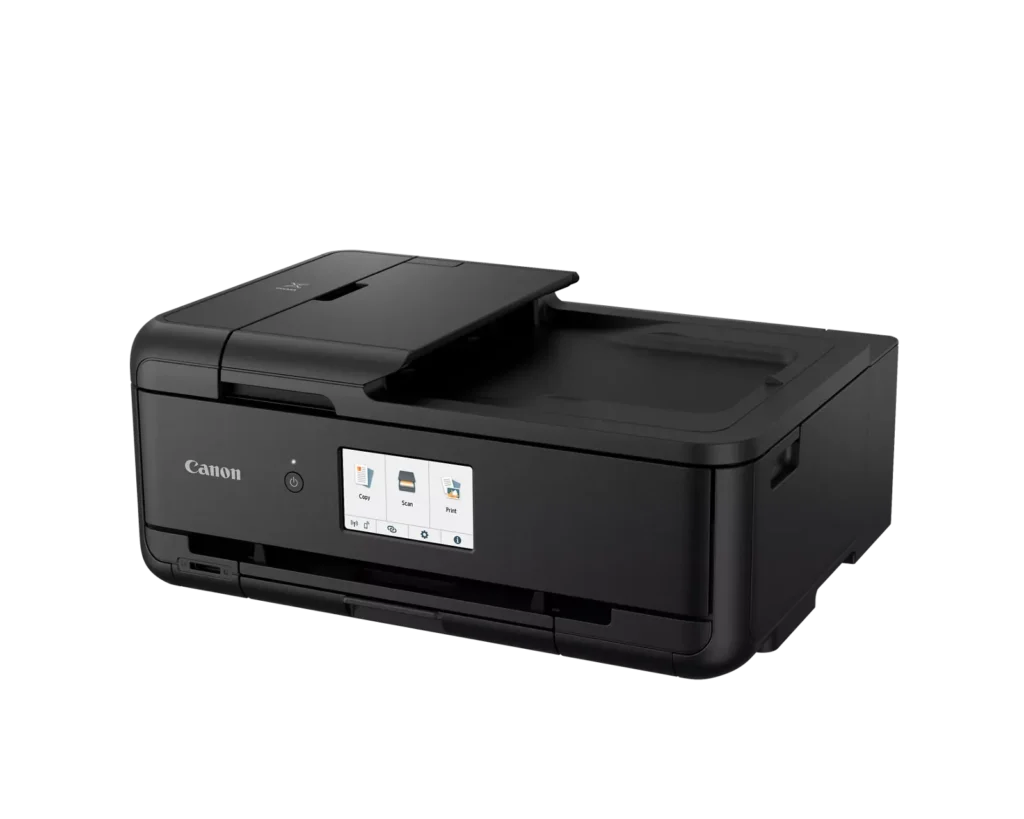
| Intuitive 4.3" Touchscreen Interface | Navigate printer settings, select premade printable patterns, and manage copy or scan jobs effortlessly via the large, easy-to-read 4.3-inch LCD touchscreen display. |
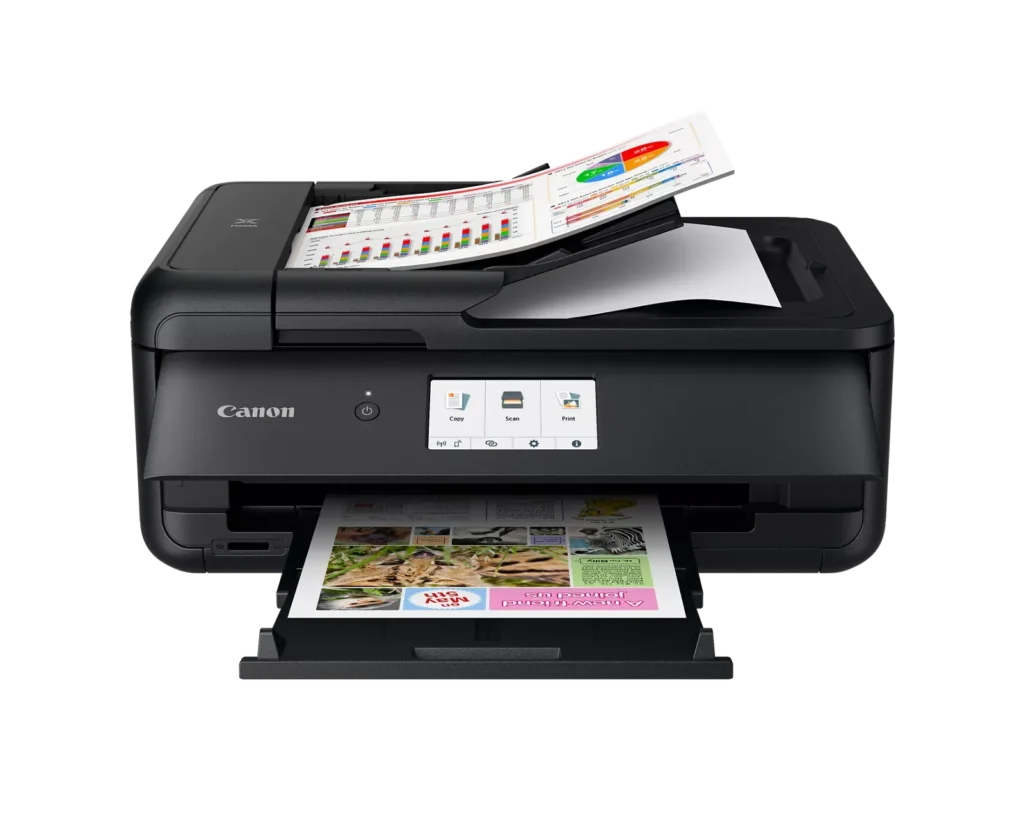
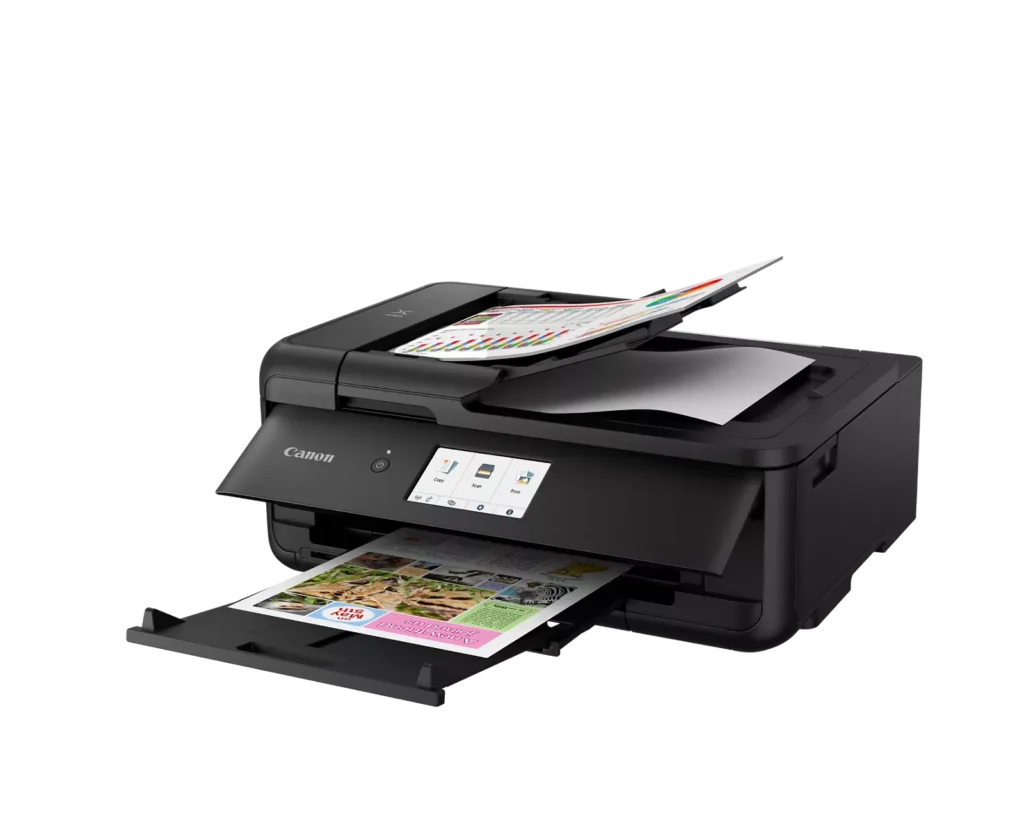
| Enhanced Productivity Features | Equipped with a 20-sheet Auto Document Feeder (ADF) for quick multi-page scanning and copying, as well as Auto 2-Sided (Duplex) printing to help reduce paper consumption and save time. |
Pros & Cons
Pros
- Versatile Media Support: The printer handles a wide range of media sizes and types, including 11×17 (A3) paper, legal-sized documents, and direct printing onto CD/DVD discs.
- High Print Quality: Users consistently report sharp, professional-looking text and excellent photo quality with accurate colors, often surpassing commercial printing services.
- Individual Ink Cartridges: The five-cartridge system allows users to replace only the specific colors that run out, and many reviewers successfully used more affordable third-party ink refills.
Cons
- Inconvenient Manual Design: A major point of frustration is that the front operational panel and paper tray must be manually opened for the printer to function, making remote or unattended printing difficult.
- Unreliable Wireless Connectivity: Many reviewers experienced frequent Wi-Fi drops, difficulty connecting to 5G networks, and compatibility issues with modern security protocols like WPA3.
- Frequent Paper Jams: A significant number of users reported persistent paper jams and feeding errors, sometimes occurring immediately out of the box or requiring the machine to be moved to access the rear door.
You might also like












Customer Reviews
Showing reviews 61-70 of 131
-
good product. easy to set up. been using now for month and a half.
Verified purchase Verified purchase: This reviewer bought the product.david s April 3, 2025Review source: Amazoneast set up
-
Simple yet powerful with utmost setup ease
Verified purchase Verified purchase: This reviewer bought the product.J.Cee April 2, 2025Review source: AmazonExceptional product and printer! It took less than 15 minutes to go from box to full use, making it extremely profitable for the projects I purchased this for. Thank you for the product and exceptional, prompt delivery!
-
Very useful
Verified purchase Verified purchase: This reviewer bought the product.user478205 March 28, 2025Review source: BestbuyI use this new printer scanner to help with my ancestry photos and documents. It works well.
-
I always buy Cannon Printers
Verified purchase Verified purchase: This reviewer bought the product.whiskeytango March 22, 2025Review source: BestbuyI always by Cannon Printers, they are the best, long lasting, no problems.
-
When packaging is damaged, check contents
Verified purchase Verified purchase: This reviewer bought the product.Denton Murray March 18, 2025Review source: AmazonBottom of box was opened so that box had to be turned upside down. I decided to keep the printer even though the plug attachment is a bit loose. I have set it up and installed it as I needed to use it
-
Works for 15 minutes only after powering it on
Verified purchase Verified purchase: This reviewer bought the product.Dmitry March 17, 2025Review source: AmazonBeware of buying this printer. This is a defective model that works for 15 minutes only after powering it on. This happens even with the setting “Auto turn on: ON”. And even with the setting: “Always on: ON”. This product hasn’t been even tested before releasing it to the market. The problem must be fixed, and it should be recalled.
-
Mrs
Verified purchase Verified purchase: This reviewer bought the product.DianeT March 15, 2025Review source: BestbuyLove this printer. Makes second canon printer i have purchased. Still have the old one
-
Great Price; High Performance Printer; Accepts Non-Canon Ink Refills!
Verified purchase Verified purchase: This reviewer bought the product.Pensive Pundit March 12, 2025Review source: AmazonI love how this printer works. The quality is quite high, and the price makes it highly competitive, considering that the quality of its printing is good. Setup was so easy that I found myself smiling. It connects wirelessly, or through either a USB cable (provided) or a category 5 (5e, or 6) ethernet cable with RJ45 plugs (not provided). The only negative thing I have to say is that for copying 2 sided documents I need to let it copy one side, and then turn the 1-sided copy over and run it through again, and then the 2nd side is added on. With my old HP printer, it would copy both sides automatically. However, I won’t use HP anymore because it requires only HP ink cartridges, and won’t accept other (cheaper) brands of ink cartridges. The main reason I bought this Canon printer is because it accepts all other brands of replacement ink cartridges, and they are very cheap!
-
cant use a broken printer
Verified purchase Verified purchase: This reviewer bought the product.donald a. dean March 11, 2025Review source: Amazonparts broken
-
Nothing good to say
Amazon Customer March 10, 2025Review source: AmazonPrinter goes into idle mode and can only be awakened by pushing the power button. Very inconvenient when you want to print from another room, or even when you don’t happen to be sitting right next to the printer at the time. Printer, inexplicably, will only work if the LCD control panel is flipped open. Scanner often will not be recognized by scanning app unless you first print something, and only then does the scanner connect. It is very common for the first scan attempt to result in an error message which you only after the scan process is complete. Second try always works, but this is quite annoying when scanning a large document. The paper loading process is ridiculous. The easiest way to load the paper ‘cassette’ is to lift up the printer with one hand and pull out the paper tray from the bottom of the printer with the other. It is without question the worst designed printer I have ever owned.