Customer Media
Highlights
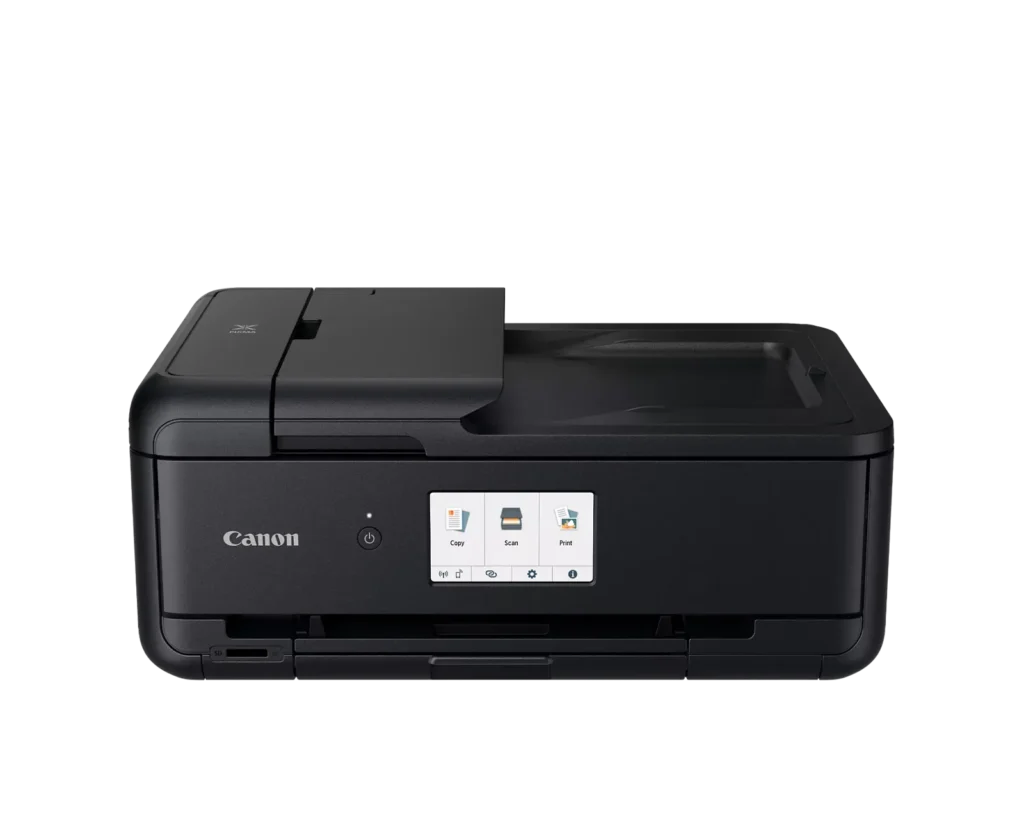
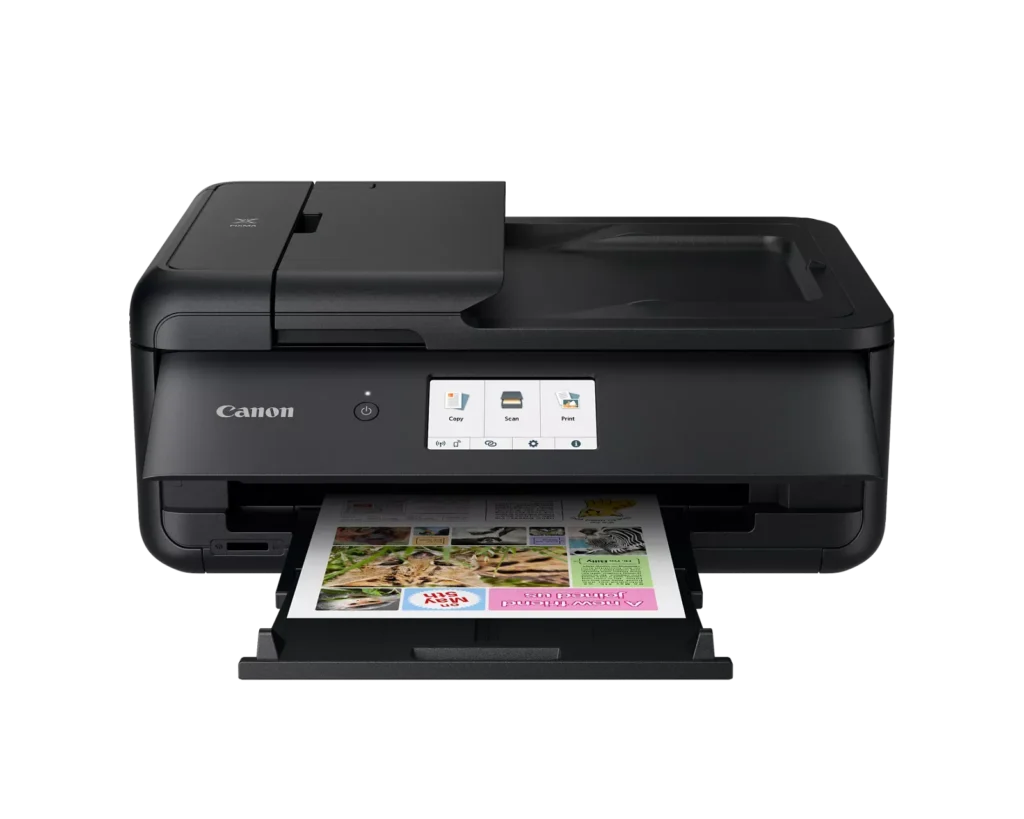
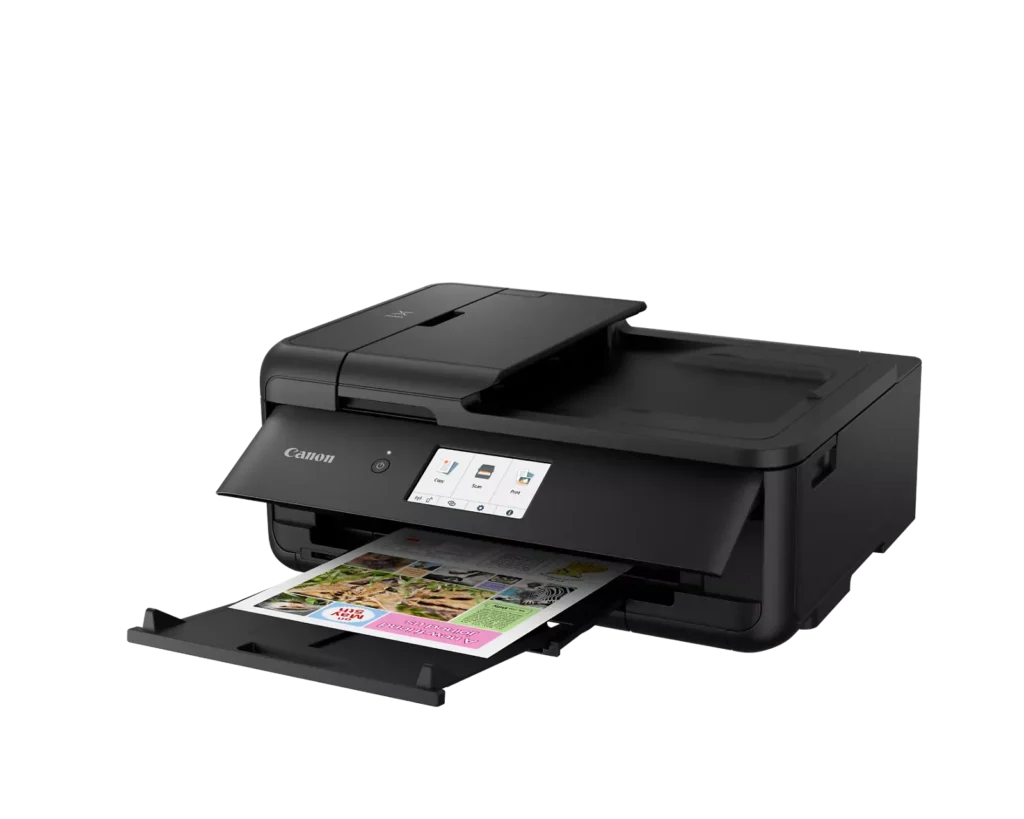
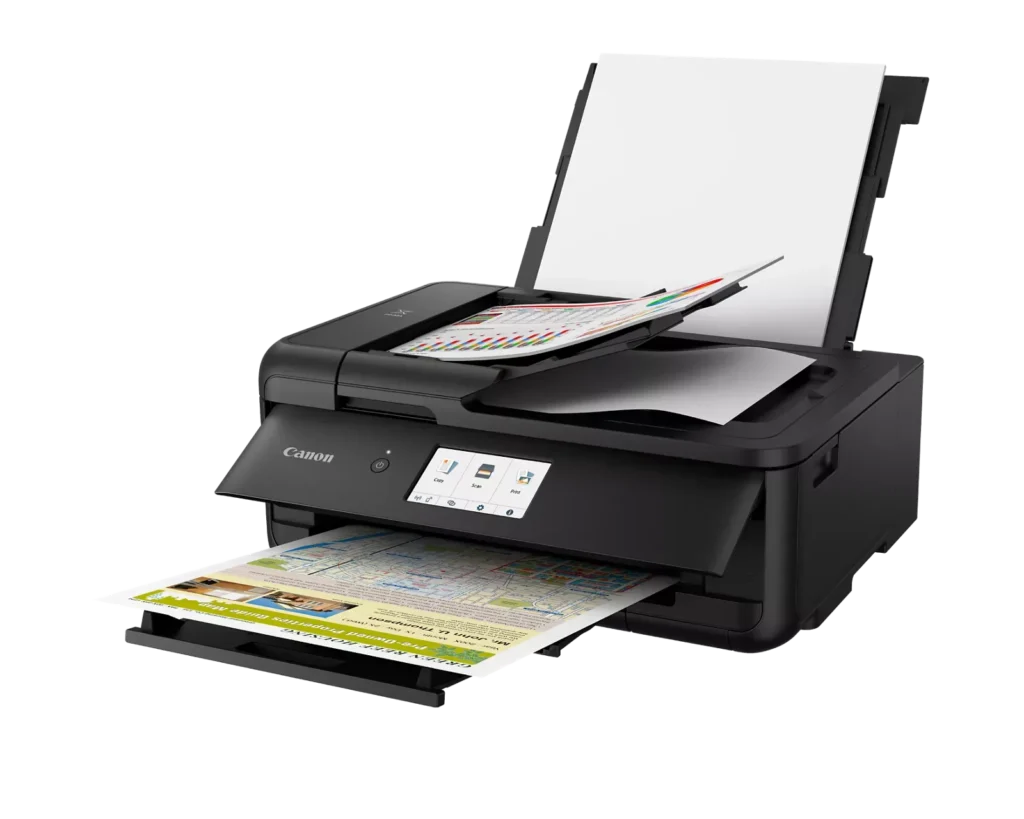
| Versatile Large Format Printing | The PIXMA TS9520a handles a wide range of media sizes, including 11" x 17" (Tabloid) for large documents and 12" x 12" square paper, making it an ideal choice for scrapbooking, crafting, and professional presentations. |
|---|---|
| 5-Color Individual Ink System | Utilizes a hybrid ink system with four dye-based inks for vivid colors and a pigment-based black ink for sharp, crisp text. The individual cartridge design allows you to replace only the specific color that runs out. |
| Comprehensive Wireless Connectivity | Easily print from your smartphone or tablet using the Canon PRINT app, Apple AirPrint, or Mopria Print Service. It also features built-in Wi-Fi, Ethernet for wired networking, and an integrated SD memory card slot for direct photo printing. |
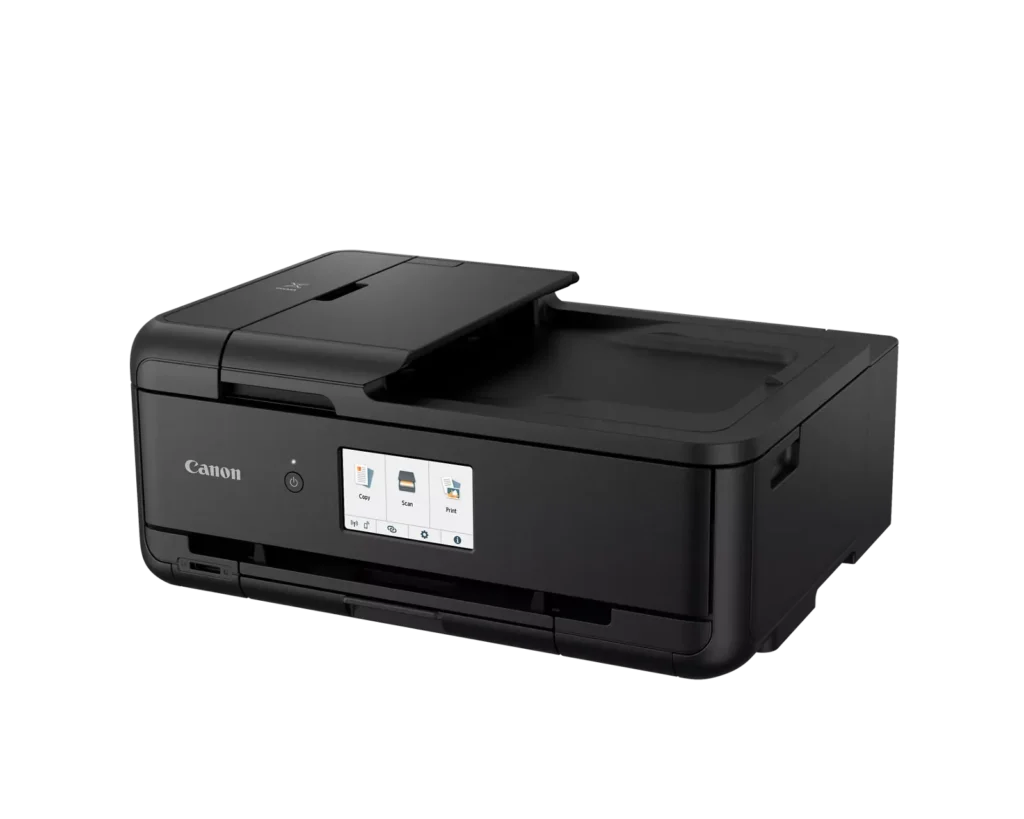
| Intuitive 4.3" Touchscreen Interface | Navigate printer settings, select premade printable patterns, and manage copy or scan jobs effortlessly via the large, easy-to-read 4.3-inch LCD touchscreen display. |
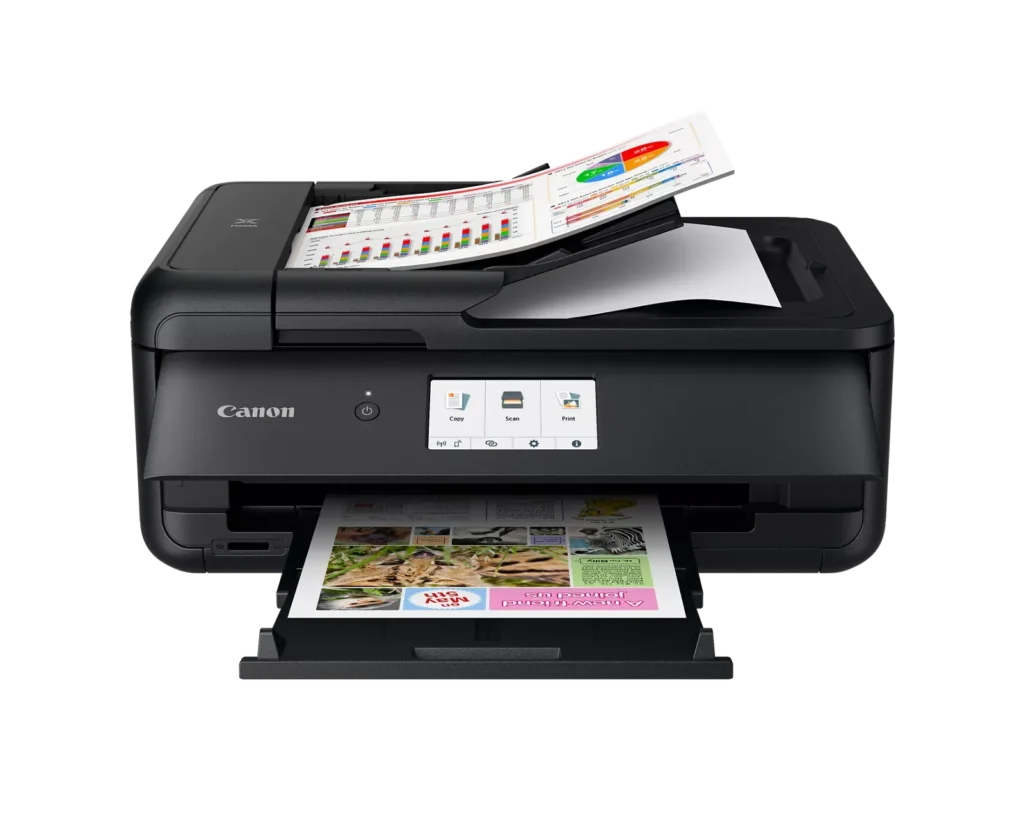
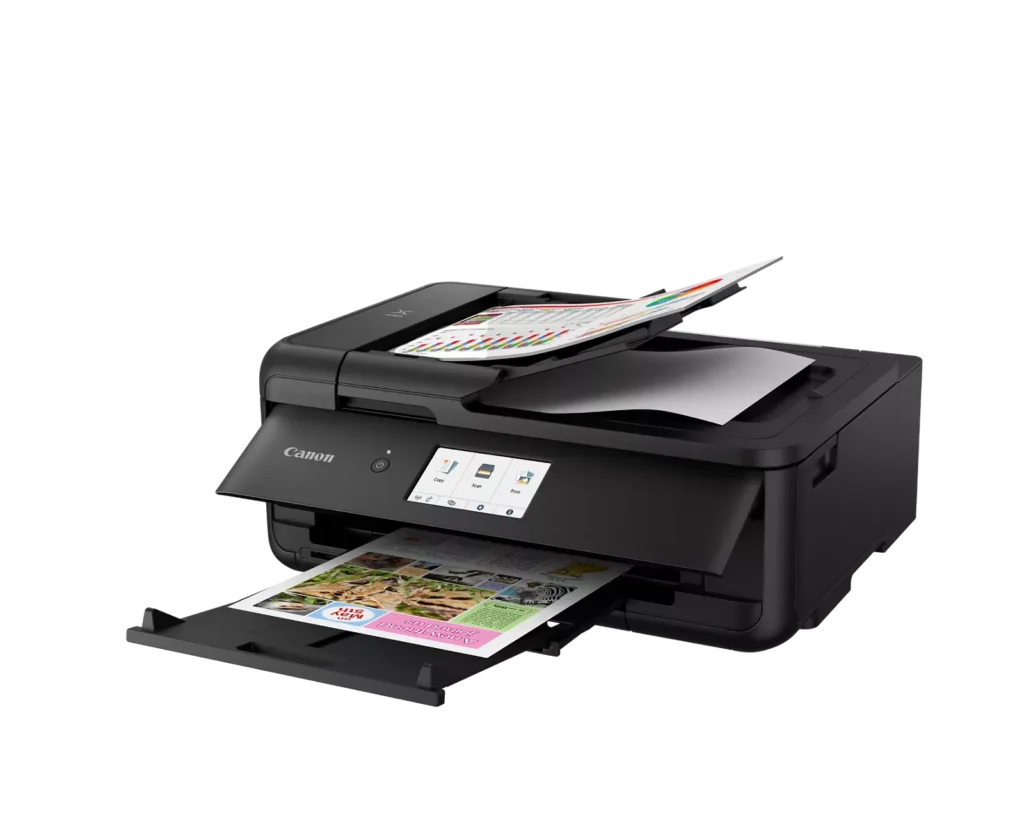
| Enhanced Productivity Features | Equipped with a 20-sheet Auto Document Feeder (ADF) for quick multi-page scanning and copying, as well as Auto 2-Sided (Duplex) printing to help reduce paper consumption and save time. |
Pros & Cons
Pros
- Versatile Media Support: The printer handles a wide range of media sizes and types, including 11×17 (A3) paper, legal-sized documents, and direct printing onto CD/DVD discs.
- High Print Quality: Users consistently report sharp, professional-looking text and excellent photo quality with accurate colors, often surpassing commercial printing services.
- Individual Ink Cartridges: The five-cartridge system allows users to replace only the specific colors that run out, and many reviewers successfully used more affordable third-party ink refills.
Cons
- Inconvenient Manual Design: A major point of frustration is that the front operational panel and paper tray must be manually opened for the printer to function, making remote or unattended printing difficult.
- Unreliable Wireless Connectivity: Many reviewers experienced frequent Wi-Fi drops, difficulty connecting to 5G networks, and compatibility issues with modern security protocols like WPA3.
- Frequent Paper Jams: A significant number of users reported persistent paper jams and feeding errors, sometimes occurring immediately out of the box or requiring the machine to be moved to access the rear door.
You might also like












Customer Reviews
Showing reviews 81-90 of 131
-
great printer till it didnt anymore
Verified purchase Verified purchase: This reviewer bought the product.Andrew M. January 28, 2025Review source: AmazonI love this printer. It does everything I want to do
update it stopped working I couldn’t register it with Cannon they said it is not sold in the USA by the serial number so you are not eligible for an exchange with Cannon. but a long chat with Amazon and they are taking it back. -
Nice printing and scans
Verified purchase Verified purchase: This reviewer bought the product.WSML January 27, 2025Review source: AmazonSo far so good.
-
Lemon law on printers
Verified purchase Verified purchase: This reviewer bought the product.Chris Corvini January 25, 2025Review source: AmazonHave had constant problems with printer. Paper jam every time I try to use it. Have to do “Clean Roller” every time I want to print. Canon will not do anything about it. They will not replace it for it’s inherent problems. Lemon!!!!
-
Beautiful printing, but lacking features of old printer.
Verified purchase Verified purchase: This reviewer bought the product.Leonard B. January 25, 2025Review source: AmazonBeautiful printing. Setup was easy except for WiFi, which had to be done manually. Sad to see that the hopper and front panal must be manipulated manually before printing, unlike my previous PIXMA which would open automatically for unattended printing. The printer is set for duplex, but when printing a single page, it still goes through processing the blank back side, so printing a single page takes a surprisingly long time.
-
Great printer
Verified purchase Verified purchase: This reviewer bought the product.Dino January 22, 2025Review source: BestbuyEasy to set up, fantastick speed,once set up very easy to use
-
The Canon TS9520a is a Good Home Printer
Verified purchase Verified purchase: This reviewer bought the product.CYGAGET January 20, 2025Review source: AmazonI’ve been needing a home printer for a while now. I decided on an inkjet printer after doing some very crude calculations for the cost of a printer, and yearly printing cost (ink cost) over the average lifespan of the printer. I chose the Canon model because a Canon 7000 series mega tank printer I used was very straight forward in it’s setup and use. The Canon TS9520a printer does everything I need a printer to do copy, print, scan and photos. It fits perfectly on my home office desk although it’s bigger than I thought it would be. I can live with it’s size. Printed documents look great. The printer was easy to setup but the instructions on how to get my devices to add the printer were vague IMO. For what I need a printer to do this printer is perfect plus it has some perks i.e., the ability to accept legal size paper. The fact that an additional price reduction was applied to the printer when I put it in my cart made the purchase feel like it was the right one.
-
GREAT PRINTER
Verified purchase Verified purchase: This reviewer bought the product.MatthewH January 17, 2025Review source: BestbuyHighly recommend this printer. Its a perfect hybrid printer that can address photo quality images and work from home needs. I print roughly 5 to 8 photo type prints a month and 75 to 100 pages of business class color. The printer is a perfect in-between device that yields great images at a fast speed. Also, the starter cartridges produced a decent number of images before they expired. Replacement cartridges are relatively inexpensive. Ink isn’t cheap now matter how you spin it.
-
Prints larger size papers
Verified purchase Verified purchase: This reviewer bought the product.KarenB January 17, 2025Review source: BestbuyI like that this printer prints larger size so I can make copies of my art. I love Canon, have been using them for years. Due to high print volume the ink doesn’t last long, which I expected.
-
Does everything a good printer should do
Verified purchase Verified purchase: This reviewer bought the product.RHeumann January 13, 2025Review source: AmazonI got rid of a printer that used ink and not cartridges. I was looking for aprinter that does double sided prints. This one also print into booklet form. The only thing that I don’t like so far is that when printing from my cell phone, it uses the back tray. Don’t know if you can change that. Haven’t figured out how to do it yet. Setting up was very easy.
-
Great for Mac…so far
Verified purchase Verified purchase: This reviewer bought the product.Don from VA January 10, 2025Review source: AmazonWhen my old Canon MX499 printer stopped working I had to find a replacement. I started dong some research and became quickly disillusioned. It seemed like every printer out there had tons of bad reviews. Cheaply made Chineses pieces of junk! I even considered going from inkjet to laser printer. Not a lot of difference! Problems ranged from WIFI connectivity to poor performance and cheaply built machines that broke easily. And proprietary and costly ink requirements.
I needed a home use printer for occasional printing, and for scanning purposes. I had always had Canon products and was well pleased with them. I finally narrowed my search to inkjets. The Lasers were marginally better, but way too expensive for my needs. After weeks of more research and reviews, I decided to stay with Canon. HP seemed to want to lock you in to an ink agreement, and Brother had many complaints about having to use just their brand of toners,
I decided to try the Canon Pixma TS9520a, because it had the best higher reviews and the least bad ones!
I purchased it online through Amazon. When it arrived, I connected it wirelessly to my old iMac Desktop without any issue, except the scan feature would not work properly with my outdated OS system. (I had oredered a new iMac replacement, but it had not yet arrived. Once my new iMac arrived and I set it up and downloaded the drivers for the Canon Printer, everything worked flawlessly! Scan feature works great! I would just make sure the printer and computer are connected to the same WIFI network. Mine is a dual-band ORBI mesh wifi. there was no issue with band conflict.Do note: this printer has a front door that has to be open in order to print. I read an article that suggested that you could remove the lever that holds the door open to by-pass this issue. I was reluctant to “break” the lever off on a new machine to do that, so I just leave my door open all the time. (unknown if it would affect any warranty). Also, I use only the front paper tray and not the back one to reduce the footprint for where I have the printer set up. It is a small paper tray (maybe 50 sheets?) but I do not do big volume printing. So, no big deal for me!
It has an ADF, but I have not used it yet, so I cannot comment about that feature.
I will say that the new printer seems to take a bit longer for wireless and mobile printing than with my previous printer, it still woks very well! I does two-sided printing, which is a paper saver. Also, I am still using the Canon cartridges that were provided with the original purchase. I am hoping it will accept third party cartridges like my old one did, because of the cost. So, that issue is still up in the air for now. But, for now I am extremely pleased with this printer. I have had it only about a month, so time will tell about the quality and longevity issue. I will post updates if there are issues.
UPDATE: 02/14/25
I said I would update this review after I used a third party ink to make sure the printer would accept and read it. Well I ordered the ink cartridges from Arthur Imaging (whom I have used with great outcomes in the past) and they worked flawlessly! The printer “read” them just as it did the OEM Canon ones. And they were about 1/3 the price! Also, the scan feature works very well from my MAC OS15.2, using the Image Capture feature! Still very pleased with this printer!