Customer Media
Highlights
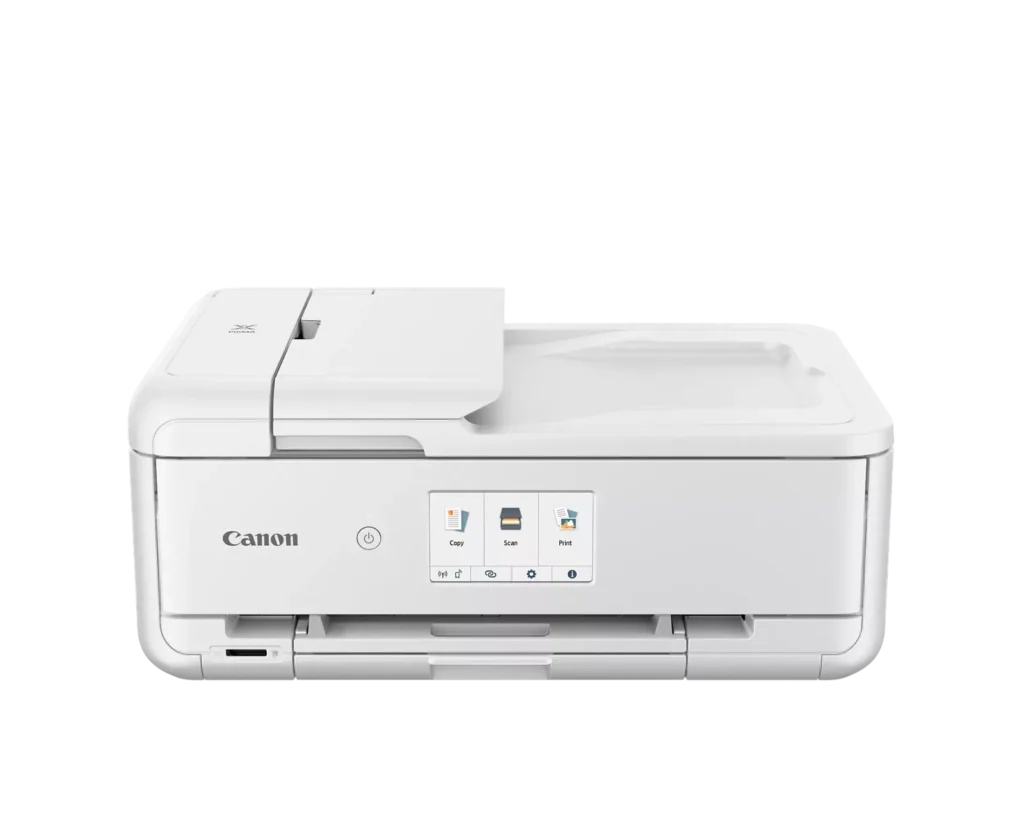
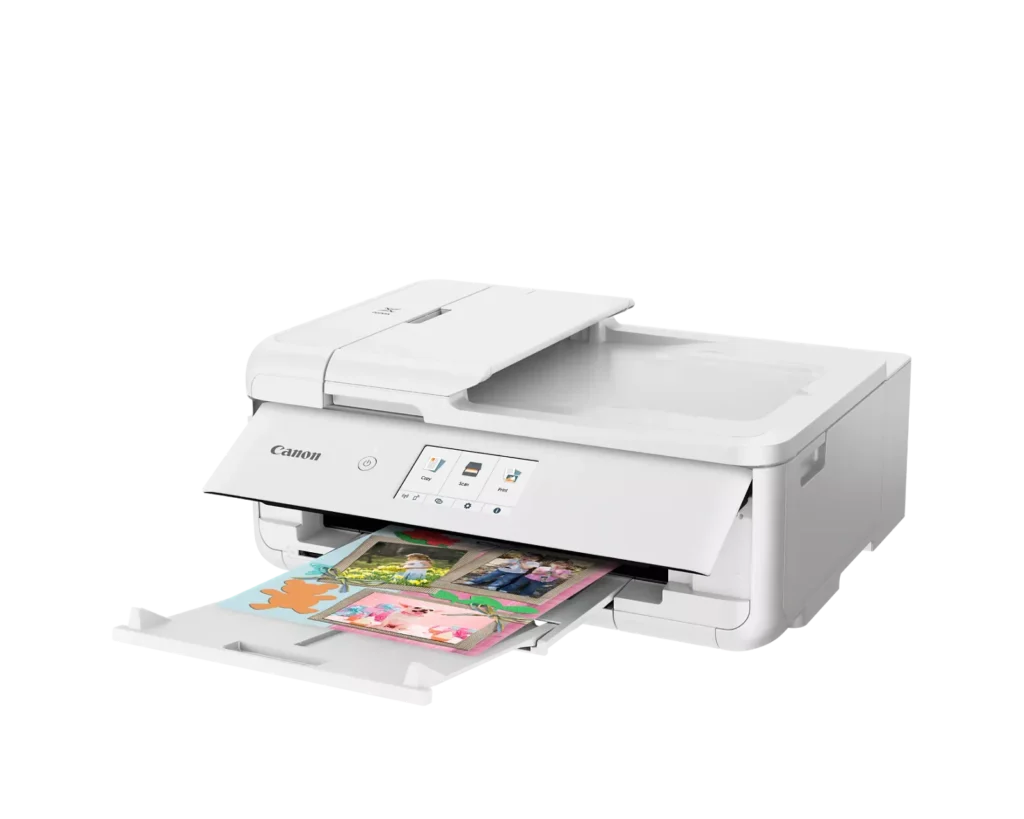
| Versatile Crafting & Large Format Printing | Specifically designed for creators, this printer supports borderless 12" x 12" printing—perfect for scrapbooking—and can handle large documents up to 11" x 17" (Tabloid size) for calendars, posters, and professional-looking projects. |
|---|---|
| 5-Individual Ink System | Utilizes a hybrid ink system with five individual tanks, including a pigment-based black for sharp text and dye-based colors for vivid photos. This efficient design allows you to replace only the specific color that runs out. |
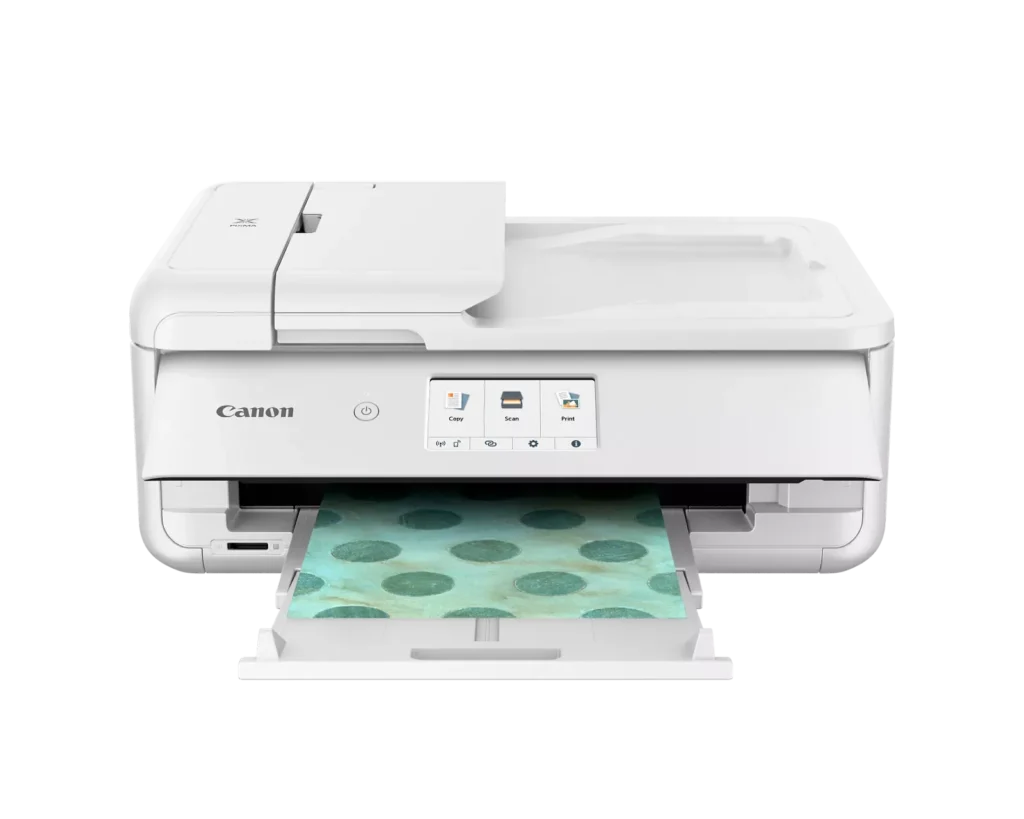
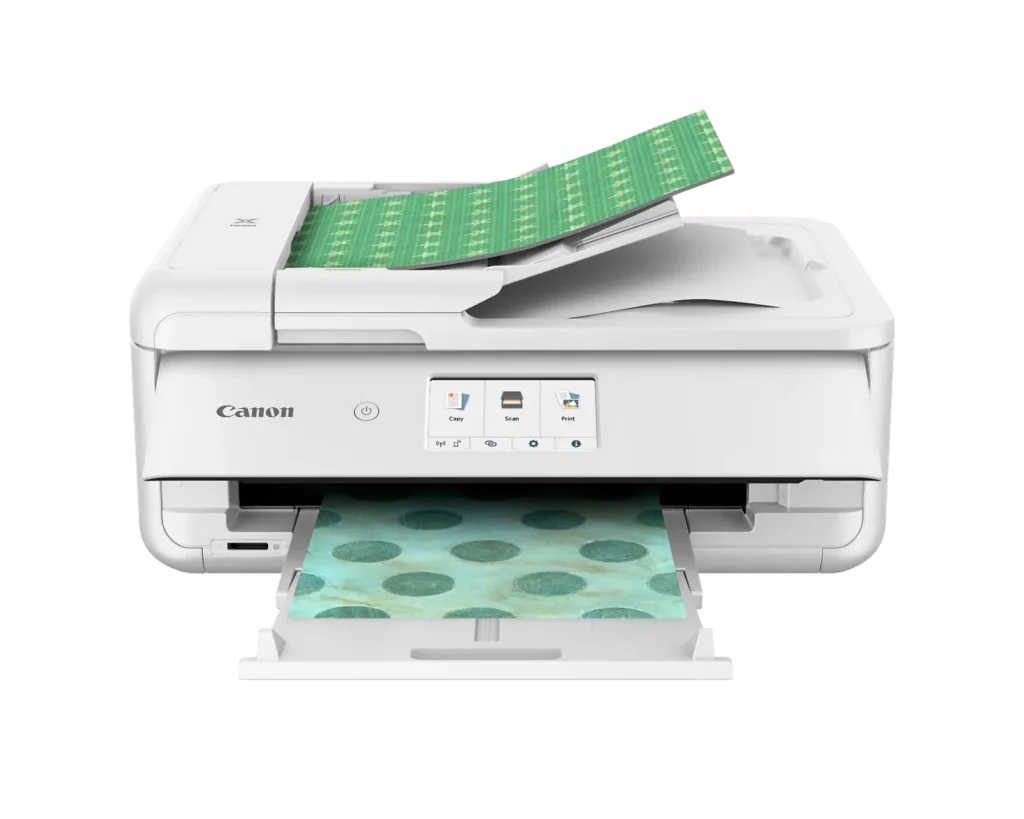
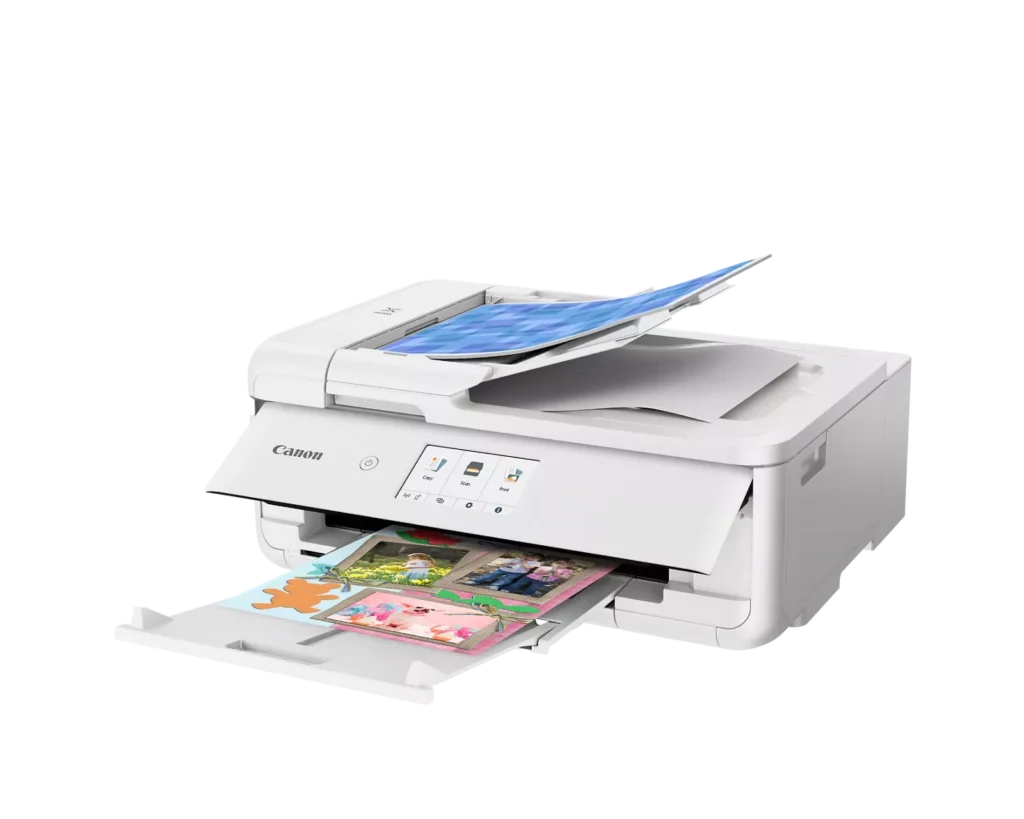
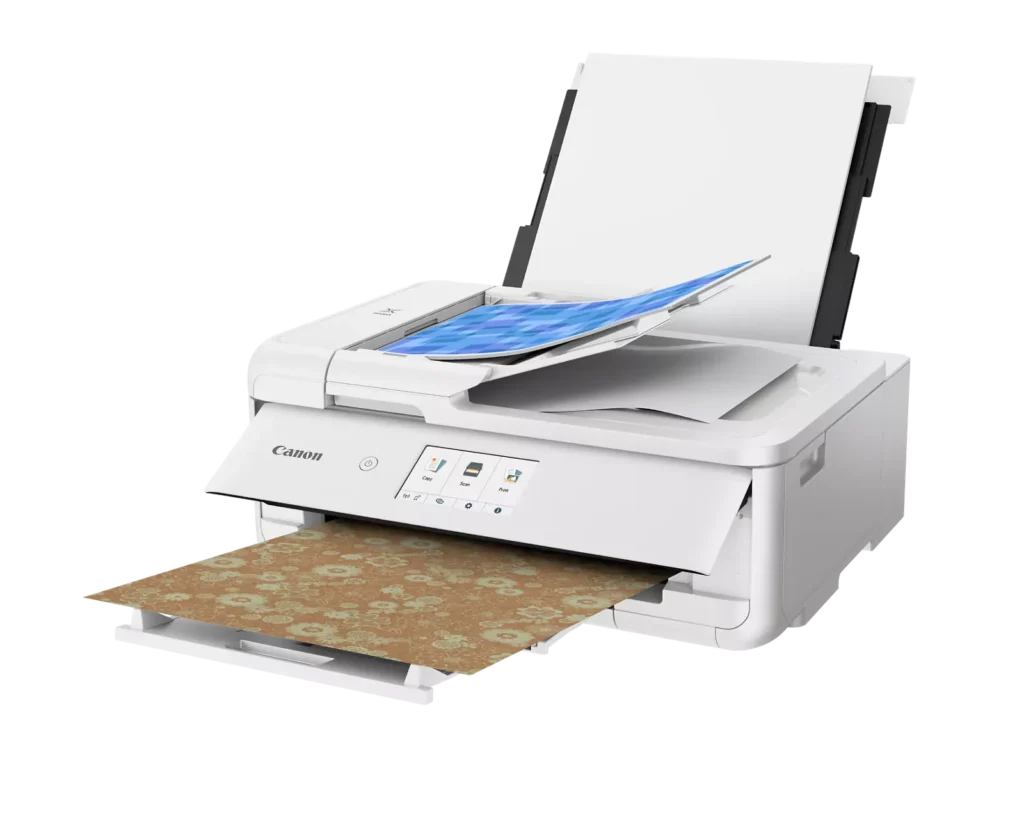
| Flexible Paper Handling & ADF | Features a 200-sheet total capacity with a 100-sheet front cassette and a 100-sheet rear tray that supports heavy cardstock. It also includes a 20-sheet Auto Document Feeder (ADF) for efficient multi-page scanning and copying. |
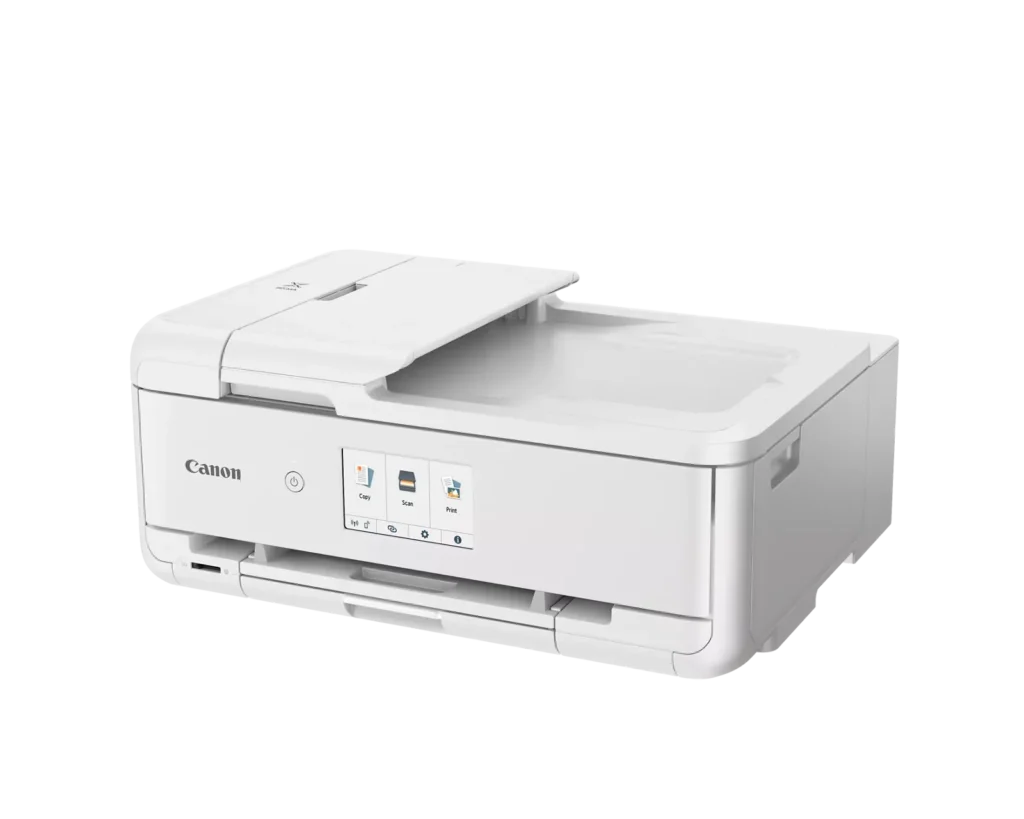
| Intuitive 4.3" Touchscreen Interface | Navigate functions easily with a large, user-friendly 4.3" LCD touchscreen. The interface provides direct access to 45 built-in printable patterns and templates, making it easy to print custom designs without a computer. |
| Seamless Wireless & Mobile Connectivity | Print effortlessly from your smartphone or tablet using the Canon PRINT app, Apple AirPrint, or Mopria Print Service. It also features a built-in SD memory card slot for direct photo printing and supports Wi-Fi and Ethernet connections. |
Pros & Cons
Pros
- Exceptional Print Quality: Reviews consistently highlight vibrant colors and sharp details, particularly for photos and crafting projects like stickers, magnets, and scrapbooking materials.
- Versatile Media Support: The printer handles a wide range of sizes and types, including 12×12 scrapbooking paper, 11×17 posters, and heavy cardstock, which is highly valued by creative users.
- Useful All-in-One Features: Users appreciate the inclusion of an automatic document feeder (ADF), auto-duplex printing, and borderless printing capabilities that support both office and creative tasks.
Cons
- Connectivity Frustrations: A large number of reviews mention severe difficulties connecting to WiFi, a lack of 5GHz support, and frequent 'offline' errors that require troubleshooting or hardwiring.
- High Ink Consumption: Many users complain that the printer uses ink very quickly, especially during photo printing, and that genuine replacement cartridges are expensive.
- Inconvenient Design Quirks: The requirement to keep the front control panel manually tilted up to print and the small capacity of the paper trays are frequently cited as annoying design flaws.
You might also like












Customer Reviews
Showing reviews 1-10 of 232
-
It's everything it promised
Verified purchase Verified purchase: This reviewer bought the product.Denis December 26, 2025Review source: AmazonThis printer is everything it promised. The setup is a little kludgy as usual when hardware companies attempt software. We replaced a 5-year Pixma like it when that one failed. This one is nicer, including that it prints edge to edge (full bleed) on common US size papers.
-
Great Printer for the Price
Verified purchase Verified purchase: This reviewer bought the product.SusanM December 20, 2025Review source: BestbuyThis Canon printer is great especially for crafters at this price range. This printer is my second one (same upgraded model). The first one lasted 5 years. I print a lot of graphic illustrations. They print in bright beautiful color. My only con is that the printer is slightly noisy.
-
Nice wireless printer
Verified purchase Verified purchase: This reviewer bought the product.MichaelB December 19, 2025Review source: BestbuyThis was recommended to me as I was looking to replace an old printer that was a wired only one.
Easy to set up and it prints nicely.
I love that I can finally can use Airprint and wirelessly print from my iphone and ipad as
well as from my Imac -
Great printer
Verified purchase Verified purchase: This reviewer bought the product.RosaV December 19, 2025Review source: BestbuyIt’s the best for crafters it print large and picture is so good jus get it, it’s worth it
-
WORST PRINTER I'VE EVER OWNED – READ BEFORE PURCHASING
Verified purchase Verified purchase: This reviewer bought the product.Stephanie Nolt December 15, 2025Review source: AmazonI hate this printer, I bought it in a hurry and completely regret not looking into it’s functionality more. It’s my fault for not, but now I’m stuck with it. I have never had a printer that felt like it has a constant issue, as this one does. If my husband didn’t throw away the box, I’d return it.
First off, it holds much less paper than my previous printers. Second, the front LCD screen panel has to be open to print or it gives you an error. This is extra inconvenient for me as I have my printer at a high location and it looks ridiculous to keep the panel open. Lastly, I didn’t realize that you have to feed specialty paper in the back, which is totally inconvenient, and when you select the rear tray function for the print option on your computer, the printer beeps in warning and you have to manually ok your selection on the LCD panel every single time you use the rear feeder. Not to mention that the rear feeder isn’t internal and pops up and out at a weird angle, also looking ridiculous and would make it hard to use in a shelf system. I foresee this rear feeder breaking very easily when pulling it in and out.
The print quality seems comparable to other printers, but with all of the other issues, it doesn’t make it worth it to me.
-
not a great printer
Verified purchase Verified purchase: This reviewer bought the product.user135121 December 13, 2025Review source: BestbuyIts got a very small paper tray and takes a long time to print. It’s not effective as a home office printer – I would not recommend it. We’re going to return it
-
Don't buy unless your wife makes you
Verified purchase Verified purchase: This reviewer bought the product.AggieJohn2003 December 12, 2025Review source: AmazonWish I could give it fewer stars. Sets up like a printer from 2001. This was for my wife’s crafting hobby, otherwise it would have never been purchased, and if it were, it would have been sent back like the garbage it is. Connectivity awful. Software worse. The engineers who designed this should really be ashamed of this thing: Go back to McDonald’s and put the fries in the bag. The partially filled color carts were also a nice touch, Canon.
-
Great printer, not an easy setup
Verified purchase Verified purchase: This reviewer bought the product.Ripthorn December 12, 2025Review source: BestbuyLove the print quality, the setup process is not user friendly. Very disappointed in HP for not being able to use the ethernet and WiFi connection simultaneously. My printer was able to do both and it was a much older model.
-
Outstanding customer service
Verified purchase Verified purchase: This reviewer bought the product.DwainB December 12, 2025Review source: BestbuyPrinter works as it should, the 5 star is for the outstanding customer service we recieved from Pat, he answered all our questions and was very helpful in our buying decisions.
-
Would buy again.
Verified purchase Verified purchase: This reviewer bought the product.Colton Marple December 6, 2025Review source: AmazonI can’t rave about this printer enough. I needed a wide format printer for my 12×12 scrapbooking. This does it. Print quality is like any other. The instructions are easy to read. Ink usage is going to depend on what you’re using it for. Easy to connect to internet. Very durable. Very affordable. Would buy again.