Customer Media
Highlights
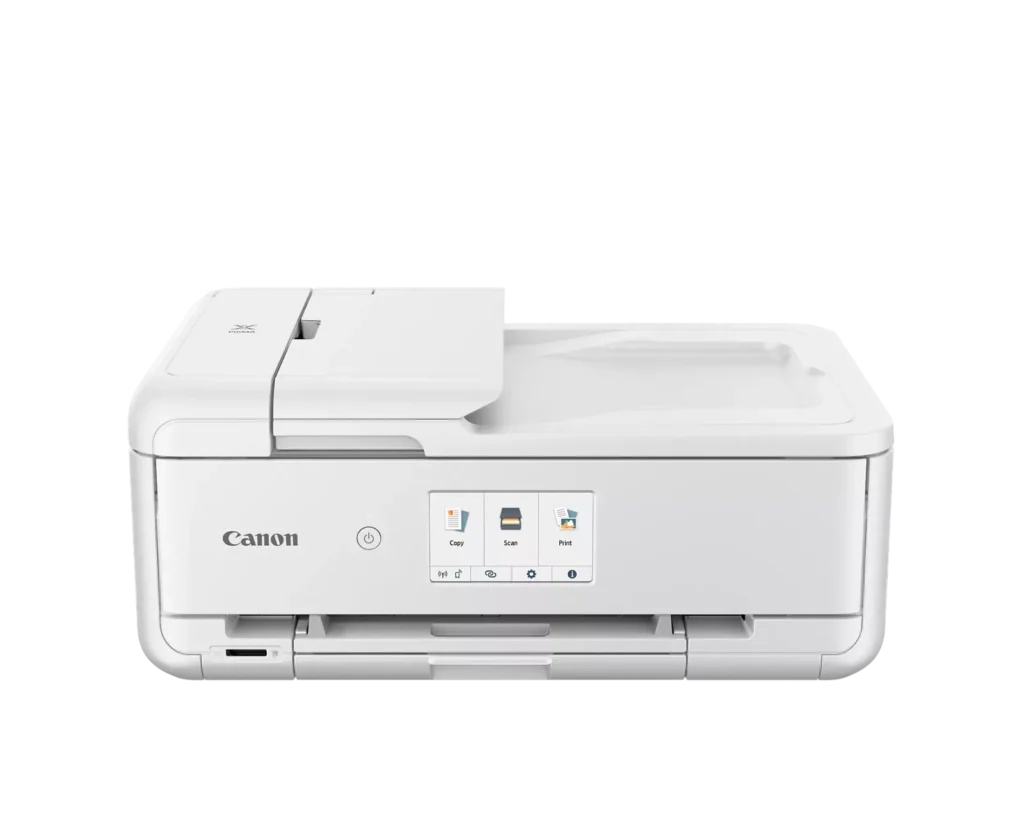
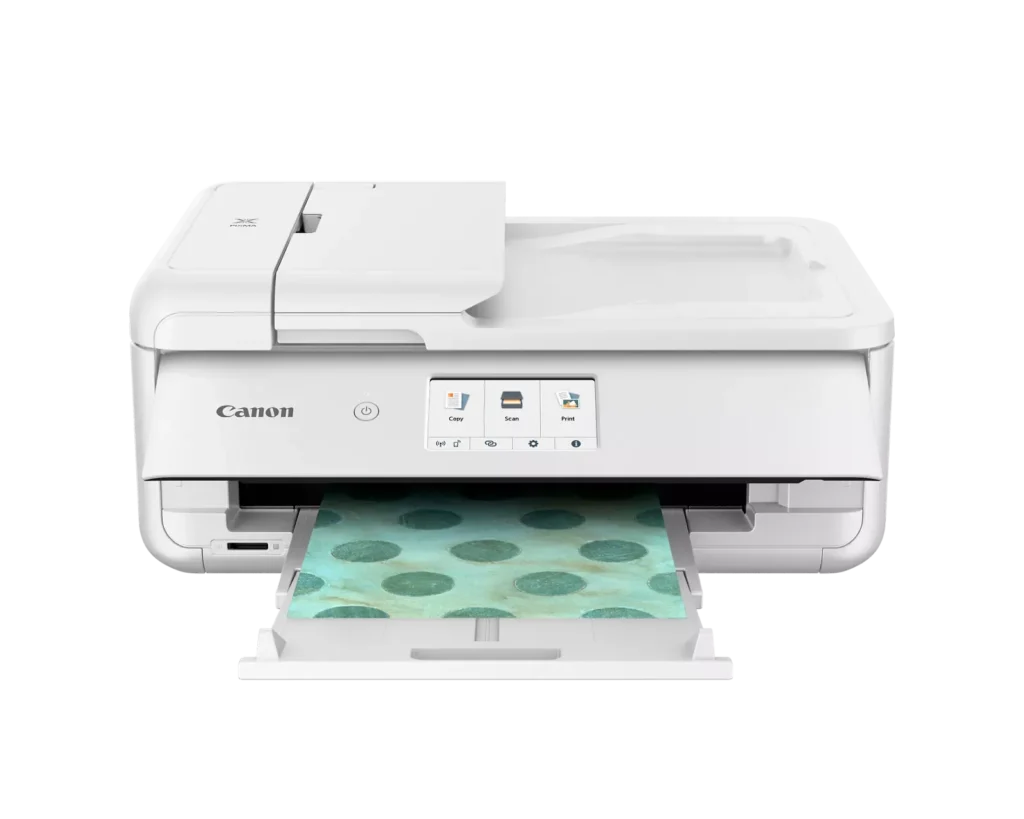
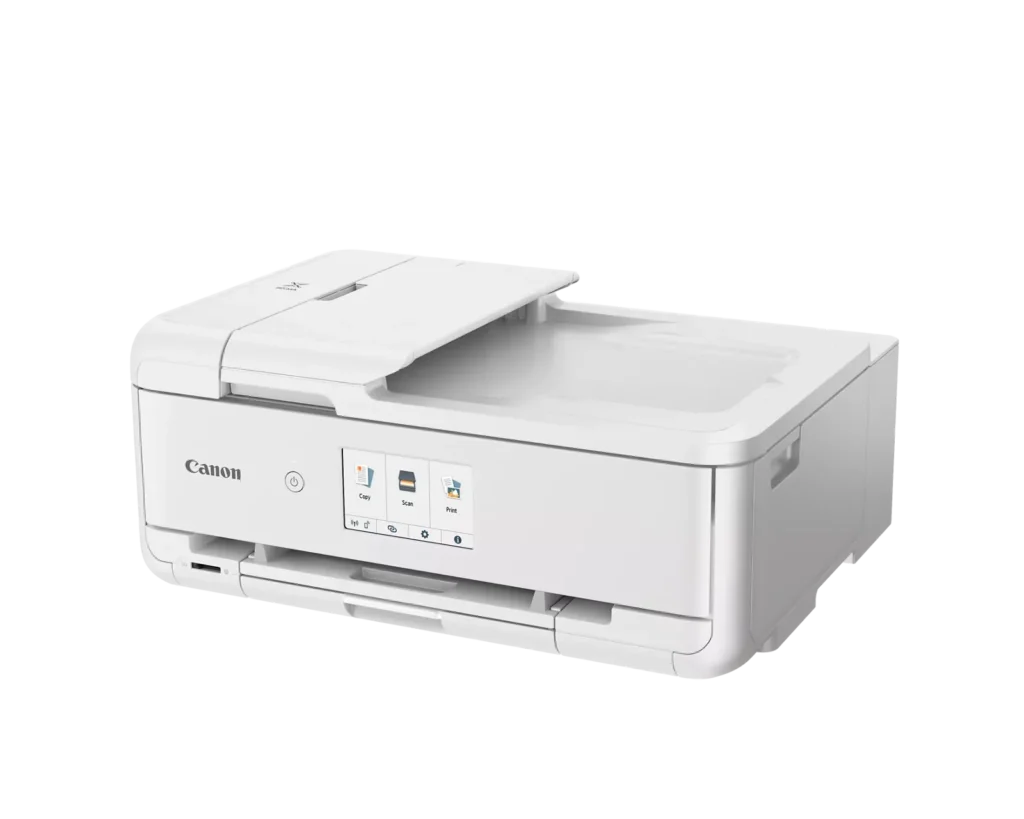
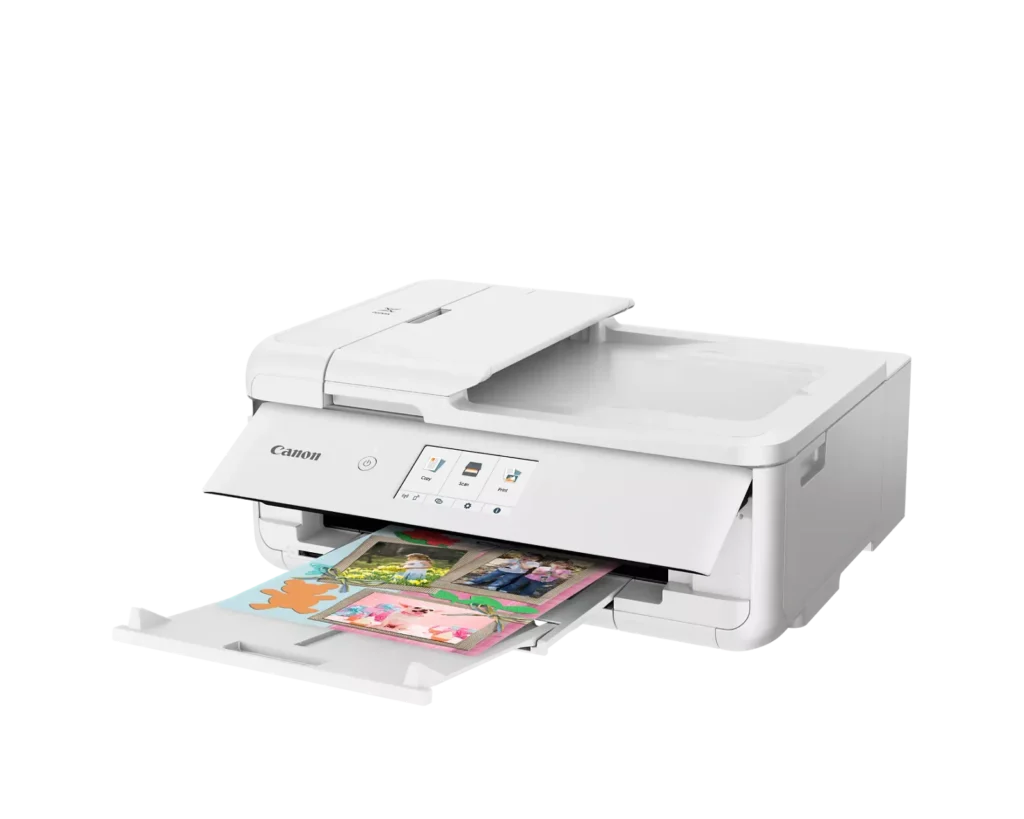
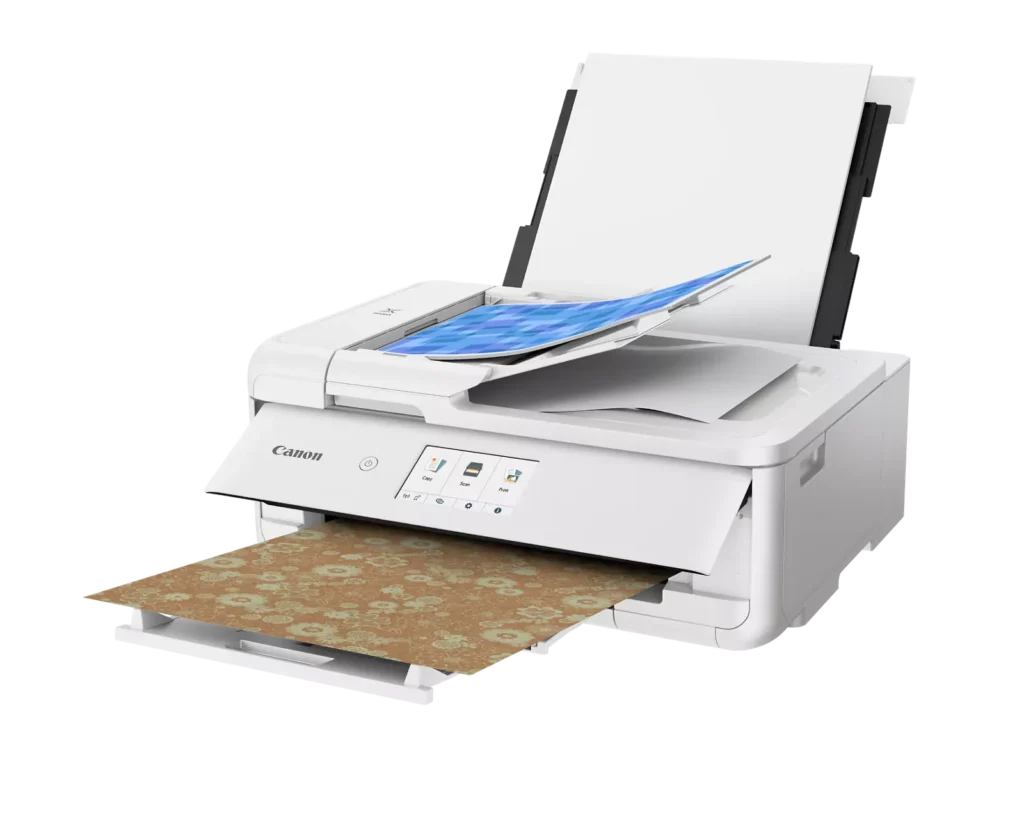
| Versatile Crafting & Large Format Printing | Specifically designed for creators, this printer supports borderless 12" x 12" printing—perfect for scrapbooking—and can handle large documents up to 11" x 17" (Tabloid size) for calendars, posters, and professional-looking projects. |
|---|---|
| 5-Individual Ink System | Utilizes a hybrid ink system with five individual tanks, including a pigment-based black for sharp text and dye-based colors for vivid photos. This efficient design allows you to replace only the specific color that runs out. |
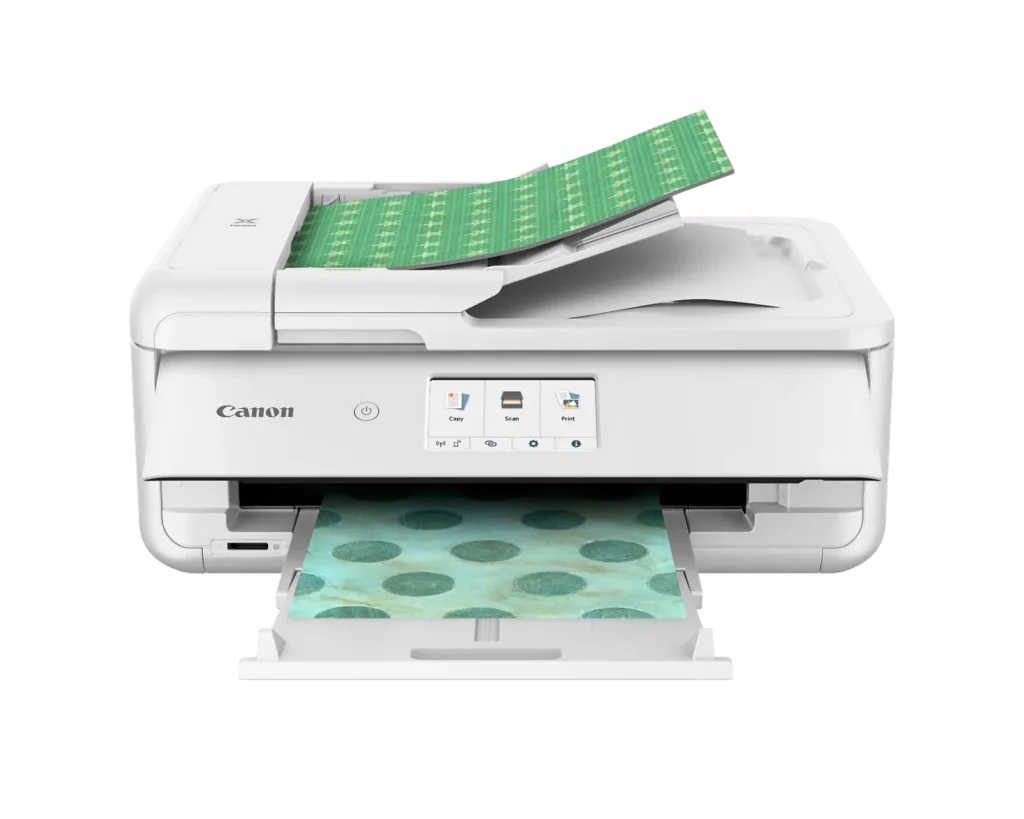
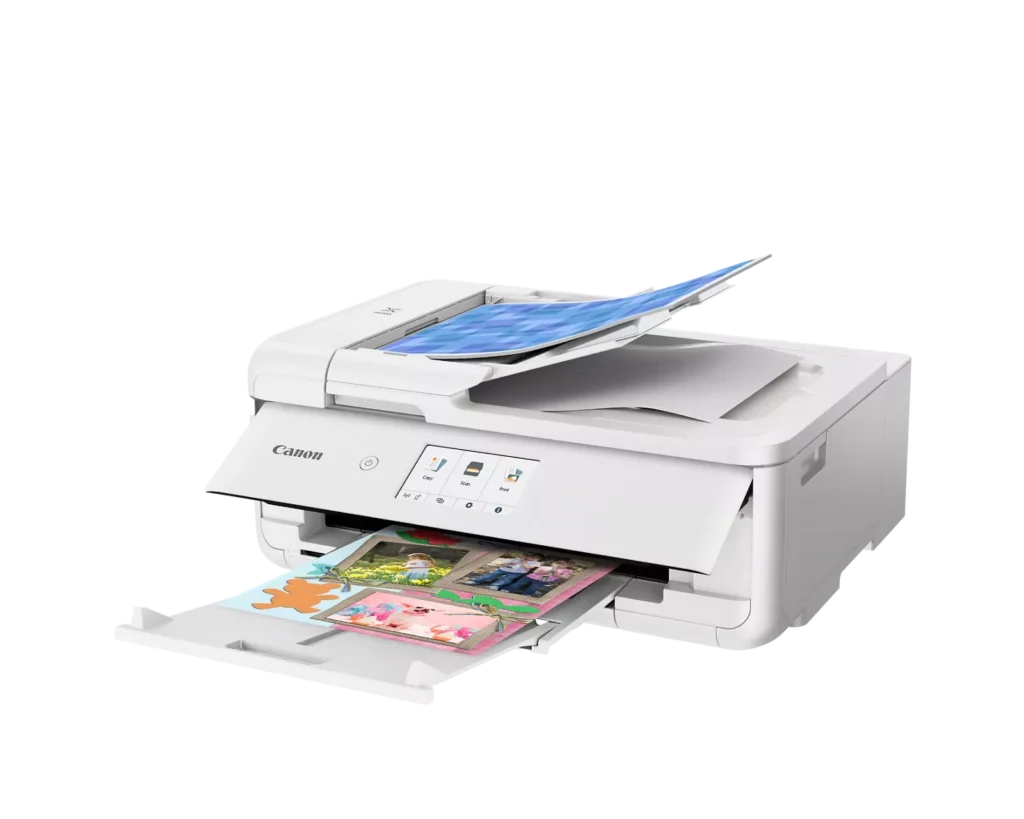
| Flexible Paper Handling & ADF | Features a 200-sheet total capacity with a 100-sheet front cassette and a 100-sheet rear tray that supports heavy cardstock. It also includes a 20-sheet Auto Document Feeder (ADF) for efficient multi-page scanning and copying. |
| Intuitive 4.3" Touchscreen Interface | Navigate functions easily with a large, user-friendly 4.3" LCD touchscreen. The interface provides direct access to 45 built-in printable patterns and templates, making it easy to print custom designs without a computer. |
| Seamless Wireless & Mobile Connectivity | Print effortlessly from your smartphone or tablet using the Canon PRINT app, Apple AirPrint, or Mopria Print Service. It also features a built-in SD memory card slot for direct photo printing and supports Wi-Fi and Ethernet connections. |
Pros & Cons
Pros
- Exceptional Print Quality: Reviews consistently highlight vibrant colors and sharp details, particularly for photos and crafting projects like stickers, magnets, and scrapbooking materials.
- Versatile Media Support: The printer handles a wide range of sizes and types, including 12×12 scrapbooking paper, 11×17 posters, and heavy cardstock, which is highly valued by creative users.
- Useful All-in-One Features: Users appreciate the inclusion of an automatic document feeder (ADF), auto-duplex printing, and borderless printing capabilities that support both office and creative tasks.
Cons
- Connectivity Frustrations: A large number of reviews mention severe difficulties connecting to WiFi, a lack of 5GHz support, and frequent 'offline' errors that require troubleshooting or hardwiring.
- High Ink Consumption: Many users complain that the printer uses ink very quickly, especially during photo printing, and that genuine replacement cartridges are expensive.
- Inconvenient Design Quirks: The requirement to keep the front control panel manually tilted up to print and the small capacity of the paper trays are frequently cited as annoying design flaws.
You might also like












Customer Reviews
Showing reviews 91-100 of 232
-
Crafter's Delight
Verified purchase Verified purchase: This reviewer bought the product.Mountain Mama May 17, 2025Review source: AmazonI have 3 printers. Each does its little set of functions well. This Canon TS9521Ca does something the other 2 don’t: it prints on very large paper and cardstock. It even has a separate setting for cardstock. It doesn’t complain about the weight or spin its rollers trying to pull it in, it just prints. Of course, the rear feed is what is used for this. It also has a front tray just for regular printer paper (8-1/2 x 11 max). Accessing the ink cartridges is easy, and – thankfully – it doesn’t use ink tanks, which are notorious for drying out. When given a special project to print, such as a greeting card or poster, it thinks about it for a few seconds, then pulls in the paper and zips through the print job. Some people have complained that it is slow. I don’t find it to be. There are a lot of settings for this printer, so zeroing in on what you want takes some time to learn. My only objection is that the print quality isn’t consistent over different media. So experimenting is necessary. Overall, I am pleased with this printer, which makes itself easy to work with.
-
The auto feed is frosting on the cake
Verified purchase Verified purchase: This reviewer bought the product.Robert R. May 13, 2025Review source: AmazonI could gush on and on about this device but I’m too lazy. It does everything as advertised and deserves an A rating on all functions. The price was very reasonable. No tariffs.
-
Well pleased, good quality
Verified purchase Verified purchase: This reviewer bought the product.Delores R. May 8, 2025Review source: AmazonMy old printer died and had to find a new one. My daughter recomended this one, she is an engineer, and I trust her opinion. Once again she was right!
-
printing
Verified purchase Verified purchase: This reviewer bought the product.jog May 8, 2025Review source: AmazonNice color printing and quiet.
-
Perfect for D&D Prep and More!
Verified purchase Verified purchase: This reviewer bought the product.Ricky May 7, 2025Review source: BestbuyI bought the Canon PIXMA TS9521Ca specifically to print materials for my Dungeons & Dragons campaigns, and it’s been absolutely fantastic! Whether I’m printing high-resolution battle maps, detailed character sheets, or vibrant tokens, this printer handles it all like a champ. The color quality is crisp, the lines are sharp, and the wireless setup made it super easy to print directly from my laptop and phone.
One standout feature is its wide-format printing capability—it’s perfect for larger maps and handouts. I’ve also used the scanner a few times to digitize hand-drawn sketches, and the quality is excellent. Ink usage seems efficient so far, and I love how quiet it is while printing.
If you’re a DM or tabletop gamer looking for a reliable printer that can keep up with your creativity, this is a solid investment. It’s become an essential tool in my D&D toolkit!
-
Printer
Verified purchase Verified purchase: This reviewer bought the product.Tita619 May 2, 2025Review source: BestbuyEasy to use, prints with no problems. quite . So far so good
-
Printer
Verified purchase Verified purchase: This reviewer bought the product.HeatherS May 2, 2025Review source: BestbuyIt prints well but will not connect to my internet and also had so much trouble setting it up where it would actually print at all.
-
It's perfect!
Verified purchase Verified purchase: This reviewer bought the product.Amazon Customer April 28, 2025Review source: AmazonThis printer is exactly what I needed and more! The quality of the prints is great, the color accuracy is beyond my spectations and works really fast.
-
Great printer
Verified purchase Verified purchase: This reviewer bought the product.OriO April 28, 2025Review source: BestbuyThis printer is amazing if you are a creative who likes to print out pictures in color. It’s alwasy easy to assemble.
-
Excellent printer
Verified purchase Verified purchase: This reviewer bought the product.Ejklaus April 27, 2025Review source: BestbuyGreat printer. Easy to setup and get started. Prints a wide variety of projects on different media. Very pleased.