Customer Media
Highlights
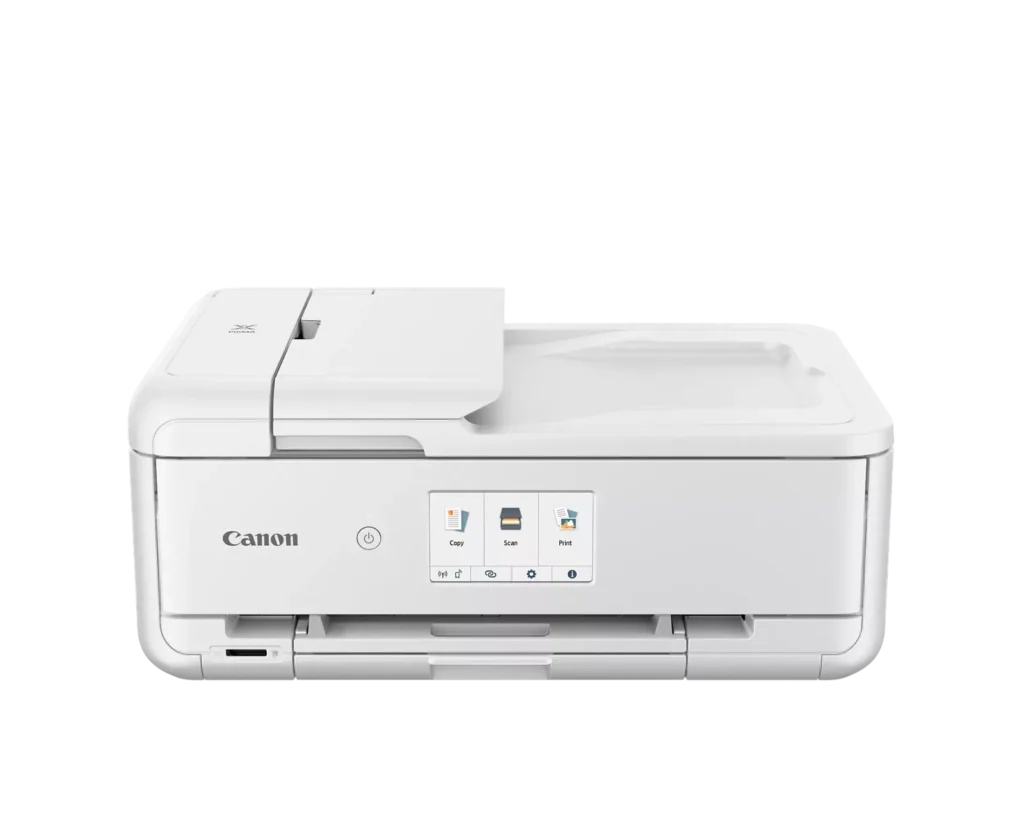
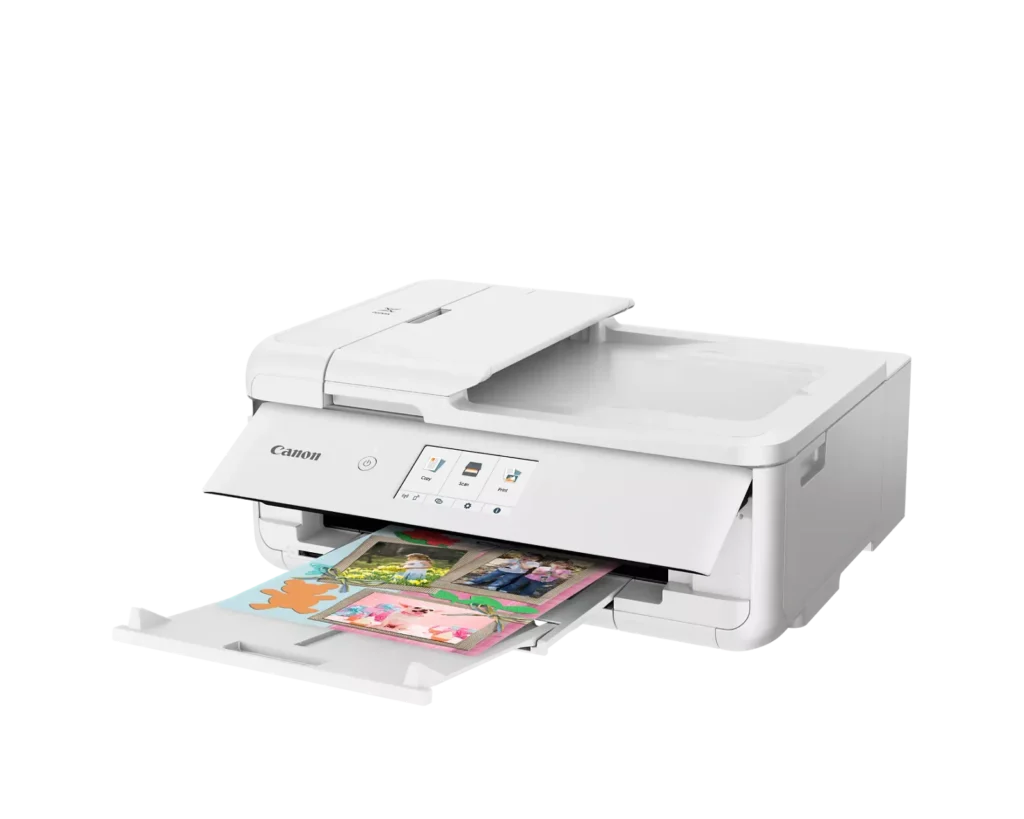
| Versatile Crafting & Large Format Printing | Specifically designed for creators, this printer supports borderless 12" x 12" printing—perfect for scrapbooking—and can handle large documents up to 11" x 17" (Tabloid size) for calendars, posters, and professional-looking projects. |
|---|---|
| 5-Individual Ink System | Utilizes a hybrid ink system with five individual tanks, including a pigment-based black for sharp text and dye-based colors for vivid photos. This efficient design allows you to replace only the specific color that runs out. |
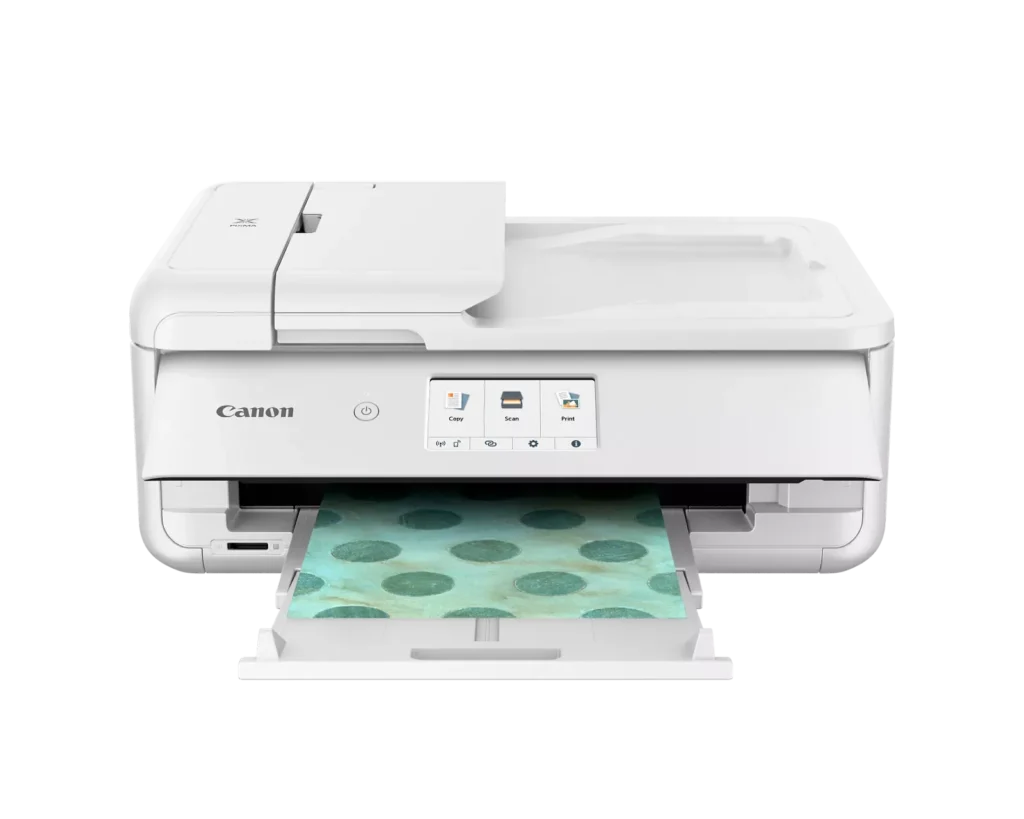
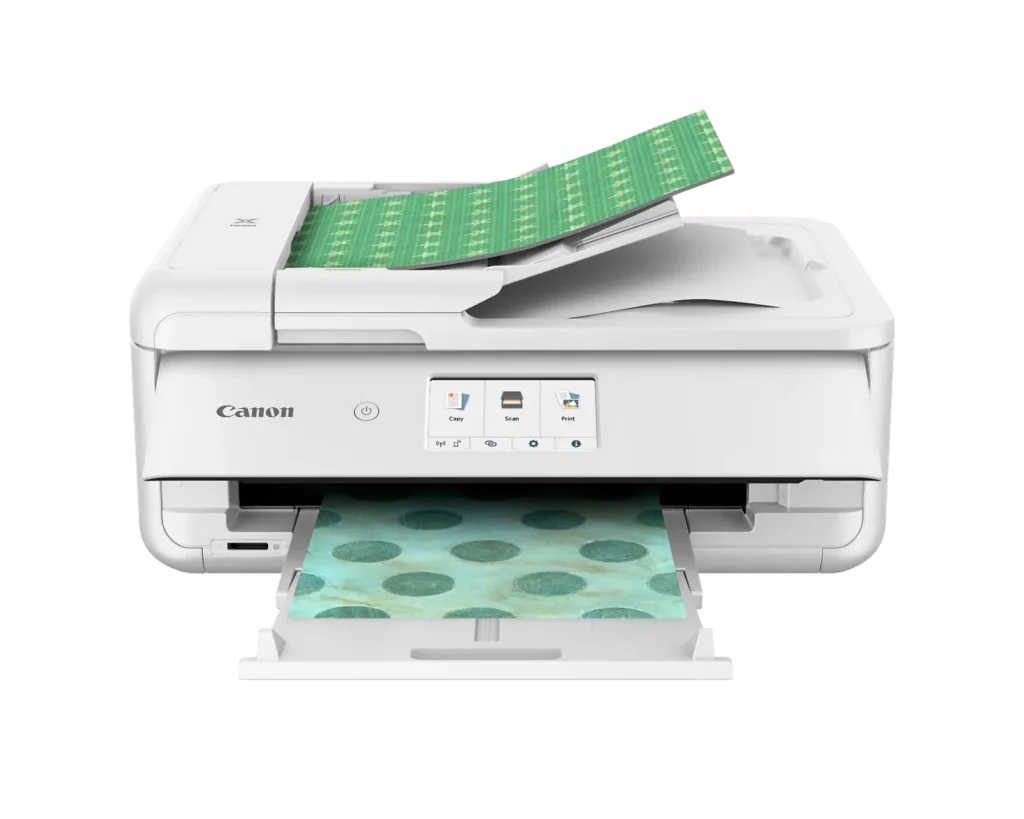
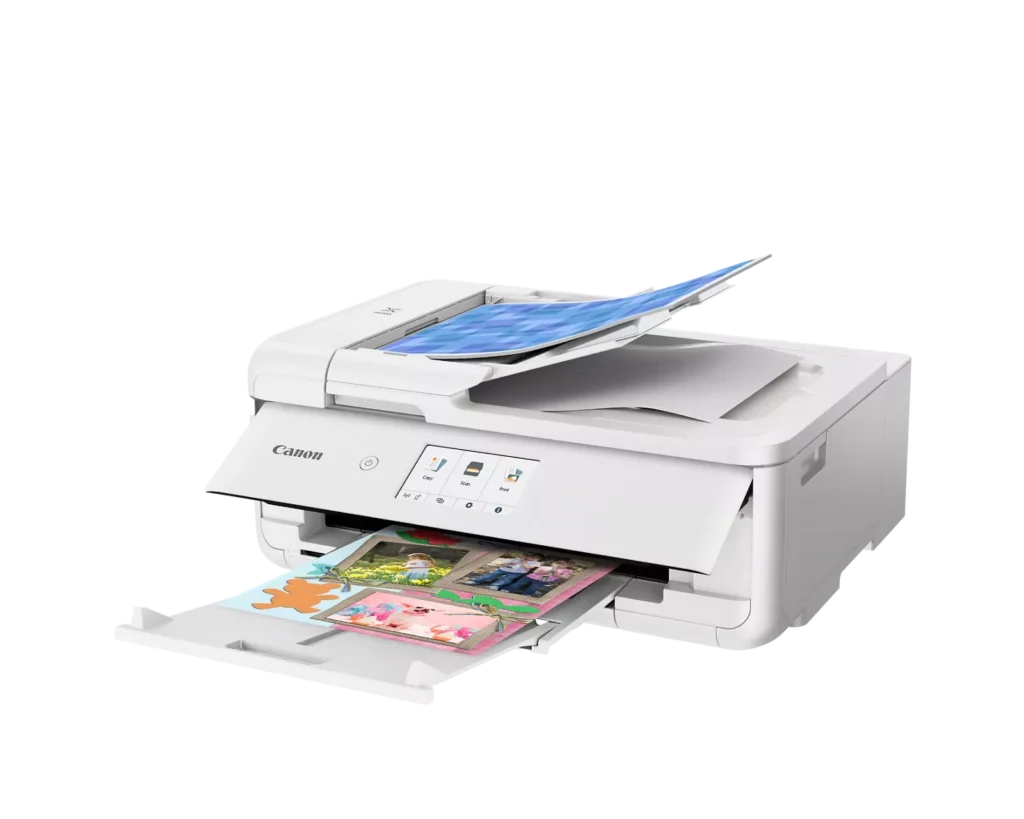
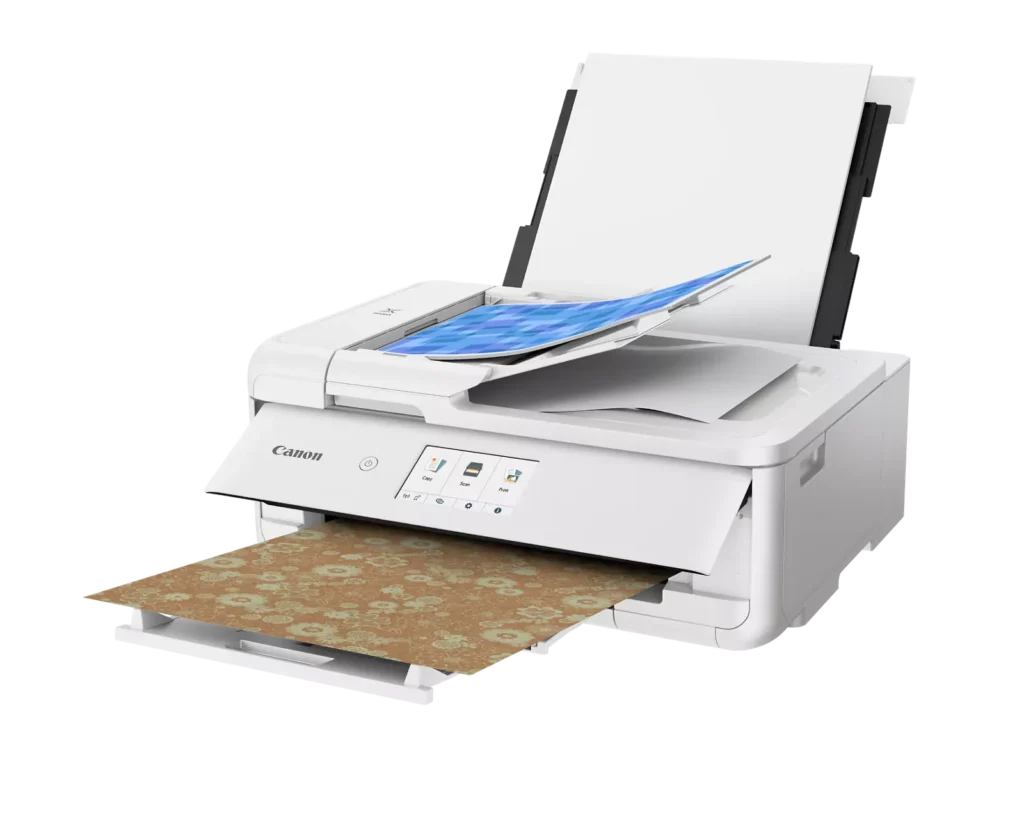
| Flexible Paper Handling & ADF | Features a 200-sheet total capacity with a 100-sheet front cassette and a 100-sheet rear tray that supports heavy cardstock. It also includes a 20-sheet Auto Document Feeder (ADF) for efficient multi-page scanning and copying. |
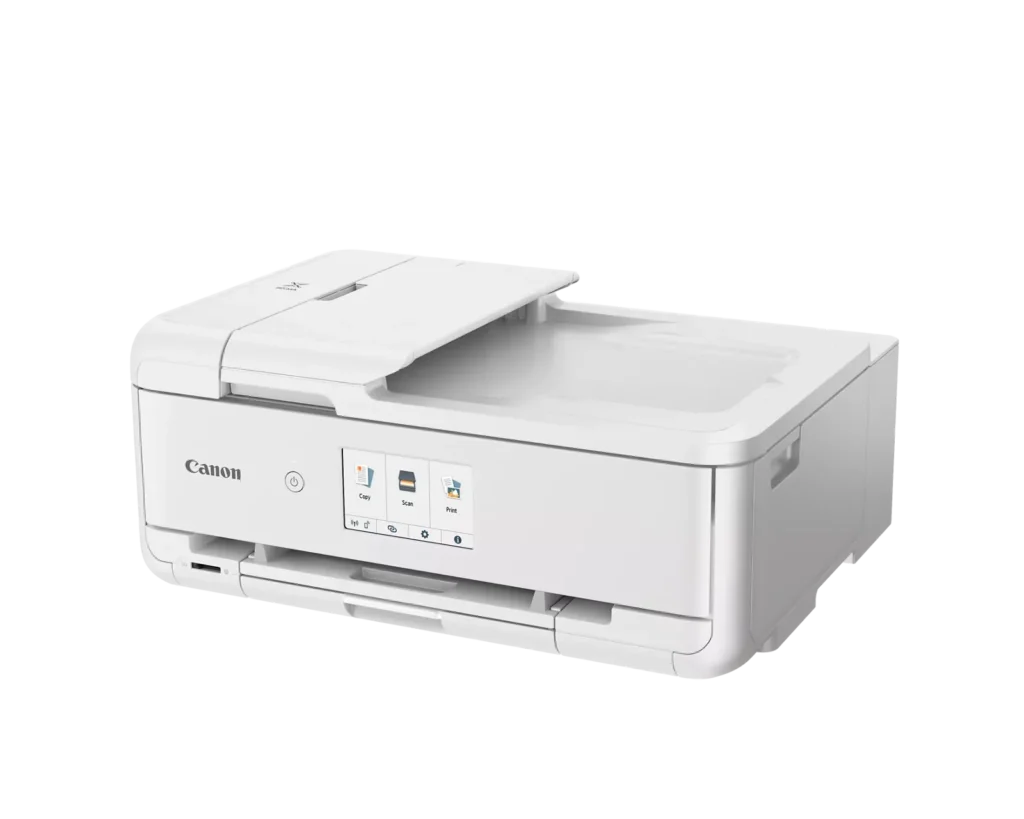
| Intuitive 4.3" Touchscreen Interface | Navigate functions easily with a large, user-friendly 4.3" LCD touchscreen. The interface provides direct access to 45 built-in printable patterns and templates, making it easy to print custom designs without a computer. |
| Seamless Wireless & Mobile Connectivity | Print effortlessly from your smartphone or tablet using the Canon PRINT app, Apple AirPrint, or Mopria Print Service. It also features a built-in SD memory card slot for direct photo printing and supports Wi-Fi and Ethernet connections. |
Pros & Cons
Pros
- Exceptional Print Quality: Reviews consistently highlight vibrant colors and sharp details, particularly for photos and crafting projects like stickers, magnets, and scrapbooking materials.
- Versatile Media Support: The printer handles a wide range of sizes and types, including 12×12 scrapbooking paper, 11×17 posters, and heavy cardstock, which is highly valued by creative users.
- Useful All-in-One Features: Users appreciate the inclusion of an automatic document feeder (ADF), auto-duplex printing, and borderless printing capabilities that support both office and creative tasks.
Cons
- Connectivity Frustrations: A large number of reviews mention severe difficulties connecting to WiFi, a lack of 5GHz support, and frequent 'offline' errors that require troubleshooting or hardwiring.
- High Ink Consumption: Many users complain that the printer uses ink very quickly, especially during photo printing, and that genuine replacement cartridges are expensive.
- Inconvenient Design Quirks: The requirement to keep the front control panel manually tilted up to print and the small capacity of the paper trays are frequently cited as annoying design flaws.
You might also like












Customer Reviews
Showing reviews 101-110 of 232
-
Great little printer, weird design.
Verified purchase Verified purchase: This reviewer bought the product.SuzanneH April 25, 2025Review source: BestbuyIt’s fairly easy to set up. It works great! I have printed documents, two-sided, multiple copies from the feeder, scanned from the glass, and printed an envelope. All went perfectly. The only thing that kept me from giving it a 5 is that the front has to be open in order for it to work. I can’t see or use the nice touchscreen display without getting up and looking at it from above. I feel like it gets more dust inside, too. I can’t figure out why they designed it this way. I would give it a 4.5 of that was an option.
-
Canon printer.
Verified purchase Verified purchase: This reviewer bought the product.PapiLaz April 25, 2025Review source: BestbuyExcellent printer and simple to set up for all your medium tasks.
-
no driver, AirPrint only
Verified purchase Verified purchase: This reviewer bought the product.Kelly Rogers April 21, 2025Review source: AmazonI was really excited for this printer, but I’m finding it lacking in a few key areas:
1) it ONLY does AirPrint, meaning there is no actual driver to install – and you can’t print with any color profiles
2) it will smudge a bit when going between paper sizes (I print greeting cards, A2 and A7, it will smudge the bottom of A7)I will say, the print quality is good and it is FAST. But it took me a long time to figure out how to get the settings to save, it was NOT intuitive at all
-
Save your money
Verified purchase Verified purchase: This reviewer bought the product.Anita April 15, 2025Review source: AmazonSave your money. I purchased this printer in January and has printed maybe twice. It’s aways offline or has some other random printing error. I have searched Canon’s website for answers as well as the information here on Amazon’s website.
It appears I have paid Amazon $273.00 for a piece of junk. Review by Anita -
Good printer
Verified purchase Verified purchase: This reviewer bought the product.Coach April 11, 2025Review source: BestbuyGood printer easy set up…person in Best Buy great to work with
-
Great Versitile Multi-task Printer
Verified purchase Verified purchase: This reviewer bought the product.MaryL April 10, 2025Review source: BestbuyGreat quality, versatile printer handles all my printing needs, including my 12 x12 craft projects. Lightweight and very easy to setup and start using
-
New printer
Verified purchase Verified purchase: This reviewer bought the product.AnthonyB April 10, 2025Review source: BestbuySo far, so good, no complaints thus far, works well for what i need at home.
-
5 star
Verified purchase Verified purchase: This reviewer bought the product.Babs April 9, 2025Review source: AmazonLove it! Practically installs itself, although I, as an old timer, did have a little trouble getting a connection. But, it works perfectly, pulls through Neenah Solo cardstock from rear feeder and prints like a dream. Very happy with this brand.
-
Poor Performance
Verified purchase Verified purchase: This reviewer bought the product.SimplyClassy April 9, 2025Review source: AmazonSecond printer. Both failed after a few month’s use. Print quality is inconsistent and constant paper jamming. I’m outside of the return window and have to switch brands
-
Awesome fun printer at a fair price
Verified purchase Verified purchase: This reviewer bought the product.BradleyS April 9, 2025Review source: BestbuyThis printer has excellent print quality prints quickly and efficiently we printed some photos of the northern lights that we photographed last week and they look fantastic I saw one reviewer that said it wouldn’t print from a PDF file do not be fooled by this review I just printed from it PDF file and it came came out great printed from both my phone and my PC it had online step-by-step set up instructions that were easy to follow and went very smoothly The one thing I did notice is that when I went to purchase a printer there was so many selections that if you were to study each selection it would take an eternity to figure out which one to buy I’ll save you the trouble and let you know that this is a very good choice it has many different print media choices from envelopes to business cards to many different sizes of print paper to photo paper and even T-shirts this is a fun copy machine to own with all those choices and it works great I highly recommend for the price it’s worth the money