Customer Media
Highlights
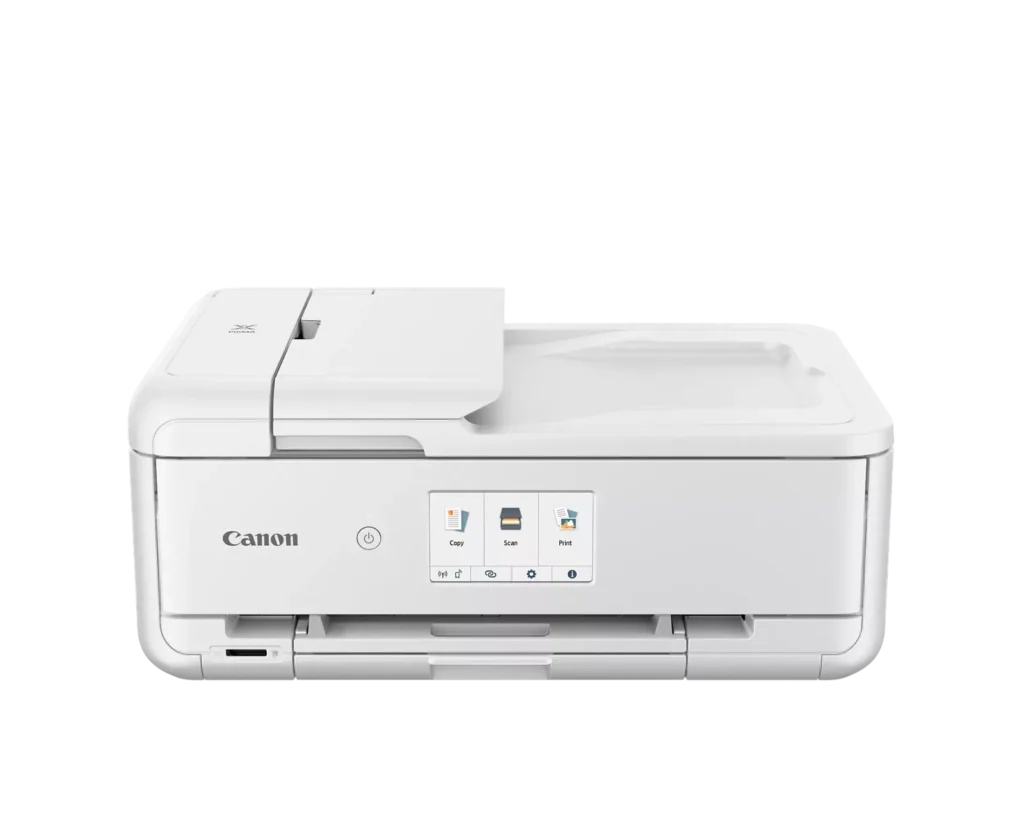
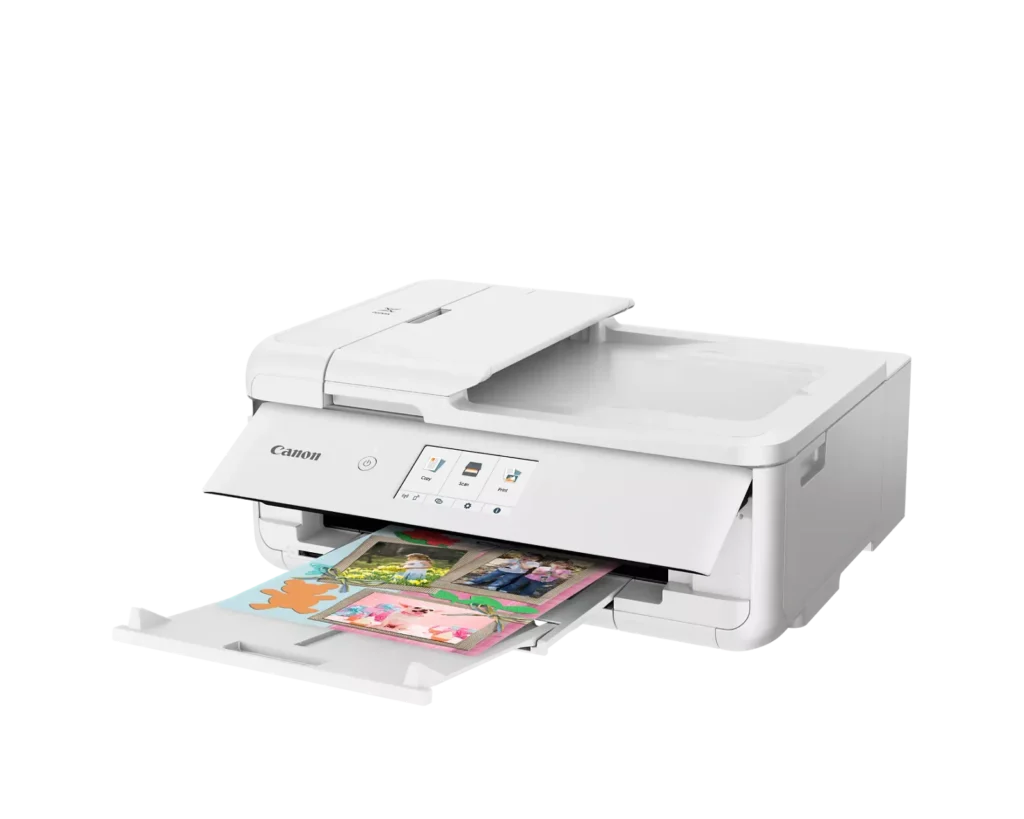
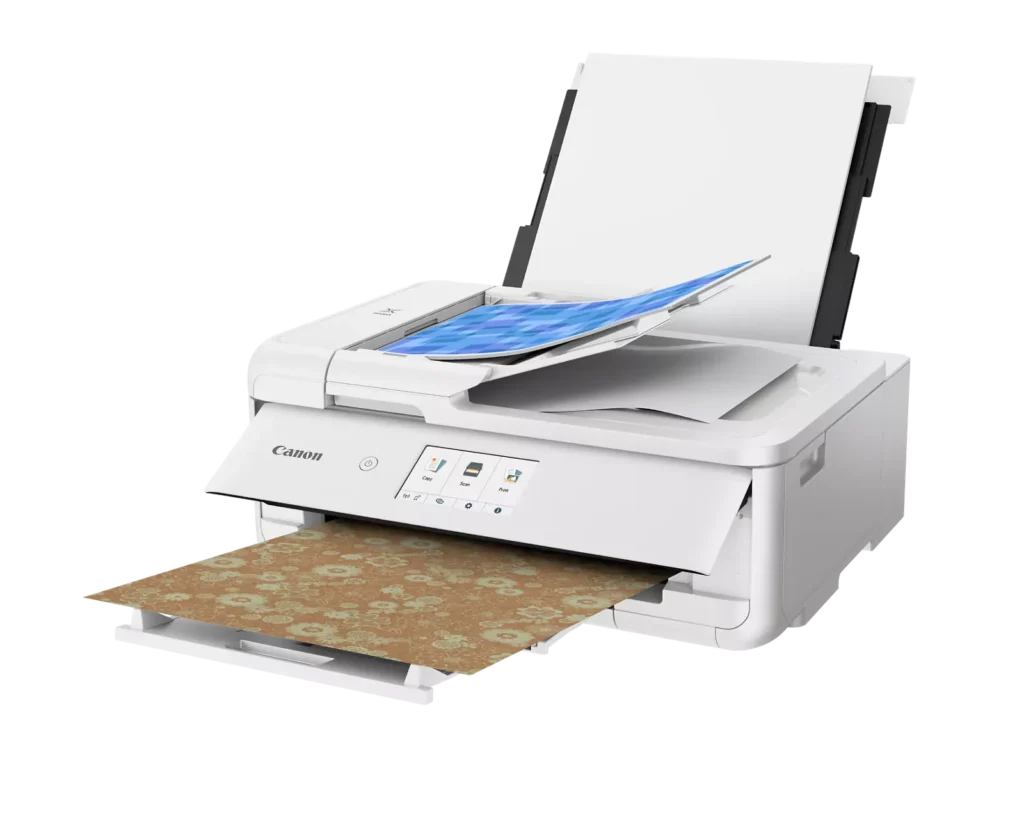
| Versatile Crafting & Large Format Printing | Specifically designed for creators, this printer supports borderless 12" x 12" printing—perfect for scrapbooking—and can handle large documents up to 11" x 17" (Tabloid size) for calendars, posters, and professional-looking projects. |
|---|---|
| 5-Individual Ink System | Utilizes a hybrid ink system with five individual tanks, including a pigment-based black for sharp text and dye-based colors for vivid photos. This efficient design allows you to replace only the specific color that runs out. |
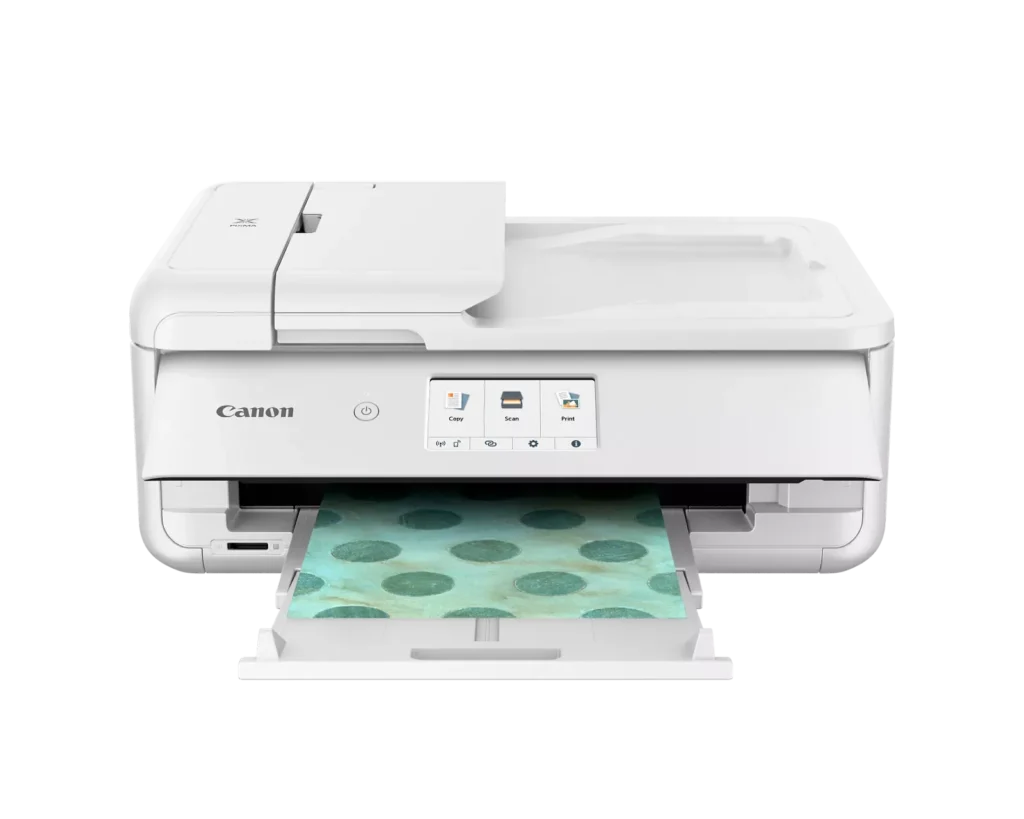
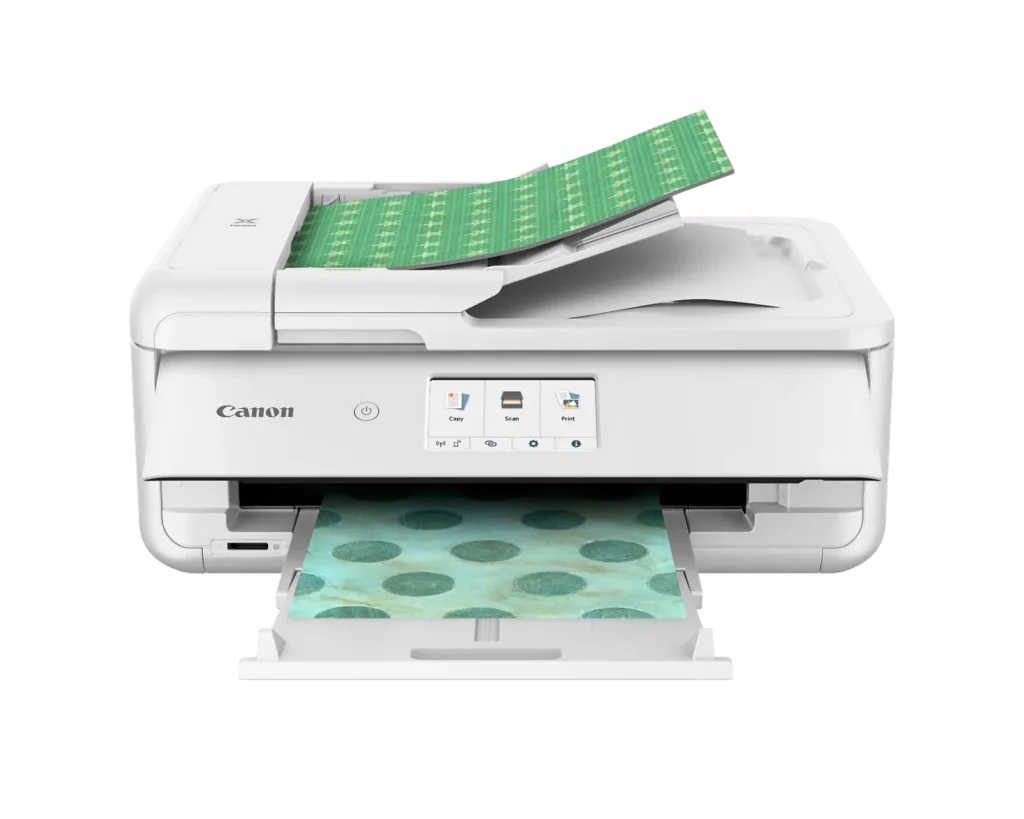
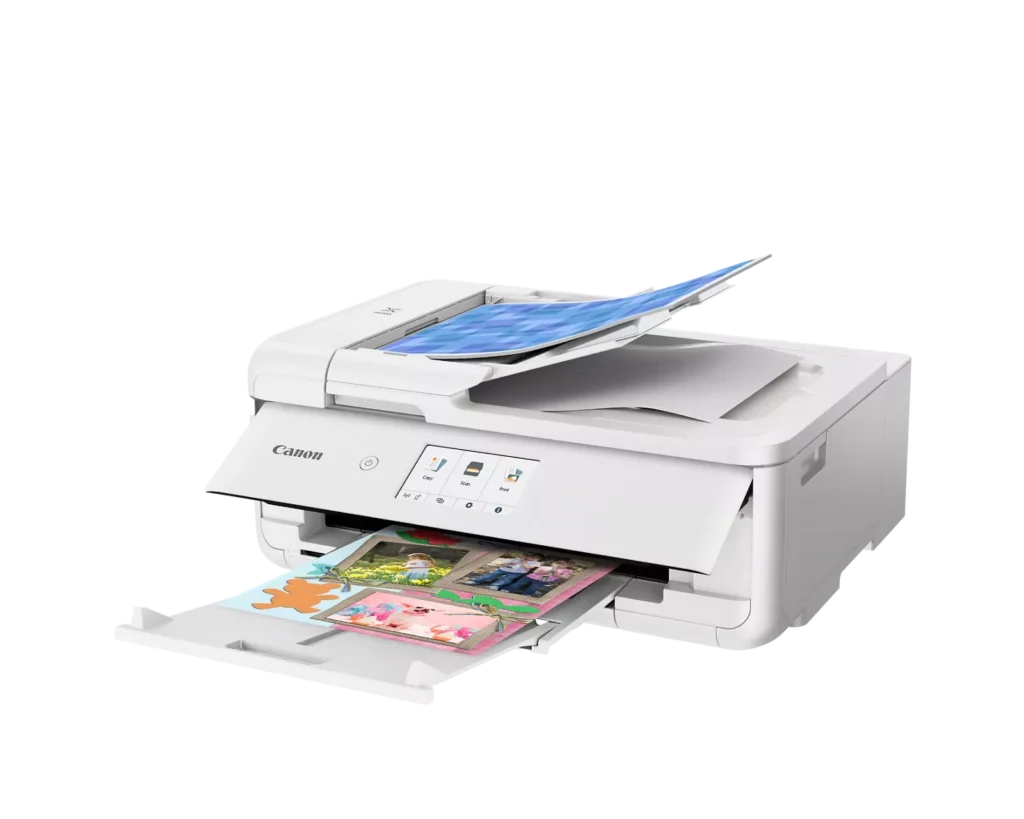
| Flexible Paper Handling & ADF | Features a 200-sheet total capacity with a 100-sheet front cassette and a 100-sheet rear tray that supports heavy cardstock. It also includes a 20-sheet Auto Document Feeder (ADF) for efficient multi-page scanning and copying. |
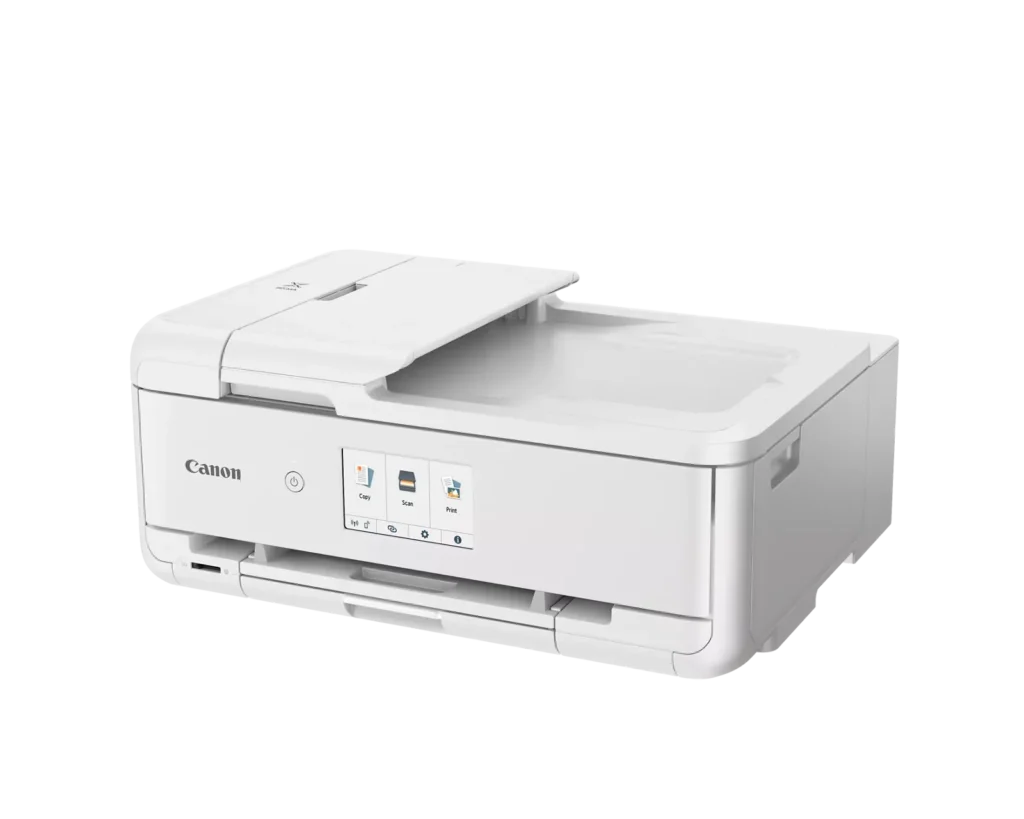
| Intuitive 4.3" Touchscreen Interface | Navigate functions easily with a large, user-friendly 4.3" LCD touchscreen. The interface provides direct access to 45 built-in printable patterns and templates, making it easy to print custom designs without a computer. |
| Seamless Wireless & Mobile Connectivity | Print effortlessly from your smartphone or tablet using the Canon PRINT app, Apple AirPrint, or Mopria Print Service. It also features a built-in SD memory card slot for direct photo printing and supports Wi-Fi and Ethernet connections. |
Pros & Cons
Pros
- Exceptional Print Quality: Reviews consistently highlight vibrant colors and sharp details, particularly for photos and crafting projects like stickers, magnets, and scrapbooking materials.
- Versatile Media Support: The printer handles a wide range of sizes and types, including 12×12 scrapbooking paper, 11×17 posters, and heavy cardstock, which is highly valued by creative users.
- Useful All-in-One Features: Users appreciate the inclusion of an automatic document feeder (ADF), auto-duplex printing, and borderless printing capabilities that support both office and creative tasks.
Cons
- Connectivity Frustrations: A large number of reviews mention severe difficulties connecting to WiFi, a lack of 5GHz support, and frequent 'offline' errors that require troubleshooting or hardwiring.
- High Ink Consumption: Many users complain that the printer uses ink very quickly, especially during photo printing, and that genuine replacement cartridges are expensive.
- Inconvenient Design Quirks: The requirement to keep the front control panel manually tilted up to print and the small capacity of the paper trays are frequently cited as annoying design flaws.
You might also like












Customer Reviews
Showing reviews 111-120 of 232
-
Improving. Once you can get it connected. Directions are backward.
Verified purchase Verified purchase: This reviewer bought the product.Lev April 5, 2025Review source: AmazonSecond Review: ***
3 StarsI received a cord today to manually plug this in. Remarkably this is the same day it discovered the device with Wi-fi on its own.
Here’s what I think happened. “… They give the instructions backwards… “
The instructions clearly begin from the download of the software. Indicating what to do and how to do it. However, I have never once had this work with a Canon printer. As per usual in our W.E.F. dominated Post-Modern dystopia simply using English after selecting English is too much for them. Honestly, we should all swap to Mandarin, Japanese, or Korean if they want to use symbols. Those have thousands of years of development and culture. But again, anti-culture. We shouldn’t expect much from a Western manufacturer… I degress.
The directions are backwards. The machine, so far as I can tell, never detects the printer from the Installation process. Instead, you need to go to the printer manually. This is actually a step up from their more high end officer printers I’ve owned. When you touch the Touch Screen it has two Chain Links. This is apparently meant to mean “connection”. Click this and some options appear. One of which is “manual” something. Clicking this will let you direct the PRINTER to find the Wi-fi rather than the other way around. From here it typically will find the directions right away. Barring old building designs which may inhibit connectivity. Seen this a lot, but that’s not surprising. Nothing gets through old buildings.How is it once working?
So far, no signs of self-destruction. That was the problem with my ink well from Canon. The Printer, if left unused for more than a week, tends to clog. Cleaning it leads to an issue where the ink dump goes to the back of the printer which is sealed. And that quickly leads to printer death. As is how my old printer died.It also prints. It even prints Headers, which seemed to be beyond the abilities of my old brand new printer from Canon. Another remarkable step up for them. I know, printing the entire document. It’s amazing.
So, three stars for achieving some basic functionality.
I haven’t had a chance to use the Scanner yet. I’ll wait a bit. Why? Because I bought something that’s supposed to work. It shouldn’t work week one and stop. That, however, has also been the case with my previous experiences.
No lines yet in the prints either. Again, a step up. We’ll see if this lasts. I’ve struggled so much with my last printer that I’m behind on projects. We’ll see how this goes. If it survives contact with reality for a period I’ll increase the rating again. The real test tends to come at the 6th month mark. Most don’t survive beyond this.
———————————-
First Review: *
1 StarThis was delivered intact (so far as I can tell).
I paid for it.That’s it. There’s nothing more I can say about.
Well, except this. I didn’t receive a cable to connect this with.
Now, remarkably for a Canon printer these days it did come with a power cord.
I didn’t have to buy this power cord. It actually came with it.
Shocking, but quite remarkable.As for the rest? I cannot get it to connect wirelessly. I have the directions.
I followed the directions. The thing say, “Searching for printers. Please wait. This may take approximately one minute.”
Let me assure you many minutes have passed. It remains unable to find the printer. It is sitting next to the computer tower.
The other Canon I have can find the printer through half a dozen walls several dozens of meters away. This can’t.And, since Canon felt disinclined to include a connect cable or this delivery didn’t come with one I have just had to order a cable. Hopefully it doesn’t brick the printer for being a “non-canon” cable or something.
In any case, this is what I would expect from Canon. An expensive, but unusable shiny box that if it did work would break within a short time thereafter.
Amazon needs to have negative stars. Canon is really not the company it was a few years ago. I guess I’ll wait to see if cable can make this thing show signs of useability.
-
Printer
Verified purchase Verified purchase: This reviewer bought the product.BecJR April 5, 2025Review source: BestbuyThis printer perfectly fits our needs for home use. It was time for an upgrade. We needed something that wasn’t like commercial business speed, but more than our printer circa 2005 could give us. Our Canon Pixma checks all of our boxes!!
-
Great Printer
Verified purchase Verified purchase: This reviewer bought the product.NESChild April 4, 2025Review source: BestbuyWorks great for home use. Prints fast and the photo printing is great.
-
Good quality printer
Verified purchase Verified purchase: This reviewer bought the product.Joe April 2, 2025Review source: AmazonThis printer works well for the average home office. With print, scan, and copy it does everything that I needed. I never used the FAX that my last Canon printer had so I don’t miss it on this one. I do like the document feeder which works well. Also like the two sided print function. Setup was easy and I have printed wirelessly from my phone. I’ve only had it a month, but so far I haven’t had any issues.
-
Good printer
Verified purchase Verified purchase: This reviewer bought the product.JoanneC March 30, 2025Review source: BestbuyGood printer, easy to set up and use. Prints, copies, scans – everything I need a printer to do. Tried printing a photo, on the sample photo paper that came with the printer, and it came out perfect!
-
Great Printer
Verified purchase Verified purchase: This reviewer bought the product.GeorgeP March 28, 2025Review source: BestbuyItem was shipped and received very quickly. The printer works great. Good quality prints and scanner is terrific. Do not hesitate to buy.
-
Doesn’t WiFi Well!
Verified purchase Verified purchase: This reviewer bought the product.Jansen Kent Tidmore March 27, 2025Review source: AmazonWiFi does not work on this thing! They even launched a WiFi assistant because of issue / yet still massive issues. Do not recommend
-
Great Printer!
Verified purchase Verified purchase: This reviewer bought the product.DeeA March 14, 2025Review source: BestbuyThis is a great printer! It handles cardstock easily and photos print perfectly. I’ve had no problem printing from my phone or iPad and the scanner works well also. Highly recommend!
-
Great Printer
Verified purchase Verified purchase: This reviewer bought the product.LindaC March 11, 2025Review source: BestbuyGreat Printer! Functions that I have been wanting.
-
Great
Verified purchase Verified purchase: This reviewer bought the product.Mark B. Heller March 9, 2025Review source: AmazonPerfect printer. Prints great. Even the software is good.