Customer Media
Highlights
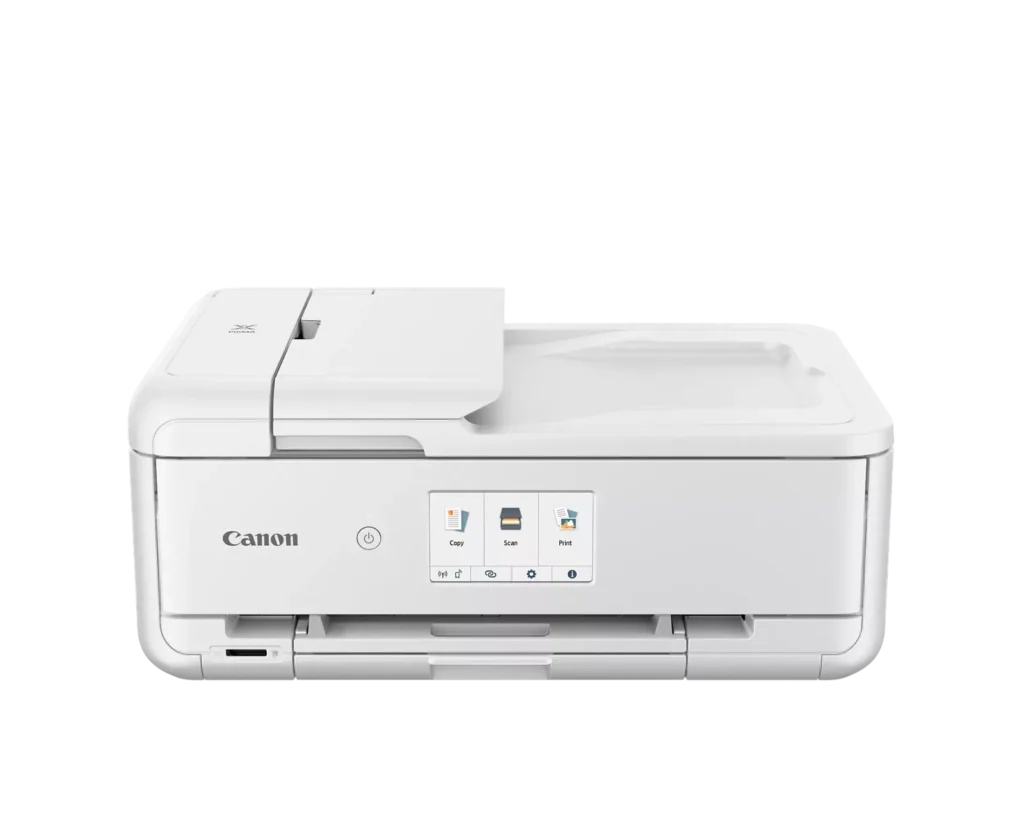
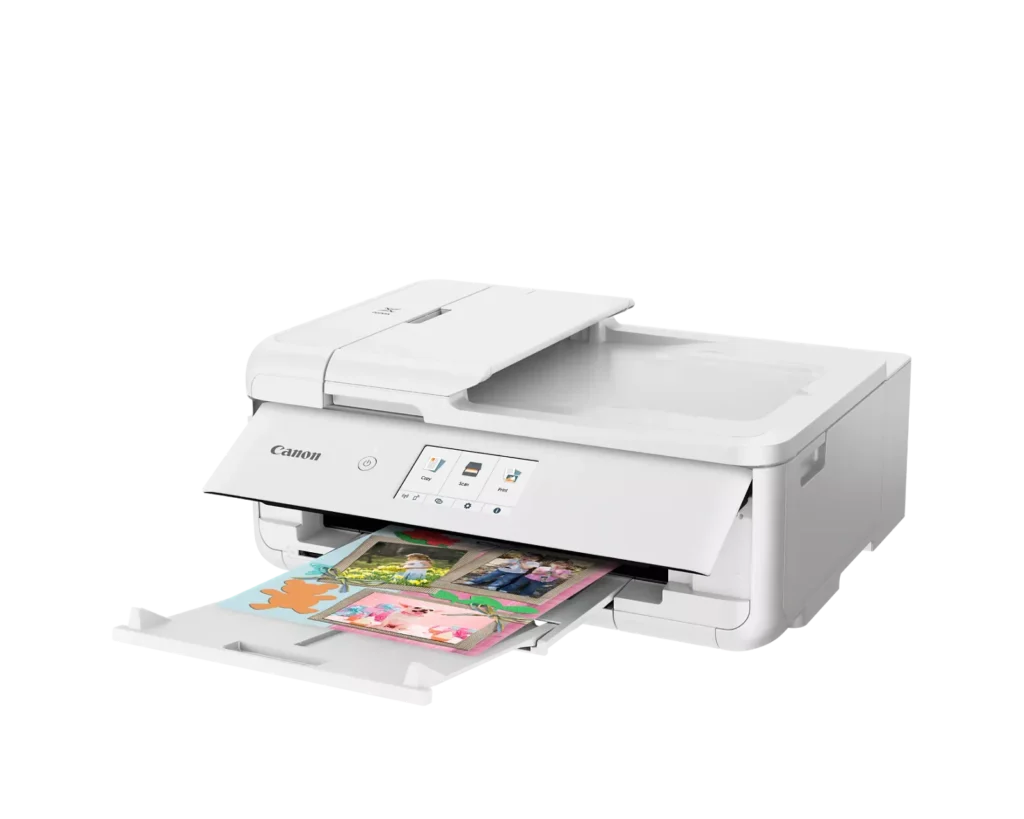
| Versatile Crafting & Large Format Printing | Specifically designed for creators, this printer supports borderless 12" x 12" printing—perfect for scrapbooking—and can handle large documents up to 11" x 17" (Tabloid size) for calendars, posters, and professional-looking projects. |
|---|---|
| 5-Individual Ink System | Utilizes a hybrid ink system with five individual tanks, including a pigment-based black for sharp text and dye-based colors for vivid photos. This efficient design allows you to replace only the specific color that runs out. |
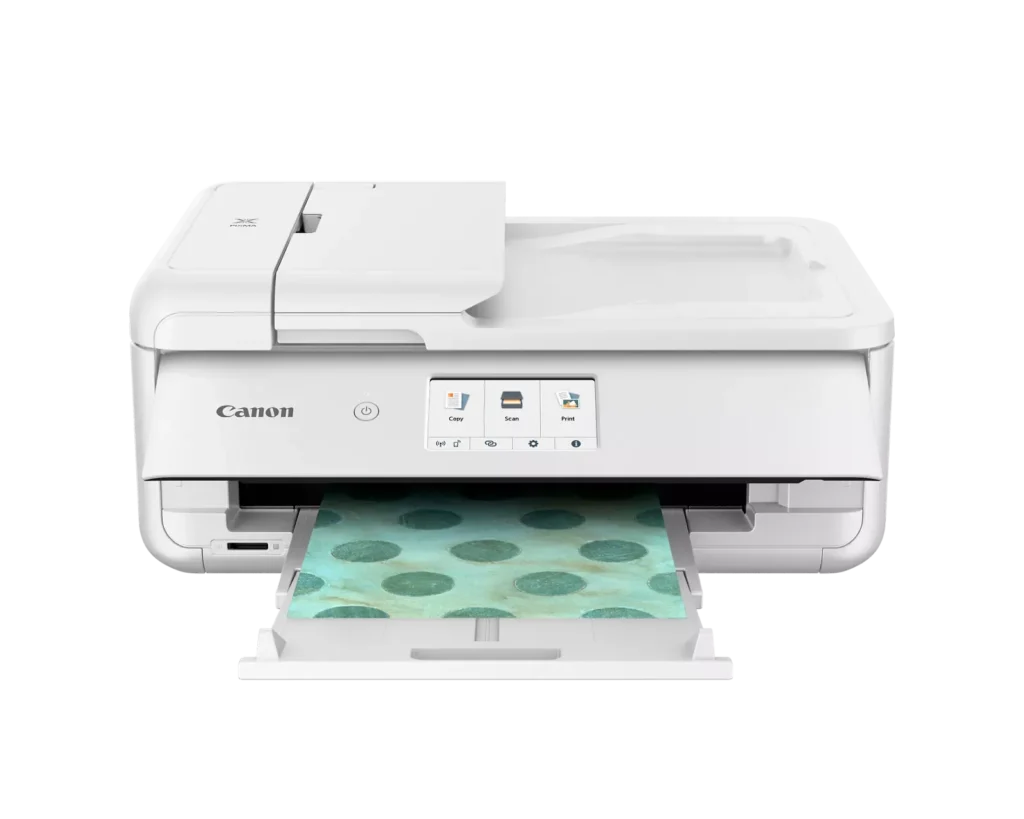
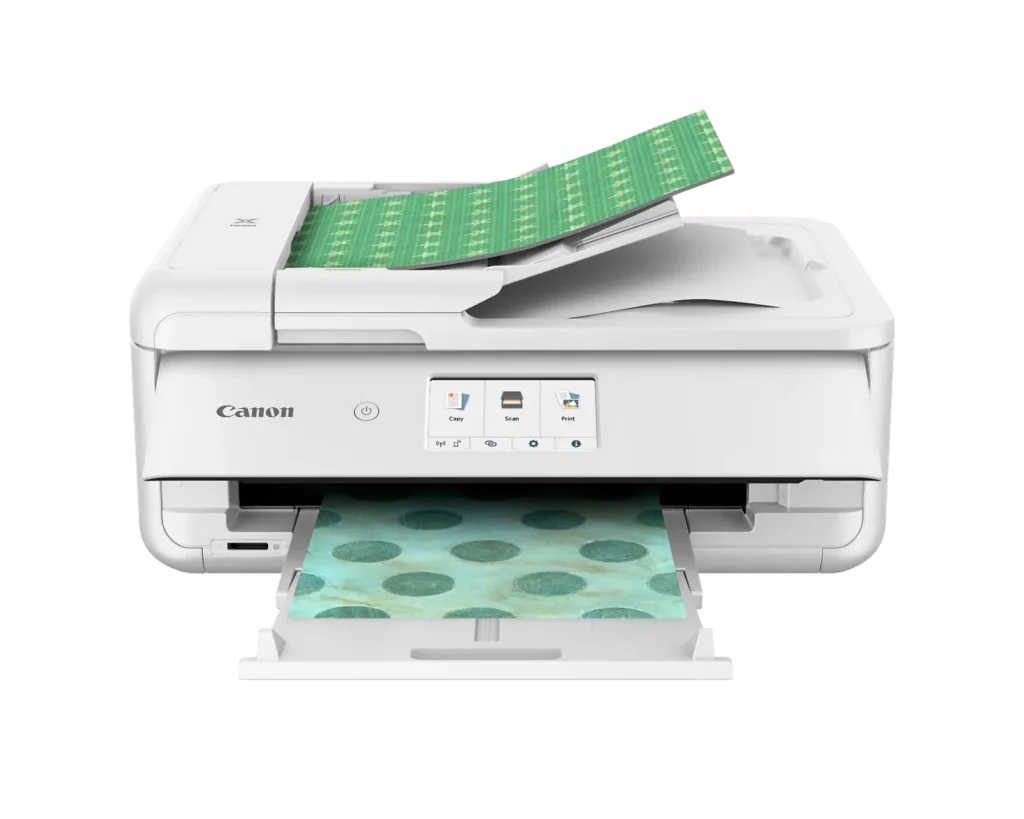
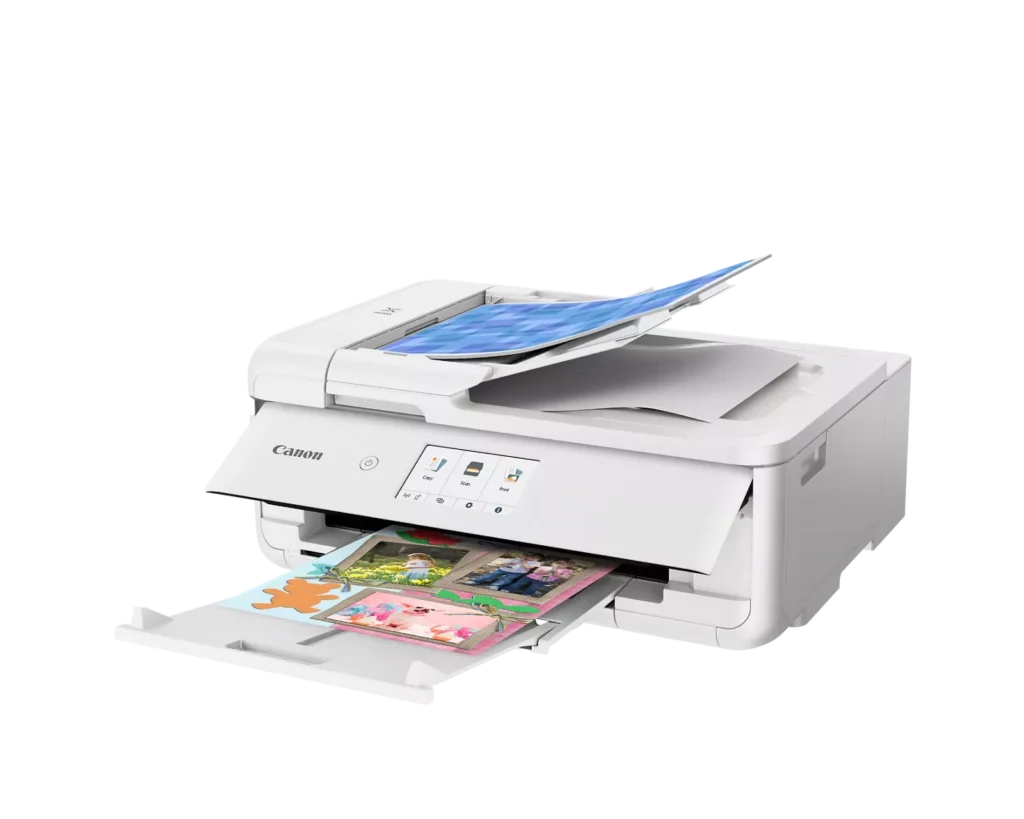
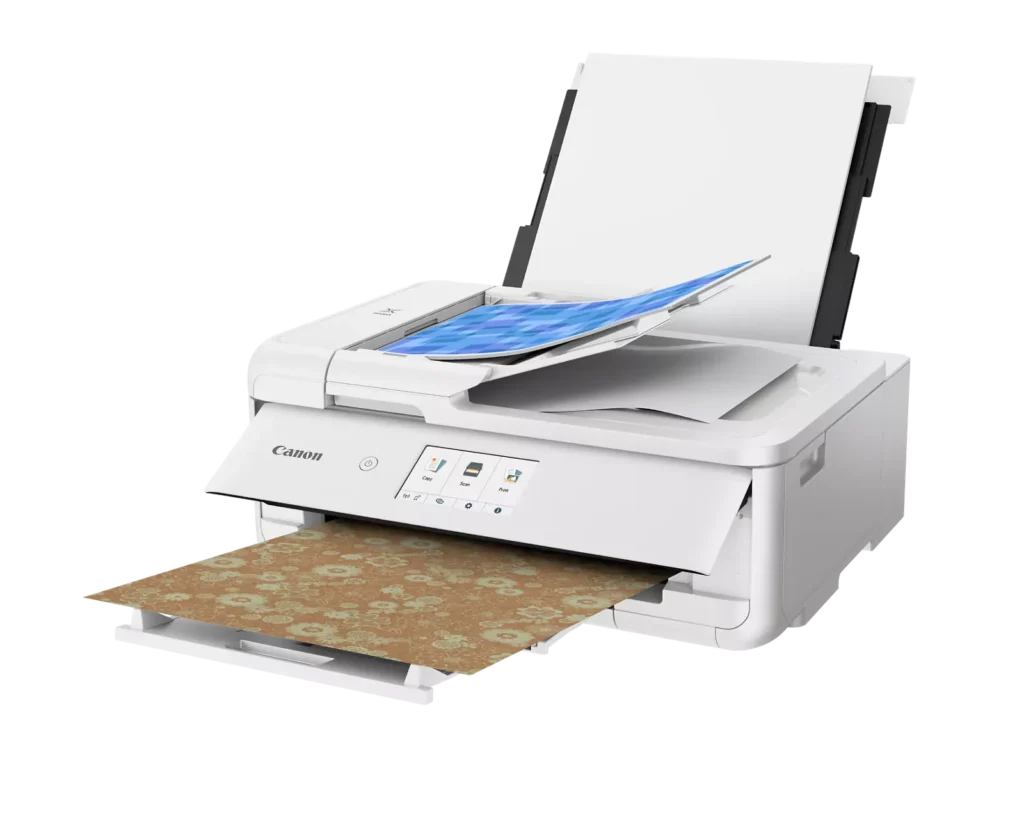
| Flexible Paper Handling & ADF | Features a 200-sheet total capacity with a 100-sheet front cassette and a 100-sheet rear tray that supports heavy cardstock. It also includes a 20-sheet Auto Document Feeder (ADF) for efficient multi-page scanning and copying. |
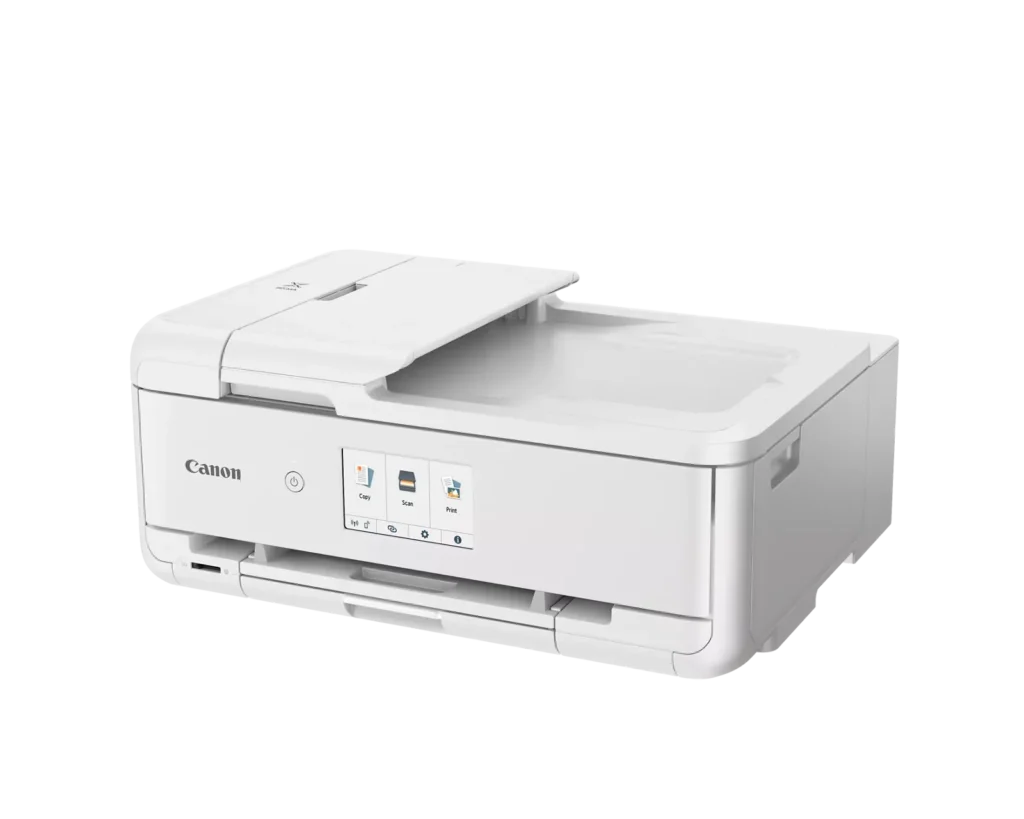
| Intuitive 4.3" Touchscreen Interface | Navigate functions easily with a large, user-friendly 4.3" LCD touchscreen. The interface provides direct access to 45 built-in printable patterns and templates, making it easy to print custom designs without a computer. |
| Seamless Wireless & Mobile Connectivity | Print effortlessly from your smartphone or tablet using the Canon PRINT app, Apple AirPrint, or Mopria Print Service. It also features a built-in SD memory card slot for direct photo printing and supports Wi-Fi and Ethernet connections. |
Pros & Cons
Pros
- Exceptional Print Quality: Reviews consistently highlight vibrant colors and sharp details, particularly for photos and crafting projects like stickers, magnets, and scrapbooking materials.
- Versatile Media Support: The printer handles a wide range of sizes and types, including 12×12 scrapbooking paper, 11×17 posters, and heavy cardstock, which is highly valued by creative users.
- Useful All-in-One Features: Users appreciate the inclusion of an automatic document feeder (ADF), auto-duplex printing, and borderless printing capabilities that support both office and creative tasks.
Cons
- Connectivity Frustrations: A large number of reviews mention severe difficulties connecting to WiFi, a lack of 5GHz support, and frequent 'offline' errors that require troubleshooting or hardwiring.
- High Ink Consumption: Many users complain that the printer uses ink very quickly, especially during photo printing, and that genuine replacement cartridges are expensive.
- Inconvenient Design Quirks: The requirement to keep the front control panel manually tilted up to print and the small capacity of the paper trays are frequently cited as annoying design flaws.
You might also like












Customer Reviews
Showing reviews 121-130 of 232
-
fine printer, a little fragile
Verified purchase Verified purchase: This reviewer bought the product.Jace March 7, 2025Review source: BestbuyHas many issues using rear cassette with heavy print media. Had to replace it twice before support suggested using a thinner material.
-
So Far So Good.
Verified purchase Verified purchase: This reviewer bought the product.Pleased March 4, 2025Review source: BestbuySo far works well. Haven’t used it much to check all the features out yet.
-
UPDATED REVIEW – Better! Unsure…But have always loved Canon Products…
Verified purchase Verified purchase: This reviewer bought the product.LC March 2, 2025Review source: Amazon**UPDATE 8/31/25 – Increase in stars – I figured out the issue of the 5100 Error Code – It causes an issue if you have anything sitting on top of the printer (extra paper, a book, or anything of weight). It pushes down on the top document feeder and somehow misaligns the inside pieces, to cause the ink carriage that goes back and forth inside to not operate correctly, and it cannot get back and forth to print (it would make a terrible grinding & clicking sound that we couldn’t figure out)… Not sure why it happens, but now we just ensure that the top is free of paper or anything extra before hitting print, and it seems to work without issue. Great print quality that I’ve come to love with Canon PIXMA, and nice to have the document feeder for the copies now! Just wish Canon’s QuickStart Guide stated not to set anything on top. I didn’t see an issue, but quickly realized it was. Just wanted to share my findings, in case anyone is experiencing the same issue, and needs a solution!
Original Review – Mixed feelings. I have always been a Canon owner, Cameras and printers. This is my third Canon PIXMA Color Inkjet Printer. I just wanted an upgrade of a similar type, to include a top-feeder copier and paper cassette that holds a little more paper. All of my previous wi-fi models with flatbed scanner have lasted many many years each. They are easy to set up, are a good value for print quality, and they are all-in-one. This new TS9521Ca has been a little finicky. It always pops a 5100 Support Code for no apparent reason (although it is after it makes a terrible sound, and I know I have removed all the orange tape). I think I have figured out that it’s when the paper tray is pushed in sometimes that it will do that. Sometimes the print head ink/ carriage won’t move when I open the lid, but I am able to move it by hand to try to troubleshoot. I’m still trying to isolate why it does it and will likely have to call Canon Support if it happens again, so that I can hopefully get a replacement or fix. I bought extended warranty, but that doesn’t kick in until after the first year. I want to love it like the others because it prints amazing, and works great. It’s just the error codes making me a bit nervous and frustrated with lost time messing with it, as it’s tough on my small business. I have only had it for two months, and it’s already errored twice. Will update if anything changes significantly.
-
small printer
Verified purchase Verified purchase: This reviewer bought the product.paul March 2, 2025Review source: Bestbuydifficult to set up but does a good job printing. Video instructions have no sound. paper tray difficult to get to.
-
?
Verified purchase Verified purchase: This reviewer bought the product.user4457 February 28, 2025Review source: BestbuyIt is a very nice printer that can do many things. However, maybe I do not need a printer with all those capabilities.
It was hard to set up (for Me) I could not get it to go wireless, so I use the USB cord. I understand printing with the cord is actually better, as wireless is sometimes chancy -
Great Printer!
Verified purchase Verified purchase: This reviewer bought the product.RBlack February 28, 2025Review source: BestbuyI am very happy with this printer. It is able to print a variety of types of paper and the quality is great!
-
Easy to set up.
Verified purchase Verified purchase: This reviewer bought the product.David M. Charewicz February 25, 2025Review source: AmazonWorks great as a replacement. Easy to set up.
-
10/10 definitely worth worth the spend!
Verified purchase Verified purchase: This reviewer bought the product.Jloya February 19, 2025Review source: BestbuyLove this printer! I love the photo print aspect, it’s new, works smoothly, easy to use the touch screen and the great convenience to use from my phone. The set up and install process was long but everything connected without issue. I appreciate that it comes with a free pack of ink and photo paper.
-
Wonderful printer!
Verified purchase Verified purchase: This reviewer bought the product.TAMI LASSI February 18, 2025Review source: AmazonI’m a crafter and love the features of this printer. It will make 12×12 prints and the color quality is great. I loved it so much that I purchased one for the office and one for home
-
Don't buy if you have a Mac or if you expect customer service such as Apple provides.
Cinti Review February 14, 2025Review source: AmazonPrints beautifully when it works but if you work all night long to get it working then get a Mac update, be prepared to try and figure it out again.
And Canon customer service is clueless!!!!!! Should have done my homework better.