Customer Media
Highlights
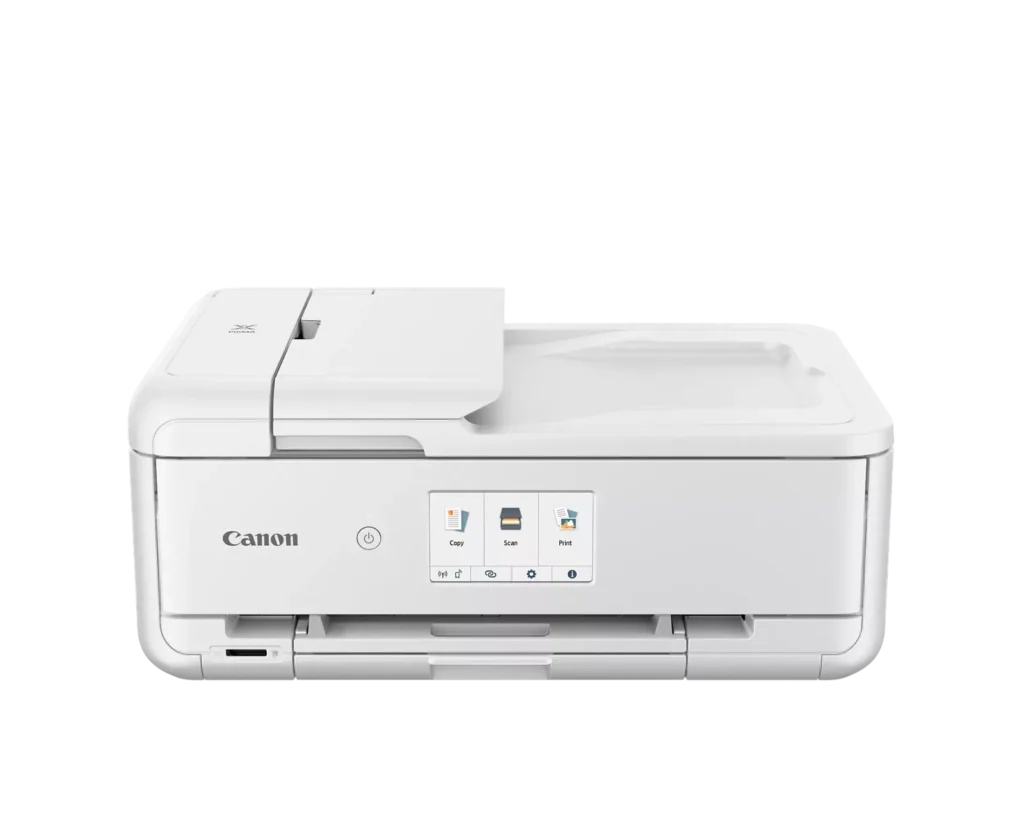
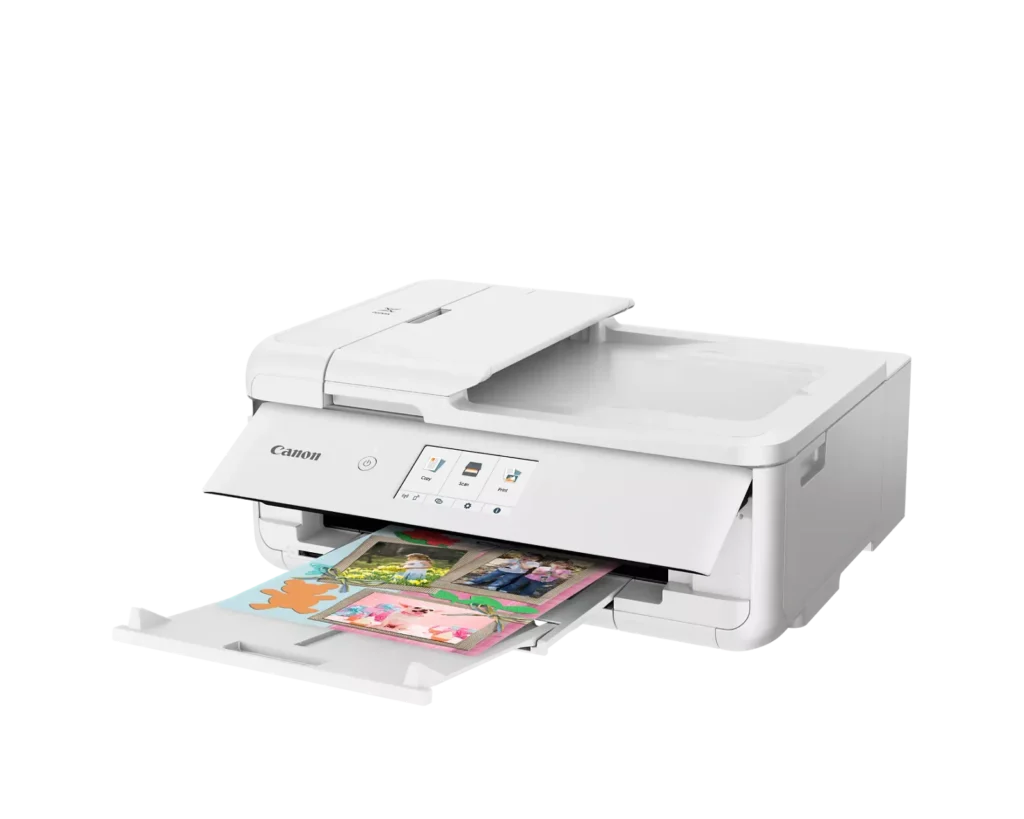
| Versatile Crafting & Large Format Printing | Specifically designed for creators, this printer supports borderless 12" x 12" printing—perfect for scrapbooking—and can handle large documents up to 11" x 17" (Tabloid size) for calendars, posters, and professional-looking projects. |
|---|---|
| 5-Individual Ink System | Utilizes a hybrid ink system with five individual tanks, including a pigment-based black for sharp text and dye-based colors for vivid photos. This efficient design allows you to replace only the specific color that runs out. |
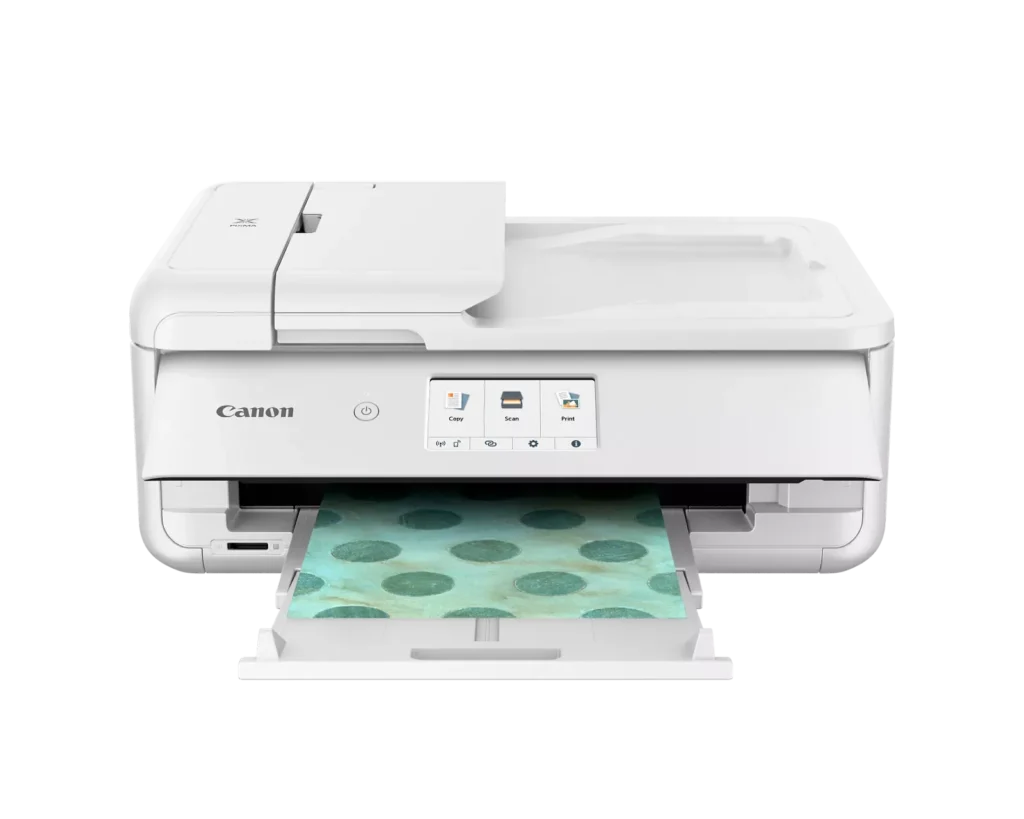
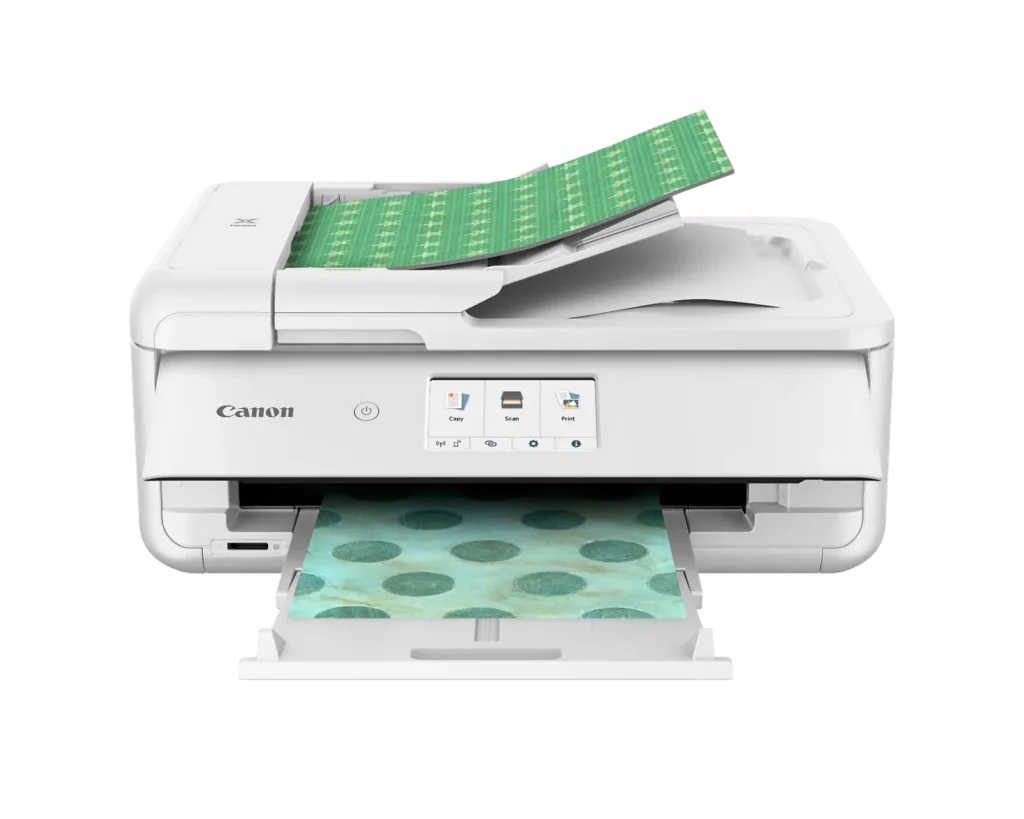
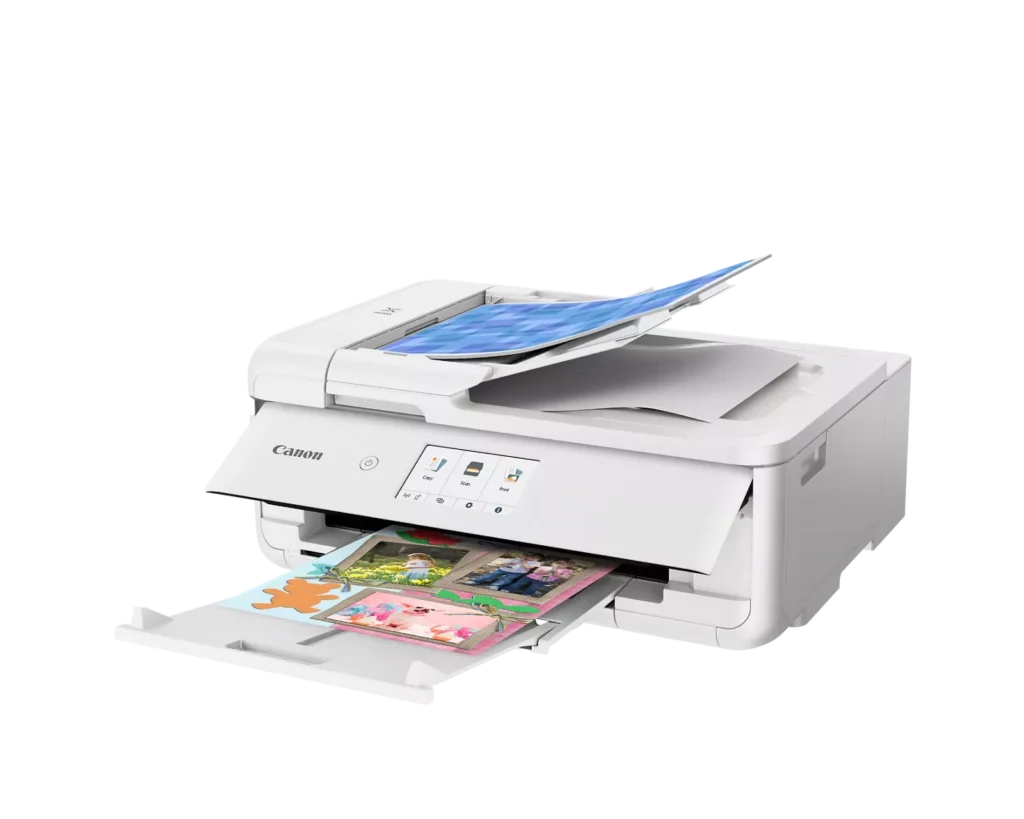
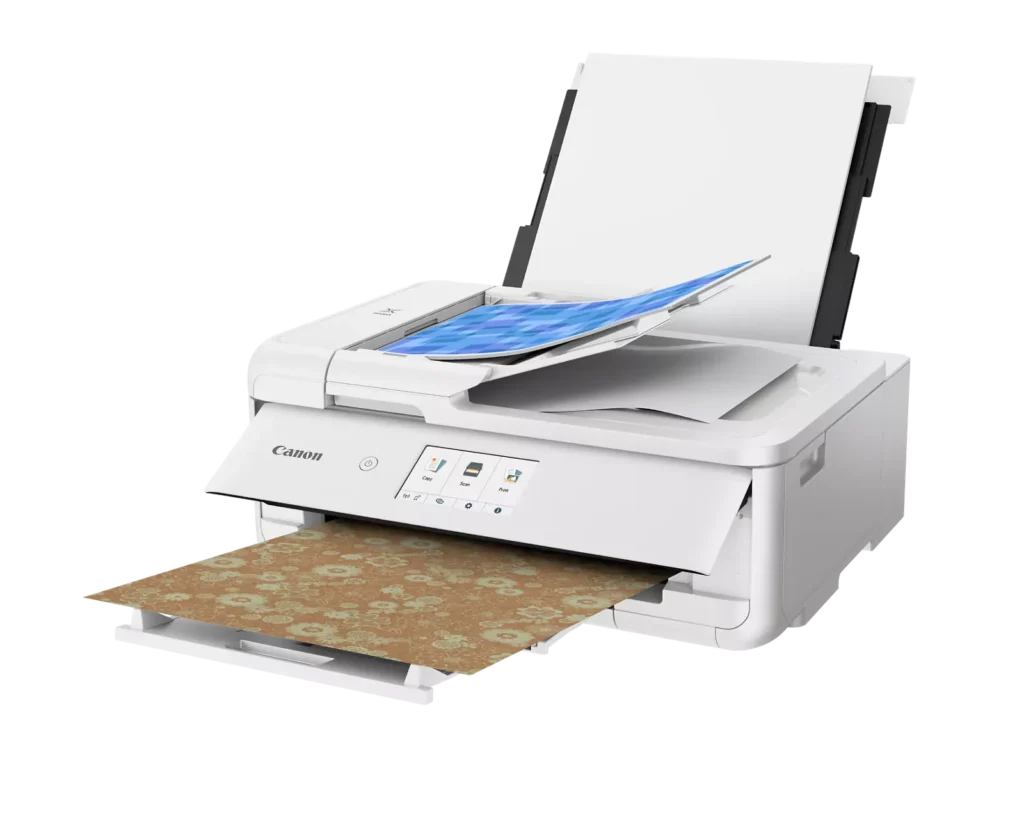
| Flexible Paper Handling & ADF | Features a 200-sheet total capacity with a 100-sheet front cassette and a 100-sheet rear tray that supports heavy cardstock. It also includes a 20-sheet Auto Document Feeder (ADF) for efficient multi-page scanning and copying. |
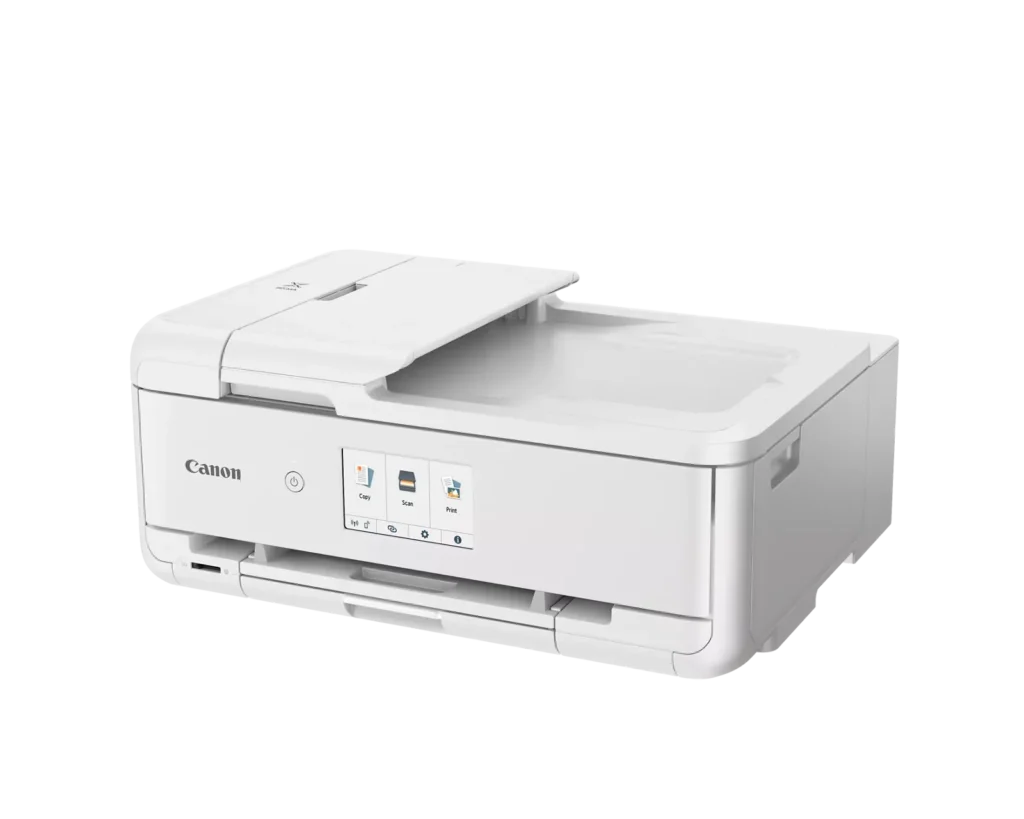
| Intuitive 4.3" Touchscreen Interface | Navigate functions easily with a large, user-friendly 4.3" LCD touchscreen. The interface provides direct access to 45 built-in printable patterns and templates, making it easy to print custom designs without a computer. |
| Seamless Wireless & Mobile Connectivity | Print effortlessly from your smartphone or tablet using the Canon PRINT app, Apple AirPrint, or Mopria Print Service. It also features a built-in SD memory card slot for direct photo printing and supports Wi-Fi and Ethernet connections. |
Pros & Cons
Pros
- Exceptional Print Quality: Reviews consistently highlight vibrant colors and sharp details, particularly for photos and crafting projects like stickers, magnets, and scrapbooking materials.
- Versatile Media Support: The printer handles a wide range of sizes and types, including 12×12 scrapbooking paper, 11×17 posters, and heavy cardstock, which is highly valued by creative users.
- Useful All-in-One Features: Users appreciate the inclusion of an automatic document feeder (ADF), auto-duplex printing, and borderless printing capabilities that support both office and creative tasks.
Cons
- Connectivity Frustrations: A large number of reviews mention severe difficulties connecting to WiFi, a lack of 5GHz support, and frequent 'offline' errors that require troubleshooting or hardwiring.
- High Ink Consumption: Many users complain that the printer uses ink very quickly, especially during photo printing, and that genuine replacement cartridges are expensive.
- Inconvenient Design Quirks: The requirement to keep the front control panel manually tilted up to print and the small capacity of the paper trays are frequently cited as annoying design flaws.
You might also like












Customer Reviews
Showing reviews 131-140 of 232
-
Crafter Quality
Verified purchase Verified purchase: This reviewer bought the product.Nicholas Brack February 12, 2025Review source: AmazonLove the quality and capabilities. Very heavy. Have to open front covers just to print regular copies.
-
Great printer
Verified purchase Verified purchase: This reviewer bought the product.john fox February 8, 2025Review source: AmazonI love this printer. Perfect for my crafting needs and not difficult to set up.
-
Edible images
Verified purchase Verified purchase: This reviewer bought the product.Tstad752 January 29, 2025Review source: BestbuyI bought this printer to use for edible images – works great!
-
A must have!
Verified purchase Verified purchase: This reviewer bought the product.Bri Castaneda January 28, 2025Review source: AmazonYall, I use this printer on the DAILY! I spent months researching the best inkjet printer and could never make up my mind. Whewwwww, I am SO happy I went with this printer. My prints are so clear! Color turn out is perfect! A must have for my party favors!
-
Dependable Printer.
Verified purchase Verified purchase: This reviewer bought the product.JamesR January 26, 2025Review source: BestbuyI have always had HP printers but have been very unhappy with the last two I purchased. They never worked right, and HP did not help.
This Cannon has done an excellent job so far with no problems. My only criticism is it is a little bulky.
-
Canon Printer
Verified purchase Verified purchase: This reviewer bought the product.JyLove January 18, 2025Review source: BestbuyThe printer is okay. The colors do not print out bright enough.
-
Had to Make the Change to Canon! Great Printer!
Verified purchase Verified purchase: This reviewer bought the product.JoeBMG January 17, 2025Review source: BestbuyWonderful Printer! Glad I chose Canon this time. HP has gotten so bad with proprietary restrictions I had to get rid if them and I am VERY pleased with this printer! Got to say it has been a while since I had a canon, it really prints excellent, even on thick card stock paper, which I needed. Colors are way better.
-
A perfect home printer for art lover
Incentivized Incentivized review: The reviewer received a benefit for sharing feedback.travelers January 15, 2025Review source: AmazonIt is not the biggest printer you can find but for its capability to print a decent large picture on variety of paper, this is the perfect printer for a home art enthusiasts. It is super easy to setup for the WIFI connection. I noticed some people having difficulty setting it up but I just follow the instruction there is no problem connecting to my home WIFI. What I guess is that probably they are following the instructions. Other than that, I can’t think of any reasons it won’t connect.
I have been using this print for quite some months. I want to use it for longer time before I jump in to write any quick review. I have a few printers at home for different purpose. This printer is replacing my 10 year old inkjet printers that is wearing out. When I compare this new printer with my old printer, the difference is so obvious. This new printer prints crispier text on normal paper while my old printer prints but the text is screwed due to unknown reason. It handles the amount of ink it prints out perfectly. The paper coming out dry immediately without any sign of warping due to wet ink. My old printer prints out obvious wet warped paper. The only time I see warping paper is when I mistakenly use normal paper to print a full page photo and did not change the paper type to normal paper. If you set your paper type correctly, you should never experience that.
The color result is perfect. Printing color document with it gives better result than my color laser printer. It is slower than my laser printer which shoot out paper like a magician throwing out cards but hey you get better looking document if you are picky on the color rendering. As for photo printing, this is the best inkjet printer I have owned. I have used HP, Epson, and Brother inkjet printers before, this Canon is by far the best in my experience. There are some more expensive high end printers out there printing even better colors but you have to buy a dozen of different color cartridges and spend hundreds of dollars for just one set of ink. For home use, this printer is the perfect choice giving you decent result.
The paper handling is amazing. When I use card stock or any thick paper in my old printer, I have to push the paper in every time because it is just not efficient to catch the paper. This printer takes paper of whatever thickness in smoothly like sliding a butter. No more standing by the printer and pushing the paper.
As to the ink economy, there are some tank based printer nowadays but the tank printer is much expensive than this one. The ink for this printer is actually very cheap if you shop around. For the extra amount you pay for a ink tank printer, you can still buy a lot of ink cartridges for this printer. I would say there is no economy drawback selecting this printer compared to the tank ones.
The paper drawer can only hold a tiny amount of paper. That could be a hassle if you use that a lot. But given the quality of the print, I can live with that. Just hope the manufacture can improve that with their next design.
Overall, this is a great printer. Highly recommend. -
Great printer for larger prints
Verified purchase Verified purchase: This reviewer bought the product.Tracey L . January 12, 2025Review source: AmazonI like the ability to print 11×17. I use this printer for photo printing and it’s fantastic. Vibrant and bright. I also print stickers for cutting on my cricut and I’m quite pleased with the quality.
-
Definite Upgrade
Verified purchase Verified purchase: This reviewer bought the product.TimothyG January 12, 2025Review source: BestbuyVery easy to set up. Works extremely well! A definite upgrade from my previous Epson!