Customer Media
Highlights
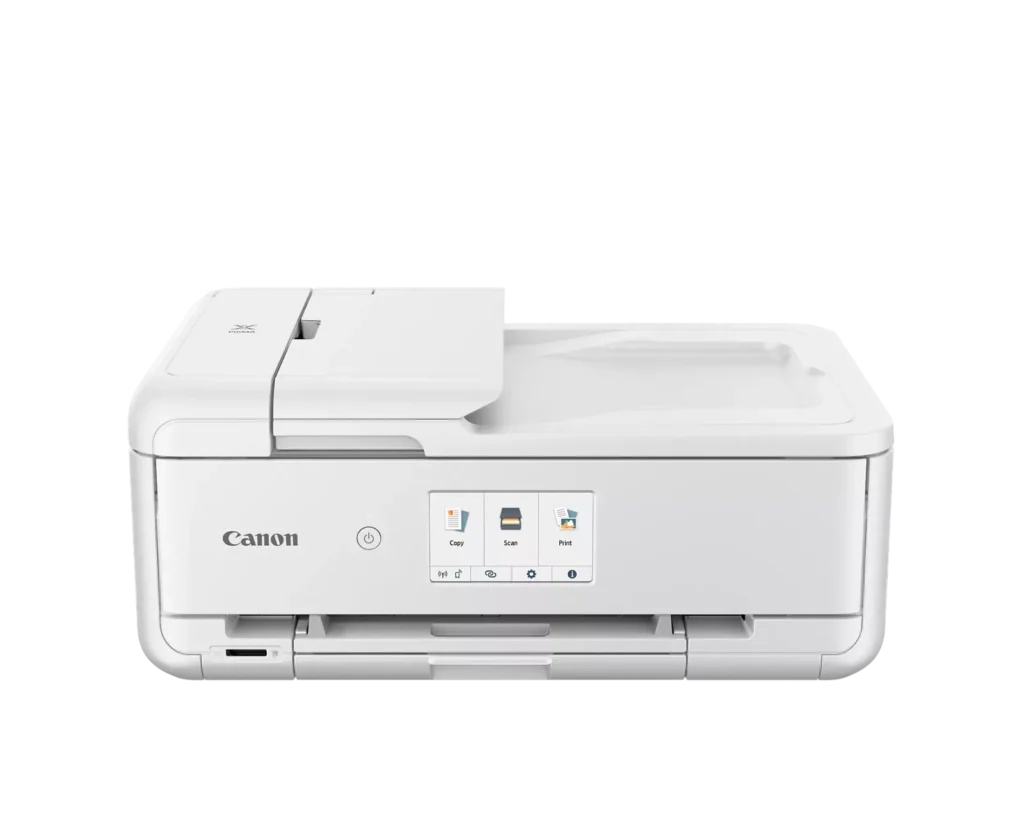
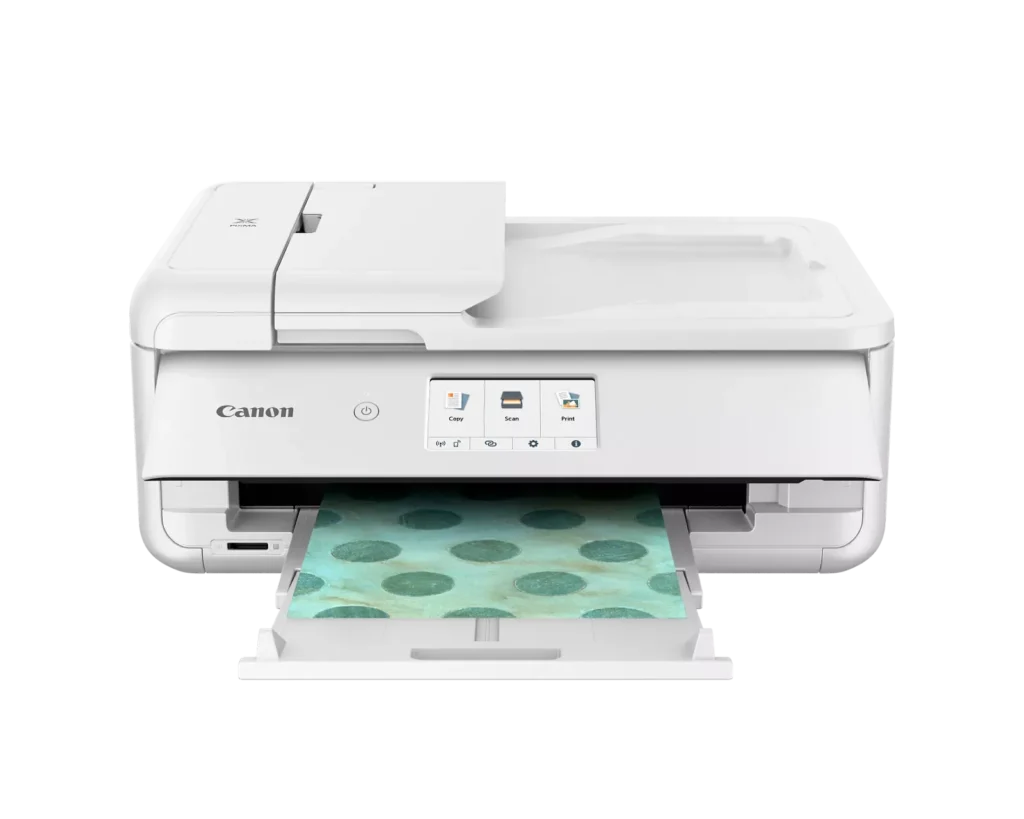
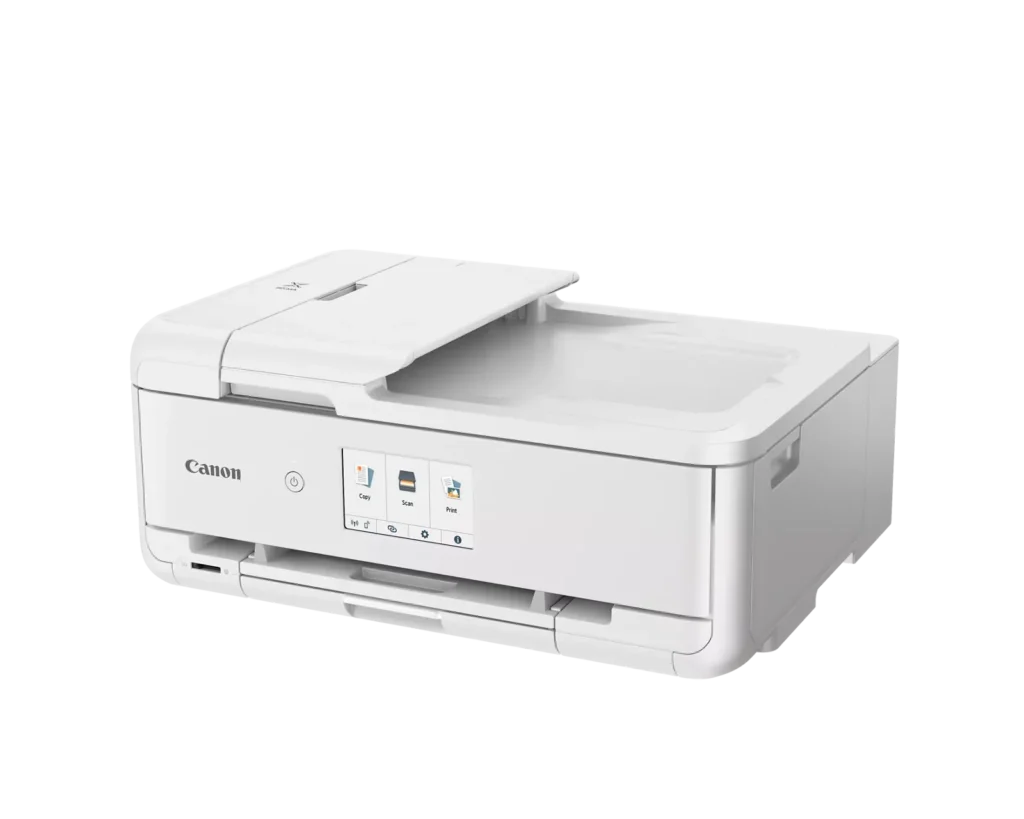
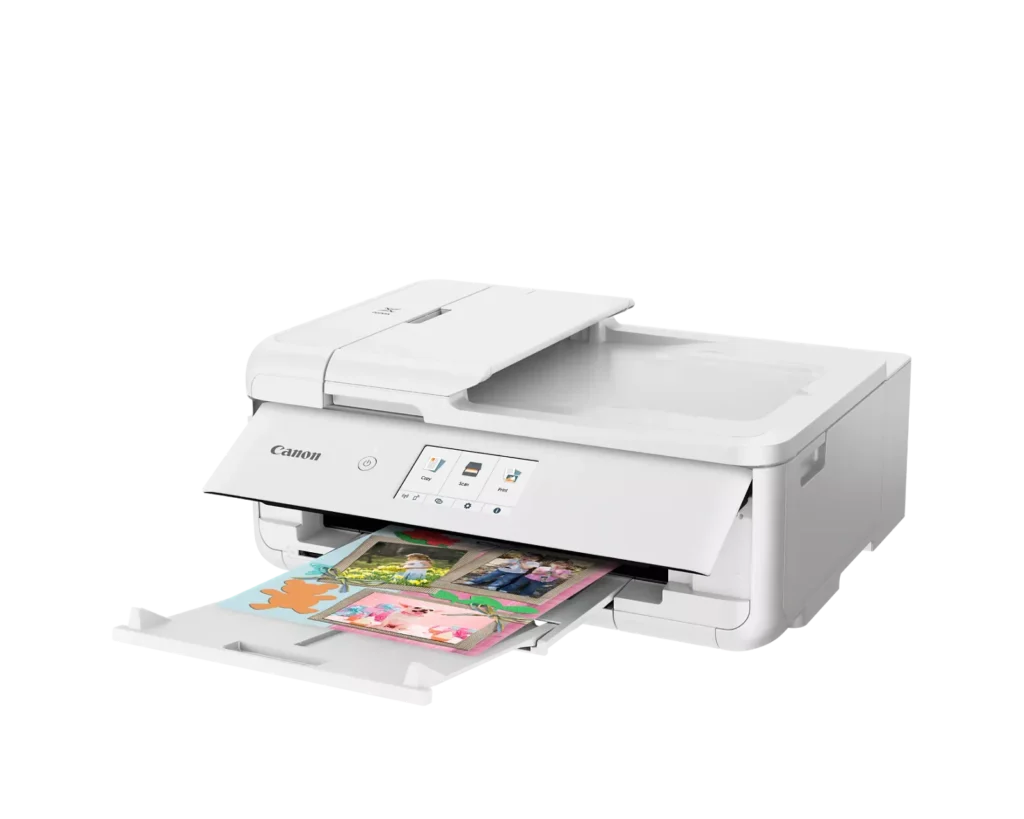
| Versatile Crafting & Large Format Printing | Specifically designed for creators, this printer supports borderless 12" x 12" printing—perfect for scrapbooking—and can handle large documents up to 11" x 17" (Tabloid size) for calendars, posters, and professional-looking projects. |
|---|---|
| 5-Individual Ink System | Utilizes a hybrid ink system with five individual tanks, including a pigment-based black for sharp text and dye-based colors for vivid photos. This efficient design allows you to replace only the specific color that runs out. |
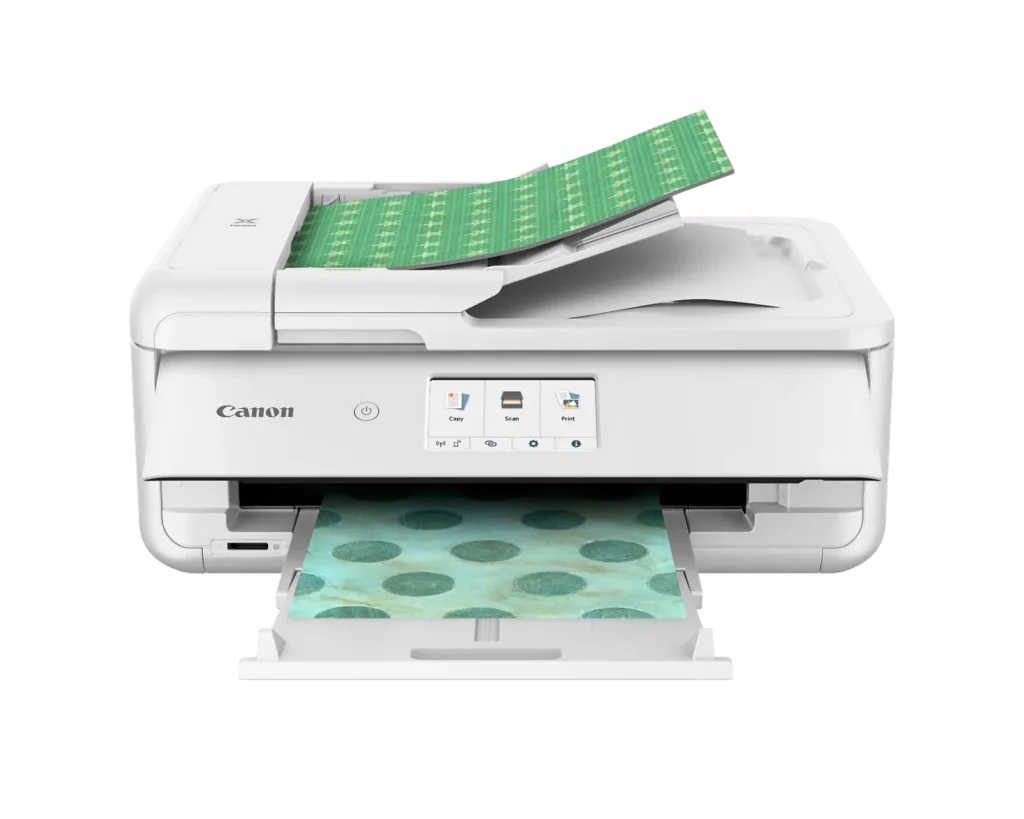
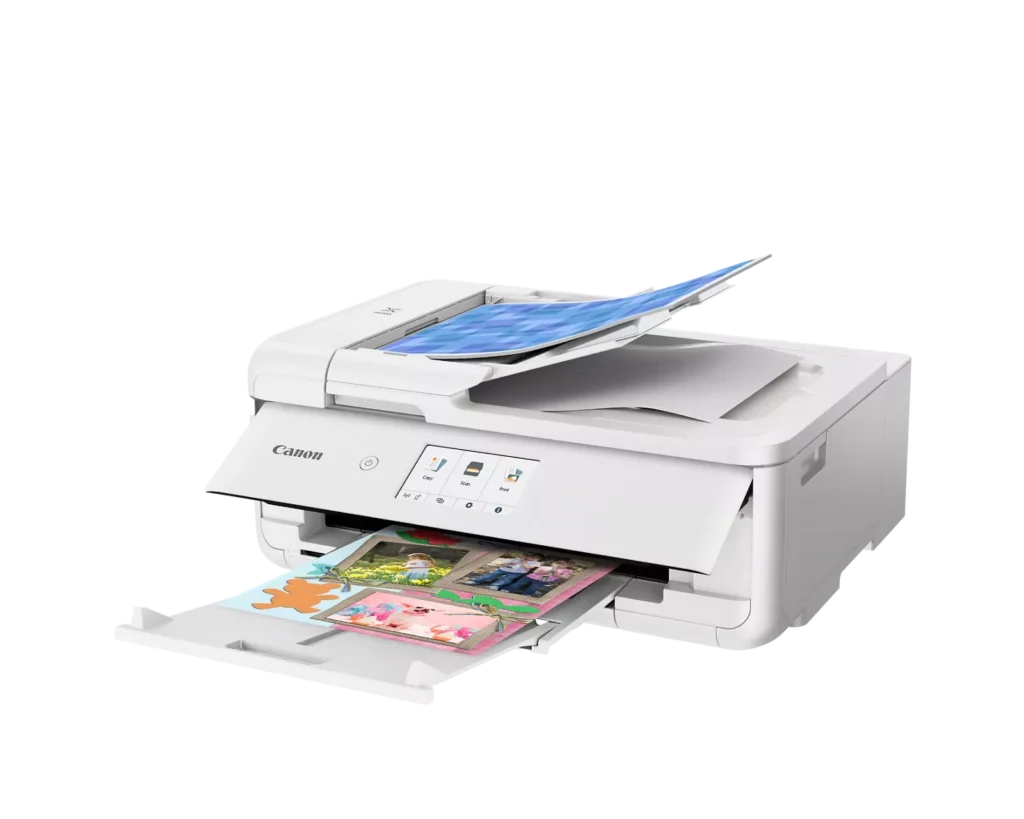
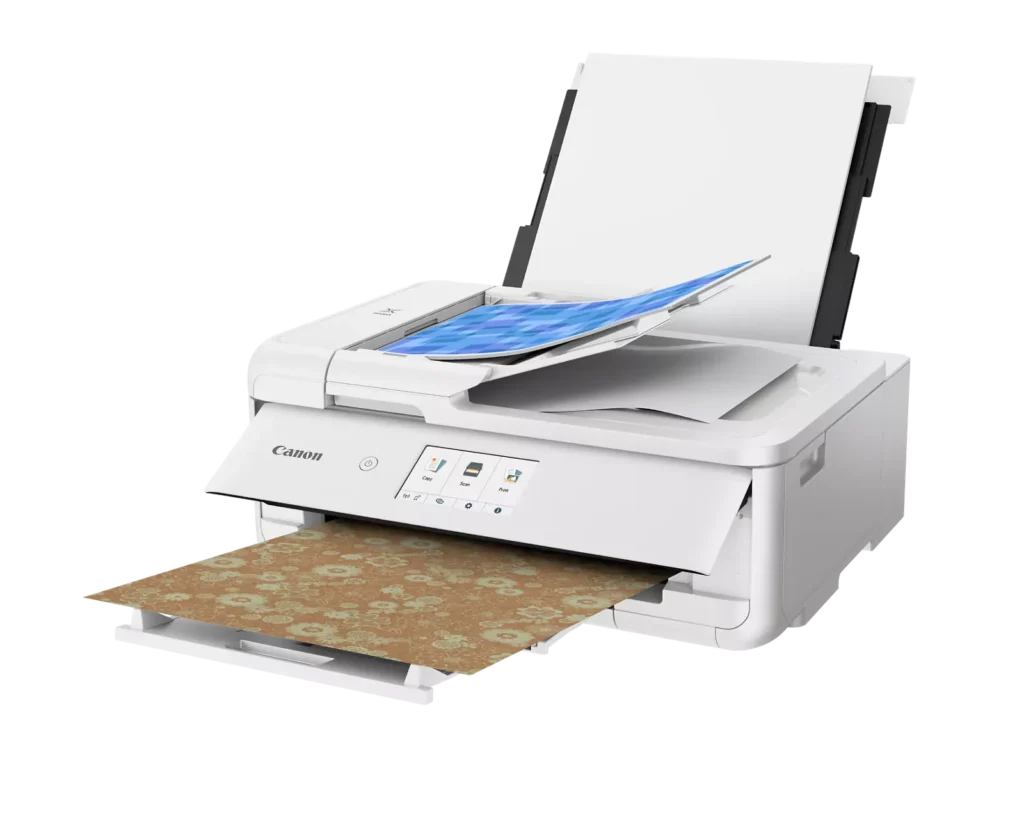
| Flexible Paper Handling & ADF | Features a 200-sheet total capacity with a 100-sheet front cassette and a 100-sheet rear tray that supports heavy cardstock. It also includes a 20-sheet Auto Document Feeder (ADF) for efficient multi-page scanning and copying. |
| Intuitive 4.3" Touchscreen Interface | Navigate functions easily with a large, user-friendly 4.3" LCD touchscreen. The interface provides direct access to 45 built-in printable patterns and templates, making it easy to print custom designs without a computer. |
| Seamless Wireless & Mobile Connectivity | Print effortlessly from your smartphone or tablet using the Canon PRINT app, Apple AirPrint, or Mopria Print Service. It also features a built-in SD memory card slot for direct photo printing and supports Wi-Fi and Ethernet connections. |
Pros & Cons
Pros
- Exceptional Print Quality: Reviews consistently highlight vibrant colors and sharp details, particularly for photos and crafting projects like stickers, magnets, and scrapbooking materials.
- Versatile Media Support: The printer handles a wide range of sizes and types, including 12×12 scrapbooking paper, 11×17 posters, and heavy cardstock, which is highly valued by creative users.
- Useful All-in-One Features: Users appreciate the inclusion of an automatic document feeder (ADF), auto-duplex printing, and borderless printing capabilities that support both office and creative tasks.
Cons
- Connectivity Frustrations: A large number of reviews mention severe difficulties connecting to WiFi, a lack of 5GHz support, and frequent 'offline' errors that require troubleshooting or hardwiring.
- High Ink Consumption: Many users complain that the printer uses ink very quickly, especially during photo printing, and that genuine replacement cartridges are expensive.
- Inconvenient Design Quirks: The requirement to keep the front control panel manually tilted up to print and the small capacity of the paper trays are frequently cited as annoying design flaws.
You might also like












Customer Reviews
Showing reviews 141-150 of 232
-
Super
Verified purchase Verified purchase: This reviewer bought the product.ZaurJ January 12, 2025Review source: BestbuyVery good. I am happy with this printer. will print perfectly and quickly.
-
Very slow!!!
Verified purchase Verified purchase: This reviewer bought the product.Katsal Anastasiya January 9, 2025Review source: Amazonpaint runs out quickly. Thinks for a very long time and types slowly, while typing, you can’t use the phone and minimize the tab, there are always some problems inside. Very slow, I don’t recommend! visually good, but it is needed for work, and it doesn’t want to do it!!!
-
Great printer.
Verified purchase Verified purchase: This reviewer bought the product.JessicaR January 9, 2025Review source: BestbuyLove this printer. The quality of prints is amazing
-
IT'S FRAUD IMO
Verified purchase Verified purchase: This reviewer bought the product.TammyC January 9, 2025Review source: BestbuyMy experience could not be worse. After hours of research, I finally ordered a new desktop, printer and ink for myself. I was delighted to realize it was on sale for black Friday. The ink came but the desktop and printer kept getting delayed…THEN, when it finally shipped (supposedly), and although it had been ordered and confirmed via Best Buy’s live chat feature, it was shipping to the wrong address! 3 emails on the same day, order delayed, order delivered, order unable to be delivered. I tried to contact Best Buy through the same live chat, they couldn’t help, I must call. I called still confused as to the impossibility of their getting the address wrong after so much confirmation upon ordering and it was again, supposedly straighted out and got a new delivery window. Nothing ever came, order cancelled. I believe it was all a sham, Best Buy didn’t have or didn’t want to honor the sale price and managed to wiggle out of it by engineering the confusion. Let it be said that their ongoing delay and wrong address STRATEGY left me without a computer & printer but also ineligible to order from one of the thousands of other retailers offering the same computer & printer at a sale price for black Friday. I now deeply question Best Buy’s integrity. Oh!, and they keep hounding me for a review so here it is…Buyer beware!!!
-
First impression: this is a good printer. Updates to come…
Incentivized Incentivized review: The reviewer received a benefit for sharing feedback.Pamela S January 7, 2025Review source: AmazonI have been waiting to review the Canon PIXMA TS9521Ca Printer. I wanted to first figure out all the tricks to using it. Then I realized that I have been using my old printer for 8 years and still run across commands, glitches, and features that I knew nothing about. So here’s what I know so far about the Canon…
It is proving to be a good printer. It handles the basics well. Standard print quality is a little disappointing—the blacks aren’t great, and the colors appear a little faded. I suspect that once I get into the graphics features, there will be fixes for that, but I haven’t found them yet.
The PIXMA is compatible with my Mac OS Monterey 12.7.2 operating system. I am not very computer savvy, but was able to set it up fairly easily, with minimal help from a technology genius friend (we had trouble communicating, because he speaks Computer and I speak English). I set it up using wired connections, although the printer can do wireless. I am a dinosaur and trust things I can see. When something goes wrong, I can replace cables, check connections, etc. WIth wireless I wouldn’t know where to begin.
There is no printed manual. I know, nobody prints manuals anymore. But as I said, I am a dinosaur, so I prefer to flip through paper instructions rather than interrupt whatever I am working on to search for the manual online, then flip-flop back and forth to complete my original project. Supposedly printing the manual from Safari is possible, but I haven’t yet figured out how. The touch screen is supposed to be “intuitive”, but I don’t find that to be the case.
The touch screen is a little too sensitive, in my opinion. It often responds to my hand passing by 1/2” from the screen and prints a page I didn’t intend to print. At first I wasted a lot of paper, ink and time. I’ve gotten more careful, but the printer occasionally begins to print while I am still positioning a document for copying on the glass and my arm passes in front of the touch screen.
Mr PIXMA (I’m guessing it’s a male) is really bossy. Always fussing at me for not opening the control panel completely, for not closing the flap on the back paper feed slot, etc.
Overall, I am pleased with my new printer.
Made in Thailand.
-
I am really liking this Canon printer
Verified purchase Verified purchase: This reviewer bought the product.Nedha December 27, 2024Review source: BestbuyI normally a hp product person but I am really liking this Canon printer. I also like the ink refill subscription.
-
DebL
Verified purchase Verified purchase: This reviewer bought the product.DeborahL December 27, 2024Review source: Bestbuyworks great , very pleased.Have always had Canon. Good price
-
canon printer
Verified purchase Verified purchase: This reviewer bought the product.MetalMegadeth December 26, 2024Review source: BestbuyCanon printers do not have reliable Wi-Fi connections on the printers so do not buy a canon printer go for some different like a different brand
-
Great print quality, Horrible on ink
Verified purchase Verified purchase: This reviewer bought the product.Susie December 22, 2024Review source: AmazonPros: The print quality is really good and impressive for the price. Best quality if used with photo paper. I was able to print on 11”x17” ultra luster photo paper.
Cons: I could not believe how easily I ran out of ink before completing an order. I had to buy XXL ink cartridges and still have to replace them often. Not recommended when you print daily for party decor business.
-
Missing parts
Verified purchase Verified purchase: This reviewer bought the product.Karen Jensen December 20, 2024Review source: AmazonThe first one I ordered arrived with missing parts. I figured, it can happen occasionally, so I returned the first printer and ordered a second one. Well, the second printer arrived today —with missing parts. I am returning the second printer and will not order it again.