Customer Media
Highlights
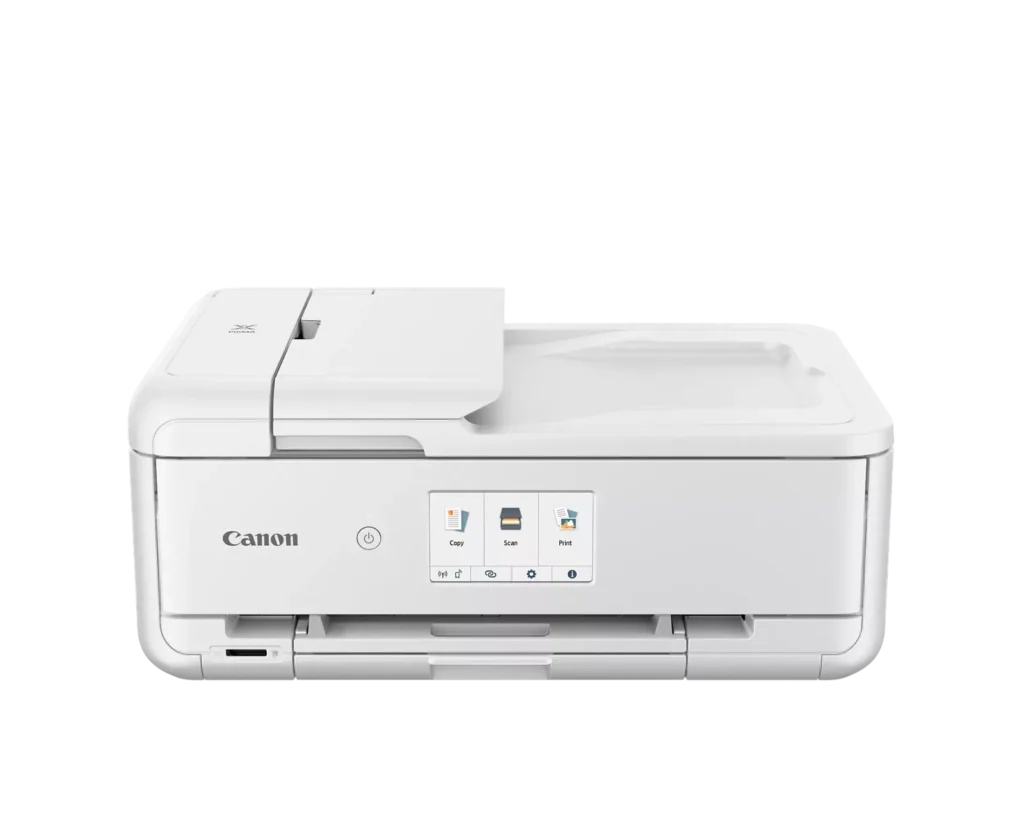
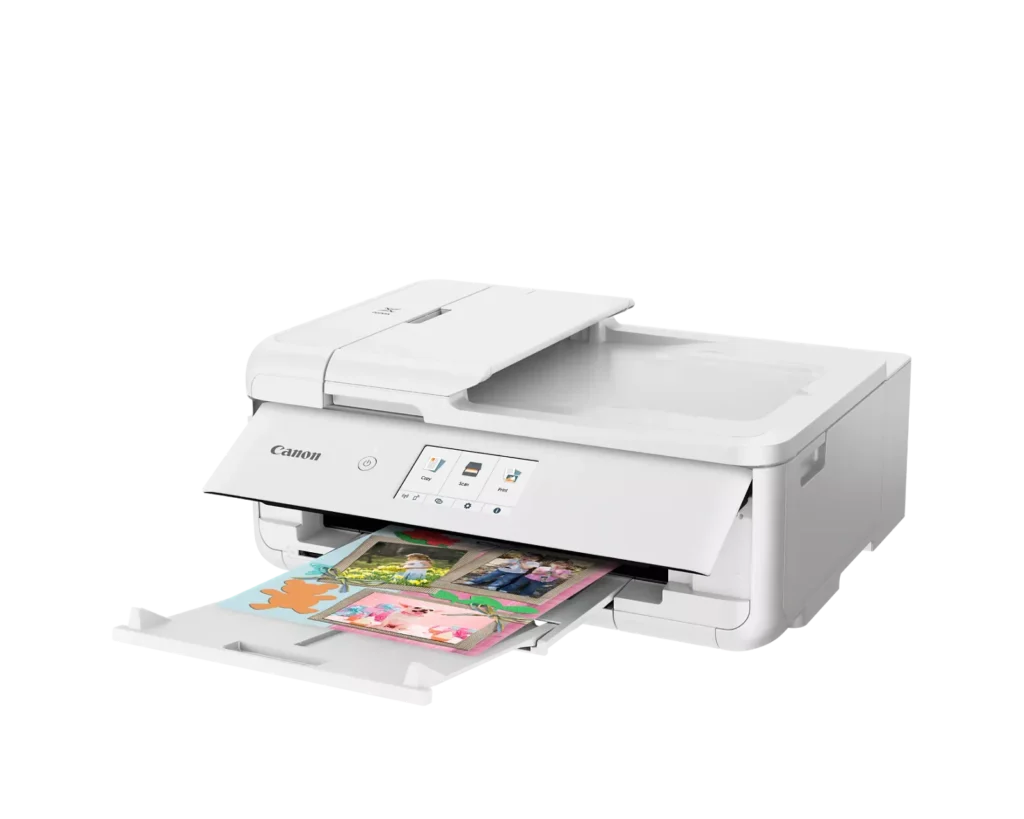
| Versatile Crafting & Large Format Printing | Specifically designed for creators, this printer supports borderless 12" x 12" printing—perfect for scrapbooking—and can handle large documents up to 11" x 17" (Tabloid size) for calendars, posters, and professional-looking projects. |
|---|---|
| 5-Individual Ink System | Utilizes a hybrid ink system with five individual tanks, including a pigment-based black for sharp text and dye-based colors for vivid photos. This efficient design allows you to replace only the specific color that runs out. |
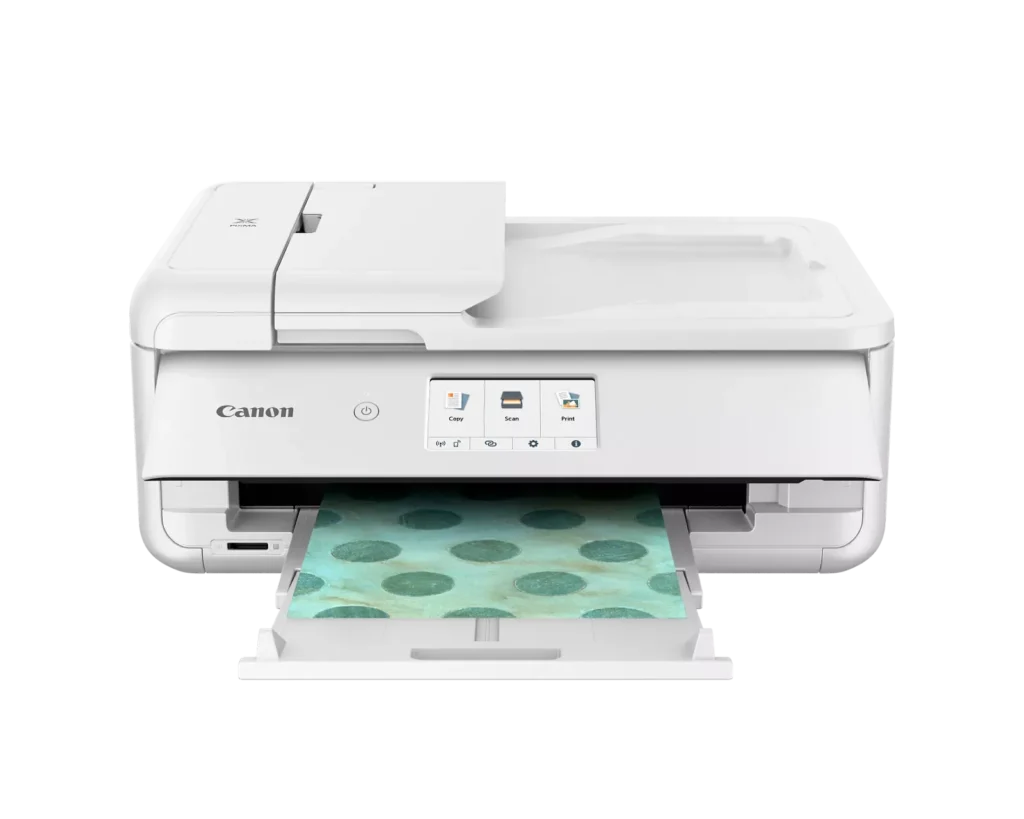
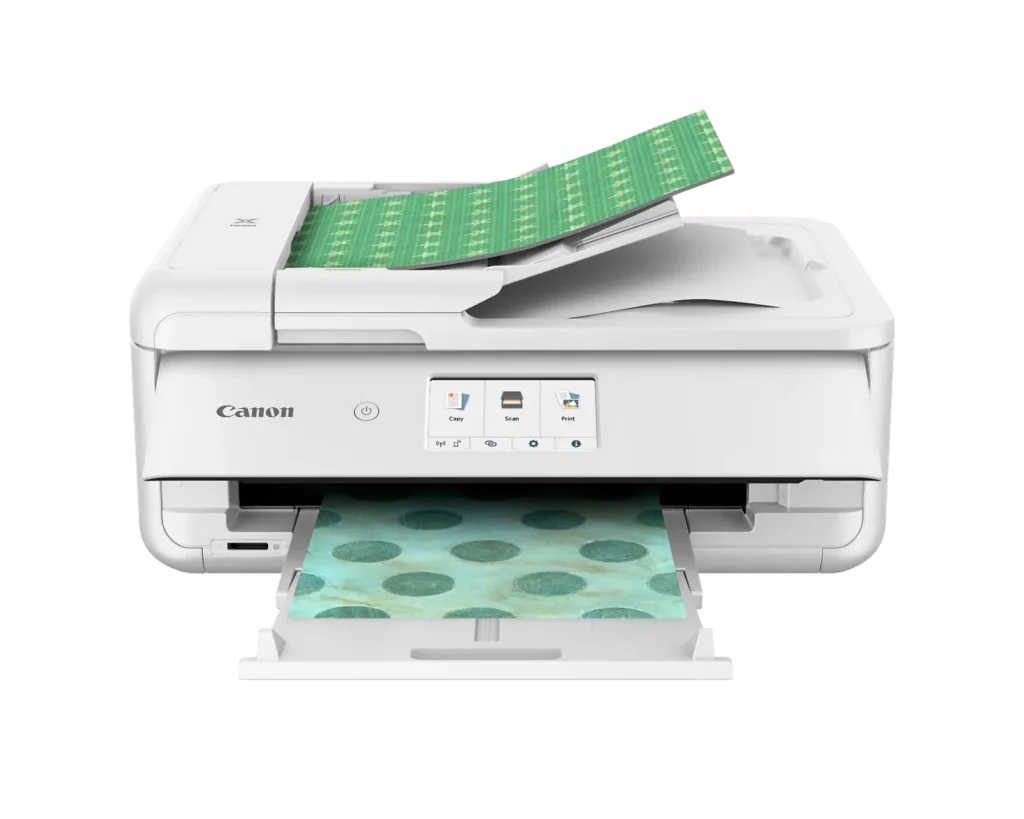
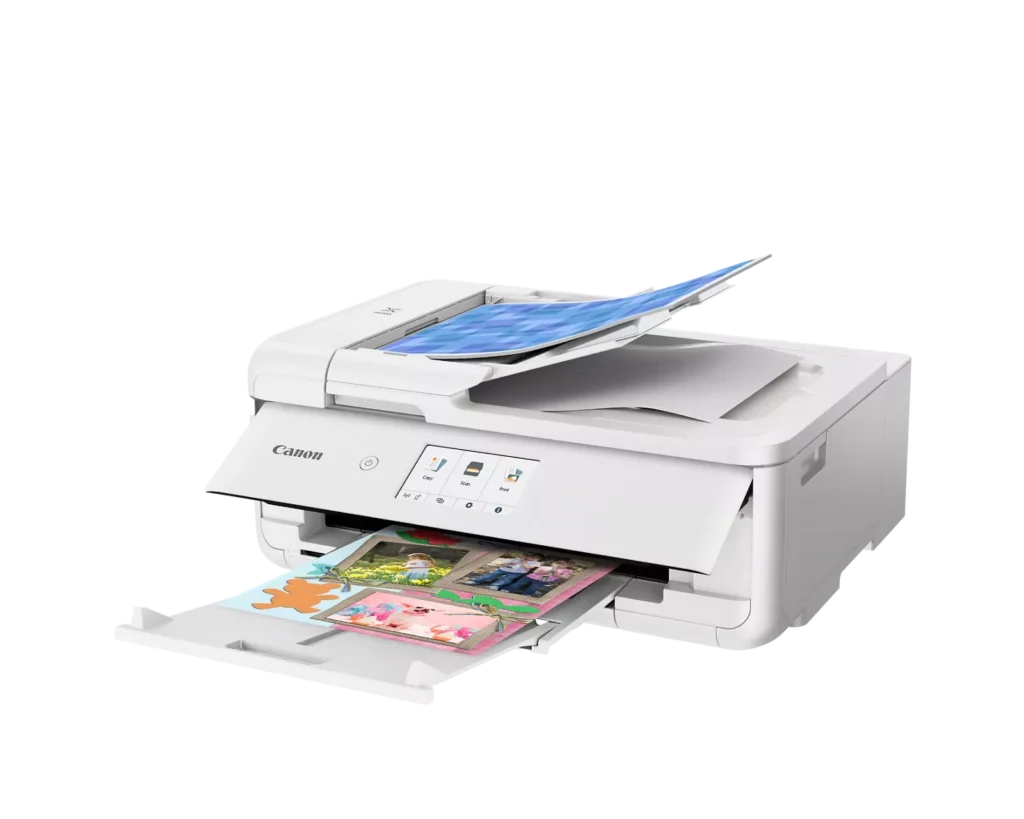
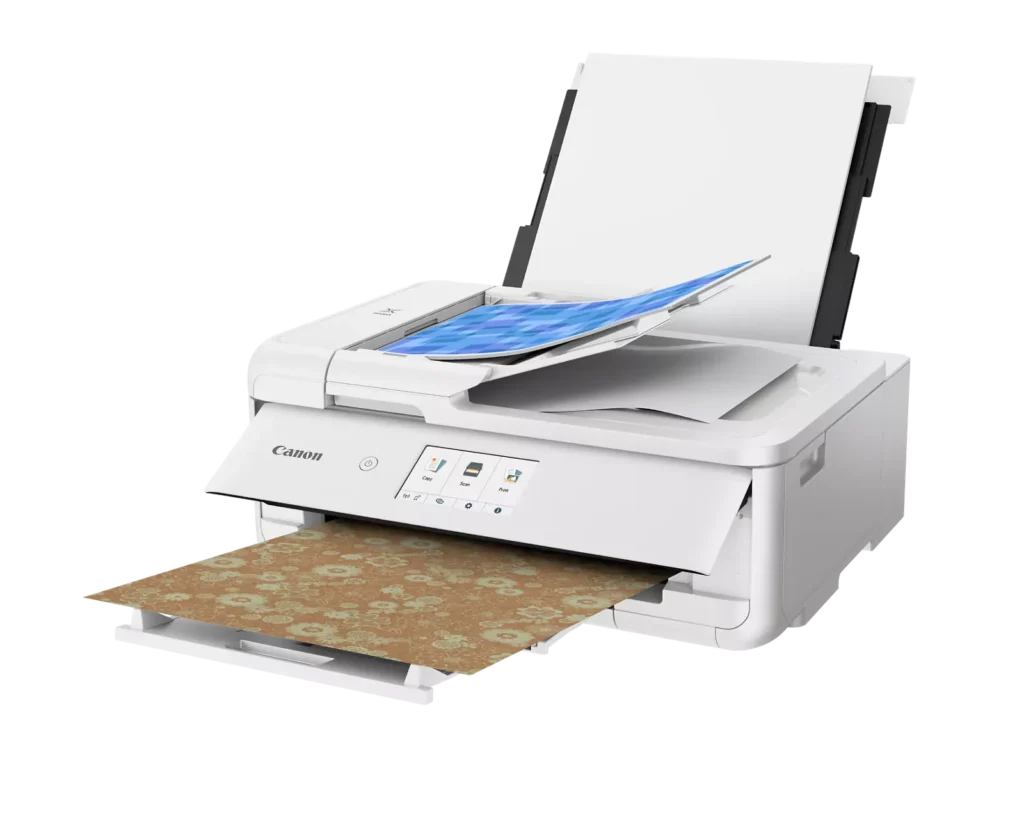
| Flexible Paper Handling & ADF | Features a 200-sheet total capacity with a 100-sheet front cassette and a 100-sheet rear tray that supports heavy cardstock. It also includes a 20-sheet Auto Document Feeder (ADF) for efficient multi-page scanning and copying. |
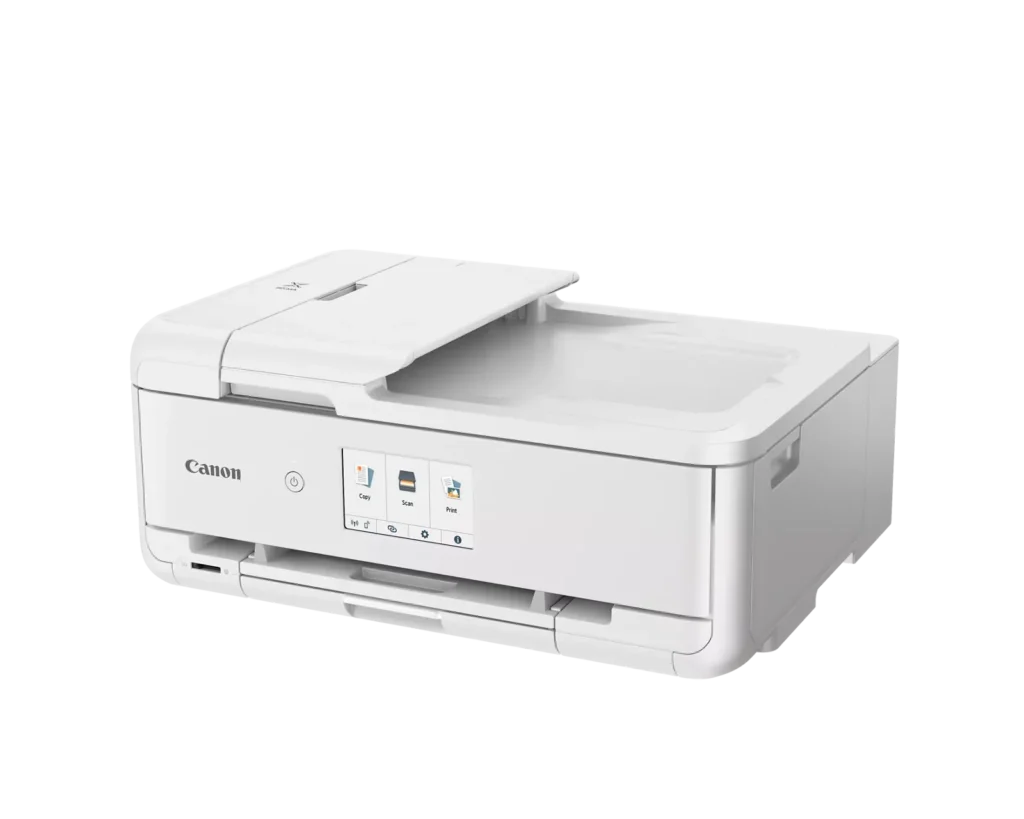
| Intuitive 4.3" Touchscreen Interface | Navigate functions easily with a large, user-friendly 4.3" LCD touchscreen. The interface provides direct access to 45 built-in printable patterns and templates, making it easy to print custom designs without a computer. |
| Seamless Wireless & Mobile Connectivity | Print effortlessly from your smartphone or tablet using the Canon PRINT app, Apple AirPrint, or Mopria Print Service. It also features a built-in SD memory card slot for direct photo printing and supports Wi-Fi and Ethernet connections. |
Pros & Cons
Pros
- Exceptional Print Quality: Reviews consistently highlight vibrant colors and sharp details, particularly for photos and crafting projects like stickers, magnets, and scrapbooking materials.
- Versatile Media Support: The printer handles a wide range of sizes and types, including 12×12 scrapbooking paper, 11×17 posters, and heavy cardstock, which is highly valued by creative users.
- Useful All-in-One Features: Users appreciate the inclusion of an automatic document feeder (ADF), auto-duplex printing, and borderless printing capabilities that support both office and creative tasks.
Cons
- Connectivity Frustrations: A large number of reviews mention severe difficulties connecting to WiFi, a lack of 5GHz support, and frequent 'offline' errors that require troubleshooting or hardwiring.
- High Ink Consumption: Many users complain that the printer uses ink very quickly, especially during photo printing, and that genuine replacement cartridges are expensive.
- Inconvenient Design Quirks: The requirement to keep the front control panel manually tilted up to print and the small capacity of the paper trays are frequently cited as annoying design flaws.
You might also like












Customer Reviews
Showing reviews 151-160 of 232
-
Mediocre at best.
Verified purchase Verified purchase: This reviewer bought the product.Dudley December 20, 2024Review source: BestbuySlower than advertised and not living up to Consumer Reports rating. Set up is convoluted and operation seems counter-intuitive at best. I think it’s over-engineered.
-
good printer
Verified purchase Verified purchase: This reviewer bought the product.Baker December 17, 2024Review source: Bestbuylike the ease of use with this canon printer in my opinion also makes good quality prints
-
Just what we needed!
Verified purchase Verified purchase: This reviewer bought the product.Plugs December 17, 2024Review source: BestbuyExcellent printer so far. Pictures come out great and so does everything else! Very easy setup, and we have 4 people connected to it.
-
As bad as every other Canon printer I tried
Incentivized Incentivized review: The reviewer received a benefit for sharing feedback.NunYaB. December 10, 2024Review source: AmazonI do not like this printer at all. It doesn’t work right, won’t connect to our WiFi (it’s literally right next to it) and it guzzles ink. I printed 4 black and white documents (just words, no images) and the black ink is 75 percent gone. It also doesn’t have Fax capabilities, which I wish had noticed before ordering. It’s a very disappointing printer.
-
Love this.
Verified purchase Verified purchase: This reviewer bought the product.Amazon Customer December 9, 2024Review source: AmazonEasy to use, easy to set up
Prints great -
Missing items
Verified purchase Verified purchase: This reviewer bought the product.Kim M. December 6, 2024Review source: AmazonReceived this yesterday. Excited to get this setup and use it, however it is missing the power cord and all of the ink cartridges. Not very happy right now.
-
No Warranty!
Aneto November 30, 2024Review source: AmazonI was going to purchase this printer a long with the 3yr warranty. Now there are no warranty because Amazon has chosen to let only OUTSIDE sellers to sell this printer. This means there is “MAYBE a 30 day warranty for $350+ for a printer that is bound to have complicationa,& the usual malfunctions associated with any printer.
Now I can’t purchase this printer; it would be ridiculous to spend so much on something without warranties. -
Going to the dump .
Verified purchase Verified purchase: This reviewer bought the product.Joan Marriner 1 Wilson Lane Pa… November 30, 2024Review source: Amazonwe open it up plug it in,turn it on and it said code 6004. look up code and it said paper stuck. but we never put paper in it. and it made a loud noise. we paid 179.00 dollars for a piece of junk.Never buy a canon again.So i am 85 and it is to hard to send it back.We are not rich but it is going to the (dump) so sad i love to make cards.
-
Canon pixma printer
Verified purchase Verified purchase: This reviewer bought the product.Nataleasmimi November 30, 2024Review source: BestbuyWhat I wanted! It prints beautifully. Not too hard to set up.
Not too big to fit on my desk. Will definitely buy again. -
Love the quality!! Easy set-up!
Verified purchase Verified purchase: This reviewer bought the product.Susan Xiong November 27, 2024Review source: AmazonI love my new printer! I did a comparison with another Canon printer and I was very pleased with the results! Now I have both an inkjet and a laser printer!