Customer Media
Highlights
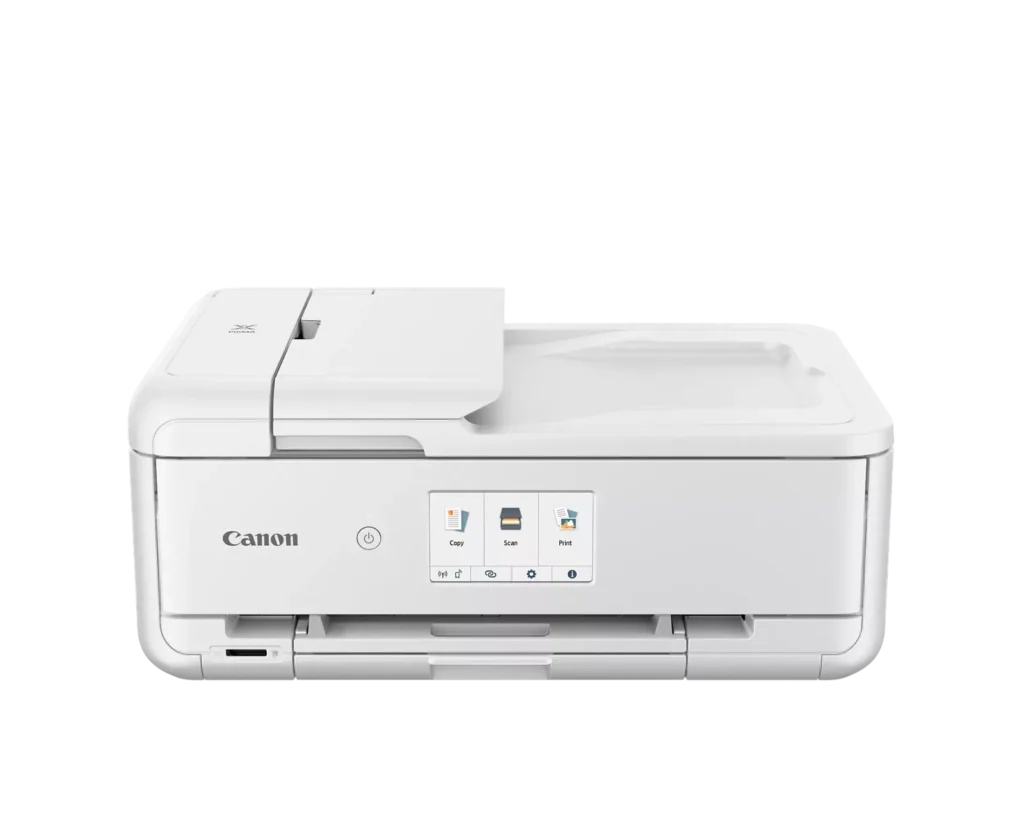
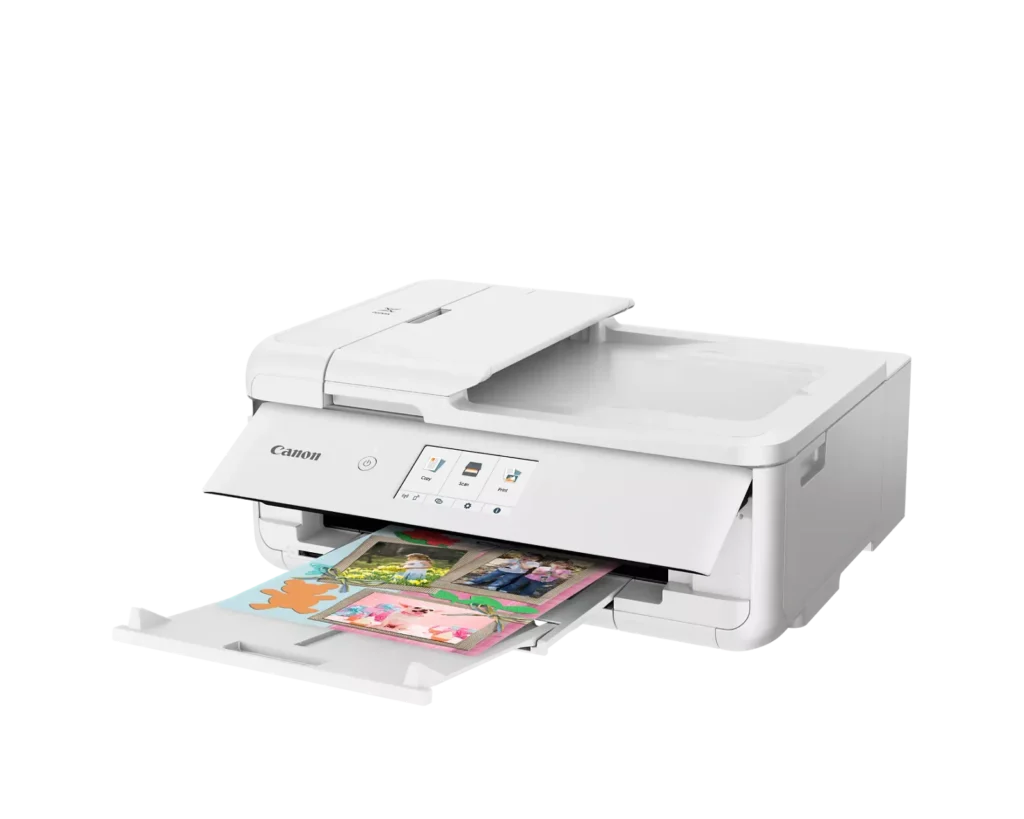
| Versatile Crafting & Large Format Printing | Specifically designed for creators, this printer supports borderless 12" x 12" printing—perfect for scrapbooking—and can handle large documents up to 11" x 17" (Tabloid size) for calendars, posters, and professional-looking projects. |
|---|---|
| 5-Individual Ink System | Utilizes a hybrid ink system with five individual tanks, including a pigment-based black for sharp text and dye-based colors for vivid photos. This efficient design allows you to replace only the specific color that runs out. |
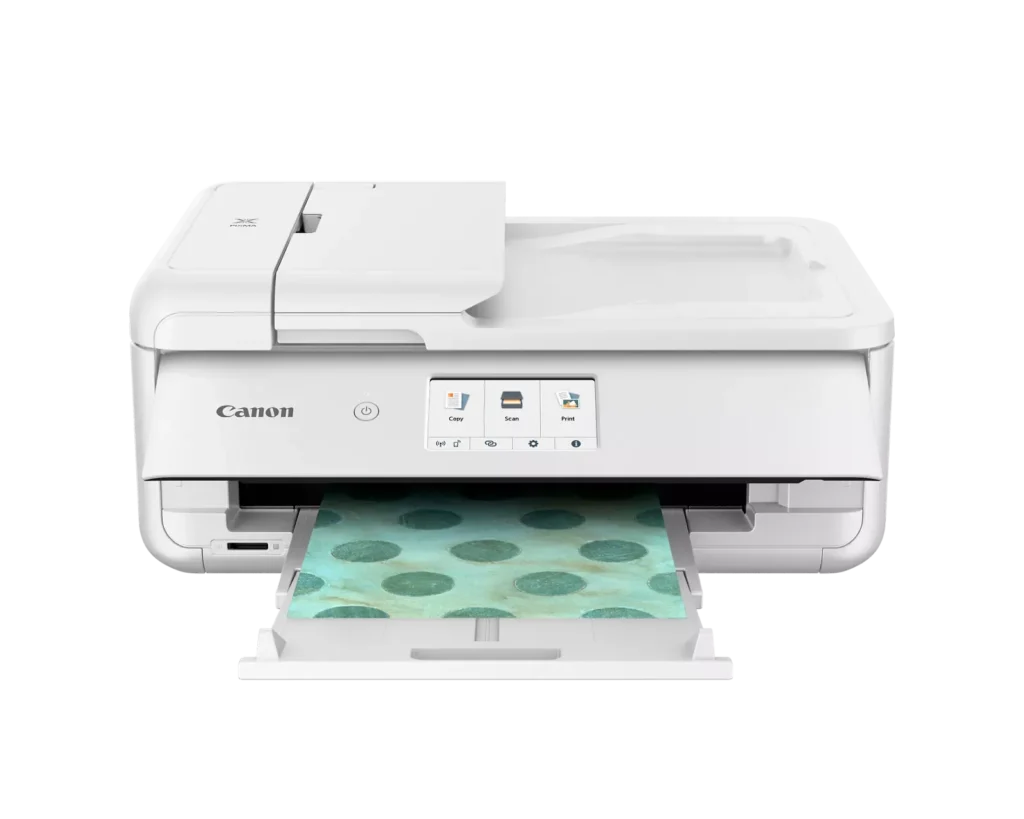
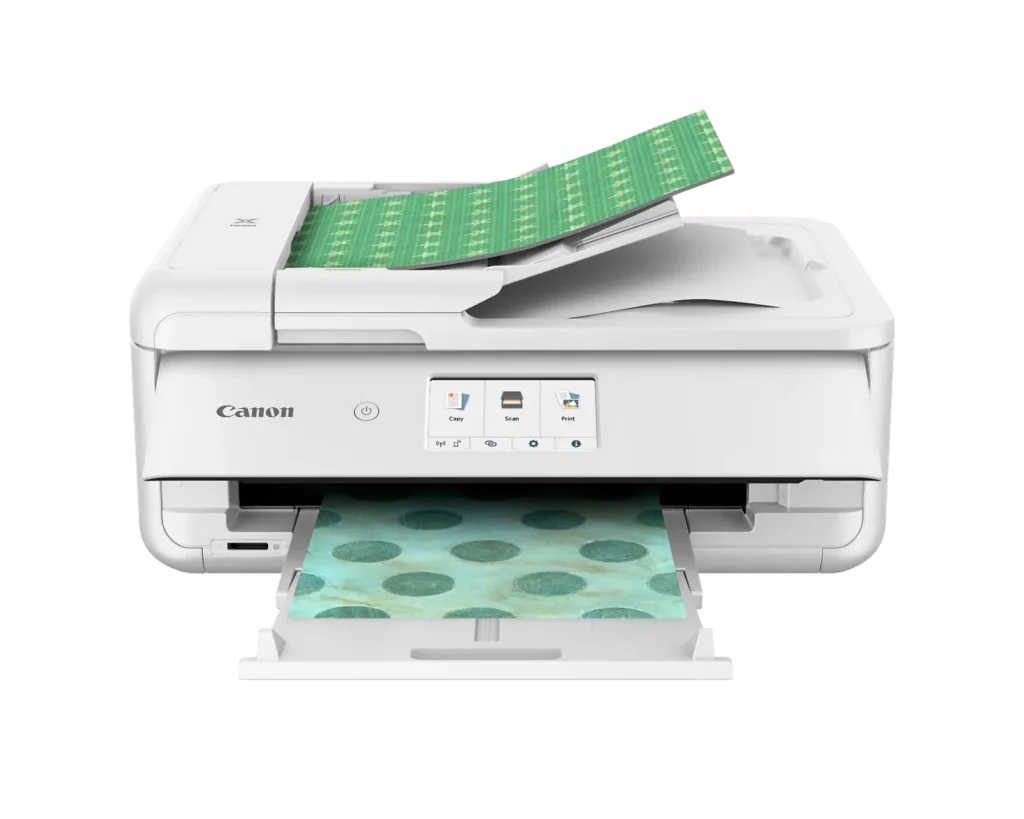
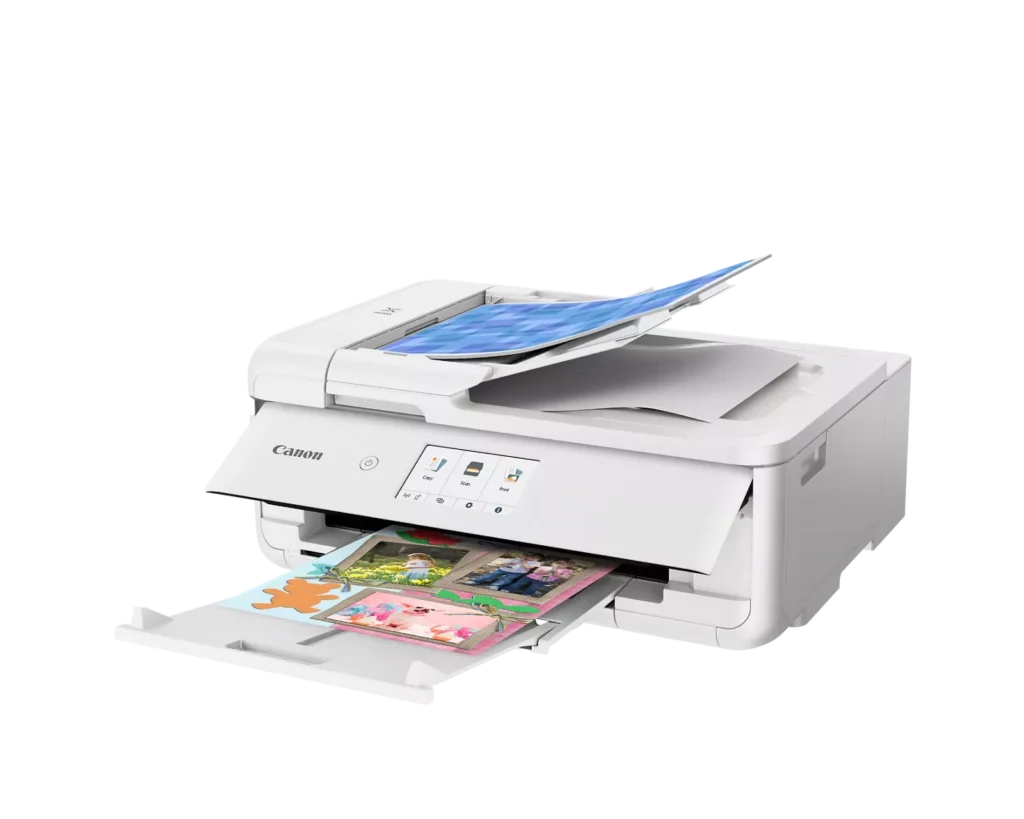
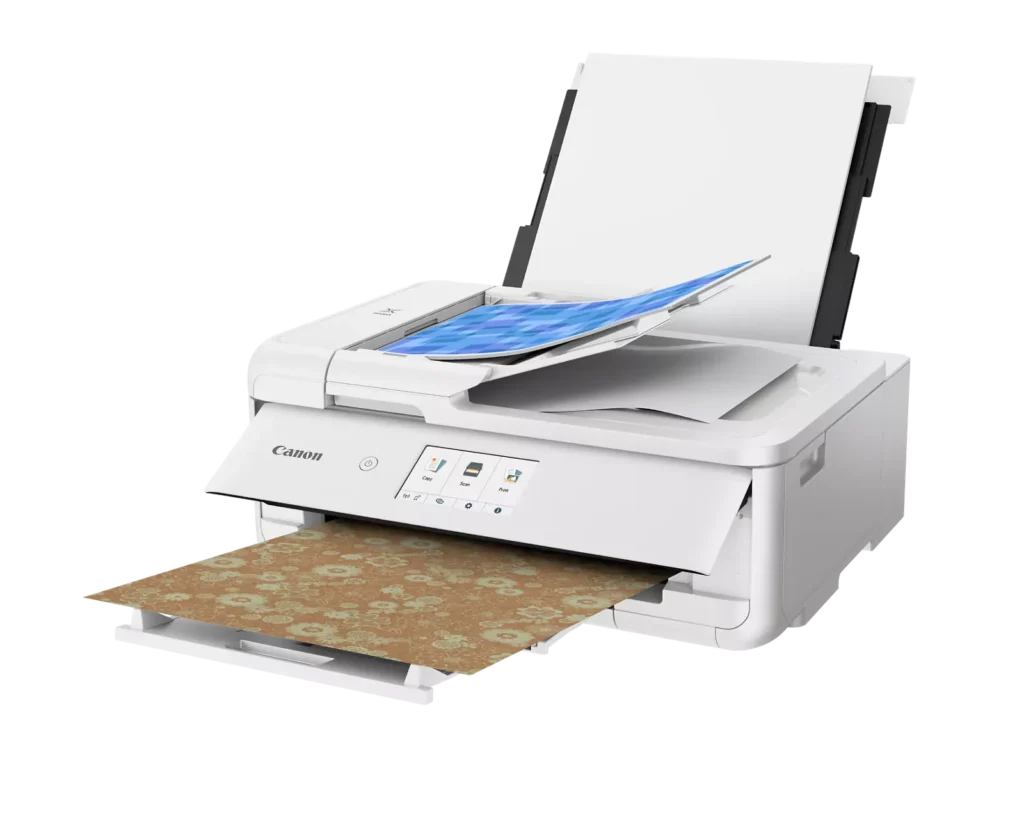
| Flexible Paper Handling & ADF | Features a 200-sheet total capacity with a 100-sheet front cassette and a 100-sheet rear tray that supports heavy cardstock. It also includes a 20-sheet Auto Document Feeder (ADF) for efficient multi-page scanning and copying. |
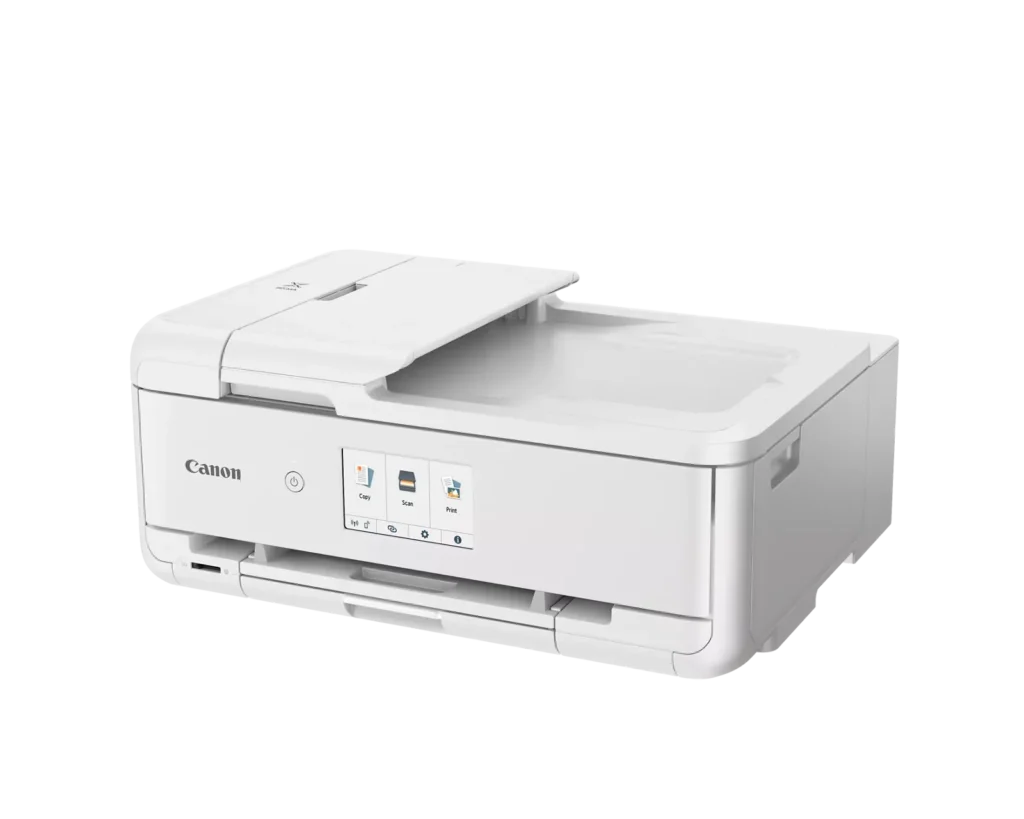
| Intuitive 4.3" Touchscreen Interface | Navigate functions easily with a large, user-friendly 4.3" LCD touchscreen. The interface provides direct access to 45 built-in printable patterns and templates, making it easy to print custom designs without a computer. |
| Seamless Wireless & Mobile Connectivity | Print effortlessly from your smartphone or tablet using the Canon PRINT app, Apple AirPrint, or Mopria Print Service. It also features a built-in SD memory card slot for direct photo printing and supports Wi-Fi and Ethernet connections. |
Pros & Cons
Pros
- Exceptional Print Quality: Reviews consistently highlight vibrant colors and sharp details, particularly for photos and crafting projects like stickers, magnets, and scrapbooking materials.
- Versatile Media Support: The printer handles a wide range of sizes and types, including 12×12 scrapbooking paper, 11×17 posters, and heavy cardstock, which is highly valued by creative users.
- Useful All-in-One Features: Users appreciate the inclusion of an automatic document feeder (ADF), auto-duplex printing, and borderless printing capabilities that support both office and creative tasks.
Cons
- Connectivity Frustrations: A large number of reviews mention severe difficulties connecting to WiFi, a lack of 5GHz support, and frequent 'offline' errors that require troubleshooting or hardwiring.
- High Ink Consumption: Many users complain that the printer uses ink very quickly, especially during photo printing, and that genuine replacement cartridges are expensive.
- Inconvenient Design Quirks: The requirement to keep the front control panel manually tilted up to print and the small capacity of the paper trays are frequently cited as annoying design flaws.
You might also like












Customer Reviews
Showing reviews 161-170 of 232
-
Good luck getting it to work.
Verified purchase Verified purchase: This reviewer bought the product.Alan November 22, 2024Review source: AmazonI must have set on like 10 different printers in the last 6yrs, including 5 Canons and other brands. I am not green in this. They all took less than 15mins to set up, connecting to WiFi and worked. The instruction on this one is AWFUL. Something is wrong with the WiFi part of my printer, but the instruction is so bad I wasted over a day before I am confident to call Canon to verify. THEY ARE OF NO HELP, GOING AROUND AND AROUND. Finally she said it’s my wireless router’s problem, It’s a T-Mobil, she said I have to call T-Mobil to get the info. I return this printer, I think the wifi is defective, I can connect using USB in a heart beat, but not the wifi.
Looks to be a good printer, BUT only if I can get it to work. Good luck if you have to trouble shoot. The printer can detect my T-Mobil router, but I don’t have option to key in the password and thereby failed!!! Every printer I set up can just key in the password and be done with it.
-
Favorite printer I’ve purchased by far!
Verified purchase Verified purchase: This reviewer bought the product.Anonymous November 20, 2024Review source: BestbuyPrints great quality, ive printed high quality photos and they come out looking great. You can print with construction paper with it as well. Great for teachers and crafters that use cutting machines
-
Very heavy
Verified purchase Verified purchase: This reviewer bought the product.P. Clark November 18, 2024Review source: AmazonCould not hook up to WiFi and weighs A TON. This was not noted anywhere. Returned with help of 2 strong men.
-
Excellent print quality
Verified purchase Verified purchase: This reviewer bought the product.S November 13, 2024Review source: AmazonBorderless printing. High quality with rear feed. Super happy with this. Using it for Christmas cards and book printing.
-
Love this printer
Verified purchase Verified purchase: This reviewer bought the product.Suzanne Daniels November 12, 2024Review source: AmazonI’m not a scrapbooker as such, more of a documenter and I absolutely love this printer. The quality of the photos are just amazing, Would definitely recommend.
-
Very happy
Verified purchase Verified purchase: This reviewer bought the product.Nashville John November 2, 2024Review source: AmazonWe tried three printers and this was the best. Very happy printing on sticker vinyl. You have to set it a special way so the ink doesn’t rub off. Once we figured that out it’s perfect.
-
Working awesome
Incentivized Incentivized review: The reviewer received a benefit for sharing feedback.Chris/Steph October 31, 2024Review source: AmazonHave not had any of the issues mentioned in other reviews. This printer connected easily on my network and was recognized by all computers and devices.
I use the app from my phone as well. The quality is great and the touchscreen is intuitive.
Definitely read the manual – you have multiple paper slots for feeding the printer depending on what you are wanting to print.Overall I highly recommend this printer if you need something versatile for photos, documents, and scanning.
-
Great printing quality
Incentivized Incentivized review: The reviewer received a benefit for sharing feedback.Fred E October 30, 2024Review source: AmazonMy wife likes to make cards and print pictures for people. This was fairly easy to set and use. Holds a crazy amount of paper when you are going to be printing a big job so you are feeding paper less than some other printers I have had in the past. You can also print double sided which can save you even more money. My wife has been loading up the sd card with pictures she wants to print and the amazing quality, color, and edge to edge printing is amazing. It can use a lot of ink when there is heavy colors but the replacement ink is fairly priced compared to some other printers on the market. This has all the features you would need printer, copier, and scanner. Great having an all in one device that is good quality and doesn’t take up to much room on my desk. The ability to print from our phones over wifi is a great feature that works with ease. Overall great quality all in one device that prints amazing pictures.
-
Cannon printer.
Verified purchase Verified purchase: This reviewer bought the product.Gary October 27, 2024Review source: AmazonIt’s the best printer we ever bought, my wife does arts an craft. It has done better than any other printers we have purchased
-
Ink Hog
Verified purchase Verified purchase: This reviewer bought the product.Jeremy A. Davis October 26, 2024Review source: AmazonCanon, do better.
After I printed a grand total of one 8×10 photo on this brand-new printer my color inks displayed half-gone. After printing 7 black-and-white documents ALL of my color ink (I’ve not printed a single color document yet) are all empty! This is a brand new printer. It is designed to “use” up your color ink to force you to buy more, even when you don’t print anything. I can’t believe there hasn’t been a class-action lawsuit for this immoral business practice.The printer is also finicky. It has to have everything in exactly the right place or it refuses to print. The display panel thing has to be tilted up far enough for it to print… but I don’t want it tilted up, I want it flush so it doesn’t stick out into my walk path. If you open the main tray, it gives you a warning message that you have to click every time to tell it that you didn’t put too large of paper in it. The rear tray is cumbersome, takes up lots of space, and collapses on itself easily.
Whenever I print I have “use last used settings” selected but no matter what I do, it defaults to “scale media to fit” instead of scale @100%. So every time I print anything I have to manually change this.
It prints fast, but it’s also LOUD.