Customer Media
Highlights
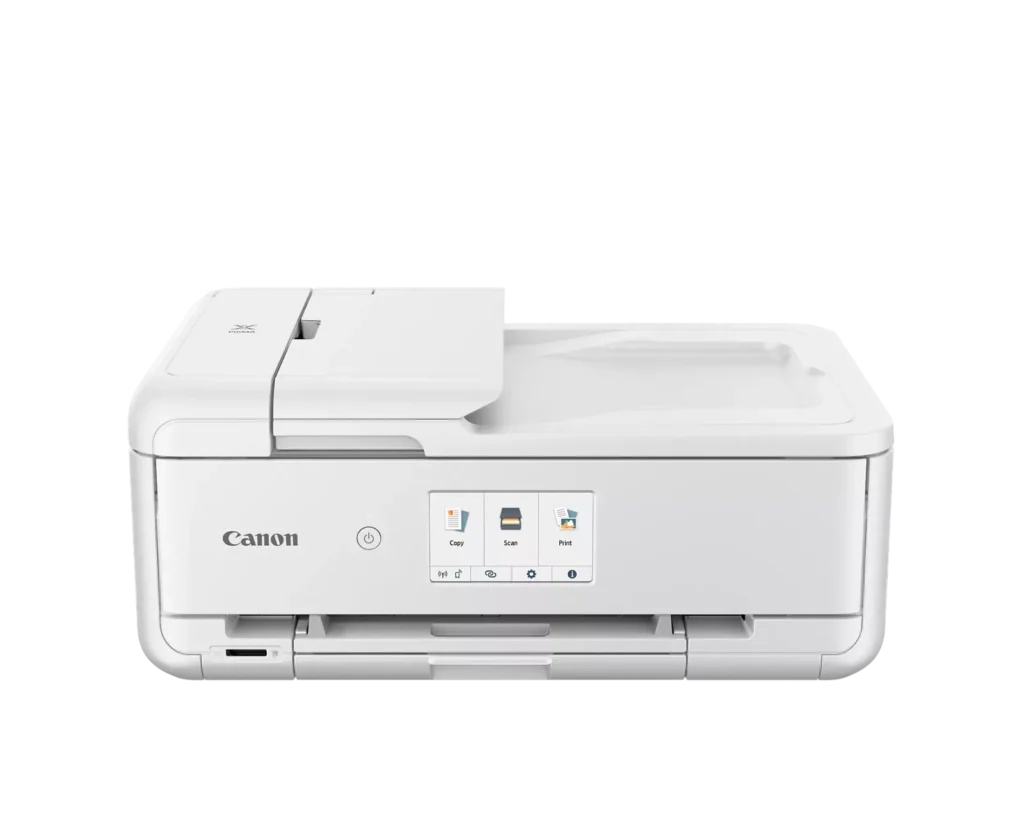
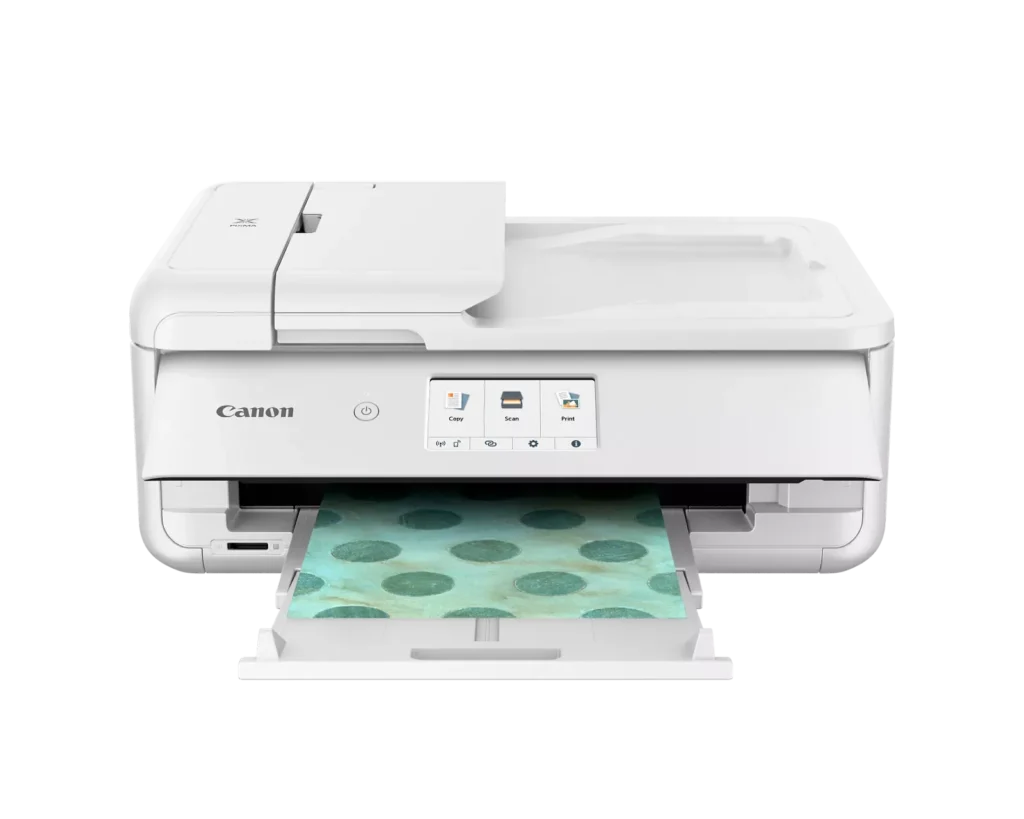
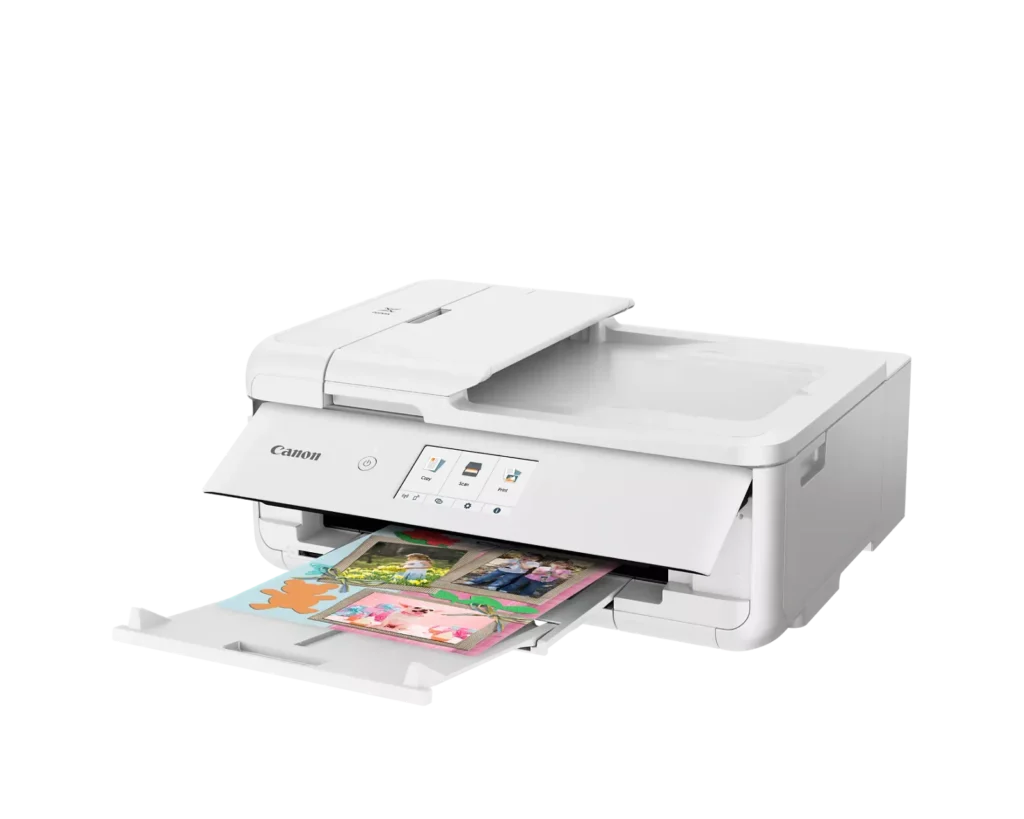
| Versatile Crafting & Large Format Printing | Specifically designed for creators, this printer supports borderless 12" x 12" printing—perfect for scrapbooking—and can handle large documents up to 11" x 17" (Tabloid size) for calendars, posters, and professional-looking projects. |
|---|---|
| 5-Individual Ink System | Utilizes a hybrid ink system with five individual tanks, including a pigment-based black for sharp text and dye-based colors for vivid photos. This efficient design allows you to replace only the specific color that runs out. |
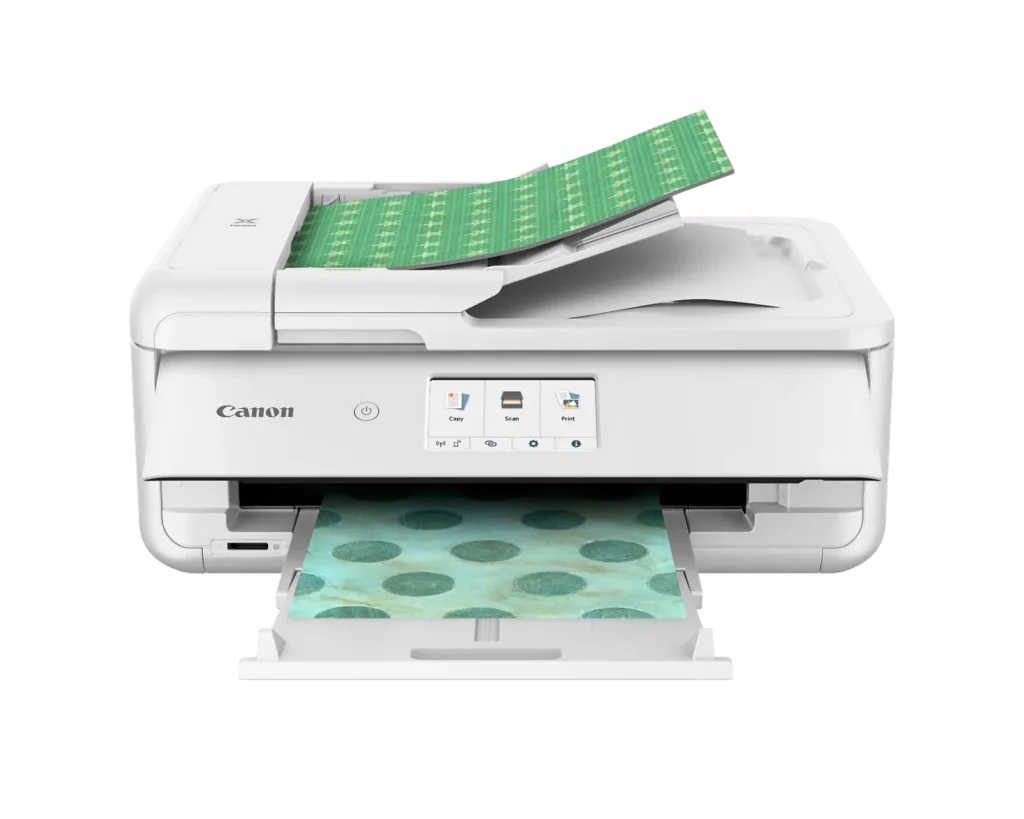
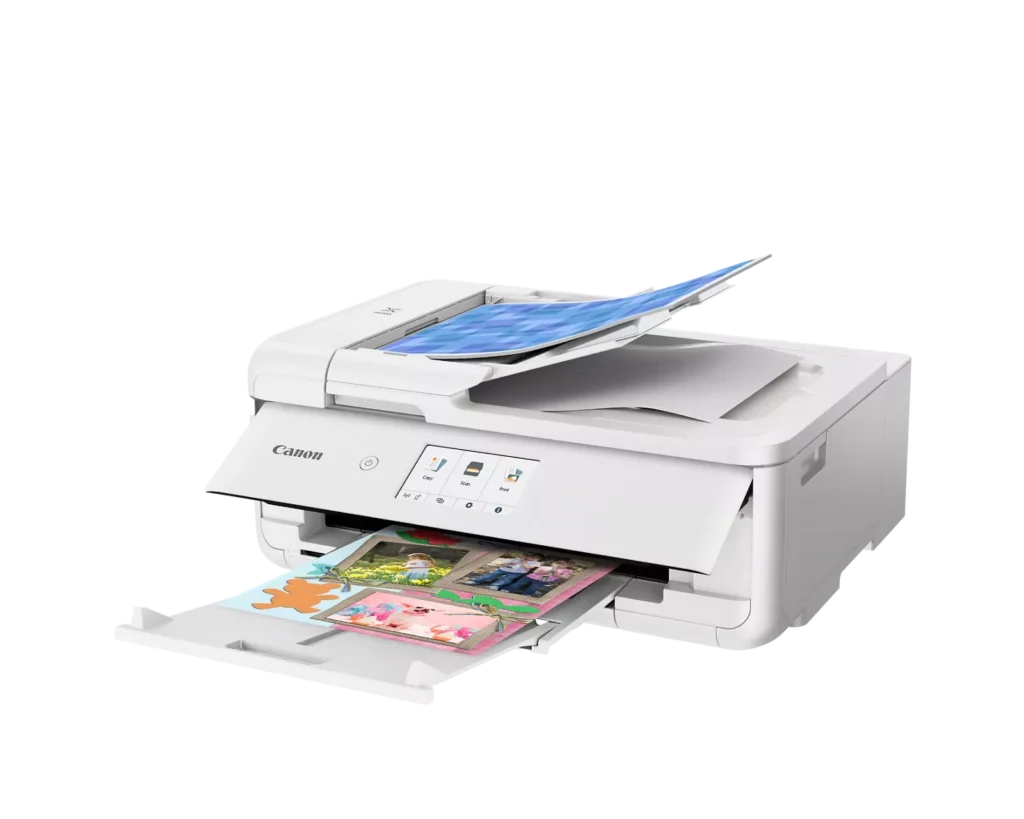
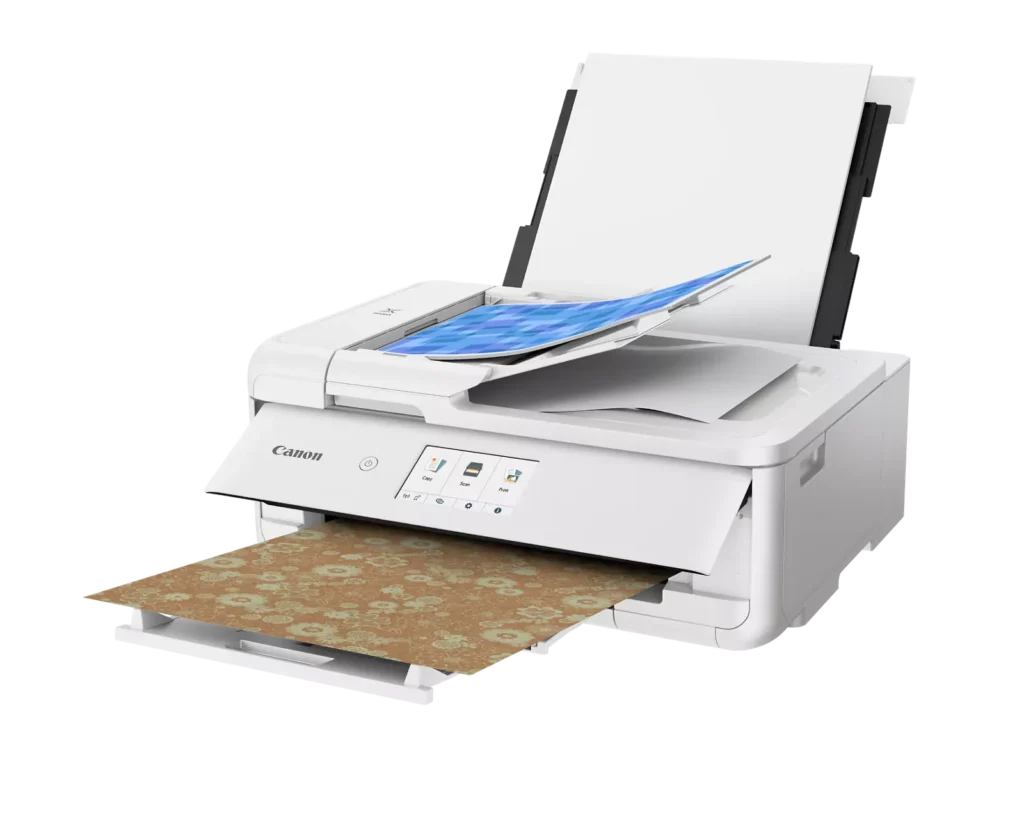
| Flexible Paper Handling & ADF | Features a 200-sheet total capacity with a 100-sheet front cassette and a 100-sheet rear tray that supports heavy cardstock. It also includes a 20-sheet Auto Document Feeder (ADF) for efficient multi-page scanning and copying. |
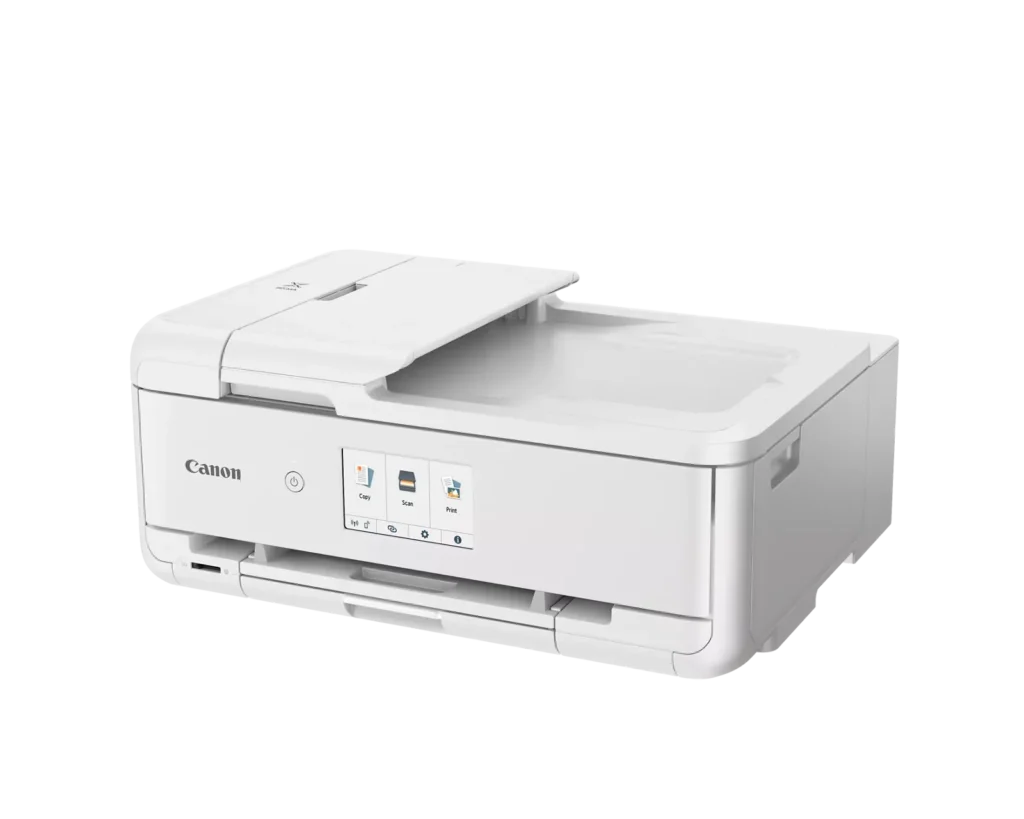
| Intuitive 4.3" Touchscreen Interface | Navigate functions easily with a large, user-friendly 4.3" LCD touchscreen. The interface provides direct access to 45 built-in printable patterns and templates, making it easy to print custom designs without a computer. |
| Seamless Wireless & Mobile Connectivity | Print effortlessly from your smartphone or tablet using the Canon PRINT app, Apple AirPrint, or Mopria Print Service. It also features a built-in SD memory card slot for direct photo printing and supports Wi-Fi and Ethernet connections. |
Pros & Cons
Pros
- Exceptional Print Quality: Reviews consistently highlight vibrant colors and sharp details, particularly for photos and crafting projects like stickers, magnets, and scrapbooking materials.
- Versatile Media Support: The printer handles a wide range of sizes and types, including 12×12 scrapbooking paper, 11×17 posters, and heavy cardstock, which is highly valued by creative users.
- Useful All-in-One Features: Users appreciate the inclusion of an automatic document feeder (ADF), auto-duplex printing, and borderless printing capabilities that support both office and creative tasks.
Cons
- Connectivity Frustrations: A large number of reviews mention severe difficulties connecting to WiFi, a lack of 5GHz support, and frequent 'offline' errors that require troubleshooting or hardwiring.
- High Ink Consumption: Many users complain that the printer uses ink very quickly, especially during photo printing, and that genuine replacement cartridges are expensive.
- Inconvenient Design Quirks: The requirement to keep the front control panel manually tilted up to print and the small capacity of the paper trays are frequently cited as annoying design flaws.
You might also like












Customer Reviews
Showing reviews 181-190 of 232
-
What is not to like about this printer?
Incentivized Incentivized review: The reviewer received a benefit for sharing feedback.Cards Fan October 7, 2024Review source: AmazonWell, I can only find one thing & it’s because I just don’t like to spend this much for a printer. I think it’s a little high now having said that it is the best printer I have ever owned. I have never had a wireless one either & this printer is pretty cool being able to use it on my network. It will print anything I want. As I said what is not to like about this printer and I say that because it would be easier to list than all the things this printer does, It explains them in the details & I have used it for a month & a half an so far everything I have wanted it to do it has done so I don’t have anything bad to say about it & I would recommend it.
-
Great printer—glad to be back with Canon!
Incentivized Incentivized review: The reviewer received a benefit for sharing feedback.RescuePup October 5, 2024Review source: AmazonI’ve used many Canon printers over the years, and when it comes to print quality, they’re by far the best I’ve tried. However, the most frustrating aspect of Canon printers is the risk of the print head drying out and clogging if you don’t use them regularly, which has led me to toss out some expensive printers in the past, even after replacing the damaged print heads.
Recently, I’ve tried other brands with fewer ink-drying issues, thanks to refillable ink tanks, but none matched Canon’s quality. I missed Canon’s duplex printing and the fast, high-resolution prints, and this printer has reminded me of what I’d been missing.
When I received this printer, I didn’t have Internet access, but I managed to bypass the forced Internet communication and got it working by connecting it to my LAN Wi-Fi. Later, I configured it properly for online access without any problems. Most settings were intuitive, though less tech-savvy users may need some patience.
This is the first printer I’ve owned that can print large 11″ x 17″ pages—perfect for artwork, posters, and more. It even comes with 45 patterns for printing gift-wrapping paper, and I love using the duplex feature to create homemade cards for special occasions. At this price point, it’s an incredible value with a ton of features.
The only caveat: if you own a Canon printer, be sure to print regularly to keep the ink flowing. Otherwise, you may be better off with another brand. This is my fifth Canon printer, and I plan to keep this one well-hydrated and in top shape!
-
Love it
Verified purchase Verified purchase: This reviewer bought the product.Mark Adams October 3, 2024Review source: AmazonLove the machine, hated the setup. It was difficult for me to attach machine to wifi.
-
Cannon Printer
Verified purchase Verified purchase: This reviewer bought the product.KJMike September 27, 2024Review source: BestbuyI bought this printer because of it’s ability to print directly on DVD/CDs. That it does and very well. It replaced my Epson that was always messing up my cds. They look great!
-
Clunky setup but prints great
Incentivized Incentivized review: The reviewer received a benefit for sharing feedback.Traci L. September 18, 2024Review source: AmazonOverall, I’m pretty happy with this printer. It has some great functionality that others are lacking like printing in larger formats (legal & 11×17). When I pulled it out of the box, certain parts seemed a bit flimsy, however once it’s set on a surface (desk, cabinet, counter), it feels sturdy and well made. The pieces that initially felt flimsy are pieces that actually move. It took me 4 or 5 different tries to get the printer to connect to my wireless network and complete the full setup and the on-screen instructions are a little hard to follow. One of the ink cartridges did “blow up” when I removed the plastic piece from it which caused blue ink to spray and drip all over my hand. Thankfully it only got on my skin because it absolutely could’ve made a much bigger mess. The cartridge itself was fine after wiping it with a towel and I was able to install it without further issue. Definitely not an issue with the printer itself, just something for everyone to be aware of when unboxing the ink included, or any printer ink for that matter. The scanning functions work well. You can scan using the flatbed scanner (smaller scanning area – letter size) or you can use the document feeder which will allow for scans of legal size docs. The prints are top notch. Documents print clearly without smudges/smears and photos print beautifully! The photo print quality is better than any other photo printer I’ve owned. I like the wireless print capability and the app is fairly intuitive and seems to work well from what I’ve used of it. I like this printer a lot so far and would definitely recommend it. Just be patient with the setup process.
-
Nice!
Incentivized Incentivized review: The reviewer received a benefit for sharing feedback.Bruce September 16, 2024Review source: AmazonVery nice printer, connects to WiFi easily, prints fast, quality picture print and seems very durable. If you buy the no name ink for it, they seem to work very well.
-
Prints well…heavy!
Incentivized Incentivized review: The reviewer received a benefit for sharing feedback.M. Bucy September 15, 2024Review source: AmazonDo you like printers that print well then this is the printer for you. One drawback is the weight. Not sure what makes this one so much different and that much heavier but if you’re going to keep it in one spot in an office or craft room then this will work out great for you. Make sure the base on which it sits is durable and doesn’t move around a lot. The print quality is quite well especially black on slower speed. Some have had issues with the wireless connectivity but I did not, but I’m also fairly decent at setting things like this up. Since the construction is heavy it seems like the unit will be a lot more durable than maybe other lightweight cheaply made printers. After all this is a Canon printer so you expect better construction and operations. It’s nice that it has a 20-page scanner built in along with the typical copy and print functions. The screen is very crisp and clear. As with any inkjet printer it could be a little faster in the printing category but this is only a minor drawback. Overall a great printer for those that need occasional printing is this will not hold up to normal small office where and tear.
-
Great printer for crafting…
Incentivized Incentivized review: The reviewer received a benefit for sharing feedback.Malicorneus September 1, 2024Review source: AmazonFirst off, this printer is quite heavy for an inkjet. This is NBD but given its size, it’s probably best on a table top rather than a shelf. It doesn’t fit on the 11” deep shelf in the bookcase in my office anyway. Again NBD for me.
It was a piece of cake to set up: wifi connection, loading the cartridges, etc. Just remove the blue retaining tape (which all printers seem to have), and you’re off. It uses cartridges that are not refillable and bear in mind if you’re printing high quality full color 11”x17” posters you’ll use a lot of ink. The Original Canon PGI cartridges are quite pricey, but there are off-brand compatibles that are a lot cheaper if you’re willing to risk it. Personally, I find them a bit hit-and-miss and might keep some in reserve but for professional-looking output, I’m willing to pony up for the real thing. Like all inkjet printers (or any printer come to that), you’ll end up paying more for the ink than for the device itself
The printer doesn’t feel super-sturdy in construction, especially compared to the HP it will be supporting (that Canon prints way bigger than my HP workhorse). I’ve not been able to find a recommended duty cycle, but it’s probably not very high. This is not an issue for me since I’ll be using it for posters and won’t be hammering it hard. It has a nice big LED control touch screen.
The big pluses are:
+ Size of output. Not many machines at this price point can print a borderless 12”x12”
+ Quality of output: really, really good. Probably better than any printer I’ve used except an Oki laser. For an inkjet on glossy paper, it will match anything.
+ High resolution scanning (to 2400 dpi), but only with the flatbed, not the ADF.
+ The color tones are very goodMinor issues:
‒ Only has an SD card input (on the front). It will take the usual micro-SDs with an adapter but, surprisingly, no USB. I guess that assumes that most people will be plugging in memory cards from their cameras.
‒ While it prints big, the scanning is limited to Letter on the flatbed and Legal using the ADF
‒ It prints duplex—an essential feature every printer should have—but it doesn’t scan duplex. Adding to my collection of NBDs for this review, I won’t be using it much for scanned input anyway.SUMMARY
I’ve seen this billed as a “crafting” printer and that’s its sweet spot. It will function as your regular office printer, though I am not using is as that. I think its best use is for posters, photos, and the like, especially with the large size capability. In this role it is an awesome printer and much recommended. -
A little frustrating to set up
Incentivized Incentivized review: The reviewer received a benefit for sharing feedback.Bonelli August 28, 2024Review source: AmazonThis wireless home all- in – one inkjet printer is a little frustrating to set up. There’s difficulty trying to get the app to work. Took a while for it to pick up the WiFi. Finally get printer to work and the printing looks nice. Lots of cool features. Printer finally set up and working well. Patience is needed.
-
Excellent print quality up to 11 x 17
Incentivized Incentivized review: The reviewer received a benefit for sharing feedback.Gary F August 27, 2024Review source: AmazonI’ve had Canon printers before and have always had good luck with them. I’ve also had HP and Epson printers (current one is an XP-830). This is an all in one printer/copier/scanner
First off, this printer uses individual cartridges for each color (black, photo black, yellow, cyan, and magenta). Some printers still use a tricolor cartridge which would have been a deal breaker since you don’t use all the colors evenly and thus would throw a lot of ink away when one color runs out. I have had good luck with my other printers using 3rd party ink (mostly from LD Products) with equal print quality at a much lower cost than OEM ink. We’ll see once the ink runs out in this. One thing, if you do plan on using 3rd party ink, is refuse ALL firmware updates. Epson updates will cause new 3rd party cartridges to fail to be recognized and HP has gone as far as “bricking” your printer if you attempt to use non-OEM cartridges. I don’t know if Canon pulls the same crap but I’m not taking the chance.
I was surprised at how heavy this printer was (26 pounds) but Canon is known for building pretty robust equipment. I also was surprised this printer can print on 11 x 17 paper (can only scan or copy up to 8 1/2 x 14 originals). Setup is pretty easy to connect to your wi-fi and you can print from computers or your phone or tablet with the appropriate apps