Customer Media
Highlights
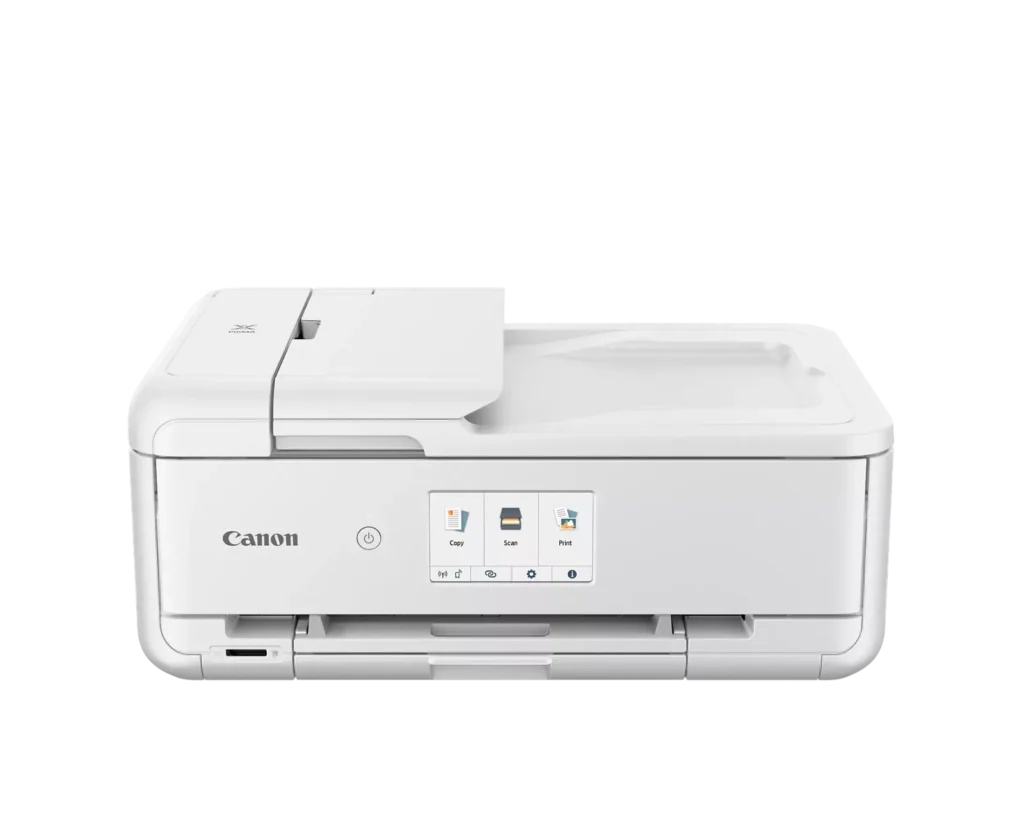
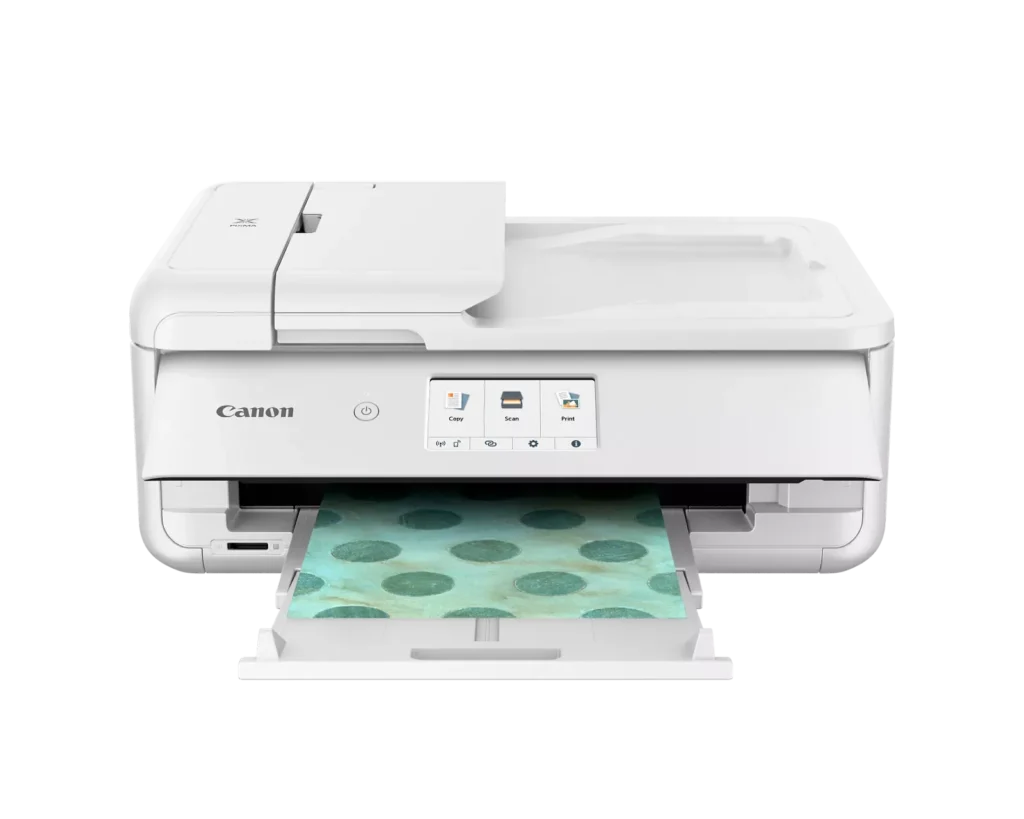
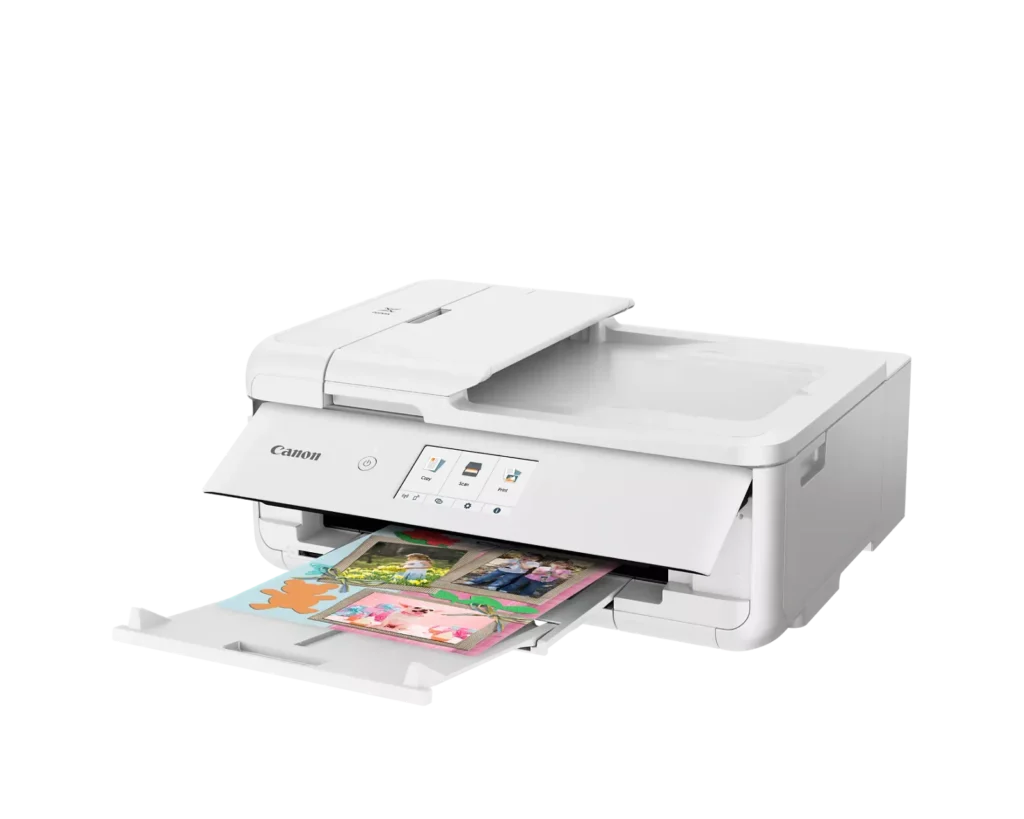
| Versatile Crafting & Large Format Printing | Specifically designed for creators, this printer supports borderless 12" x 12" printing—perfect for scrapbooking—and can handle large documents up to 11" x 17" (Tabloid size) for calendars, posters, and professional-looking projects. |
|---|---|
| 5-Individual Ink System | Utilizes a hybrid ink system with five individual tanks, including a pigment-based black for sharp text and dye-based colors for vivid photos. This efficient design allows you to replace only the specific color that runs out. |
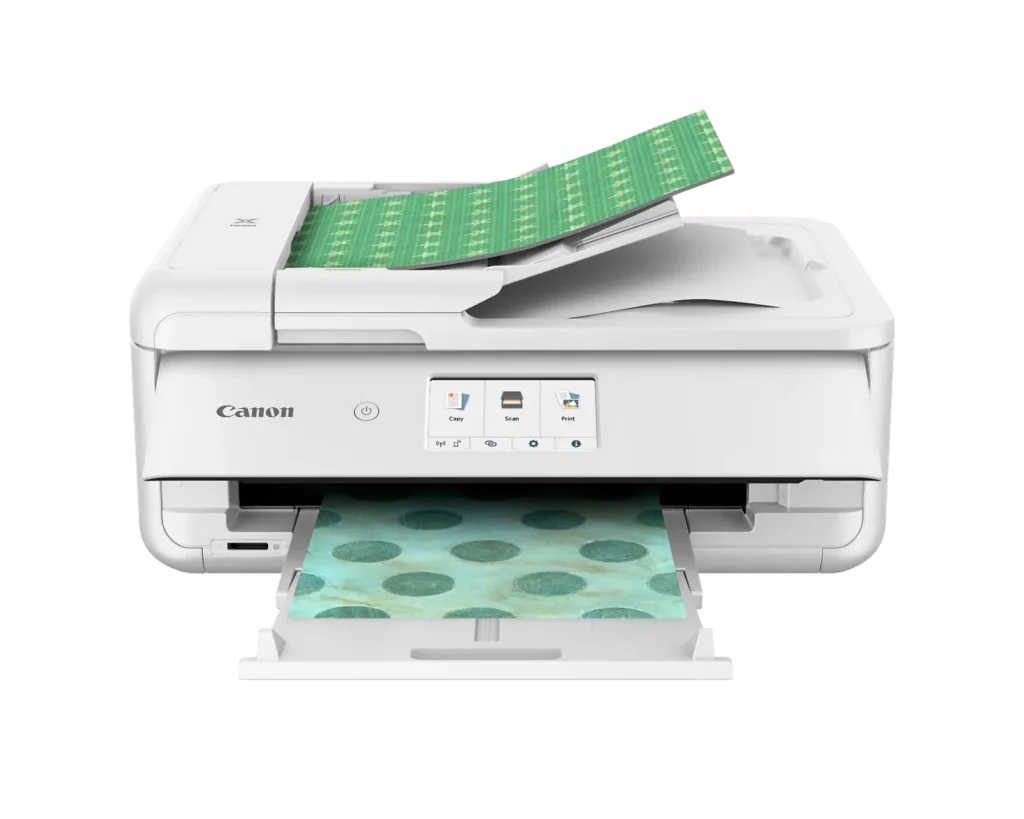
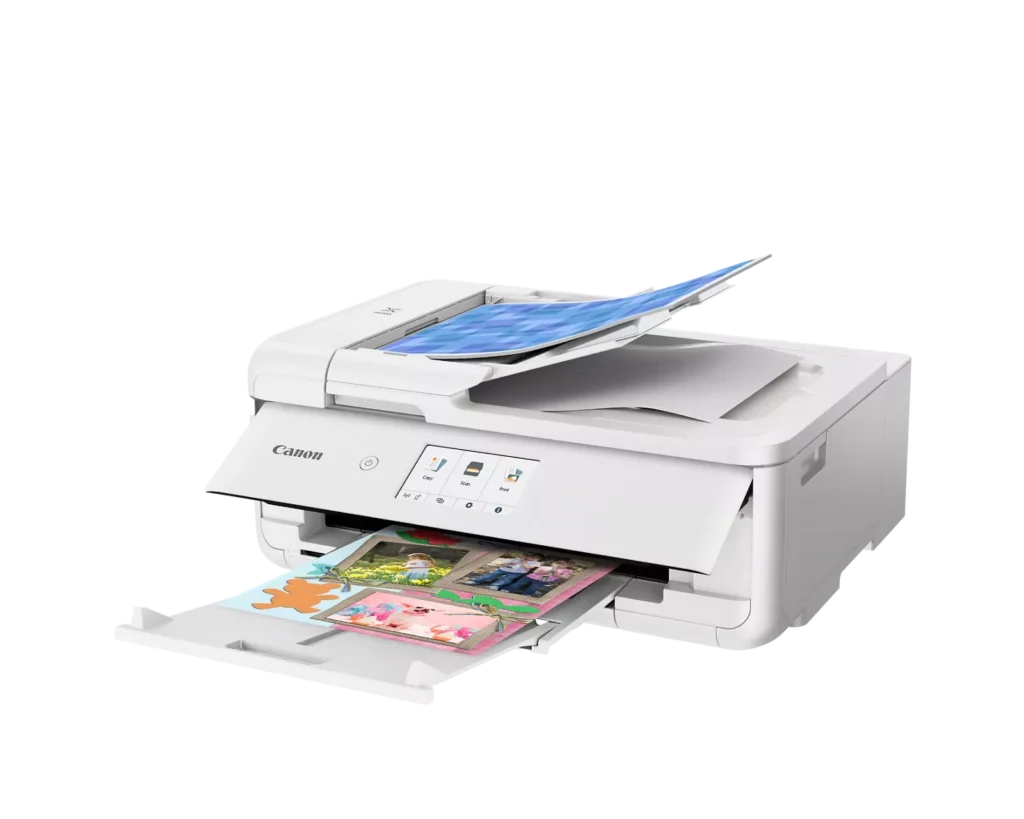
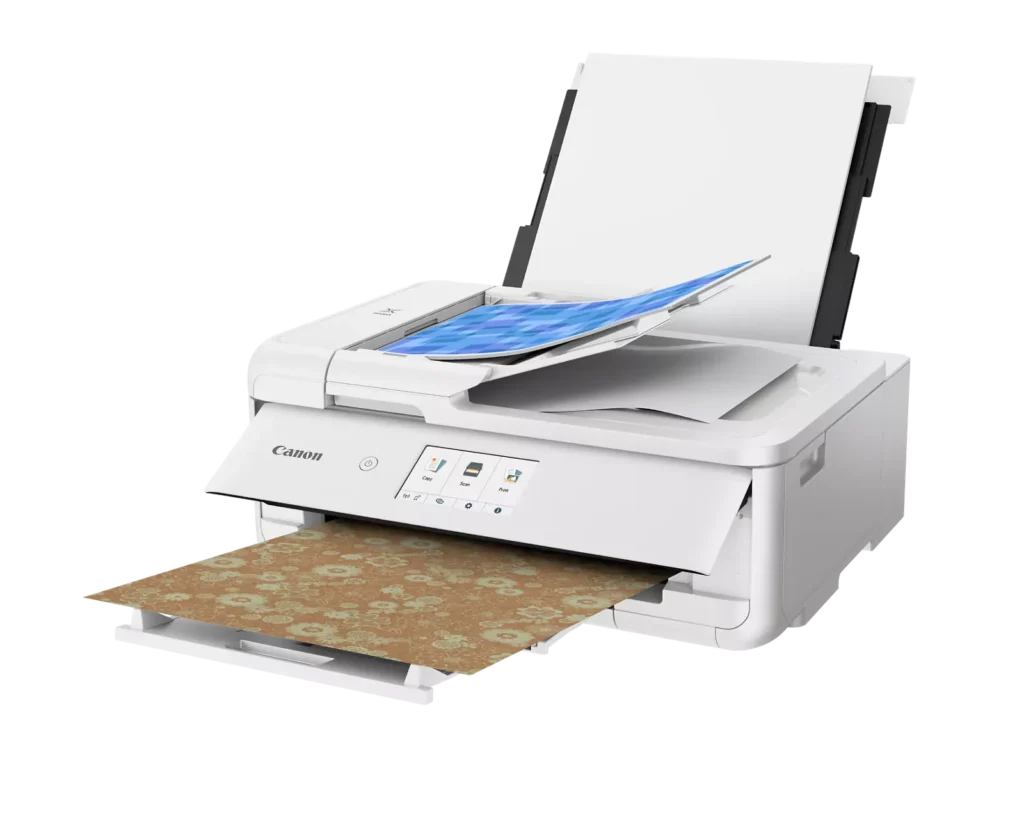
| Flexible Paper Handling & ADF | Features a 200-sheet total capacity with a 100-sheet front cassette and a 100-sheet rear tray that supports heavy cardstock. It also includes a 20-sheet Auto Document Feeder (ADF) for efficient multi-page scanning and copying. |
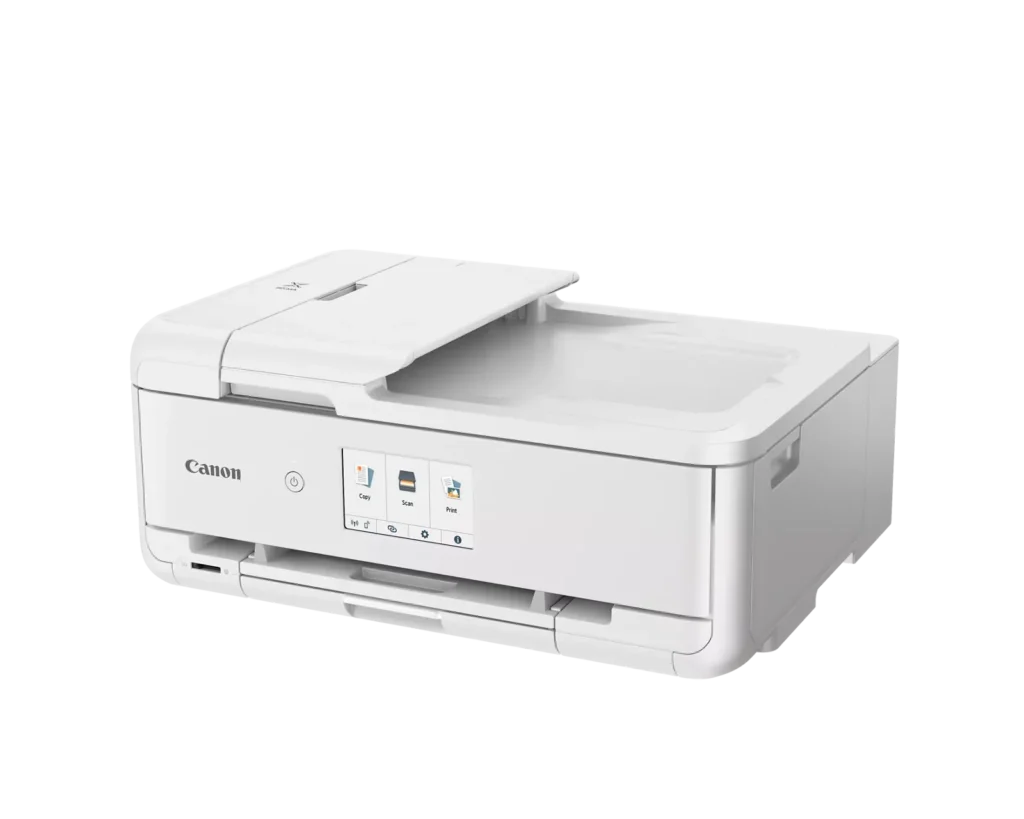
| Intuitive 4.3" Touchscreen Interface | Navigate functions easily with a large, user-friendly 4.3" LCD touchscreen. The interface provides direct access to 45 built-in printable patterns and templates, making it easy to print custom designs without a computer. |
| Seamless Wireless & Mobile Connectivity | Print effortlessly from your smartphone or tablet using the Canon PRINT app, Apple AirPrint, or Mopria Print Service. It also features a built-in SD memory card slot for direct photo printing and supports Wi-Fi and Ethernet connections. |
Pros & Cons
Pros
- Exceptional Print Quality: Reviews consistently highlight vibrant colors and sharp details, particularly for photos and crafting projects like stickers, magnets, and scrapbooking materials.
- Versatile Media Support: The printer handles a wide range of sizes and types, including 12×12 scrapbooking paper, 11×17 posters, and heavy cardstock, which is highly valued by creative users.
- Useful All-in-One Features: Users appreciate the inclusion of an automatic document feeder (ADF), auto-duplex printing, and borderless printing capabilities that support both office and creative tasks.
Cons
- Connectivity Frustrations: A large number of reviews mention severe difficulties connecting to WiFi, a lack of 5GHz support, and frequent 'offline' errors that require troubleshooting or hardwiring.
- High Ink Consumption: Many users complain that the printer uses ink very quickly, especially during photo printing, and that genuine replacement cartridges are expensive.
- Inconvenient Design Quirks: The requirement to keep the front control panel manually tilted up to print and the small capacity of the paper trays are frequently cited as annoying design flaws.
You might also like












Customer Reviews
Showing reviews 11-20 of 232
-
A glitch at product registration – keep the box until you get it accepted.
Verified purchase Verified purchase: This reviewer bought the product.Tom December 5, 2025Review source: AmazonWas interesting when I tried to register the printer. Cannon indicated that the serial number was not available for USA usage. Eventually it went through the process.
-
Won't connect
Verified purchase Verified purchase: This reviewer bought the product.l2Wolf December 3, 2025Review source: AmazonI read a bunch of reviews before I bought this printer. I read about all the connectivity issues and how it has a hard time no matter what you do. I’m a tech savvy person. I thought I could handle it. I was wrong. This thing is so infuriating to get to connect to anything. I’ve done all the trouble shooting. Their updating. Everything! And it still won’t connect. I did manage to get it to connect to my phone (after hours of trying) but otherwise, I have to hardwire to it to be able to print anything. The print quality is beautiful however. I’m giving it two stars because while it’s an amazing printer, you can’t very well use it unless you get it to actually connect to something. Wouldn’t buy again.
-
Great print quality and very versatile
Verified purchase Verified purchase: This reviewer bought the product.LittleRich December 1, 2025Review source: BestbuyExcellent quality, easy to use, and great for documents, photos, and crafts. Highly recommended! My only quam is the ink life. The ink cartridges are very small. So if you do a lot of printing owning this unit will become very costly.
-
TS9521CA
Verified purchase Verified purchase: This reviewer bought the product.MarshaB December 1, 2025Review source: BestbuyI love this printer! It’s very easy to use & the print quality is great!
-
Might come with misalignment issues
Verified purchase Verified purchase: This reviewer bought the product.Lawrence November 30, 2025Review source: AmazonSo, this printer IS good; prints beautifully, fast, good quality, etc… my only issue is I’ve had two of these and BOTH have been misaligned. Even if I adjust the horizontal alignment in the settings it won’t carry over into my prints so I have to manually adjust the alignment in Photoshop to offset it a certain way to print in the middle of the page. It’s forgivable if I’m printing something to cut [which is most things], or if my roomie is printing just normal things that don’t need to be centered, but it’s impossible to match up anything double-sided. I’d keep this in mind if you’re thinking about buying it.
This printer IS good for general every day use but if you need perfectly aligned stuff for merch there is a good chance you’ll get one that’s misaligned. I will say Canon support was amazing and has tried to assist me, but there is only so many times I’m willing to return a printer to get a new one only for it to be misaligned again.
I mainly choose this since it was smaller than the last one I got from canon and b/c my roomies needed more features and this was cheaper and the perfect size. I do wish I had gotten something else had I known there would be alignment issues since I need it for my business. But as a general everyday printer, it’s perfectly fine.
-
The retired predecessor was better
Verified purchase Verified purchase: This reviewer bought the product.David B. Jennings November 25, 2025Review source: AmazonI needed a printer with Ethernet connectivity, an automatic document feeder (ADF), that could print quality photos, and handle routine documents. Print speed and ink costs were not major concerns due to my limited print volume. My printer choices proved to be very limited, but this one checked all the boxes. It replaced a Canon MX870 that had served me well for years.
The reason that I replaced the MX870, a similar printer in many ways, was that Canon quit supporting it. I had to get a new Windows 11 computer and when looking to Canon for printer drivers I learned that Canon had discontinued support of the MX870. Using old drivers I could still do basic print functions, but he scan utility no longer functioned, a function that I need. So my good old Canon MX870 that functioned perfectly under Windows 10 had to be retired. Bummer, buyer beware.
So how is the new printer, the TS9521Ca? In many ways it is similar to my veteran MX870, but there are key differences. One is that the duplex scanning function is manual. After scanning one side of the stack, you have to reload the stack to scan the second side. Thus, the duplex function has gone from automatic to tricky with operator intervention required. The printer paper tray capacity is limited to less than 1/2 inch high. To print anything, you have to manually open the “operation panel” where the display is located and pull out the paper output tray. On the older printer, this happened automatically. The build quality of the new model feels flimsy by comparison. In fact it is almost 5 lb. lighter than its predecessor. It does the job though. How about value? It seemed a little pricey, but less than a week after I bought it, Amazon dropped the price by more than $100! Grrrr. Would I buy it again? Maybe. I will treat it gently and hope it lasts until Canon discontinues support.
-
Perfect printer for home and office
Verified purchase Verified purchase: This reviewer bought the product.Acegunner November 23, 2025Review source: AmazonPerfect color printer for both home and office use. It is ink-efficient and produces high-quality prints with vibrant, clear colors. No hassle with third-party ink, which is available at reasonable prices. The printer comes with a set of standard ink cartridges. Highly recommended—five stars well deserved.
-
Excellent All-in-One
Verified purchase Verified purchase: This reviewer bought the product.Tammy Noble November 19, 2025Review source: AmazonI replaced a previous Canon printer with an HP and hated it. I ended up returning it and ordered this one. It’s easy to use, has excellent print quality and was a much better value.
-
Best printer I’ve ever owned.
Verified purchase Verified purchase: This reviewer bought the product.C. Sue Freeman November 15, 2025Review source: AmazonLove this printer. You can print 4×6 all the way up to 11×17. Very versatile. Plus the photo printing capability is outstanding!! Easy to use as well. It connected with my internet, my cell phone and computer easily. I think with all the features it offers and the quality of printing, it’s remarkably priced.
-
Returned
Verified purchase Verified purchase: This reviewer bought the product.Amazon Customer November 13, 2025Review source: AmazonJunk. Couldnt even set up. No cust svc number. Returned!