Customer Media
Highlights
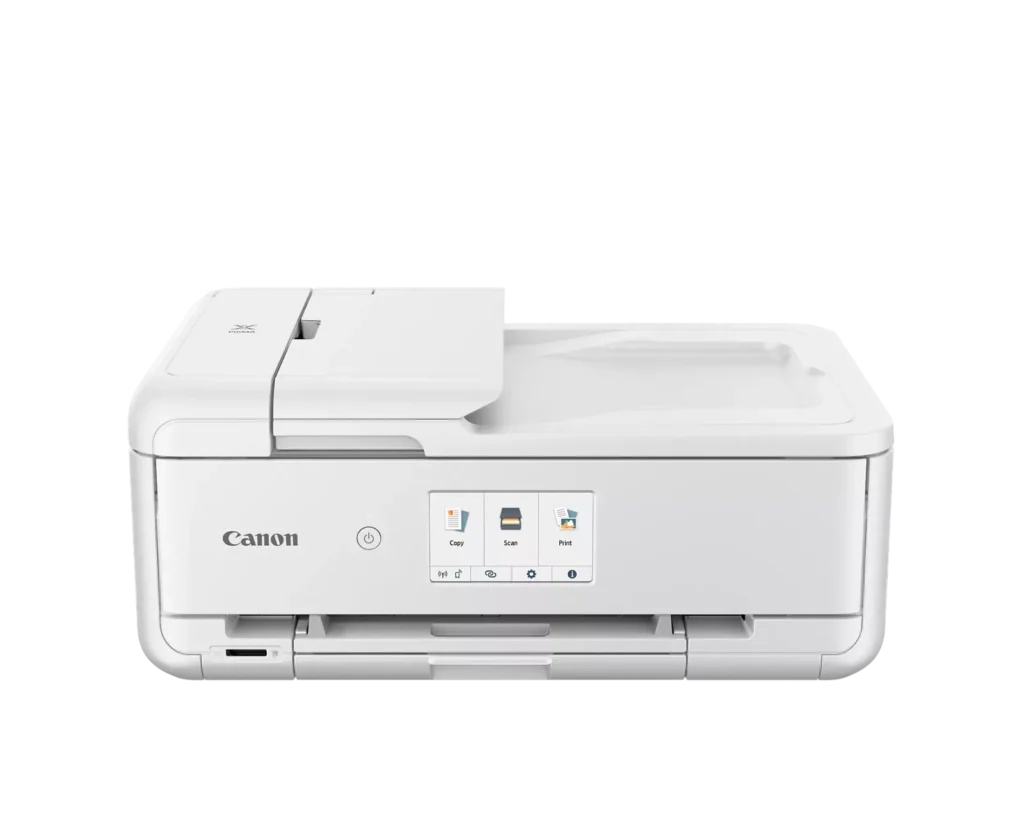
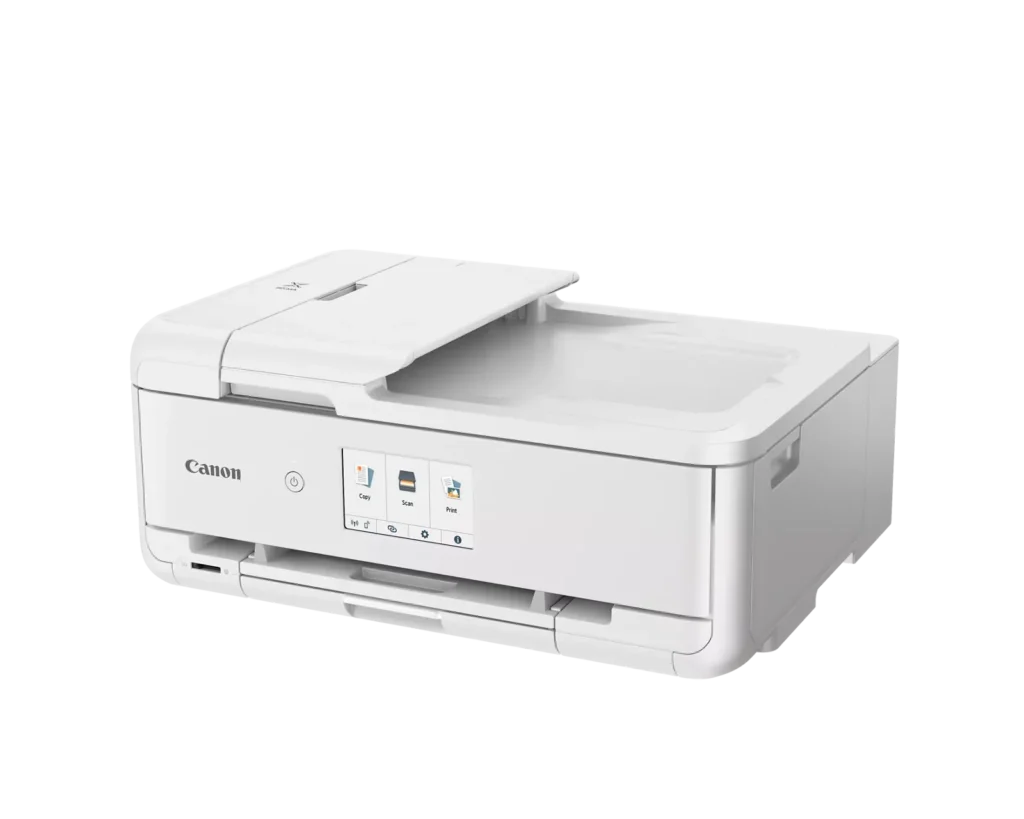
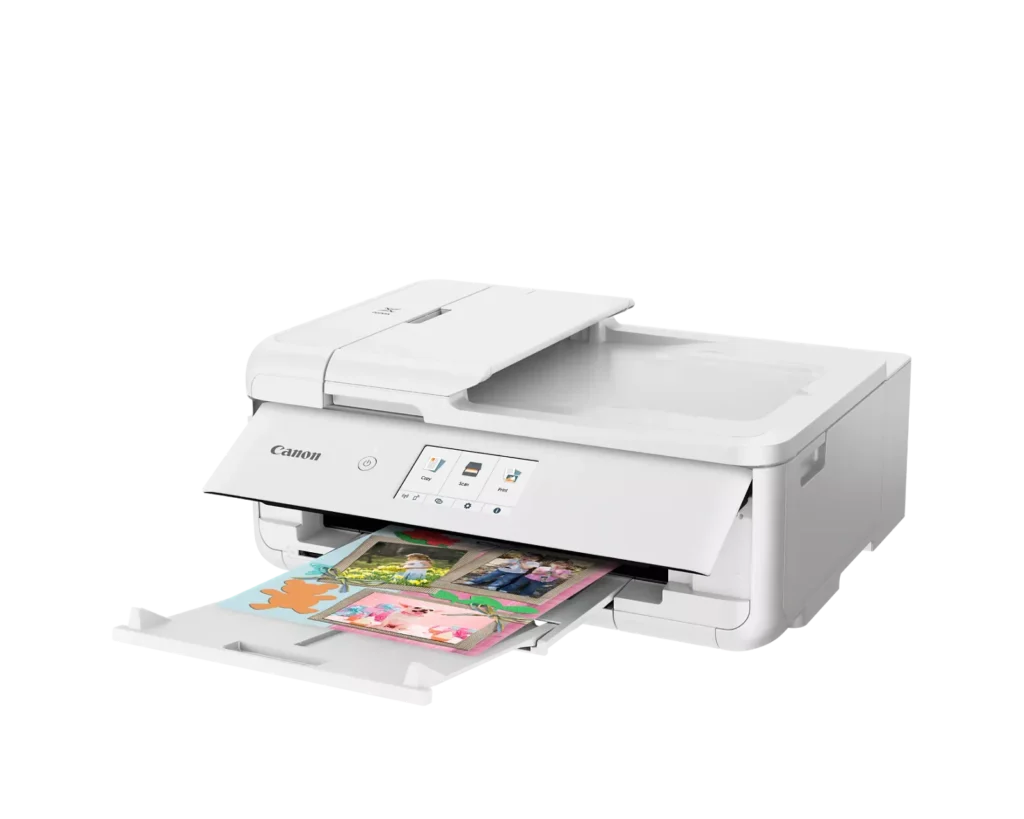
| Versatile Crafting & Large Format Printing | Specifically designed for creators, this printer supports borderless 12" x 12" printing—perfect for scrapbooking—and can handle large documents up to 11" x 17" (Tabloid size) for calendars, posters, and professional-looking projects. |
|---|---|
| 5-Individual Ink System | Utilizes a hybrid ink system with five individual tanks, including a pigment-based black for sharp text and dye-based colors for vivid photos. This efficient design allows you to replace only the specific color that runs out. |
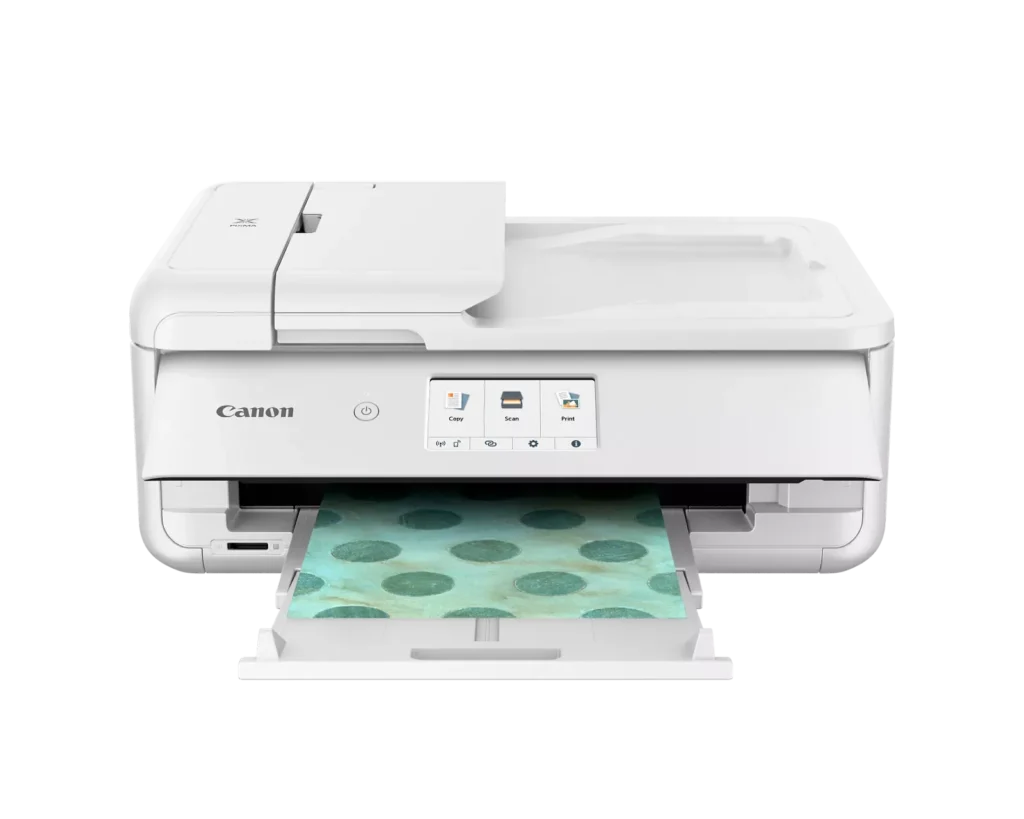
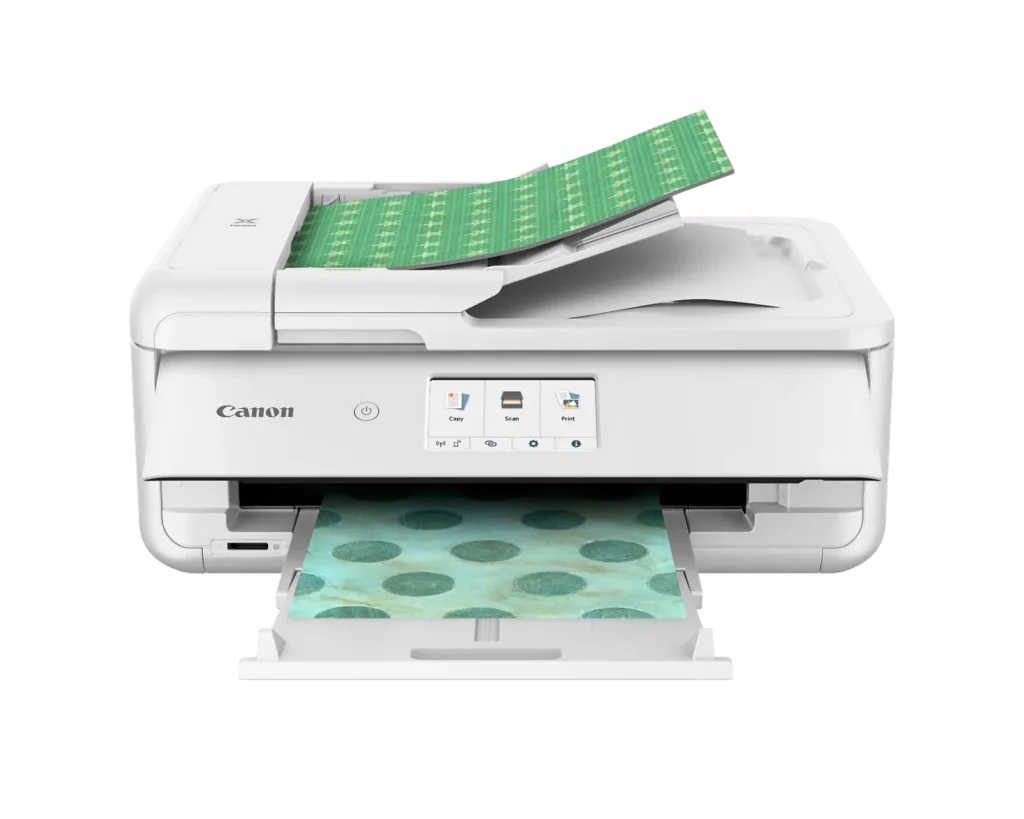
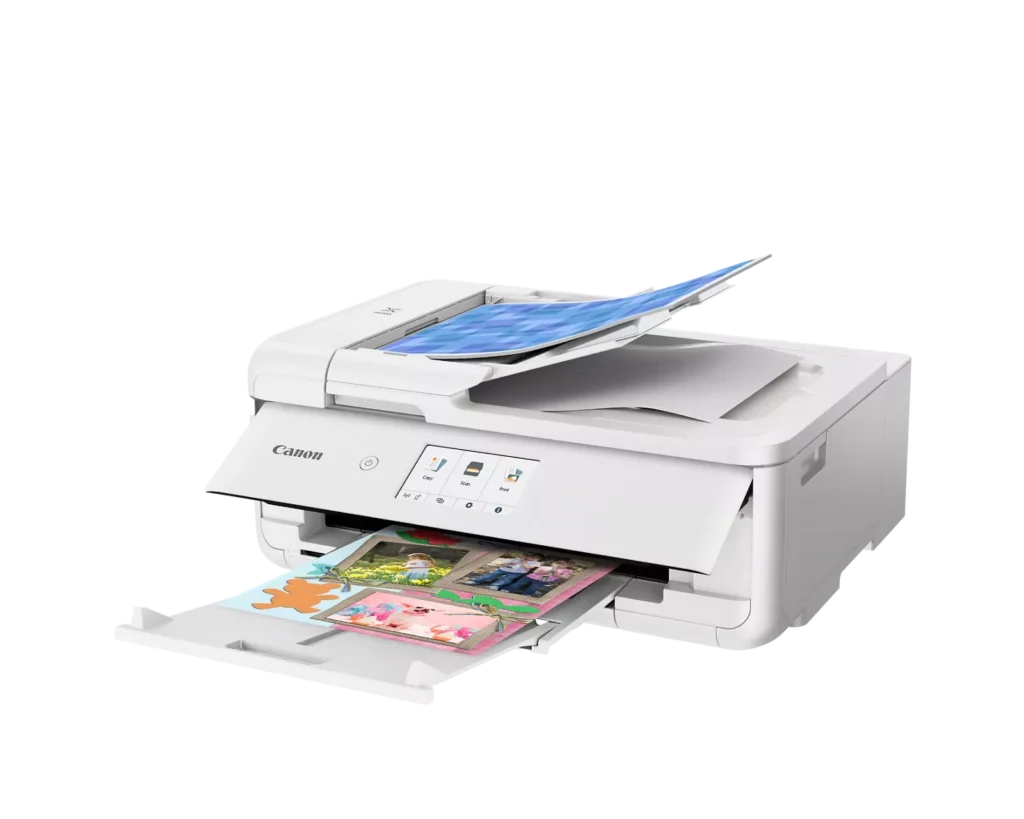
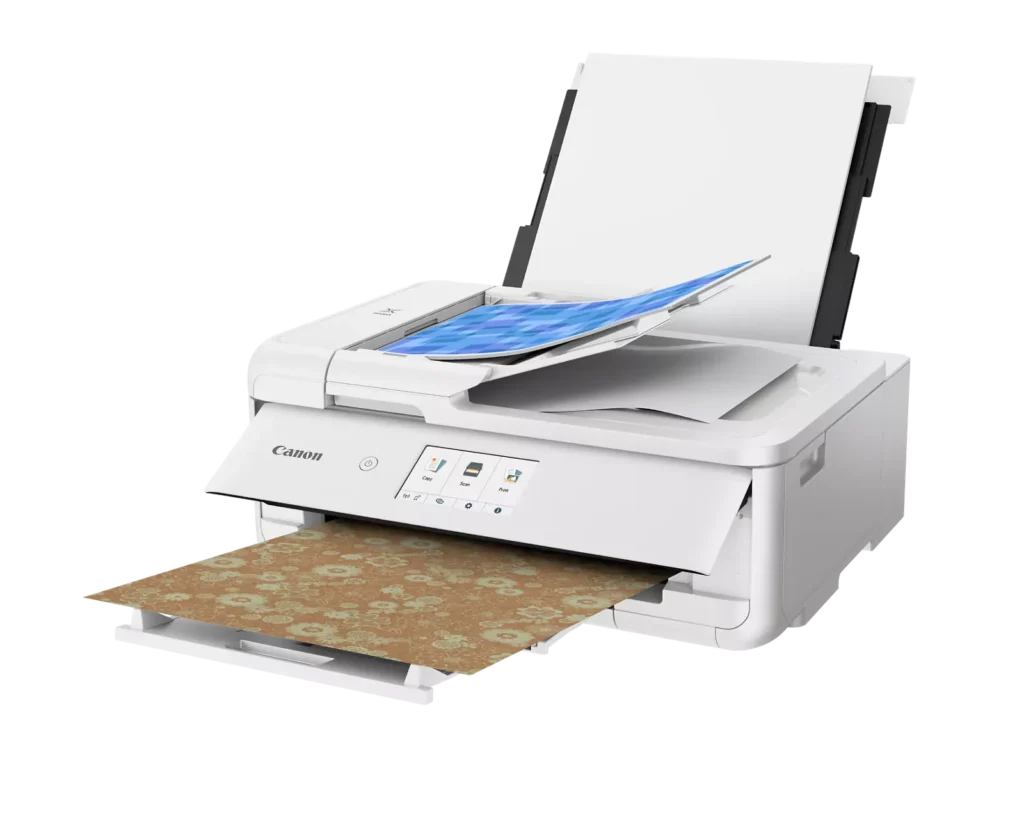
| Flexible Paper Handling & ADF | Features a 200-sheet total capacity with a 100-sheet front cassette and a 100-sheet rear tray that supports heavy cardstock. It also includes a 20-sheet Auto Document Feeder (ADF) for efficient multi-page scanning and copying. |
| Intuitive 4.3" Touchscreen Interface | Navigate functions easily with a large, user-friendly 4.3" LCD touchscreen. The interface provides direct access to 45 built-in printable patterns and templates, making it easy to print custom designs without a computer. |
| Seamless Wireless & Mobile Connectivity | Print effortlessly from your smartphone or tablet using the Canon PRINT app, Apple AirPrint, or Mopria Print Service. It also features a built-in SD memory card slot for direct photo printing and supports Wi-Fi and Ethernet connections. |
Pros & Cons
Pros
- Exceptional Print Quality: Reviews consistently highlight vibrant colors and sharp details, particularly for photos and crafting projects like stickers, magnets, and scrapbooking materials.
- Versatile Media Support: The printer handles a wide range of sizes and types, including 12×12 scrapbooking paper, 11×17 posters, and heavy cardstock, which is highly valued by creative users.
- Useful All-in-One Features: Users appreciate the inclusion of an automatic document feeder (ADF), auto-duplex printing, and borderless printing capabilities that support both office and creative tasks.
Cons
- Connectivity Frustrations: A large number of reviews mention severe difficulties connecting to WiFi, a lack of 5GHz support, and frequent 'offline' errors that require troubleshooting or hardwiring.
- High Ink Consumption: Many users complain that the printer uses ink very quickly, especially during photo printing, and that genuine replacement cartridges are expensive.
- Inconvenient Design Quirks: The requirement to keep the front control panel manually tilted up to print and the small capacity of the paper trays are frequently cited as annoying design flaws.
You might also like












Customer Reviews
Showing reviews 191-200 of 232
-
Works great! Very nice Printer.
Incentivized Incentivized review: The reviewer received a benefit for sharing feedback.Wade W. August 27, 2024Review source: AmazonWorks great! Very nice Printer.
-
Quality you’d expect from Canon
Incentivized Incentivized review: The reviewer received a benefit for sharing feedback.Customer Review August 25, 2024Review source: AmazonI ordered this Canon Pixma to replace the tank-based printer I’ve used for years. While I like how economically the tank printers can be refilled, the number of cleaning cycles I had to run every time the print heads clogged produced considerable aggravation. So I decided to go back to a cartridge-based inkjet printer. Yes, it’s more expensive to refill, but the time I save not having to run long cleaning cycles more than makes up for it.
Once I unboxed this Canon PIXMA, it was a breeze to set up. Install the cartridges, connect to my home Wi-Fi, and I was ready to go. I experienced no challenges during set up.
The quality of the printer’s build is what you would expect from a Canon product. Everything fits together well, the touchscreen works flawlessly, and the printer operates quietly. The only thing I found a little odd was you have to flip the front control panel up to use the printer. This is the panel that houses the power button and touchscreen, and it sticks out kind of awkwardly when in the raised position. But if I try to print with it in the lowered position, I get an error. This is not a big deal, and I’ll probably just leave that panel in the up position all the time. So no points off for this slightly strange design feature.
Wireless connectivity was perfect. I was able to connect immediately with both my phone and my laptop. Once I was connected, I printed a few test pages, and they looked great. The print quality was on par with any inkjet printer I’ve used, and substantially better than the one I’m replacing. Text and photos both looked fantastic and printed quickly.
I haven’t yet tried this printer for scanning or copying, because I usually scan with my phone, but if I ever have to scan multiple pages quickly, it’ll be great to use the auto feed on this printer.
The bottom line: I can definitely recommend this printer! It’s every bit the high-quality product you’d expect from Canon.
-
Vague set-up instructions, fine prints
Incentivized Incentivized review: The reviewer received a benefit for sharing feedback.Harry Baloney August 23, 2024Review source: AmazonWe’ve been using an HP printer that is about a decade old. It still works pretty well, but can be finicky at times and can’t print from all devices. I had a Canon printer before, which I liked and have heard good things about Pixma printers, so I was interested to try this one.
Although the photo of the printer shows it looking pretty compact, in order to actually use it, it basically turns into a Transformer. Giant trays have to be pulled out to print a 4×6 photo. Panels have to flipped up and left flipped up in order to print. Desks have to be completely rearranged to accommodate all the space it takes up. I often print from other rooms of my house. To keep the printer ready for printing, you have to leave the front panel flipped up at all times. This looks really stupid. I’m really not sure why you would design a printer like this.
Setting it up felt like I was back in the year 2000. Everything was very vague, there were multiple apps, software downloads, and driver downloads and it wasn’t really clear what is needed and what is optional. I got the printer connected to my computer quickly by using the “add printer” function. I was able to print fine, but couldn’t scan multiple pages at once. It turns out I needed to download a scanning app from Canon in order to use this feature. I was really surprised by how hard it was to figure out what to do in order to access all the basic and more complicated functions.
The printing quality is good, but I wouldn’t say it’s any better than my old HP. I do like the option to print full bleed photos. But again, you have to go into the special Canon photo app in order to find this feature. Since I just got this printer, I’m not sure how long the ink will last, but I do like the individual ink tanks that you replace as needed.
We did need a printer that could print from all our devices which this does. The prints are fast and the quality is good. I’m just surprised that it’s barely better than our printer we’re replacing.
-
Very happy with this printer
Incentivized Incentivized review: The reviewer received a benefit for sharing feedback.Turd Ferguson August 21, 2024Review source: AmazonI was surprised to see this printer available on Vine. As soon as I saw it, I ordered it. I did have a bit of trouble getting it setup – there were connection issues. But once I resolved those, I was up and running. The print quality is good for a printer at this price point. Of course, the ink refills are expensive, but I am willing to buy non-Canon ink. Overall, I’m happy with this printer.
-
App doesn't function
Incentivized Incentivized review: The reviewer received a benefit for sharing feedback.J August 21, 2024Review source: AmazonSet up was somewhat easy. The app for this printer doesn’t work which is a bit frustrating. I keep getting an error code. You also have to keep the paper tray pulled out and screen up or else it won’t print. But otherwise I love the printer. It prints clear, fast, and vibrant.
-
Wireless all-in-one printer
Incentivized Incentivized review: The reviewer received a benefit for sharing feedback.Ganesh Subramanian August 20, 2024Review source: AmazonThe Canon PIXMA TS9521Ca is a versatile wireless all-in-one inkjet printer designed for home use. It offers high-quality printing, scanning, and copying capabilities, along with wide-format printing up to 13″ x 19″. Its wireless functionality allows for easy connectivity to various devices, making it a convenient choice for both everyday and creative projects.
-
Print, scan, copy, SD card reader and can print pictures from my phone. Nice!
Incentivized Incentivized review: The reviewer received a benefit for sharing feedback.Honest Review August 20, 2024Review source: AmazonOrdered this to replace my older printer/copier/scanner that never worked correctly. I was not optimistic given my history with printers and technology, too long to get into here, but I needed something better than what I had.
First, this printer is pretty heavy, not sure if that means it’s built with quality, or it’s just heavy, I don’t know, but it’s about 2X the weight of the all in 1 unit it’s replacing. It’s not so heavy that it’s going to break a table or anything, it’s just not light.
I was patient when setting this up, following every step provided by the animation and videos online. For the most part, they show what you’ll see when working with the printer and no big steps missing in-between. Putting the ink in is pretty simple, but the clamshell top doesn’t open as much as I would like, and you have to kind of work in a cramped space, but not terrible. The “pop-up” control panel is a nice touch, especially since this will be sitting on a lower shelf for me, so having a tilted display is very helpful.
After following all the directions for setup, ink installation, test prints, wireless setup (to a Windows 10 machine), etc. I did my own tests for printing, scanning (to the computer and to an SD card) and copying. Everything worked as it was supposed to – go figure… it’s already way better than my old printer. I even printed a picture from my phone to the printer with no issues. The paper tray holds 100 sheets and I think you can put another 100 in the rear feeder – it also provides a way to just manually feed specialized paper.The scans from the machine back to my computer were simple and quick, and it came right up on my screen – sweet! You can also scan to an SD card or print from an SD card.
Downloadable user guide… is thorough. I searched Amazon and found plenty of options for replacing ink cartridges for this model, so that shouldn’t be an issue.
I haven’t tried photo paper prints yet, but I have about 100,000 pictures of my cat that I can use to try that function in the near future.
I can’t say things will go as smooth for everyone else, may depend on your network and computer, etc. but everything worked pretty much right out of the box for me.
-
Out of the box
Incentivized Incentivized review: The reviewer received a benefit for sharing feedback.Diana August 18, 2024Review source: AmazonRight out of the box, it works beautifully. Connected to my wifi, laptop, and phone well. Prints fast and with nice quality (I’m used to printing at the library). It’s not that easy to use, I had to go looking for how the heck to connect my laptop. You have to download a bunch of software on the laptop and an app for your phone to use it and I wasn’t aware because I initially chose a phone setup. But it does come with little videos to initially help physically set it up and set it up to one device. I’ve not had it long so I’ll definitely update if any problems arise. Thus far, I’ve printed a couple of my personal photos without issue.
-
Great priner
Verified purchase Verified purchase: This reviewer bought the product.AshleyJ August 13, 2024Review source: BestbuyGreat printet, used for photos and was able to set up very easy
-
Terrible Wireless Setup
Verified purchase Verified purchase: This reviewer bought the product.Aviator1 August 12, 2024Review source: AmazonPrinter would setup and work for a short time, go off, then would not reset. I worked for hours trying to get it operational. I am using a T-Mobile Home Internet router. The printer would recognize the router, but would only connect once in awhile. I resorted to USB cables.