Customer Media
Highlights
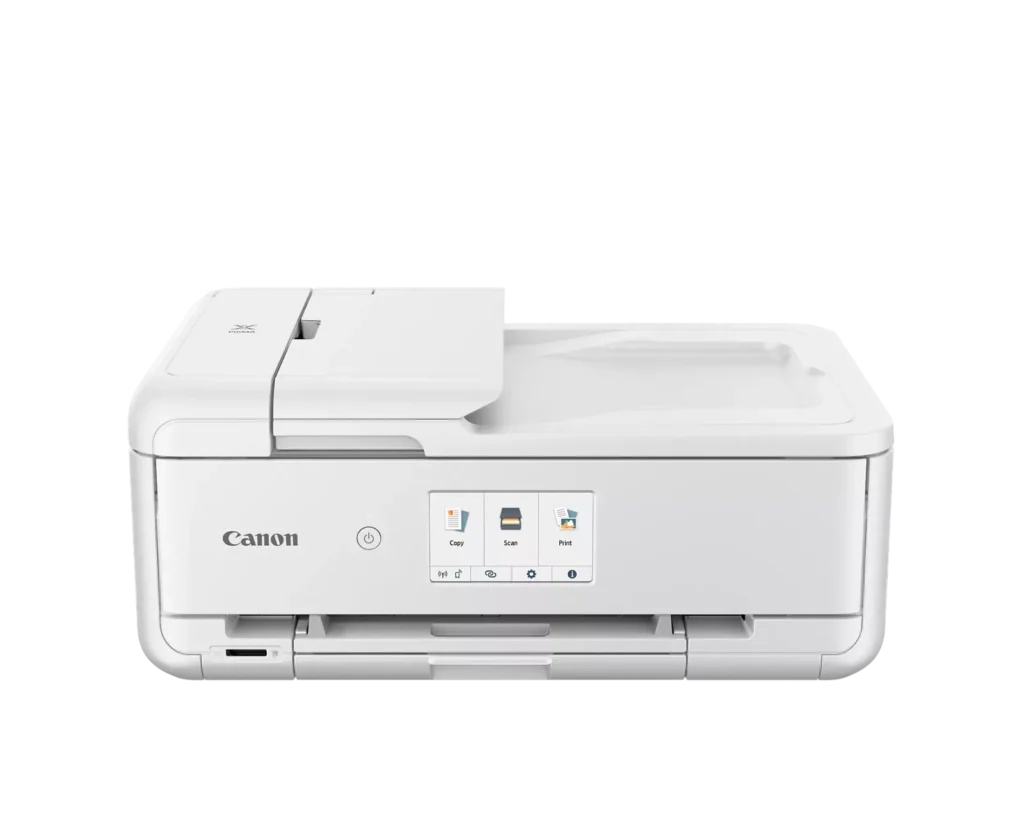
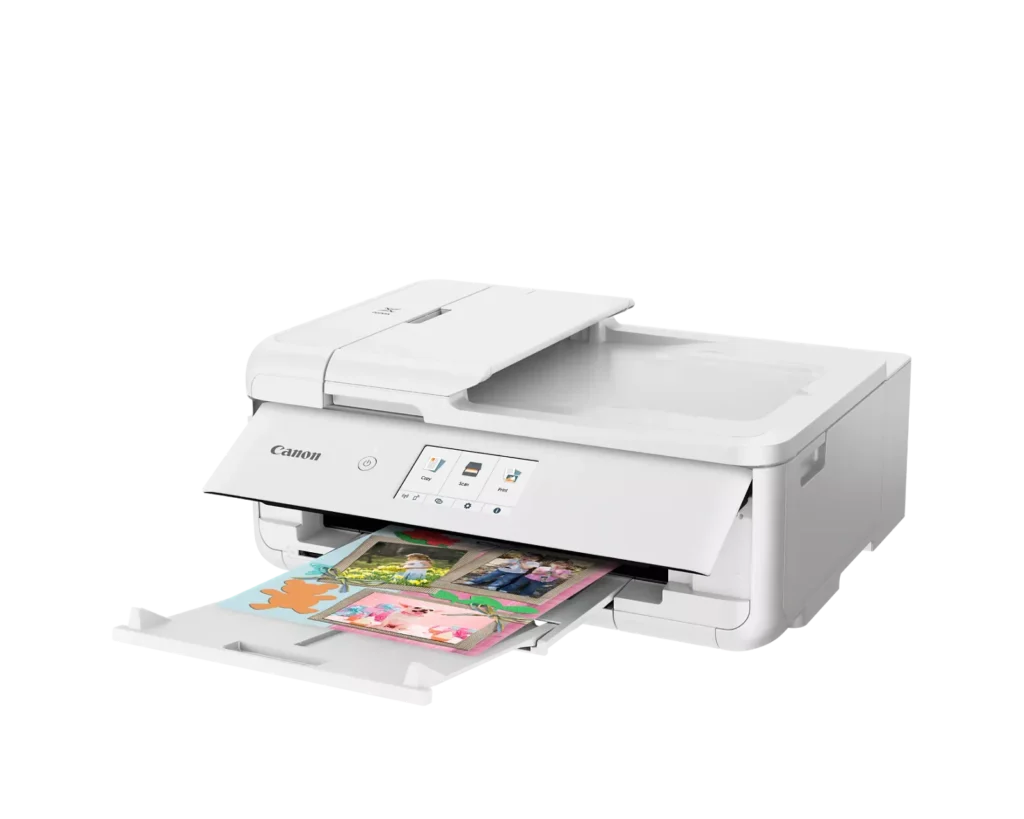
| Versatile Crafting & Large Format Printing | Specifically designed for creators, this printer supports borderless 12" x 12" printing—perfect for scrapbooking—and can handle large documents up to 11" x 17" (Tabloid size) for calendars, posters, and professional-looking projects. |
|---|---|
| 5-Individual Ink System | Utilizes a hybrid ink system with five individual tanks, including a pigment-based black for sharp text and dye-based colors for vivid photos. This efficient design allows you to replace only the specific color that runs out. |
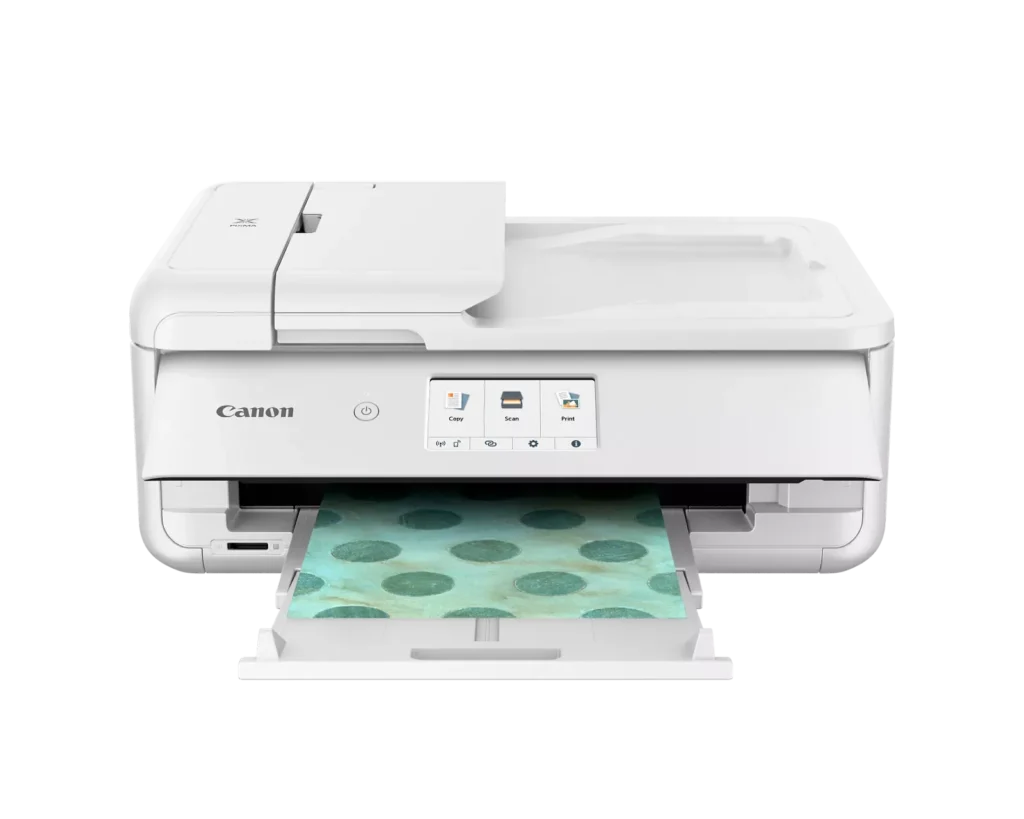
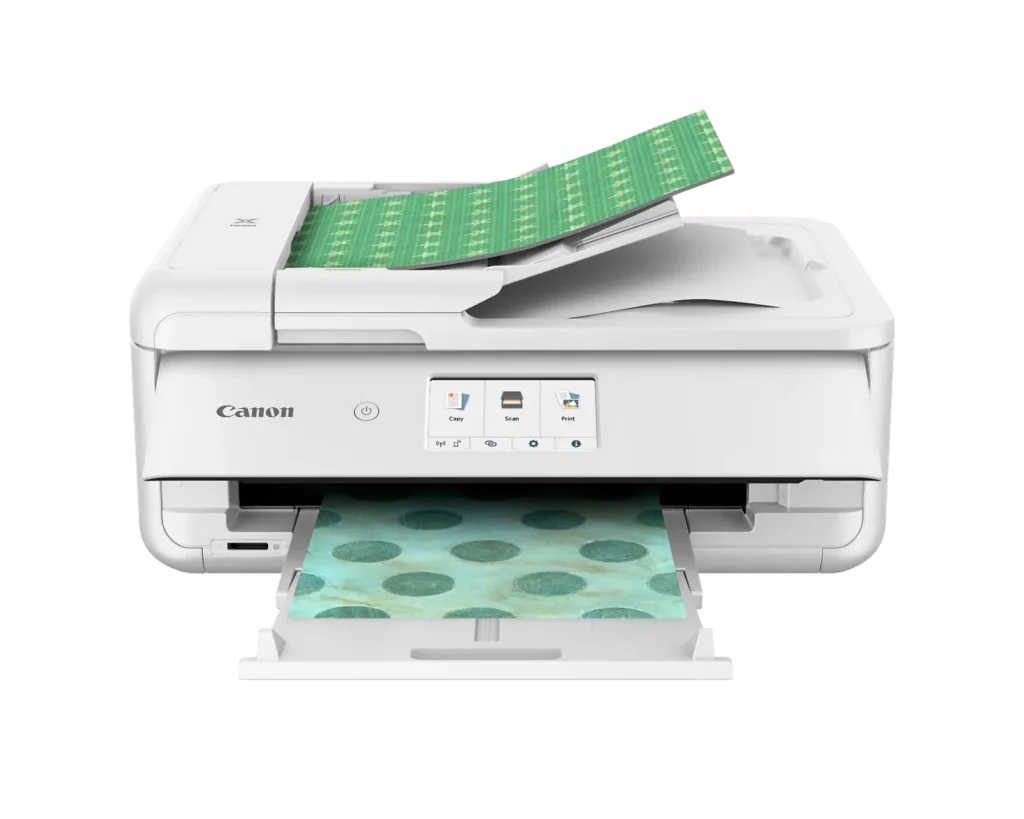
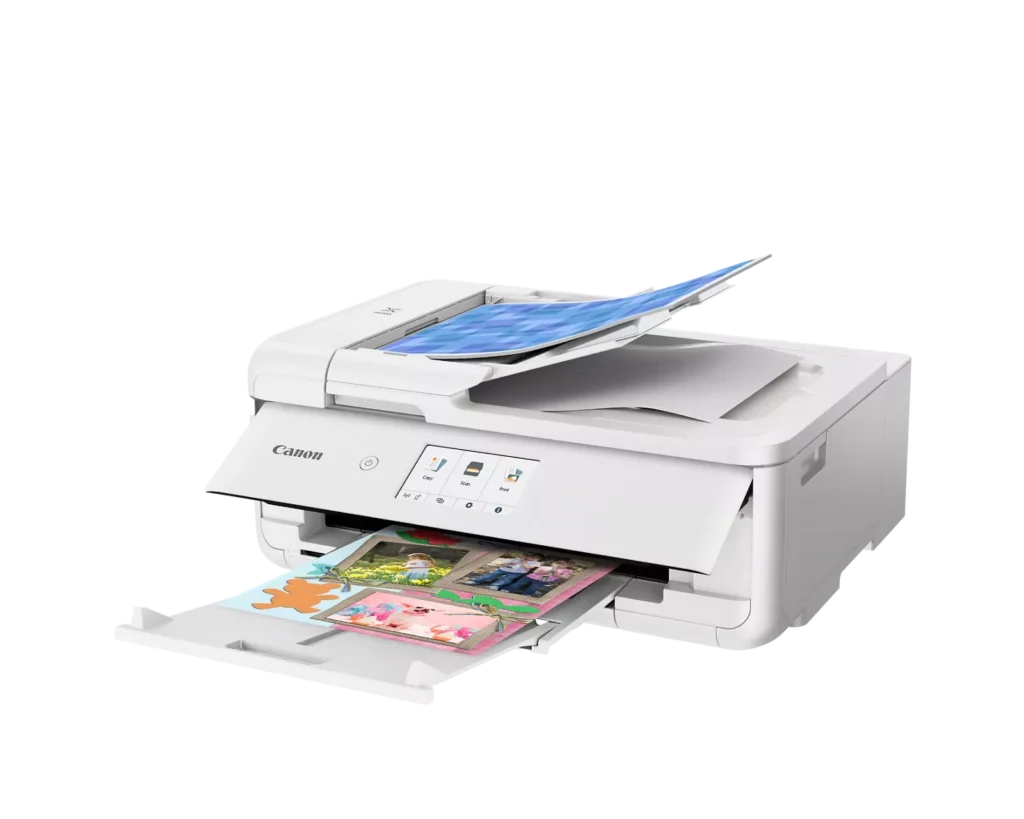
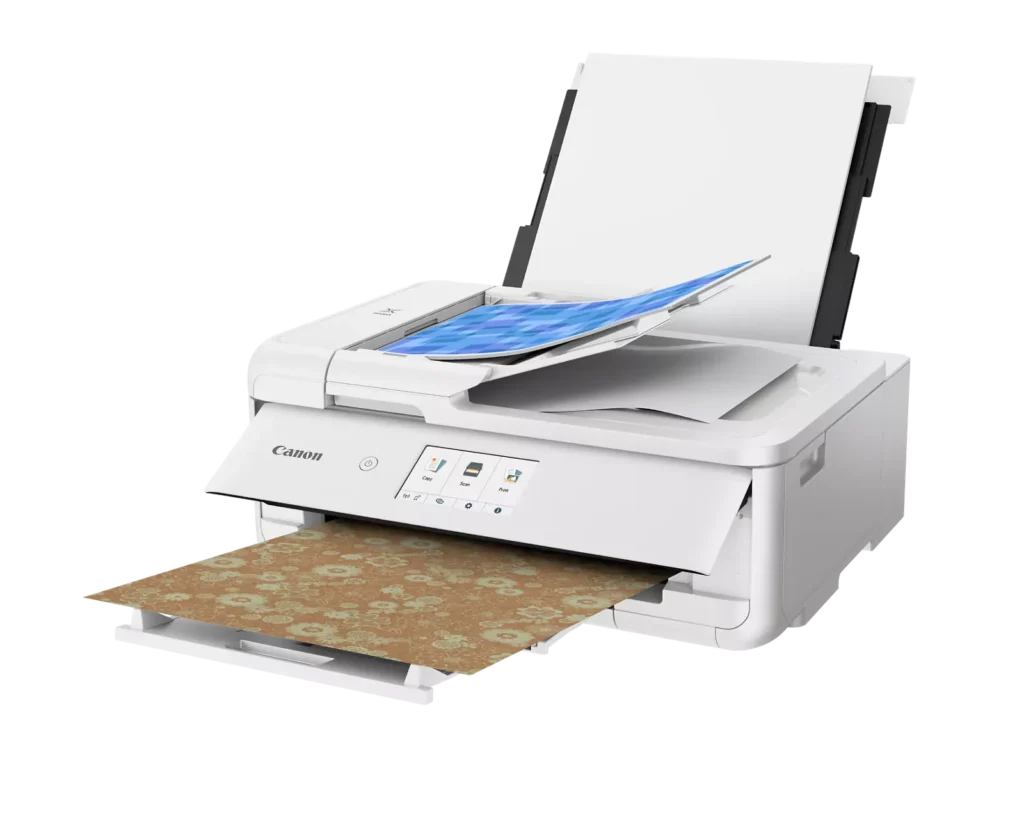
| Flexible Paper Handling & ADF | Features a 200-sheet total capacity with a 100-sheet front cassette and a 100-sheet rear tray that supports heavy cardstock. It also includes a 20-sheet Auto Document Feeder (ADF) for efficient multi-page scanning and copying. |
| Intuitive 4.3" Touchscreen Interface | Navigate functions easily with a large, user-friendly 4.3" LCD touchscreen. The interface provides direct access to 45 built-in printable patterns and templates, making it easy to print custom designs without a computer. |
| Seamless Wireless & Mobile Connectivity | Print effortlessly from your smartphone or tablet using the Canon PRINT app, Apple AirPrint, or Mopria Print Service. It also features a built-in SD memory card slot for direct photo printing and supports Wi-Fi and Ethernet connections. |
Pros & Cons
Pros
- Exceptional Print Quality: Reviews consistently highlight vibrant colors and sharp details, particularly for photos and crafting projects like stickers, magnets, and scrapbooking materials.
- Versatile Media Support: The printer handles a wide range of sizes and types, including 12×12 scrapbooking paper, 11×17 posters, and heavy cardstock, which is highly valued by creative users.
- Useful All-in-One Features: Users appreciate the inclusion of an automatic document feeder (ADF), auto-duplex printing, and borderless printing capabilities that support both office and creative tasks.
Cons
- Connectivity Frustrations: A large number of reviews mention severe difficulties connecting to WiFi, a lack of 5GHz support, and frequent 'offline' errors that require troubleshooting or hardwiring.
- High Ink Consumption: Many users complain that the printer uses ink very quickly, especially during photo printing, and that genuine replacement cartridges are expensive.
- Inconvenient Design Quirks: The requirement to keep the front control panel manually tilted up to print and the small capacity of the paper trays are frequently cited as annoying design flaws.
You might also like












Customer Reviews
Showing reviews 201-210 of 232
-
Mac buyer beware
Verified purchase Verified purchase: This reviewer bought the product.JTH7 July 16, 2024Review source: Bestbuybought this to start stationary biz. except it’s not fully compatible with Mac. There is no canon driver, only Air Print option, which means you have zero control over the colors. They come out dark and blurry. I’ve spent days online researching all the “fixes” but unfortunately there just are none. Out of the money and mad because I did so much research and it said it was compatible. You’ve been warned.
-
Did not work out of the box!
Verified purchase Verified purchase: This reviewer bought the product.Del June 7, 2024Review source: AmazonI just set up my new printer, everything went smoothly until I tried printing and kept getting the Support Code 1300 saying there is a paper jam. There was no paper jam and I tried everything, restarting the printer, resetting, reloading the paper tray, checked everywhere for jam, looked online for support, but nothing fixed the issue. This is very frustrating. It printed the alignment page just fine and I printed another page from the background options just fine. After this I started getting the paper jam code.
I am returning this as it is not worth my time to try and fix it anymore, already wasted enough time. I think a printer should work right away and it is not very promising when it does not work out of the box.
I guess I am going to be shopping for another printer and hopefully will have better luck. -
A craft-tastic printer with some minor caveats
R Tanaka June 6, 2024Review source: BestbuyTL;DR: the Canon Pixma TS9521Ca is a fantastic printer, but it isn’t for everybody. Main issues: build quality, hefty size, and ongoing ink costs. I am still absolutely in love with it and would recommend it to any creative.
To preface, the Pixma TS9521Ca claims to specifically be geared to crafters, so I don’t expect Joe Schmoe who just needs a cheap inkjet to print off the occasional work document to grab this at his local blue-and-yellow electronics shop…but I can say that the TS9521Ca offers more than just crafting-specific perks. It’s moreso that it can handle the creature comforts I expect out of more work-oriented machines while still tackling the creative side, which I appreciate as someone with creative interests who still needs to print off work forms now and then.
The TS9521Ca starts on a good foot with an aesthetically pleasing white-and-black color scheme. It’s on the larger size to begin with, and it only gets larger when you get to printing. While I had some issues with initial setup, that seems to have been more of an unlucky lottery win than any indication of ongoing quality control issues. I appreciated that it didn’t come with every single component wrapped in plastic, and while there is a fair bit of plastic, most of it seems to be necessitated.
True to its name, the TS9521Ca is a brilliant printer for crafters. It supports a wide range of media types, from 12×12 scrapbooking paper to more heavyweight cardstock (up to 275 gsm). You can print photos and greeting cards and flyers and brochures and god knows what else, and the TS9521Ca manages to do it with relative ease. It had no problems doing print-and-cut from Silhouette Studio and projects came out brilliantly with my Silhouette Portrait. Sticker paper, matte and glossy, both came out amazing. With SD card input, photographers can also print directly from an SD card. I have no complaints about its crafting capabilities, and it manages to also squeeze in some efficiency-minded bonuses like an auto document feeder for scanning multi-page documents and auto duplex printing, both of which are sorely missed on the more office-oriented “H” brand printers I have used. Scanning is a breeze and scans come out crisp and detailed. While I’ve only used it for documents and a few photos, I imagine it would work well for scanning traditional artwork as well.
Print quality is excellent. It falls just shy of most professional print shops I’ve had experience with, but it holds its own well. Graininess is minimal and I couldn’t spot any issues with banding in my test prints. Color accuracy is remarkable and blacks are deep. Although in the PDI test image the TS9521Ca looks more cool and washed out, it looks pleasant and leans warmer in person. Looking at just how clear prints come out, I genuinely cannot think of a better quality home printer that isn’t in a much higher price range. There is so little to nitpick with the print quality, and while color accuracy isn’t 1:1, I’m still very pleased with it and expect most crafters or creatives using this printer will be more than satisfied.
Having sung the TS9521Ca’s praises, I would be remiss to not point out its shortcomings – of which there are just a few! The very first is my own negative experience with my first unit, which came with a cassette feed roller issue that took me an entire day to troubleshoot before I had to have it RMA’d. Thankfully, Canon stands by its products and I am delighted to say that the second unit has had no such issues. That said, the build quality in general raises some concerns about longevity; it feels overall flimsier than previous Canon printers I’ve used, and I particularly worry about the fiddlier parts like the rear feed tray and cassette which will see plenty of adjusting and movement.
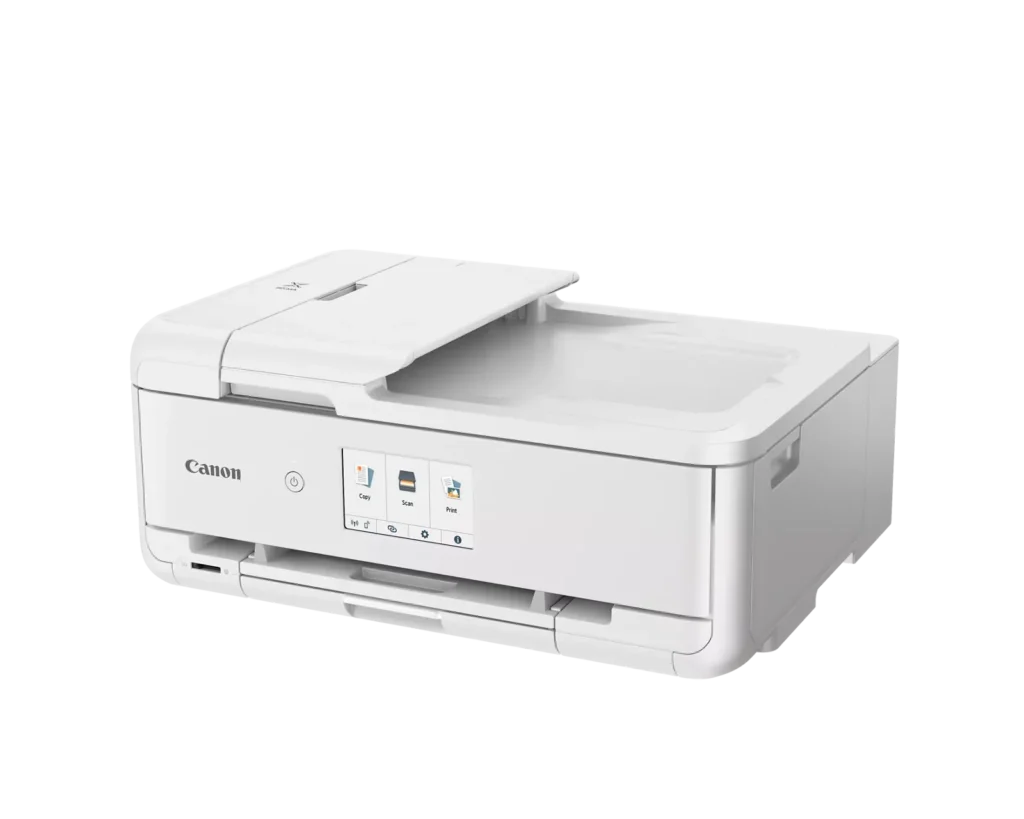
The second is that this printer is a behemoth compared to some other models on the market. When everything is tucked in, it’s a somewhat tidy rectangle that will occupy most of your desk. Once you need to print, though: out must pop the rear tray and front cover, and so too must the paper tray extend. In all, it’s a bit like watching a Transformer and I would be more amused if, when fully extended, it did not have such a substantial footprint. It simply would not be able to coexist on a desk with anything else on it.
My final major quibble is the high cost of ink. Printing twenty or so pages used more ink than I would have liked. Setup cartridges should have the same capacity as normal ones, which raises concerns about how often ink will need to be replaced and the ongoing costs associated with that.
As for more minor nitpicks, they include fairly slow print speeds, especially for color documents. Like other Canon printers, the TS9521Ca also has the dreaded “pizza wheel” markings on certain paper types. I notice it most on thicker glossy paper. In fairness to the TS9521Ca, the roller markings are much harder to discern with this printer and even knowing what to look for, I still struggle to make it out at times. A casual viewer is very unlikely to ever notice them. I also would expect that some people prefer a wired USB connection, so seeing no USB ports (either to use a wired connection or perhaps print off a flash drive) could be an issue for some.
In summary: this is a great printer for any crafter or creative type. If your printing needs are more casual or document-oriented, calling this an overinvestment is an understatement. That said, as a person who prints craft-related projects at least once a week, I am absolutely in love with it and would recommend the TS9521Ca wholeheartedly.
PROS
+ exceptional print quality
+ good support for more “crafty” needs, like varying paper weights, types, and sizes
+ has some nice perks, like auto duplex and auto multi-document scanningCONS
– build quality is not the most robust, worry about longevity
– pricey ink
– very large and heavyRead More -
Nice photo printer
K0S0H May 29, 2024Review source: BestbuyThe printer was well protected with formed foam pieces and in excellent condition. Also included in the box was some ink, a power cord, sample photo paper of various sizes, warranty and safety information, and a setup instructions card. The instruction card has a link to complete setup online.
The first step is to remove blue plastic tape securing various covers and the ink carriage. The printer is then plugged in, powered on, ink cartridges and paper are installed, and it automatically performs an alignment step. Setup continues by downloading and running the Canon installation software. The installation software requires the printer to be connected to a computer, which can be done with a USB cable (not supplied), an ethernet cable (not supplied) or wirelessly. I set it up wirelessly, connecting manually to my SSID. Once the printer is connected and visible to the installation software, it proceeds with driver and application software installation, creates a link to the online manual on the desktop, offers to print a test page and optionally makes this the default printer.
I found high quality printing to be a bit slower than I’ve witnessed on other similar printers, but none of those matched this Canon’s color quality. Printouts are still quite fast, but quality is a priority. There were no issues printing on the largest print papers. I can create rich looking tri-fold brochures. Card-stock printouts are handled well. Generally, paper handling is full proof. The 20-sheet rear loaded photo feed and 100 sheet plain paper tray feed work well and slide away completely when not being used. I don’t expect Auto 2-sided printing in an inkjet, but this is included and works perfectly. There’s even an Auto document feeder (20 sheets) which is useful for our legal activities. There is a memory card reader, as well.
As for the memory card reader, it is an SD slot, and an SD adapter is required for other supported formats like microSD. USB flash drives are not supported, which seems like an odd feature choice. The front panel must be partway open to print. This isn’t a problem, but it is something to get used to. The printer beeps and displays a message on the front panel if you forget, and printing proceeds after you open the front panel and dismiss the message.
Scans were okay, but I hit the resolution limits of the scanner rather easily. Scans never looked bad. They were just not captured in as high of a resolution as that of a dedicated flatbed scanner. But that really is a knock on the printer, just FYI.
Wrapping up, the print quality and paper size options make the Canon all-in-one printer a great choice if you don’t do a large volume of printing regularly. Photos come out looking as good if not better than if professionally printed. The printer’s fast print speed would be negated by time lost having to constantly refill the paper tray. I still need a more efficient printer for most print jobs but will use this one for scanning, and copying or printing low-page count projects because the print quality really is amazing.Read More
-
A few design flaws but it prints photos like a pro
MzRose May 28, 2024Review source: BestbuyMy Canon Pixma TS9521 arrived in a slightly damaged box but the printer was protected with four sturdy Styrofoam end caps. Parts that open and close were secured with tape that also helped protect against damage. The samples of different sized photo paper included with the printer was a nice touch. The white color is not my choice because it doesn’t fit the colors of my home office décor, but it is a goodlooking printer. The display screen is bright and large so no squinting to see it or trying not to hit the wrong keys when typing on it.
Scan the QR code or type in the URL provided and you’ll get basic video setup instructions from how to remove the protective tape to printing a test page. The Setup Instructions sheet included with the printer was for the TS9520a and not the TS9521Ca. Not sure if this was intentional, but if not, this could cause some confusion if you needed the help with setup. Even though I didn’t need them, I did look up the TS9521Ca setup instructions so that I could evaluate them for clarity and ease of use. Setting up the printer was straightforward, with easy-to-follow instructions if you need them. And I was able to get it connected wirelessly with hardly any effort. Don’t look for 5G connection though because surprisingly, you’re not getting it with this printer. And not to have an USB port is an odd design choice, but the SD card slot is handy for printing photos taken with my DSLR camera.
The TS9521Ca comes with 5 ink cartridges, which I like because it’s easier to replace one color as it’s needed than the all-in-one cartridges. Judging by the ink levels after the printer alignment pages during setup and a few photos I printed, I do have concerns about how often I’d have to buy ink considering I do a lot of printing. The print quality is quite fantastic though. The photos and documents I’ve printed have been crisp and vibrant with clean lines and contrast. No matter which paper size I used or device I printed from, the quality stayed sharp.
Speaking of paper and sizes, the front paper tray is adjustable for your standard document sizes and the rear tray for other sizes like 11×17 and the 12X12 I favor for scrapbooking. Downside here is that neither tray holds much paper so it’s not conducive to large volume print jobs. And a major design flaw that Canon made on theTS9521Ca is that the front operation panel must be in the up (extended) position to print. This means more space is needed because the panel must always be up so I don’t waste time when I need to print something quickly. Scanning and making copies are easy with fast output.
To wrap up, the print quality and paper size options make the TS9521Ca all-in-one printer a great choice if you don’t do a large volume of printing regularly. Photos come out looking as good if not better than if professionally printed. For me, it’s not as practical as I want it to be because of the number of sheets/photos I print at one time versus the amount the paper trays will hold. The printer’s fast print speed would be negated by time lost having to constantly refill the paper tray. I still need a more efficient printer for most print jobs but will use this one for scanning, and copying or printing low-page count projects because the print quality really is amazing.
-
Multi Function, Multi Results
Ebonovic May 28, 2024Review source: BestbuySo our household has a lot of printers… Laster Color, Laser B&W, a sublimation, and a couple ink jets… so why another… Well, we only have one with a scanner… and we have found ourself more often needing the ability to scan, away from the main office of the house. So time for a new printer.
So let’s get right into setup, easy. Standard stuff. Remove all the packaging, get it plugged in, and then walk through he straight forward steps of adding to WiFi. No one should have any issues getting it up and on the network.
Once on the network, finishing up printer setup on various computers, easy. We have both Macs and PCs and both were able to connect and get going, we did scanning first on the Macs, and that was just smooth and simple, and able to save as Image files as well as PDFs.
The Automatic feeding tray is great if you have more then 1 or 2 pages, it is just like a copy machine feeder.
Per the documents, it can print on CDs/DVDs, but that is a feature I will never use again, long left that platform and style. The SD slot is okay for those with digital cameras using physical media. But it was easy to print from our iPhones. There is a companion app available ,that helps you with more features, but found it straight forward just to use the built in print features.
100 page tray, smaller then some… I miss the days of a larger printer that could take the entire reem of paper, but 100 isn’t bad.
Clear colors, good detail, and relatively quick. not the fastest, but certainly not slow by any means.
Simple duplex printing, to save paper, or make it booklet style.
The docs say it will support 11×17 printing, but I don’t have any of that paper handy anymore (sold that printer), but looking forward to testing it. 12×12 is also listed for the traditional size of memory books.
Good printer for the price point… But partially holding out verdict to see how far the OEM and the replacement print cartridges take me. However, it does use a relatively common ink cart, not a new one, so there are a lot of options available.Read More
-
Very Good Printer For Crafting (And personal use)
Mike777VSP May 28, 2024Review source: BestbuyI had been researching a printer for some time that is geared toward crafting, and once I received the Canon PIXMA TS9521 I was glad I did. It has everything you need to make crafting easier. The one thing that I like is the size, the room in which my wife and I use to make crafts (I build the frames/plaques/serving trays and she decorates them w/ our cutting machine) the room is not that big and we wanted a printer to fit that bill, the TS9521 does. The installation of the ink and setup took about 20-25 minutes max. I did have an issue w/ the Canon Print App, and after some time and research I discovered it was my VPN not allowing my tablet to connect to the printer.
As far as printing, this is amazing! The colors are true and are very distinct. I like that it accepts not only regular printing paper, but also card stock and greeting cards. W/ the print then cut feature on our cutter the Canon PIXMA far exceeds our old printer and truly speeds up the process. Having the wireless feature is a plus and knowing that most of our local box stores sell the ink that you need w/ this printer. It is a very well made and great printer. I like the touchscreen on the control panel that it is in color, they are just the right size and very easy to see. Canon has made a very fine crafting printer. And if you are in the market for one, I highly recommend the PIXMA TS9521.
-
Top quality Photo and Craft Printer
Michael May 27, 2024Review source: BestbuyThis printer is great if you like to print photographs and artwork that you want to have precise colors that will not fade over time. There are five printer cartridges, cyan, magenta, yellow, black (all dye based), and another larger back (pigment based) for printing documents. The use of dye means that your photos and art will not fade over time. The printer has scan, copy, and print capabilities. The connection to the printer is wireless, via USB, and Ethernet (which I like because I have a network in my home). The printer is relatively compact and attractive with a very curvy profile. The printer can be controlled via the touchscreen display or the Mobile or PC app. Paper can be fed in through the adjustable paper tray on the bottom, or the slot in the back. There is also a special slot where CD’s can be placed in the printer to be printed on.
This printer connects with your smart home so that it can be controlled with your voice.
This model is targeted towards crafters with many built-in patterns and support for square 12×12, 5×5 and 3.5×3.5 paper. The Cannon Easy-Photo Print app is a very versatile and capable companion to this printer.
-
Cannon, nothing better. Bar none!
claggtastic May 27, 2024Review source: BestbuyThe Canon PIXMA TS9521Ca, marketed as the “Crafter’s All-In-One,” is a versatile inkjet printer designed to cater to a wide range of printing needs, with a particular focus on craft enthusiasts. It’s features, performance, pros and cons, and ultimately determine if it lives up to the hype. The printer features a large 4.3″ touchscreen display, which is responsive and intuitive. The menu navigation is well-organized, and accessing various functions is a breeze. The printer also includes a physical button panel for quick access to essential tasks like copying and scanning. Always a plus to have for a home or small business printer. I want to just talk about the printing quality. Take nothing from the features, like, 12″ x 12″ Printing, Multiple Paper Feeds, ability to connect to Mobile Printing Apps: Canon offers various mobile printing apps, including Canon PRINT Inkjet/SELPHY, Easy-PhotoPrint Editor, and Message In Print, enhancing the convenience of mobile printing, as well as Cloud Printing, Built-In Patterns, the SD Card Slot, these are all fantastic features and I had to make sure and include them because they are awesome but nothing makes this printer more worth it than the print quality. Text documents are sharp and legible, even at smaller font sizes. Photos printed on glossy photo paper exhibit vibrant colors, accurate details, and smooth gradients. Simply put, be sure to get one right away.
-
Versatile and High Quality Color
TheHodster May 26, 2024Review source: BestbuyThe Canon PIXMA TS9521Ca wireless all in one inkjet printer is a high quality inkjet printer capable of outputting 4800dpix1200dpi resolution prints in a wide variety of sizes using multiple connections including wireless, ethernet, or usb. The printer can print photo like prints at 12″x12″ , handles 2 sided printing, and can print up to 11+x17″. In addition to printing from your PC or Mac, it can also print from Chromebooks and mobile devices using the Canon Print app and Apple AirPrint. Also, in addition to printing, the Canon provides versatile scanning and copying features.
The Canon is easy to setup and includes a sample of 4″x6″photo paper and a set of ink cartridges. I have been using mostly laser and lower end inkjet for the past few years. The output quality and speed of the Canon made me realize again the benefits of using a high quality inkjet device.
If you are looing for a versatile all in one color device that prints photo quality pictures, I recommend the Canon PIXMA TS9521Ca wireless all in one inkjet printer.