Customer Media
Highlights
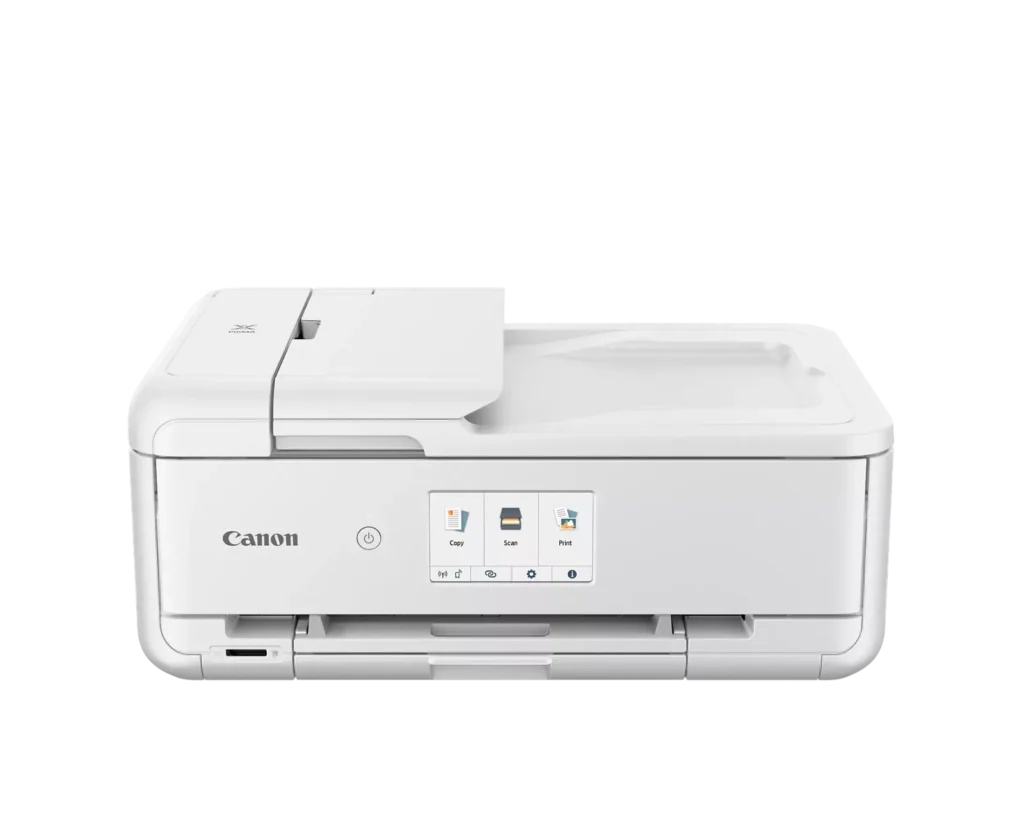
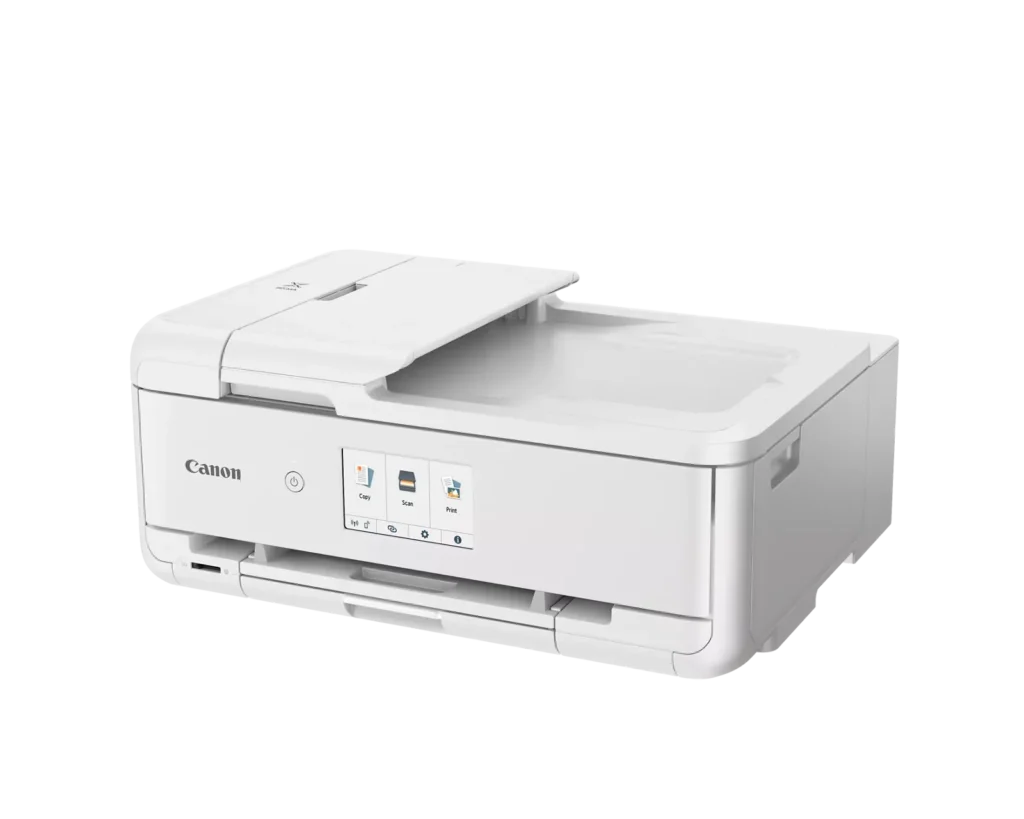
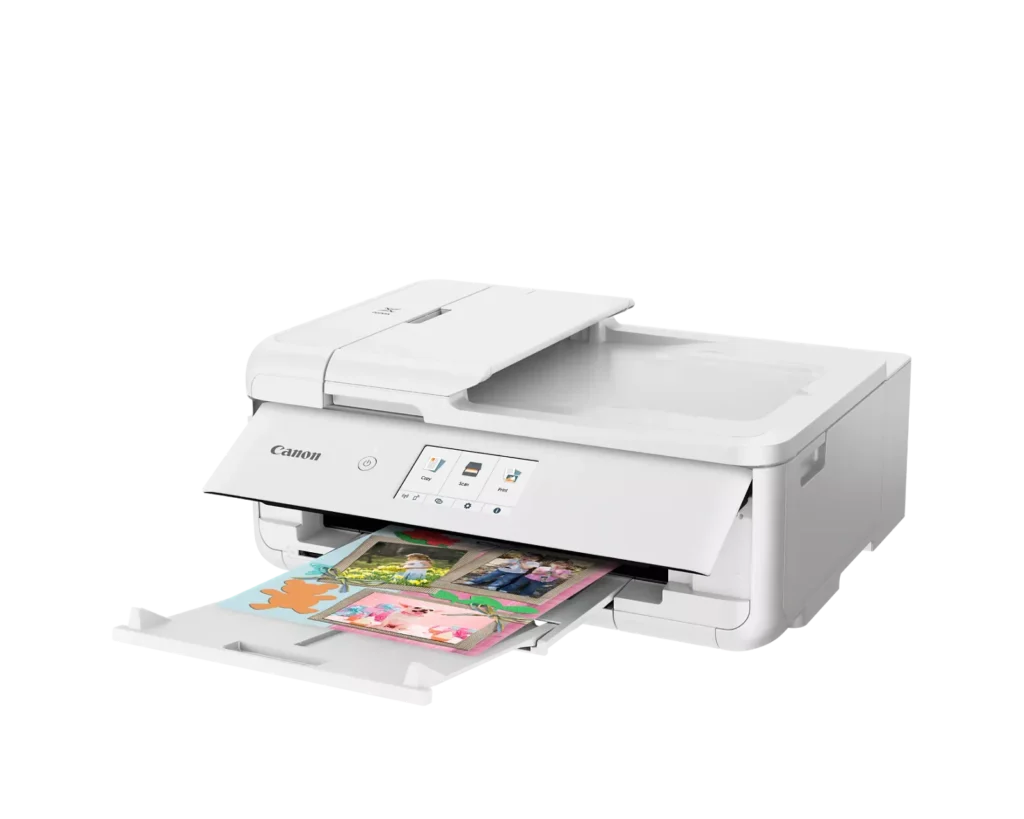
| Versatile Crafting & Large Format Printing | Specifically designed for creators, this printer supports borderless 12" x 12" printing—perfect for scrapbooking—and can handle large documents up to 11" x 17" (Tabloid size) for calendars, posters, and professional-looking projects. |
|---|---|
| 5-Individual Ink System | Utilizes a hybrid ink system with five individual tanks, including a pigment-based black for sharp text and dye-based colors for vivid photos. This efficient design allows you to replace only the specific color that runs out. |
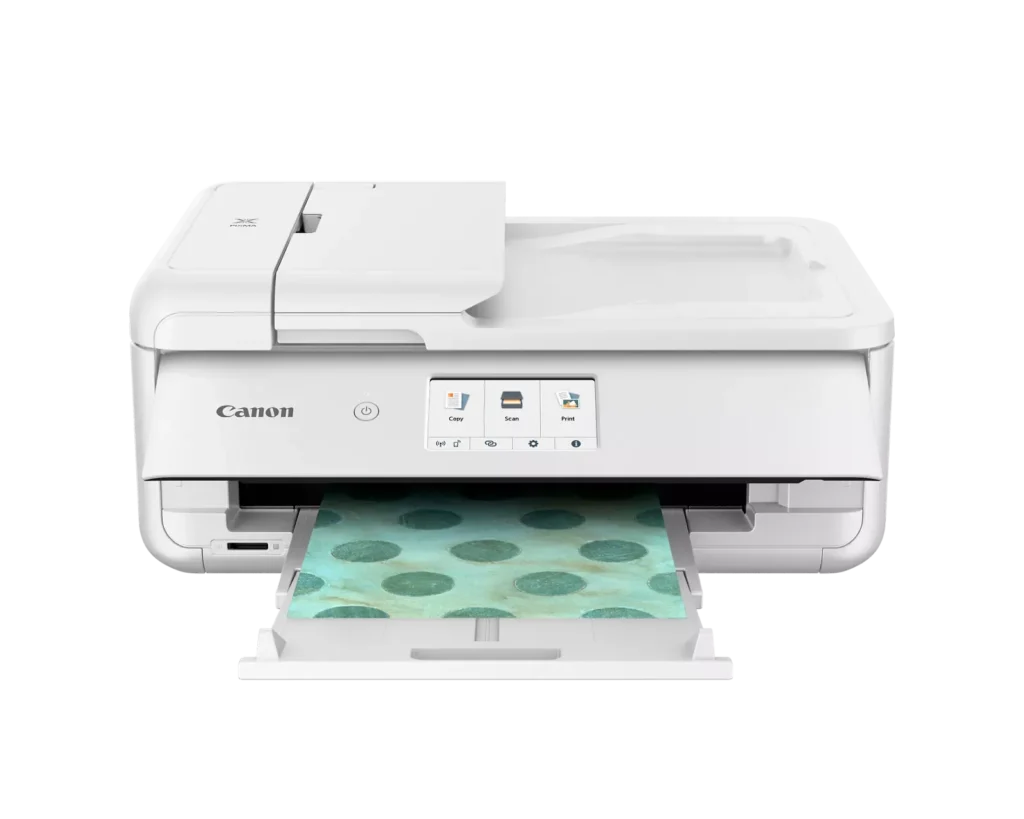
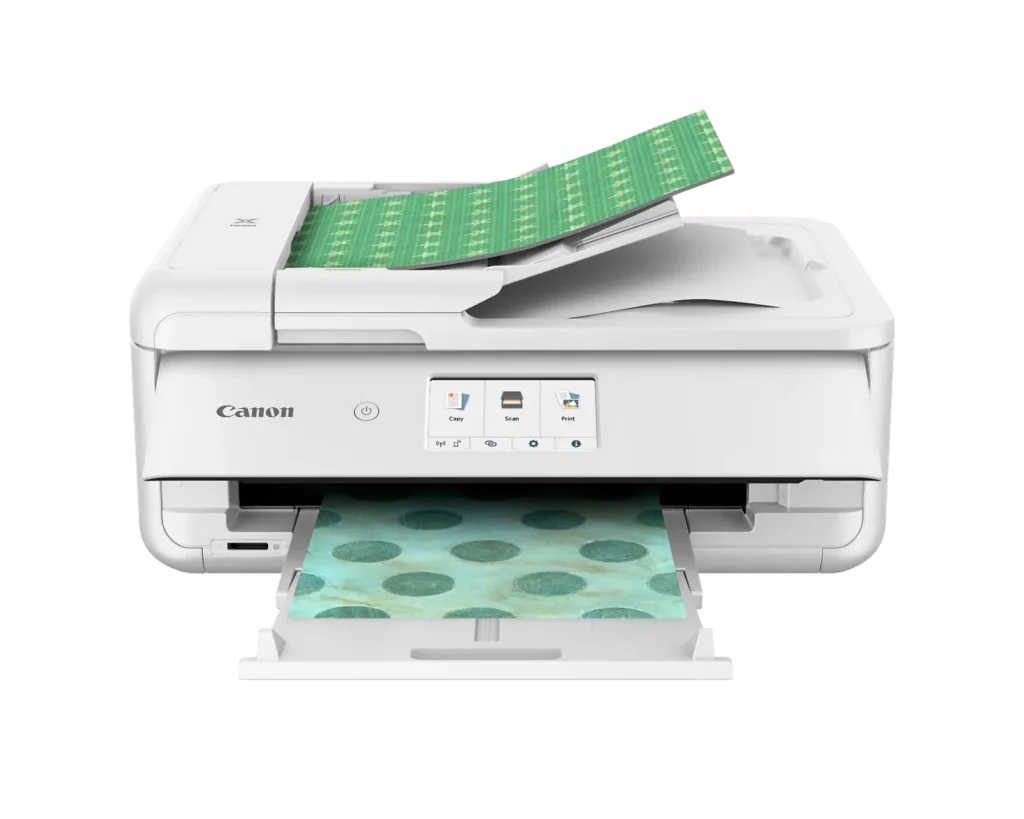
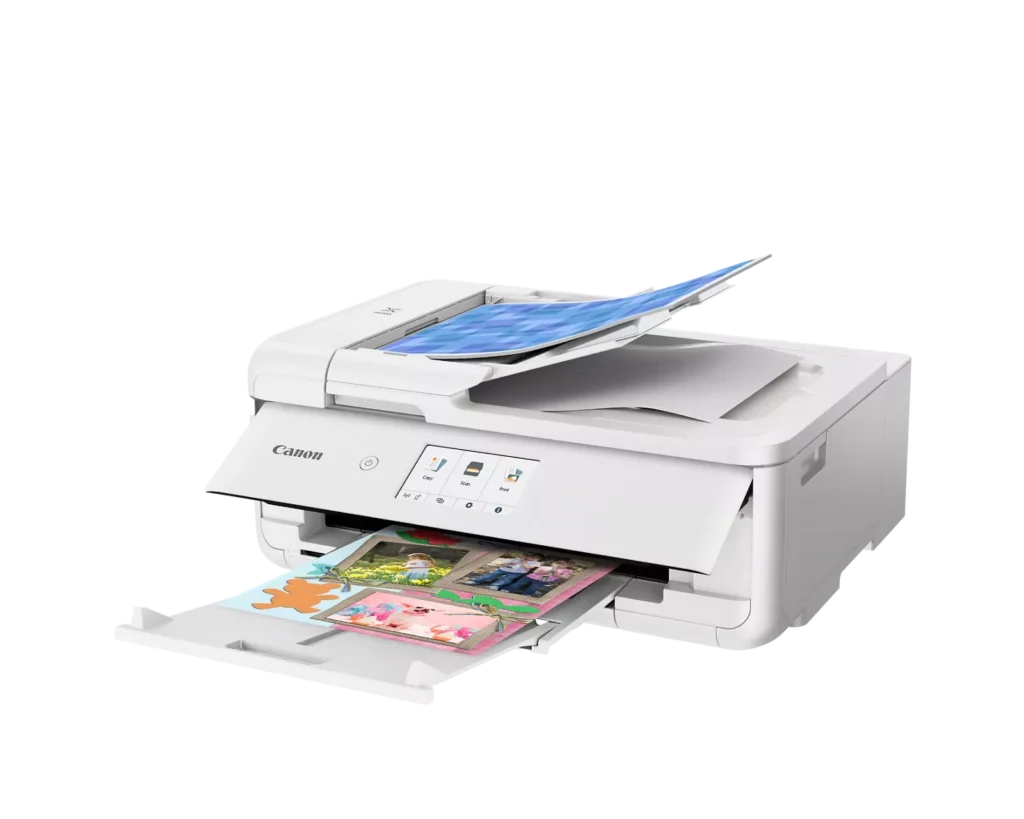
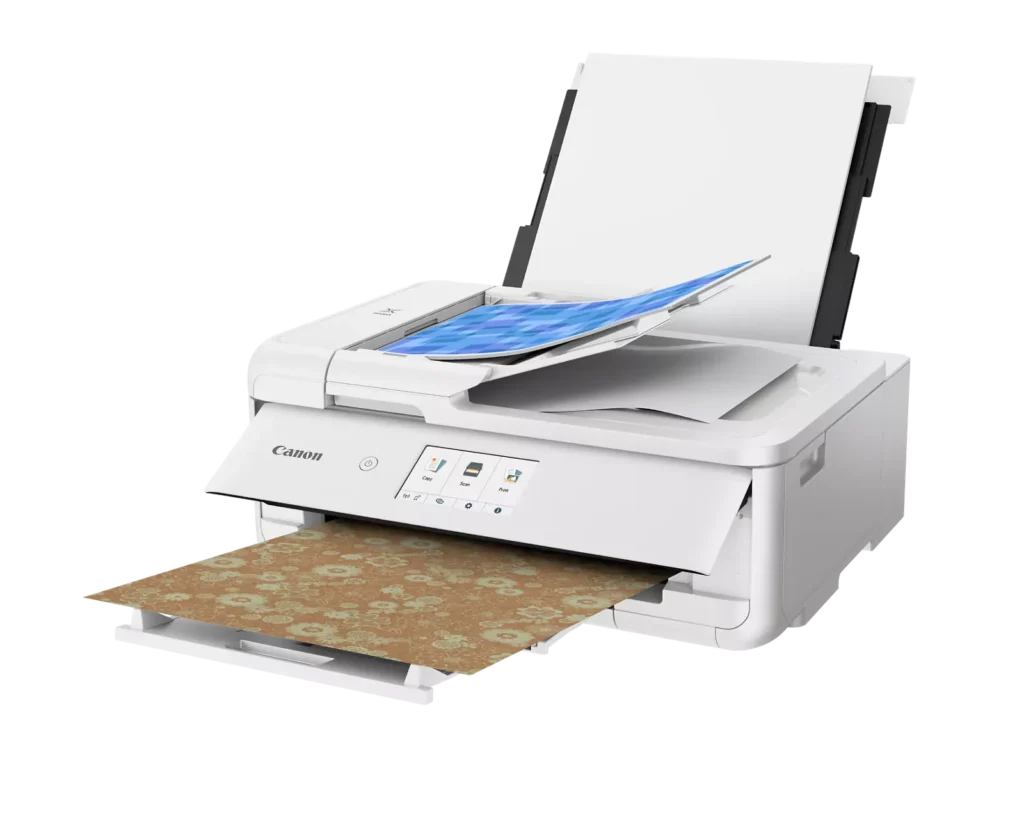
| Flexible Paper Handling & ADF | Features a 200-sheet total capacity with a 100-sheet front cassette and a 100-sheet rear tray that supports heavy cardstock. It also includes a 20-sheet Auto Document Feeder (ADF) for efficient multi-page scanning and copying. |
| Intuitive 4.3" Touchscreen Interface | Navigate functions easily with a large, user-friendly 4.3" LCD touchscreen. The interface provides direct access to 45 built-in printable patterns and templates, making it easy to print custom designs without a computer. |
| Seamless Wireless & Mobile Connectivity | Print effortlessly from your smartphone or tablet using the Canon PRINT app, Apple AirPrint, or Mopria Print Service. It also features a built-in SD memory card slot for direct photo printing and supports Wi-Fi and Ethernet connections. |
Pros & Cons
Pros
- Exceptional Print Quality: Reviews consistently highlight vibrant colors and sharp details, particularly for photos and crafting projects like stickers, magnets, and scrapbooking materials.
- Versatile Media Support: The printer handles a wide range of sizes and types, including 12×12 scrapbooking paper, 11×17 posters, and heavy cardstock, which is highly valued by creative users.
- Useful All-in-One Features: Users appreciate the inclusion of an automatic document feeder (ADF), auto-duplex printing, and borderless printing capabilities that support both office and creative tasks.
Cons
- Connectivity Frustrations: A large number of reviews mention severe difficulties connecting to WiFi, a lack of 5GHz support, and frequent 'offline' errors that require troubleshooting or hardwiring.
- High Ink Consumption: Many users complain that the printer uses ink very quickly, especially during photo printing, and that genuine replacement cartridges are expensive.
- Inconvenient Design Quirks: The requirement to keep the front control panel manually tilted up to print and the small capacity of the paper trays are frequently cited as annoying design flaws.
You might also like












Customer Reviews
Showing reviews 231-232 of 232
-
Great photo printer, with a few quirks
ILikeVideoGames May 19, 2024Review source: BestbuyThis is a really nice photo printer. Setup is generally straightforward, scan a QR code and follow the steps for setup, and install the Canon Print app. The plain paper tray in the front is really small, and can only fit a fraction of a ream of paper. That’s probably fine for most people these days, because most aren’t frequently printing large amounts of documents these days.
To print however, the front control panel must be lifted up. So if you just have this printer stashed to the side, closed up, it won’t print until you lift the control panel up. I’m not sure why they made this design decision, seems a little silly to me. To print anything other than a standard document sized paper (8.5×11, A5, A6 etc…) you have to use the rear paper feeder. This slides straight up and then tilts back. So having this right up against a wall is a little difficult. But this back feeder lets you print from the smallest documents to quite large ones as it’s a rather large tray. But again depending on the thickness of the paper, you’re not going to fit many in at once.
And the whole irony of the printer, is that it’s quite nice and compact… until you need to print, then you need to lift up the front control panel, slide out the back paper feeder (for photo printing), and then the front paper catch tray (if you want/need), ultimately making this printer take up a fair bit more space.
Canon generously includes 5 each of several sizes of photo-sized paper, and a few 8×10 sized photo paper as well. When printing from the app, it’s a little confusing between the printer and the app, where each one you can pick the paper type. But what you choose in the app is going to override what you choose on the printer (though the app does let you choose to use what’s set on the printer).
Printing, scanning, and copying are all surprisingly quick, even for the glossy photo prints. And the quality is really quite stunning. You’re not going to get this good of a print from any of the self-service stations at the pharmacy or superstore. I think it’s these traits that make it all worth it.Read More
-
Elevates photography projects into the sublime.
TECHBEENGOOD May 18, 2024Review source: BestbuyCanon – PIXMA TS9521Ca Wireless All-In-One Inkjet Printer – White
My first printing session with the Canon achieved a level of output quality that is inspiring me to spend more time with my photo hobby. I’ve waited for a reasonably priced (printer and consumables) large document (11”x17” and 12”x12”) printer for hobby print activities for too long. I’ve had very good experiences with several Canon printers over the many years I’ve been engaged in computer-based printing, so I have no hesitation trusting Canon to deliver, but this review is about proving my trust is warranted with this newest model. I’m now convinced. After using this for a week, I can suggest that this is the printer you owe yourself for a number of very practical reasons.SETUP was initially accomplished from my MacBook M1Pro, Sonoma 14.5 with a wireless setup. To begin, I downloaded from Canon Wi-Fi Connection Assistant Ver.1.8.1 (Mac). Setting up using the Mac App was not as easy, direct or problem-free as it should be. In my opinion, it could be simpler. When I set aside all the Canon Apps and efforts to guide the process and relied on my Mac’s ADD PRINTER function while I was connected to my network via Ethernet, I was connected within minutes, followed by successful printing. IAfter my printing day, I circled back and connected both my iPhone 14 and my Asus Chromebook. After downloading the Canon print Apps from their respective App stores, device connections were effective immediately and I was printing.
The online manual, after skipping past 34 pages of legalese was the most comprehensive and easiest to follow set of instructions, setting modifications and troubleshooting you can imagine. There is very little you can’t control, from printer network solutions, to auto-on/off, and all sorts of paper and printing management as well as printing from Mac, Windows, mobile phones and memory cards. Sometimes the simple LCD window used to make changes didn’t bring me where I wanted because it was waiting for me to move something on the printer, such as the paper guide, or paper cover, or output tray. We’re getting to know each other and maybe communications will improve. This will be a long term relationship, because the features, flexibility and maintenance costs are all very inviting.
Canon offers their own buy-as-you-need cartridges which are advertised to yield typical page coverage for the STANDARD = 200B&W; 250color. XL = 400B&W;500color. XXL = 600B&W;800color.There is an available Canon replenishment service, but they aren’t pushy about it. I’m so drawn to the rich, natural color I can achieve it’s not very tempting to go find cheaper knock-off ink, so hopefully Canon stays reasonable. As always with Canon’s approach to ink supplies, you can replace the five individual colors as they empty. It’s very encouraging to take artistic dives into monochorme, but still colorful, challenges knowing the colors you aren’t drawing down quickly remain available while you replace the higher use colors. (Canon provides 4 dye-based inks for photos and a pigment black for text.)
PERFORMANCE: I found high quality printing to be a bit slower than I’ve witnessed on previous, recent machines, but none of those matched this Canon’s color quality on the matt, heavy print paper that I prefer or the high gloss print paper favored by family members for their print copies. Printouts are still quite fast, but quality is a priority.
There were NO hiccups printing on the largest print papers. I can create rich looking tri-fold brochures. Card-stock printouts are handled well. Generally, paper handling is full-proof. The 20 sheet rear loaded photo feed and 100 sheet plain paper tray feed work well and slide away completely when not being used. I don’t expect Auto 2-sided printing in an inkjet, but this is included and works perfectly. There’s even an Auto document feeder (20 sheets) which is useful for our legal activities. There is a SD memory card reader.
I make regular use of the included scanner / copier and this one is easy to use with the Canon management App. Canon claims 1200×2400 dpi resolution. Canon includes software that adds creative projects to an interested end user’s repertoire of skills. It helps make banners, signs and other projects. There is even some sample Photo paper in the package. Canon has provided the resources I need and it does take pro quality photography seriously.
SUMMARY: I’m using my PIXMA TS9521Ca Wireless All-In-One Inkjet Printer almost daily. Everything about a reliable printer with such outstanding output invites regular use. My regular work printouts are very nice, and my hobbies are getting a real boost. Recommended.