Customer Media
Highlights
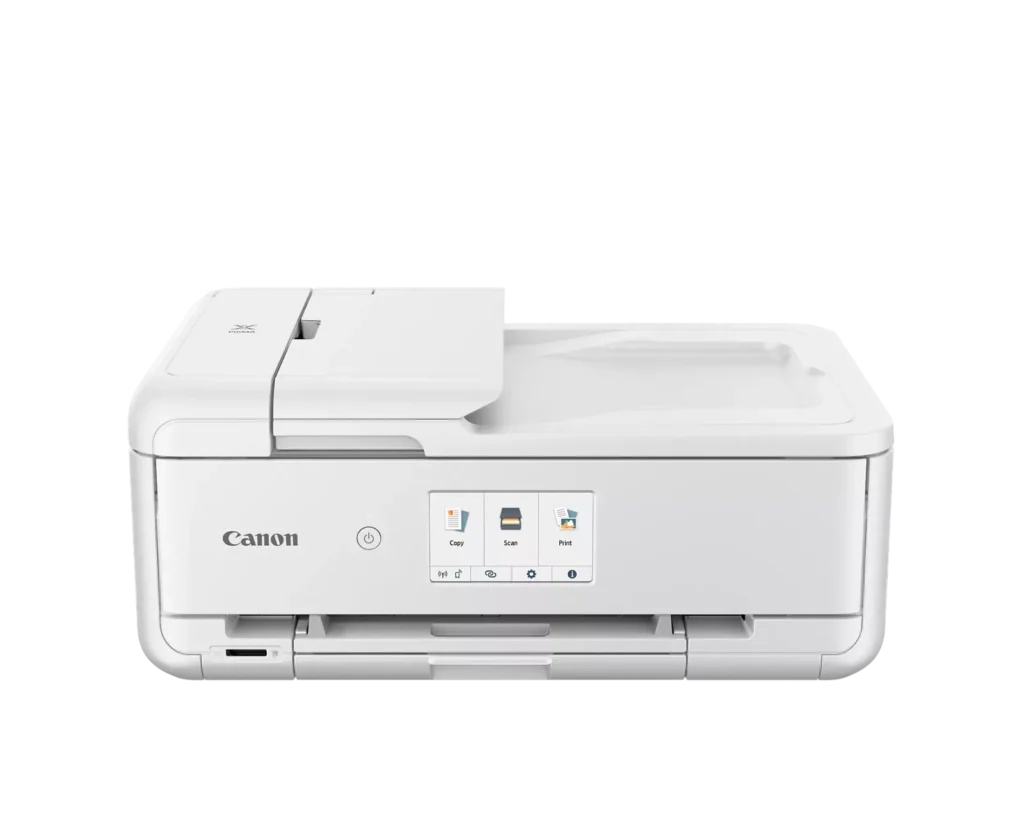
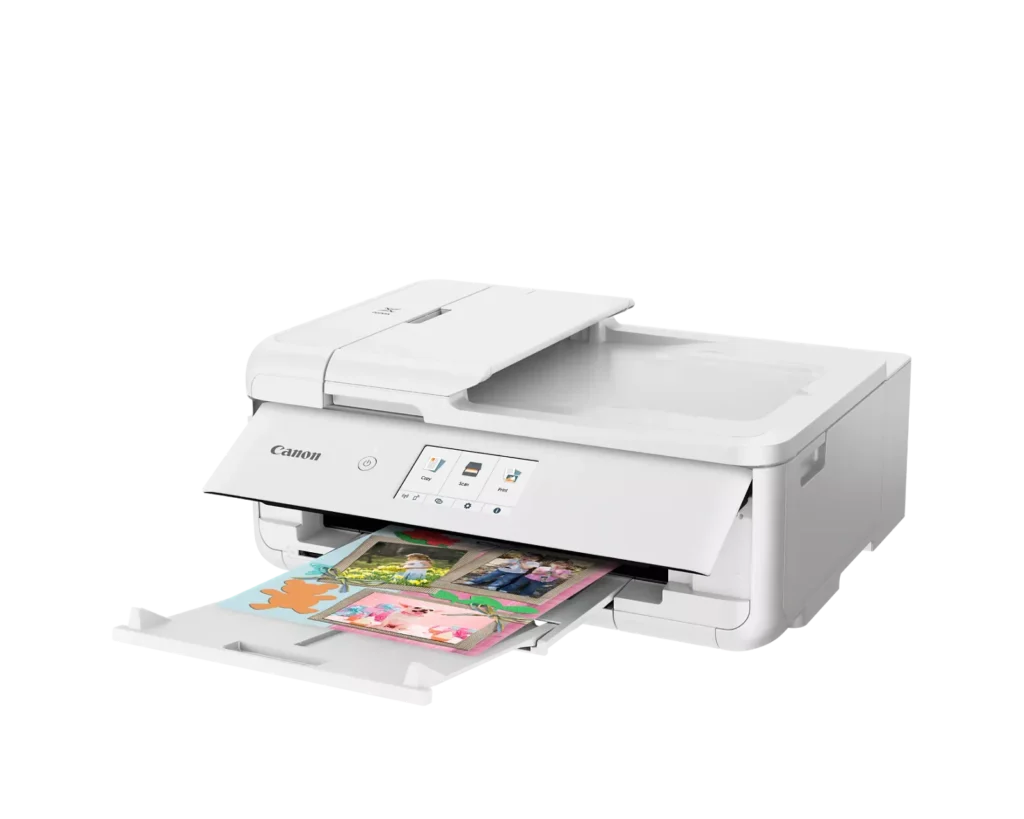
| Versatile Crafting & Large Format Printing | Specifically designed for creators, this printer supports borderless 12" x 12" printing—perfect for scrapbooking—and can handle large documents up to 11" x 17" (Tabloid size) for calendars, posters, and professional-looking projects. |
|---|---|
| 5-Individual Ink System | Utilizes a hybrid ink system with five individual tanks, including a pigment-based black for sharp text and dye-based colors for vivid photos. This efficient design allows you to replace only the specific color that runs out. |
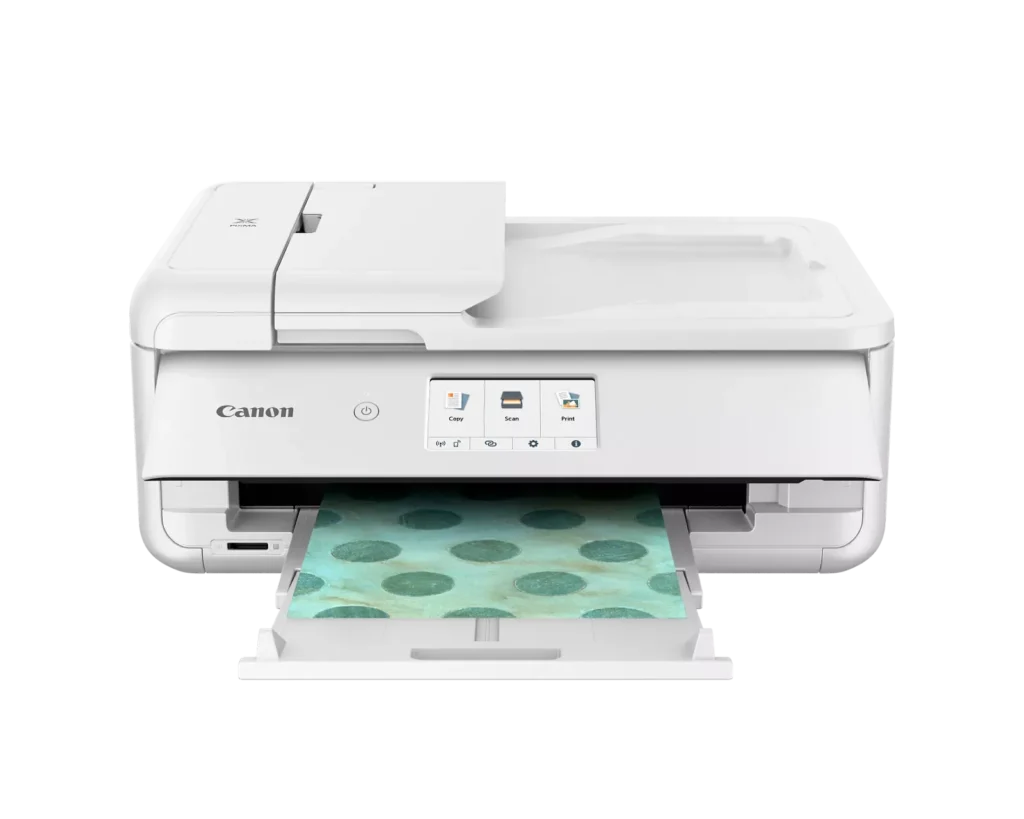
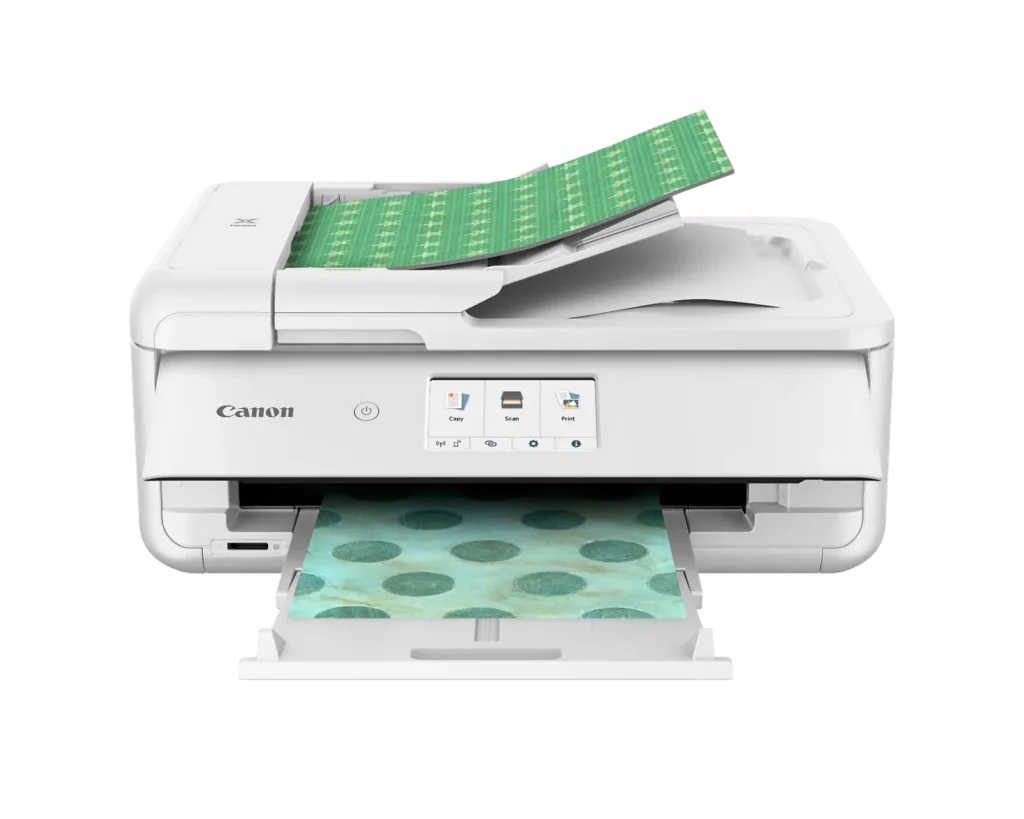
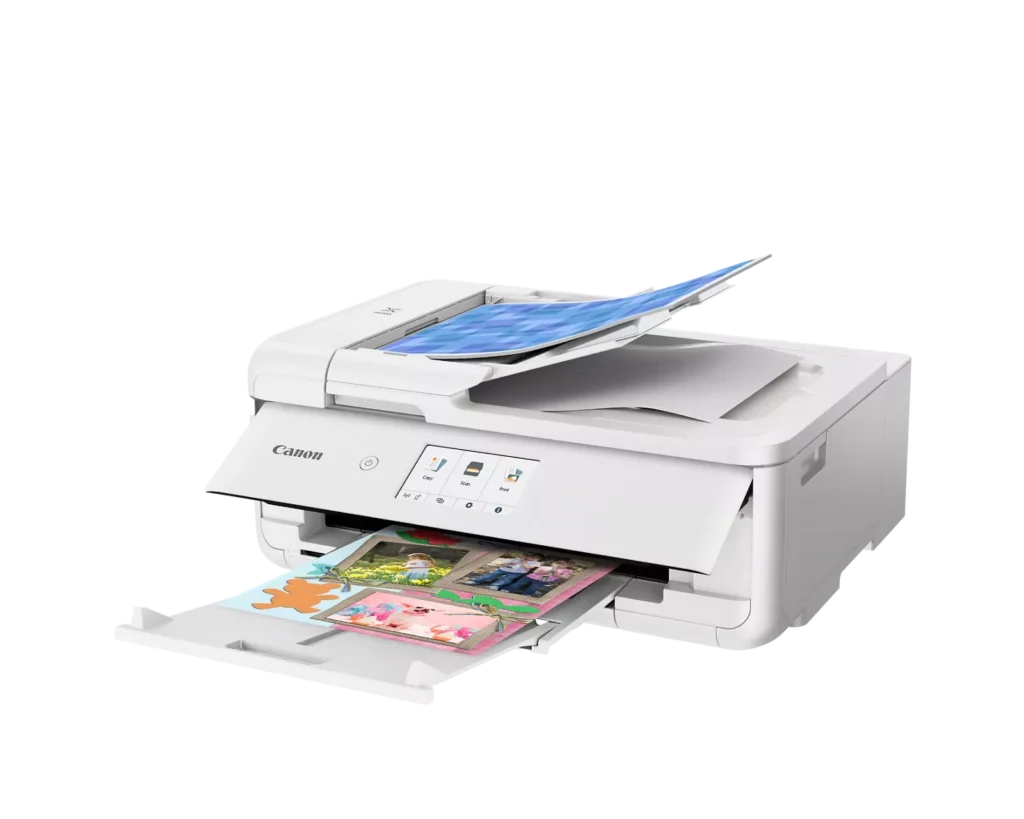
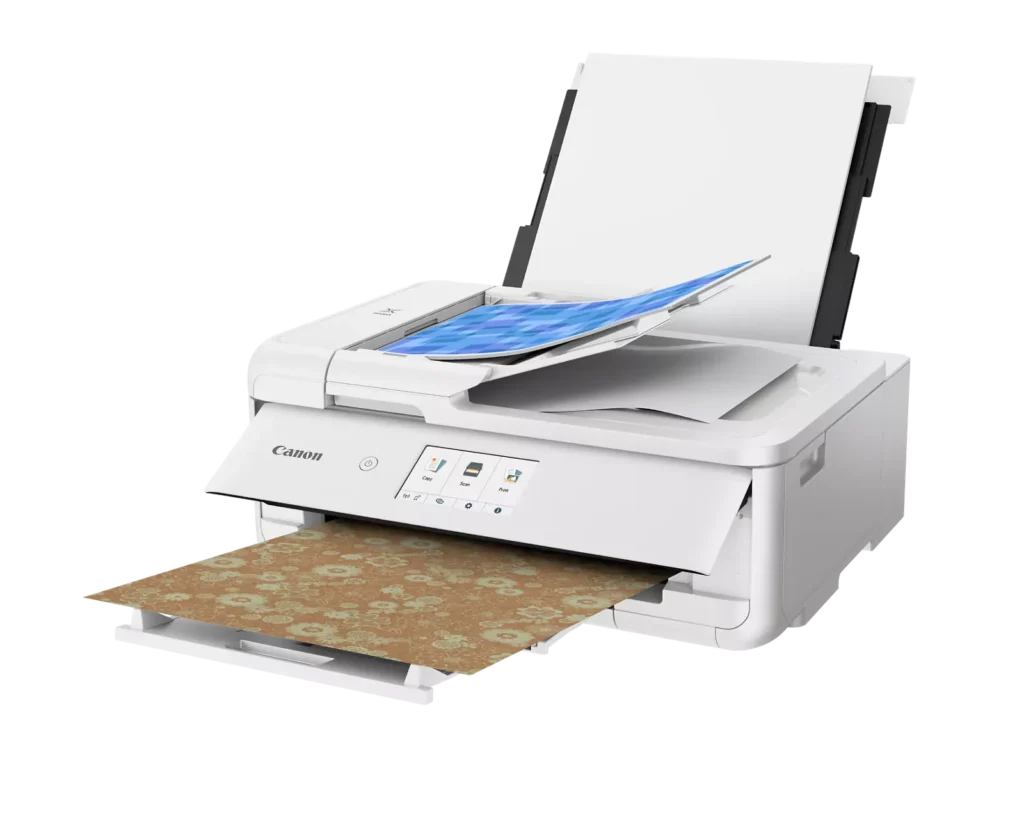
| Flexible Paper Handling & ADF | Features a 200-sheet total capacity with a 100-sheet front cassette and a 100-sheet rear tray that supports heavy cardstock. It also includes a 20-sheet Auto Document Feeder (ADF) for efficient multi-page scanning and copying. |
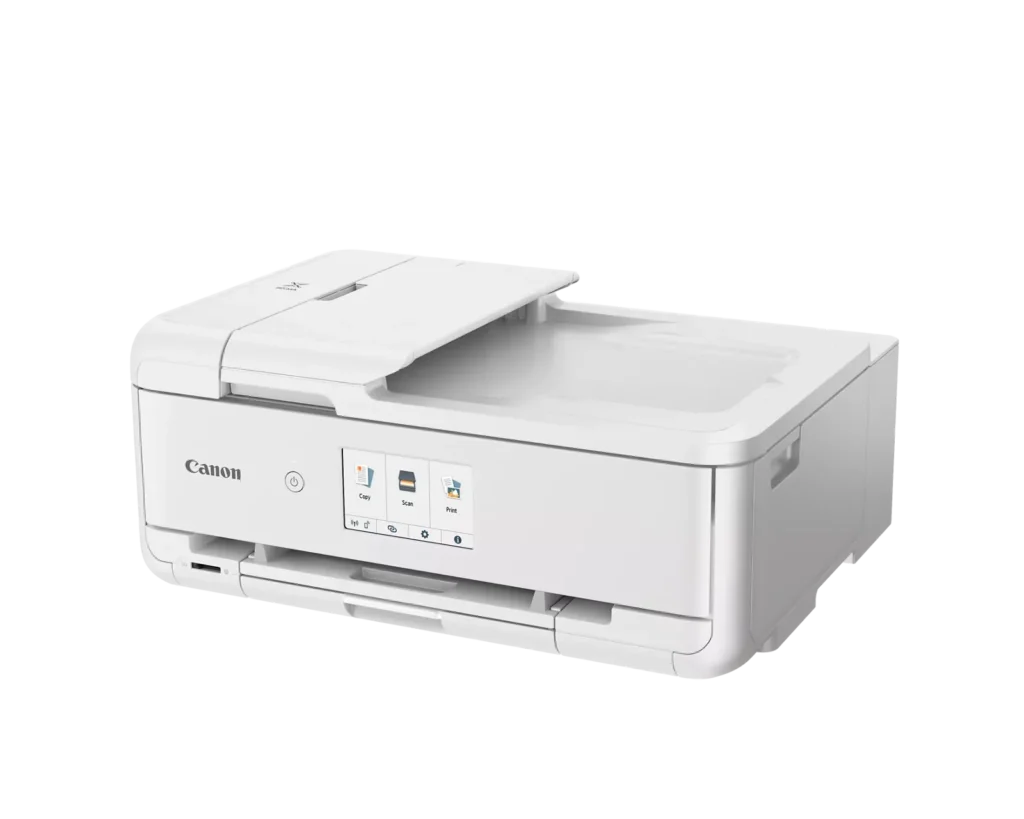
| Intuitive 4.3" Touchscreen Interface | Navigate functions easily with a large, user-friendly 4.3" LCD touchscreen. The interface provides direct access to 45 built-in printable patterns and templates, making it easy to print custom designs without a computer. |
| Seamless Wireless & Mobile Connectivity | Print effortlessly from your smartphone or tablet using the Canon PRINT app, Apple AirPrint, or Mopria Print Service. It also features a built-in SD memory card slot for direct photo printing and supports Wi-Fi and Ethernet connections. |
Pros & Cons
Pros
- Exceptional Print Quality: Reviews consistently highlight vibrant colors and sharp details, particularly for photos and crafting projects like stickers, magnets, and scrapbooking materials.
- Versatile Media Support: The printer handles a wide range of sizes and types, including 12×12 scrapbooking paper, 11×17 posters, and heavy cardstock, which is highly valued by creative users.
- Useful All-in-One Features: Users appreciate the inclusion of an automatic document feeder (ADF), auto-duplex printing, and borderless printing capabilities that support both office and creative tasks.
Cons
- Connectivity Frustrations: A large number of reviews mention severe difficulties connecting to WiFi, a lack of 5GHz support, and frequent 'offline' errors that require troubleshooting or hardwiring.
- High Ink Consumption: Many users complain that the printer uses ink very quickly, especially during photo printing, and that genuine replacement cartridges are expensive.
- Inconvenient Design Quirks: The requirement to keep the front control panel manually tilted up to print and the small capacity of the paper trays are frequently cited as annoying design flaws.
You might also like












Customer Reviews
Showing reviews 21-30 of 232
-
Leave the Control Panel UP
Verified purchase Verified purchase: This reviewer bought the product.Jennie Owens November 13, 2025Review source: AmazonThere’s something unusual in setting up this printer: the control panel has to be UP, all the time. I got stuck, because the on-screen instructions said to raise it and did NOT say to put it back down. But I did anyway, because that’s what seemed natural to me, and so the error code wouldn’t go away. I called support, and was connected quickly; the tech walked me through it and then everything was fine. Now I really like this printer.
-
Useless if it Won’t Connect
Verified purchase Verified purchase: This reviewer bought the product.Kaylan Freeman November 12, 2025Review source: AmazonI was so excited to see how this printer would work for me, but I could not for the life of me get this printer connected to the internet, so it’s effectively useless unfortunately. Even after going through the process of splitting my WiFi bands, no dice. Very sad that this didn’t work for me.
-
Canon printer
Verified purchase Verified purchase: This reviewer bought the product.RandCH November 7, 2025Review source: BestbuySo far printer easy to operate. Not so easy for WIFI. Hooked up via cables.
-
Mediocre at best
Verified purchase Verified purchase: This reviewer bought the product.KSPS November 7, 2025Review source: BestbuyThis is fine for simple printing. It is slow and struggles to receive the info from the source. It is finicky as there is a panel that needs to be open to print. Sometimes it falls closed. I’d return it if I could.
-
Great printer with cheap ink
Verified purchase Verified purchase: This reviewer bought the product.Adam H. October 27, 2025Review source: AmazonGreat print quality with surprisingly cheap ink. Very easy to set up, able to handle different paper sizes and types. Works with Cricut machine as well.
-
Great Printer
Verified purchase Verified purchase: This reviewer bought the product.Frogman07 October 21, 2025Review source: BestbuyMy old Canon printer finally died. So went looking for a replacement. I’m a Canon fan. This printer allows to print up to 12×15 paper loaded from the rear. What a great plus. The 8.5 x 11 paper tray is easily accessible. Both the Wi-Fi and hard wired work great. When printing from a phone you do not get as many options. Anything that I need more control of I print from my computer. Overall I am very happy with this machine
-
Great printer
Verified purchase Verified purchase: This reviewer bought the product.MariaC October 19, 2025Review source: BestbuyThe printer is really easy to use and instale, the quality of print are excellent, if you are making a lot of copies/print the ink is a little expensive and don’t last long, besides that the printer is great.
-
Impressed by simplicity
Verified purchase Verified purchase: This reviewer bought the product.CynthiaD October 17, 2025Review source: BestbuyI am very impressed with the quality of this equipment. I wasn’t sure if I wanted to tackle a copier/ scanner because I am pretty much computer illiterate. This was so easy to operate and understand. Thank you from very satisfied customer.
-
Can't connect
Verified purchase Verified purchase: This reviewer bought the product.Amazon Customer October 9, 2025Review source: AmazonSpent 2 hrs trying to connect to network wifi. Tried everything and nothing worked. It only printed with USB connection.
-
Decent Enough for the Price
Verified purchase Verified purchase: This reviewer bought the product.Leslie October 6, 2025Review source: BestbuyThis printer has some quirks I haven’t had in other printers. Primarily that the control panel has to be up and the sheet catching tray must be pulled out. This is in a cabinet with limited width, so that means when I need to print I have to go to the cabinet and set it up every time I use it. It prints decently, with the color level showing every time I print. I don’t use scan very often in part because it’s hard to tell when I select “computer” where it sends the scan. Copy function is OK.