Customer Media
Highlights
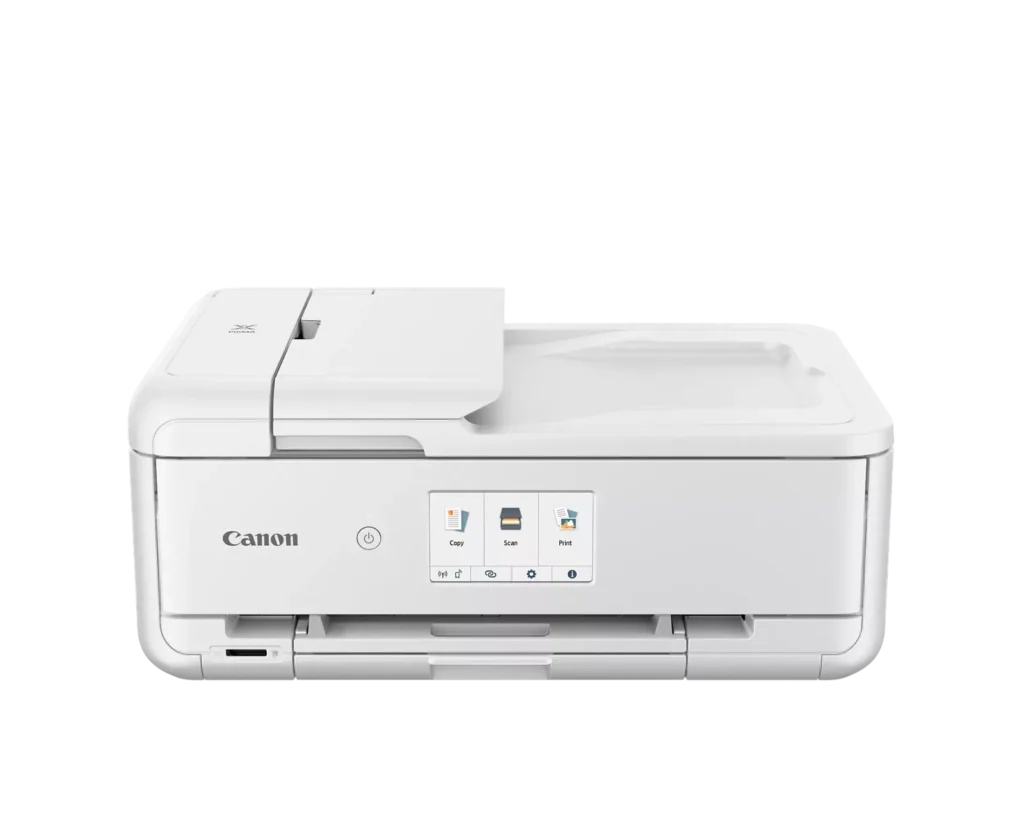
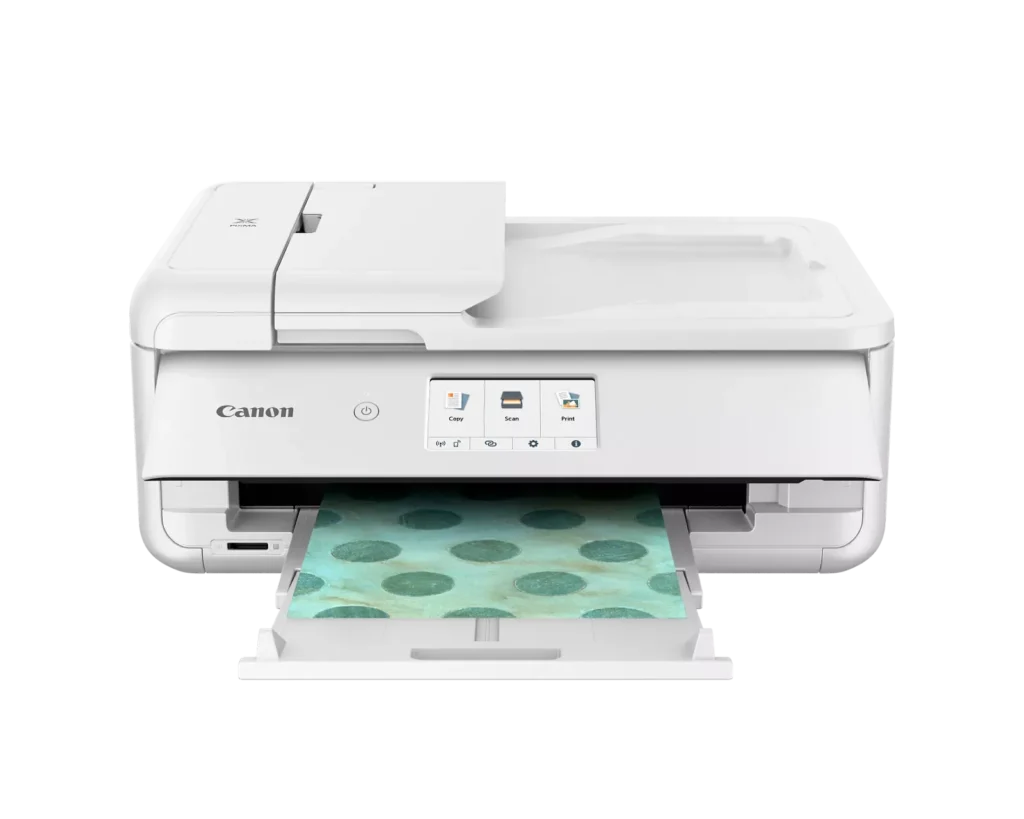
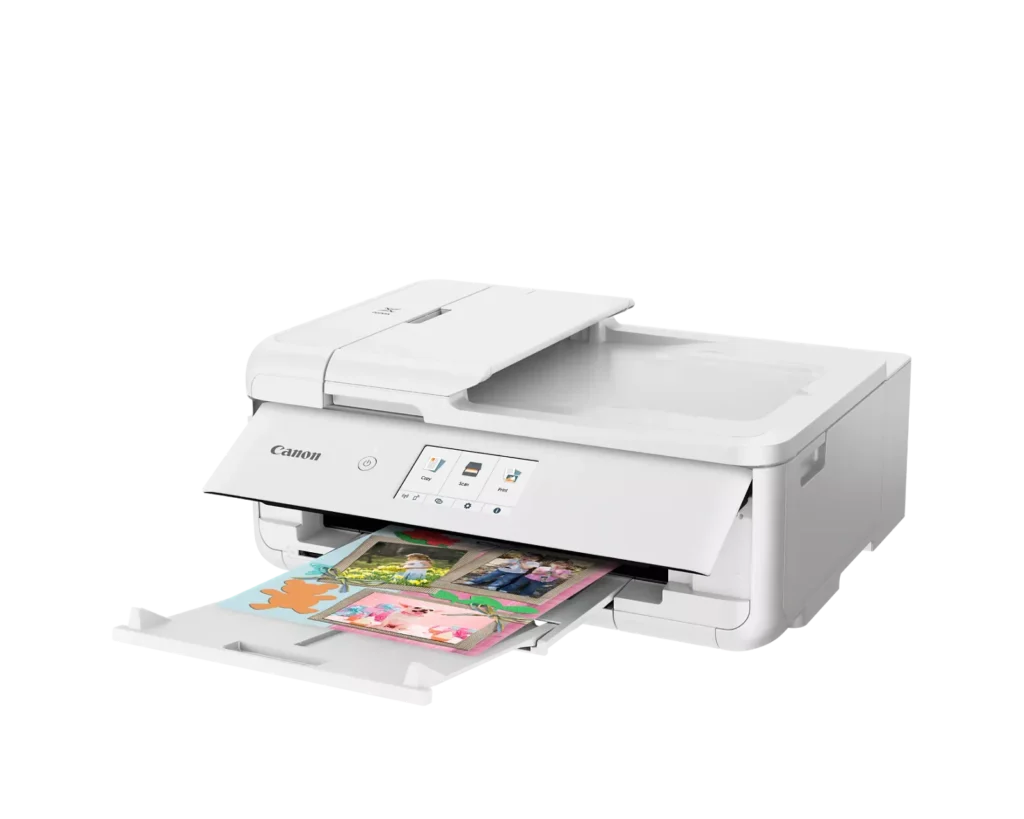
| Versatile Crafting & Large Format Printing | Specifically designed for creators, this printer supports borderless 12" x 12" printing—perfect for scrapbooking—and can handle large documents up to 11" x 17" (Tabloid size) for calendars, posters, and professional-looking projects. |
|---|---|
| 5-Individual Ink System | Utilizes a hybrid ink system with five individual tanks, including a pigment-based black for sharp text and dye-based colors for vivid photos. This efficient design allows you to replace only the specific color that runs out. |
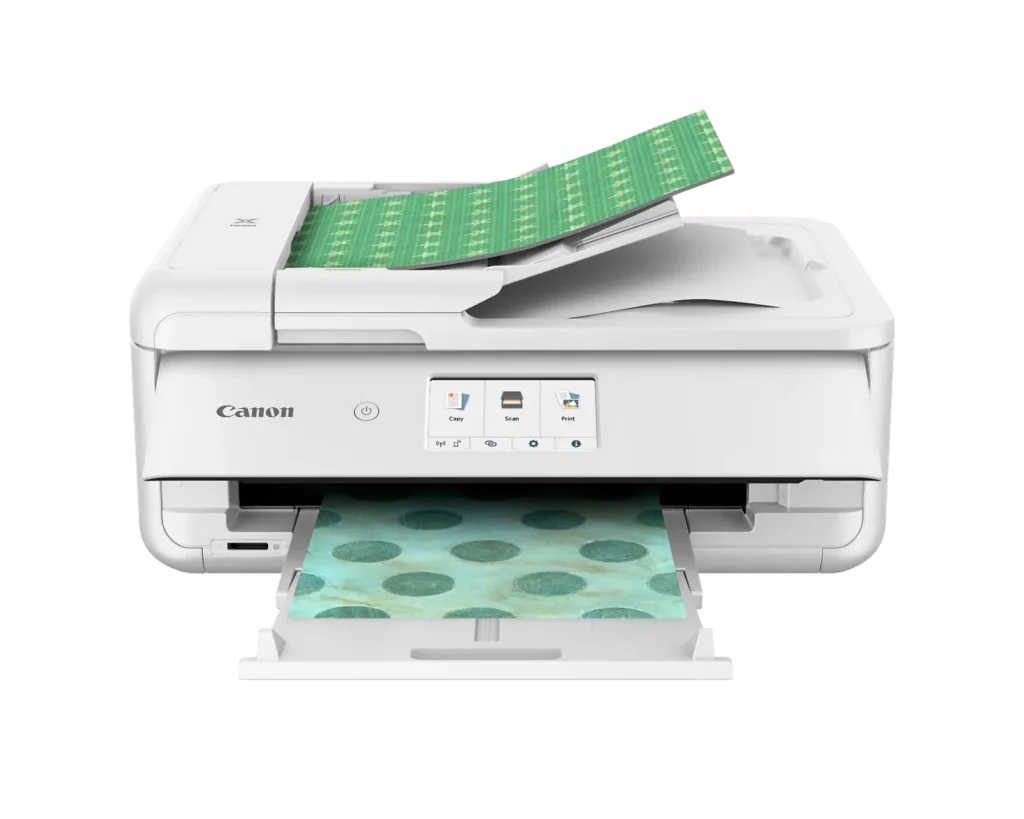
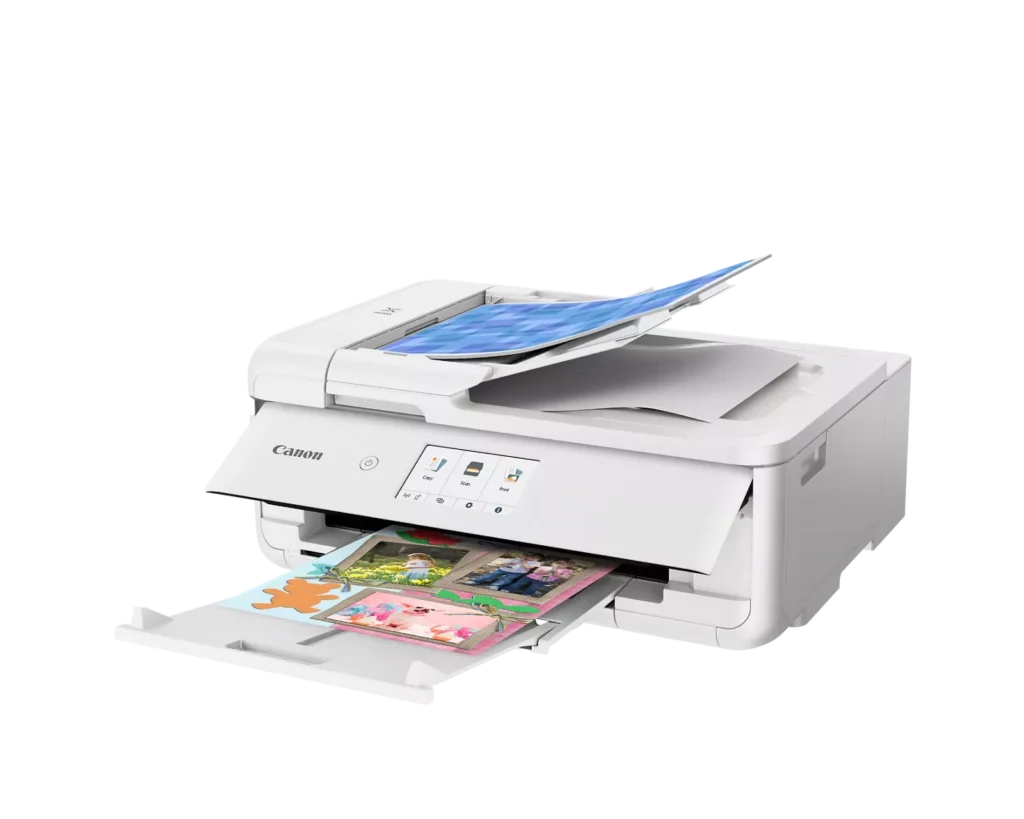
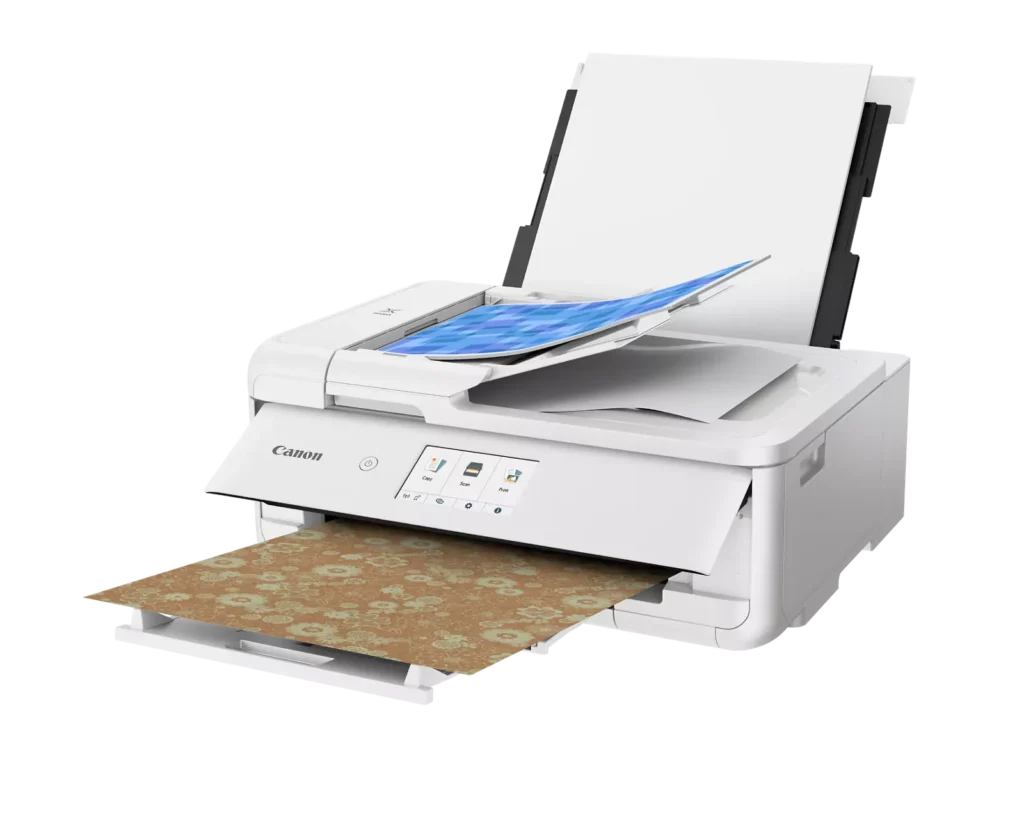
| Flexible Paper Handling & ADF | Features a 200-sheet total capacity with a 100-sheet front cassette and a 100-sheet rear tray that supports heavy cardstock. It also includes a 20-sheet Auto Document Feeder (ADF) for efficient multi-page scanning and copying. |
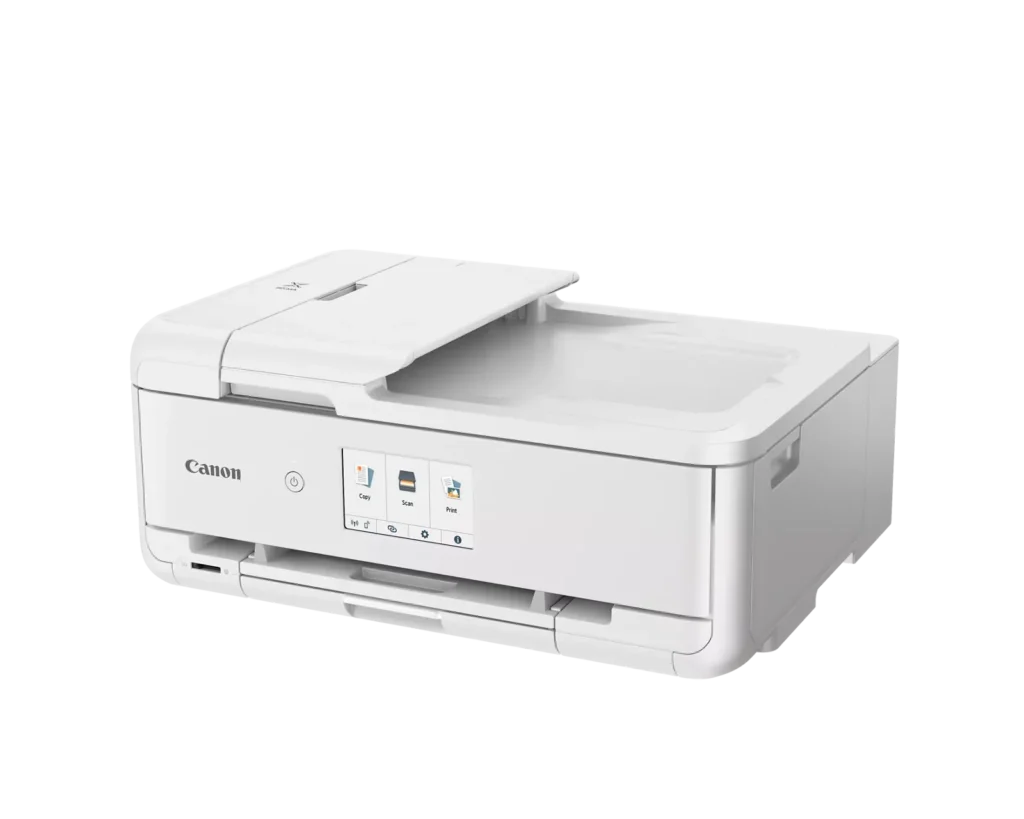
| Intuitive 4.3" Touchscreen Interface | Navigate functions easily with a large, user-friendly 4.3" LCD touchscreen. The interface provides direct access to 45 built-in printable patterns and templates, making it easy to print custom designs without a computer. |
| Seamless Wireless & Mobile Connectivity | Print effortlessly from your smartphone or tablet using the Canon PRINT app, Apple AirPrint, or Mopria Print Service. It also features a built-in SD memory card slot for direct photo printing and supports Wi-Fi and Ethernet connections. |
Pros & Cons
Pros
- Exceptional Print Quality: Reviews consistently highlight vibrant colors and sharp details, particularly for photos and crafting projects like stickers, magnets, and scrapbooking materials.
- Versatile Media Support: The printer handles a wide range of sizes and types, including 12×12 scrapbooking paper, 11×17 posters, and heavy cardstock, which is highly valued by creative users.
- Useful All-in-One Features: Users appreciate the inclusion of an automatic document feeder (ADF), auto-duplex printing, and borderless printing capabilities that support both office and creative tasks.
Cons
- Connectivity Frustrations: A large number of reviews mention severe difficulties connecting to WiFi, a lack of 5GHz support, and frequent 'offline' errors that require troubleshooting or hardwiring.
- High Ink Consumption: Many users complain that the printer uses ink very quickly, especially during photo printing, and that genuine replacement cartridges are expensive.
- Inconvenient Design Quirks: The requirement to keep the front control panel manually tilted up to print and the small capacity of the paper trays are frequently cited as annoying design flaws.
You might also like












Customer Reviews
Showing reviews 31-40 of 232
-
Printer is good, WiFi setup is not
Verified purchase Verified purchase: This reviewer bought the product.TX October 4, 2025Review source: AmazonThe printer is great so far; it prints black & white and color vividly.
As other reviewers report, the WiFi setup was a frustrating challenge. After a couple of others, I finally got it working.
No documentation included, and website support is unhelpful. Lack of tech support on weekends is a disservice to customers. -
I recommend as replacement for old mg7520
Verified purchase Verified purchase: This reviewer bought the product.Steph October 3, 2025Review source: BestbuyReally excellent replacement for long lasting canon that finally clogged its jets. Pretty quiet, but seems a bit slower than old (I can live with that). Only initial issue had to search the setup website to get correct interface with my computer. Will let my techy son/daughter-in-law setup Bluetooth if they want when they visit.
-
A little slow
Verified purchase Verified purchase: This reviewer bought the product.Amber Cerfoglio October 2, 2025Review source: AmazonSo far so good but would like it to print faster. Duplexing takes forever. Haven’t printed anything larger than 8.5×11. Looking forward to printing 12×12.
-
Atención al cliente es lo mas importante
Verified purchase Verified purchase: This reviewer bought the product.elsy aguilar September 29, 2025Review source: AmazonEste producto no funciona bien y estube esperando por el recollection y nunca yegó
-
Terrible printer
Verified purchase Verified purchase: This reviewer bought the product.JeanM September 25, 2025Review source: BestbuyThe printer worked for a short while. Off and on I’ve been trying to get it to work again. It jams constantly and won’t recognize paper in the main tray. Some parts are made of cheap materials. I’ve never tried to print a photo because I can’t get it to work with paper.
-
Cannon TS9521Ca Printer
Verified purchase Verified purchase: This reviewer bought the product.Bear1968 September 20, 2025Review source: BestbuySo far good. Received quickly. Easy to set up. It is wide but not tall so still feels compact. Pictures are awesome. Great color and clarity. Text print is crisp and looks great
-
If you cannot connect is it worth it?
Verified purchase Verified purchase: This reviewer bought the product.MrAL September 14, 2025Review source: BestbuySince I tried the Canon walk through for setup which was a breeze and then wireless connect setup. Canon programmers should be sent to prison for fraud so that they can be treated like they treat their customers. The phone App just searches and searches for zero results which we can only hope the same happens to the programmers. The frustration only continues for PC when trying to connect wireless. The stupid software keeps loading and then saying setup failed which then it trys loading again.
I shouldn’t have to but I am contacting Geek Squad for help.
I only hope that Canon gets treated the same way.
-
Printer
Verified purchase Verified purchase: This reviewer bought the product.Abbey September 12, 2025Review source: BestbuyThis printer was an amazing purchase. Works well for my cricut projects!
-
awesome
Verified purchase Verified purchase: This reviewer bought the product.Constance Bragg September 10, 2025Review source: AmazonEasy to use, fast print outs. Letters look professional!!
-
Hard to set up
Verified purchase Verified purchase: This reviewer bought the product.Amazon Customer September 10, 2025Review source: AmazonA challenge to set up, but once it is set up works great. I bought the extended warranty. Asurion helped me get it set up. Worth the cost their service is 24/7 not like Canon’s service only business hours.