Customer Media
Highlights
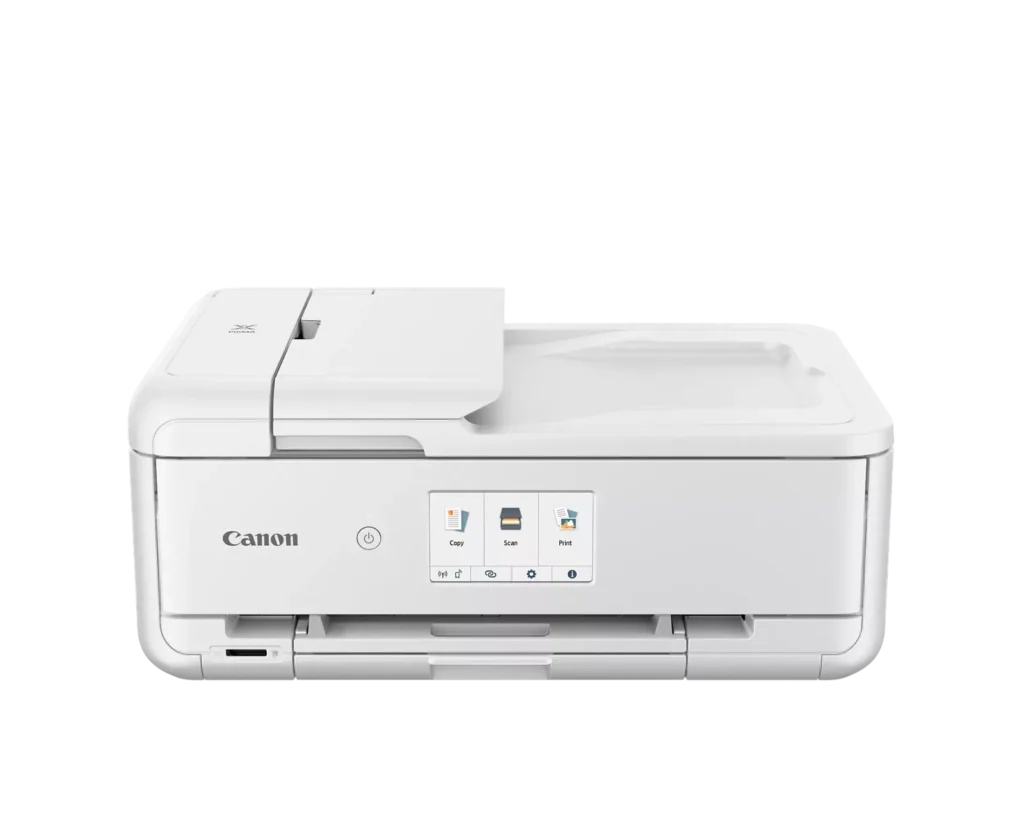
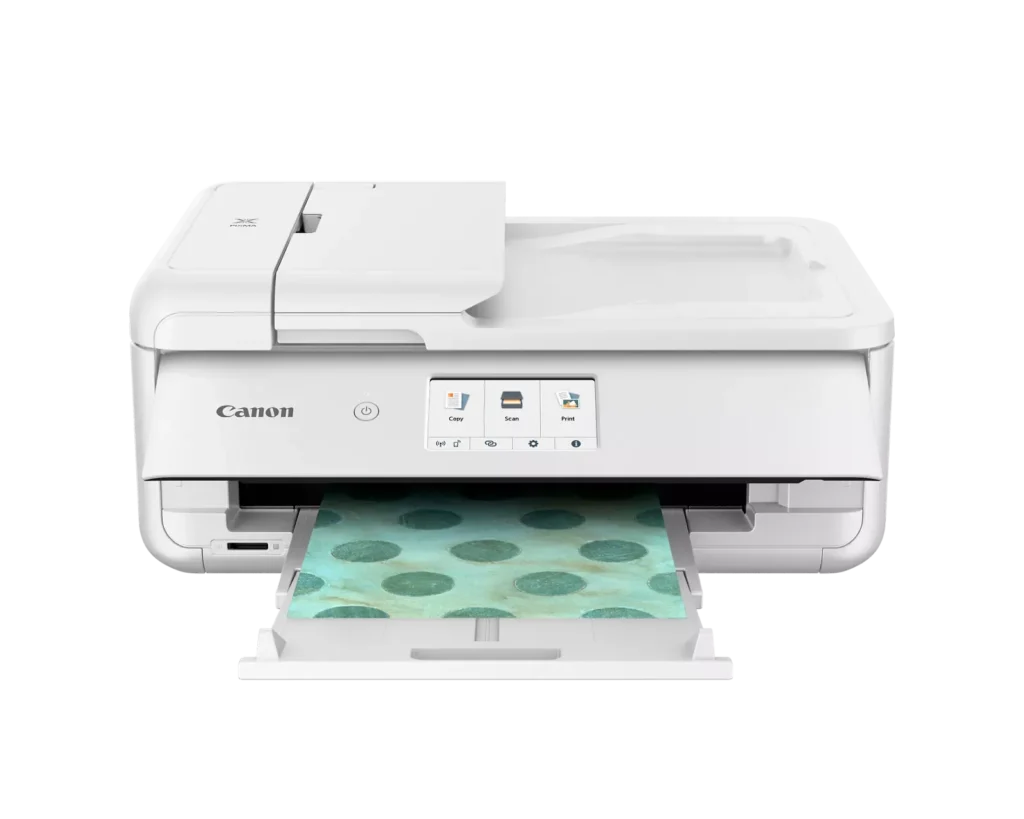
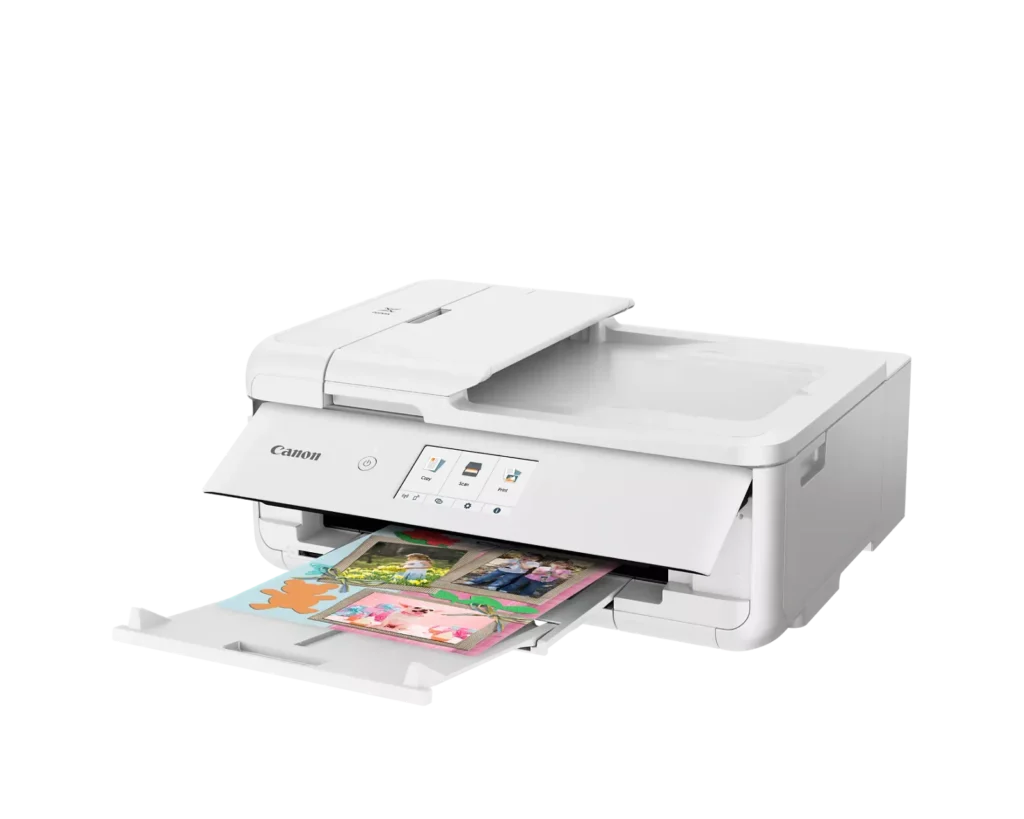
| Versatile Crafting & Large Format Printing | Specifically designed for creators, this printer supports borderless 12" x 12" printing—perfect for scrapbooking—and can handle large documents up to 11" x 17" (Tabloid size) for calendars, posters, and professional-looking projects. |
|---|---|
| 5-Individual Ink System | Utilizes a hybrid ink system with five individual tanks, including a pigment-based black for sharp text and dye-based colors for vivid photos. This efficient design allows you to replace only the specific color that runs out. |
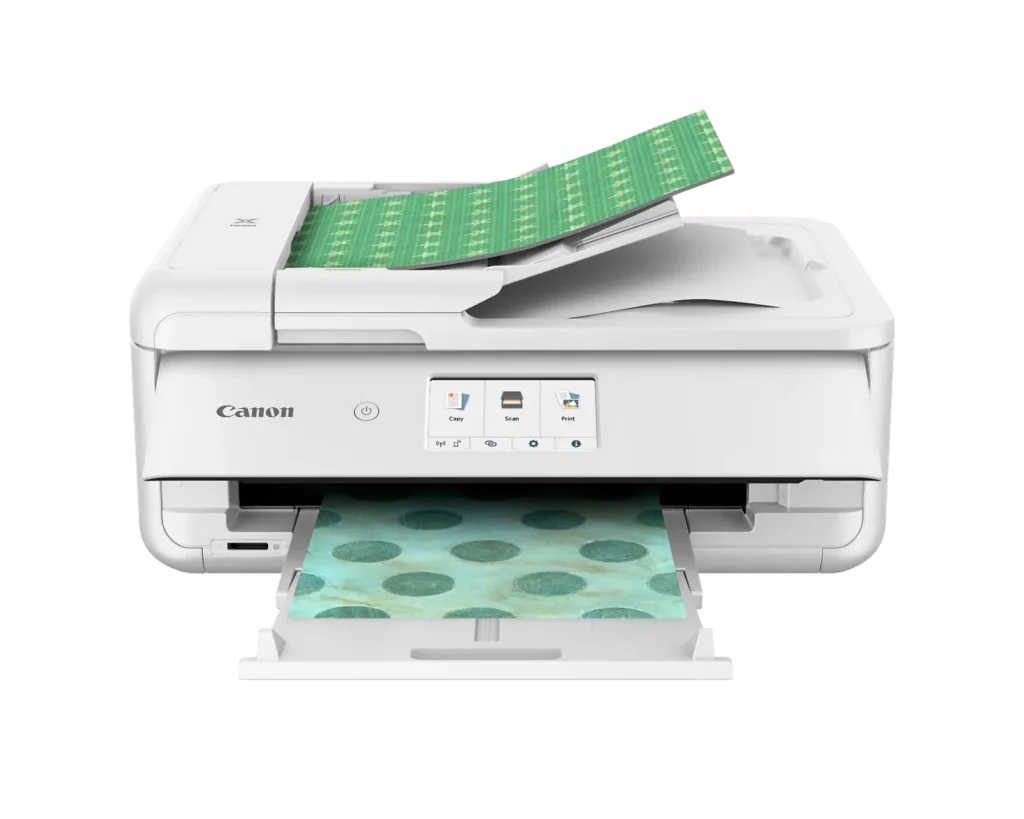
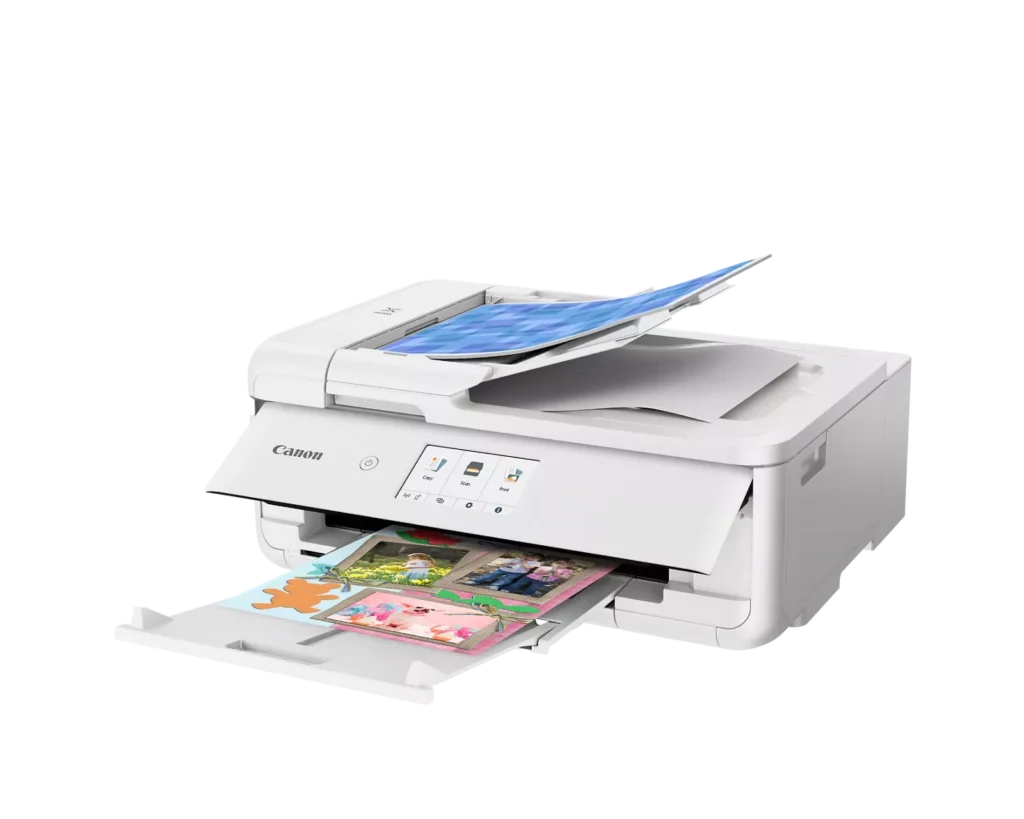
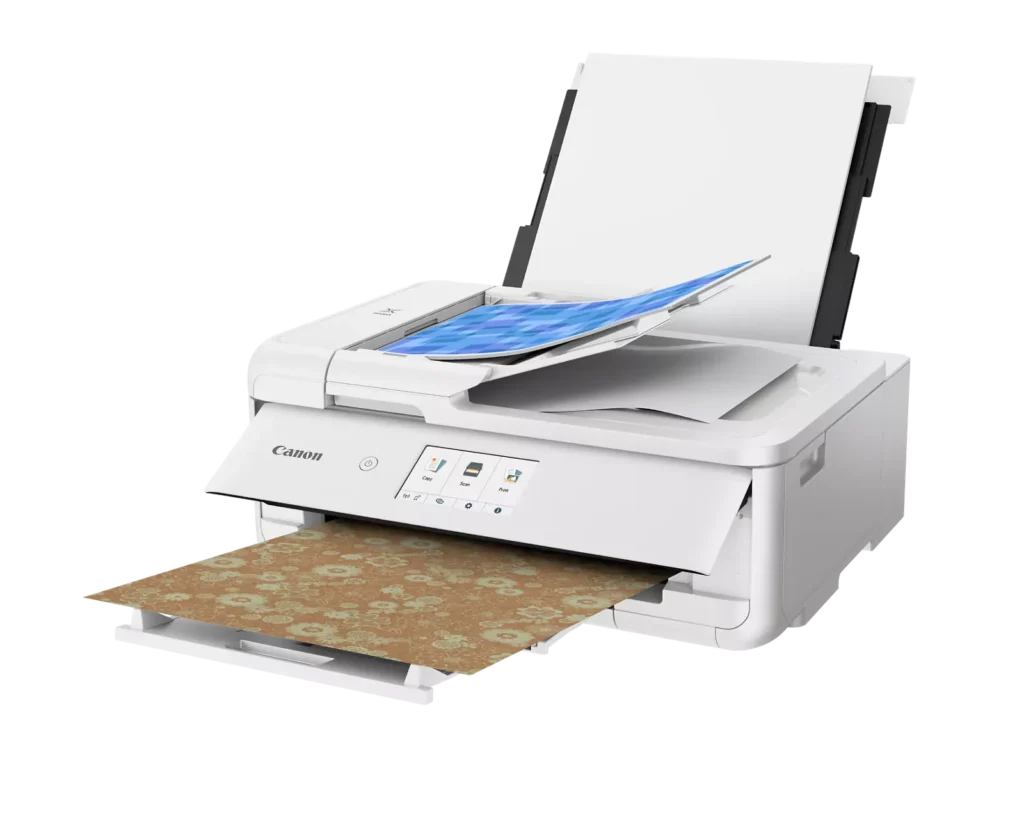
| Flexible Paper Handling & ADF | Features a 200-sheet total capacity with a 100-sheet front cassette and a 100-sheet rear tray that supports heavy cardstock. It also includes a 20-sheet Auto Document Feeder (ADF) for efficient multi-page scanning and copying. |
| Intuitive 4.3" Touchscreen Interface | Navigate functions easily with a large, user-friendly 4.3" LCD touchscreen. The interface provides direct access to 45 built-in printable patterns and templates, making it easy to print custom designs without a computer. |
| Seamless Wireless & Mobile Connectivity | Print effortlessly from your smartphone or tablet using the Canon PRINT app, Apple AirPrint, or Mopria Print Service. It also features a built-in SD memory card slot for direct photo printing and supports Wi-Fi and Ethernet connections. |
Pros & Cons
Pros
- Exceptional Print Quality: Reviews consistently highlight vibrant colors and sharp details, particularly for photos and crafting projects like stickers, magnets, and scrapbooking materials.
- Versatile Media Support: The printer handles a wide range of sizes and types, including 12×12 scrapbooking paper, 11×17 posters, and heavy cardstock, which is highly valued by creative users.
- Useful All-in-One Features: Users appreciate the inclusion of an automatic document feeder (ADF), auto-duplex printing, and borderless printing capabilities that support both office and creative tasks.
Cons
- Connectivity Frustrations: A large number of reviews mention severe difficulties connecting to WiFi, a lack of 5GHz support, and frequent 'offline' errors that require troubleshooting or hardwiring.
- High Ink Consumption: Many users complain that the printer uses ink very quickly, especially during photo printing, and that genuine replacement cartridges are expensive.
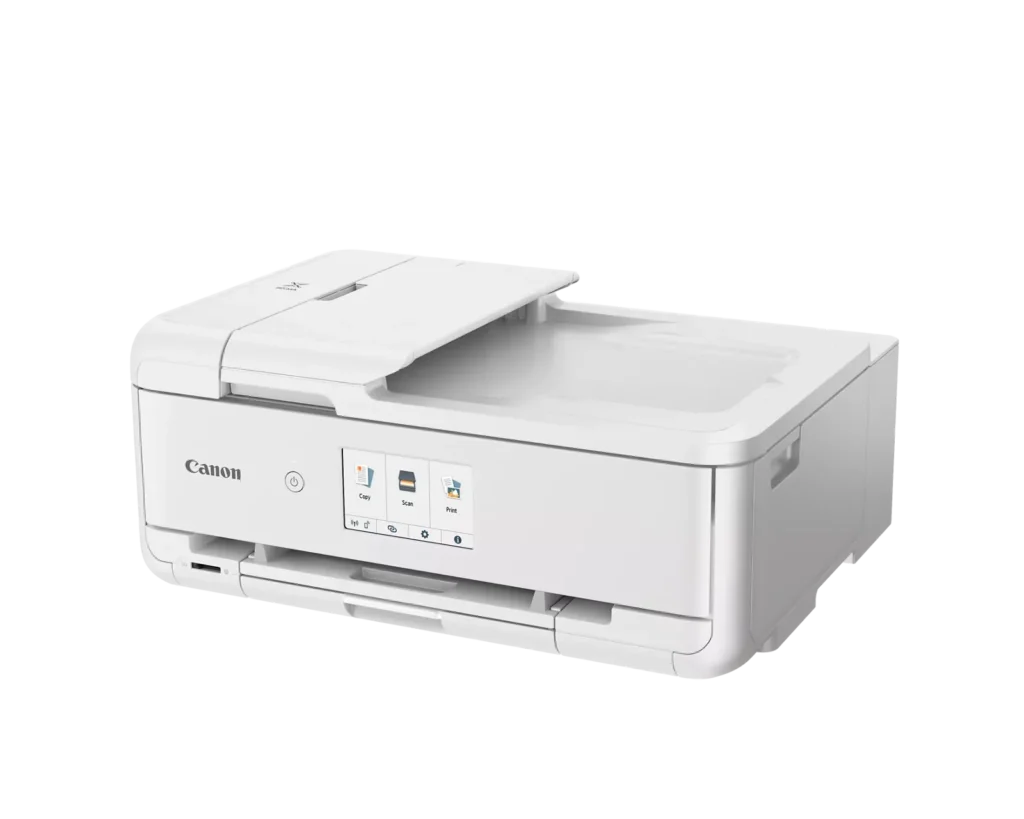
- Inconvenient Design Quirks: The requirement to keep the front control panel manually tilted up to print and the small capacity of the paper trays are frequently cited as annoying design flaws.
You might also like












Customer Reviews
Showing reviews 61-70 of 232
-
Great Value
Verified purchase Verified purchase: This reviewer bought the product.Flotus August 15, 2025Review source: BestbuyEasy set up. Love the white color. Prints and scans efficiently.
-
Craft printer
Verified purchase Verified purchase: This reviewer bought the product.Introvertreviews August 13, 2025Review source: BestbuyBought this for a crafty daughter. She loves the fact that she can print crystal clear mini packaging and its not blurry.
-
Eats Ink Like Crazy
NaDhrt August 9, 2025Review source: AmazonI’ve never owned a printer that used so much ink before. For example, I printed 8 pages in color and I’m already getting low on ink. And keep in mind that I’m using genuine Canon ink cartridges and only parts of the page are in color. The worst part is that the color printing doesn’t even look good! It’s completely faded and there’s no saturation. I just don’t understand the good reviews this printer gets.
The ink cartridges are also not cheap. To replace them all you will spend over $70.
I forgot to mention the scanner doesn’t work on mine either. I think its a software issue but I gave up troubleshooting it.
If I had to say something positive, it’s easier to load the paper compared to my last printer. So there’s that.
-
Never buy this printer
Redheadchick August 7, 2025Review source: AmazonI have had nothing but grief from this printer since the day I bought it. I don’t use it very often because I use my color LaserJet most of the time but once in a while, I need a bigger print and that is why I bought this. I have to fight with this printer for about 30 minutes every time I use it. There’s never any rhyme or reason as to why. It will always print a partial print on the first page. There is no reason for it. I have to do multiple reboot.
Some of the specialty papers I use can be pretty pricey so it is very infuriating when the first page comes out ruined because it doesn’t print the whole job. There is no reason why it should be doing this.
I would never recommend anybody by this printer. I bought it when it was over $300 so now I have to eat it and I also bought ink for it recently.
After it freaks out it sits there saying processing please wait momentarily forever! Until I have to reboot it or unplug it altogether. What a piece of garbage.
-
Great Printer!
Verified purchase Verified purchase: This reviewer bought the product.KimE August 1, 2025Review source: BestbuyThis Canon, All-In-One Inkjet Printer has been great! Once I was able to set-it-up, the wireless is flawless and the printing is very good. I would have liked the rating option of 4.5 Stars, as the only reason I’m not giving it 5 Stars is that you have to lift the front side-lid for it to print. Because I live in Scottsdale (desert) I keep the lid closed when I’m not using it to prevent dust from entering. Overall, I highly recommend this printer!
-
Terrible Software – Doesn’t Print all the time
Verified purchase Verified purchase: This reviewer bought the product.MarzenaP August 1, 2025Review source: BestbuyHad to keep reinstalling driver would not print all the time
-
Easy to use printer
Verified purchase Verified purchase: This reviewer bought the product.A July 30, 2025Review source: AmazonThe printer works well. I needed it to print magnets and the magnets came out so clear and the printer was easy to use. The set up was easy too.
-
Easy to use once set up.
Verified purchase Verified purchase: This reviewer bought the product.Marcia Little July 23, 2025Review source: AmazonVery delicate, but with patience it gets the job done.
-
Quality Prints with Beautiful Colors!
Verified purchase Verified purchase: This reviewer bought the product.Marilyn C Lamb July 22, 2025Review source: AmazonI’m using this printer for a variety of crafting projects. So far, I’ve created some beautiful stickers and printable magnets with this printer. Beautiful colors! I love it and will be using it a lot!
-
Love it
Verified purchase Verified purchase: This reviewer bought the product.JayC July 16, 2025Review source: BestbuyAmazing printer, prints bright and bigger page sizes but it runs out of ink quickly