Customer Media
Highlights
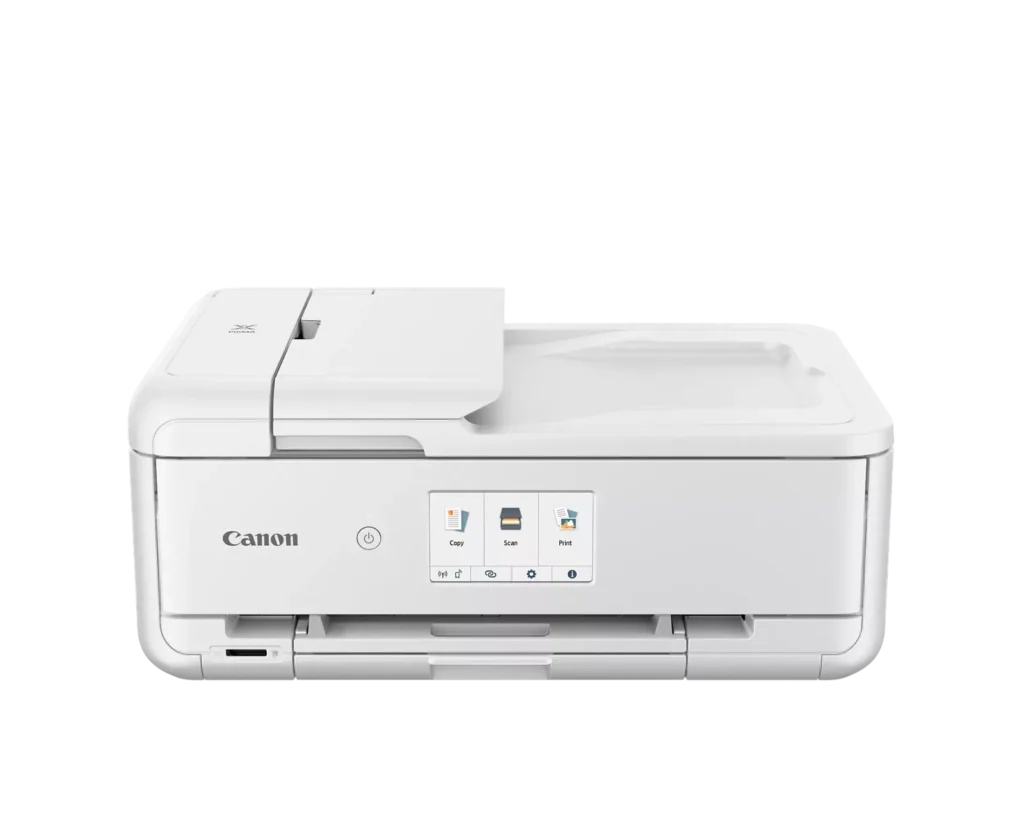
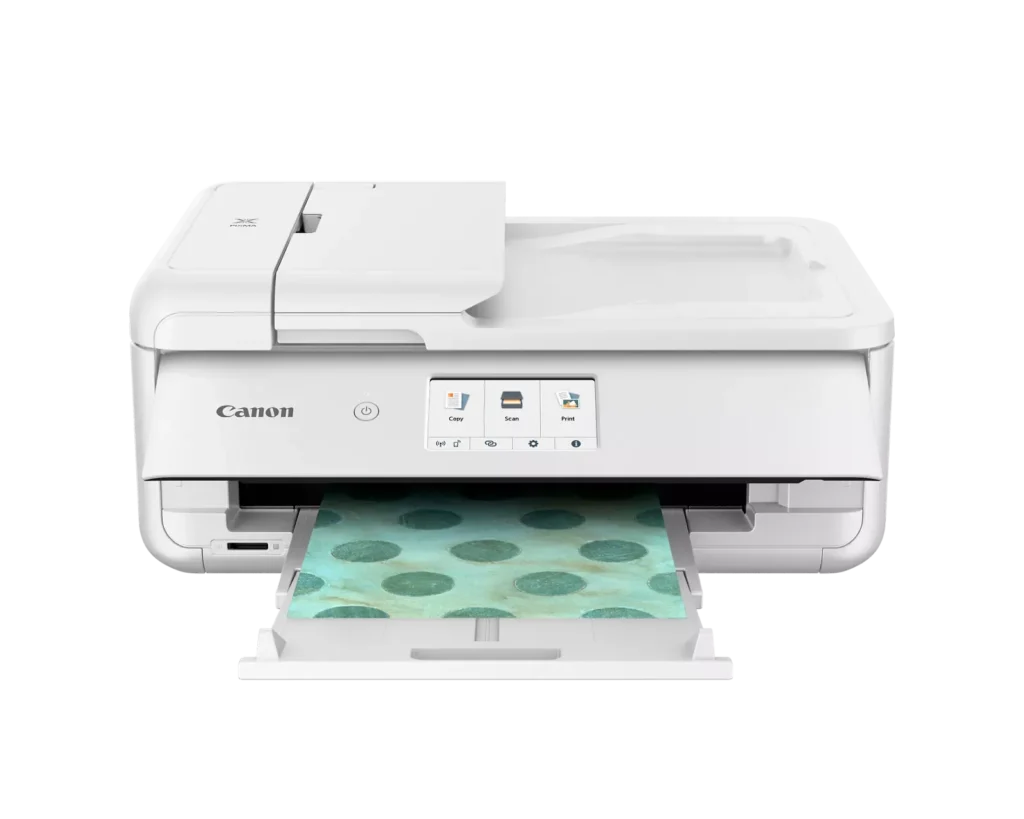
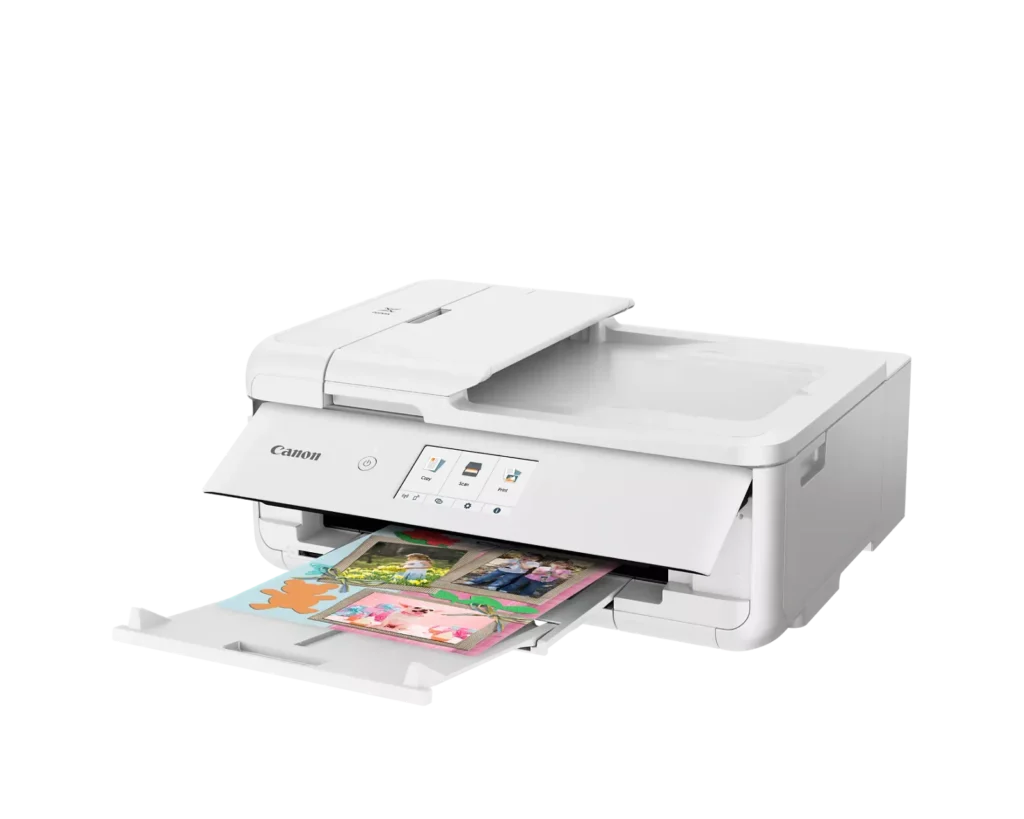
| Versatile Crafting & Large Format Printing | Specifically designed for creators, this printer supports borderless 12" x 12" printing—perfect for scrapbooking—and can handle large documents up to 11" x 17" (Tabloid size) for calendars, posters, and professional-looking projects. |
|---|---|
| 5-Individual Ink System | Utilizes a hybrid ink system with five individual tanks, including a pigment-based black for sharp text and dye-based colors for vivid photos. This efficient design allows you to replace only the specific color that runs out. |
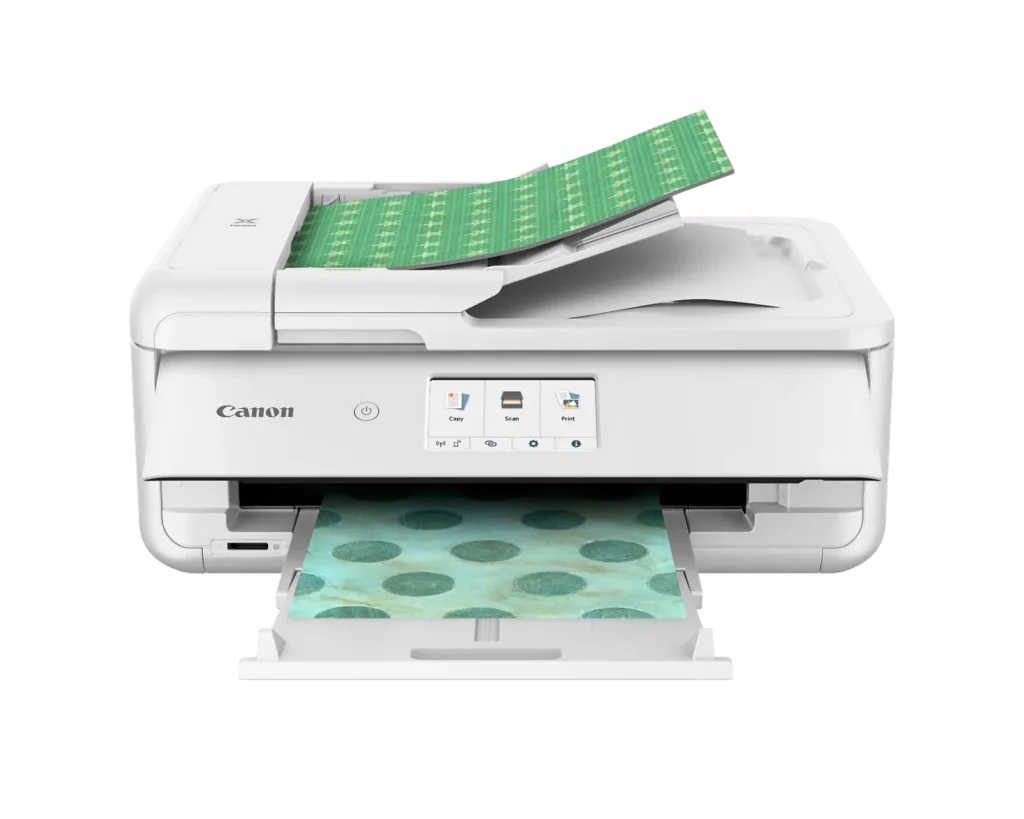
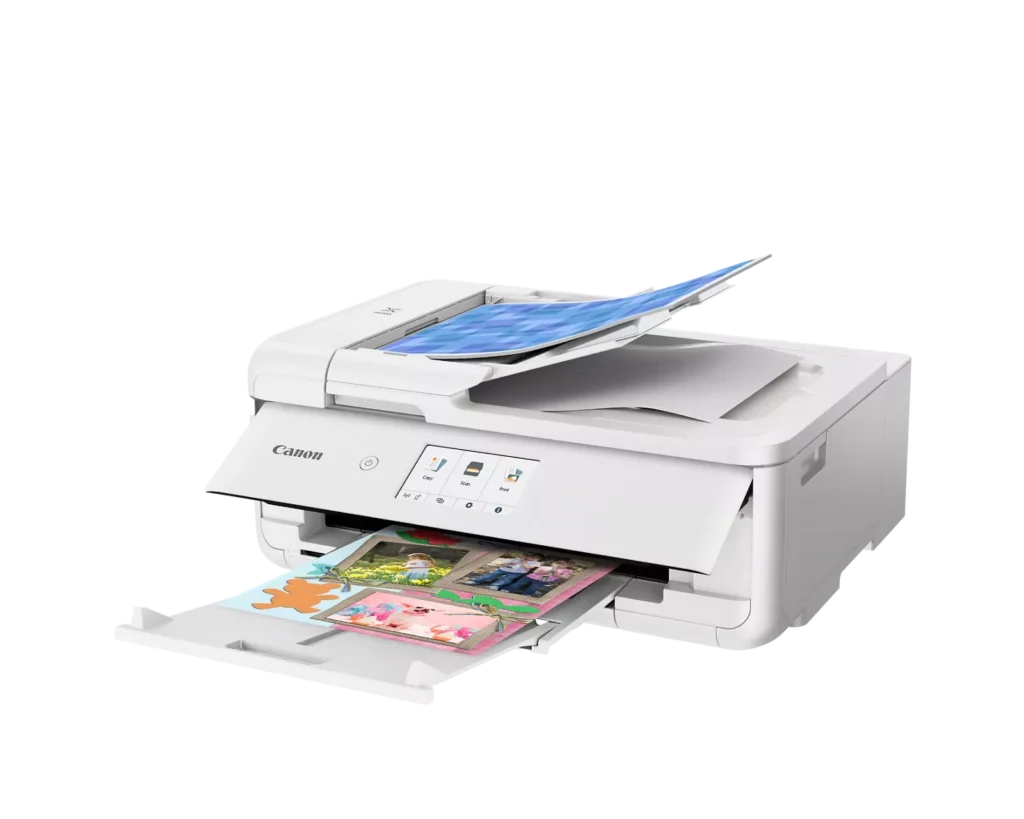
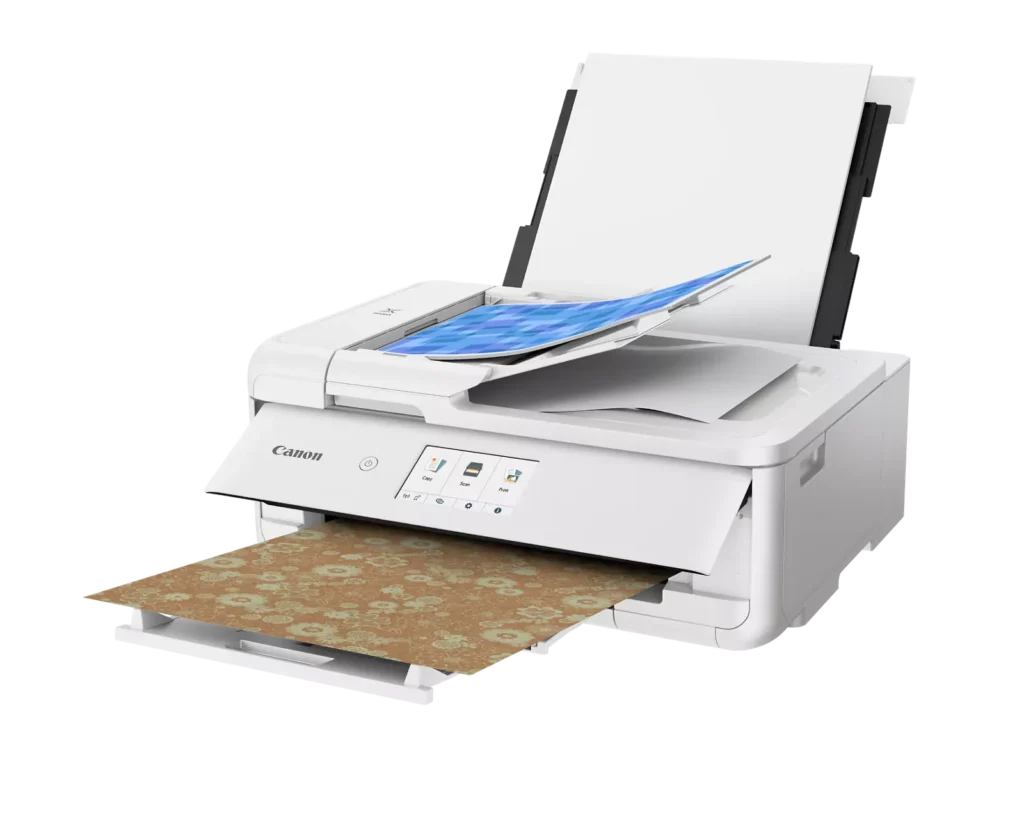
| Flexible Paper Handling & ADF | Features a 200-sheet total capacity with a 100-sheet front cassette and a 100-sheet rear tray that supports heavy cardstock. It also includes a 20-sheet Auto Document Feeder (ADF) for efficient multi-page scanning and copying. |
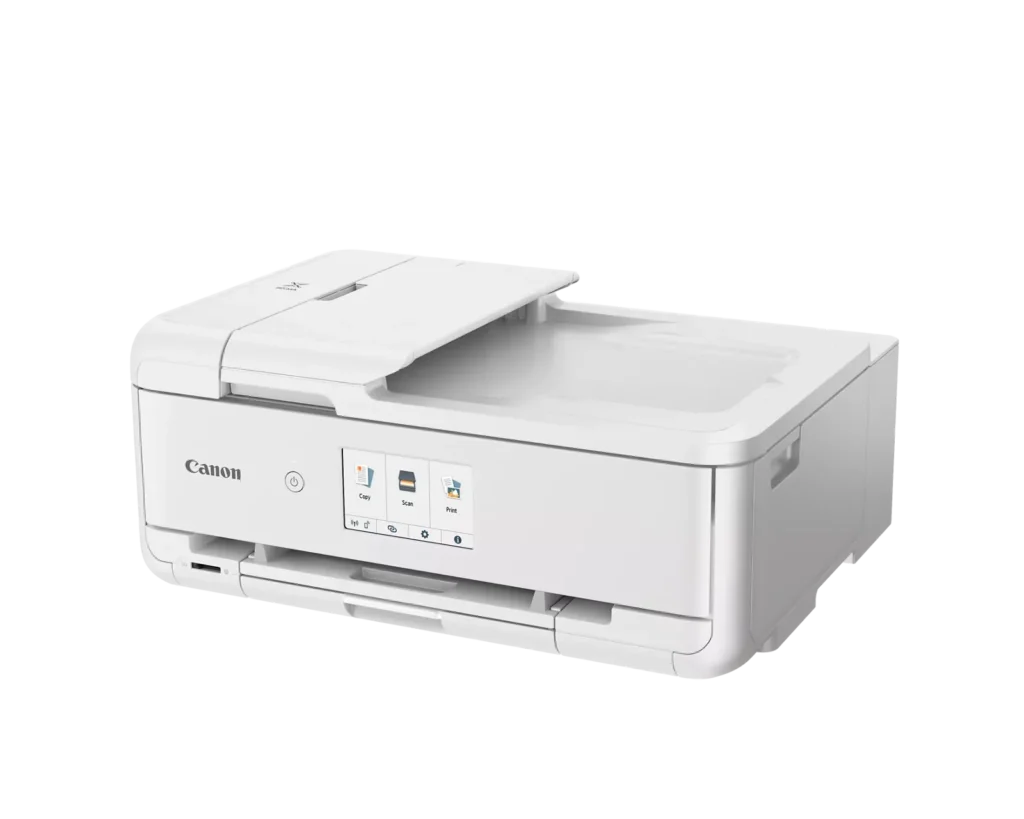
| Intuitive 4.3" Touchscreen Interface | Navigate functions easily with a large, user-friendly 4.3" LCD touchscreen. The interface provides direct access to 45 built-in printable patterns and templates, making it easy to print custom designs without a computer. |
| Seamless Wireless & Mobile Connectivity | Print effortlessly from your smartphone or tablet using the Canon PRINT app, Apple AirPrint, or Mopria Print Service. It also features a built-in SD memory card slot for direct photo printing and supports Wi-Fi and Ethernet connections. |
Pros & Cons
Pros
- Exceptional Print Quality: Reviews consistently highlight vibrant colors and sharp details, particularly for photos and crafting projects like stickers, magnets, and scrapbooking materials.
- Versatile Media Support: The printer handles a wide range of sizes and types, including 12×12 scrapbooking paper, 11×17 posters, and heavy cardstock, which is highly valued by creative users.
- Useful All-in-One Features: Users appreciate the inclusion of an automatic document feeder (ADF), auto-duplex printing, and borderless printing capabilities that support both office and creative tasks.
Cons
- Connectivity Frustrations: A large number of reviews mention severe difficulties connecting to WiFi, a lack of 5GHz support, and frequent 'offline' errors that require troubleshooting or hardwiring.
- High Ink Consumption: Many users complain that the printer uses ink very quickly, especially during photo printing, and that genuine replacement cartridges are expensive.
- Inconvenient Design Quirks: The requirement to keep the front control panel manually tilted up to print and the small capacity of the paper trays are frequently cited as annoying design flaws.
You might also like












Customer Reviews
Showing reviews 71-80 of 232
-
Best printer ever!
Verified purchase Verified purchase: This reviewer bought the product.Tasha July 15, 2025Review source: BestbuyEasy connection just hook up using bluetooth, perfect prints! I use this printer to make stickers with and they come out wonderful! Yes i used the ink that came with it!
-
Great printer for photos.
Verified purchase Verified purchase: This reviewer bought the product.Paul Hanley July 14, 2025Review source: AmazonGreat printer for photos. Prints on an assortment of products including high gloss photo paper, cardstock, and stickers. Excellent quality prints with no smudging. My only gripe is it burns through the ink fast. Replacement cartridges are reasonably priced. A word of caution though. Buying the cheaper ink (like the refilled cartridges) may hinder the quality of the prints.
-
looooove
Verified purchase Verified purchase: This reviewer bought the product.Lj July 12, 2025Review source: AmazonI love this printer, it’s so easy to use. It does go through ink pretty quickly but I’ve been using it for book binding at home and it’s perfect for that!
-
Beautiful colors!
Verified purchase Verified purchase: This reviewer bought the product.Celia July 11, 2025Review source: AmazonI’ve always bought cannon inkjet printers, because the colors are beautiful. I had an old cannon which had wifi that I had to get rid of because the drivers did not update anymore and my new pc couldn’t identify it; but the printer still worked and printed beautiful colors even after having it more than a decade. Took me a while to let it go. Bought this one and so far the colors are still great! Only one thing is that when you are printing from your phone or other device, if the wifi signal goes down it will freeze and not print. You will have to unplug, and plug it back in and then print the remaining pages. Best way to fix that is to have your wifi device close to the printer so it doesn’t lose the signal and freeze.
-
My Printer
Verified purchase Verified purchase: This reviewer bought the product.AnaM June 29, 2025Review source: BestbuyLove it! Perfect for crafting!! Perfect for printing stickers as well!
-
Good price
Verified purchase Verified purchase: This reviewer bought the product.Haoli June 20, 2025Review source: BestbuyNice printer, I printed out the photo. Not too bad quality, still good.
-
Out of this world!
Verified purchase Verified purchase: This reviewer bought the product.JohnR June 20, 2025Review source: BestbuyAmazing! Customer service was outstanding. What ever I needed employees were on it.
-
Perfect printer for home use!!!
Verified purchase Verified purchase: This reviewer bought the product.Sadia June 17, 2025Review source: AmazonPerfect printer! I’m just sad that I have to manually open the cover unlike my old PIXMA MG5220 so I’m taking a Star but other than that, it has all the bells and whistles. Does everything I need it to!
-
Most annoying, glitchy printer ever
Verified purchase Verified purchase: This reviewer bought the product.K. Cottle June 14, 2025Review source: AmazonI have had this printer for about 2 months. I’d hoped it would be an improvement over an HP that printed poorly. It’s not. I’m constantly having to turn it off and back on it again. It will say it has completed the print job, but just send out a blank sheet of paper. It frequent goes “off line” and then I have to troubleshoot to get it working again (simply turning it off and back on doesn’t work). This isn’t a great printer. I spend way too much time trying to get a simple page printed. Choose something else.
-
PRINTER
Verified purchase Verified purchase: This reviewer bought the product.JorgeG June 14, 2025Review source: BestbuyGREAT PRINTE! RECOMMEND IT. GREAT VALUE! PEOPLE GIVE THIS A TRY