
Customer Media
Highlights
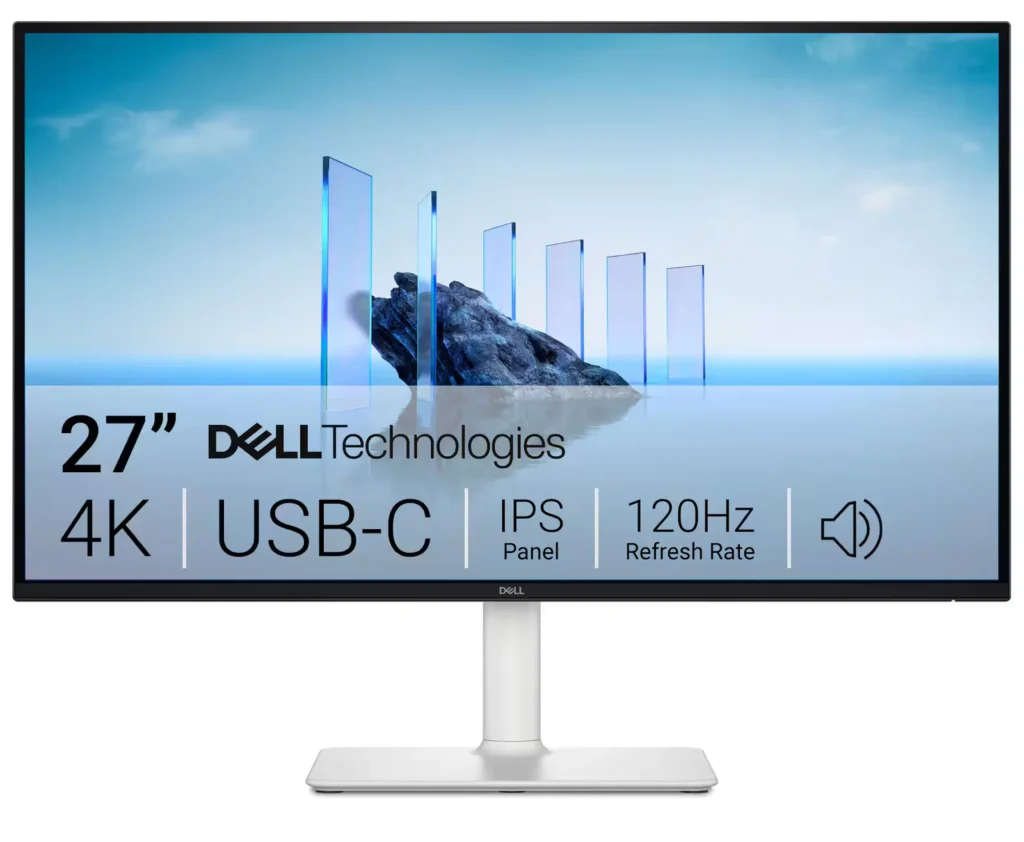
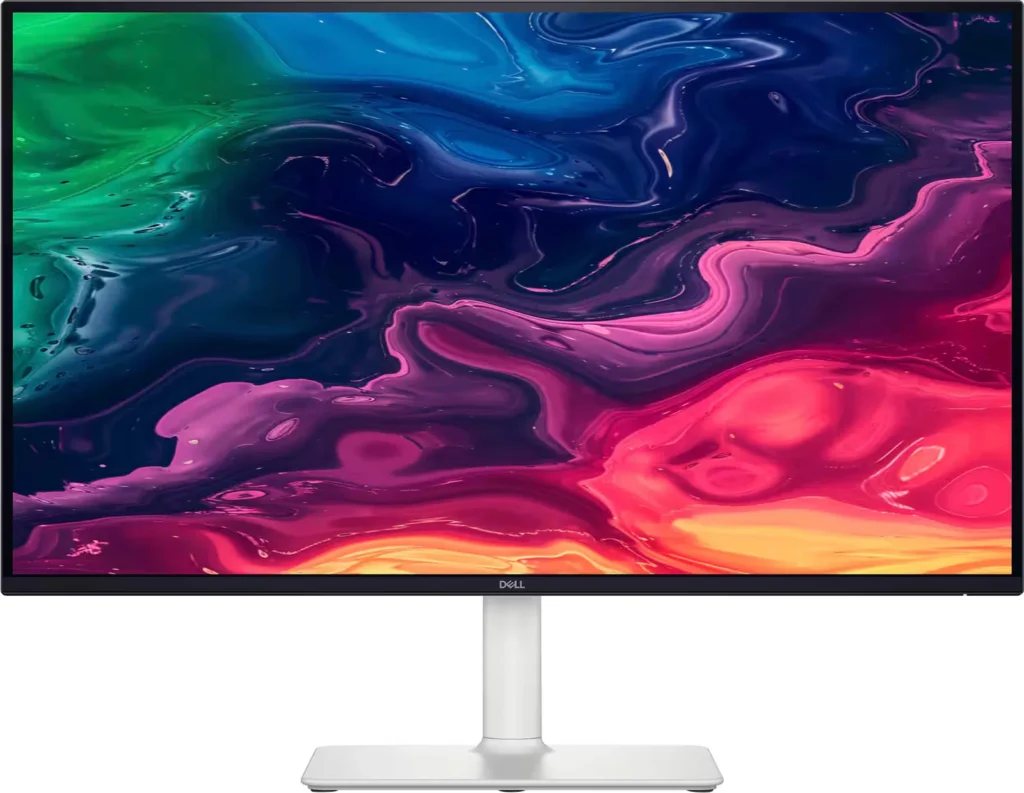
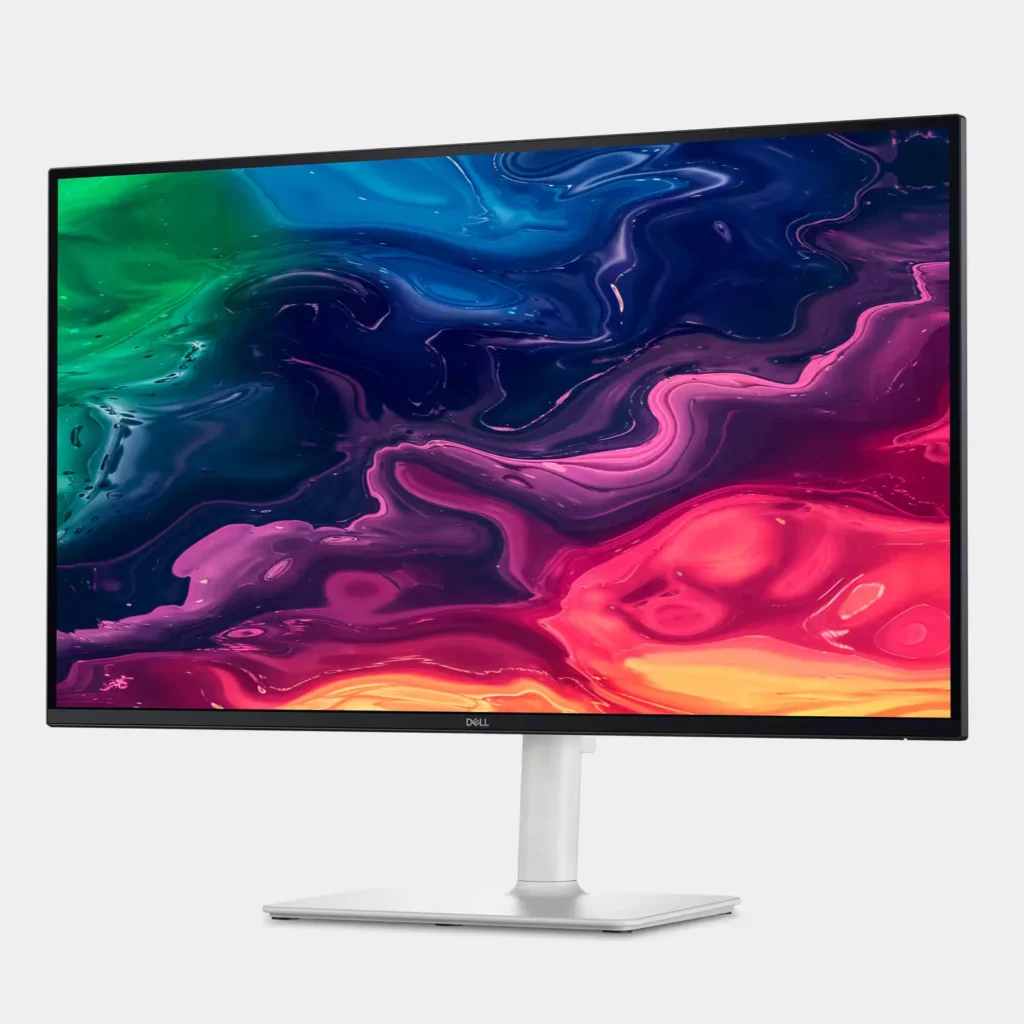
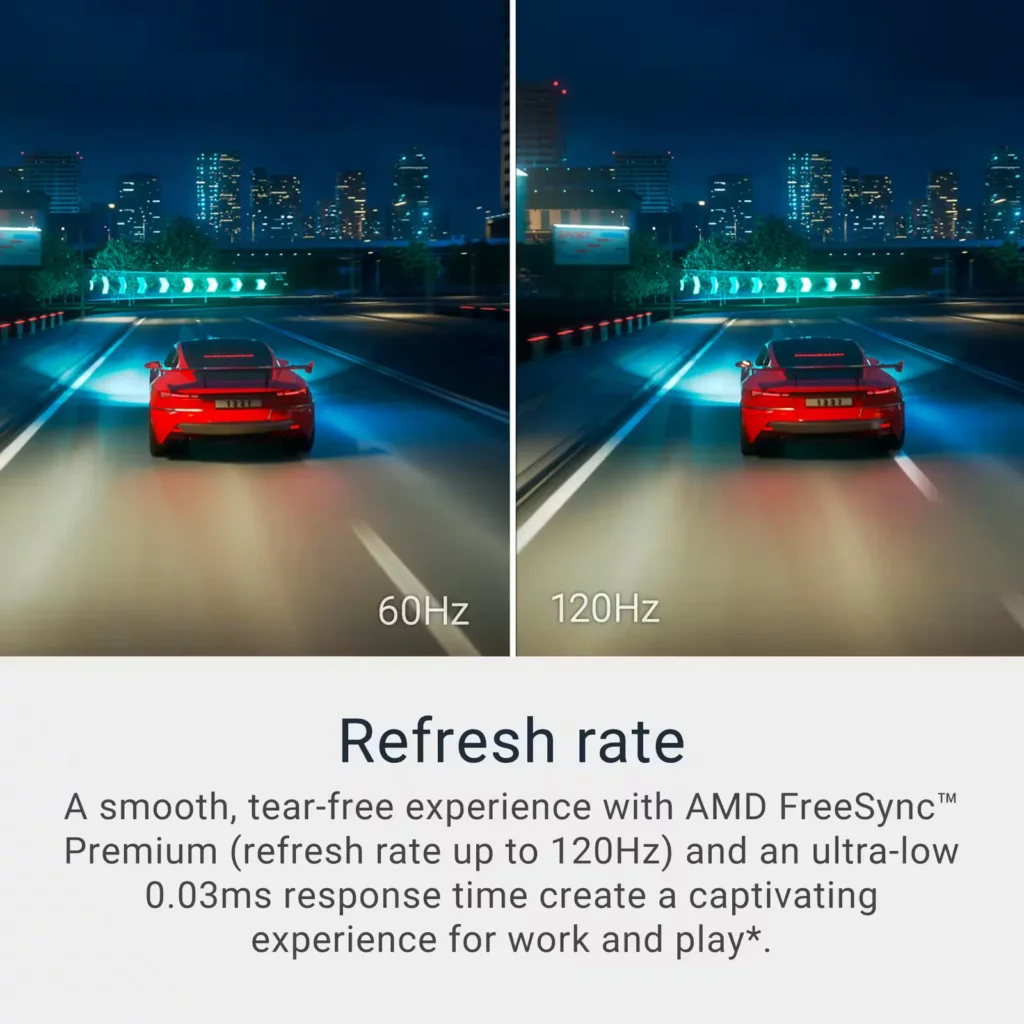
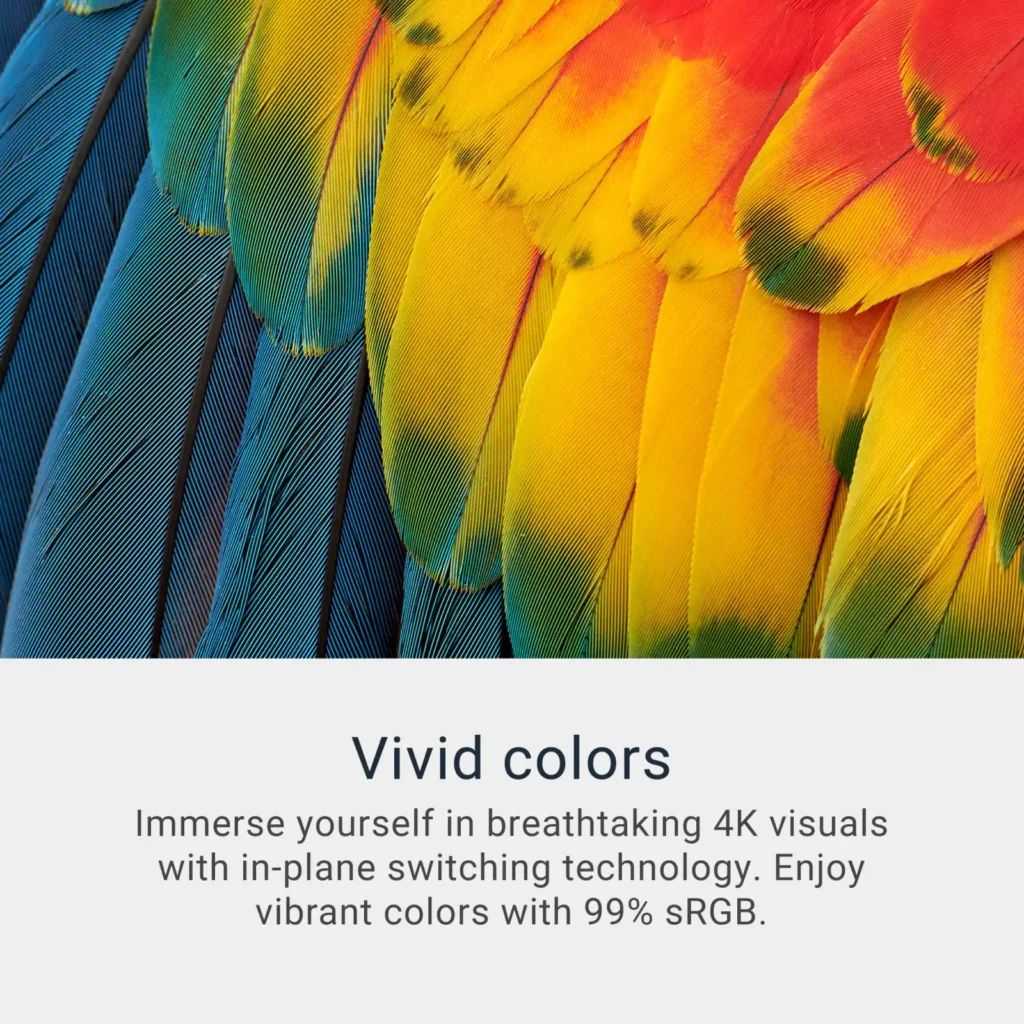
| Stunning 4K Visuals with 120Hz Smoothness | Experience breathtaking clarity with 3840 x 2160 UHD resolution on a 27-inch IPS panel. The upgraded 120Hz refresh rate provides significantly smoother motion for both productivity and casual gaming compared to standard 60Hz displays. |
|---|---|
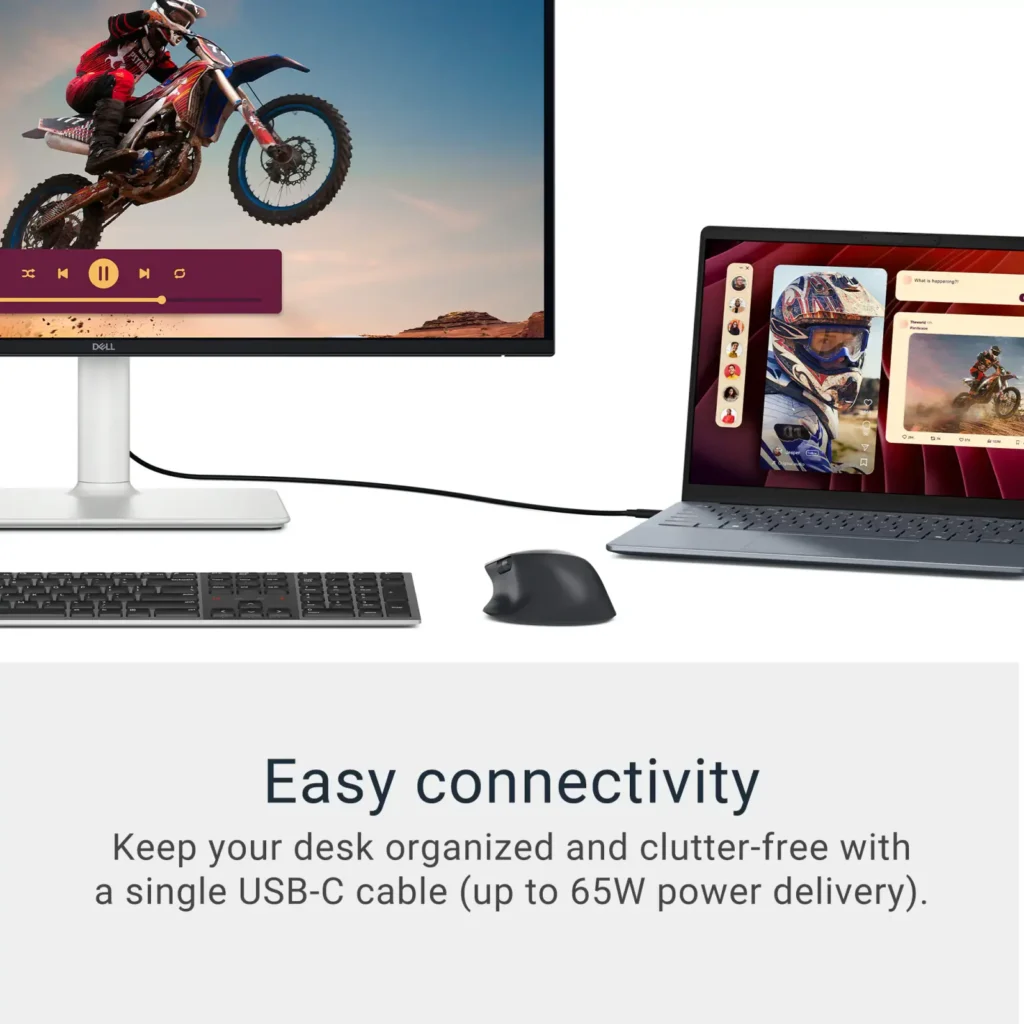
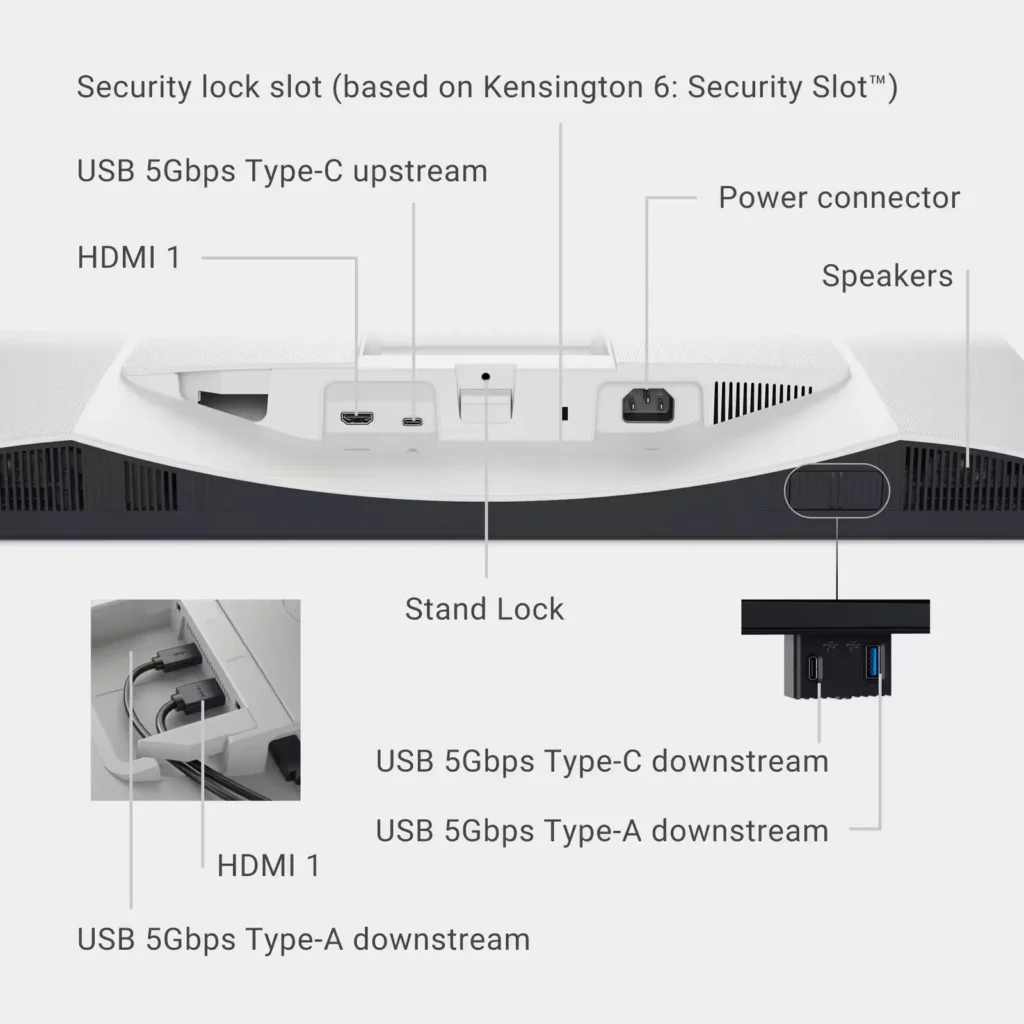
| Single-Cable USB-C Connectivity | Streamline your workspace with a versatile USB-C port that delivers up to 65W of power to charge your laptop while simultaneously transmitting video and data signals through a single cable. |
| AMD FreeSync Premium Technology | Enjoy a tear-free and fluid viewing experience during fast-paced action. This monitor supports AMD FreeSync Premium and VRR (Variable Refresh Rate) to eliminate screen tearing and stuttering for seamless visuals. |
| Enhanced Integrated Audio | Equipped with dual 5W speakers, this monitor offers re-engineered sound quality with deeper frequency response and greater output power than previous generations, eliminating the need for external speakers. |
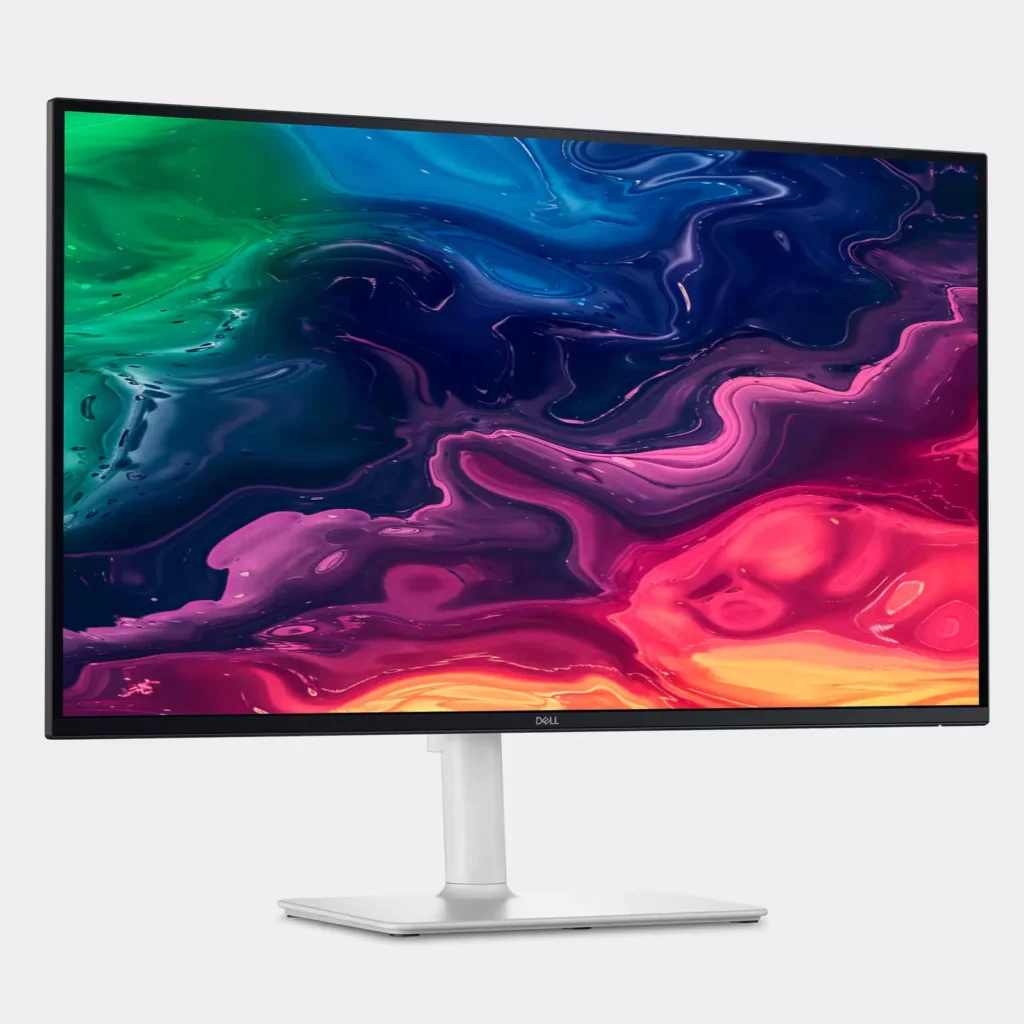
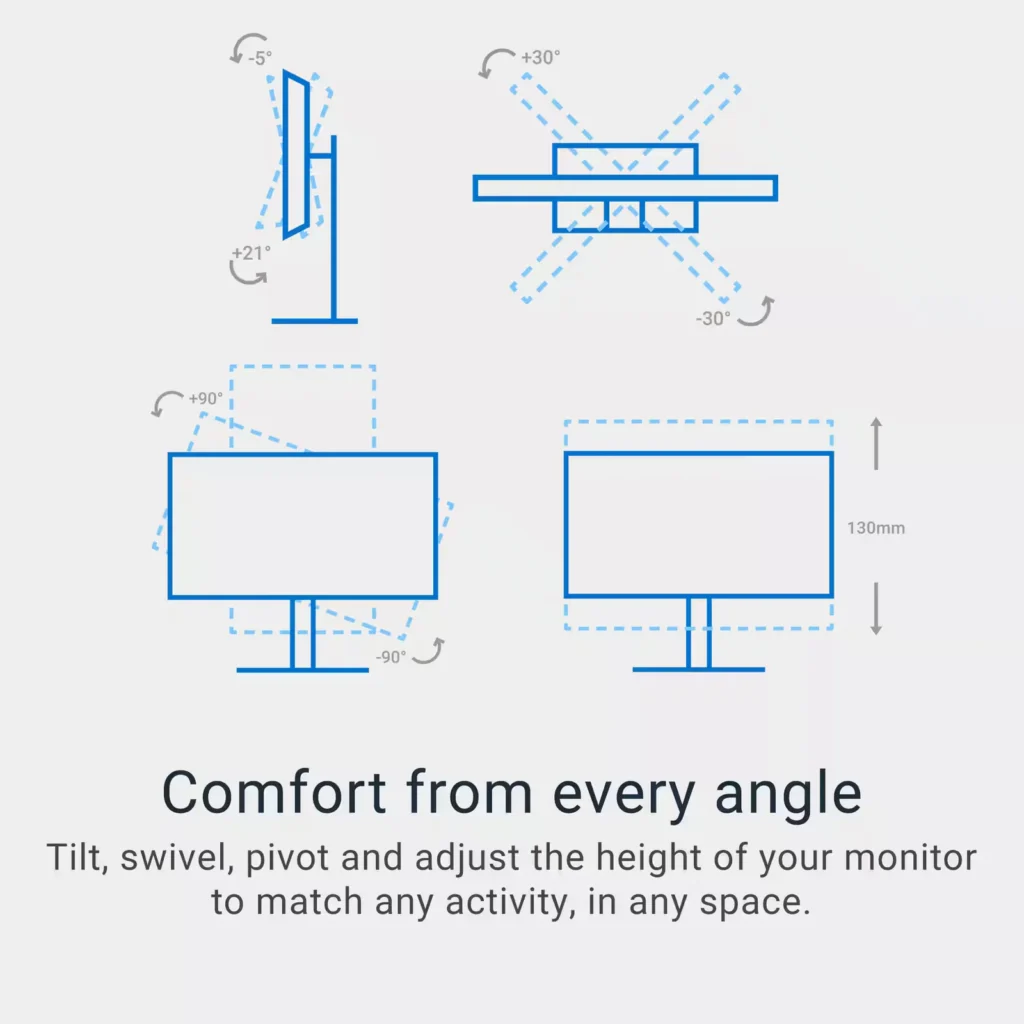
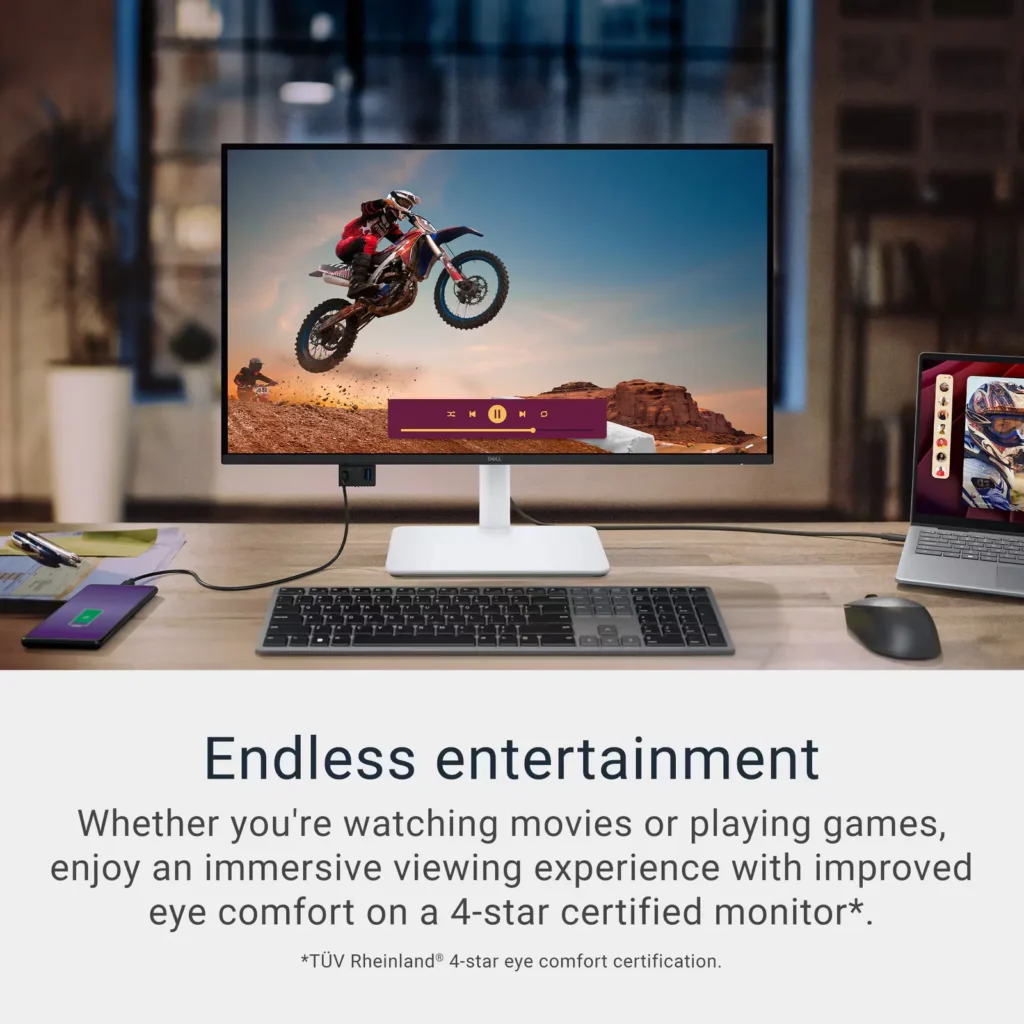
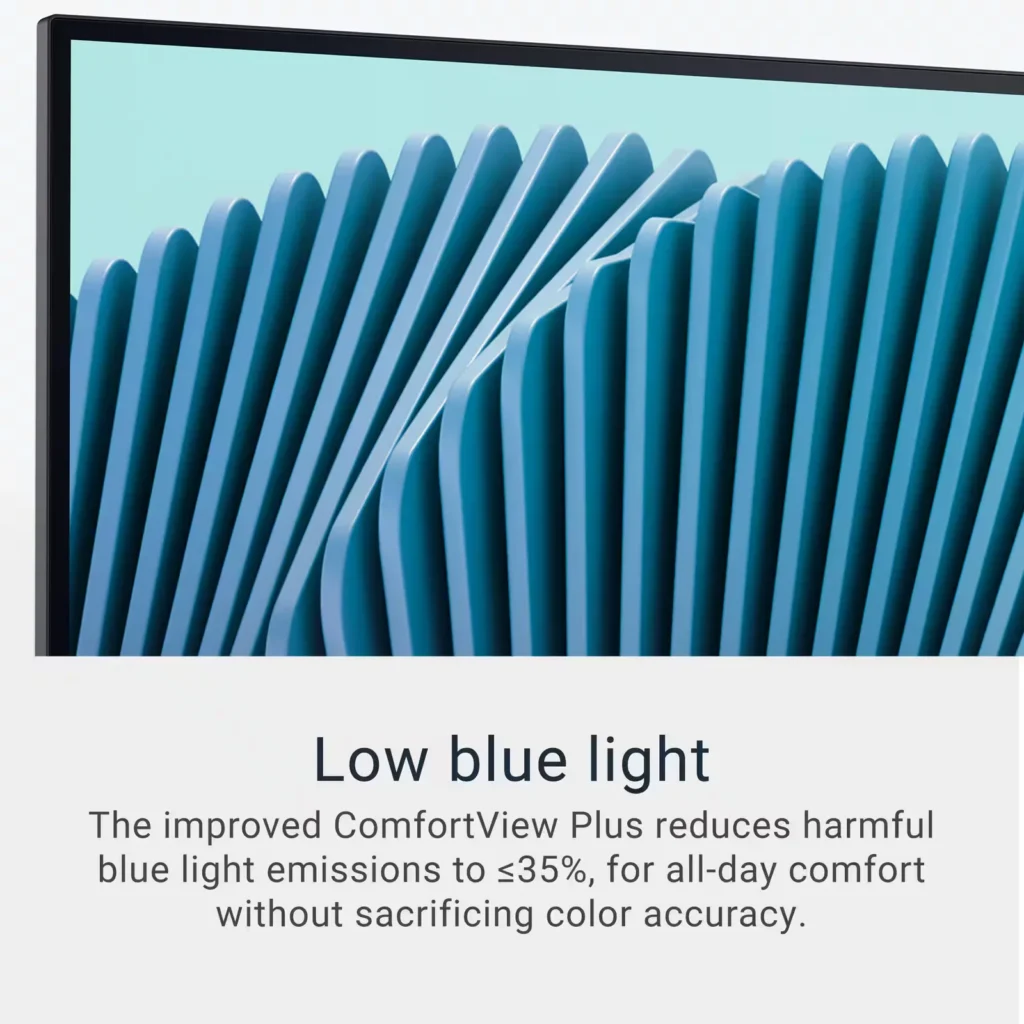
| Advanced Eye Comfort and Ergonomics | Features a TÜV Rheinland 4-star eye comfort rating with improved ComfortView Plus to reduce blue light emissions without sacrificing color accuracy. The fully adjustable stand allows for height, tilt, swivel, and pivot adjustments for all-day comfort. |
Pros & Cons
Pros
- Exceptional 4K and 120Hz Performance: The monitor delivers breathtaking 4K visuals with sharp text and vibrant colors, while the 120Hz refresh rate provides buttery-smooth motion that is highly beneficial for both productivity and casual gaming.
- Convenient USB-C Single-Cable Setup: The USB-C connectivity acts as a docking station, providing video, data, and 65W power delivery to charge laptops through a single cable, which effectively reduces desk clutter.
- High-Quality Integrated Speakers: Many reviewers were surprised by the built-in speakers, describing them as loud, clear, and possessing decent bass, making them far superior to typical integrated monitor audio.
Cons
- Hardware Reliability and Defects: There are multiple reports of significant hardware failures, including horizontal or vertical dead pixel lines appearing shortly after use, flickering screens, and USB-C ports that stop functioning entirely.
- Mac Compatibility and Control Issues: Mac users frequently noted that they cannot control the monitor's volume or brightness through the Apple keyboard, and some reported difficulties with text scaling and a persistent yellow tint from the non-disableable ComfortView feature.
- Inconsistent Quality Control and Shipping: Several customers received units that appeared to be used or open-box items despite being sold as new, and others reported physical defects like wobbly stands or even an ant infestation in the packaging.
Customer Reviews
Showing reviews 171-180 of 294
-
Great Monitor for Video/Photo Editing & 120Hz
Verified purchase Verified purchase: This reviewer bought the product. Incentivized Incentivized review: The reviewer received a benefit for sharing feedback.DarkAnt August 4, 2025Review source: BestbuySo far so good. Using high speed USB-C cable to Mac mini pro. Excellent color reproduction, no flicker, super smooth with the 120Hz refresh rate. I use it for photo and video editing and its definitely a step up from my 2019 LG IPS panel.
-
Unbeatable Price for a 4K 120Hz Monitor from Dell
Verified purchase Verified purchase: This reviewer bought the product.bluerose73 August 3, 2025Review source: AmazonThis is probably the most affordable 4K 120Hz monitor available on Amazon – and it’s from Dell, a trusted brand! The value for the price is impressive.
-
Good monitor
Verified purchase Verified purchase: This reviewer bought the product. Incentivized Incentivized review: The reviewer received a benefit for sharing feedback.KjBB August 2, 2025Review source: BestbuyGood value monitor. The quality is great and connects via USB-C
-
Excellent monitor!
Verified purchase Verified purchase: This reviewer bought the product. Incentivized Incentivized review: The reviewer received a benefit for sharing feedback.Erslimv August 1, 2025Review source: BestbuyExcellent monitor, great color accuracy and a really high DPI!
-
Excellent midrange monitor
Verified purchase Verified purchase: This reviewer bought the product. Incentivized Incentivized review: The reviewer received a benefit for sharing feedback.MidrangeGuy August 1, 2025Review source: BestbuyNice companion to Mac M4 mini. Image quality (side-by-side w/same image) similar to my ’19 Retina 4k iMac. Built-in ‘hub’ connections quite useful. Taking off 1 star for overall build quality (just adequate), and archaic Dell control app. Overall a solid value.
-
Great value 4k monitor!
Verified purchase Verified purchase: This reviewer bought the product. Incentivized Incentivized review: The reviewer received a benefit for sharing feedback.KevinK August 1, 2025Review source: BestbuyGreat picture quality! The text look very sharp on an IPS panel monitor. Love all the various inputs as well.
-
Good monitor for 4k
Verified purchase Verified purchase: This reviewer bought the product.chris August 1, 2025Review source: AmazonSo far I like the display and variety of inputs.
-
Great monitor
Verified purchase Verified purchase: This reviewer bought the product.Hector August 1, 2025Review source: AmazonI couldn’t be more satisfied. Ok it’s 300usd and it could look like it’s much but you get a lot for those 300.
I bought one for half the price and had to return that monitor cause it wasn’t at the level.
The good:
The 4k makes it very sharp.
The color accuracy is great
This monitor impressed me even though I have the MacBook Pro
Big screen (27”)
Very bright by the way
I got the usb c and charges my Mac while connected which is a big plus for me.
Great designThe only thing that I could notice is that you can’t control the audio through the Mac, but that’s not a deal breaker.
If you have the money and want it don’t doubt it.
(Also they offer the option to finance by paying like 60bucks a month wich I think is great if you really like the monitor)I mean if you really like a monitor this is a great one
-
Buy the Dell Monitor it won't disappoint.
Verified purchase Verified purchase: This reviewer bought the product. Incentivized Incentivized review: The reviewer received a benefit for sharing feedback.ToddS August 1, 2025Review source: BestbuyI’ve been using the Dell S2725QC 27″ 4K UHD 120Hz IPS monitor with my MacBook Pro, M2 model, and it has been a fantastic experience all around. From the moment I plugged it in via USB-C, everything just worked seamlessly. The Mac recognized the 4K resolution instantly, and the image quality is crisp, vibrant, and incredibly sharp — exactly what I needed for photo editing, coding, and everyday multitasking.
I went from a Samsung 2K monitor that did not have a very good text appearance. It always looked blurry and even the smoothing feature didn’t not work. I even tried the Better Display app with no success.
The 120Hz refresh rate makes everything feel smooth, even though macOS isn’t fully optimized for high refresh displays — the difference is still noticeable, especially when scrolling or navigating between apps. Color accuracy out of the box was impressive, and the IPS panel offers wide viewing angles with no noticeable color shift.
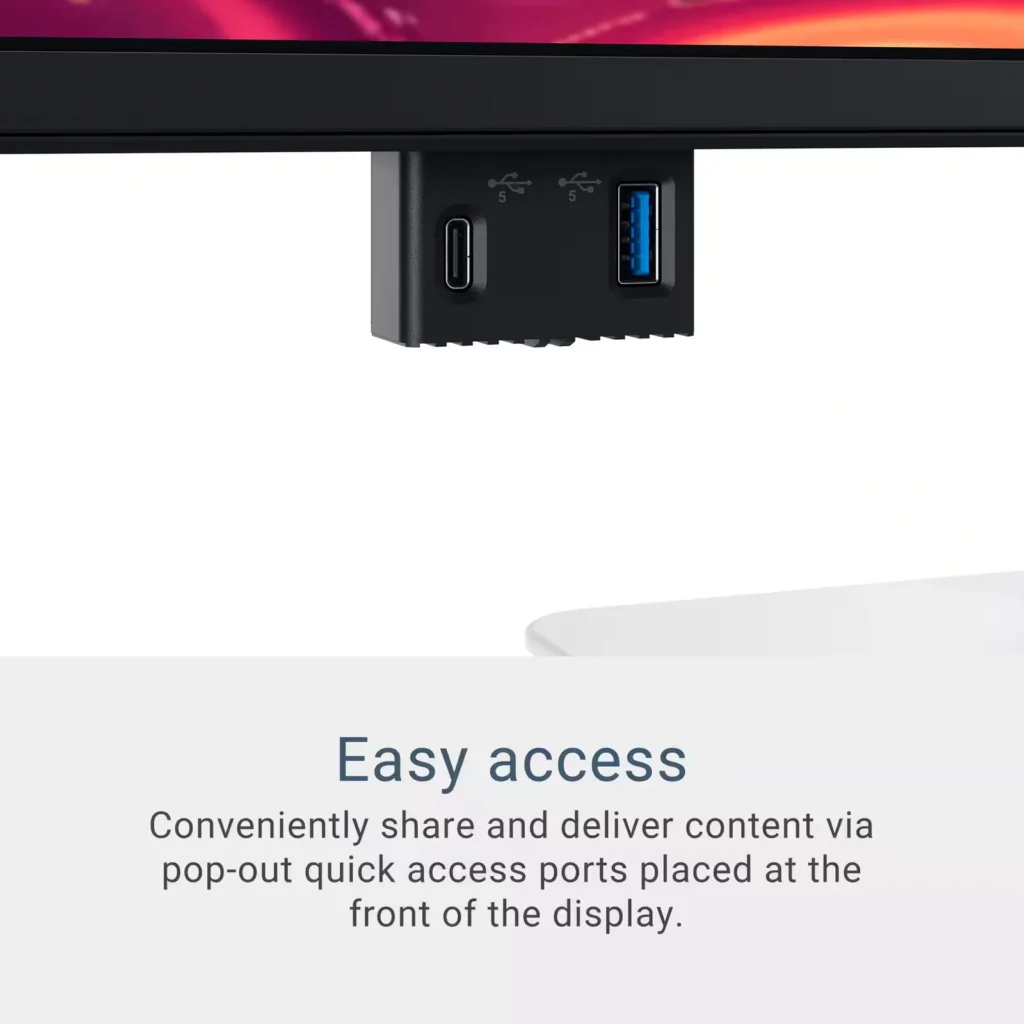
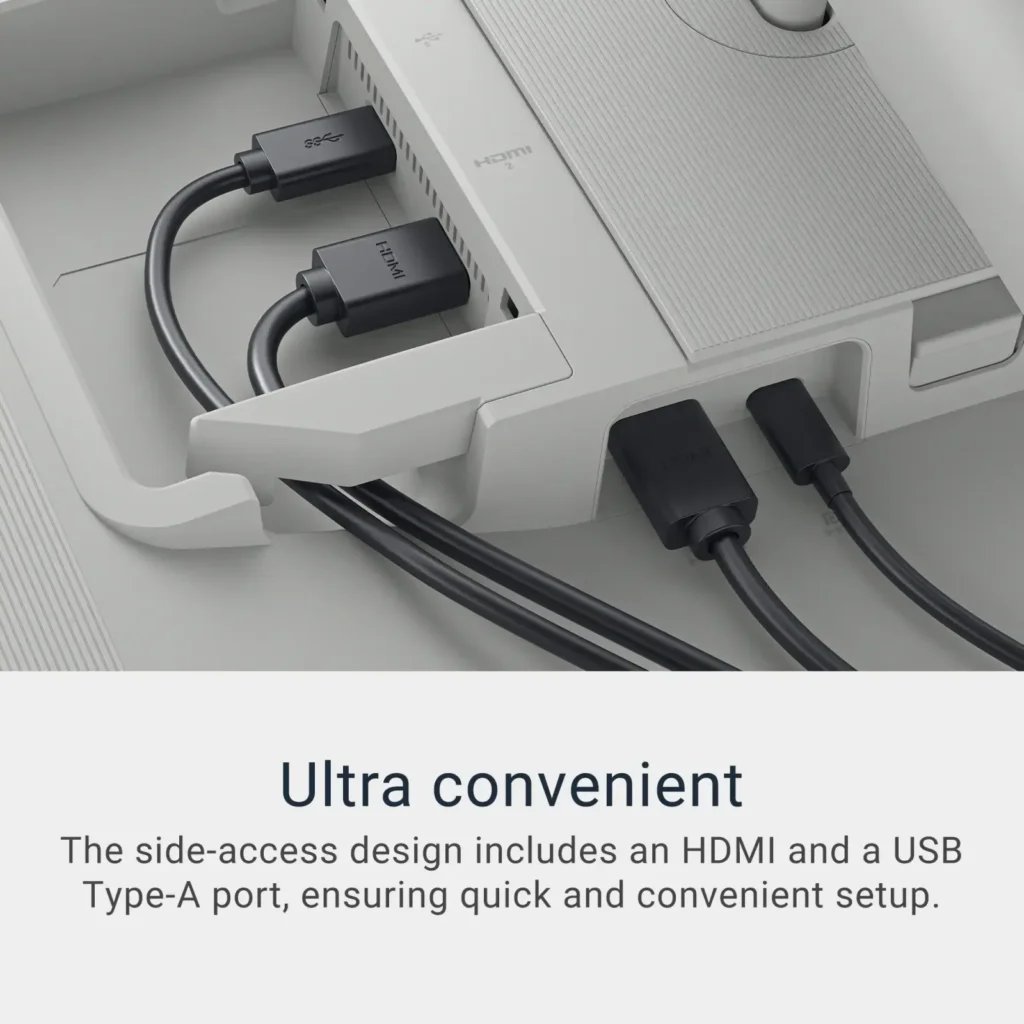
USB-C connectivity is great — the built-in USB hub is a nice touch too.
Design-wise, it’s minimal, elegant, and fits well in any workspace. The build quality is solid, and the adjustable stand makes it easy to get the perfect angle.
Pros:
Stunning 4K resolution with accurate colors
120Hz refresh rate for smooth visuals
USB-C with power delivery (charges MacBook Pro)
Clean, minimal design
Great value for the feature set
Cons:
Built-in speakers are basic (expected, and not a dealbreaker)
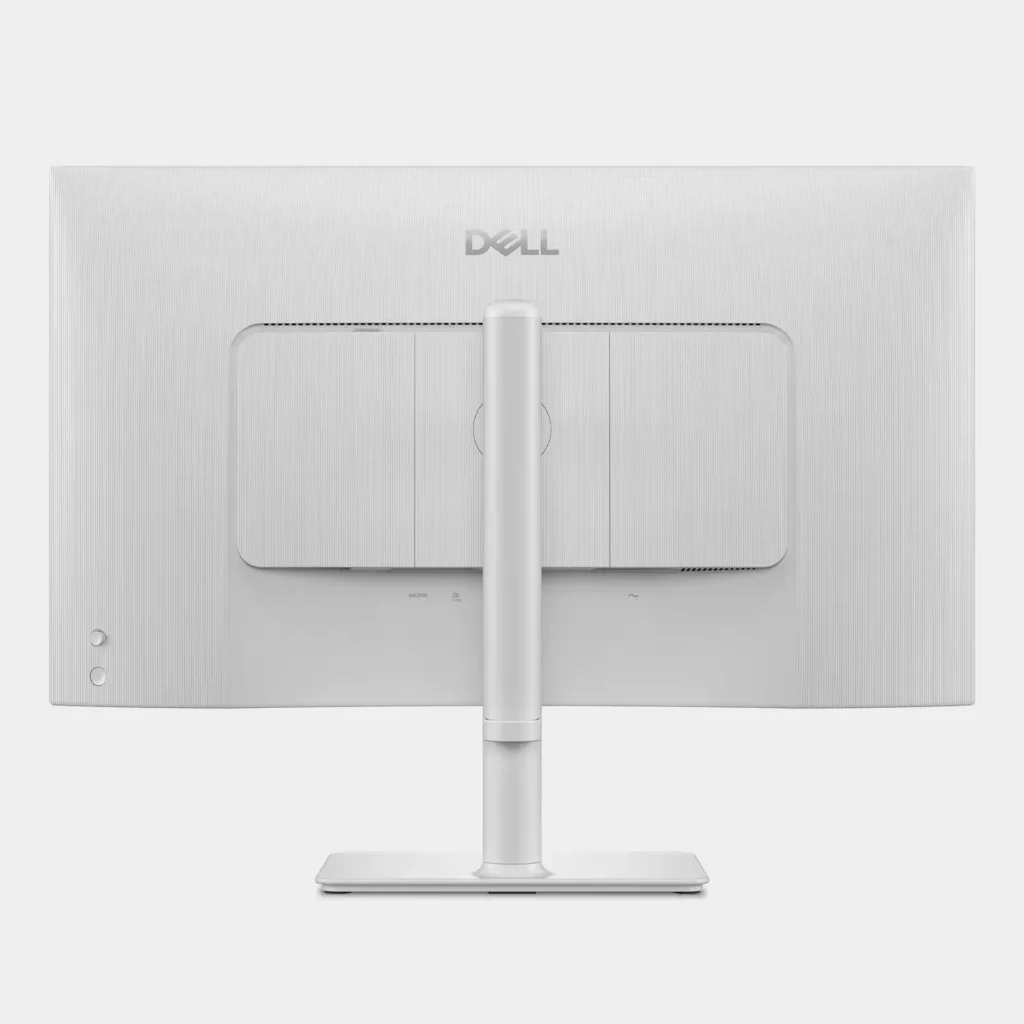
Wish the back of the monitor was not grayish/white and black like the rest of the monitor.
Overall, the Dell S2725QC is a perfect match for MacBook Pro users who want high-quality visuals, simple connectivity, and a premium feel without breaking the bank. Highly recommended.
-
Great pic for Mac extended display
Verified purchase Verified purchase: This reviewer bought the product.J. JOHNSON July 31, 2025Review source: AmazonIf you’re battling the resolution issue Mac has now created with extended displays– same. I’ve bought 3 monitors trying to fix it. This was my 3rd. It’s been by far the clearest and reasonably scaled resolution for my MacBook pro. I never assumed when I upgraded my laptop that I’d be dealing with this nightmare of finding a clear extended display. But this has done the trick. I still upped contrast just a bit for the text and it’s been nice! Note that this comes with a usbc display cord too so you don’t have to buy a separate one. The build is very sturdy and I appreciate how fast the set up was. Idk why people are saying they have issues with the volume it was an easy set up BUT you can’t control the volume with the keyboard which is slightly annoying but, you get over it.