
Customer Media
Highlights
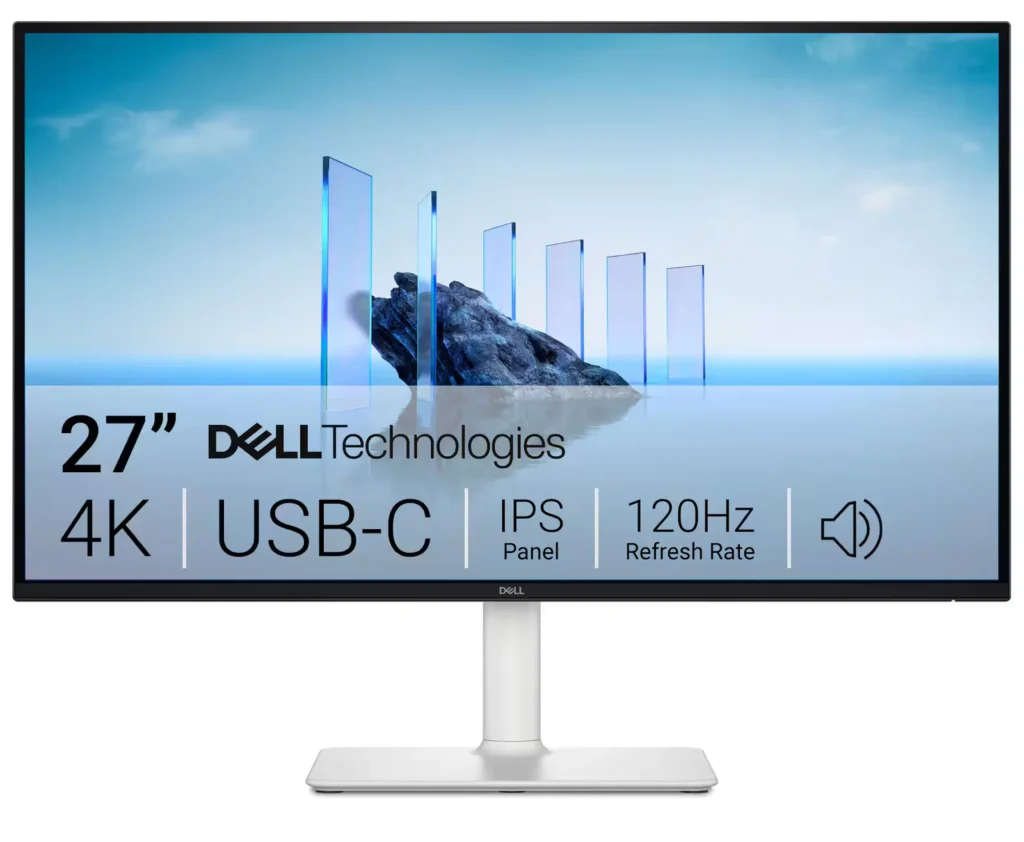
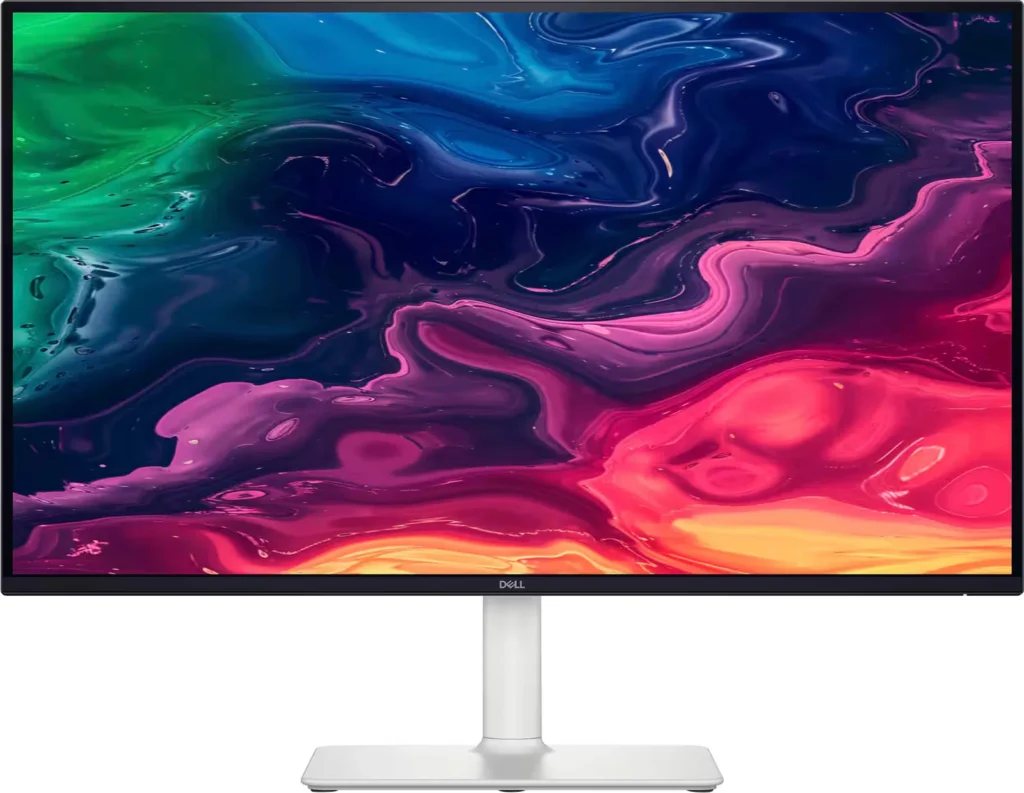
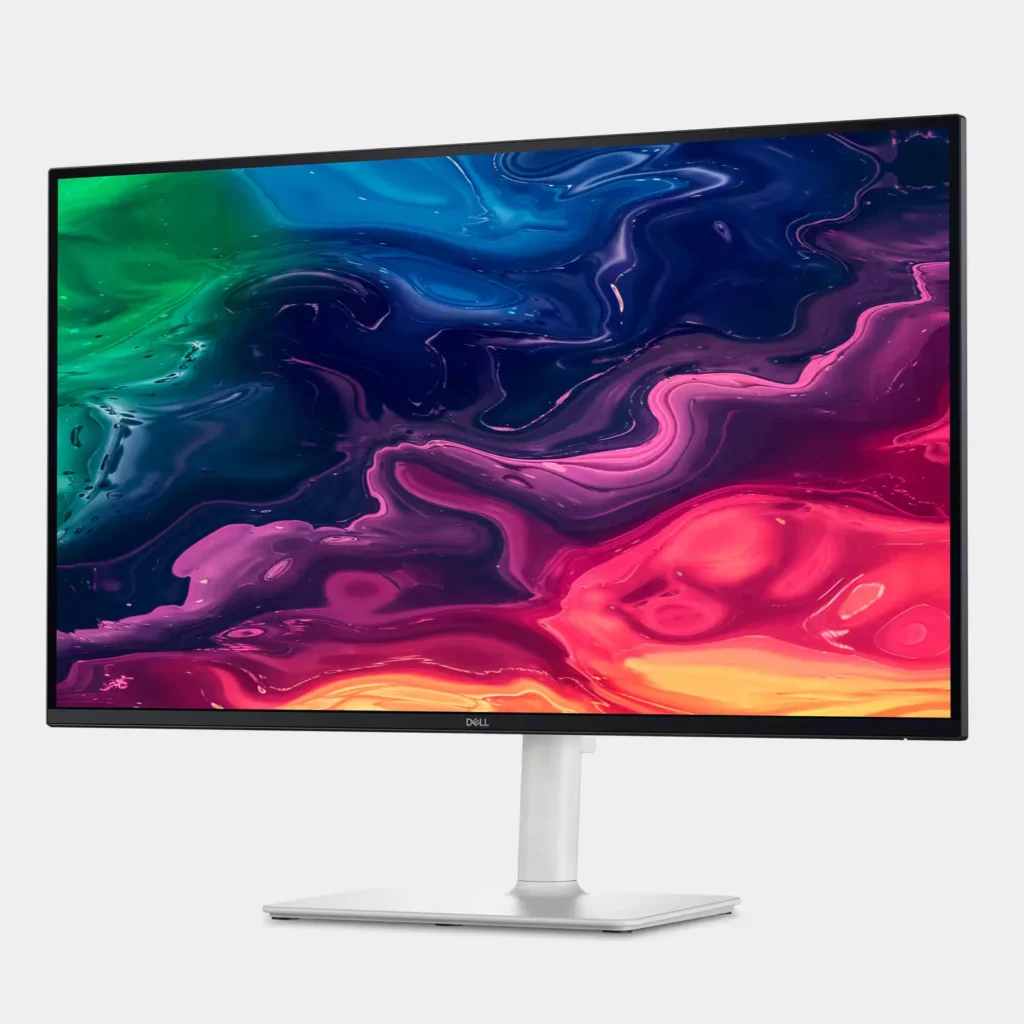
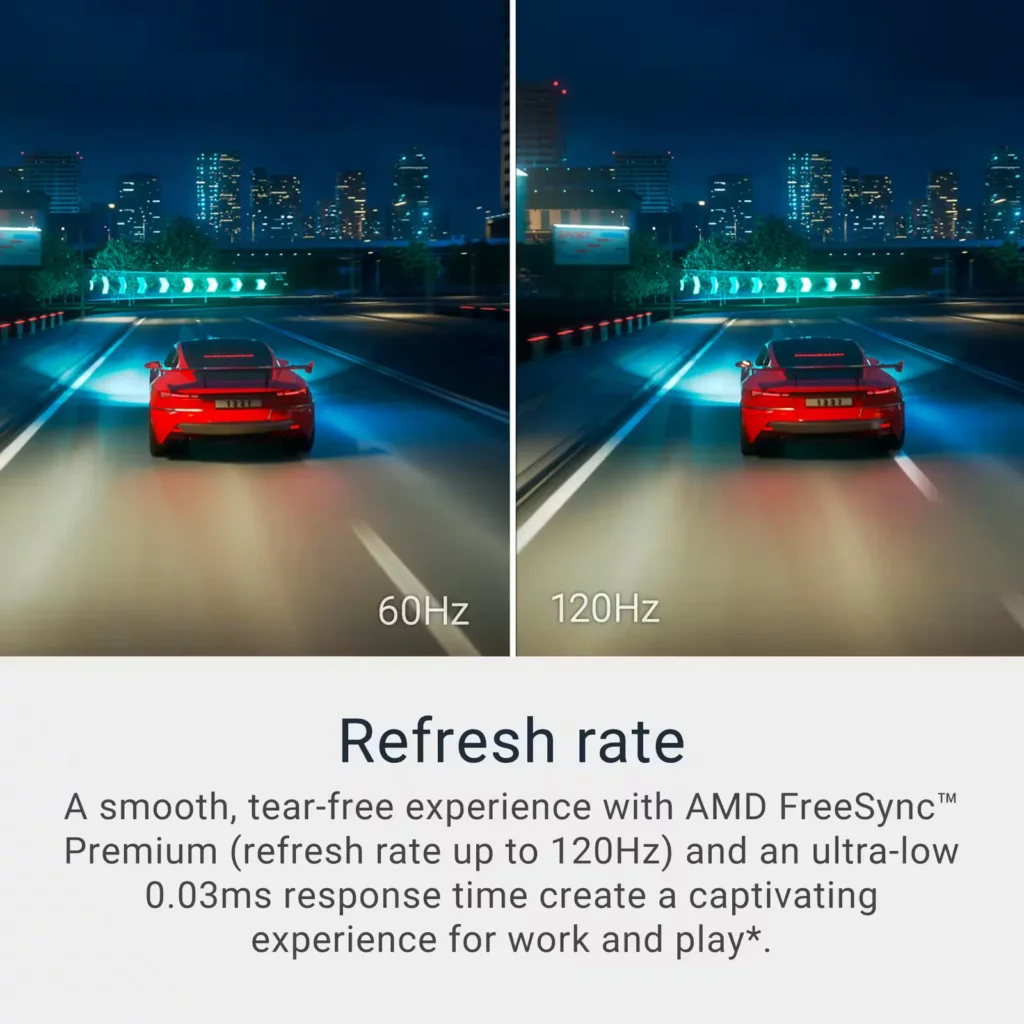
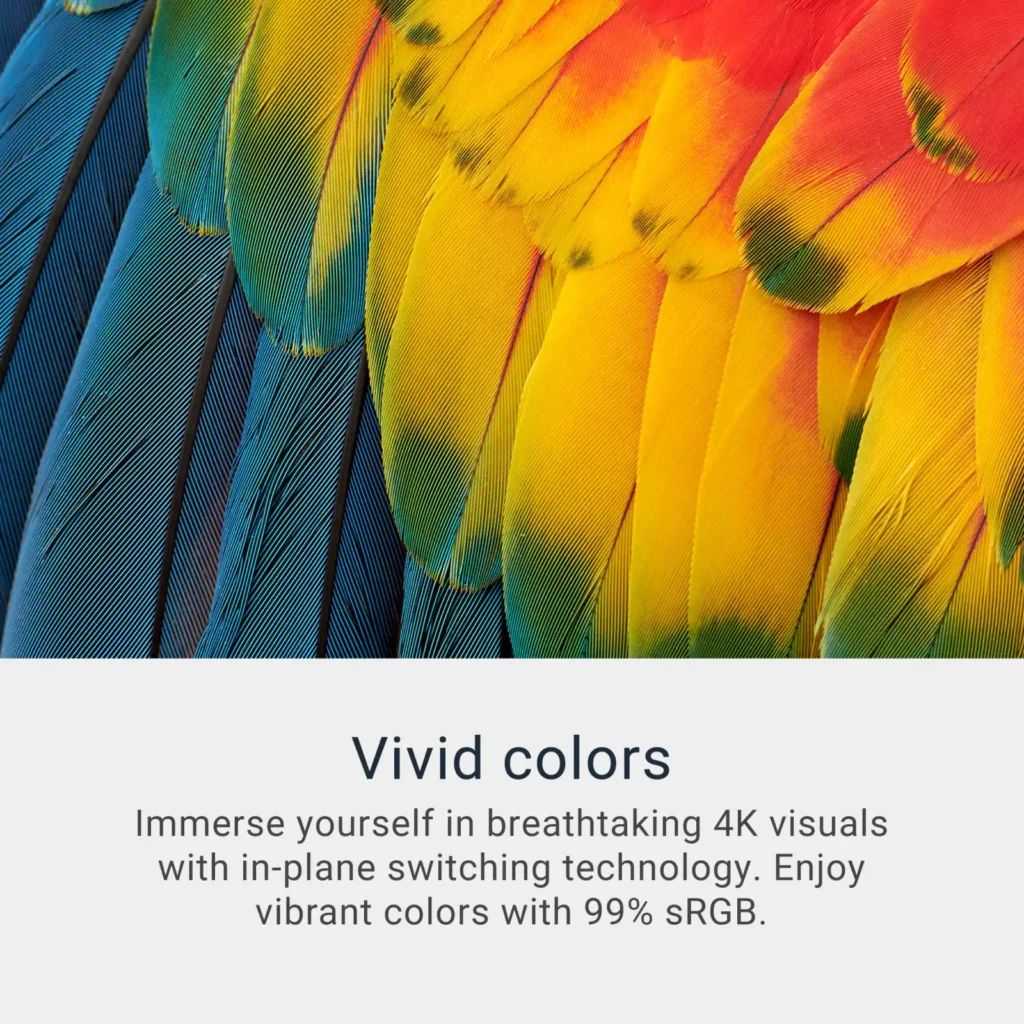
| Stunning 4K Visuals with 120Hz Smoothness | Experience breathtaking clarity with 3840 x 2160 UHD resolution on a 27-inch IPS panel. The upgraded 120Hz refresh rate provides significantly smoother motion for both productivity and casual gaming compared to standard 60Hz displays. |
|---|---|
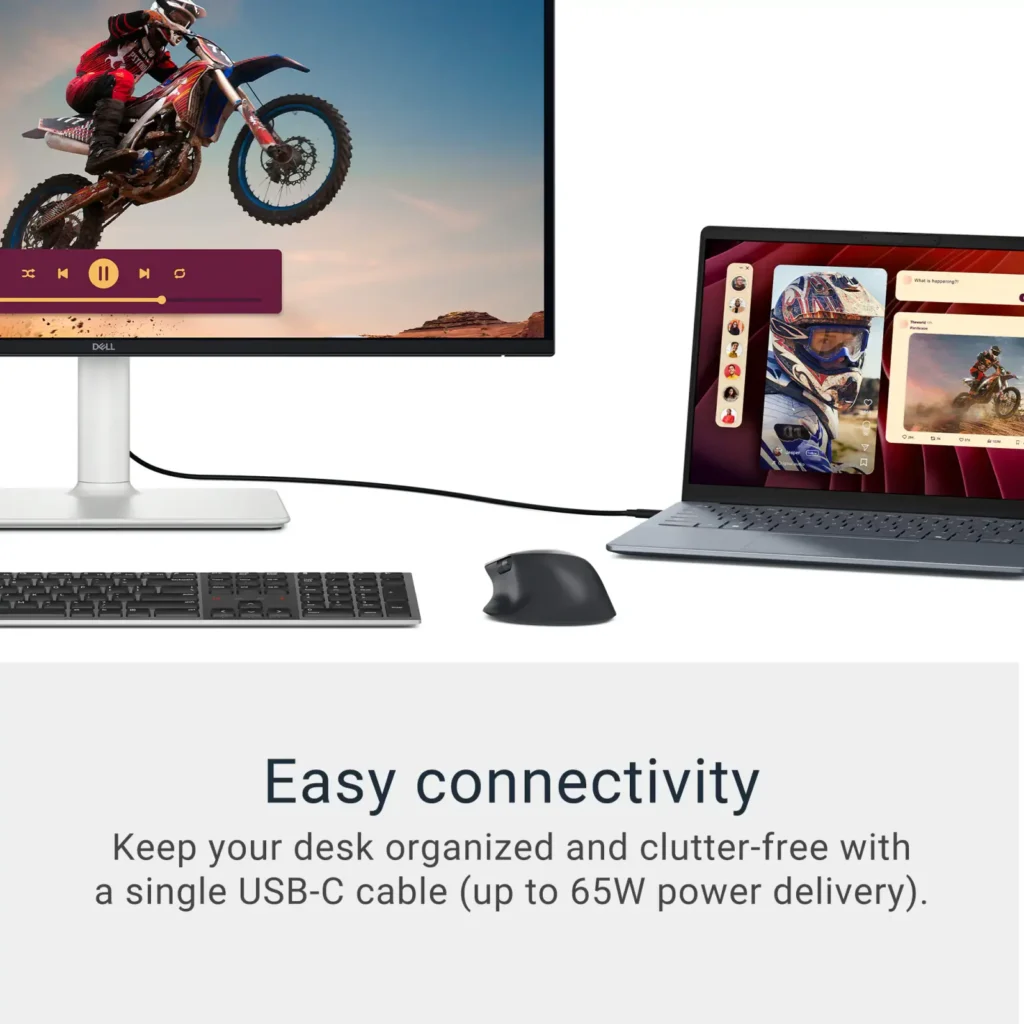
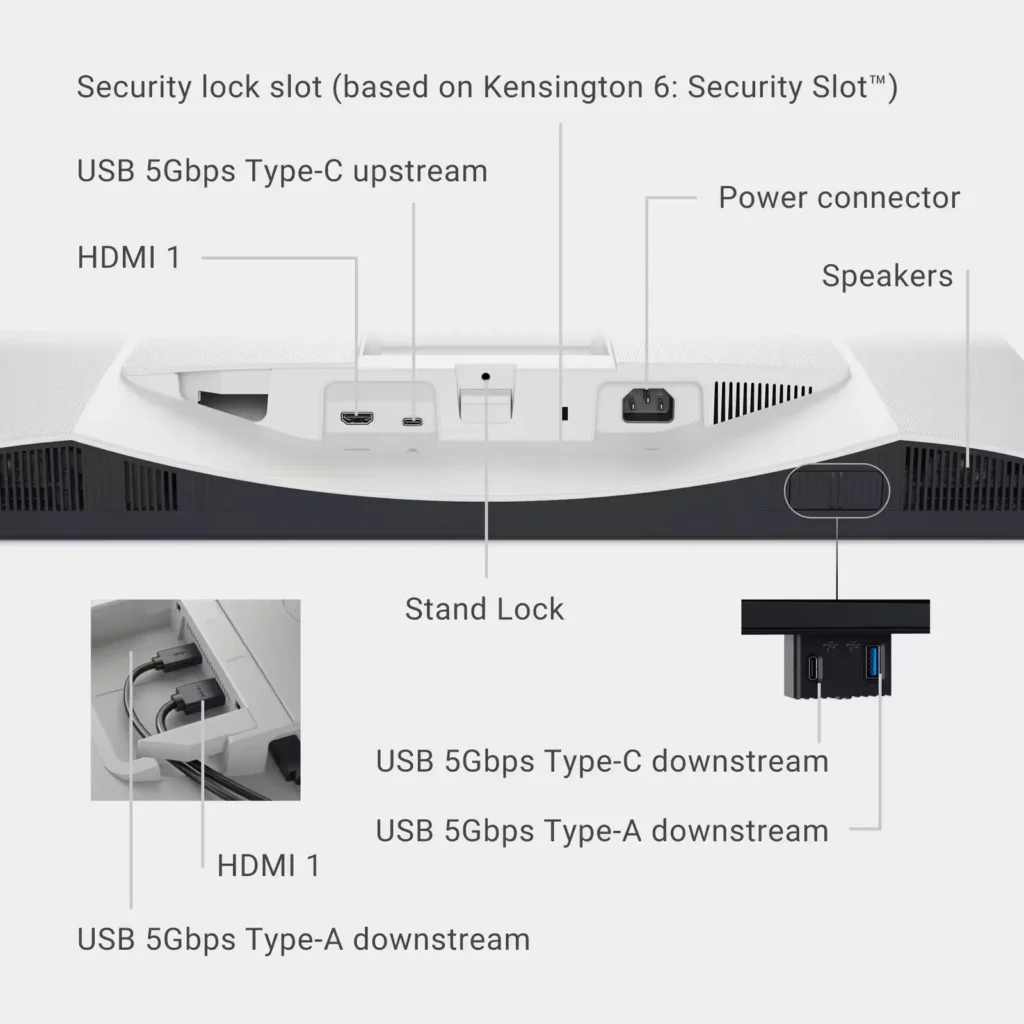
| Single-Cable USB-C Connectivity | Streamline your workspace with a versatile USB-C port that delivers up to 65W of power to charge your laptop while simultaneously transmitting video and data signals through a single cable. |
| AMD FreeSync Premium Technology | Enjoy a tear-free and fluid viewing experience during fast-paced action. This monitor supports AMD FreeSync Premium and VRR (Variable Refresh Rate) to eliminate screen tearing and stuttering for seamless visuals. |
| Enhanced Integrated Audio | Equipped with dual 5W speakers, this monitor offers re-engineered sound quality with deeper frequency response and greater output power than previous generations, eliminating the need for external speakers. |
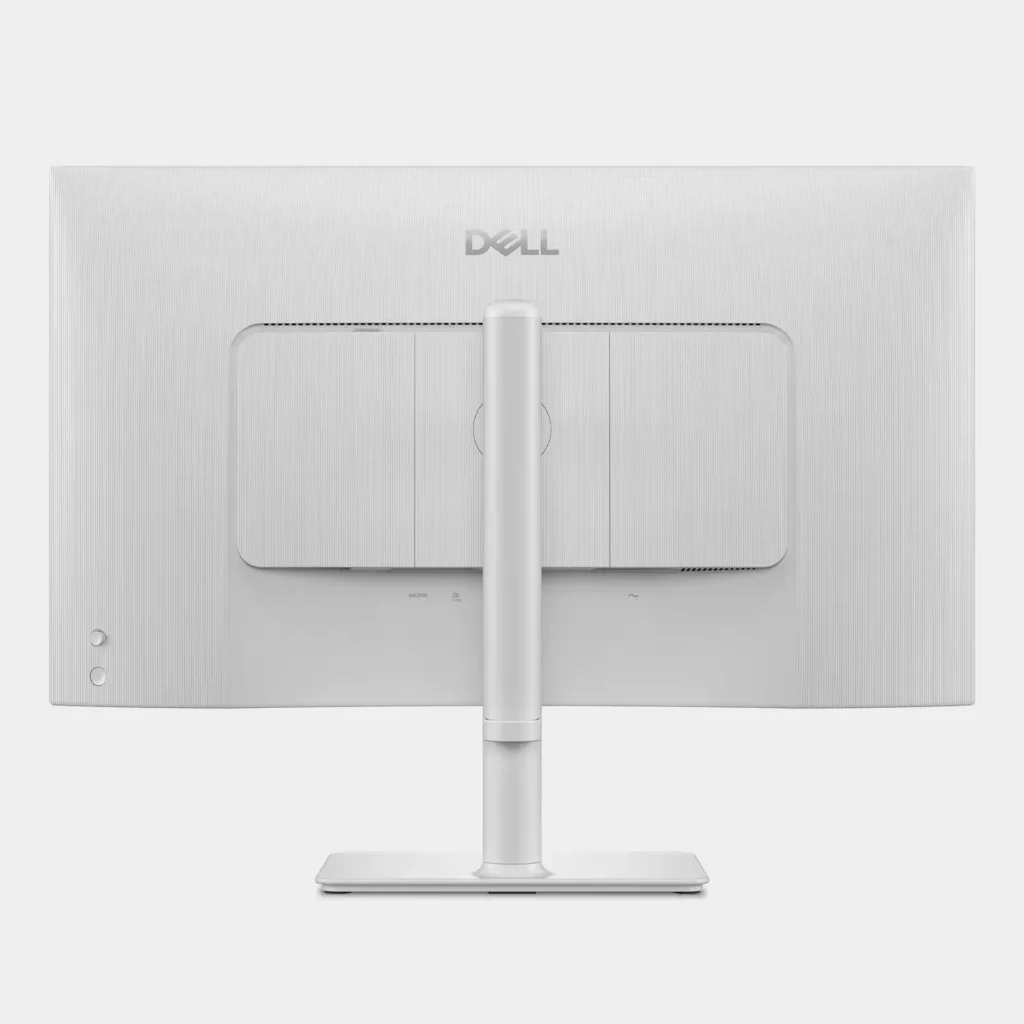
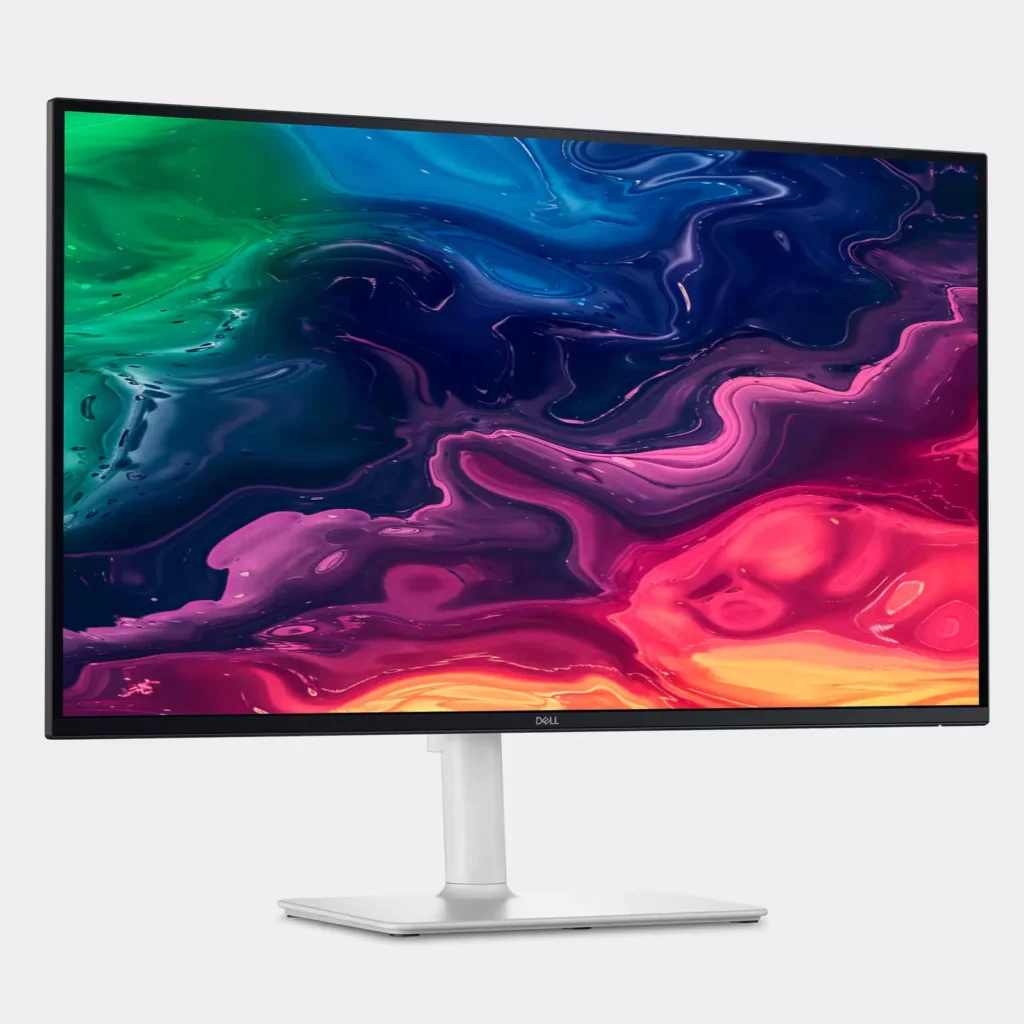
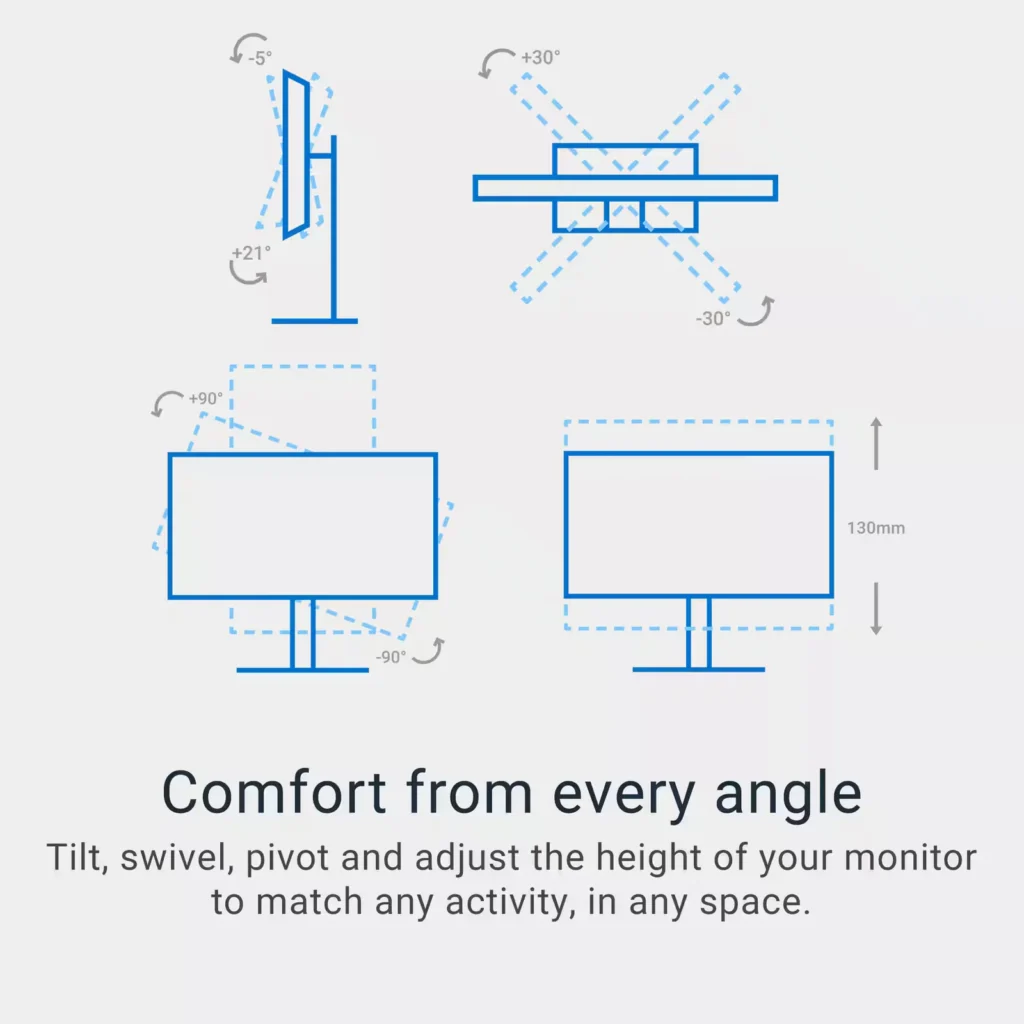
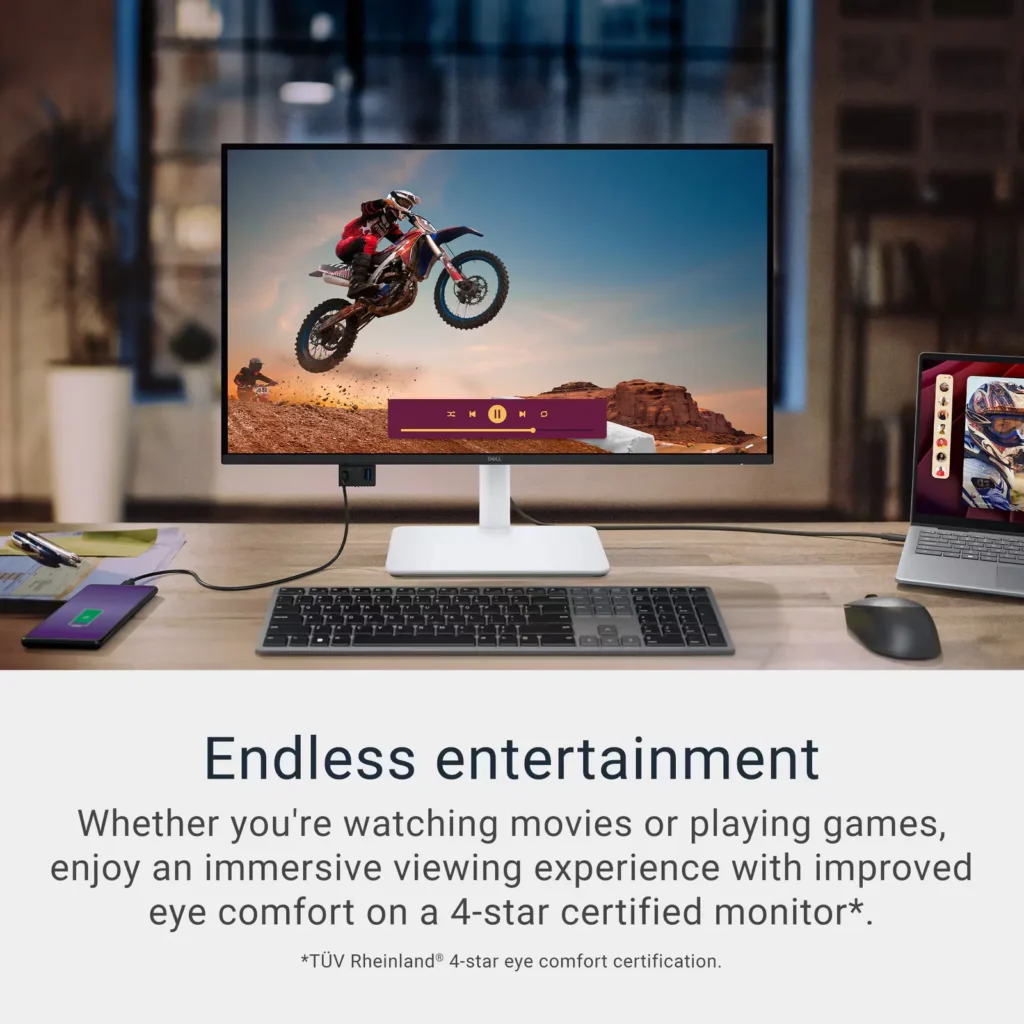
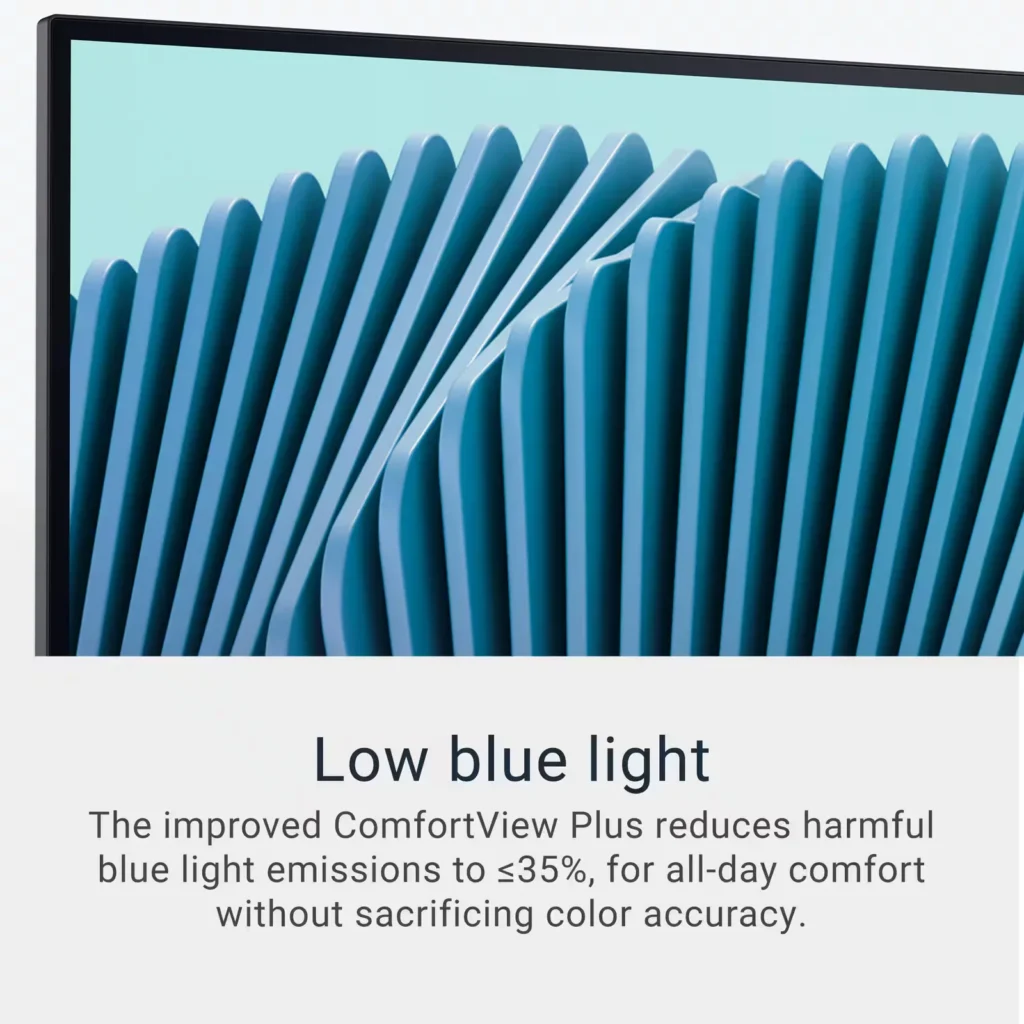
| Advanced Eye Comfort and Ergonomics | Features a TÜV Rheinland 4-star eye comfort rating with improved ComfortView Plus to reduce blue light emissions without sacrificing color accuracy. The fully adjustable stand allows for height, tilt, swivel, and pivot adjustments for all-day comfort. |
Pros & Cons
Pros
- Exceptional 4K and 120Hz Performance: The monitor delivers breathtaking 4K visuals with sharp text and vibrant colors, while the 120Hz refresh rate provides buttery-smooth motion that is highly beneficial for both productivity and casual gaming.
- Convenient USB-C Single-Cable Setup: The USB-C connectivity acts as a docking station, providing video, data, and 65W power delivery to charge laptops through a single cable, which effectively reduces desk clutter.
- High-Quality Integrated Speakers: Many reviewers were surprised by the built-in speakers, describing them as loud, clear, and possessing decent bass, making them far superior to typical integrated monitor audio.
Cons
- Hardware Reliability and Defects: There are multiple reports of significant hardware failures, including horizontal or vertical dead pixel lines appearing shortly after use, flickering screens, and USB-C ports that stop functioning entirely.
- Mac Compatibility and Control Issues: Mac users frequently noted that they cannot control the monitor's volume or brightness through the Apple keyboard, and some reported difficulties with text scaling and a persistent yellow tint from the non-disableable ComfortView feature.
- Inconsistent Quality Control and Shipping: Several customers received units that appeared to be used or open-box items despite being sold as new, and others reported physical defects like wobbly stands or even an ant infestation in the packaging.
Customer Reviews
Showing reviews 231-240 of 294
-
Excellent monitor at a great price
Verified purchase Verified purchase: This reviewer bought the product. Incentivized Incentivized review: The reviewer received a benefit for sharing feedback.AlanY June 20, 2025Review source: BestbuyGreat value on a great monitor. Easy to set up and works like a charm as a big screen for my laptop!
-
Great monitor!
Verified purchase Verified purchase: This reviewer bought the product. Incentivized Incentivized review: The reviewer received a benefit for sharing feedback.GaSeminole June 20, 2025Review source: BestbuyI got this for my daughter for her post-graduate work, and I couldn’t be more happy with it.
-
Nice resolution quality
Verified purchase Verified purchase: This reviewer bought the product. Incentivized Incentivized review: The reviewer received a benefit for sharing feedback.AnandT June 20, 2025Review source: BestbuyI love it it was good. Nice screen. Good quality resolution
-
Amazing Monitor with my M4 MBP
Verified purchase Verified purchase: This reviewer bought the product. Incentivized Incentivized review: The reviewer received a benefit for sharing feedback.Michael June 16, 2025Review source: BestbuyI use this monitor for work productivity. Using my MBP M4 and testing on the M3 and the clarity/text exceeded my expectations. Love that it’s also a USB-C, just using a single cable to charge while using it. I purchased 3 at this time. I’m going to buy a monitor mount, as the desk one is fine, but isn’t entirely steady, and can experience a bit of wobble.
-
Nice one
Verified purchase Verified purchase: This reviewer bought the product.brownoised June 16, 2025Review source: AmazonGreat value for money. Had zero problem connecting to my Macbook Air M1. Solid 4k picture. Excellent sound via integrated speakers. Totally recommended in this price range. The only small issue is the included stand a bit wobbles, I guess will be replacing it with a Vesa one day.
-
Really good but one showstopper for me (a 3-star)
Incentivized Incentivized review: The reviewer received a benefit for sharing feedback.BigA June 14, 2025Review source: BestbuyOverall – This is a really nice monitor with great features however one major drawback (black level) – if that’s a pet peeve for you like it is for me it’s a no-go but if not, you’ll be very happy.
Packaging – The unit is packaged very well – the box I received had some minor damage and a gouge at the bottom corner however there was no damage inside of the box. Word of note you really need to lay the box flat to open and assemble
Assembly – the monitor has this as a really strong point – no tools required – the foldable t wing on the screws was an absolute A+
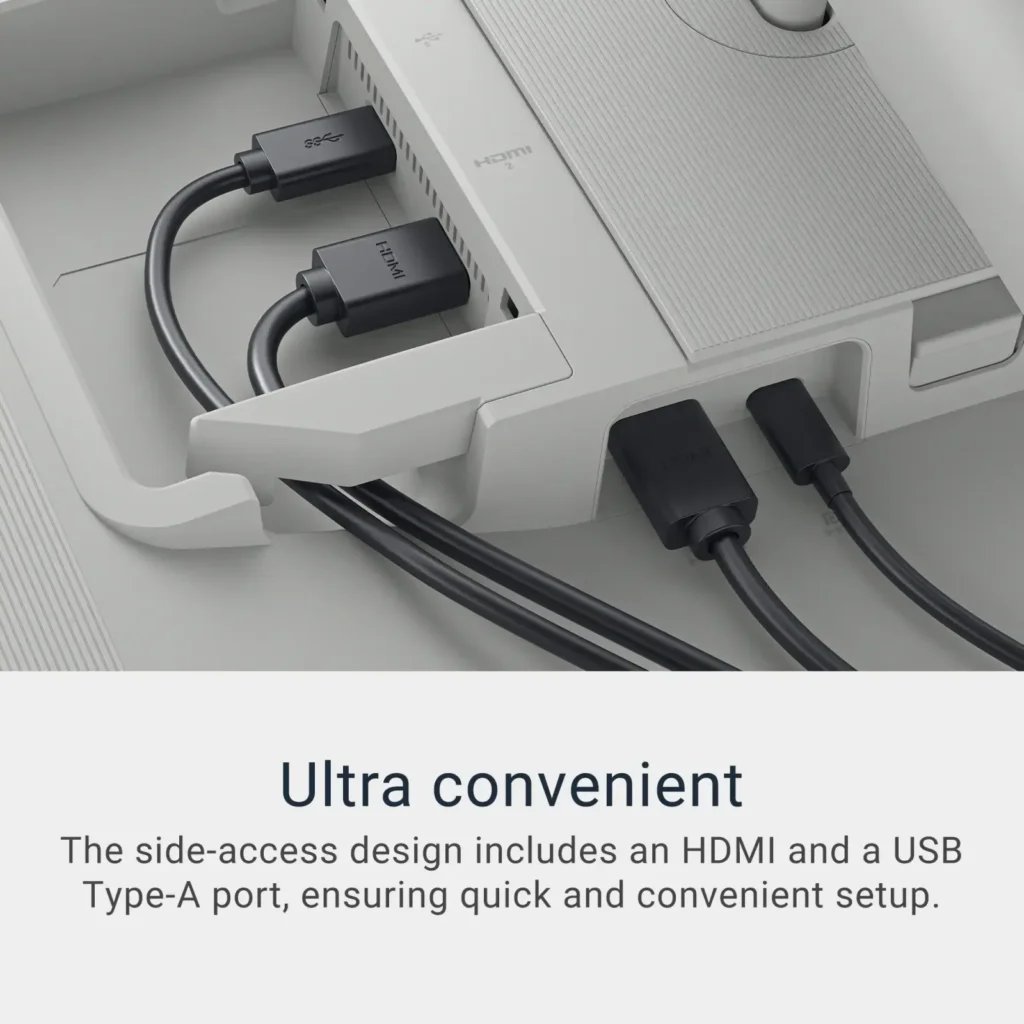
Touch and feel – The one I had was silver and it is quite light in color so would need to match your aesthetic with that color – did stand out a bit on my black desk. The monitor has height, rotation, tilt, and swivel ability so you can get it in the perfect view position. Being able to raise gives you different options for functionality if needed. The complete case of the screen adds a bit of rigidity that makes it feel like a premium monitorSetup & Functionality – Setup was easy with the number of connections with a USB-C, 2 HDMI, and USB-A ports – you can easily hold this up to whatever input you have. I used the 2 HDMI with no issues in auto recognizing on power up = it did not auto switch when the signal was lost from one source but easily enough changed through the user menu. As for the menu setup, it was well laid out and as easy to navigate as any on a monitor. I found the reduction in blue light setting the best for standing computer work – no real eye strain for several hours of work. I did have to change the setting if I wanted to use it as a video playback. Most of the other worked well in this case – would depend on your viewing preference. Also if the standards don’t work for you it has a full individual setting customization that would allow you to adjust it to your specific viewing needs. The 4K and 120 refresh rates worked well (lower quality sources) to outstanding in high-quality sources (mainly watching $K content). The speakers are passable – great for an office setting – but may leave a bit to be desired for video or music but again they as accessible in that instance. Now the largest drawback (please note as stated before this is a real pet peeve of mine). The black levels are horrid. I set this up and did a side-by-side comparison with a 2-letter company (one I used daily) competitive model the difference was striking. The Dell had a mid-gray at best black – standalone it’s not as noticeable and or in dim light – but in bright light it does stand out.
The features and everything other than the black make this a great monitor and if you are OK with that this would be a high recommendation from me however if you like me, I just could not work with that every day.
-
Good product.
Verified purchase Verified purchase: This reviewer bought the product. Incentivized Incentivized review: The reviewer received a benefit for sharing feedback.Wakkxi June 13, 2025Review source: BestbuyThis display is very good. And it has usbc port to connect Mac.
-
Great value
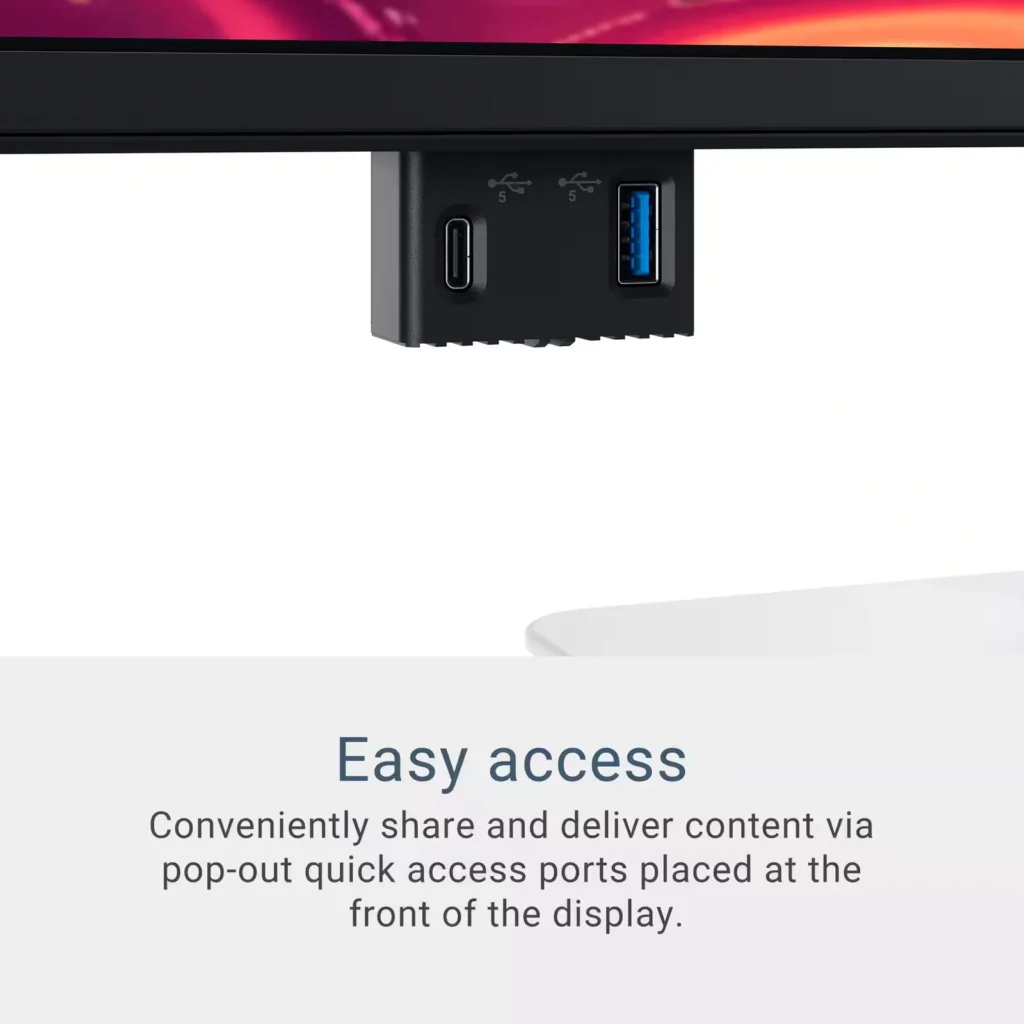
Verified purchase Verified purchase: This reviewer bought the product. Incentivized Incentivized review: The reviewer received a benefit for sharing feedback.DennisR June 13, 2025Review source: BestbuyThis monitor is perfect for my use case. I needed something for work that is big enough with high resolution to see charts but not too big to still allow dual monitors side by side in the future. I also wanted good color accuracy and high refresh rates without breaking the bank. This monitor has a great ergonomic stand, allows a single USB cable for power and data, pop ports for accessories and charging, and the side HDMI has a nearby USB port that can power a Chromecast with Google TV (it also has good speakers so I am able to turn it to a smart TV). It has some light bleeds on the edge but it’s still probably the best monitor overall for this price range in my opinion.
-
great product
Verified purchase Verified purchase: This reviewer bought the product. Incentivized Incentivized review: The reviewer received a benefit for sharing feedback.Matt June 13, 2025Review source: BestbuyProduct works well. No issues so far. Display is very clear.
-
Nice monitor
Verified purchase Verified purchase: This reviewer bought the product. Incentivized Incentivized review: The reviewer received a benefit for sharing feedback.FlorI June 10, 2025Review source: BestbuyNice monitor – works well and the display is nice.