

Customer Media
Highlights
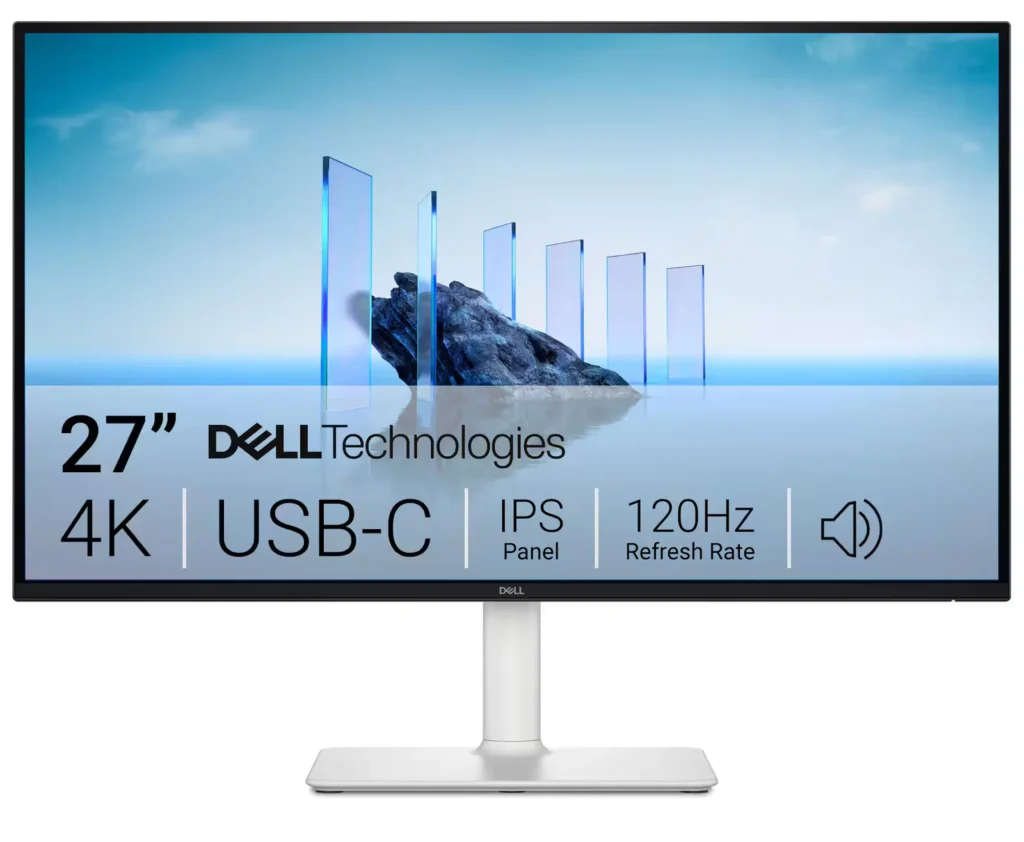
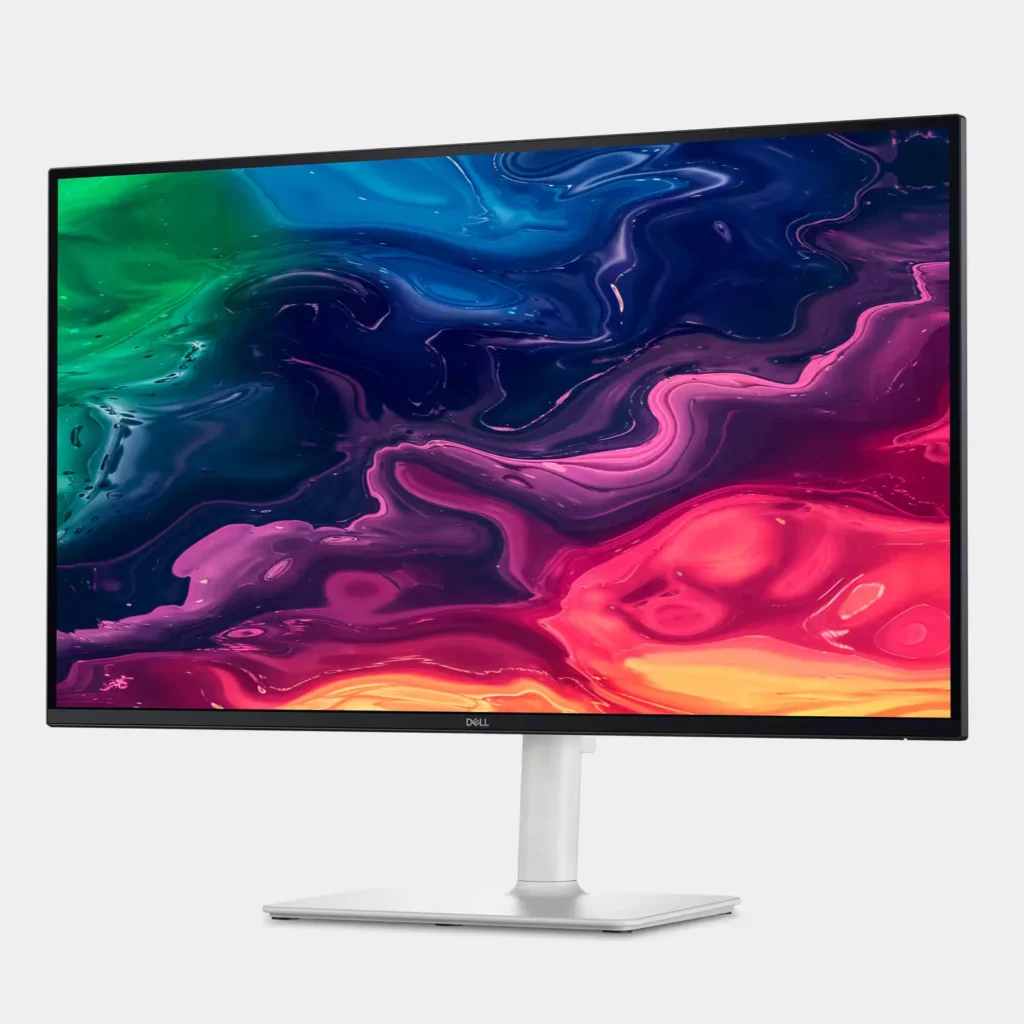
| Stunning 4K Visuals with 120Hz Smoothness | Experience breathtaking clarity with 3840 x 2160 UHD resolution on a 27-inch IPS panel. The upgraded 120Hz refresh rate provides significantly smoother motion for both productivity and casual gaming compared to standard 60Hz displays. |
|---|---|
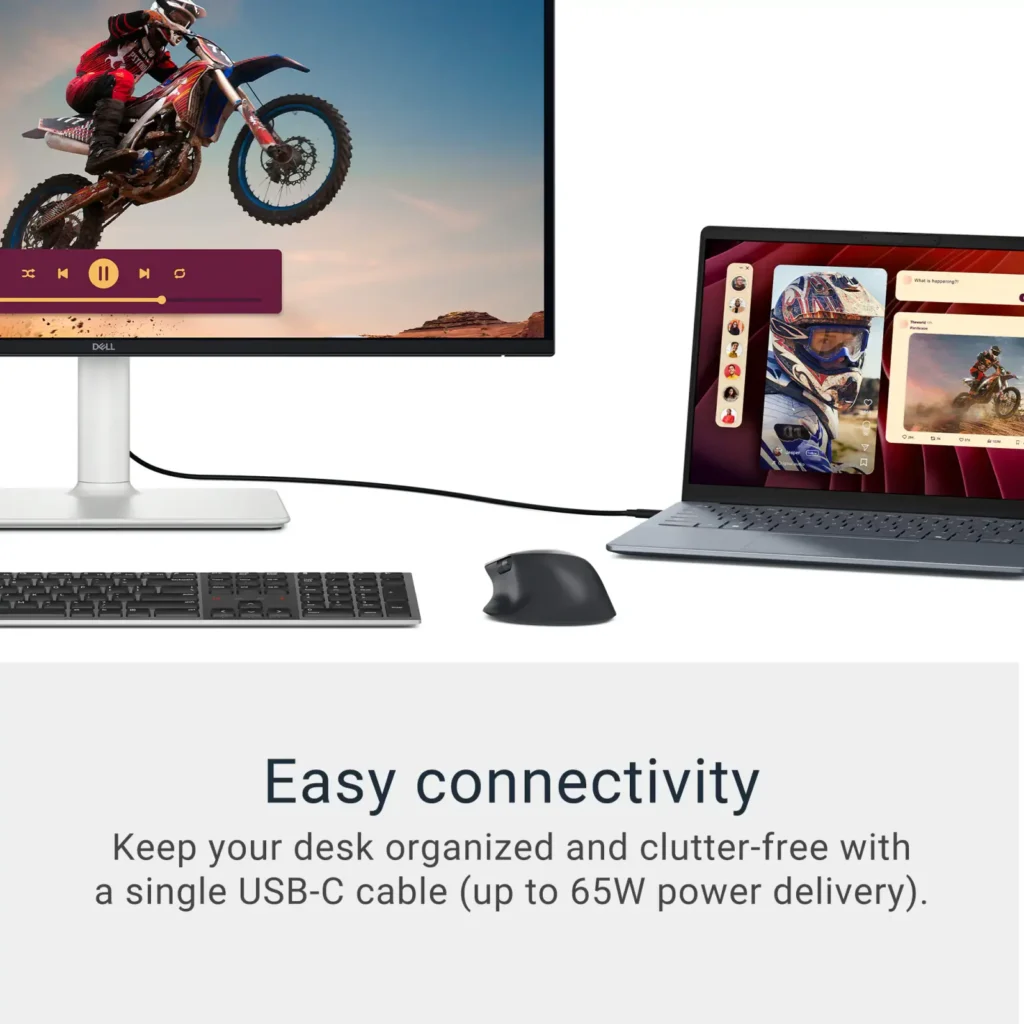
| Single-Cable USB-C Connectivity | Streamline your workspace with a versatile USB-C port that delivers up to 65W of power to charge your laptop while simultaneously transmitting video and data signals through a single cable. |
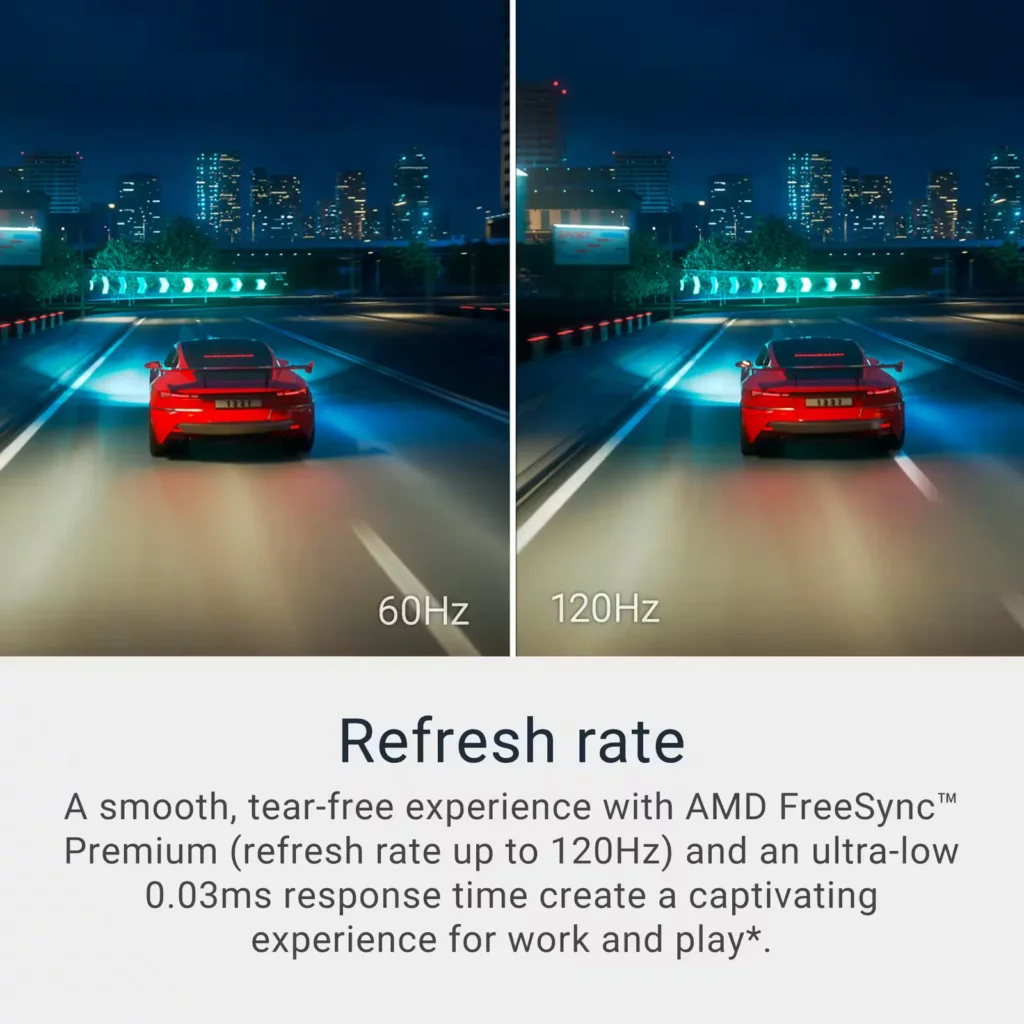
| AMD FreeSync Premium Technology | Enjoy a tear-free and fluid viewing experience during fast-paced action. This monitor supports AMD FreeSync Premium and VRR (Variable Refresh Rate) to eliminate screen tearing and stuttering for seamless visuals. |
| Enhanced Integrated Audio | Equipped with dual 5W speakers, this monitor offers re-engineered sound quality with deeper frequency response and greater output power than previous generations, eliminating the need for external speakers. |
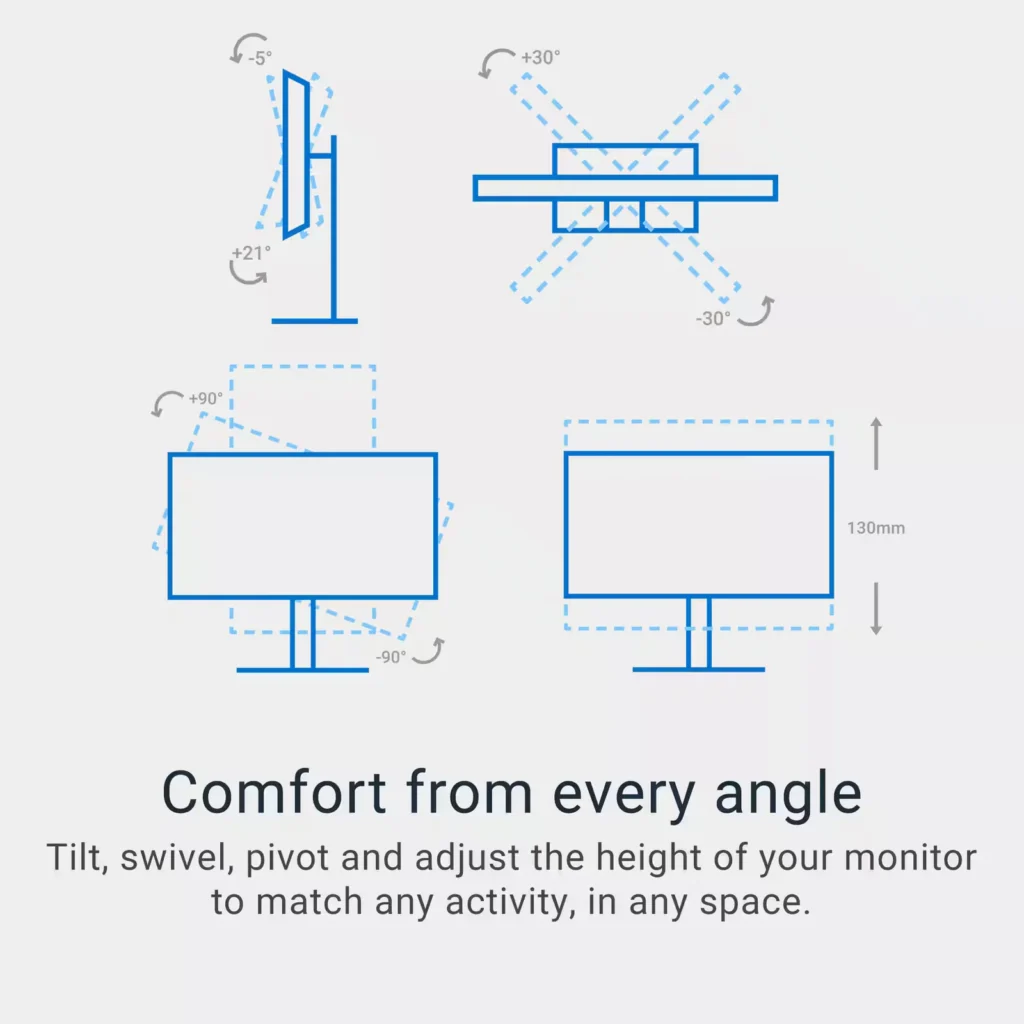
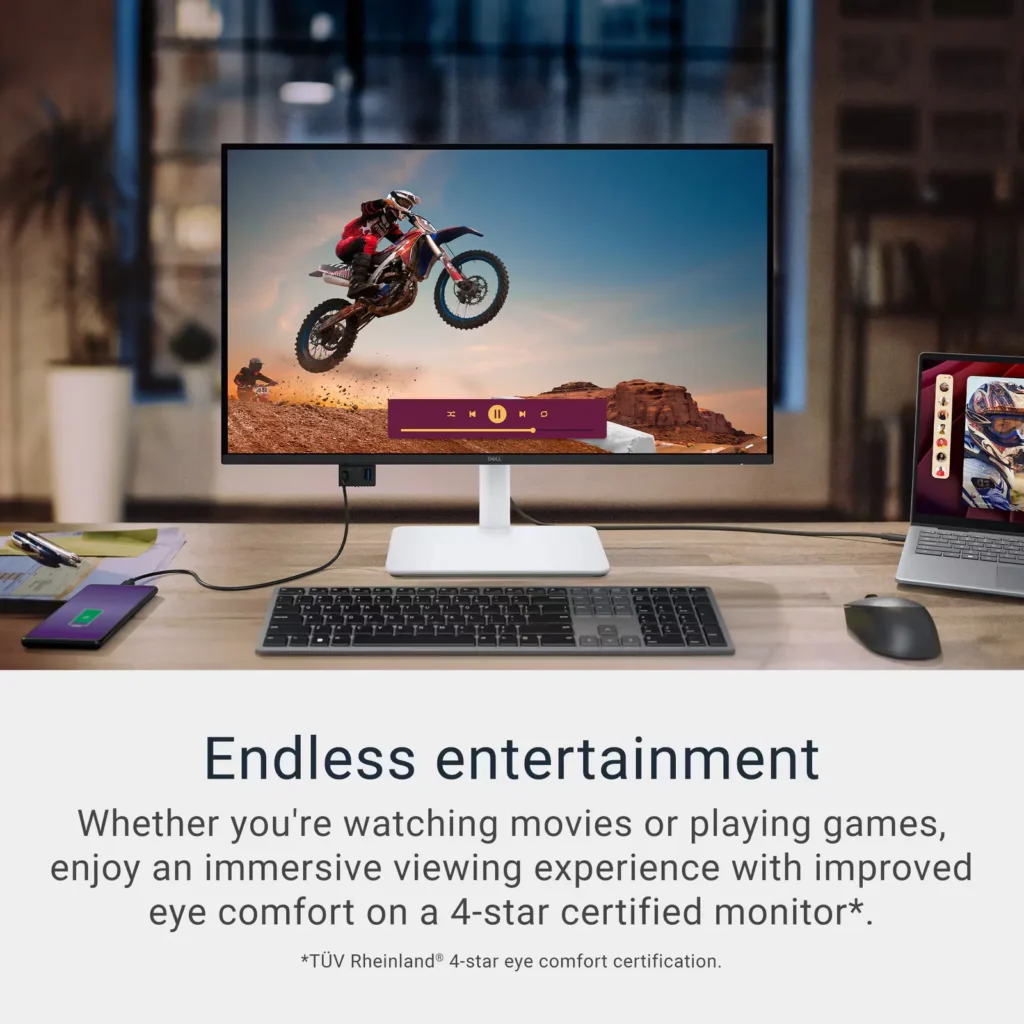
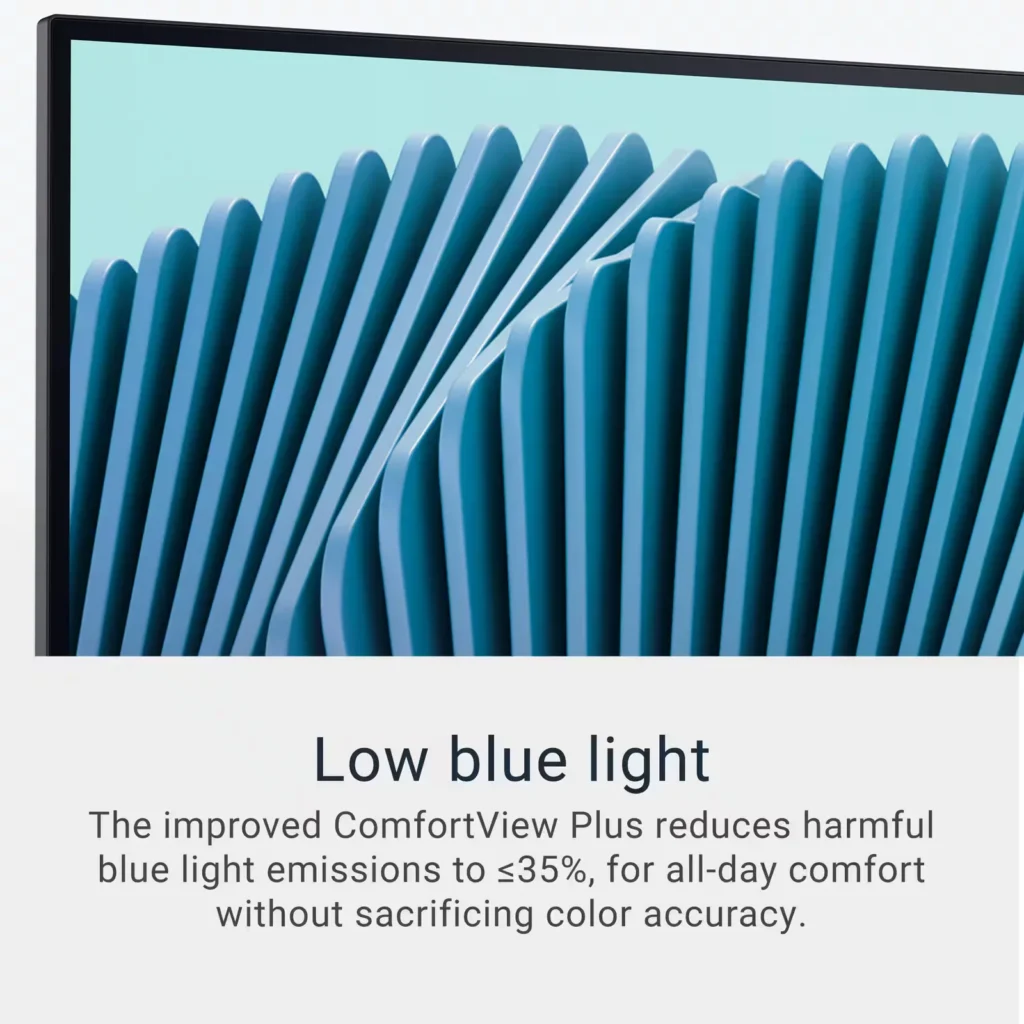
| Advanced Eye Comfort and Ergonomics | Features a TÜV Rheinland 4-star eye comfort rating with improved ComfortView Plus to reduce blue light emissions without sacrificing color accuracy. The fully adjustable stand allows for height, tilt, swivel, and pivot adjustments for all-day comfort. |
Pros & Cons
Pros
- Exceptional 4K and 120Hz Performance: The monitor delivers breathtaking 4K visuals with sharp text and vibrant colors, while the 120Hz refresh rate provides buttery-smooth motion that is highly beneficial for both productivity and casual gaming.
- Convenient USB-C Single-Cable Setup: The USB-C connectivity acts as a docking station, providing video, data, and 65W power delivery to charge laptops through a single cable, which effectively reduces desk clutter.
- High-Quality Integrated Speakers: Many reviewers were surprised by the built-in speakers, describing them as loud, clear, and possessing decent bass, making them far superior to typical integrated monitor audio.
Cons
- Hardware Reliability and Defects: There are multiple reports of significant hardware failures, including horizontal or vertical dead pixel lines appearing shortly after use, flickering screens, and USB-C ports that stop functioning entirely.
- Mac Compatibility and Control Issues: Mac users frequently noted that they cannot control the monitor's volume or brightness through the Apple keyboard, and some reported difficulties with text scaling and a persistent yellow tint from the non-disableable ComfortView feature.
- Inconsistent Quality Control and Shipping: Several customers received units that appeared to be used or open-box items despite being sold as new, and others reported physical defects like wobbly stands or even an ant infestation in the packaging.
Customer Reviews
Showing reviews 241-250 of 294
-
Amazing Value
Verified purchase Verified purchase: This reviewer bought the product. Incentivized Incentivized review: The reviewer received a benefit for sharing feedback.KyleS June 8, 2025Review source: BestbuyGreat quality for the price. Doesn’t scale to macOS perfectly at 27” and 4K which is fine for a monitor connected to a Mac mini used for basic things to run a home. So, I set the scaling to 1080p which makes things appear a little large but still crisp. It’s not on the level of an Apple Studio Display, of course, but when comparing what you get (4K, 120Hz, built in speakers) for the price paid, this Dell monitor wins out in my opinion.
-
Great for MacOS
Verified purchase Verified purchase: This reviewer bought the product. Incentivized Incentivized review: The reviewer received a benefit for sharing feedback.Artem June 7, 2025Review source: BestbuyExcellent monitor for the price — works flawlessly with my MacBook Air.
-
Is not responsive to Mac M4 commands or options. Probably more of a PC display.
Verified purchase Verified purchase: This reviewer bought the product.Martha Russell June 7, 2025Review source: AmazonThe Dell 27 Plus is not compatible with my Mac M4. It does respond to changes that I want to make with the display brightness, my biggest complaint. I have sensitive eyesight and need to decrease the whiteness level using the options available through my computer it will not decrease the brightness as my Apple ones did. I have ordered the Apple Studio display that I know will work. This display may work with a PC, but not Apple.
-
Great 4K monitor
Verified purchase Verified purchase: This reviewer bought the product. Incentivized Incentivized review: The reviewer received a benefit for sharing feedback.MrDshy June 6, 2025Review source: BestbuyThe excellent product quality of the screen is great, and the view is amazing
-
Great Look and Sound. But Volume is Controlled Only Through the Display's Toggle Switch
Verified purchase Verified purchase: This reviewer bought the product.Vega June 6, 2025Review source: AmazonGreat display, crisp picture, easy setup, connectivity and the speakers sound great. Unfortunately the volume can only be controlled by the toggle in the back of the monitor. Maybe an audio driver will be made available to change that. Kind of a bummer for me but, oh well. Hopefully this review helps you out
-
Great value monitor!
Verified purchase Verified purchase: This reviewer bought the product. Incentivized Incentivized review: The reviewer received a benefit for sharing feedback.Clara135 June 6, 2025Review source: BestbuyI’ve only had this monitor for a couple weeks, but I really like it so far. The setup was easy, the monitor stand is sturdy and adjustable, and I like the variety of connection options. It works great with my MacBook using either the usbc or hdmi connections, the resolution is good, and I like the slightly-matte screen finish, since my workspace is bright, and a glossier screen would have had too much glare.
-
Perfect for gaming
Verified purchase Verified purchase: This reviewer bought the product. Incentivized Incentivized review: The reviewer received a benefit for sharing feedback.FelicaP June 6, 2025Review source: BestbuyIts got great demographics and its a great monitor for gaming. Its got built in speakers.
-
Great 4K Monitor For Work and Play
Incentivized Incentivized review: The reviewer received a benefit for sharing feedback.SnowNinja June 5, 2025Review source: BestbuyFor me, Dell has always made nice monitors for work and play. With the addition of the Dell – S2725QC 27” IPS LED 4K 120Hz FreeSync Monitor, they have not disappointed with a moitor that can handle it all.
Getting set up out of the box is fairly easy. While assembly of the stand is required, you do not need any special tools to get the job down. A pull tab on each of the required screws allows one to easily attach pieces together. The only real drawback in setting up is that the monitor did not come with its own HDMI cable. So, you will need to get a cable to use the monitor. Then the debate over whether to get HDMI 2.0 or 2.1 comes in. If you want to get the most out of the system (specifically 4K at 20 FPS), you will need to get the HDMI 2.1 cable. If you are fine with 4K at 60 FPS, the HDMI 2.0 should work though. This is a minor detail, but you should be aware that you need a cable. There are also 2 HMDI ports in case you want to add multiple systems to the monitor (such as a PS5 and a laptop) which is very nice. No switching cables when you want to work or play.
Once you are all connected, you are ready to go. Immediately, the 4K blows you away. Having a 4K, 27” monitor is nice. And even being a 2-3 feet away from the screen doesn’t hurt your eyes. The screen is easy on the eyes and has low blue light emissions.
I absolutely loved gaming on this monitor. I tried it with both the PS5 and a gaming laptop. There was no discernable lag associated with the monitor. With a refresh rate of 120 Hz and 0.03ms response, gaming was smooth.
One of the other nice features with this monitor is that it has an integrated speaker built into the unit. This may seem like a small detail, but it is nice to avoid desk cluttering. And the speakers actually sound great. I was amazed that even with the speaker set at 50, it was loud and clear. Low volume settings were still crisp. There was not a lack of power with these speakers.
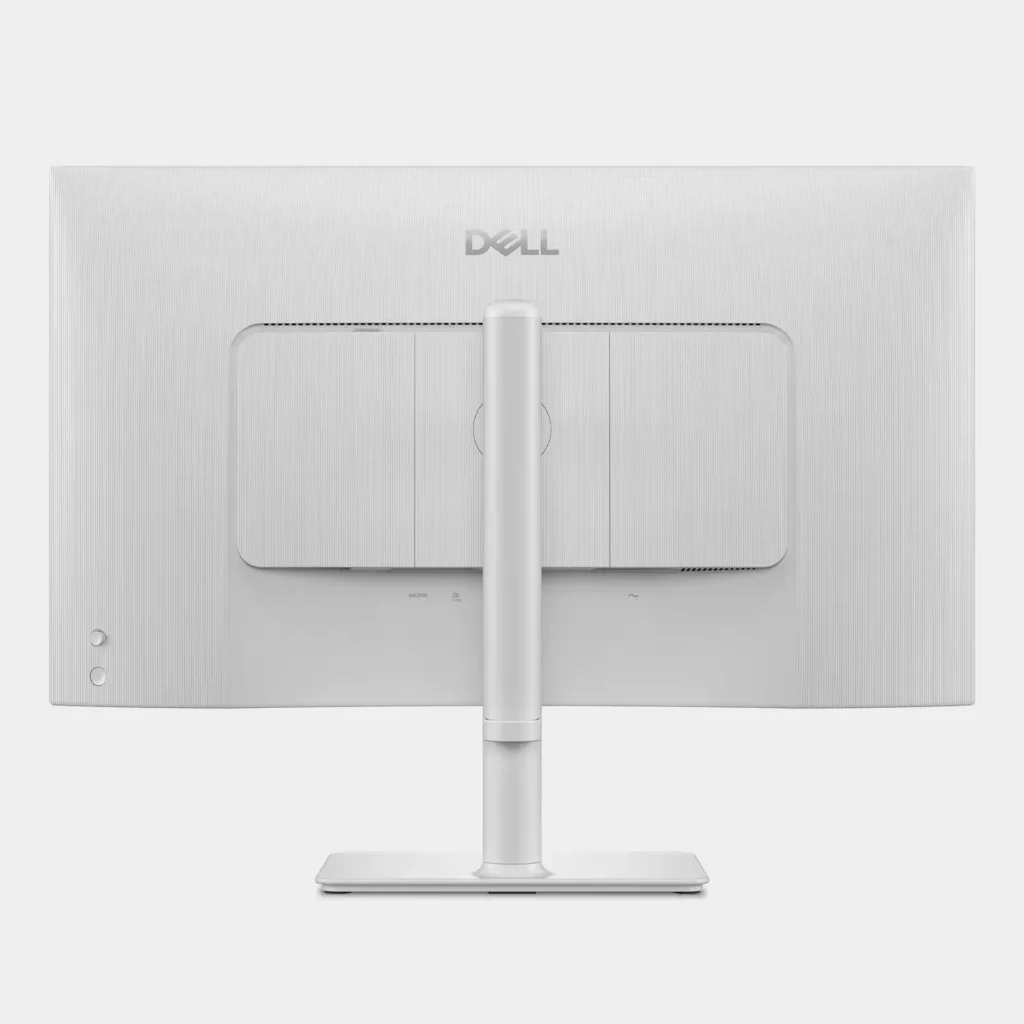
The aesthetics of the system were extremely nice. The menu keys are located at the back of the system, but they were easy to access and scroll through. I had no issues related to working with them.
In the end, this monitor is wonderful. With the 4K image, fast refresh rate, and built in speaker system, this monitor has become my go-to choice for my office. If you need a monitor for gaming or for work, I highly recommend this Dell monitor.
-
Defective and incompatible with Mac
Verified purchase Verified purchase: This reviewer bought the product.Amazon Customer June 5, 2025Review source: AmazonDefective and incompatible with new Mac mini. Screen goes black randomly for 5-30 seconds at a time. Attempted to resolve with updates, new software, and manually disengaging the auto input selector, as apparently this is a known issue, but to no avail. Item returned.
-
The little screen with some surprises
Incentivized Incentivized review: The reviewer received a benefit for sharing feedback.Justjohnne June 5, 2025Review source: BestbuyThis Dell – S2725QC 27″ IPS LED 4K UHD 120Hz FreeSync Monitor is a great product. Being home based for work and having my equipment supplied by my company I forgot how much I miss a really great monitor. Dell put some thought into both the product and packaging.
I have mine connected via HDMI to my hub and the 4K resolution is stunning and clear.
How about Dell and Premium Panel Exchange, this allows a free panel replacement during the Dell Limited Hardware Warranty period even if only one bright pixel is found. Premium Panel Exchange is not a standard or upsell Support service, this alone almost makes it worth it.Aside from that these connections:
– Optional wireless dongle
– You can also add a wireless dongle that will interface with your connected computer
– Via the USB-C cable or equivalent, it will send your display signal to your display as well as provide power to your USB-C powered laptop, providing up to 65 watts at the same time.
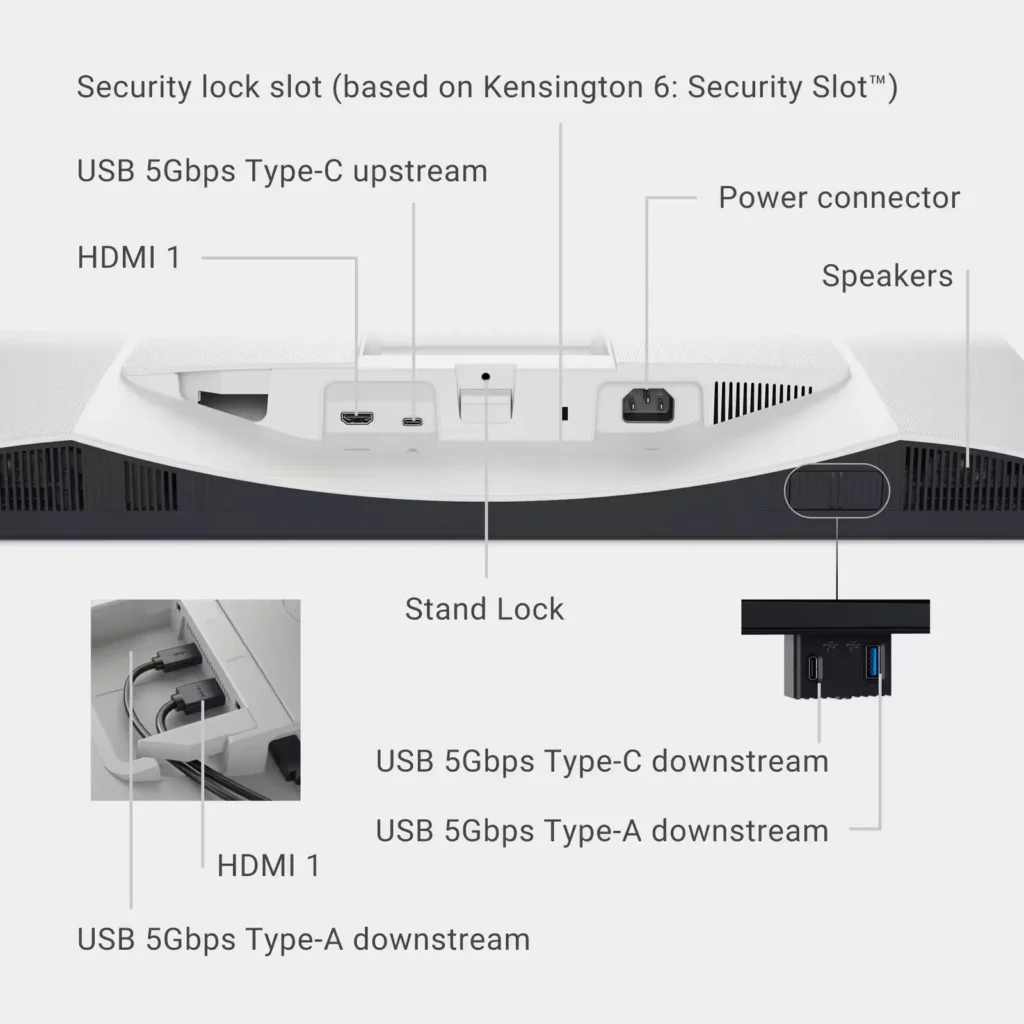
– There are three other available USB ports two USB Type-A 5 Gbps downstream ports, one with charging capabilities and one additional USB Type-C port with 5 Gbps downstream capabilities, along with power delivery of up to 15 watts.
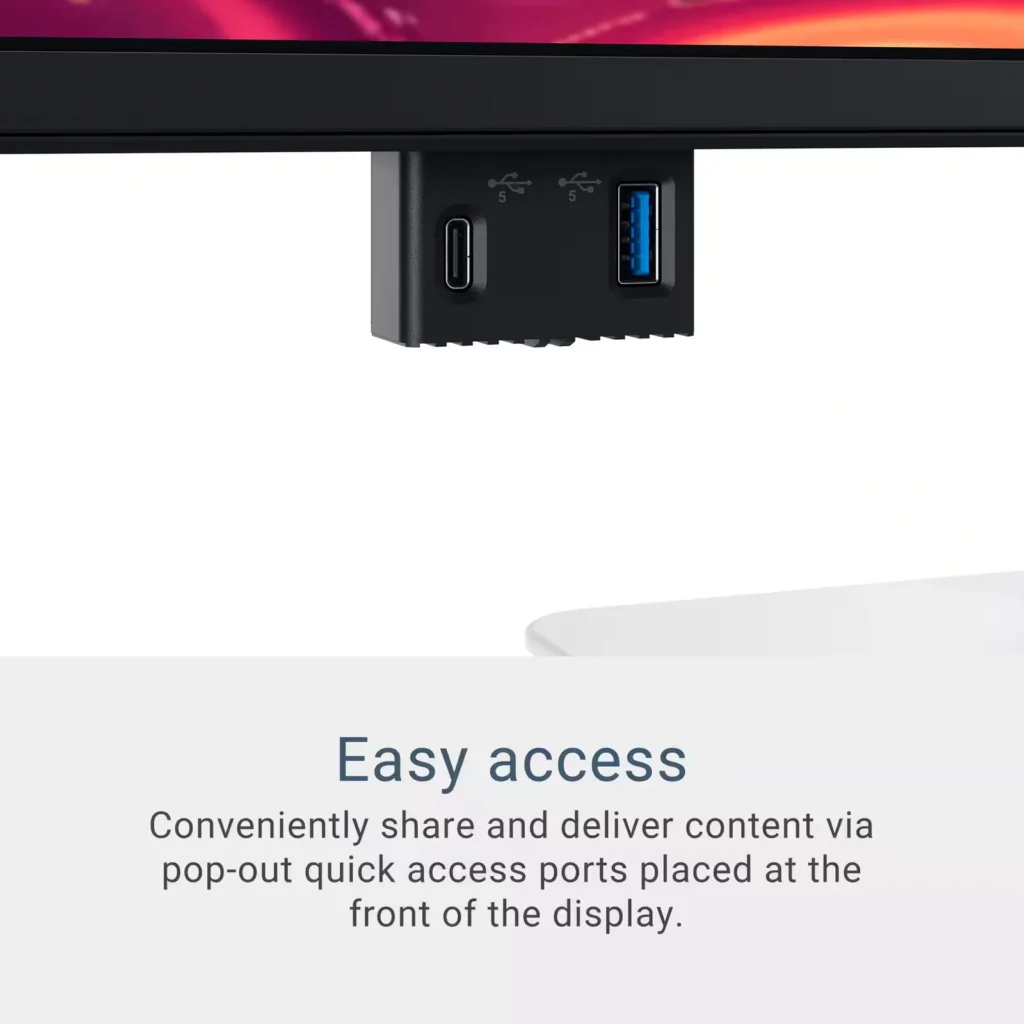
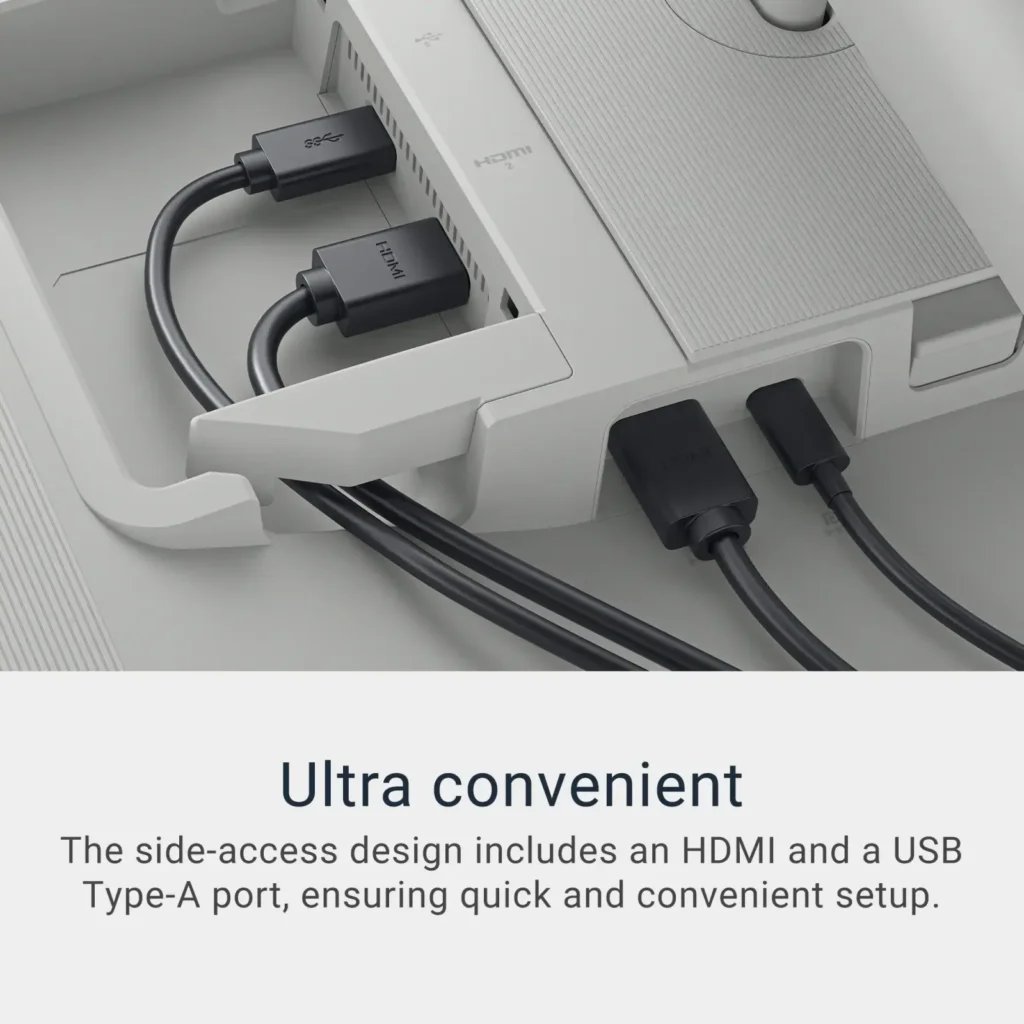
– There are also two HDMI ports, which all meet HDMI specifications for HDMI 2.1.And the best.. Two of the USB ports are a pop-out forward-facing in a hidden hub.
Did I mention the actual color and clarity of the display… Side by side with another “stock” monitor, there is no comparison, the Dell wins hands down.