
Customer Media
Highlights
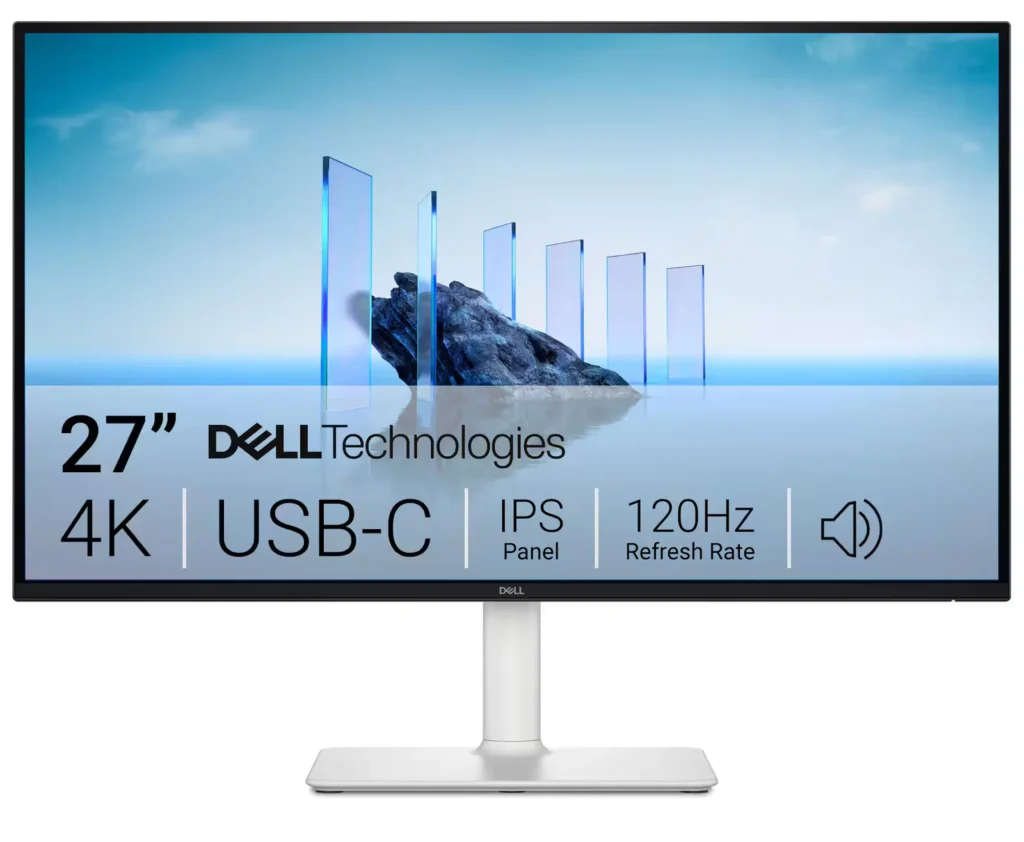
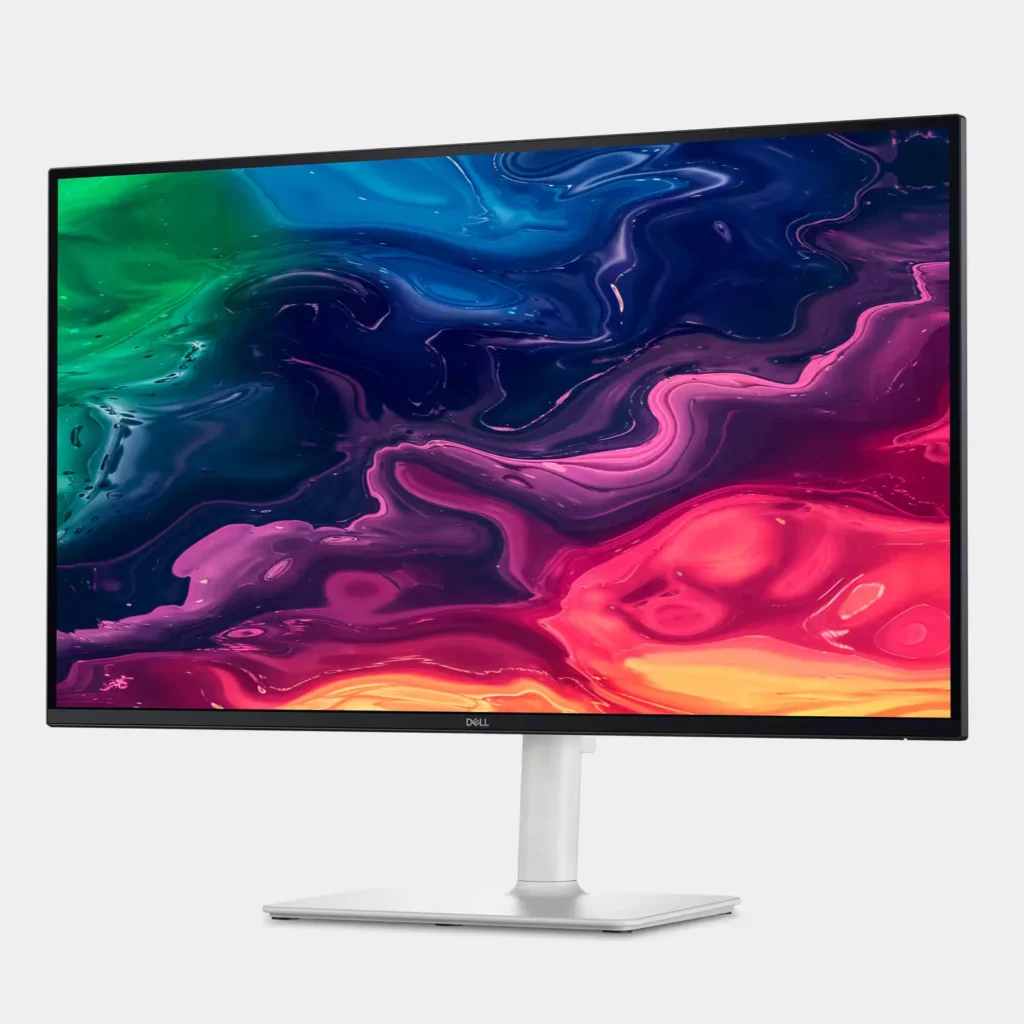
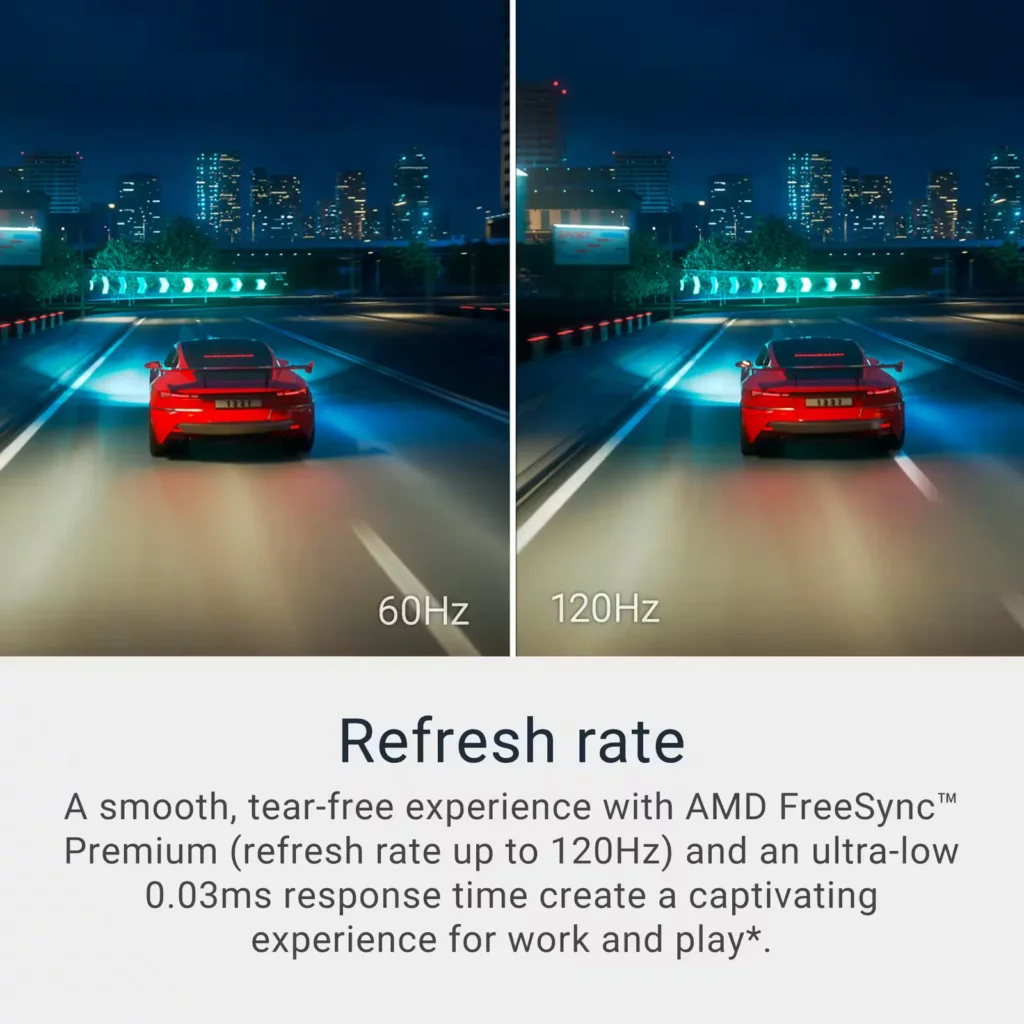
| Stunning 4K Visuals with 120Hz Smoothness | Experience breathtaking clarity with 3840 x 2160 UHD resolution on a 27-inch IPS panel. The upgraded 120Hz refresh rate provides significantly smoother motion for both productivity and casual gaming compared to standard 60Hz displays. |
|---|---|
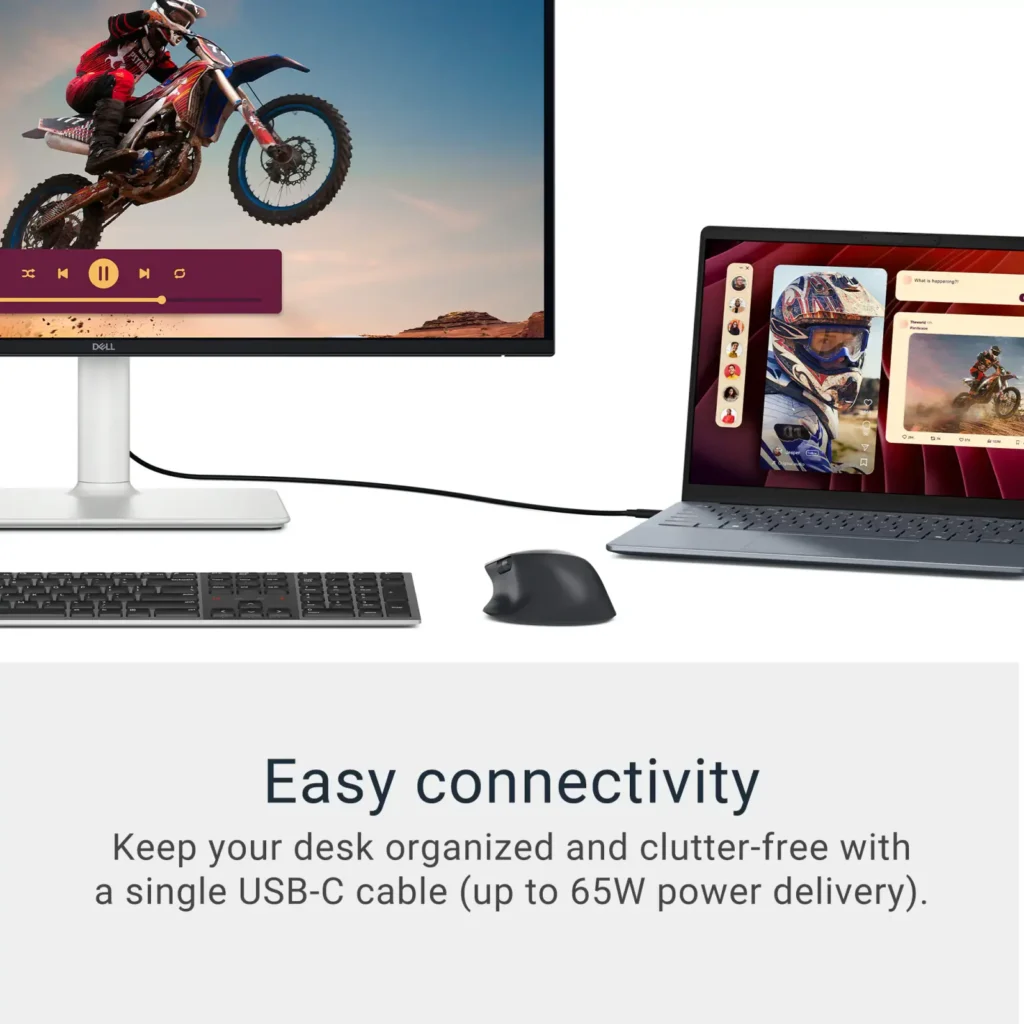
| Single-Cable USB-C Connectivity | Streamline your workspace with a versatile USB-C port that delivers up to 65W of power to charge your laptop while simultaneously transmitting video and data signals through a single cable. |
| AMD FreeSync Premium Technology | Enjoy a tear-free and fluid viewing experience during fast-paced action. This monitor supports AMD FreeSync Premium and VRR (Variable Refresh Rate) to eliminate screen tearing and stuttering for seamless visuals. |
| Enhanced Integrated Audio | Equipped with dual 5W speakers, this monitor offers re-engineered sound quality with deeper frequency response and greater output power than previous generations, eliminating the need for external speakers. |
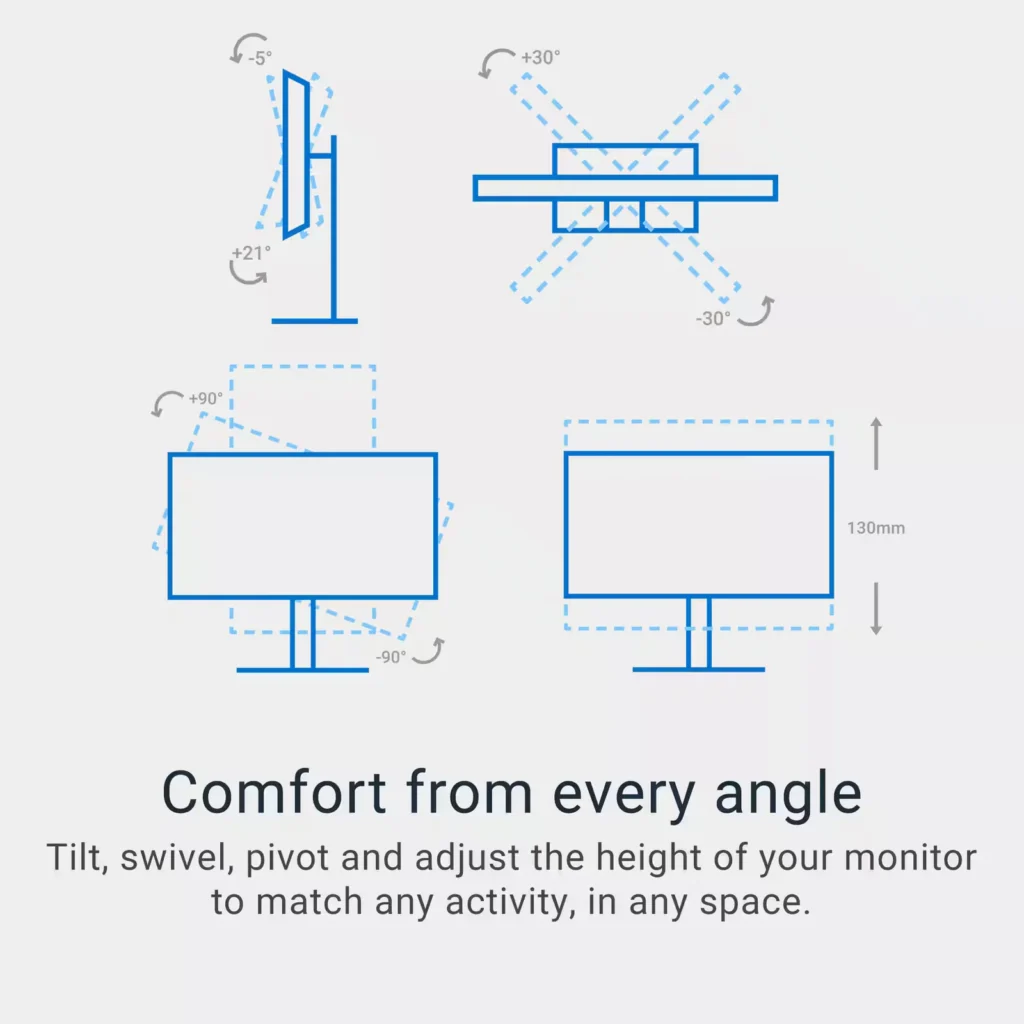
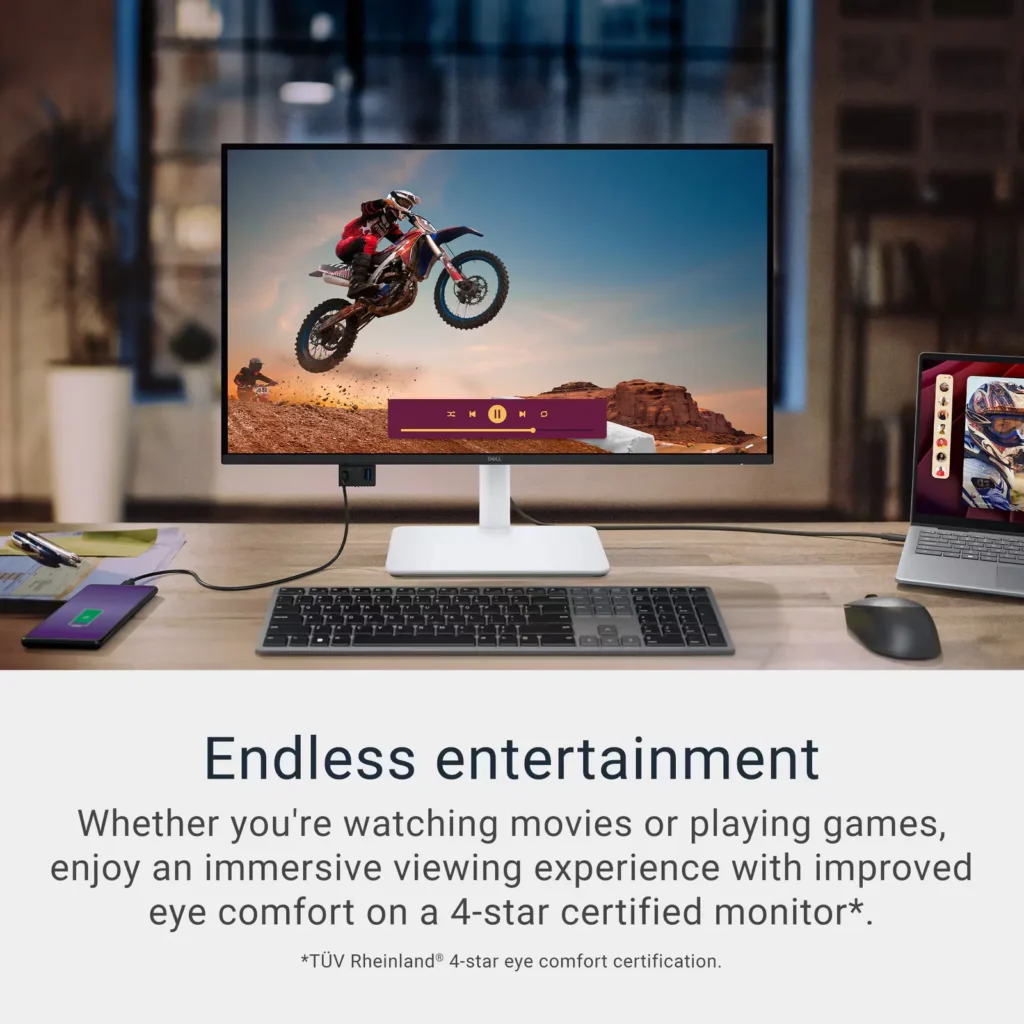
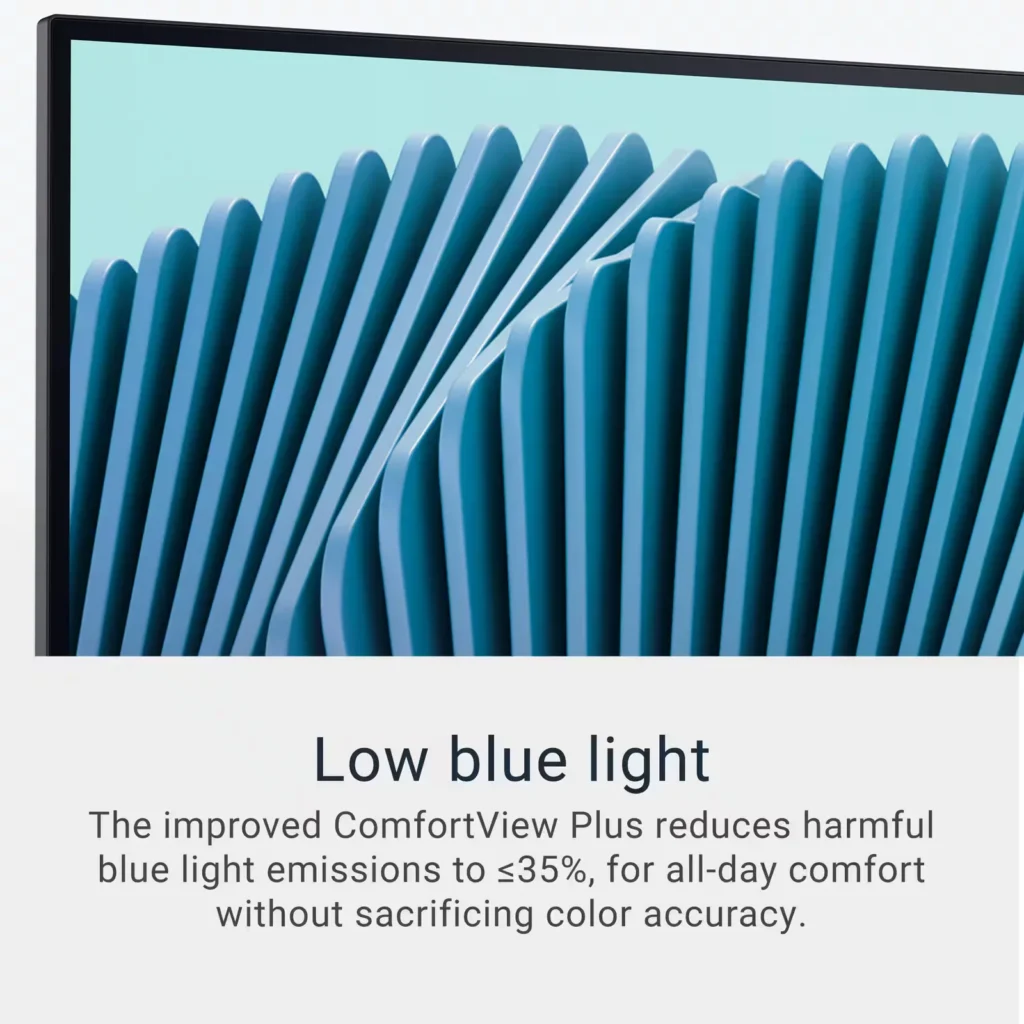
| Advanced Eye Comfort and Ergonomics | Features a TÜV Rheinland 4-star eye comfort rating with improved ComfortView Plus to reduce blue light emissions without sacrificing color accuracy. The fully adjustable stand allows for height, tilt, swivel, and pivot adjustments for all-day comfort. |
Pros & Cons
Pros
- Exceptional 4K and 120Hz Performance: The monitor delivers breathtaking 4K visuals with sharp text and vibrant colors, while the 120Hz refresh rate provides buttery-smooth motion that is highly beneficial for both productivity and casual gaming.
- Convenient USB-C Single-Cable Setup: The USB-C connectivity acts as a docking station, providing video, data, and 65W power delivery to charge laptops through a single cable, which effectively reduces desk clutter.
- High-Quality Integrated Speakers: Many reviewers were surprised by the built-in speakers, describing them as loud, clear, and possessing decent bass, making them far superior to typical integrated monitor audio.
Cons
- Hardware Reliability and Defects: There are multiple reports of significant hardware failures, including horizontal or vertical dead pixel lines appearing shortly after use, flickering screens, and USB-C ports that stop functioning entirely.
- Mac Compatibility and Control Issues: Mac users frequently noted that they cannot control the monitor's volume or brightness through the Apple keyboard, and some reported difficulties with text scaling and a persistent yellow tint from the non-disableable ComfortView feature.
- Inconsistent Quality Control and Shipping: Several customers received units that appeared to be used or open-box items despite being sold as new, and others reported physical defects like wobbly stands or even an ant infestation in the packaging.
Customer Reviews
Showing reviews 251-260 of 294
-
Good quality product
Verified purchase Verified purchase: This reviewer bought the product. Incentivized Incentivized review: The reviewer received a benefit for sharing feedback.Monirul June 3, 2025Review source: BestbuyThe Dell S2725QC is a stunning 27’’ 4K monitor with vibrant IPS display and smooth 120Hz refresh rate. USB-C connectivity makes it perfect for my MacBook. Colors are sharp, text is crisp, and build quality feels premium. Great for work, content creation, and entertainment. Highly recommended!
-
Great IPS 27” LED Display
Incentivized Incentivized review: The reviewer received a benefit for sharing feedback.BHTurnow June 2, 2025Review source: BestbuyPacked well from Dell and everything included you need for most connections to a PC. Monitor design is excellent. It is well built and high quality. Buttons are smooth and responsive when making adjustments. Stand is excellent and adjustable for most needs. As for the display itself, the 4K UHD screen shines. The screen is plenty bright enough. Colors are true to life in all aspects. Whether doing photo editing or gaming, I found the colors true to life and accurate. Contrast was excellent as well and dark and lights colors were easily distinct from each other. I was able to see details in the background without any issues. The 120Hz refresh rates really excels. Gaming was smooth and graphics looked awesome. No flickering at all in any games I threw at it. As for text, it was clear and easy to read down to 8 font. For me, the 27” size is perfect. Will fit any desk perfectly. It is the right combination of size and compactness. Overall this monitor shined in every aspect. Whether an office person, gamer, or photo editor, I found the Dell S2725QC a great all-around monitor.
-
a really great productivity monitor!
Verified purchase Verified purchase: This reviewer bought the product. Incentivized Incentivized review: The reviewer received a benefit for sharing feedback.Dante June 1, 2025Review source: BestbuyAmazing monitor. Been waiting awhile for Dell to release this updated version with the 120hz panel. I only use this for productivity but even so, the faster refresh rate helps with spreadsheets and the high dpi makes working a breeze!
-
Vibrant and Easy on the Eye Picture
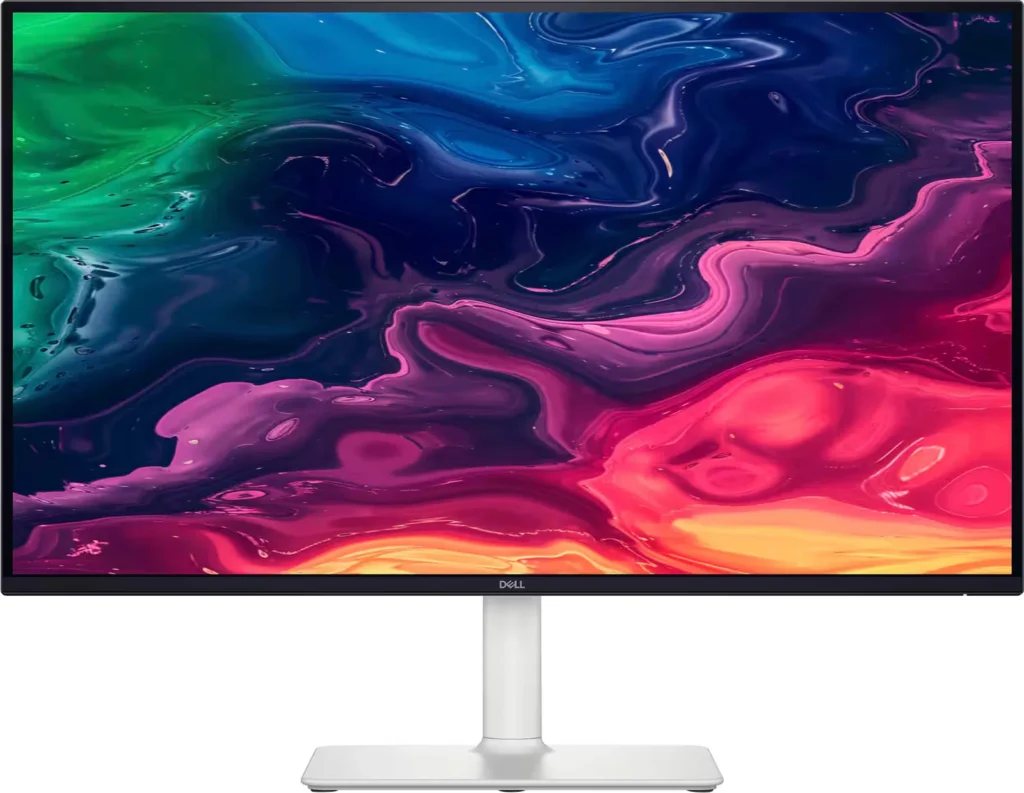
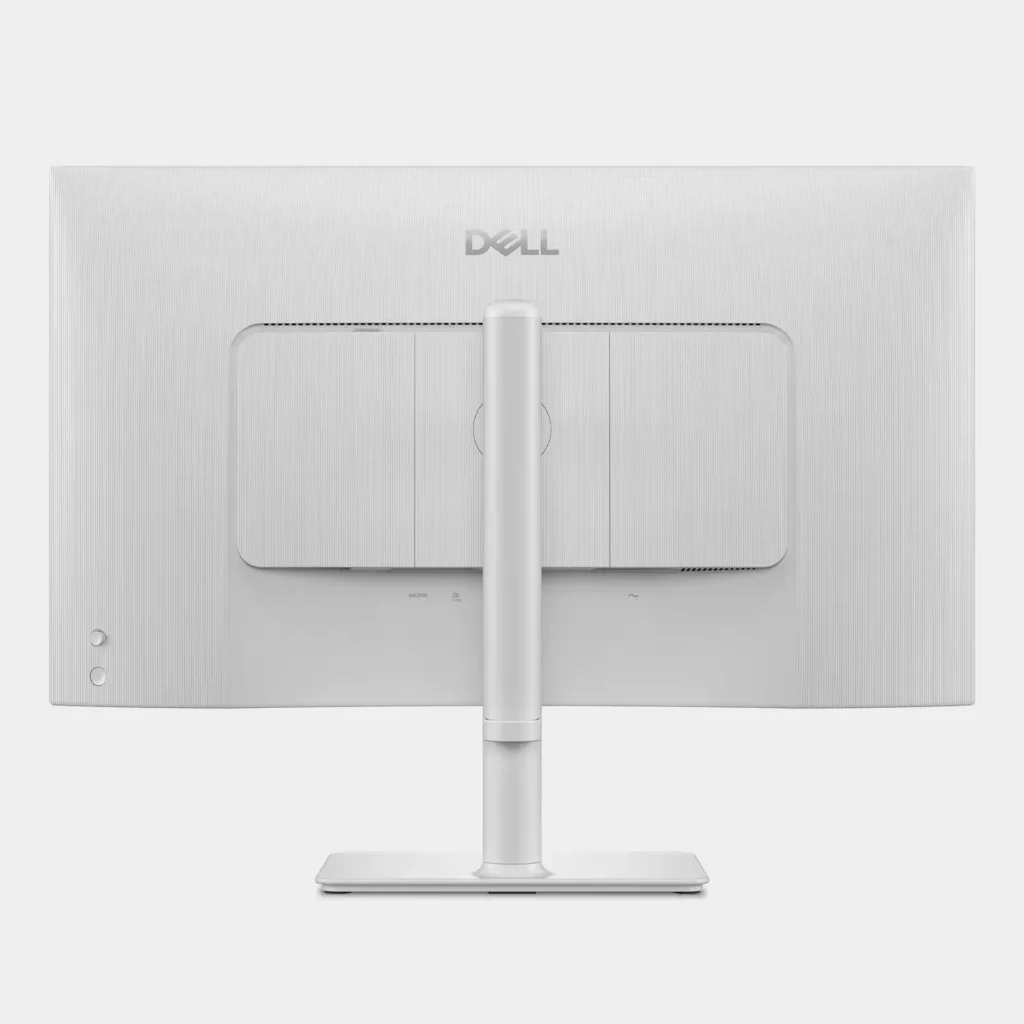
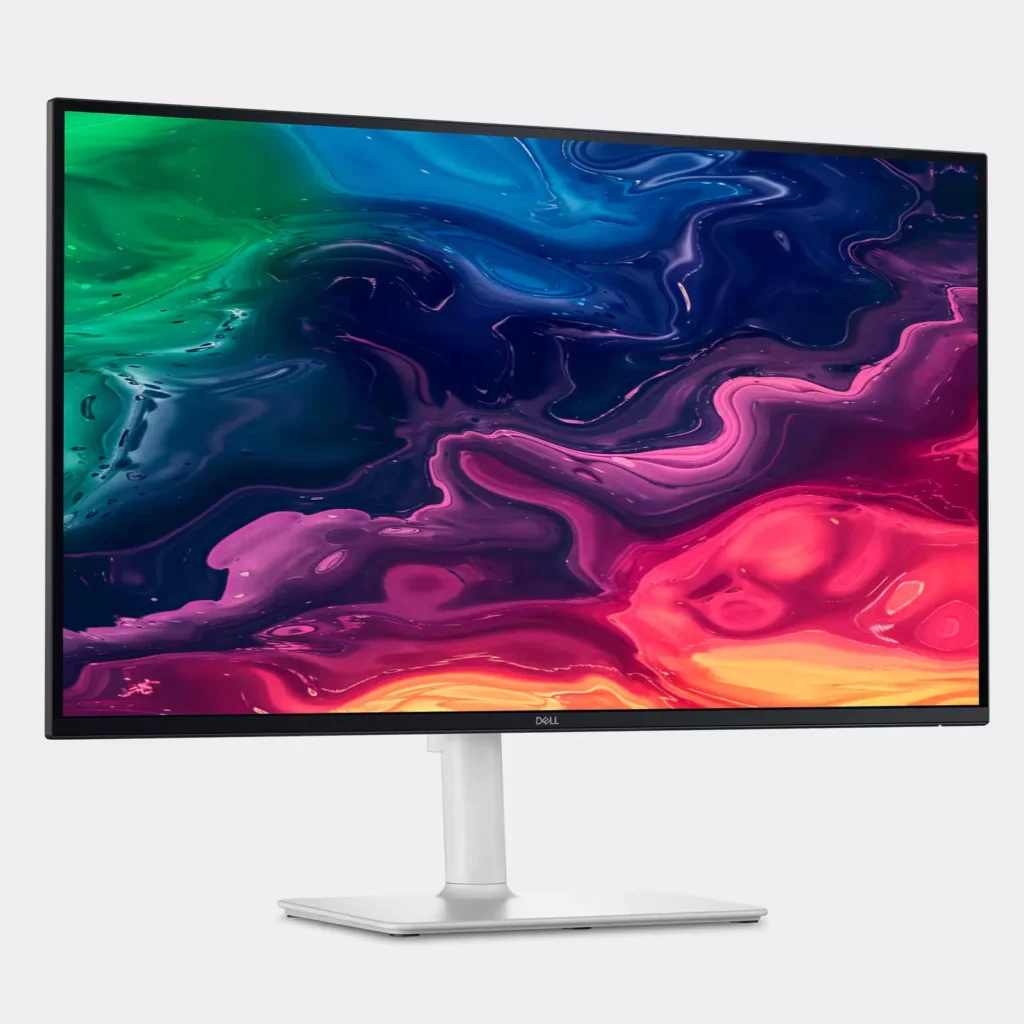
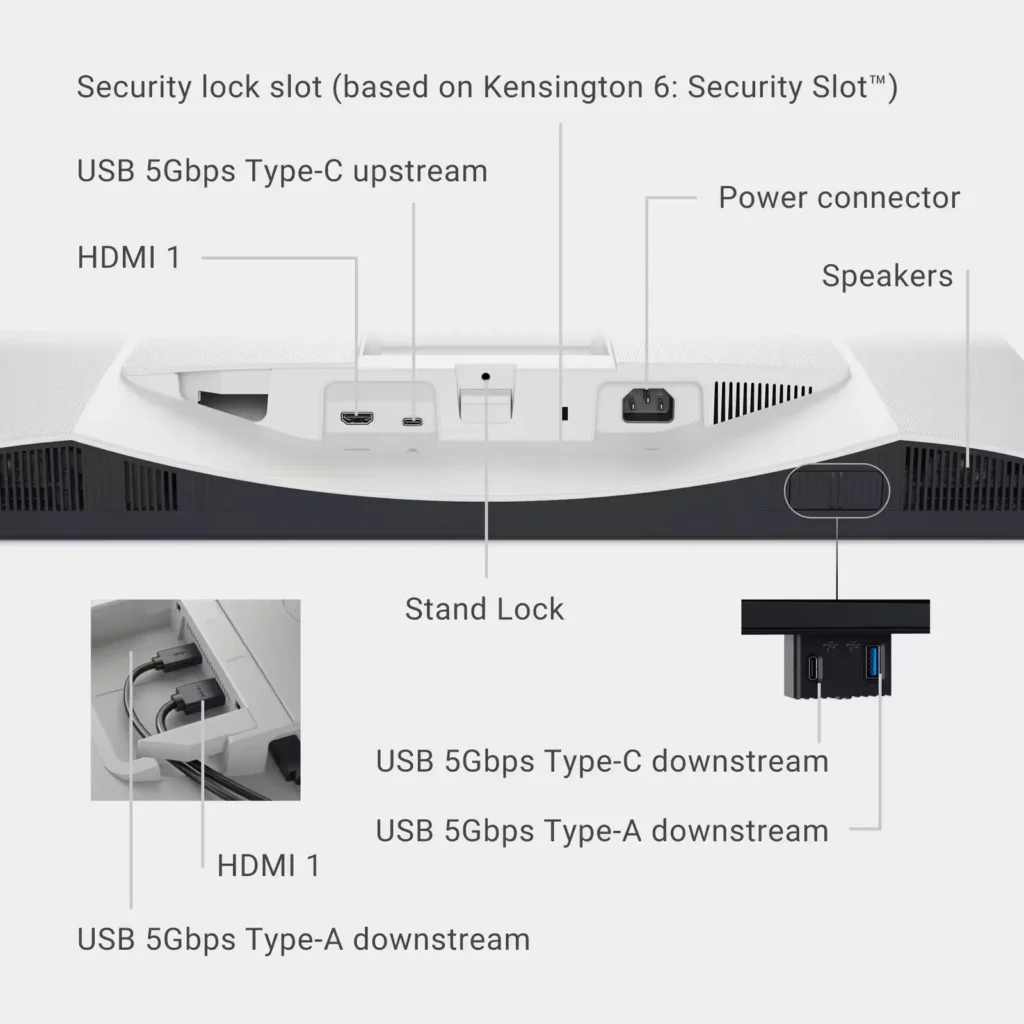
Incentivized Incentivized review: The reviewer received a benefit for sharing feedback.KansasMeddlingMom June 1, 2025Review source: BestbuyThe Dell – S2725QC 27″ IPS LED 4K UHD 120Hz Free Sync Monitor (USB-C, HDMI) in silver is a lean and aesthetically appealing monitor. Placing it in the room of your choice- your den, study, office, etc. will not either be a decorating or space-taking negative function. As you can see, the monitor has a white base and stand that easily attach to the screen itself. In fact, the monitor comes in a few pieces and must be erected on site. While there is only simple picture directions numbered with steps numbered 1,2, and 3, the putting together of this monitor is intuitive. I appreciate the low-profile bezel all around the screen’s face and there are numerous USB-C and HDMI ports-input and output on the back panel of the screen, even press-in drop-down located on the underside of the lower left-middle of the screen as you are looking at it. This monitor is easily adjustable for your viewing experience, sliding up and down the stand, as well as adjusting the monitor itself on that stand-turning to either right or left, forward or towards the back on that stand.
So, I am not a techy, but a 66-year-old that can muddle my way through the technical set ups. The plug and play is easy and the USB-C/A/HDMI ports allow this monitor to be connected to your phone, your tablet, your laptop, and your desktop-whatever application you need it to be used for.
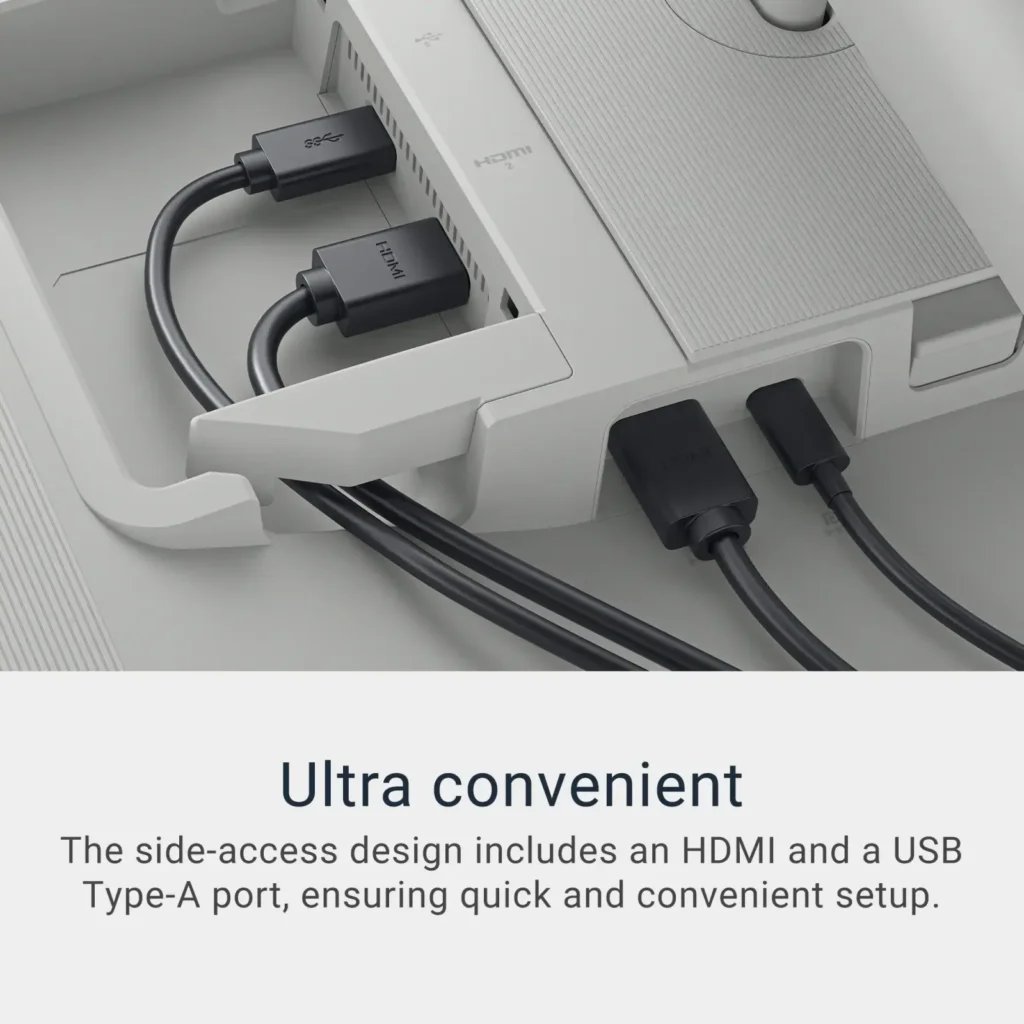
To be specific, there is a single USB-C,2 HDMI and 3 other USB-A’s (a charging port and 2 USB-A). The built-in speakers do not disappoint. Since I am a CPA, I use my monitors constantly all day when working and the “Comfort View” to handle blue light emissions is appreciated. Bottom line, a vibrant, easy on the eye, high refresh/non lag rate monitor that can be used for all kinds of needs. -
Perfect Size, Clarity and Sound
Incentivized Incentivized review: The reviewer received a benefit for sharing feedback.MKLight June 1, 2025Review source: BestbuyTL;DR:
SETUP: Plug it in, turn it on, it starts right up.
USE: I really like it. I recently started wearing reader glasses, but don’t need them when using this monitor.
USABILITY: It works well – from movies and videos to conference calls and spreadsheets.
OVERALL: It’s crisp and clear. It’s very easy to see and use. It works great!REVIEW:
I usually use 2-3 monitors at a given time. This has become my favorite and I’m using it more than the others because of its clarity. I set up has my desk facing windows, so there’s no glare from natural light, but I have an overhead ceiling fan light, which often causes some glare, but really doesn’t on this. I also just started wearing reading glasses and this has helped to not need them.I don’t usually use a monitor’s speakers, but the sound is great in my average-sized home office.
There isn’t much more I can say about this specific Dell monitor, but I like it, I use it and if you need a new monitor, the size is perfect as your main screen (my 36” curved monitor houses all the extra stuff I need, but don’t use frequently. Go for it! 🙂
-
Great Picture quality on Mac
Verified purchase Verified purchase: This reviewer bought the product. Incentivized Incentivized review: The reviewer received a benefit for sharing feedback.Alfredo June 1, 2025Review source: BestbuyGreat price for the specs on this monitor. Would recommend
-
Great Monitor at the price range
Incentivized Incentivized review: The reviewer received a benefit for sharing feedback.UnkinB May 31, 2025Review source: BestbuyThis monitor is in the middle of the road on performance. Despite its 60hz refresh rate, I haven’t experienced screen tearing or lagging in high-graphic games like Pub-G. But with fast-moving objects you do get some blur on the edges as they move across the screen. On 4k you will only get a max of 30Hz due to limitations on only having HDMI 2.0, you can get the higher refresh rate by using the USB-C input if your device has a free slot. It also has flicker free backlight which helps reduce eye strain if you have an issue with flicker. This monitor has a 9.0ms input lag, so the delay is small enough not to notice, and you will get great response time.
The ergonomic stand has about 4 inches to raise and lower the monitor, with a minimum height of the top of the panel being 15.4”. It has a swivel range of -30 degrees to +30 degrees. A tilt range of -20 degrees to +50 degrees and can rotate to either portrait or landscape. Comes standard with Vesa 100 x 100 for wall mounting. The controls are placed for easy access on the bottom right corner of the monitor.
The monitor comes with 2 USB-A ports at 5Gbps, 1 USB-C port at 5Gbps. With the USC-C port you can charge a device and display the screen at the same time. Some other features of the monitor include 3.5mm Audio Out, HDR10, built in speakers and picture in picture. The Native resolution is 3840 x 2160; the Aspect Ratio is 16:9 and the Pixel Density is163 PPI. The 4k display offers true color match for photos and videos, making it excellent for work, gaming, and movies.
I have only had this monitor for a week or so and have been extremely pleased with the performance. -
Great Monitor
Verified purchase Verified purchase: This reviewer bought the product. Incentivized Incentivized review: The reviewer received a benefit for sharing feedback.Nosn4me May 30, 2025Review source: BestbuyGreat monitor. Works well with my wife’s MacBook Air keeps her MacBook Air charged with 1 cable.
-
Excellent quality, decent price
Verified purchase Verified purchase: This reviewer bought the product. Incentivized Incentivized review: The reviewer received a benefit for sharing feedback.KatieB May 30, 2025Review source: BestbuyGreat quality, easy set up, sleek design and a lot of ports for everything I need to plug in. Didn’t want to spend an arm and a leg on a new monitor but needed something of pretty high quality and this fit the bill. Love that I can charge my phone through this as well.
-
Fantastic for office productivity!
Incentivized Incentivized review: The reviewer received a benefit for sharing feedback.vortex0007 May 28, 2025Review source: BestbuyOh I like this monitor. For work. For me this monitor is the sweet spot for office productivity. For Windows laptops that support USB-C the single cable connection that this monitor provides along with the built-in speakers makes it a dream configuration for cable minimalists.
For Apple users, I’m sorry to disappoint but the monitor uses USB-C DisplayPort Alt Mode with USB-Power Delivery which is all but incompatible with Apple silicon. Apple computers see this monitor as a USB hub instead of a display so you end up with a blank screen, and a working USB port. Oddly amusing but useless as a monitor. Apple users with this display need to use HDMI to output video and audio then optionally connect the USB-C cable to gain access to the pop-out USB-hub. It works, but the dream of a single-cable connection remains a dream.
I am pleased with the audio quality from the internal speakers. It’s not Dolby Atmos quality audio, but it gets the job done for casual audio listening. It is a royal pain in the neck to adjust the volume as I’ve grown accustomed to using my keyboard to quickly adjust the volume but the internal speakers only adjust using the monitor control joystick located on the rear of the monitor. It would have been better for Dell to include a physical set of volume buttons dedicated to this task.
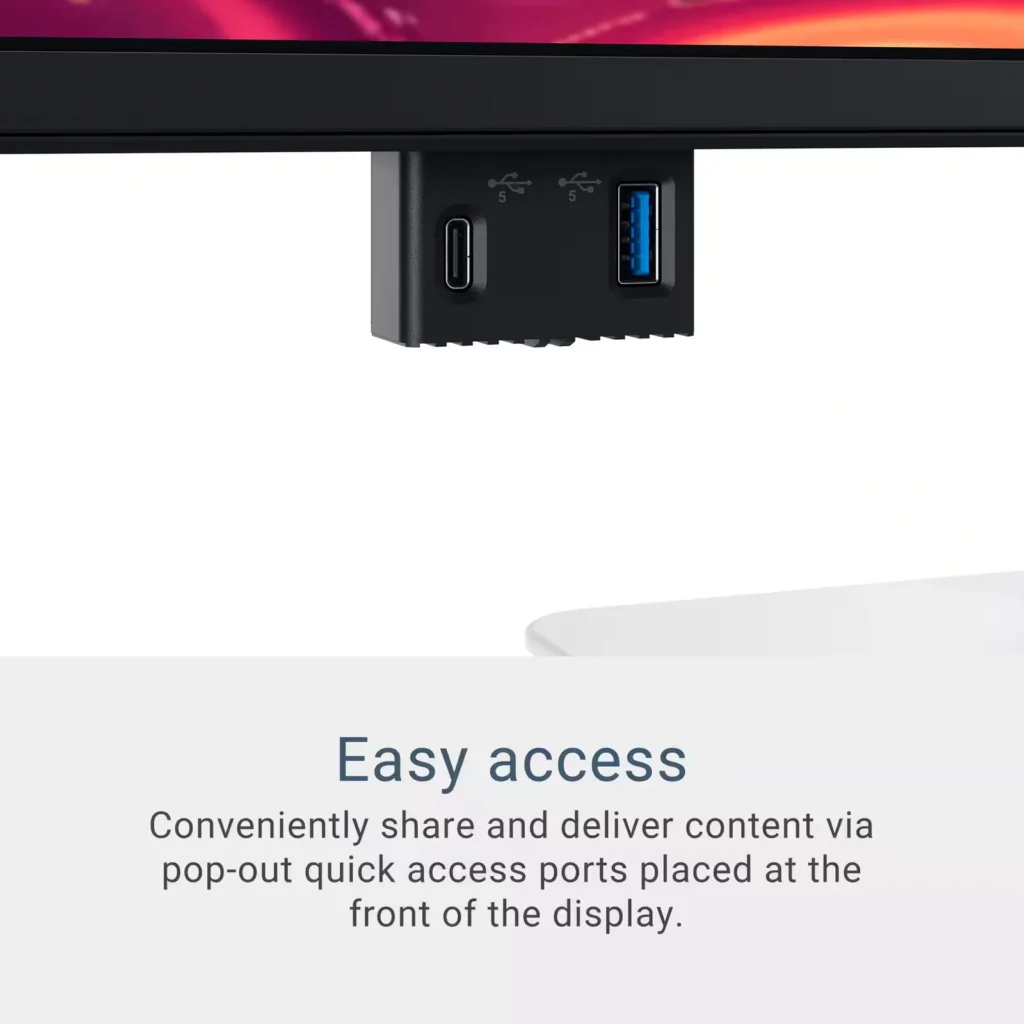
The monitor includes a pop-out hub which includes a USB-A port and a USB-C port. I’m torn about liking or hating this thing. Visually this is perfect for the occasional use of a USB-thumb drive. If your USB device is not a thumb drive and uses a cable and you plan to keep the device connected at all times, the visual appeal of having a single cable to connect to the monitor goes right out the window and Is replaced with a random cable snaking down the left side your monitor. I think I would have preferred dedicated connections on the rear of the monitor and excluded the pop-out functionality for more frequent use cases. There is a USB-A port on the rear of the monitor that would solve for this, but there is not a second USB-C connection. It seems like an odd trade off to me.