
Customer Media
Highlights
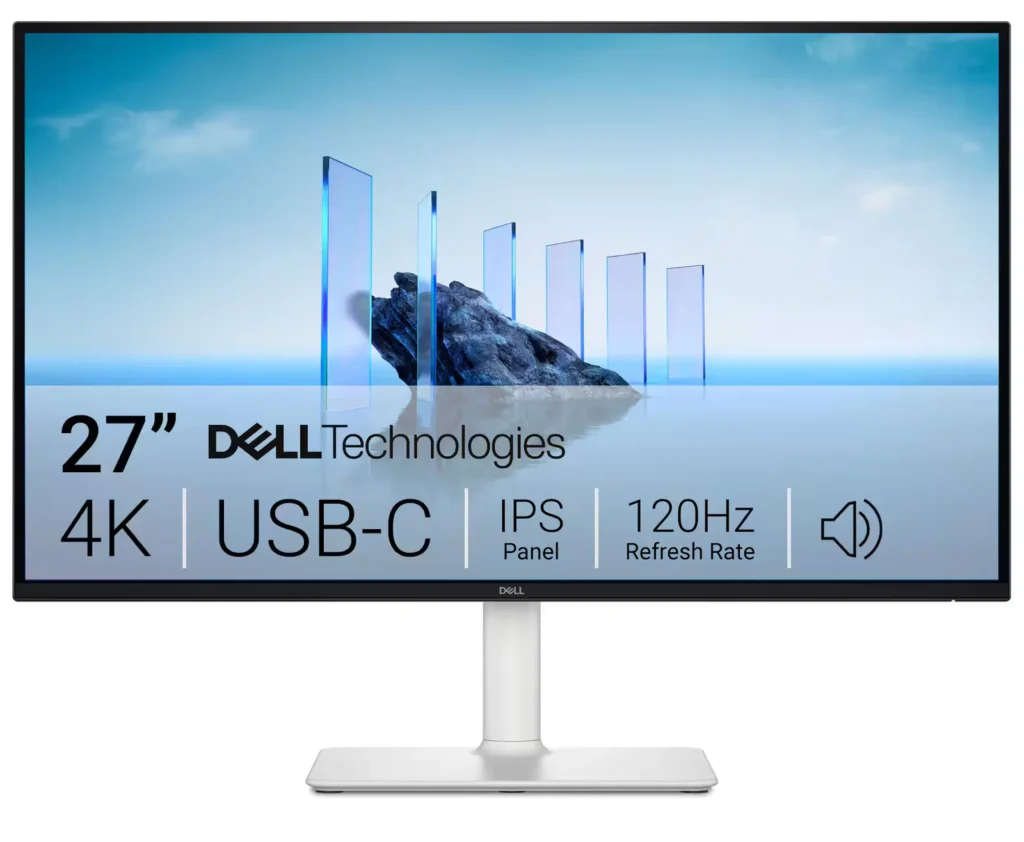
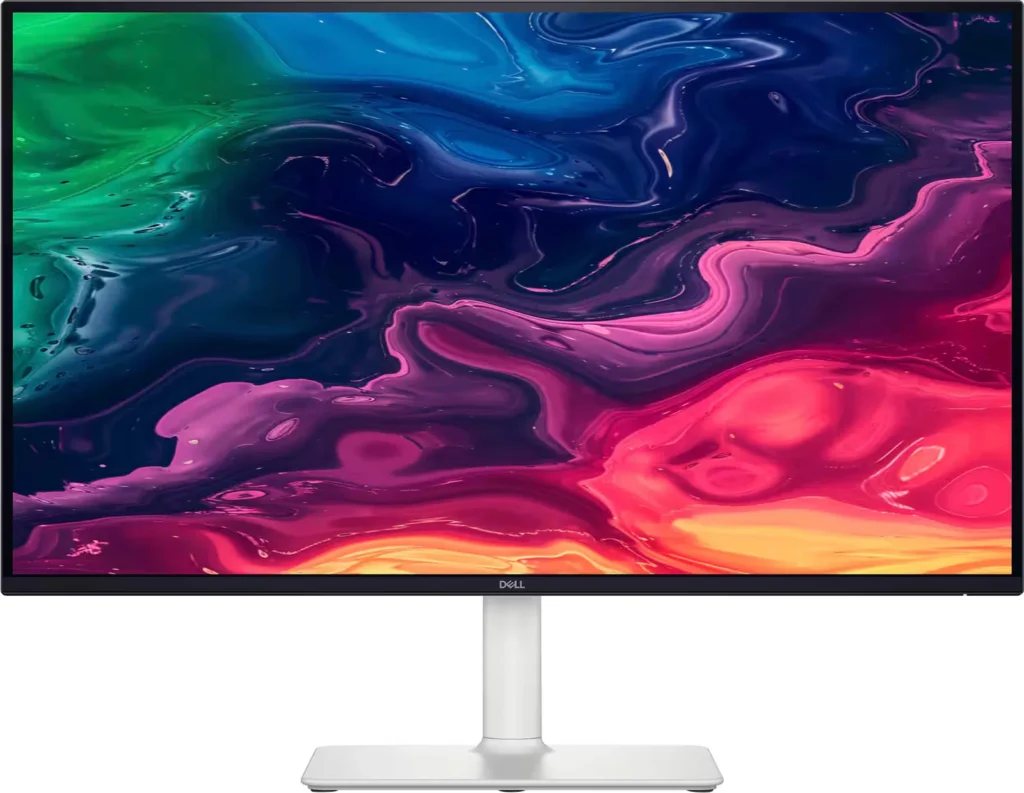
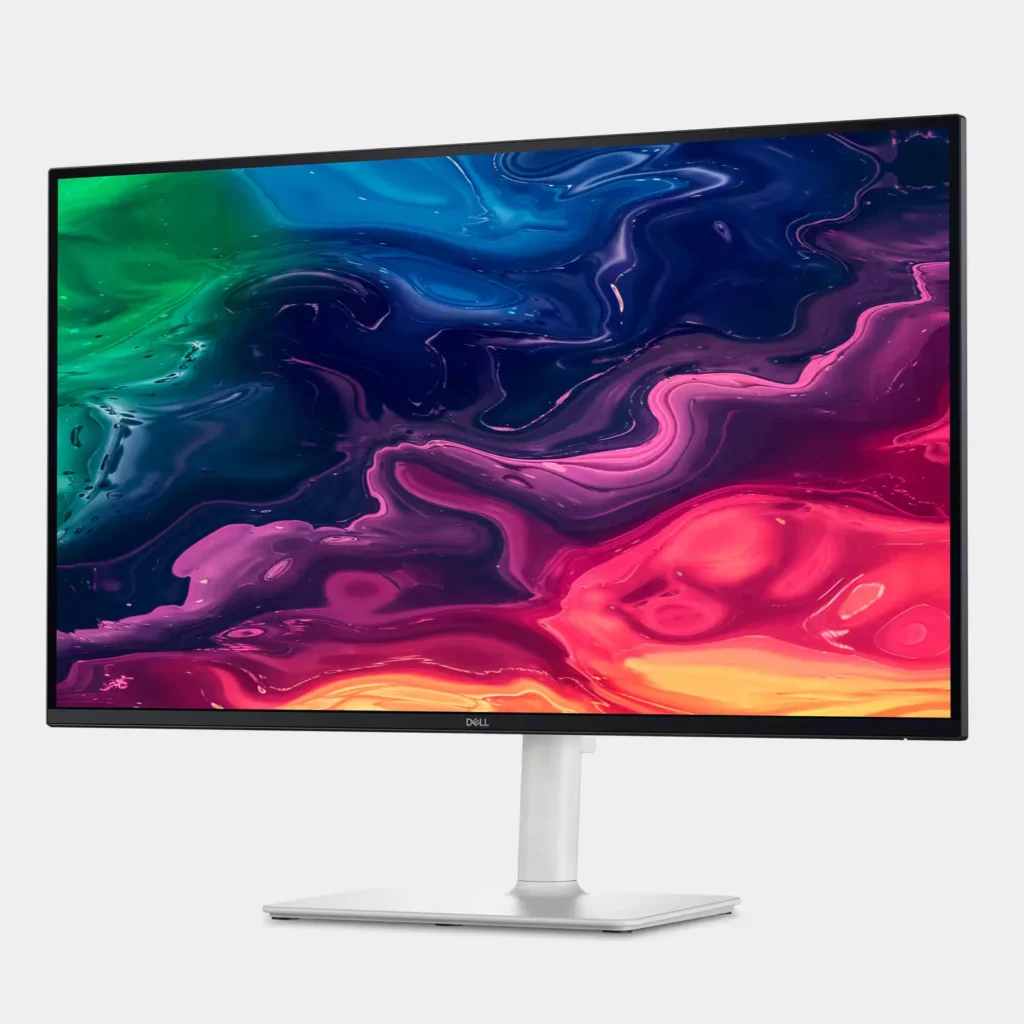
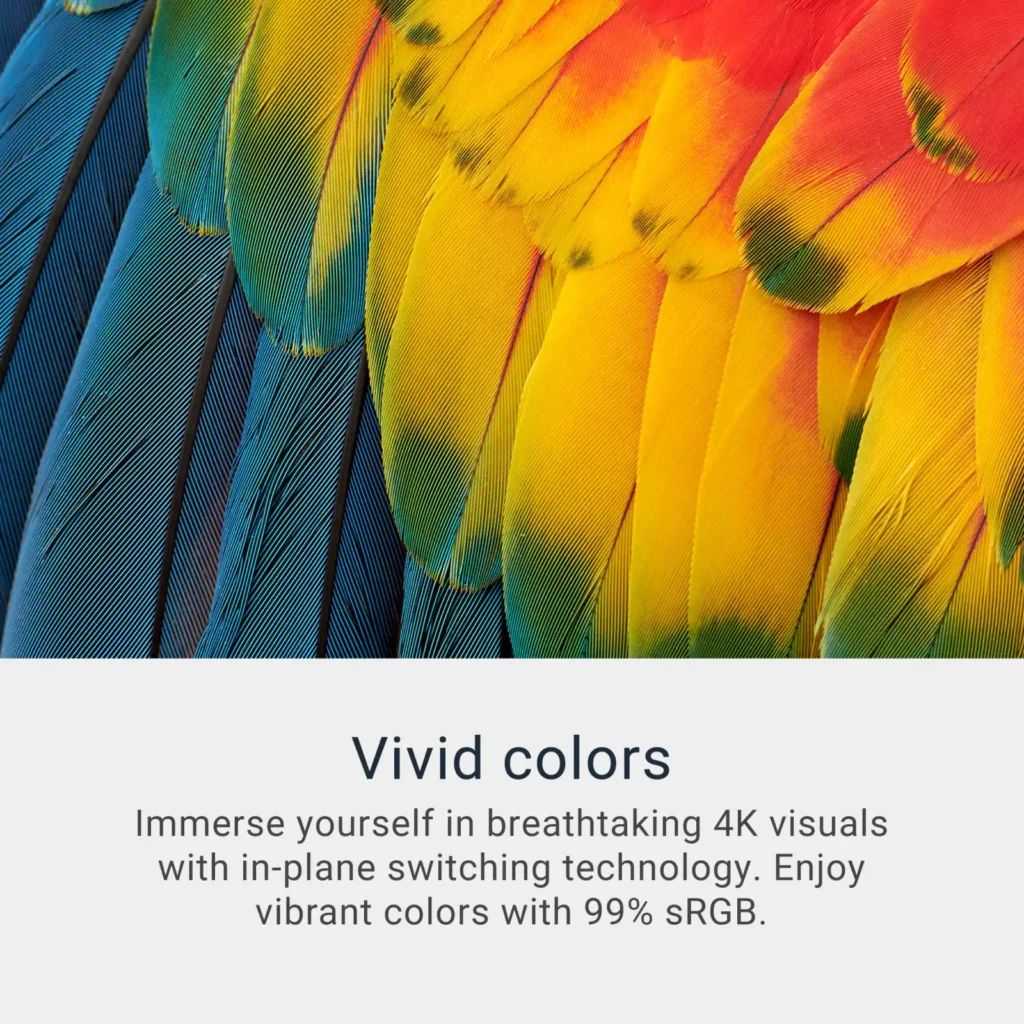
| Stunning 4K Visuals with 120Hz Smoothness | Experience breathtaking clarity with 3840 x 2160 UHD resolution on a 27-inch IPS panel. The upgraded 120Hz refresh rate provides significantly smoother motion for both productivity and casual gaming compared to standard 60Hz displays. |
|---|---|
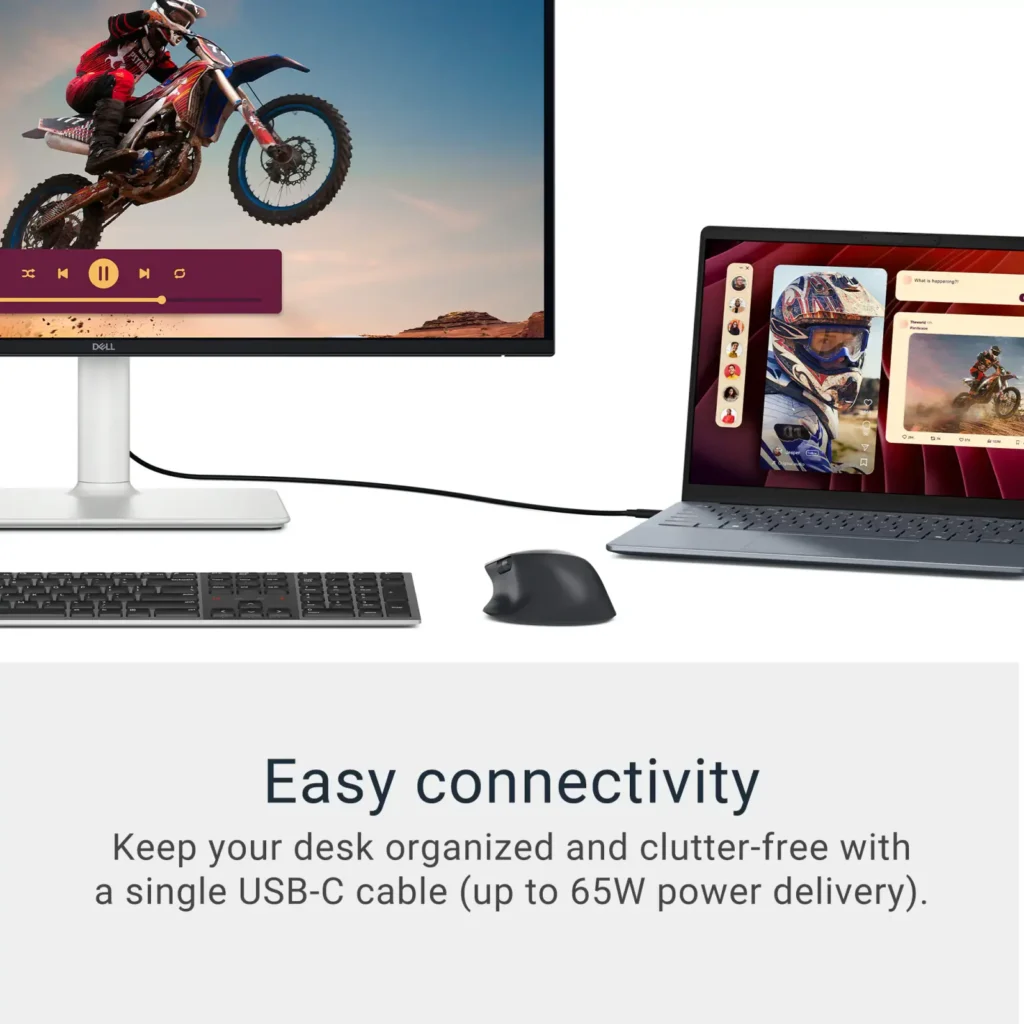
| Single-Cable USB-C Connectivity | Streamline your workspace with a versatile USB-C port that delivers up to 65W of power to charge your laptop while simultaneously transmitting video and data signals through a single cable. |
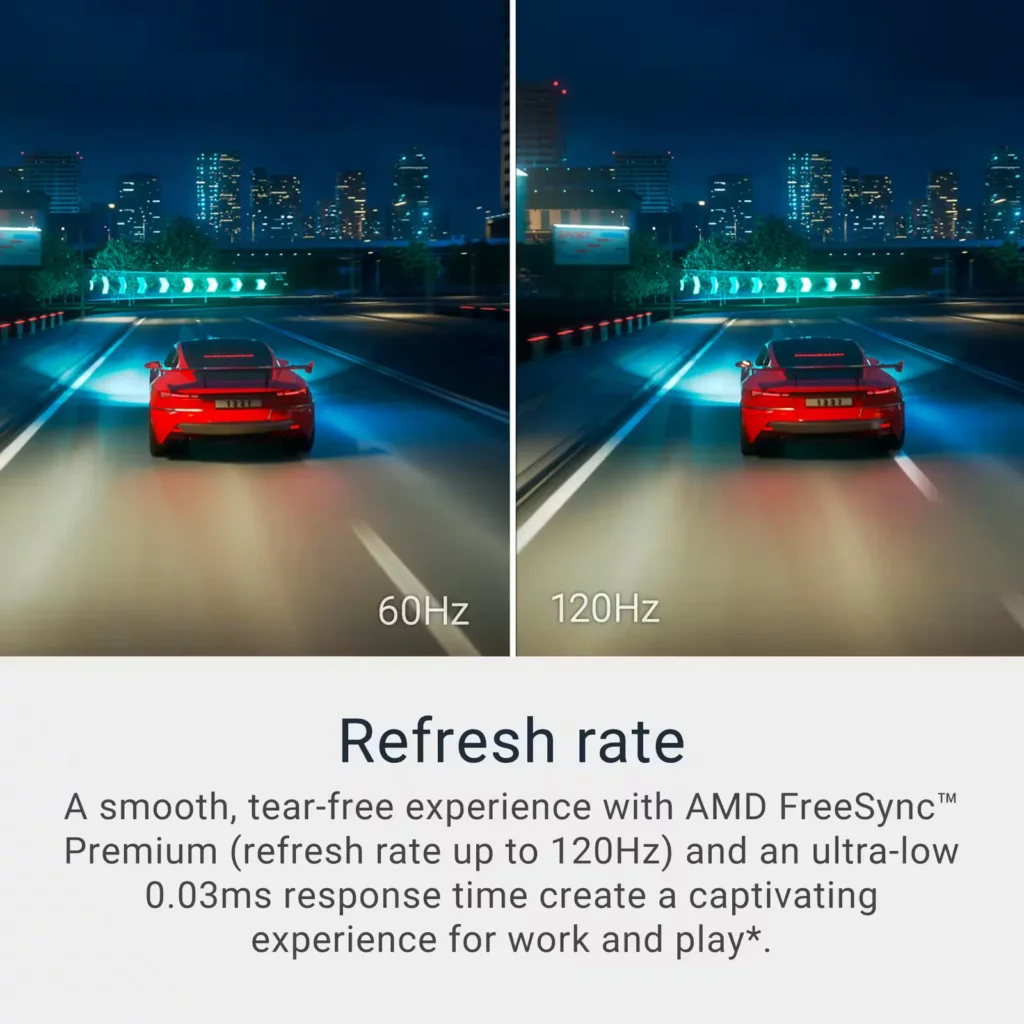
| AMD FreeSync Premium Technology | Enjoy a tear-free and fluid viewing experience during fast-paced action. This monitor supports AMD FreeSync Premium and VRR (Variable Refresh Rate) to eliminate screen tearing and stuttering for seamless visuals. |
| Enhanced Integrated Audio | Equipped with dual 5W speakers, this monitor offers re-engineered sound quality with deeper frequency response and greater output power than previous generations, eliminating the need for external speakers. |
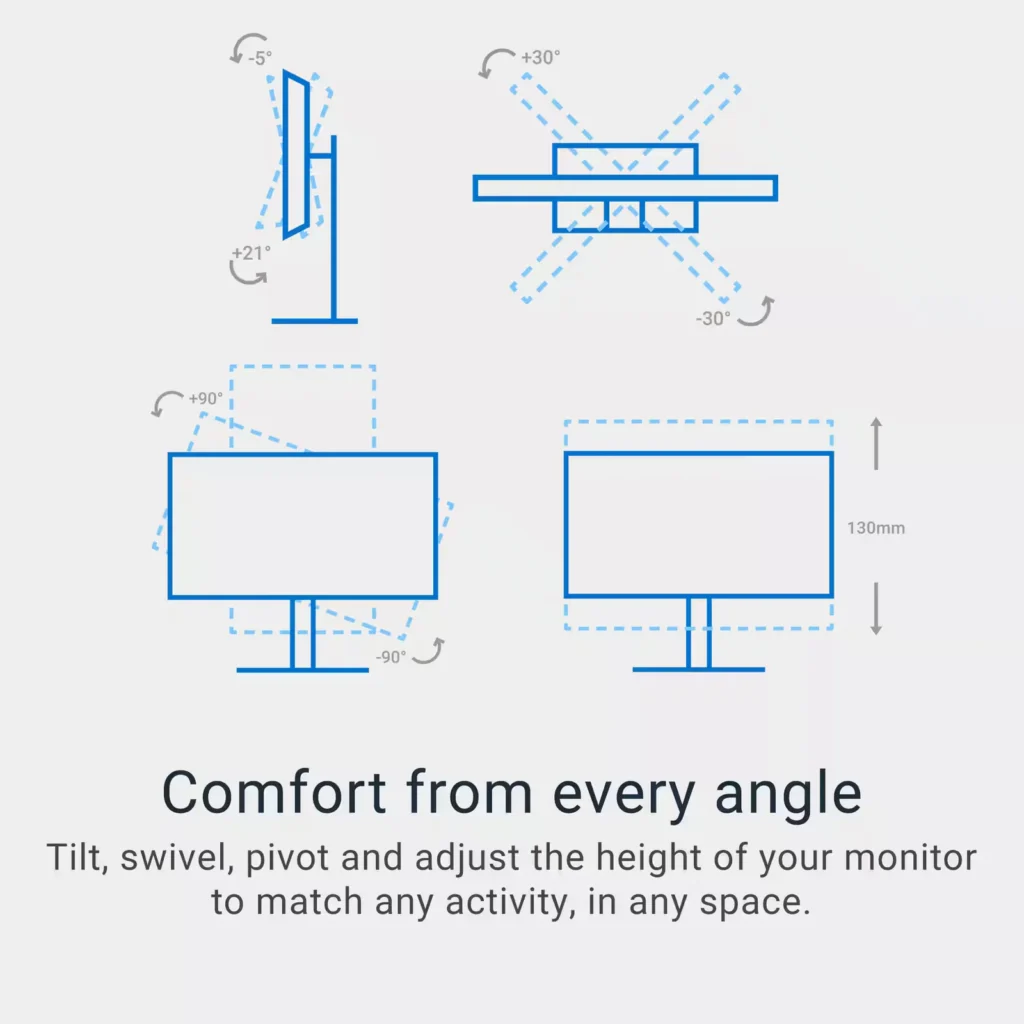
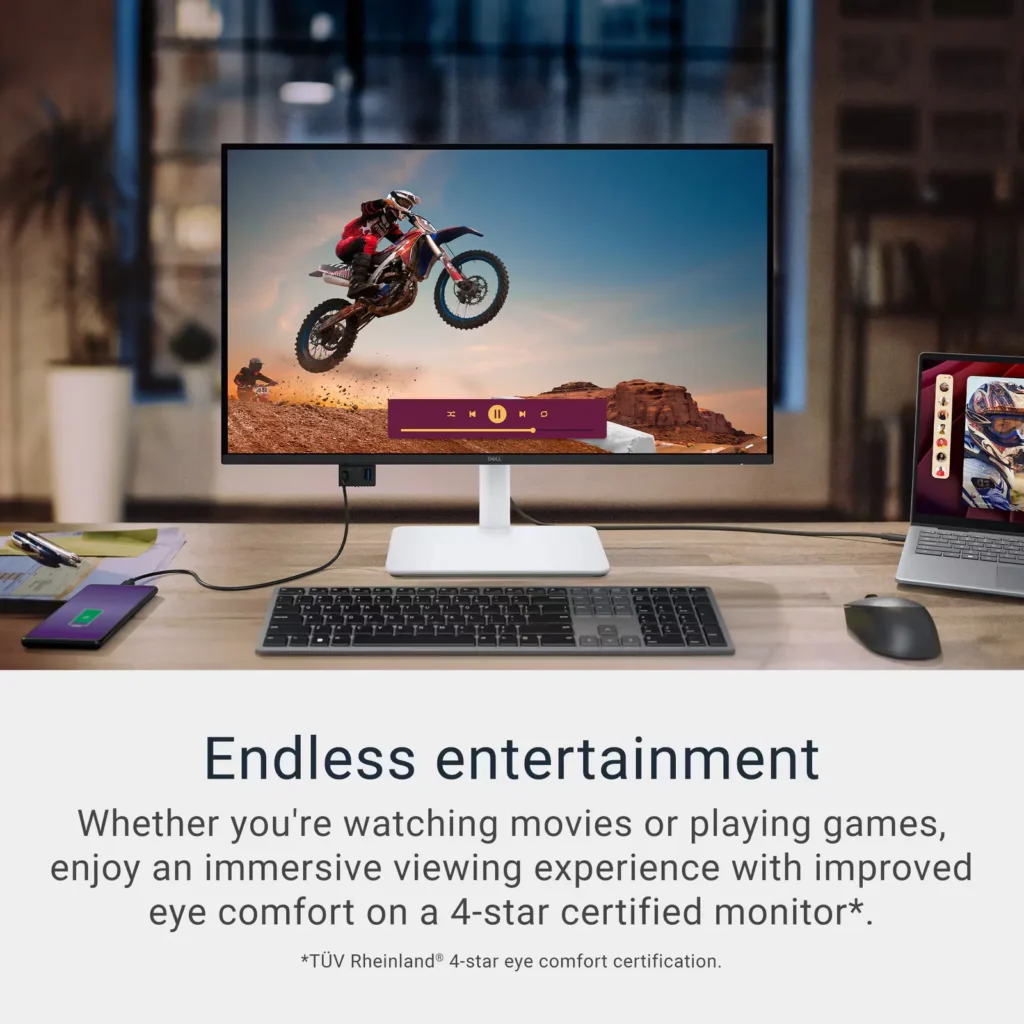
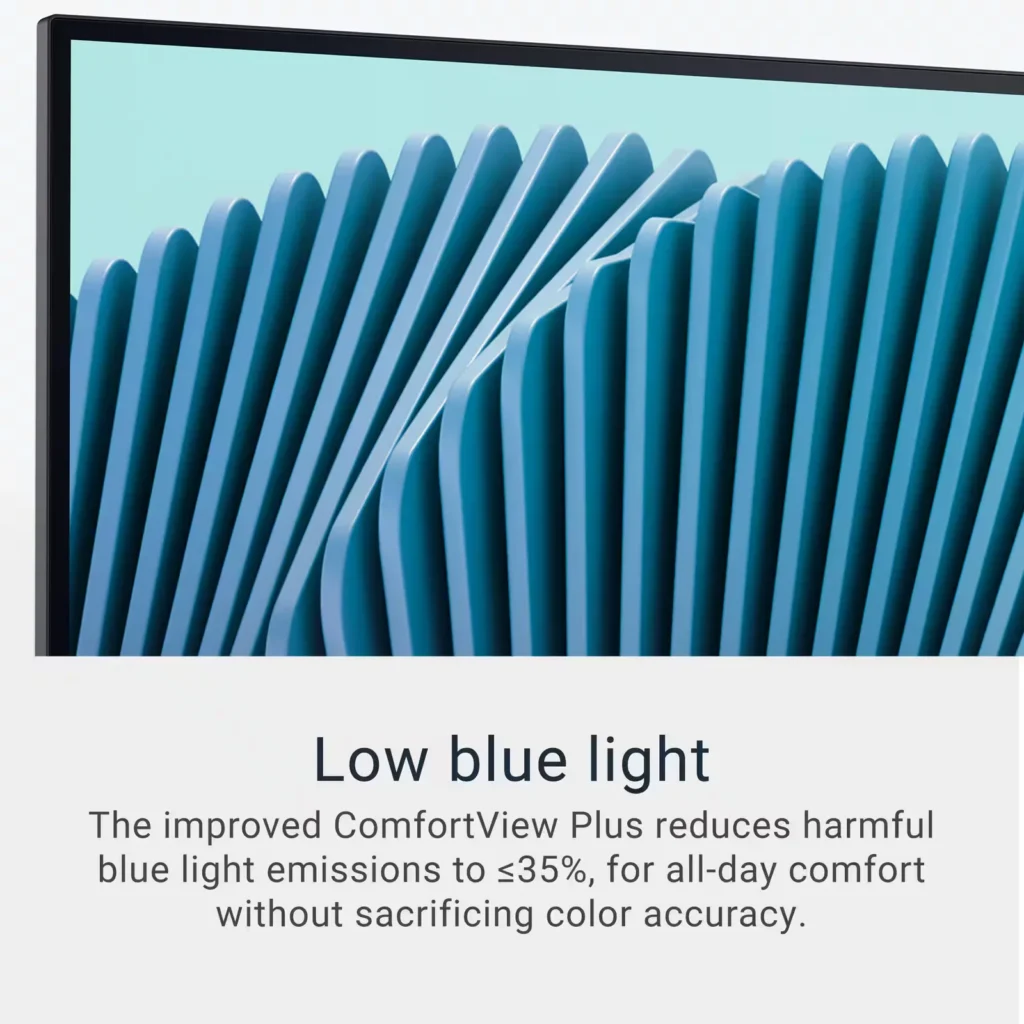
| Advanced Eye Comfort and Ergonomics | Features a TÜV Rheinland 4-star eye comfort rating with improved ComfortView Plus to reduce blue light emissions without sacrificing color accuracy. The fully adjustable stand allows for height, tilt, swivel, and pivot adjustments for all-day comfort. |
Pros & Cons
Pros
- Exceptional 4K and 120Hz Performance: The monitor delivers breathtaking 4K visuals with sharp text and vibrant colors, while the 120Hz refresh rate provides buttery-smooth motion that is highly beneficial for both productivity and casual gaming.
- Convenient USB-C Single-Cable Setup: The USB-C connectivity acts as a docking station, providing video, data, and 65W power delivery to charge laptops through a single cable, which effectively reduces desk clutter.
- High-Quality Integrated Speakers: Many reviewers were surprised by the built-in speakers, describing them as loud, clear, and possessing decent bass, making them far superior to typical integrated monitor audio.
Cons
- Hardware Reliability and Defects: There are multiple reports of significant hardware failures, including horizontal or vertical dead pixel lines appearing shortly after use, flickering screens, and USB-C ports that stop functioning entirely.
- Mac Compatibility and Control Issues: Mac users frequently noted that they cannot control the monitor's volume or brightness through the Apple keyboard, and some reported difficulties with text scaling and a persistent yellow tint from the non-disableable ComfortView feature.
- Inconsistent Quality Control and Shipping: Several customers received units that appeared to be used or open-box items despite being sold as new, and others reported physical defects like wobbly stands or even an ant infestation in the packaging.
Customer Reviews
Showing reviews 261-270 of 294
-
This is a great addition to you electronic devices
Incentivized Incentivized review: The reviewer received a benefit for sharing feedback.Sanman May 28, 2025Review source: BestbuyFirst things first. The resolution on this screen is amazing. I love the vivid color that this monitor represents . I love the fact that this monitor has multiple ports for you to be able to hook up several devices. It has 2 HDMI’s, ports which is essential when you have multiple devices to connect. This screen is 247 inches and this is big enough to be able to enjoy as well as use for official business. Doing homework on this screen is wonderful. That is the first thing I noticed that reading things on a traditional device proves very challenging. When I hooked up my device it made it easy to read. One of the features is the fact you can adjust thew height and then turn the screen to the side, this is great. I paired this with the speaker I have in the kitchen and the sound is amazing. Even if you don’t Pair it with another speaker, the integrated speaker are great as well. You cannot beat the price on this monitor for the price. The screen on this monitor is crisp, sharp and very bright If you are on the fence about buying this monitor don’t wait any longer. This is such a great addition to be able to put in the kitchen, in your office or anywhere for that matter. I love that you can hook up your devices and listen to music on it or do like I do and read things and do my homework because the screen is massive. Run don’t walk to go and get this monitor.
-
Beautifuly Refined and Outstanding Value!
Incentivized Incentivized review: The reviewer received a benefit for sharing feedback.Androidaholic May 27, 2025Review source: BestbuyI own a couple of different Dell monitors one being the old but outstanding U2713HM which are my main three monitors. Dell’s U series are their top-of-the-line monitors and the U2713Hm are 2560×1440 2k monitors. I have tried some other top brands, thinking about switching to 4k but none were as good as my U2713HM monitors. However, I do have a Dell Alienware 27” 1080P gaming monitor that is outstanding and now this new S series, the Dell-S2725QC 27” IPS LED 4K UHD FreeSync Monitor (USB-C, HDMI). This new S series all though not the top of the line U series is outstanding and is the first monitor that actually exceeds my old U2713
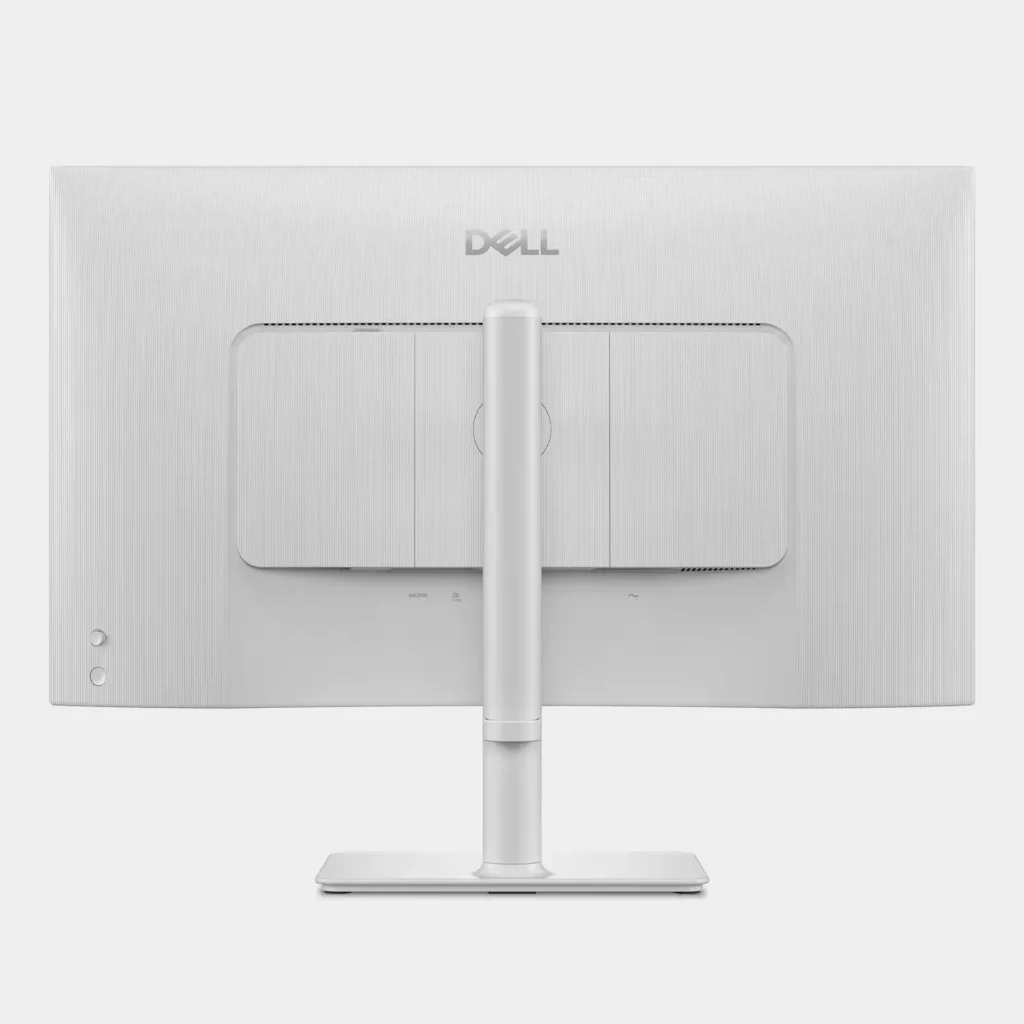
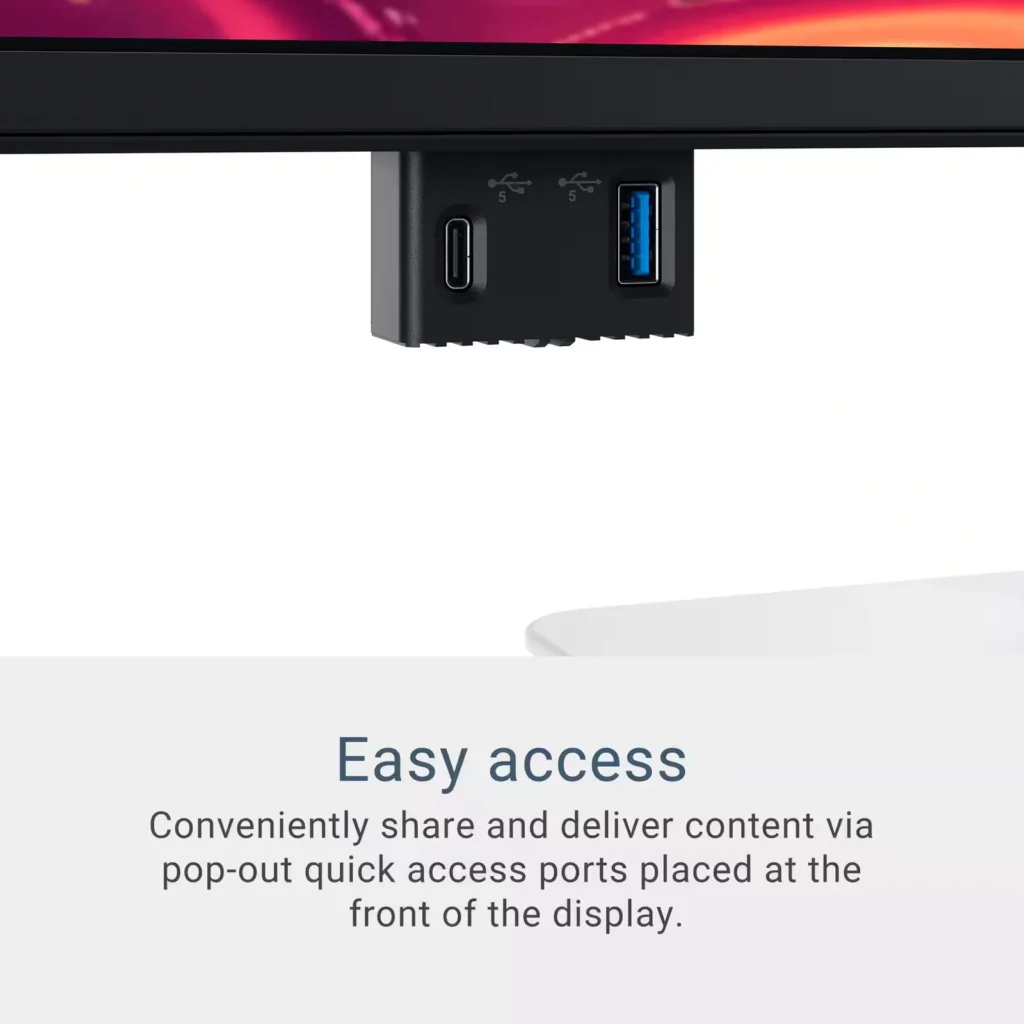
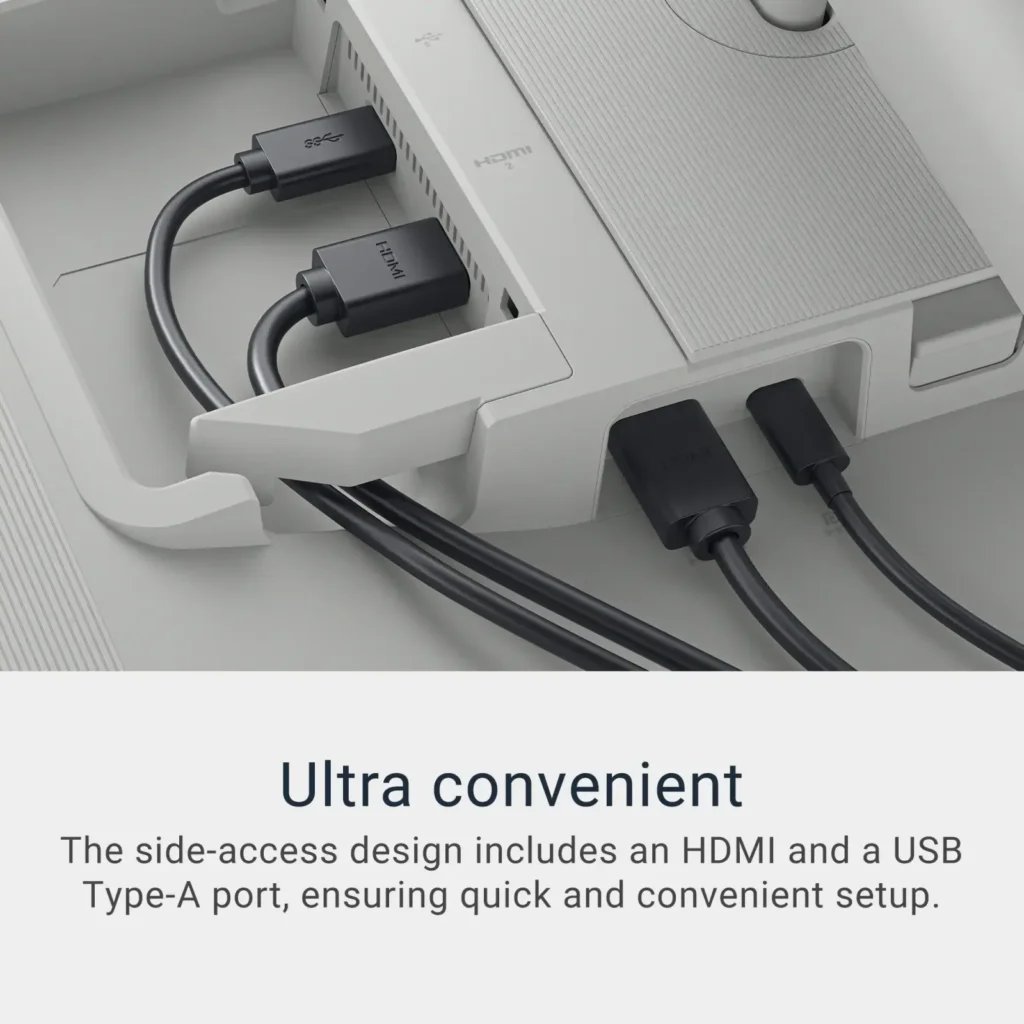
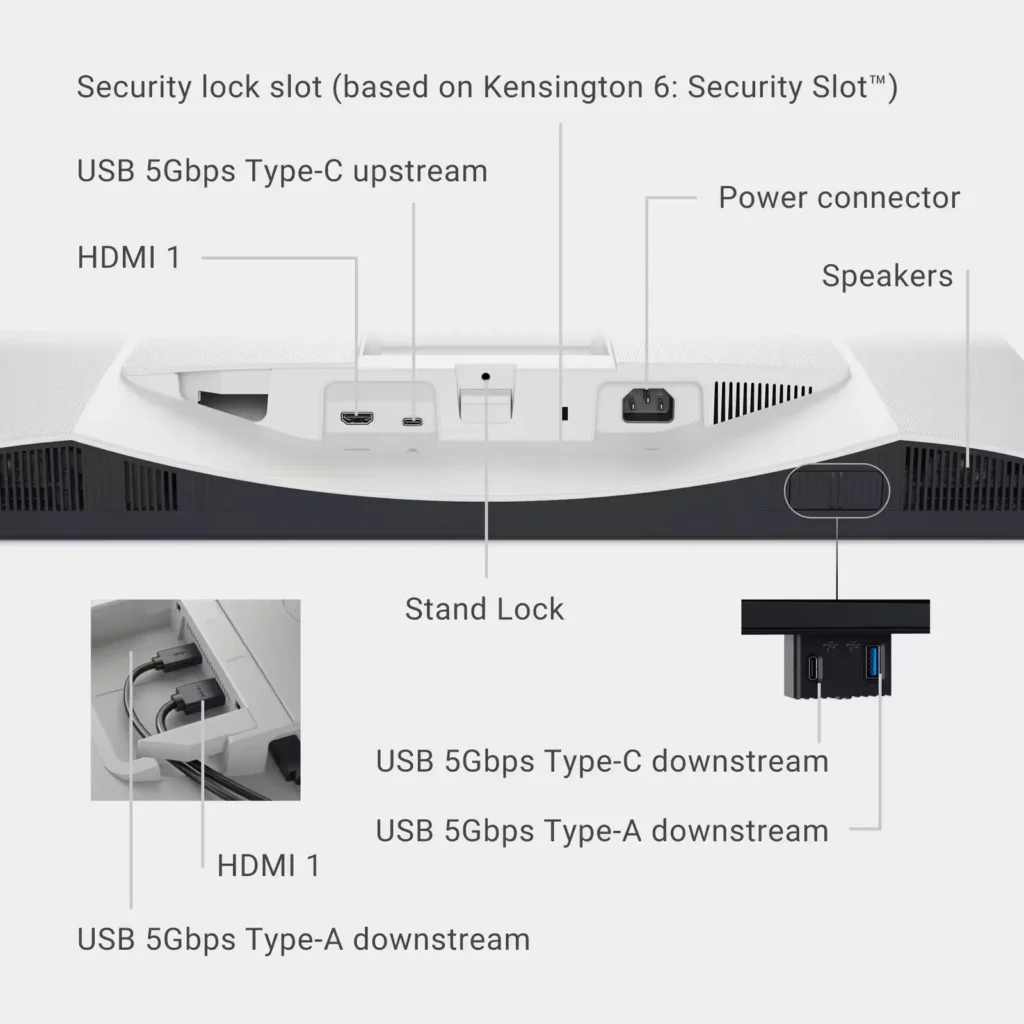
HM series monitors. I feel like this new S2725QC has more pop and better clarity and I think that may have to do with it having HDR. Everything seems more vibrant on this 4K S series with HDR, offering more clarity compared to the old U series. This makes me really want to see what the new U series looks like.With those references out of the way for context, I am going to focus on the features of the S2725QC 27” Dell 4K monitor. I love everything about this new S series from the color of the stand and the back to the new upgraded joystick for settings navigation. This joystick for navigating the Display settings is really genius and works extremely well, simplifying the process by leaps and bounds compared to the old antiquated multi-button system that was always a little confusing because you never could actually see the buttons. I also like the pop-off cover for access to the two USB ports on the left rear of this monitor. It adds a nice, clean finished look while allowing you to connect and run your wires out the bottom opening that is made for them. You can also add a wireless dongle back there that will interface with your connected computer and if you are using the provided USB-C cable or equivalent, it will send your display signal to your display as well as provide power to your USB-C powered laptop, providing up to 65 watts at the same time. That makes the other three available USB ports two USB Type-A 5 Gbps downstream ports, one with charging capabilities and one additional USB Type-C port with 5 Gbps downstream capabilities, along with power delivery of up to 15 watts. There are also two HDMI ports, one HDCP 1.4 and one HDMI 2.3 port supporting UHD 3840×2160 at 120Hz with FRL, HDR and VRR, meeting all of the official HDMI specifications for HDMI 2.1. Two of the USB ports are available in a pop-out forward-facing array from a cleverly designed, hidden-away hub. You just push up and release to pop out one USB-Type-C and one USB-Type-A port that are easy to see and easily accessible. This display also comes with built-in speakers that sound very good for built-in monitor speakers and a headphone jack underneath. The speakers have decent range and put out some decent mid-range bass. However, you can tell they are in a monitor and not a speaker housing. I wish they could find a way to better encapsulate the speakers to make them sound more like regular speakers, but it’s definitely nice to have them there and they are better than any other built-ins I have heard. I noticed that the U series 27-inch 4K did not have built-in speakers but more available ports and a USB Hub underneath the back, just like my older U series does. I would really like to see the new U series next this S series after having it now. I just can’t imagine how much better a screen can get short of being OLED so we will have to see. It definitely has me considering getting two more of these new S series S2725QC 4K monitors.
The new Dell S2725QC 27” 4K monitor has left me very impressed and after many years considering an upgrade. It is so good in fact that I am not even sure I need to go for the U series. I am very impressed with Dell’s refinement of their monitors from the ease of use to the new colors to the new screens in 4K with HDR. It is very evident that they have been pushing forward with a very respectable effort that does not go unnoticed. With their inclusion of AMD Freesync in this monitor and me being in the process of building a new AMD-based gaming PC it makes things even more enticing. For years now after using many different brands, I have been saying Dell makes the best screens. I still stand by that and I will definitely be sticking with Dell monitors for years to come. This monitor is an outstanding value at the current sale price of $299.99 and if you want two, you can get them for less than the price of one U series and I believe just about anyone would be very happy with this S-series unless you just have to have the U-series for professional work.
-
Great Monitor
Verified purchase Verified purchase: This reviewer bought the product.Andrew Oyerbides May 27, 2025Review source: AmazonI absolutely love this monitor. It’s everything and more than what I expected. The only complaint I have has nothing to do with the monitor itself other than I wish I would’ve purchased a bigger one.
-
Save your eyes with this monitor
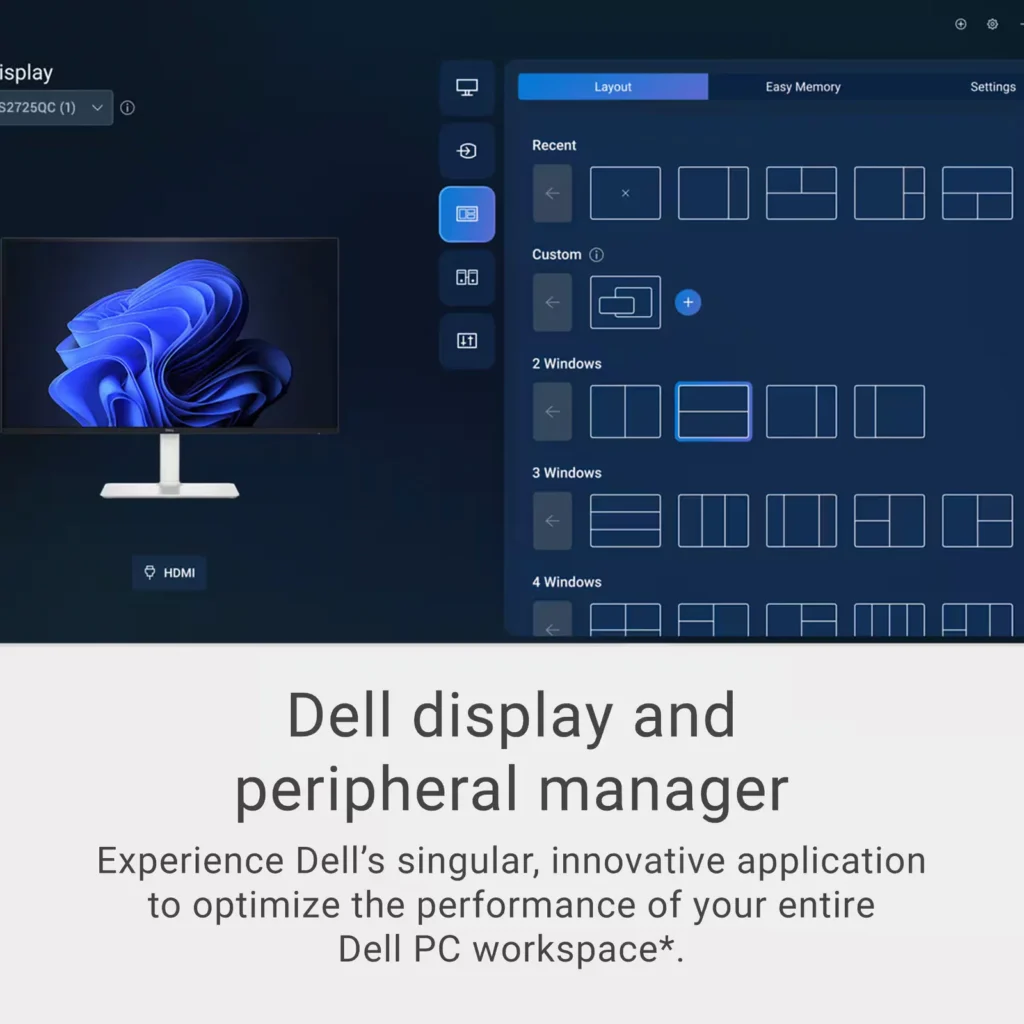
Incentivized Incentivized review: The reviewer received a benefit for sharing feedback.mskelbel May 26, 2025Review source: BestbuyI was looking for a nice monitor to add to my all in one desktop I have at my shop. I thought this one would be perfect. Come to find out, my desktop at the shop is too old to work with USB-C monitor and the HDMI didn’t work with it either. I then took my Asus laptop and connected it. It worked right away without any issue whatsoever. I tried both the USB-C and the HDMI connections and both worked absolutely without any issue with the Asus laptop. The all in one is quite old so I chalk it up to old tech not working with new tech. There is no such thing as diminishing returns when you add additional monitors to your workspace. This monitor is absolutely gorgeous as is the images it displays! The contrast is very sharp. The colors are bright, vivid, and crisp! The low blue light provided by ComfortView Plus has helped my eye strain. The refresh rate makes for blur free video. That, paired with the surprisingly good internal speakers make this a fantastic monitor to stream your favorite videos. When productivity is priority, partitions can be set up to ease the multitasking putting windows into tiles. Dell did a great job with this display and it works wonderfully with my laptop. I think it may be time to finally retire that old all-in-one. I prefer to use the monitor with my laptop for the multitasking that I need in my shop.
-
Uncompromising computer monitor, it cries out VALU
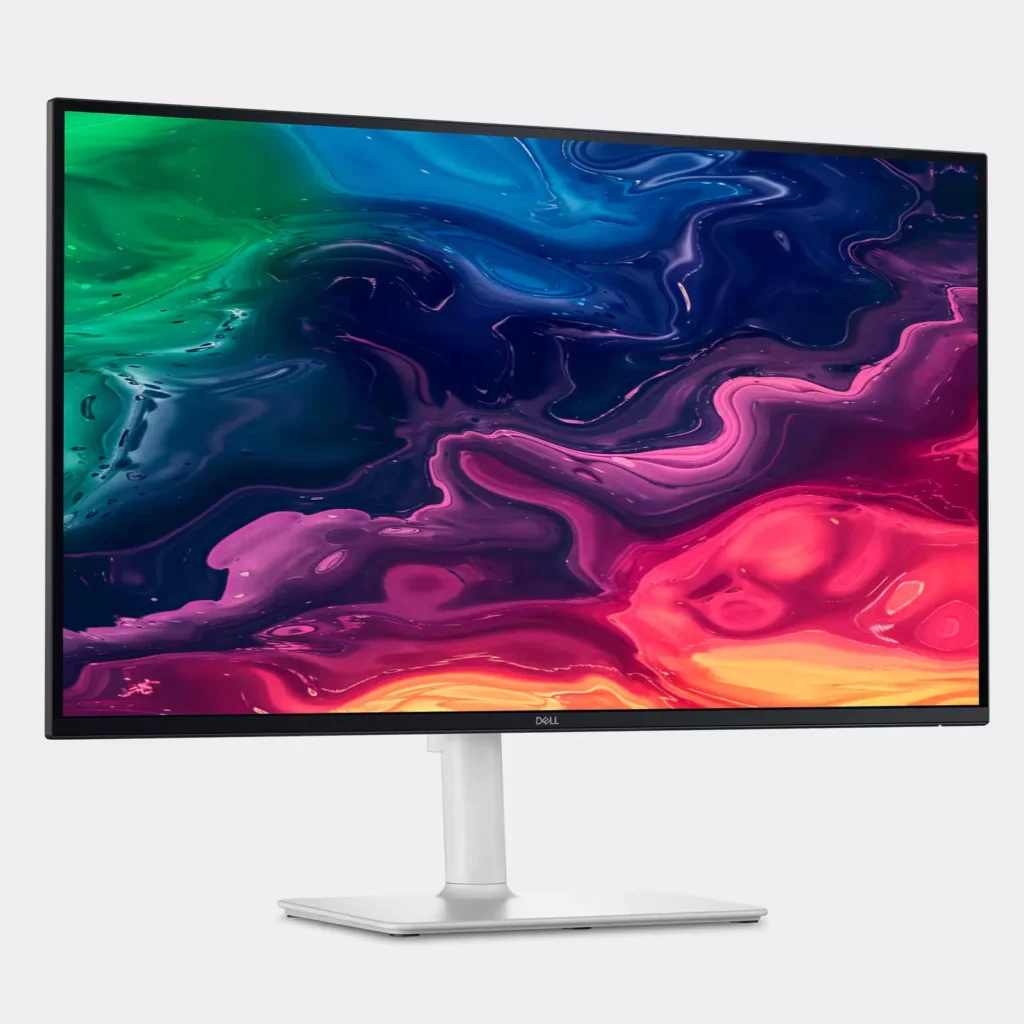
Incentivized Incentivized review: The reviewer received a benefit for sharing feedback.Stormylc May 26, 2025Review source: BestbuyThe DELL 27” 4K LED USB C Monitor is superb. Starting with its appearance, the bezel surrounding the screen is tiny, hence the monitor is 99% screen. From the sides, it is sleek/slim, and the back of the monitor is uncluttered as the panels for connectors are covered with areas that permit the cables to exit, but be unobtrusive. The power button is easily accessed on the lower back of the monitor, and when powered, a tiny white light, just visible from the bottom front of the monitor lets the user know it is powered on (or off). Before the connection between the monitor and the computer is established, there is a tiny toggle above the power on/off button. It functions like a micro joy stick 1/4 inch protrusion. Pushing in on the toggle brings up a menu, and moving the toggle up/down/left/right moves the screen cursor to highlight menu options for set up. Pushing the toggle completes the selection (like mouse clicking on a menu selection). One of the options is AUTOMATIC, and I clicked on it and triggered a search whereupon in seconds the monitor detected the USB C connection with my computer and immediately connected. The screen promptly filled with glorious high resolution image of my desktop computer. I could simply control my mouse cursor from computer to monitor by moving it hard right on my computer and watching it appear on the monitor. I could place the cursor on any app and drag it using the cursor so that I could view the open app on the 27” monitor versus my 13’ computer screen. Working on imagery became a joy instead of eyestrain. The monitor is built on a very sturdy stand (there was mounting bracket for VESA wall mount). On its stand, there is nothing flimsy. An accidental arm movement will not knock this monitor over. It has a rock solid stand/mount. The monitor is very adjustable so that it may be tilted, or angled left or right without any tolls. Grasp the monitor, position the desired screen angles, and let go. BTW: Setting up the stand and monitor required zero tools. The bolts in the arm and in the base of the stand had wing tips. The bolts slipped right in and using the wing tips, could be tightened or loosened in seconds. The wing tips then folded flat.
The more I used the monitor for imagery (photos and video), the more enamored I became. The colors are brilliant, the high resolution razor sharp, and the price — ultra competitive with the offerings of all competitors. I unhesitatingly recommend this monitor because of its design, sturdy build, features, and value.
-
Perfect second monitor.
Verified purchase Verified purchase: This reviewer bought the product.Ann R Lombardo May 26, 2025Review source: AmazonThis monitor is beautiful. Exactly what I needed for a second monitor. The size and brightness are perfect. Packaging was great and it was very easy to assemble.
-
Dell 4K IPS Monitor with 120Hz is amazing
Verified purchase Verified purchase: This reviewer bought the product. Incentivized Incentivized review: The reviewer received a benefit for sharing feedback.StevenB May 25, 2025Review source: BestbuyDell did such a great job with this monitor. Attaching the monitor to the stand was incredibly easy and intuitive and the monitor itself awesome. In my opinion 120Hz is a must have and the sound is better than I was expecting. Thanks BestBuy for offering another great deal.
-
Great monitors!
Verified purchase Verified purchase: This reviewer bought the product.Chris Colburn May 24, 2025Review source: AmazonA pair of these work great with my MacBook Pro! They were plug and play and easy to configure in MacOS.
-
Amazing value IPS for mainly work and a bit of play
Verified purchase Verified purchase: This reviewer bought the product.Alex May 23, 2025Review source: AmazonAmazing value for the money. It replaces both my FHD IPS and QHD VA Gaming monitors. No flicker, text is crisp and motion is smooth at 120Hz. I connected this to PS5, macbook m1 pro and a windows mini pc and I am satisfied with all the features. The usb-c works well with macbook m1, iphone 15 and charges them back. PS5 outputs 4k, 120Hz and supports VRR. Overall I am happy with this purchase and hope it lasts a long time.
-
A sight (and sound) to behold!
Incentivized Incentivized review: The reviewer received a benefit for sharing feedback.Knivels May 22, 2025Review source: BestbuyStunning is the first word that comes to mind to describe the display. The monitor is also as functional as it is aesthetically pleasing. Dell has definitely hit a homerun with their S2725QC 27″ IPS LED 4K UHD 120Hz FreeSync Monitor.
As packaged:
• Dell 27″ IPS LED 4K UHD 120Hz FreeSync Monitor and stand
• USB Type-C to Type-C cable (10Gbps and 100W rated)
• Power cable
• Quick setup guide
• Warranty, safety and regulation information bookletAs previously stated, this monitor is very aesthetically pleasing. It fits right in my décor and keeps me looking forward to using it. I use it primarily for working from home as an extension of my work laptop. At 27 inches, I have enough viewing area to multitask. Thanks to its narrow bezels, you literally get all “screen”. It has height adjustment, tilt and swivel movement options. At nearly 15 pounds, it is fairly easy to move around should the need arise. The matte IPS display provides antiglare benefits and is capable of a maximum resolution of 3840 x 2160 pixels, certifying it as 4K. Color reproduction is accurate in my opinion with phenomenal viewing angles of bright and vivid visuals. There are eight presets and a custom option for viewing content. To enhance the viewing experience, the monitor is capable of 120Hz refresh rate. Fast moving scenes are handled with ease with practically little to no juddering.
With the integrated speakers, Dell’s S2725QC could be tagged as a multimedia device. The two speakers have a 5W output each with modest bass reproduction. While it may not replace a soundbar or home theater setup, I have streamed music and video via the monitor with pleasant results. To personalize the sound output, there are five audio profiles (presets) and a custom option to choose from. If Dell’s goal was to keep the user engaged once connected, they certainly achieved that.
There are two HDMI 2.1 ports, one USB Type-A, and a DisplayPort 1.4 (USB Type-C) for connectivity located at the rear of the monitor. The included 3-foot USB Type-C cable, capable of 10Gbps and rated at 100W, is an added bonus as there are no HDMI cables included. The connected device, my laptop in this case, is also charged at 65W thus eliminating an additional power adapter. While USB Type-A ports may be disappearing, Dell’s S2725QC generously provides two for use. My current laptop does not have a USB Type-A so this feature was very welcomed. Another USB Type-A (5Gbps with battery charging) port in addition to a USB Type-C (5Gbps and 15W rated) port can be accessed by pressing under the left side of the monitor. The ports provide easy utility as they face the user when deployed. To help identify their location, Dell includes a label.
Dell packages the monitor with the end user unboxing in mind. I was able to easily attach the stand to the screen. The screws required for the connections can be fastened without an actual screwdriver. Once the stand and its base have been securely fastened, the monitor can be safely removed from the packaging. The stand and the rear of the monitor both feature integrated cable management systems to help keep things tidy.
Every now and then, a device/item comes along that ticks all the right boxes and is sheer perfection. Dell’s S2725QC 27″ IPS LED 4K UHD 120Hz FreeSync Monitor is just that kind of device in my opinion. With a generous warranty, Dell’s legendary robust build quality and eye comfort even over extended use this monitor is a sound investment in my books for work or play. Did we mention it is also Energy Star rated? I wholeheartedly recommend.