
Customer Media
Highlights
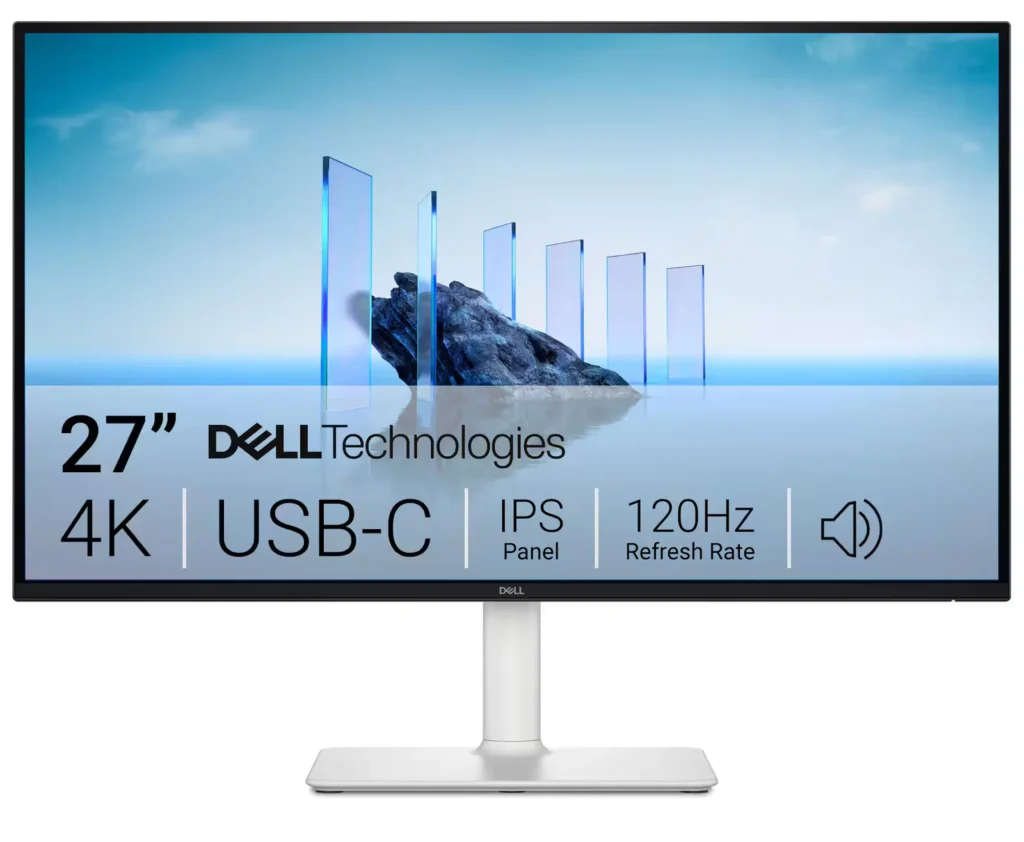
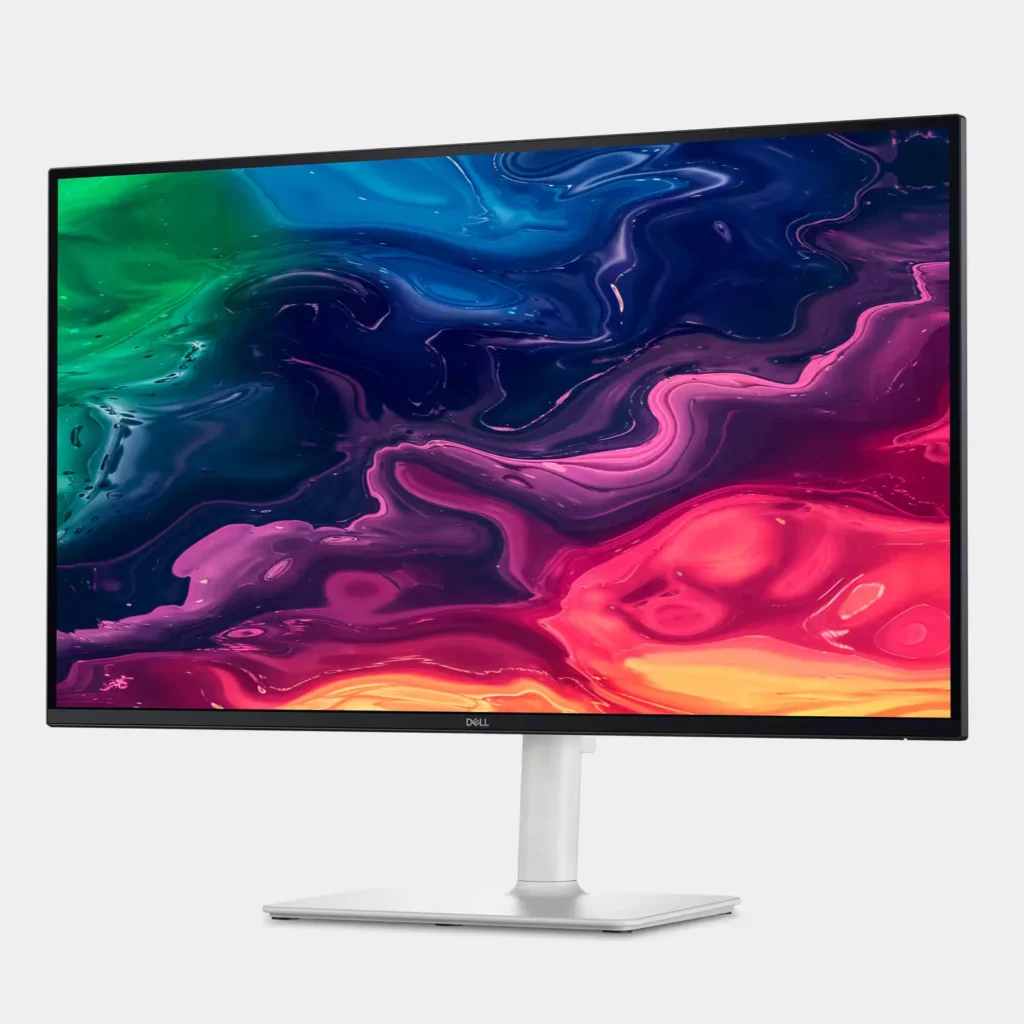
| Stunning 4K Visuals with 120Hz Smoothness | Experience breathtaking clarity with 3840 x 2160 UHD resolution on a 27-inch IPS panel. The upgraded 120Hz refresh rate provides significantly smoother motion for both productivity and casual gaming compared to standard 60Hz displays. |
|---|---|
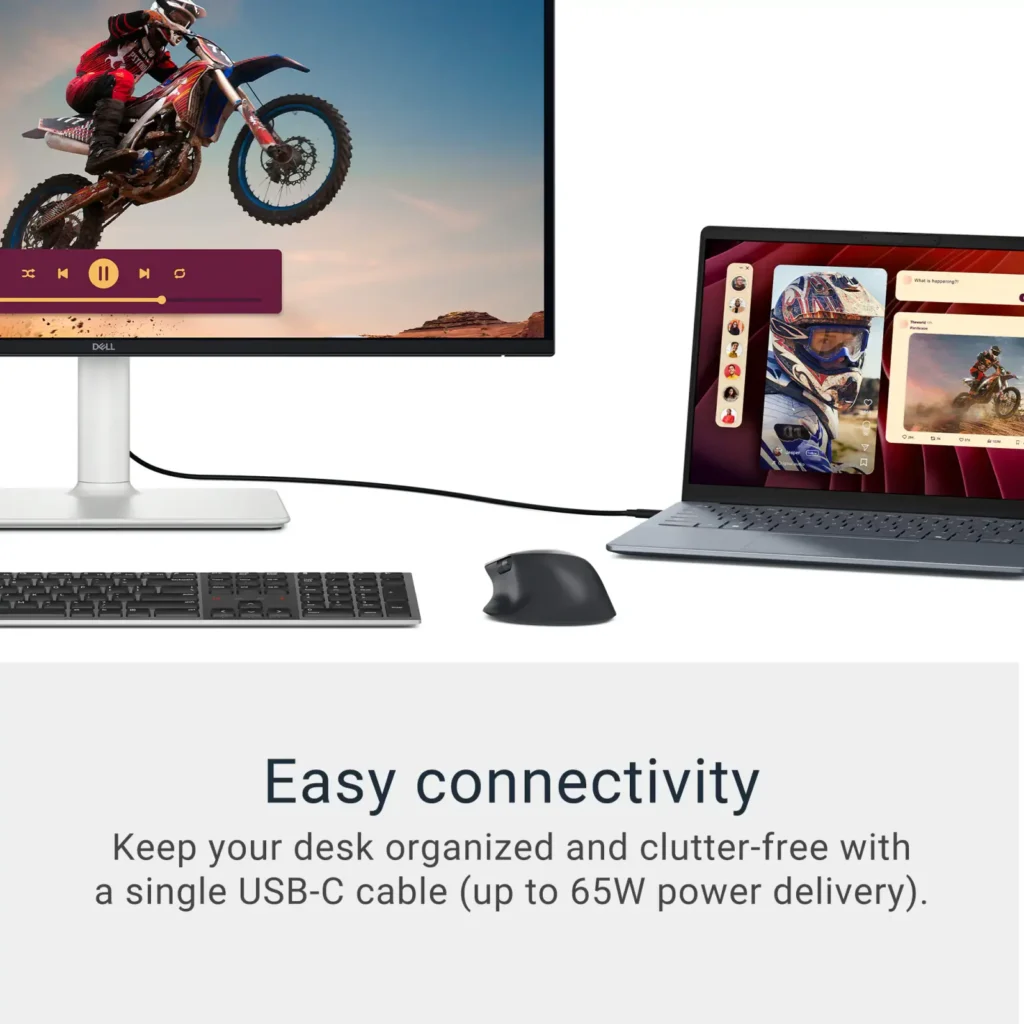
| Single-Cable USB-C Connectivity | Streamline your workspace with a versatile USB-C port that delivers up to 65W of power to charge your laptop while simultaneously transmitting video and data signals through a single cable. |
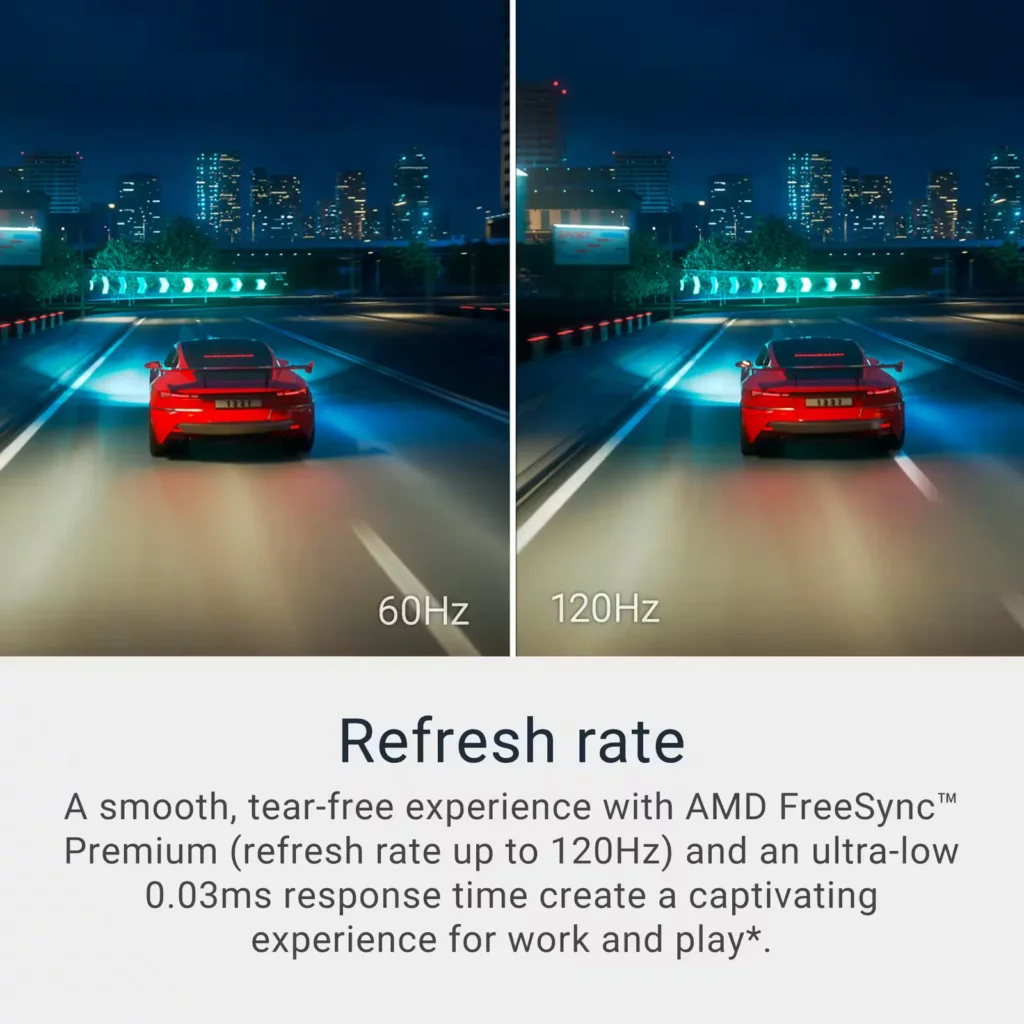
| AMD FreeSync Premium Technology | Enjoy a tear-free and fluid viewing experience during fast-paced action. This monitor supports AMD FreeSync Premium and VRR (Variable Refresh Rate) to eliminate screen tearing and stuttering for seamless visuals. |
| Enhanced Integrated Audio | Equipped with dual 5W speakers, this monitor offers re-engineered sound quality with deeper frequency response and greater output power than previous generations, eliminating the need for external speakers. |
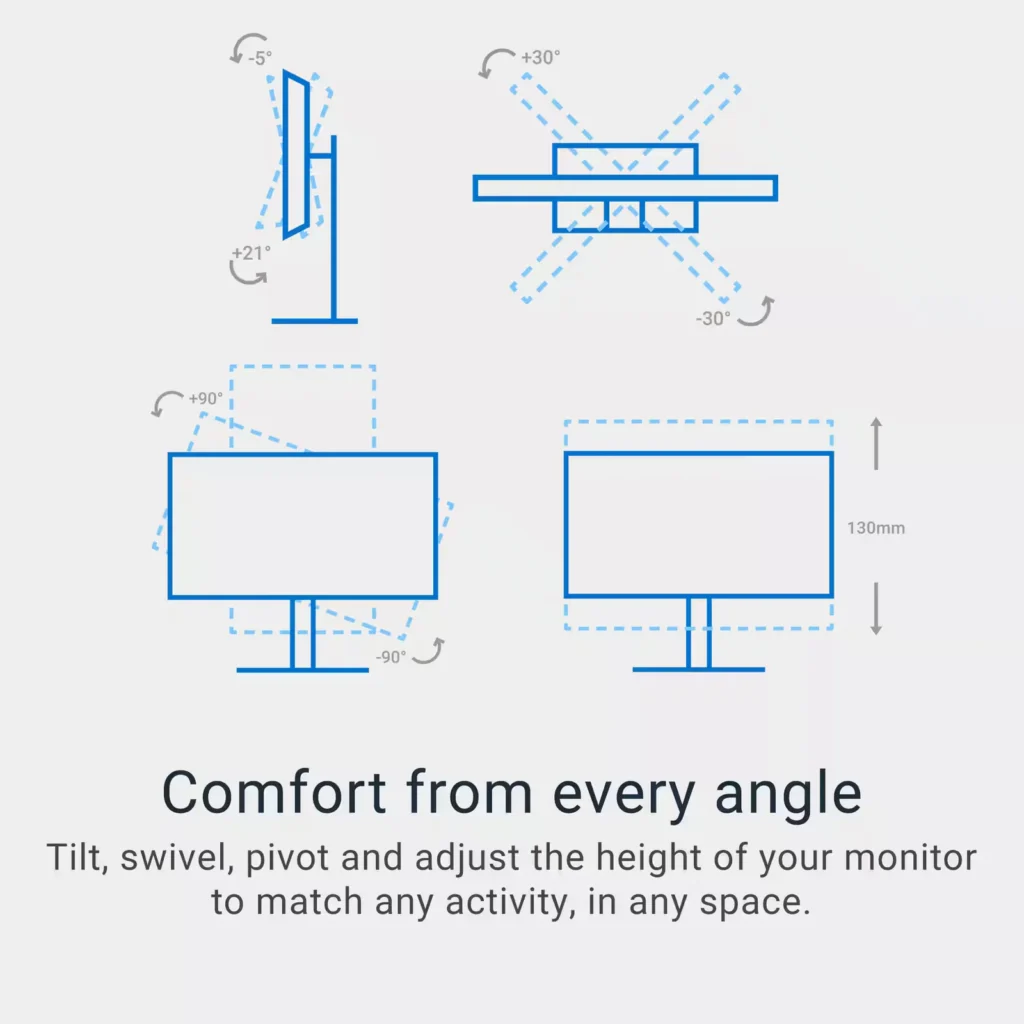
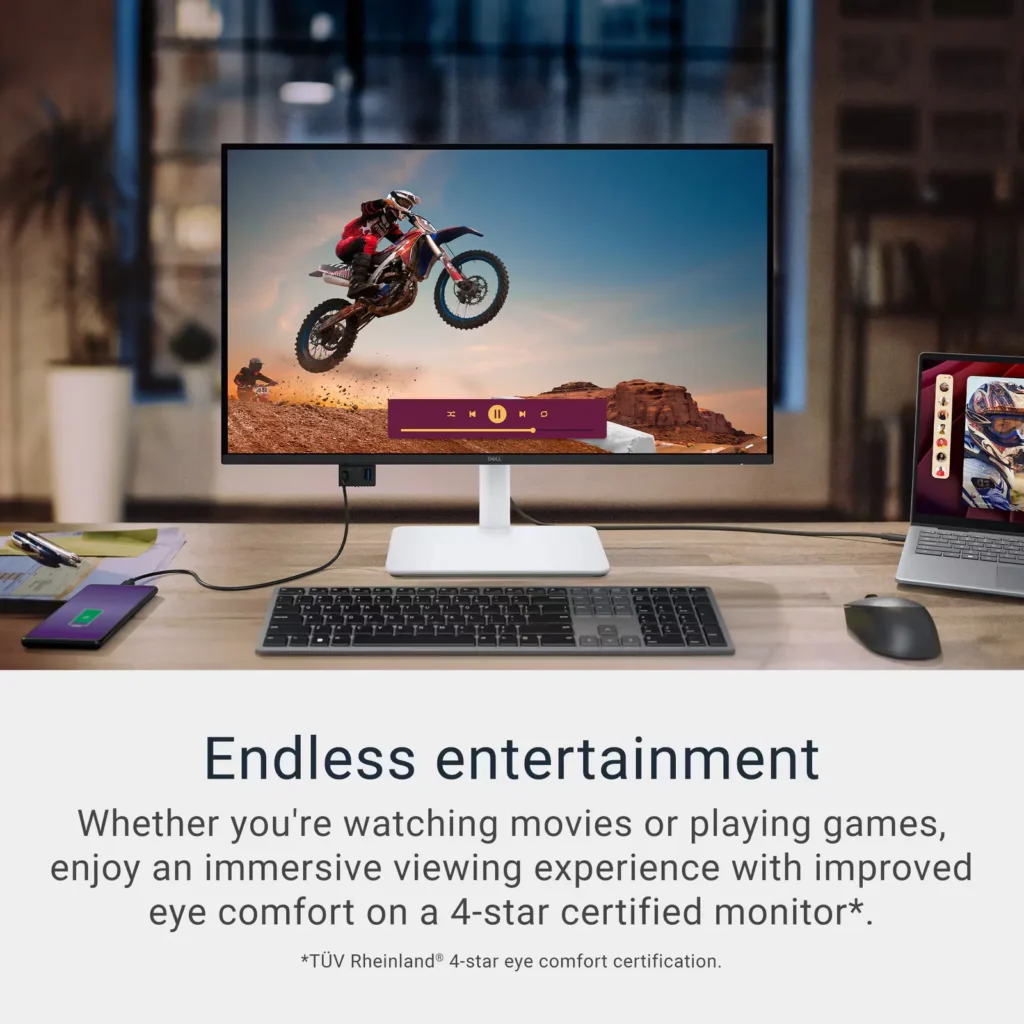
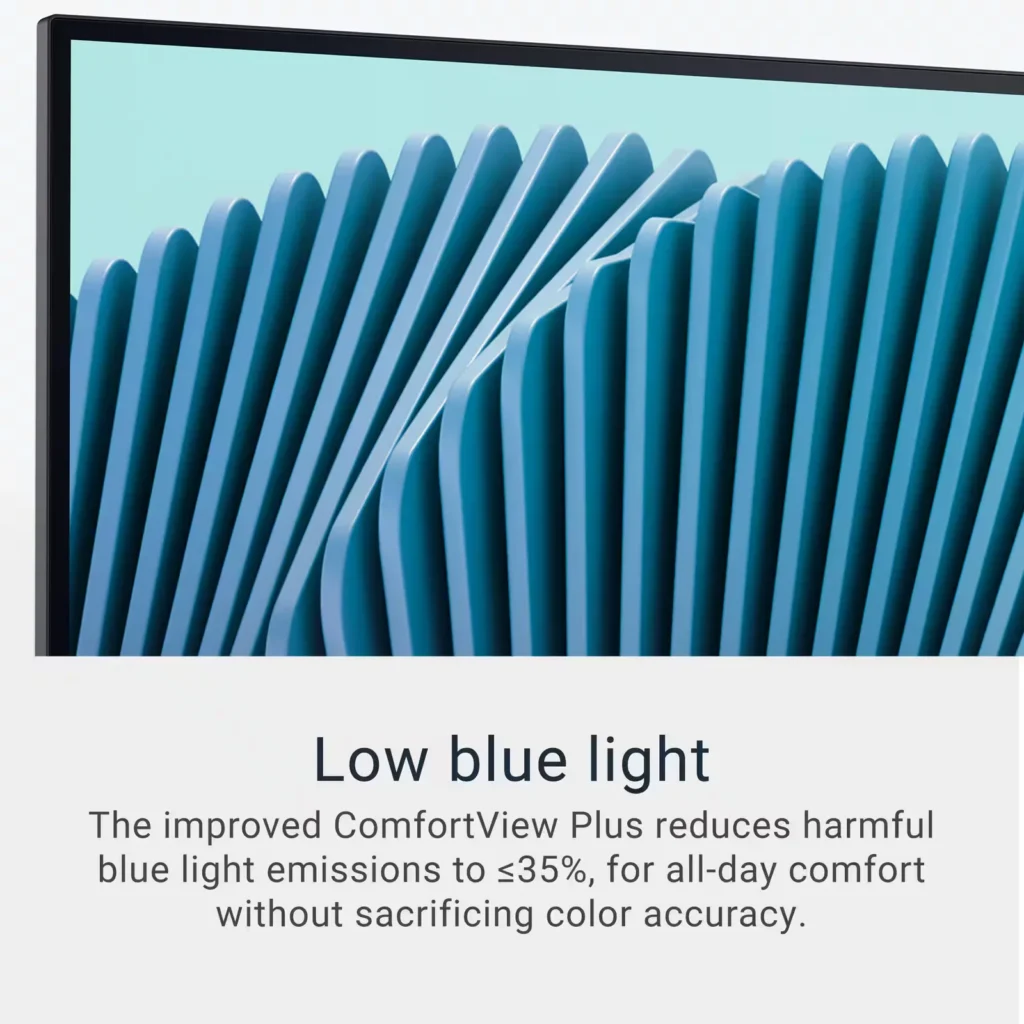
| Advanced Eye Comfort and Ergonomics | Features a TÜV Rheinland 4-star eye comfort rating with improved ComfortView Plus to reduce blue light emissions without sacrificing color accuracy. The fully adjustable stand allows for height, tilt, swivel, and pivot adjustments for all-day comfort. |
Pros & Cons
Pros
- Exceptional 4K and 120Hz Performance: The monitor delivers breathtaking 4K visuals with sharp text and vibrant colors, while the 120Hz refresh rate provides buttery-smooth motion that is highly beneficial for both productivity and casual gaming.
- Convenient USB-C Single-Cable Setup: The USB-C connectivity acts as a docking station, providing video, data, and 65W power delivery to charge laptops through a single cable, which effectively reduces desk clutter.
- High-Quality Integrated Speakers: Many reviewers were surprised by the built-in speakers, describing them as loud, clear, and possessing decent bass, making them far superior to typical integrated monitor audio.
Cons
- Hardware Reliability and Defects: There are multiple reports of significant hardware failures, including horizontal or vertical dead pixel lines appearing shortly after use, flickering screens, and USB-C ports that stop functioning entirely.
- Mac Compatibility and Control Issues: Mac users frequently noted that they cannot control the monitor's volume or brightness through the Apple keyboard, and some reported difficulties with text scaling and a persistent yellow tint from the non-disableable ComfortView feature.
- Inconsistent Quality Control and Shipping: Several customers received units that appeared to be used or open-box items despite being sold as new, and others reported physical defects like wobbly stands or even an ant infestation in the packaging.
Customer Reviews
Showing reviews 271-280 of 294
-
Excellent picture, awesome sound
Incentivized Incentivized review: The reviewer received a benefit for sharing feedback.BarbM May 22, 2025Review source: BestbuyExcellent picture, awesome sound, and lots of connections.
This Dell 27 inch 4K monitor has a great picture. The colors are beautiful, no blur, no streaking, no ghost images, just beauty. Watching 4K UHD movies on this monitor is fabulous. Dark night scenes are no problem, no straining to see what is on screen.
The sound coming from this monitor is just AWESOME. The speakers are loud and clear, great quality for watching movies.
Connections for everything. Connect multiple devices, computers, phones, flash drives, headphones, game consoles, etc… There are so many connections. The cord management helps keep them out of the way. Using USB-C to connect my laptop instead of a heavier HDMI cable is a great option and works great. It will charge the laptop battery also so no worry about it dying in middle of whatever I’m doing, or having to connect the laptop power cord.
The stand adjustments allow for various height and tilt preferences and is simple to put together and attach to the monitor.
This monitor and stand are heavier and thicker. Quality built and definitely durable.
There was minimal instruction for quick setup included in the box, basically pictures, which was enough to get started as it’s really simple. There is also a QR code to get more instructions on their website and at the bottom is a link to download the Dell Display and Peripheral Manager.
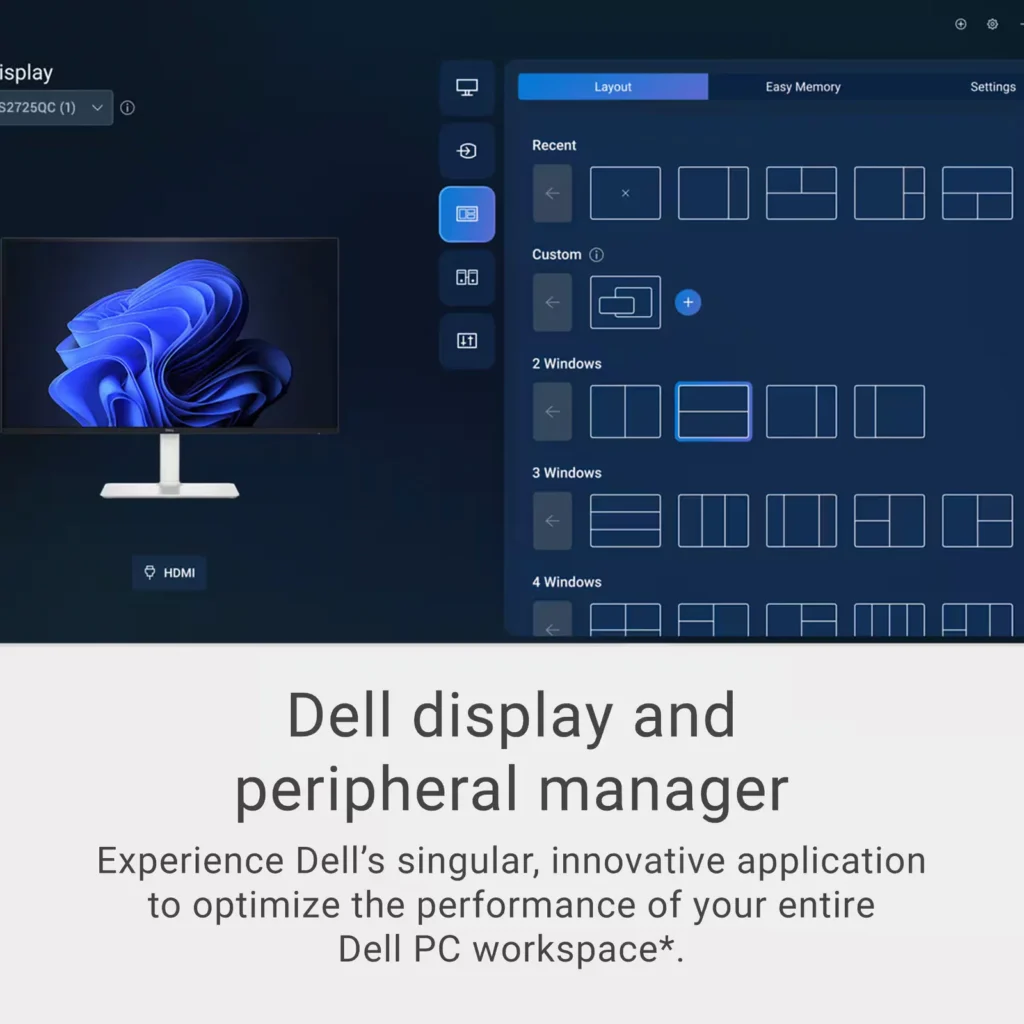
The Dell Display and Peripheral Manager gives many options of customizing the monitor, including preferences for displaying multiple pages, and allows the settings to be saved.
This is an excellent monitor for everyday tasks, streaming movies, and game playing. -
Impressive value and versatility
Incentivized Incentivized review: The reviewer received a benefit for sharing feedback.WStach May 22, 2025Review source: BestbuyI am impressed with the serious value of this monitor. I was looking to upgrade to a 4k 120hz refresh rate for the games, video editing, and general home office work. At this price point, I was worried I might be giving up some features. That was not the case at all. The display quality is outstanding; the refresh rate and high contrast ratio make it a joy to use all day. My primary connection is to a desktop, and alternately I use the HDMI ports to connect to my laptop. It’s a true 16:9 aspect ratio.
The quality of the built-in speakers was surprising. I was prepared for the typical tinny sound and I was amazed at the power and frequency response of the audio.
After a long day behind the screen, I noticed my eyes weren’t bothering me. It has low blue light which I hadn’t truly appreciated until now. It even has the ability to schedule my brightness and contrast settings.
We have a MacBook user in the family, and they love how well it works for them. The USB-C connection even charges my laptop.
This is an upgrade I should’ve done sooner. Quality, color, sound and versatility made this a great purchase.
-
A Big Beautiful Monitor for Productivity
Incentivized Incentivized review: The reviewer received a benefit for sharing feedback.TheStigenator May 21, 2025Review source: BestbuyLets talk about screen real-estate? In the world of putting in multiple windows to showcase all your data, bigger is better. Size doesn’t matter, because along with size, screen resolution of these bigger monitors is also important. I’ve been using a Dell S2721QS (2021 4k model) 27-inch monitor for a while now. Needing better workflow improvements and a dual monitor setup, the release of the new 2025 model of the Dell 2725QC monitor was a welcome opportune addition. One needs to just look at the screen on the Dell 27” 4K screens to realize what you’ve been missing. The color accuracy and clarity on a Dell matte screen means less eye strain and more productivity. The size is perfect for a guy like me who sometimes has to look at data in a bigger context, and the fact that one can have 4 windows on one screen and still have it be usable is just insane.
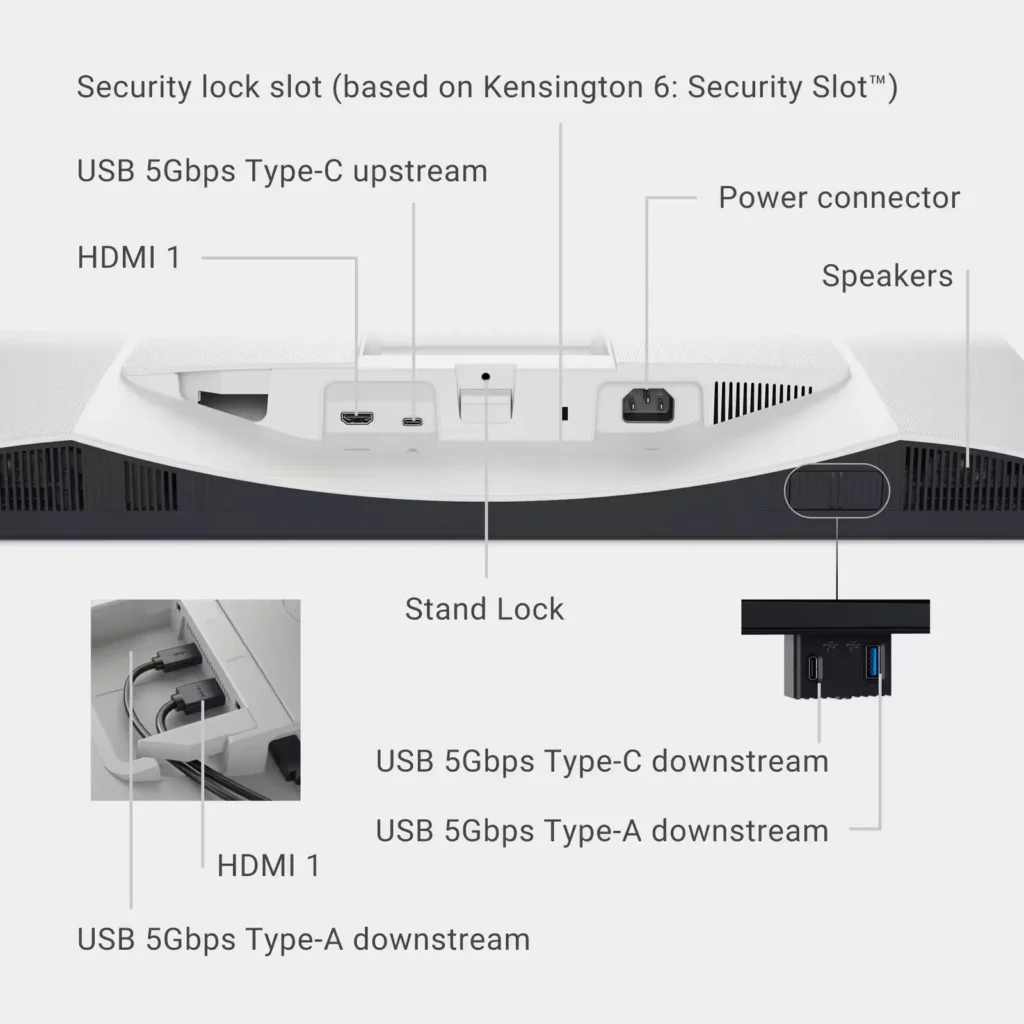
Since I now have two Dell monitors of equal size and resolution, I decided to see what the real world upgrade differences that brings to updated model numbers. Right away, the unboxing and assembly on the new Dell S2725QC is much easier. I have to hand it to Dell, the screw mount system is just genius, it makes assembly so easy! Both my 27-inch screens support dual HDMI (though locations are a bit different), and both support Display Port, but only one, the new 2025 model S2725QC supports Display Port over USB-C. In fact the addition of USB C and USB A has probably been the biggest change that I can see. There are two USB A’s,and two USB-C’s. The front panel has a click down “USB A and C” in addition to the two around the back. One of which can power a laptop while providing video.
One forgets how big one of these 27” monitors are. The amount of desk real estate two 27-inch monitors take up is insane, each monitor with 24 inches of width takes up an entire standard 48” sit-stand desk with none to spare. Once you do get the monitors comfortably sitting and balanced on your table, you appreciate the various niceties, like the height adjustable stand, which features pivot, tilt and swivel. This is a feature that I absolutely appreciate, as a lot of the time, we have to adjust the screen to better suit our position, especially on a sit-stand desk.
So how is this Dell S2725QC compared to the older Dell S2721SC in terms of image quality. Short of that the new screen is brighter, and has a slightly better contrast ratio (at least in specs), my eyes could not tell the difference. The image quality is beautiful, clear and color accurate. The viewing angle is perfect and there is no eye strain. The new model speakers have improved sound quality, and the stand mount is better designed.
A word of caution to those planning to run dual 27” 4k monitors. Besides making sure they fit on your desk, one needs to make sure your computer can support both screens be it by HDMI or USB-C at the native resolution. Most modern computers will run a 4K monitors for business applications with no problems, but will struggle when it comes to gaming or anything GPU intensive in native 4K resolution unless you have a decent video card. I found my work laptop struggled a bit with dual 4k screens vs. a single 4k monitor, but my personal computers had no problem powering both monitors at 4k resolution. So it does help to make sure your equipment is ready to handle a dual monitor setup,
What are my final thoughts? If you are looking for a great screen at a great price, this Dell 27” S2725QC is definitely it. Having used one of the older models for 2+ years, I have no hesitation in recommending this monitor to anybody. The monitor is color accurate, which graphics designers, photo/video editors will appreciate. Business applications users and college students would enjoy the bigger screen resolution and real estate to help improve productivity. The gamer would appreciate the 120 Hz AMD FreeSync capability for hours of gaming,
-
GREAT VALUE
Verified purchase Verified purchase: This reviewer bought the product.Rafe May 21, 2025Review source: AmazonI believe this is amazing value, 4k 120hz via usbc. The 1500 apple studio display can’t even do 120hz. The screen looks great and with some software tweaking with betterdisplay(not the fault of the monitor more on macOS). I’m able to get a retina like display by running 1440p on better display. If you own a Mac and can’t go for 5k yet, I would recommend this monitor.
-
Sleek, Powerful, Versatile
Incentivized Incentivized review: The reviewer received a benefit for sharing feedback.Section8ght May 20, 2025Review source: BestbuyAs someone who’s pretty meticulous when it comes to both performance and aesthetics in my setup, I have to say this Dell IPS LED 4K UHD 120Hz Monitor is exactly what I was hoping it would be.
The sleek white finish on this monitor matches perfectly with my personally built white desktop tower. If you’re the type who appreciates clean, coordinated setups, this is the kind of monitor that elevates your desk’s entire aesthetic. It’s subtle, modern, and it looks premium from every angle.
Setup was quick and painless. It comes with an HDMI cable in the box, so getting it connected to my PC was just plug and play. Once powered up, the screen came to life with vibrant 4K clarity and that buttery-smooth 120Hz refresh rate. Whether I’m gaming, watching 4K content, or just moving windows around, the motion feels fluid and natural.
One of my favorite features has to be the adjustable stand. Not only does it allow you to tweak the height, tilt, and swivel with ease, but the 90-degree pivot into portrait mode is a very welcomed game-changer. My wife loves using the vertical setup for studio art creation software, and for her Cricut design work and photo editing. That flexibility is something you don’t realize you need until you have it.
Now let’s talk about some of the hidden gems on this monitor that make it more than just a pretty display. It has built-in speakers that actually sound good, not just “good for monitor speakers” but legit good, with surprisingly deep frequency response and solid volume. Pair that with the built-in EQ settings, and you can fine-tune the sound to your liking whether you’re streaming a video or kicking back with a game.
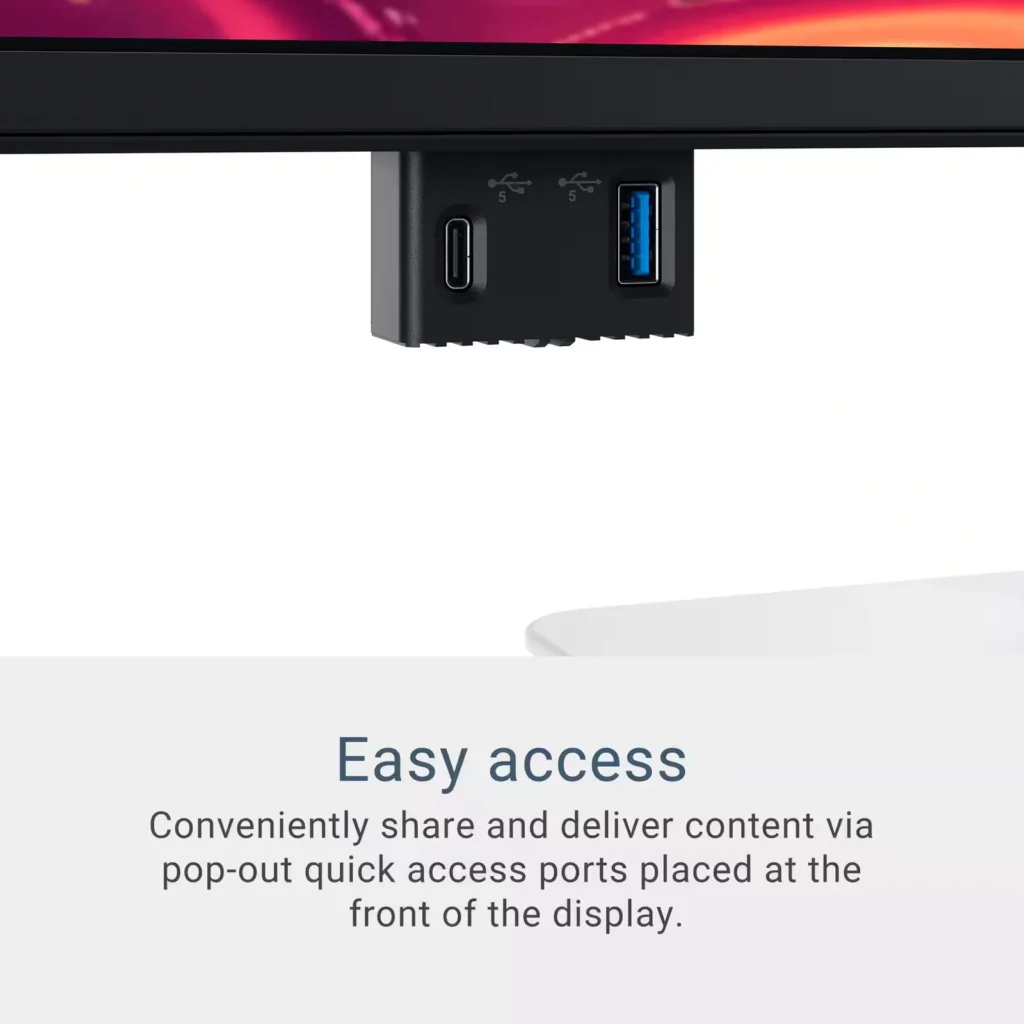
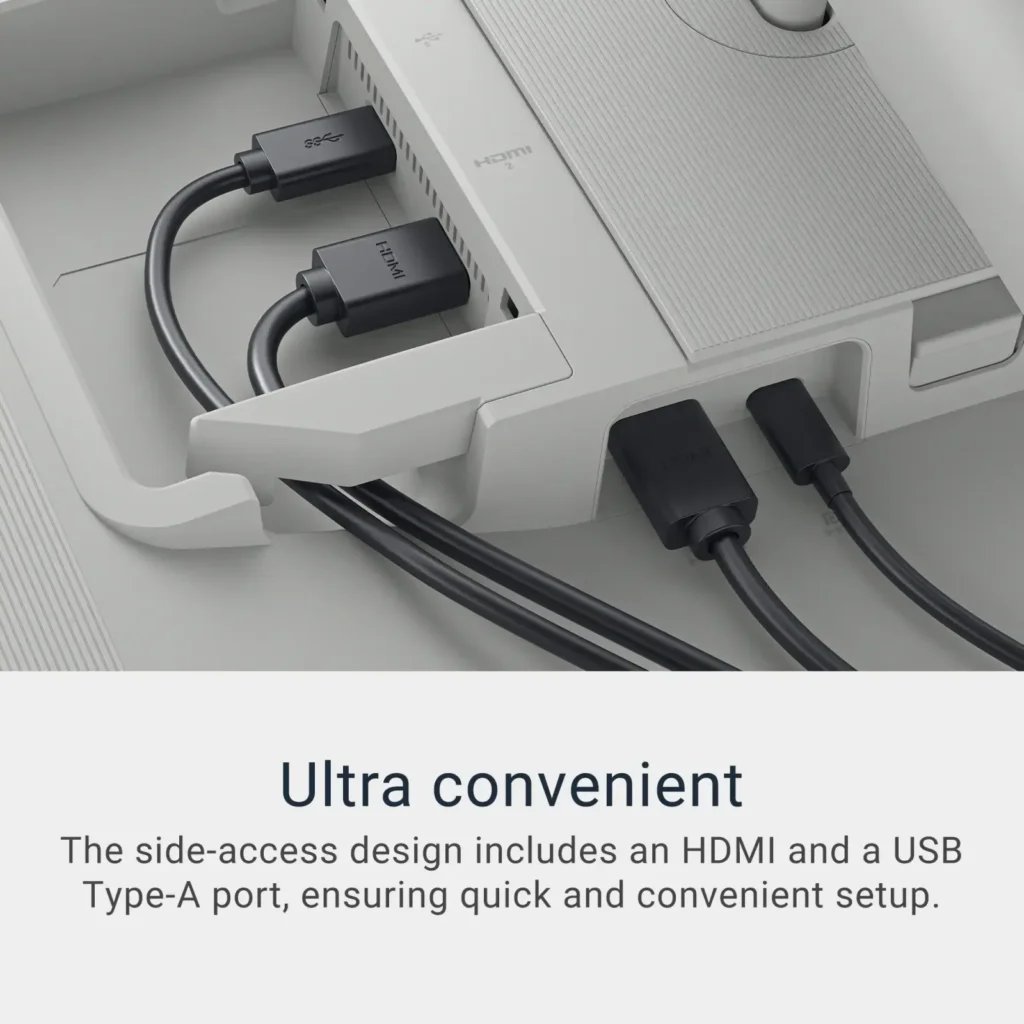
Another thoughtful addition is the pop-out access port hidden underneath the monitor. It’s an awesome quality-of-life feature for quick USB drive access or charging peripherals without having to dig behind your tower. Super convenient for creatives or anyone juggling external devices.
On the back, Dell gave us plenty of connectivity options, you’ve got 2 HDMI ports and 2 USB-C ports. The USB-C ports are particularly clutch because they support display input and 65W power delivery, which is perfect for hooking up a laptop and running dual displays without needing extra power bricks.
If you’re in the market for a versatile 4K monitor that looks as good as it performs, this Dell IPS LED checks every single box. Whether you’re a content creator, photo editor, gamer, or a multitasking wizard, this display handles it all, no trade-offs, just full-throttle performance with clean, modern style.It’s definitely one of those rare finds that balances form and function without compromise. Dell absolutely nailed this one.
-
Big, bright and beautiful
Incentivized Incentivized review: The reviewer received a benefit for sharing feedback.buckeyestargazer May 20, 2025Review source: BestbuyA computer monitor is one of those components that you don’t think too much about but can make a big impact on the overall experience. The Dell S2725QC 27″ 4K LED monitor has raised the standard of my viewing experience.
The monitor is large and bright. In an average to slightly dim room, I have the brightness set at 30% and that is plenty bright. If you were in a very bright room with lots of natural sunlight, I have no doubt that this monitor would still be plenty bright for your needs. The color clarity is excellent as well.
The contrast and blacks are excellent, and the 4K resolution is super sharp and crisp. The 120hz refresh rate means that fast motion videos and sports are smooth with no blur.
The height and swivel adjustments are smooth and easy.
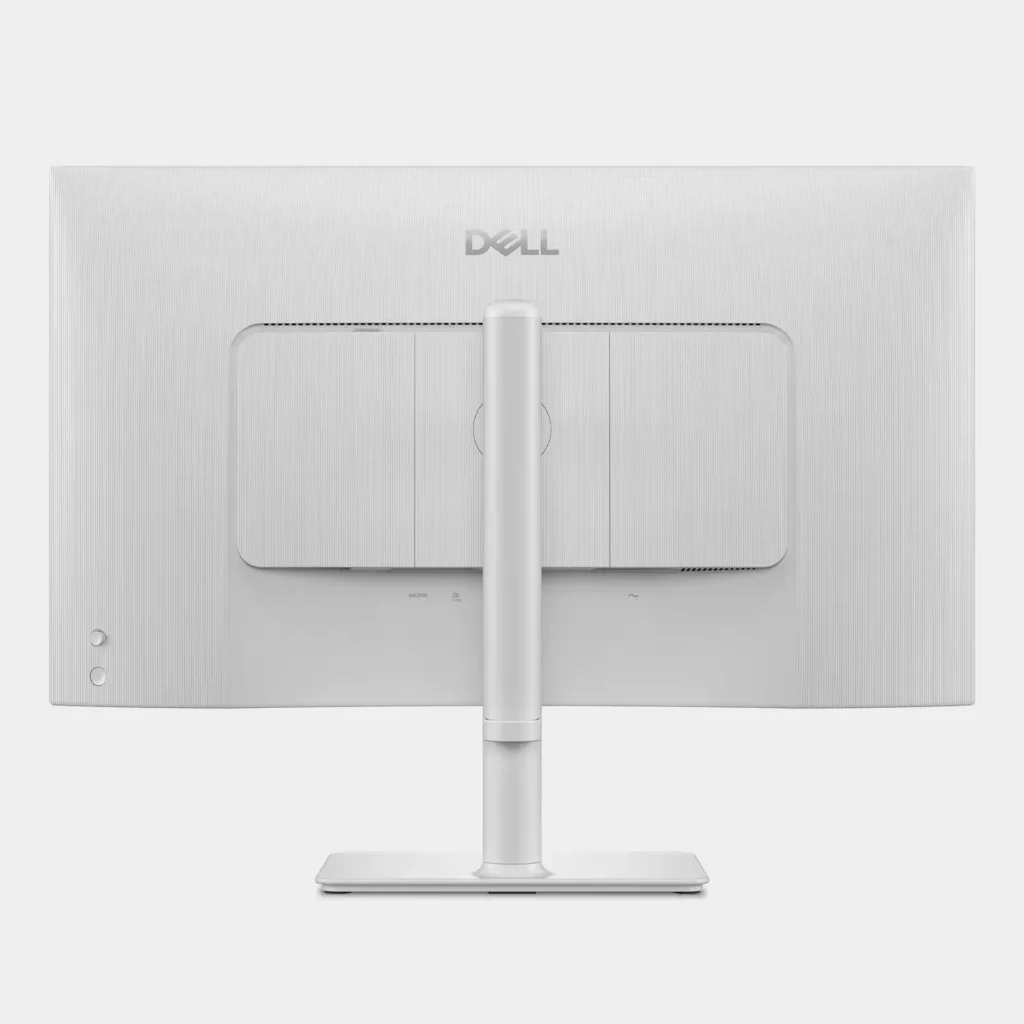
It has 2x HDMI ports, 2x USB-A and 2x USB-C. One of the USB-C ports can deliver up to 65w of power, enough for many notebooks. There is a pop-out port hub on the bottom that is very convenient for charging lower wattage devices (15w).
-
Not bad.
Verified purchase Verified purchase: This reviewer bought the product.W 6s May 20, 2025Review source: AmazonNot as good as my 27 inch Apple IMAC retina screen. Sort of disappointed. But it is good enough.
-
Amazing Sound/Great Picture Quality and Detail
Incentivized Incentivized review: The reviewer received a benefit for sharing feedback.Debbi May 20, 2025Review source: BestbuyThe Dell 27″ Plus 4K USB-C Monitor has amazing sound. Typically, you look for a monitor with a great picture, the Dell monitor is worth the purchase just for the sound quality. The picture is sharp and images are well defined with excellent detail. The monitor has reduced blue light output which is better for your eyes. Not sure how I would test or confirm that but I’m glad to know the blue light is reduced. The monitor has an Energy Star rating, so it is energy efficient, also a big plus.
The provided installation instructions are pretty straight forward, 3 pictures. See attached picture. Once attached the monitor seemed a bit wobbly. It moved up and down (tilted) as monitors do but it also moved side to side. Went to the Dell website and confirmed that yes, the monitor is supposed to move side to side. While testing I plugged in a Microsoft Surface and the display on the monitor did not fill the entire screen. A quick search for the issue returned instructions to adjust the display settings. Under System/Display I adjusted the Display Resolution from 1536 x 1024 to 1366 X 768 and the Surface screen filled the entire Dell Monitor.
When setting up the monitor it has a couple of questions, language and one about allowing continuous charging, basically asking if you want connected devices to charge when the monitor is powered off. This option uses more energy so for me that was a no. It took me a few minutes to figure out that the “joystick” above the on/off button is how I move around to answer the setup questions. Printed, detailed instructions would have been most helpful. After figuring it out, I found very detailed instructions in the on-line manual. I would recommend giving it a quick read before installing.
-
Economical high-end gaming monitor
Incentivized Incentivized review: The reviewer received a benefit for sharing feedback.ScubaSteve May 20, 2025Review source: BestbuyDell has done a great job of making their product very user friendly and this monitor is no exception. It comes will boxed and set up is super easy. The stand clips to the back of the monitor and the stand base clips on with a tool-free op up screw twist. It seems very well made and sets in place securely. It comes with a DVI cable, and you will have to purchase separately if you are needing an HDMI. You will need to use the DVI to get the full experience and 120hz monitor refresh rate.
My PC instantly recognized the monitor and after a few setting tweaks (sound, refresh rate and display resolution) I was ready to go. The picture quality is amazing and fast gaming scenes look blur free on the high refresh rate. The built-in speakers work rather well also, and I plan to use in conjunction with a larger speaker system with subwoofer. The blue light filtering screen is nice and my eyes to not feel as tired after a long night-time gaming session.
The bezel is thin on these screens and looks really good in any PC setup. I plan to buy a matching monitor to get a dual screen setup for multi-tasking and wide screen gaming.
-
Perfect Art Studio Accessory
Incentivized Incentivized review: The reviewer received a benefit for sharing feedback.PracticalSandy May 20, 2025Review source: BestbuyWhen setting up an art studio, whether for graphic design, or researching subject matter, having a reliable and high-quality monitor is an absolute necessity for me. The Dell 27″ LED 4K FreeSync Monitor has not only met my expectations but surpassed them in ways I hadn’t anticipated. From the moment I unboxed it, I was impressed by the attention to detail in the packaging. Dell has clearly put thought into ensuring that every component arrives in perfect condition. The box was easy to open, and inside, all the components were protected in their own separate packaging, reducing the risk of damage during transit.
Setup was one of the most straightforward processes I’ve ever experienced with a monitor. Dell’s easy-to-follow guide made installation a breeze, with clear, concise instructions that left no room for confusion. Even the two screws used when attaching the base come with their own turning tab so a screwdriver is not needed. Within minutes, I had the monitor mounted on my desk, connected, and ready to go.
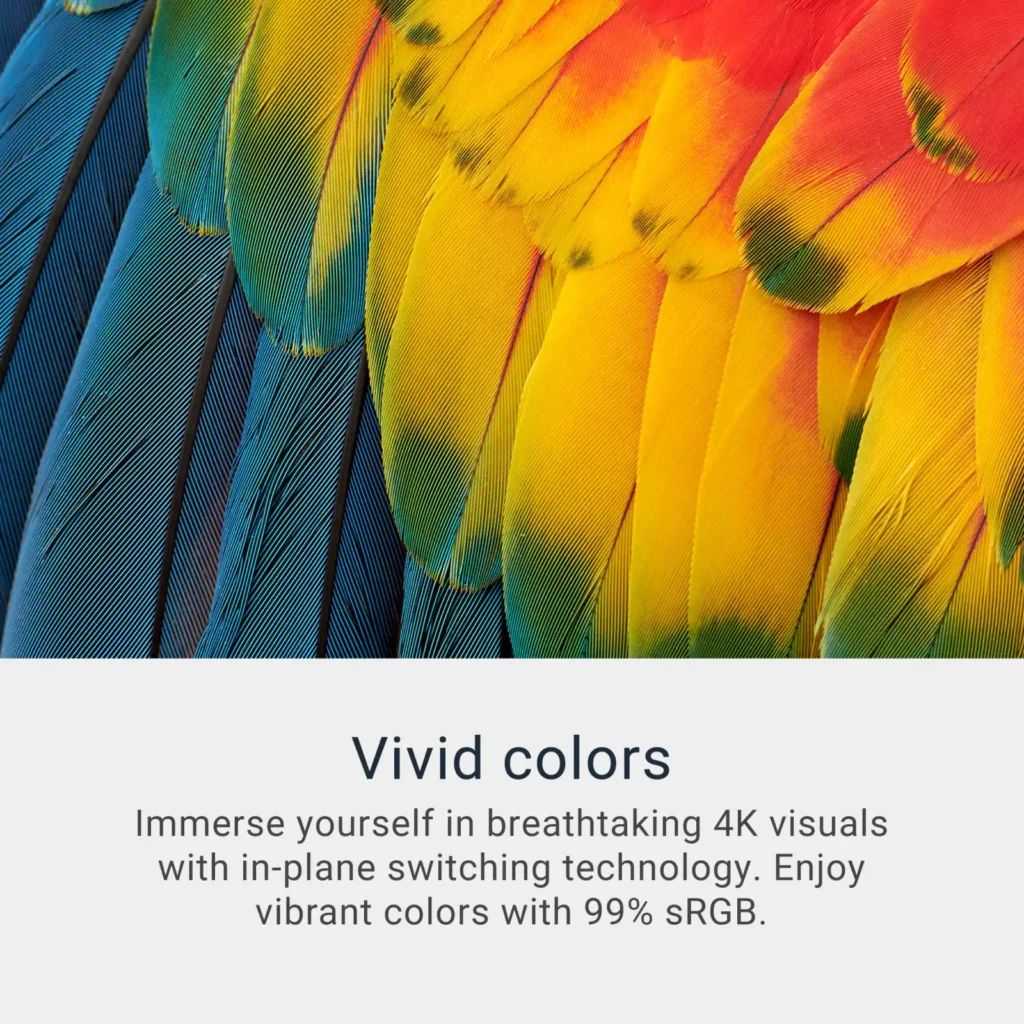
Once powered on, the display immediately caught my attention. The 4K resolution is truly stunning—the colors are vivid, the contrasts are sharp, and the overall clarity is remarkable. As an artist, accurate color representation is crucial, and this monitor delivers that effortlessly. Whether I’m sketching designs, editing high-resolution images, or even watching tutorials to refine my craft, every detail appears crisp and lifelike. The thin bezel design enhances the display, making the screen appear even larger than it already is. This is particularly helpful when working on intricate designs that require a broad, uncluttered workspace.
Another standout feature is the variety of connectivity options. The monitor comes with USB-C, HDMI, and a USB port, making it incredibly versatile. I connected my laptop via HDMI and plugged in my earbuds to the USB port to keep them charged at all times. Often, I listen to music or online tutorials while working, and having my earbuds always ready to use is a convenience I didn’t realize I needed.
With flicker-free technology and a built-in comfort view mode, my eyes don’t feel fatigued even after several hours of intense designing or editing. The screen’s anti-glare properties help maintain clarity without excessive brightness, making it easy to work in various lighting conditions. Whether the sunlight streams into my studio or I’m working late at night under artificial lighting, the monitor adjusts beautifully to provide a comfortable viewing experience.
Beyond technical specifications, this monitor has transformed my workflow. In a creative space, efficiency matters, and the Dell 27″ LED 4K FreeSync Monitor helps streamline my process in multiple ways. The large screen real estate allows me to have multiple windows open simultaneously, so I can reference inspiration images, work on designs, and keep a tool palette readily available—all without feeling cramped. This multi-tasking capability has improved my productivity, allowing me to work faster and more effectively.
Another major advantage is its compatibility with digital art tools. Whether working in Adobe Photoshop, Illustrator, or Corel Painter, the monitor handles high-resolution graphics effortlessly. The refresh rate ensures smooth transitions and eliminates lag, which is crucial when working on time-sensitive projects. I never experience delays.
The 4K resolution enhances video playback, making films, animations, and even YouTube tutorials look crystal-clear. The vibrant colors and deep contrasts bring content to life, making it an enjoyable experience whether I’m working or winding down with an ambient video.
Durability is another plus of this monitor. Dell has a reputation for creating reliable, long-lasting products, and this monitor is no exception. The build quality feels solid, and I have no concerns about longevity.