


Customer Media
Highlights
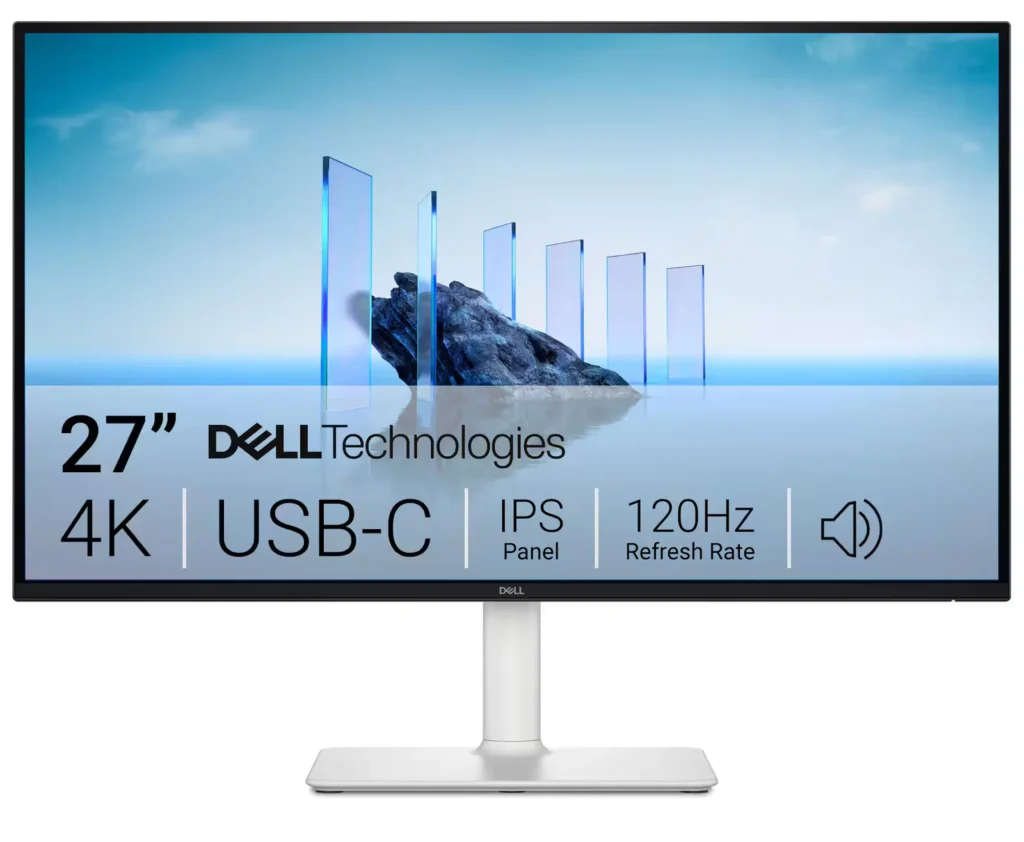
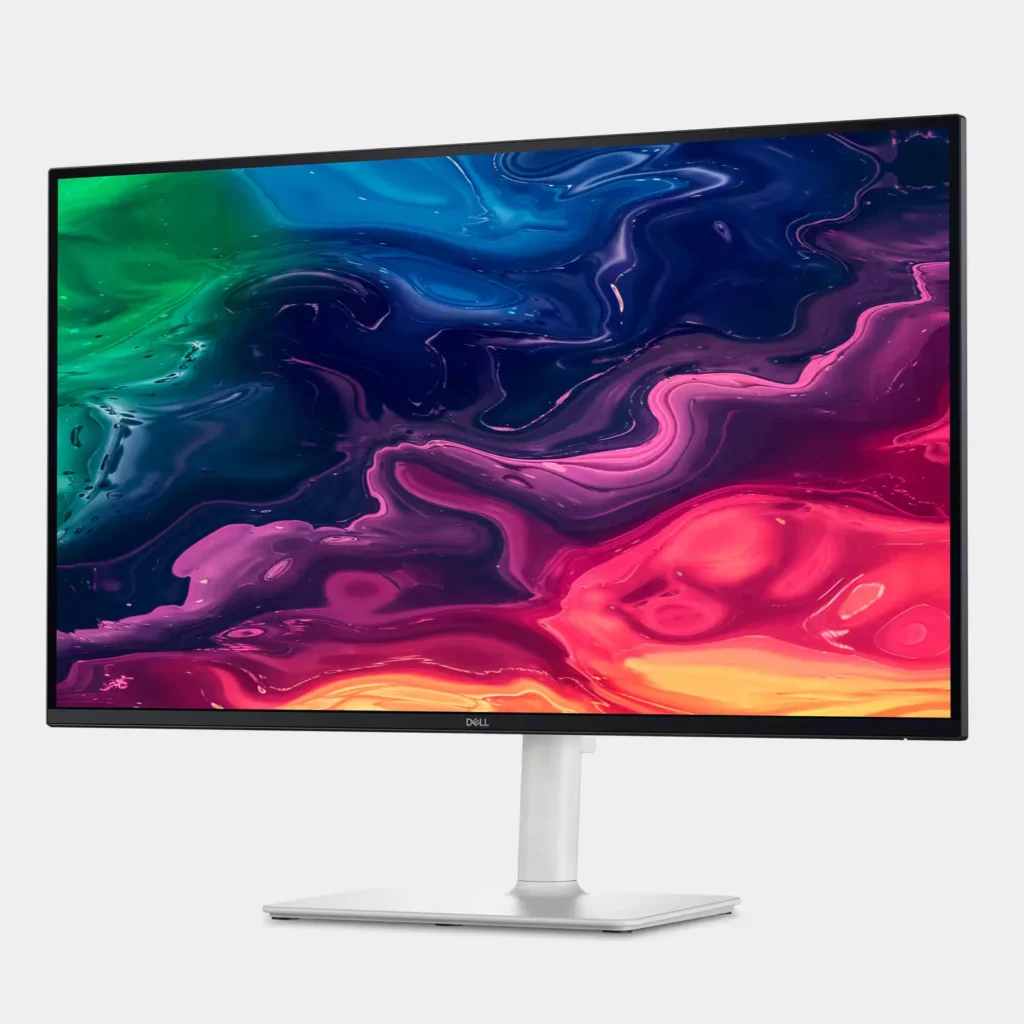
| Stunning 4K Visuals with 120Hz Smoothness | Experience breathtaking clarity with 3840 x 2160 UHD resolution on a 27-inch IPS panel. The upgraded 120Hz refresh rate provides significantly smoother motion for both productivity and casual gaming compared to standard 60Hz displays. |
|---|---|
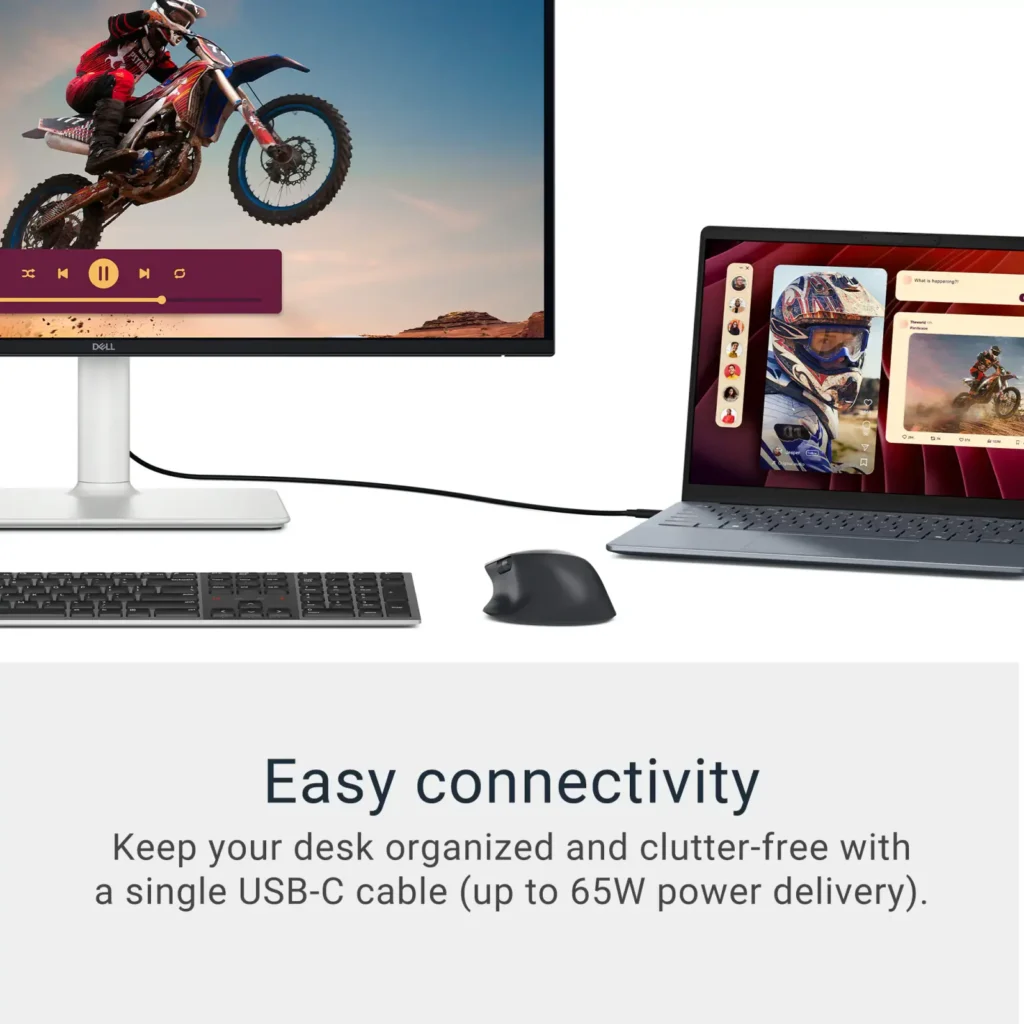
| Single-Cable USB-C Connectivity | Streamline your workspace with a versatile USB-C port that delivers up to 65W of power to charge your laptop while simultaneously transmitting video and data signals through a single cable. |
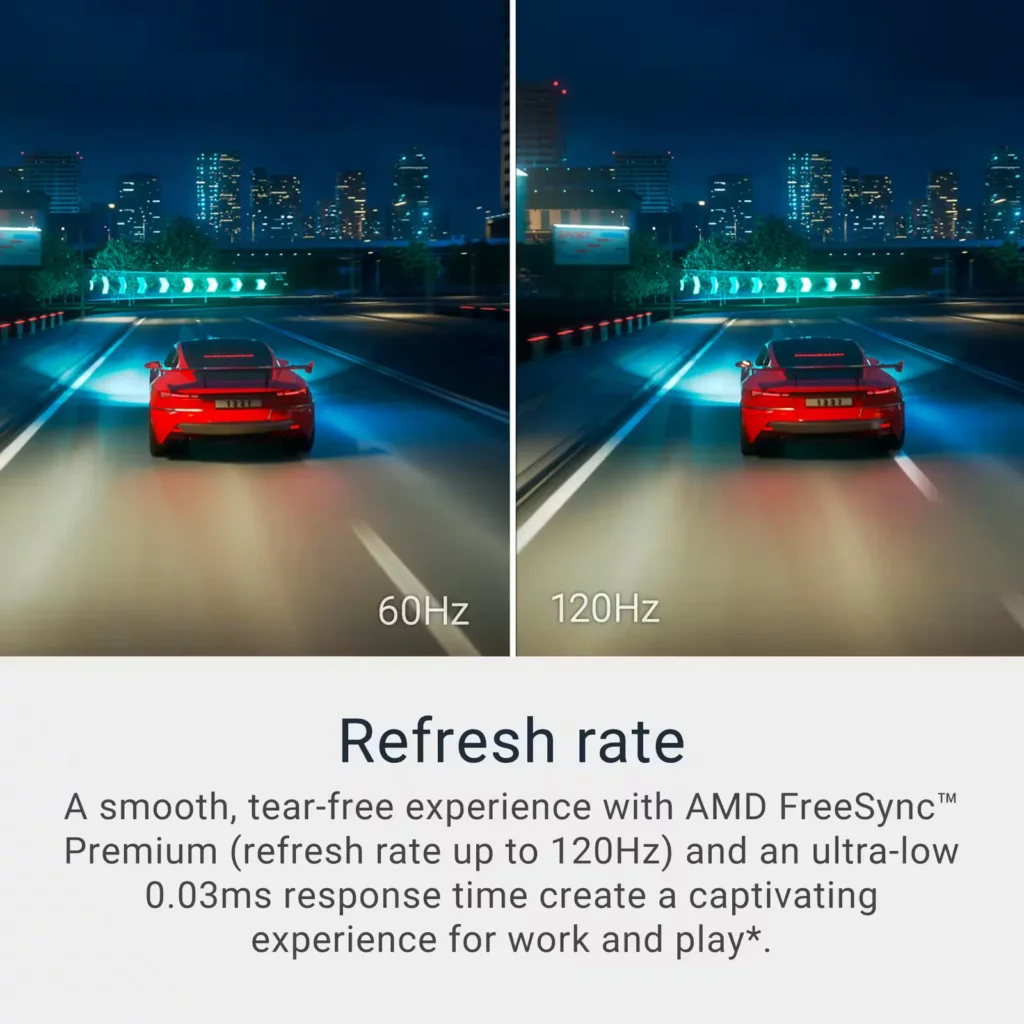
| AMD FreeSync Premium Technology | Enjoy a tear-free and fluid viewing experience during fast-paced action. This monitor supports AMD FreeSync Premium and VRR (Variable Refresh Rate) to eliminate screen tearing and stuttering for seamless visuals. |
| Enhanced Integrated Audio | Equipped with dual 5W speakers, this monitor offers re-engineered sound quality with deeper frequency response and greater output power than previous generations, eliminating the need for external speakers. |
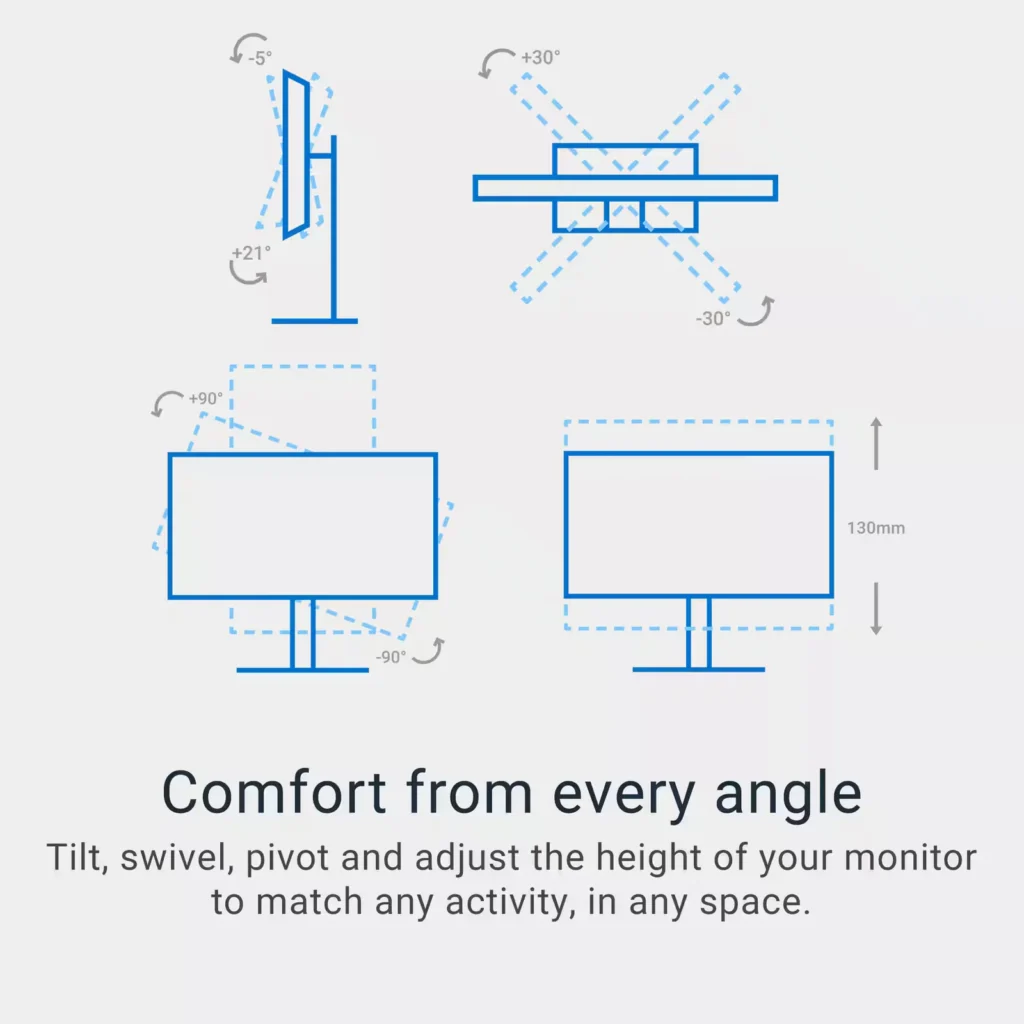
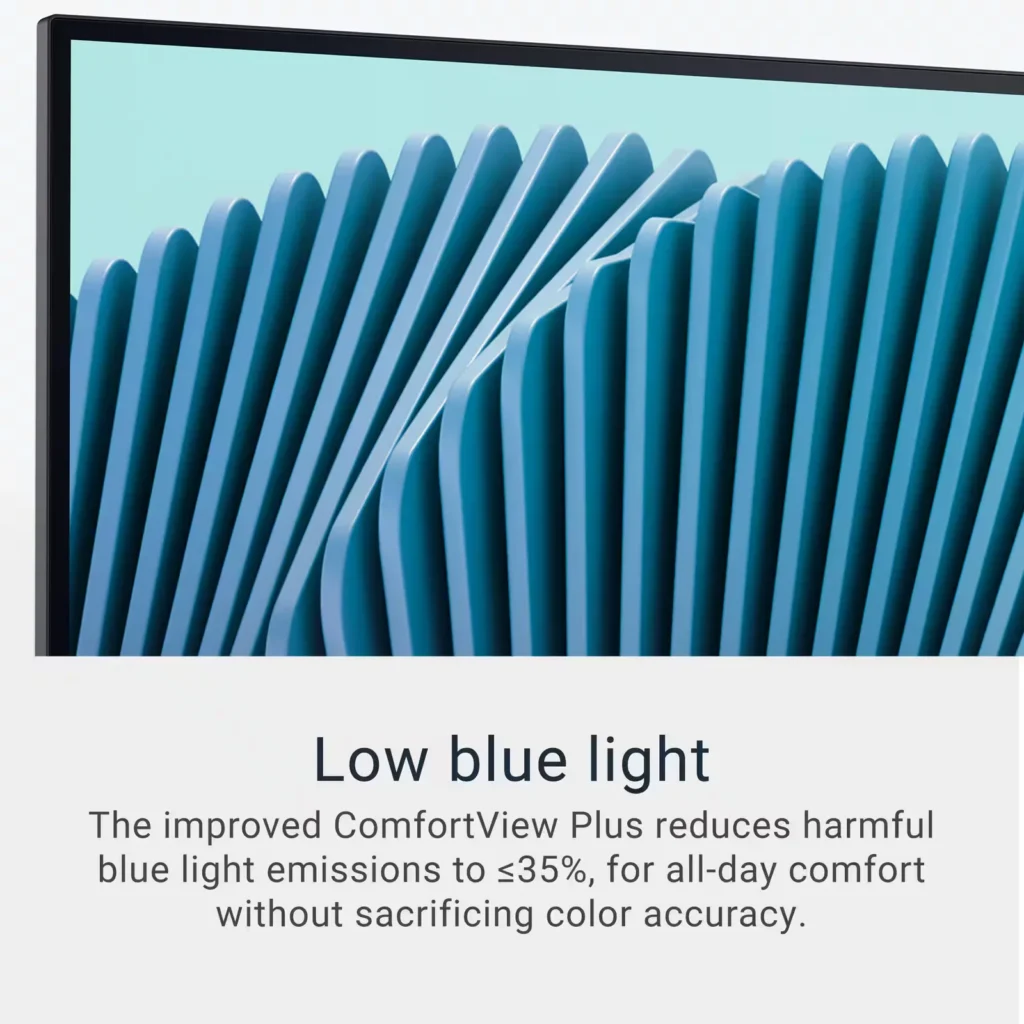
| Advanced Eye Comfort and Ergonomics | Features a TÜV Rheinland 4-star eye comfort rating with improved ComfortView Plus to reduce blue light emissions without sacrificing color accuracy. The fully adjustable stand allows for height, tilt, swivel, and pivot adjustments for all-day comfort. |
Pros & Cons
Pros
- Exceptional 4K and 120Hz Performance: The monitor delivers breathtaking 4K visuals with sharp text and vibrant colors, while the 120Hz refresh rate provides buttery-smooth motion that is highly beneficial for both productivity and casual gaming.
- Convenient USB-C Single-Cable Setup: The USB-C connectivity acts as a docking station, providing video, data, and 65W power delivery to charge laptops through a single cable, which effectively reduces desk clutter.
- High-Quality Integrated Speakers: Many reviewers were surprised by the built-in speakers, describing them as loud, clear, and possessing decent bass, making them far superior to typical integrated monitor audio.
Cons
- Hardware Reliability and Defects: There are multiple reports of significant hardware failures, including horizontal or vertical dead pixel lines appearing shortly after use, flickering screens, and USB-C ports that stop functioning entirely.
- Mac Compatibility and Control Issues: Mac users frequently noted that they cannot control the monitor's volume or brightness through the Apple keyboard, and some reported difficulties with text scaling and a persistent yellow tint from the non-disableable ComfortView feature.
- Inconsistent Quality Control and Shipping: Several customers received units that appeared to be used or open-box items despite being sold as new, and others reported physical defects like wobbly stands or even an ant infestation in the packaging.
Customer Reviews
Showing reviews 281-290 of 294
-
When great performance meets great ideas..
Incentivized Incentivized review: The reviewer received a benefit for sharing feedback.TheTruQ May 19, 2025Review source: BestbuyI’m a multi-monitor guy that spends a lot of time on my PC working, among other things. My setup included a single 27” 1080p monitor that I wanted to replace in order to give me consistency across my visual landscape. That’s where this 27” UHD Dell FreeSync monitor comes in.
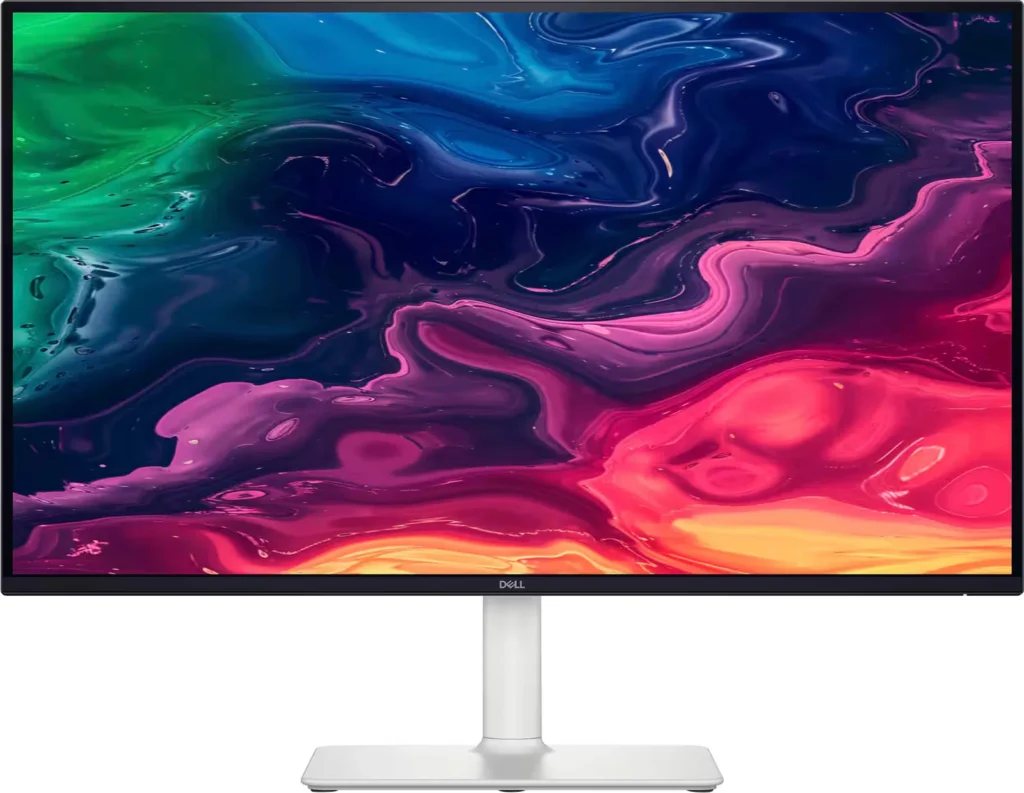
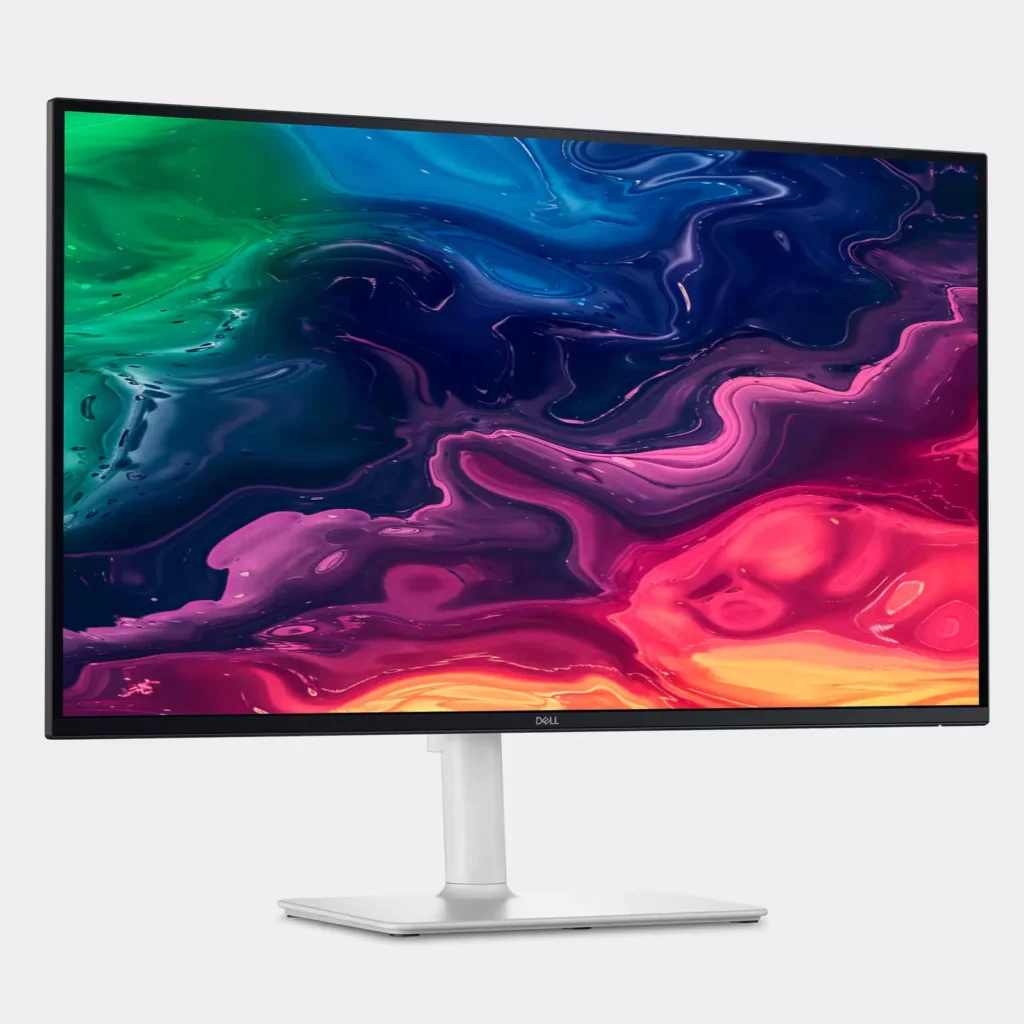
The box for this monitor was pretty par for the course – well protected with cardboard and air pockets to boot. Pull it out of the box and you quickly notice some assembly is required. It was very simple, and I didn’t need instructions or tools to assemble the monitor. There are screw points, but they have a built-in hand tightening handle on each screw head. Looking at the monitor, I really like the white base and stand. The contrast against black screen edges gives it a nice look.
Plug and play is always the most welcome part of Windows, and I had zero problems plugging this monitor into my computer and it popping right on. First impressions of the display: crisp, good contrast, and surprisingly clear and vibrant. I say this because this monitor has a (should be) coveted built-in blue light filter. ComfortView Plus is said to reduce blue light emissions while maintaining color accuracy. I was expecting this to be a case where what’s promised would be too good to be true – nope. The color accuracy, contrast, and detail are all fantastic on this thing. The clarity is great as well. Then there’s the refresh rate and FreeSync. Let’s just say that the average gamer will be more than satisfied with this monitor.
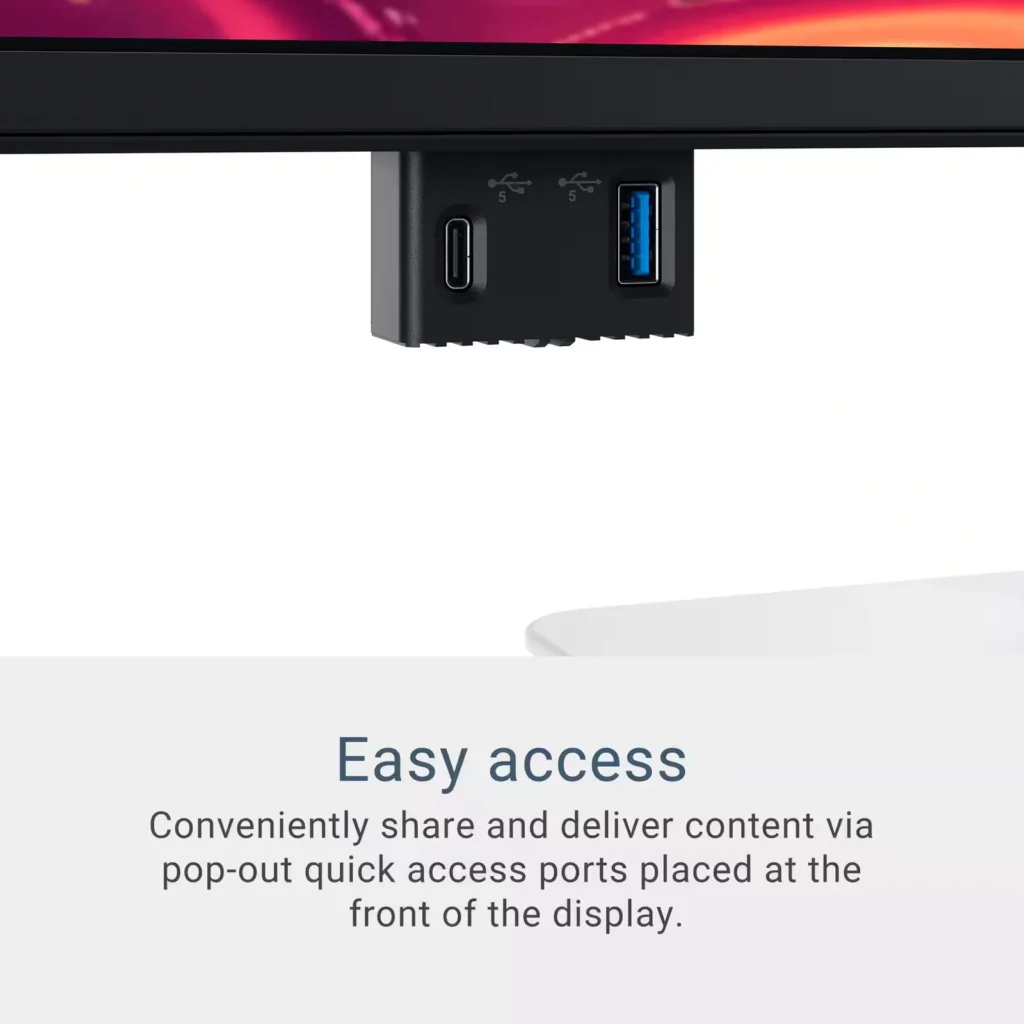
The thing about this Dell monitor is that it goes above and beyond to offer users a somewhat all-in-one like solution while eliminating desktop clutter. How? It’s got a built in USB hub that puts out enough wattage (65W) to power/charge most laptops and tablets. Not only that; it has a total of 4 USB ports (two of them hidden away in a cool popout mechanism along the bottom of the screen) allowing you to connect multiple devices if necessary. In a word, this is awesome! I can connect my laptop to the PD port on the back of the monitor and it will serve visuals while it is powered by the monitor. Then I can add a wireless keyboard and mouse. The second built in feature that adds to the all-in-one feel is the built-in speaker system. The speakers are strong and have decent clarity for built-ins. This gives you a near wireless set up and a clean table top/desktop. I honestly have been thinking about moving this monitor to my convenience desk in my bedroom because it offers a quick connect full solution when I want to do some quick work there.
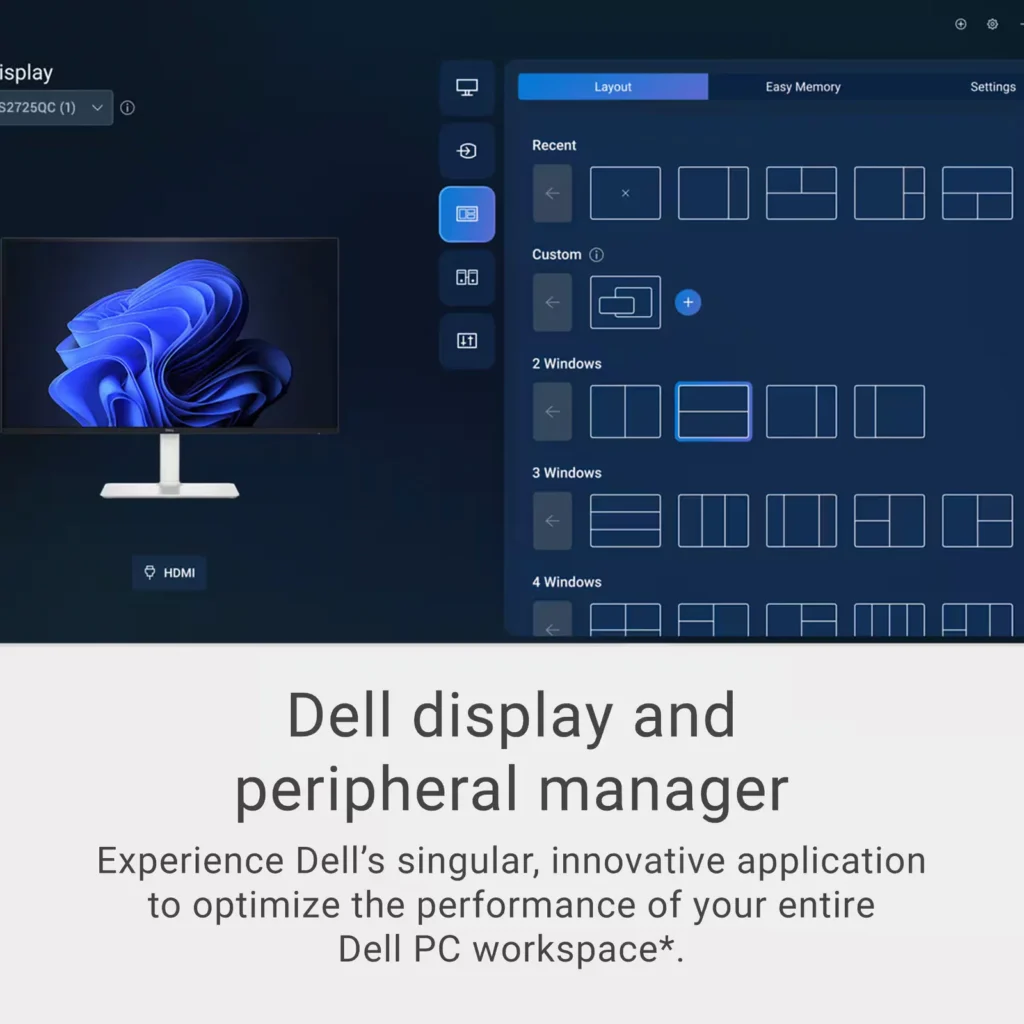
Well, as you can see, I liked this monitor! First and foremost, it gives you an excellent picture with blue light emission reduction, great contrast, and vibrant and accurate colors. The USB-C power hub is unmatched in offering a near all-in-one feel while eliminating cords and clutter. Throw in there a decent speaker system and good looks, and you have yourself one of the better desktop (laptop) experiences out there. There is even display and peripheral management software offered by Dell to help with window management and multitasking. I highly recommend this monitor to anyone needing one.
-
Super Thin 27" 4K IPS USB-C Monitor with Audio
Incentivized Incentivized review: The reviewer received a benefit for sharing feedback.Jaguarone May 18, 2025Review source: BestbuyThe Dell S2725QC 27 Inch IPS 4K Monitor is a fantastic upgrade for anyone that is looking for a 4K monitor that won’t break the bank. Sporting razor thin bezels, the monitor has a screen to body ratio well over 90% that provides a vivid immersive experience that has be to seen to enjoy.
Upon opening the box, you will notice the superior build quality. The monitor base and stand are made of aluminum with a silver powder coating that gives it a clean and minimalistic look.
Assembling the monitor stand is straight forward and only requires a few minutes of your time. Place the monitor stand arm onto the stand base and secure in place with a thumb screw on the underside of the base. Next, attach the monitor stand and secure in place with the thumb screw. Finally, attach the stand to the back of the monitor into the mounting holes and press down to snap into place. That’s it. You now have the monitor assembled and ready to get connected to your PC or Mac.
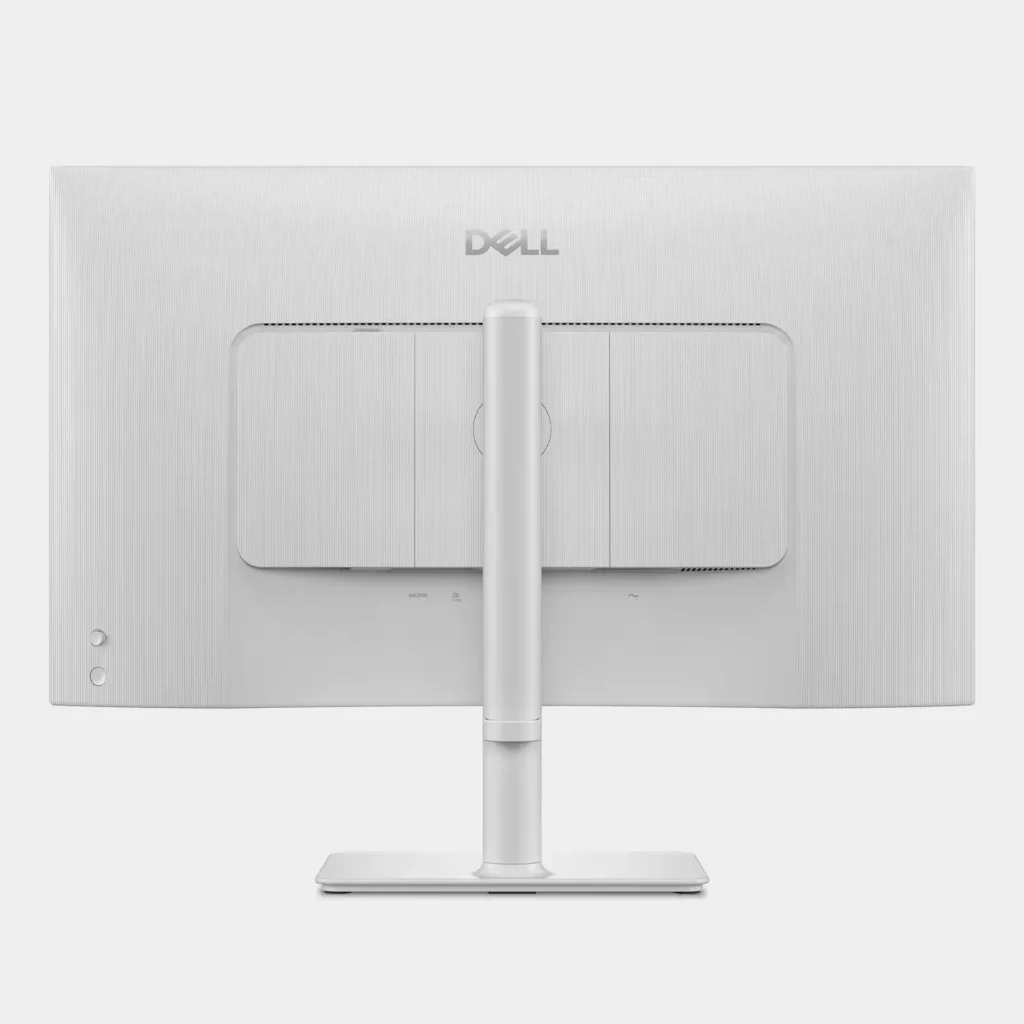
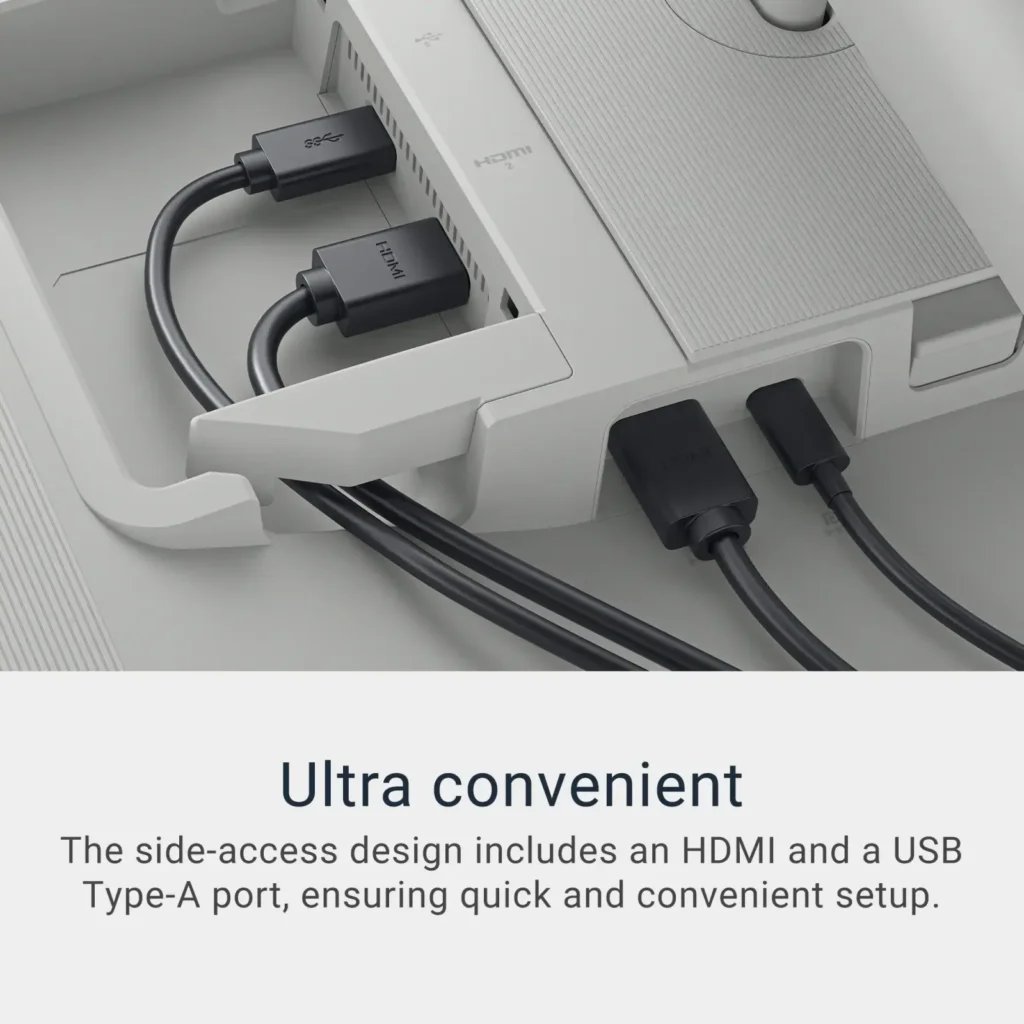
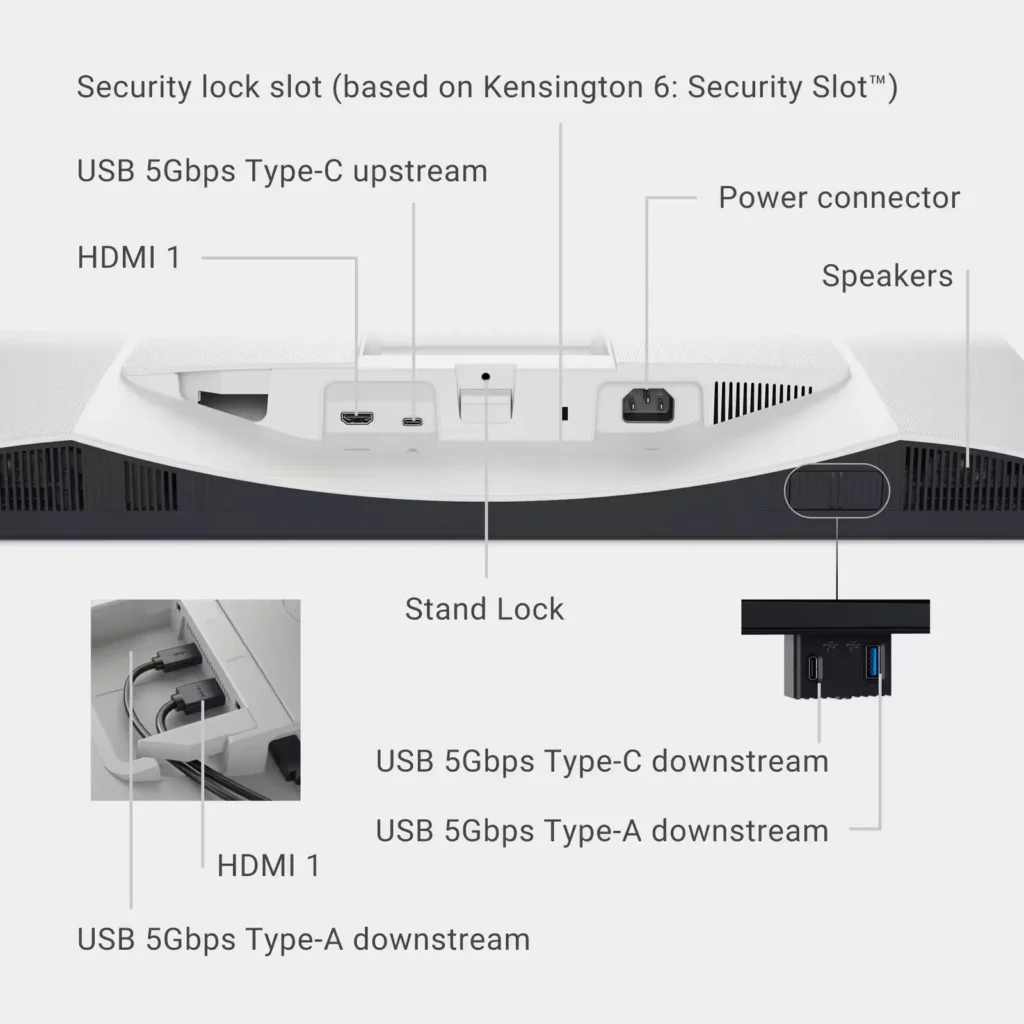
The monitor comes with the following ports:
1 x USB-C 5Gbps upstream port
1 x DisplayPort 1.4 Alt Mode, Power Delivery up to 65 Watt
2 x HDMI ports that support up to UHD 3840 x 2160, 120 Hz, FRL, HDR, VRR modesIncluded in the box:
1 x 10GB USB-C to USB-C Cable
1 x Power Cord
(HDMI Cable sold separately)The monitor comes with 2 x 2.5-Watt Integrated speakers that sound really good and provide rich audio without any additional sound card needed. There’s even a good amount of bass from the built in speakers which was a nice surprise.
Now, let’s talk about the screen. The monitor’s color accuracy is rated at 99% sRGB that provides breathtaking 4K visuals with in-plane switching technology. I was immediately impressed at how vivid the monitor colors are.
Switching over to HDR Mode is a real treat with super high-resolution details that will certainly captivate.If you are a gamer, you will enjoy smooth, tear-free experience with AMD FreeSync™ Premium refresh rate up to 120Hz and an ultra-low 4ms response time for super-fast gaming.
Overall, I am super impressed with the build quality and color accuracy the Dell S2725QC 27″ IPS 4K Monitor provides. I definitely recommend getting this one if you are in the market for a new monitor that is affordable and provides excellent value!
-
Good monitor from reliable brand
Incentivized Incentivized review: The reviewer received a benefit for sharing feedback.averagetechguy May 17, 2025Review source: BestbuyI got this monitor to upgrade an old one I had in my business office. It hit a sweat spot in cost and features with the 4k ips, 120hz, built in speakers. Inputs are hdmi, usbc and usb. The 27 inch wide-screen fits well in the space I need with a smaller single base footprint than my old unit. Dimensions are just over 20” tall and 24 inches wide, depth is right at 8”. I have used the speakers built in occasionally, but I do have external sound if I need more power. That being said, I do use these often if I’m just listening to music in background but don’t need it for conference call or video clinic. 1:1 calls they sound good, and can get loud enough for my old ears. Very adequate. They play well with music, and get good stereo effect to the point if surround sounding and crisp difference between bass and treble. My old monitor did not have sound. Contrast is good, better than my previous unit and will do x-rays pretty well. My colleagues will utilize this screen occasionally when we get x-rays and it shows up a lot better than our other monitors. The brightness is very good, big range for what I need it for. The tilt and adjustability is good, and the viewing angle is very good also. Colors pop on this and does quite well if I do play an occasional game on here, or stream a program. The white color I nice that I got. Made if different from the gray and black on all my old stuff. The layout for where buttons are and connections are are pretty standard no complaints, and secures easily and solidly to the base. Overall, I habe no reason to deduct stars. This was a brand I trusted, price that was in the range I was looking for, and performs as asked and expected. I do reccomend this monitor.
-
Amazing display
Verified purchase Verified purchase: This reviewer bought the product. Incentivized Incentivized review: The reviewer received a benefit for sharing feedback.OrlandoR May 16, 2025Review source: BestbuyVery satisfied with the image quality, it was exactly what I was looking for.
-
One minor defect leading me to return…
Verified purchase Verified purchase: This reviewer bought the product.DLuds May 13, 2025Review source: AmazonI went down a rabbit hole looking at monitor reviews for weeks, searching for a desktop extended monitor for my macbook pro while working at home. My criteria was that I wanted a 27″ 4k monitor, with DisplayPort USB-C connection to connect/charge my macbook. There was no way I was going to dish out $1000+ for an Apple Studio Display – was looking in the $200-400 range primarily, as I wasn’t gaming or editing video, really just using for email, lots of excel, and general work.
This dell fit the bill, and seemed to have good reviews across all websites. My first impression was very positive, easy connection, good looking screen/stand, quality seemed fine for what I needed, and decent price point. However, after just 2-3 days, I noticed that the screen would wobble on the stand ever so slightly as I typed. I retightened all of the screws to ensure it was properly installed, and it was. Nothing I did would stop the wobble, and my desk was pretty solid, on a rug, etc.
It was driving me nuts, and from what I read online, others had similar issue. So I’ve ultimately decided to return the monitor, as much as I wanted to keep it. I’ll be buying the ASUS ProArt Display PA279CRV, which is a bit more than I wanted to spend at $500, but it also is highly rated it seems, and hopefully it’s one that will last me for years. I’ve yet to receive that monitor, so I can’t report back yet.
-
Great monitor for the money
Verified purchase Verified purchase: This reviewer bought the product.Tylor Vuong May 11, 2025Review source: AmazonGreat monitor. Better image quality than expected for the money. Color seem pretty true to MacBook Pro m4 maybe just a little darker but that maybe able to be fixed in the settings
-
Almost Perfect
Verified purchase Verified purchase: This reviewer bought the product.Chris S. May 10, 2025Review source: AmazonWould be 5 stars, but the monitor will not turn back on after computer goes to sleep when connected through usb c to hdmi. I have to unplug and plug the power cord for the monitor to work again. Other than that, I am very happy with the picture quality and features.
-
Unbeatable value for a 4K display with 120 Hz refresh rate and 1500:1 contrast ratio
Verified purchase Verified purchase: This reviewer bought the product.Edward W. April 28, 2025Review source: AmazonExcellent value for a 27″ 4K display. Was super easy to set up, display quality is amazing, very high contrast ratio, and the high refresh rate is great. I love that it provides a one-cable solution for charging / displaying for my laptop.
-
Sharp edged text delivered.
Verified purchase Verified purchase: This reviewer bought the product.Jeffrey the Barak April 28, 2025Review source: AmazonDelivers sharp text resolution with a Mac Mini. Better than the BenQ in my view. For a matte screen it performs very well.
-
Great Monitor for the Price
Verified purchase Verified purchase: This reviewer bought the product.Taylor Brissette April 23, 2025Review source: AmazonI am impressed by this monitor. I bought this to replace my Dell Ultrasharp 27″ from a couple of years ago that got damaged in my recent move and frankly I think the picture quality is better. I bought this because I needed something quick and am happy I pick this. It was easy to set up. I just plugged it to my Mac Mini and away I went.