

Customer Media
Highlights
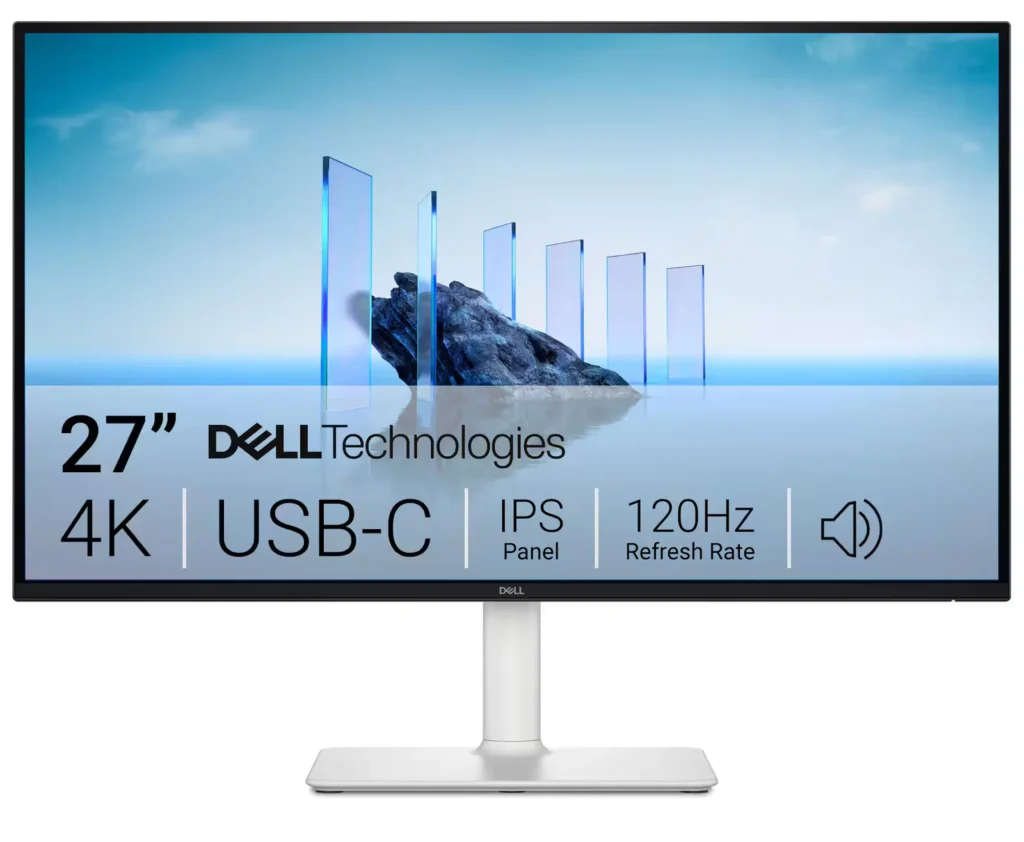
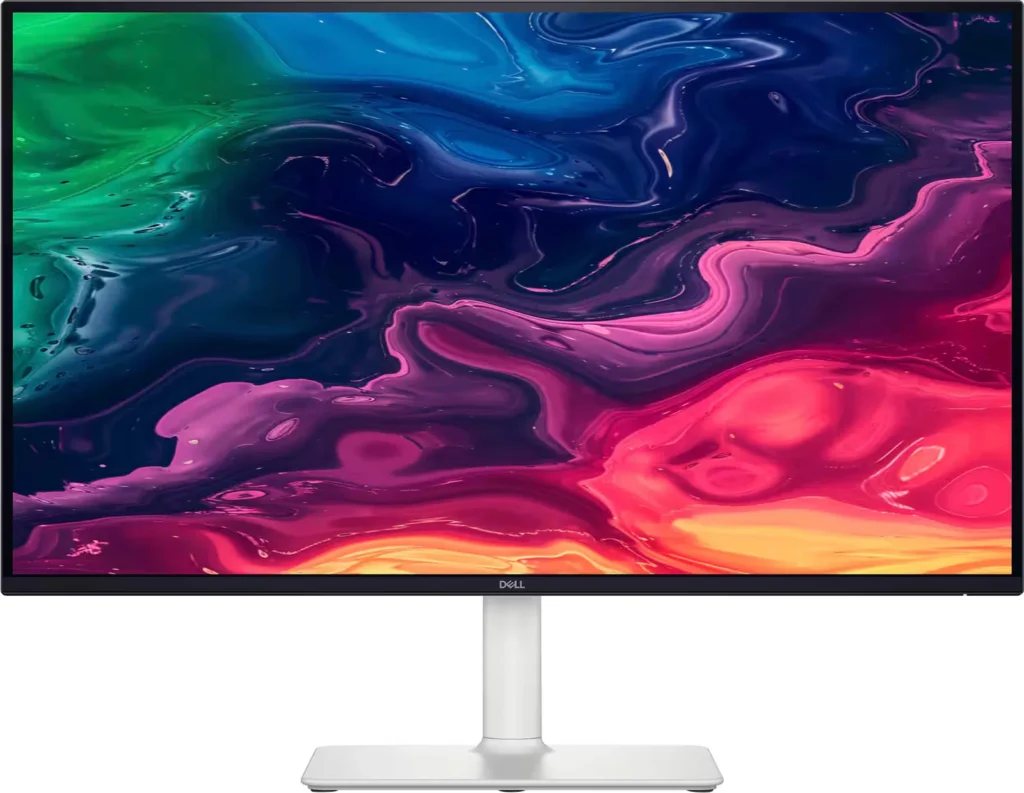
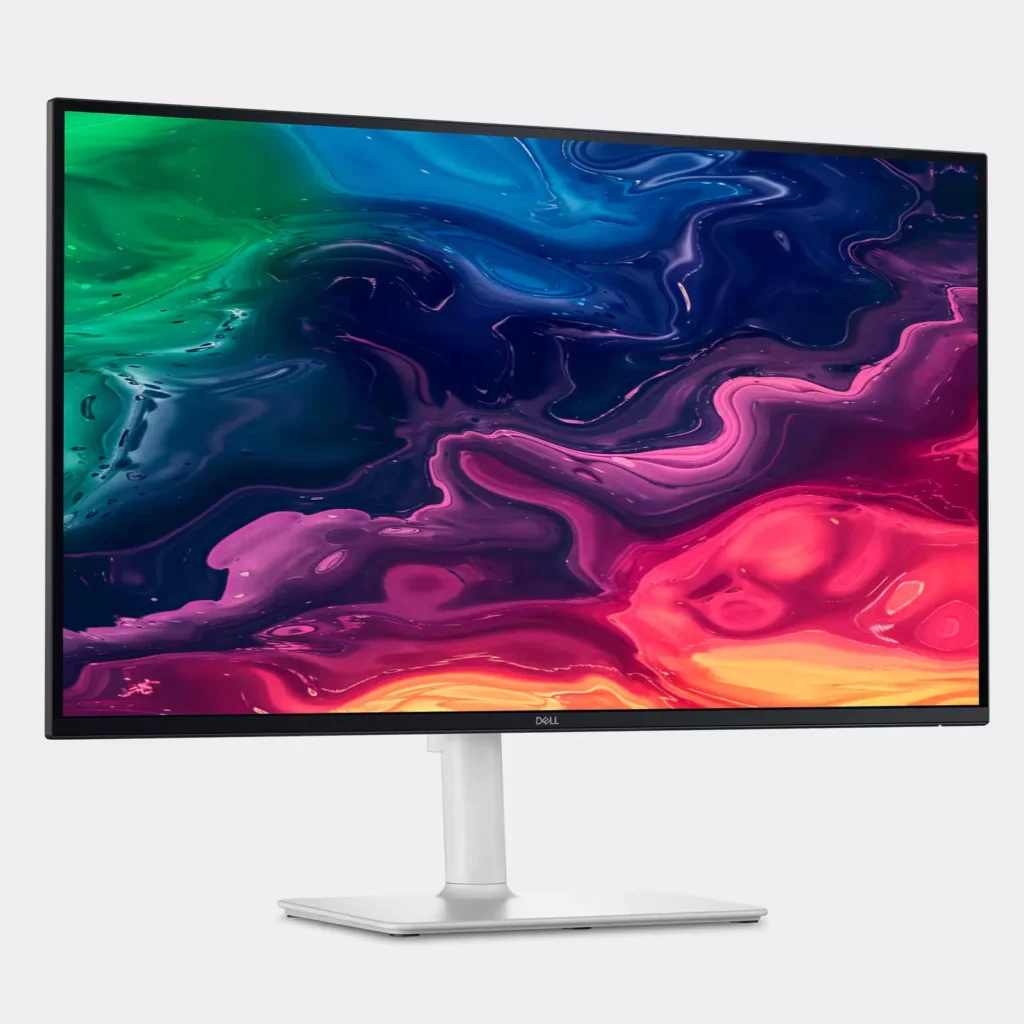
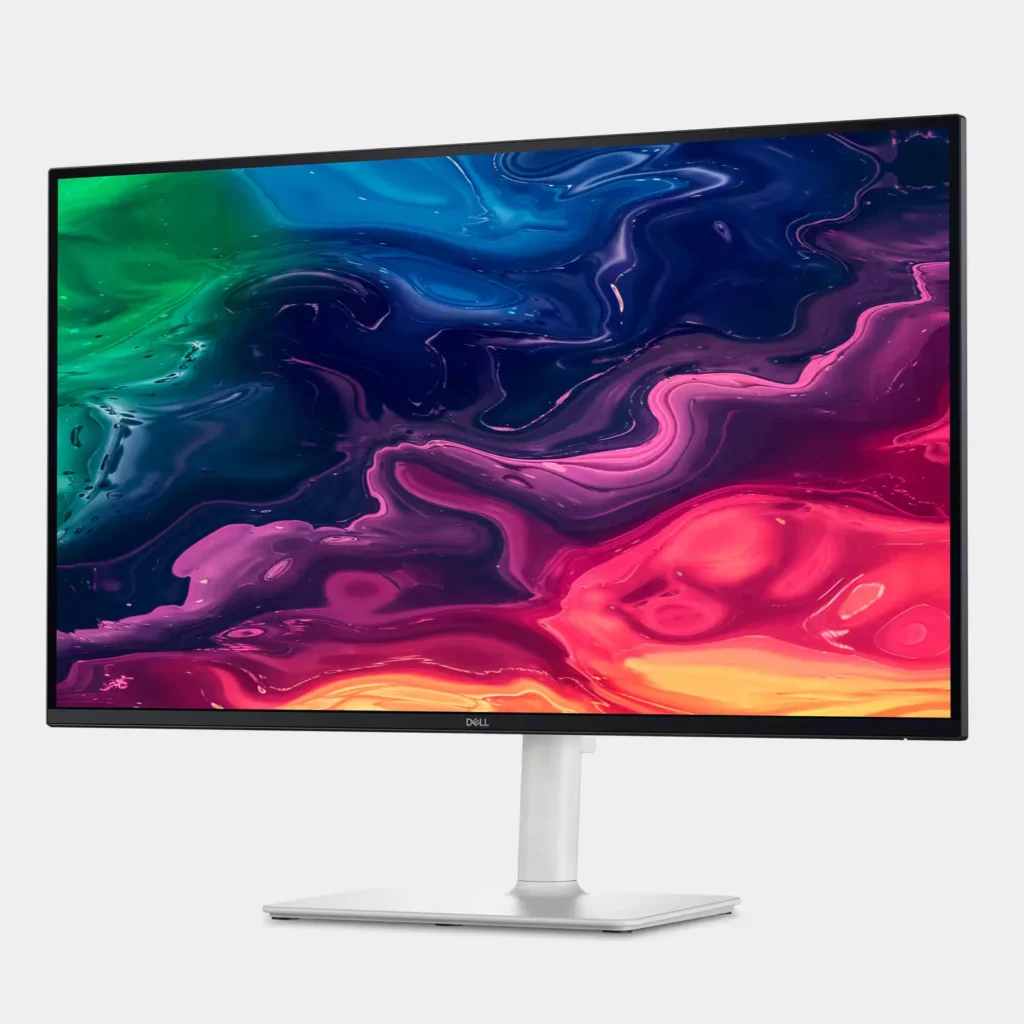
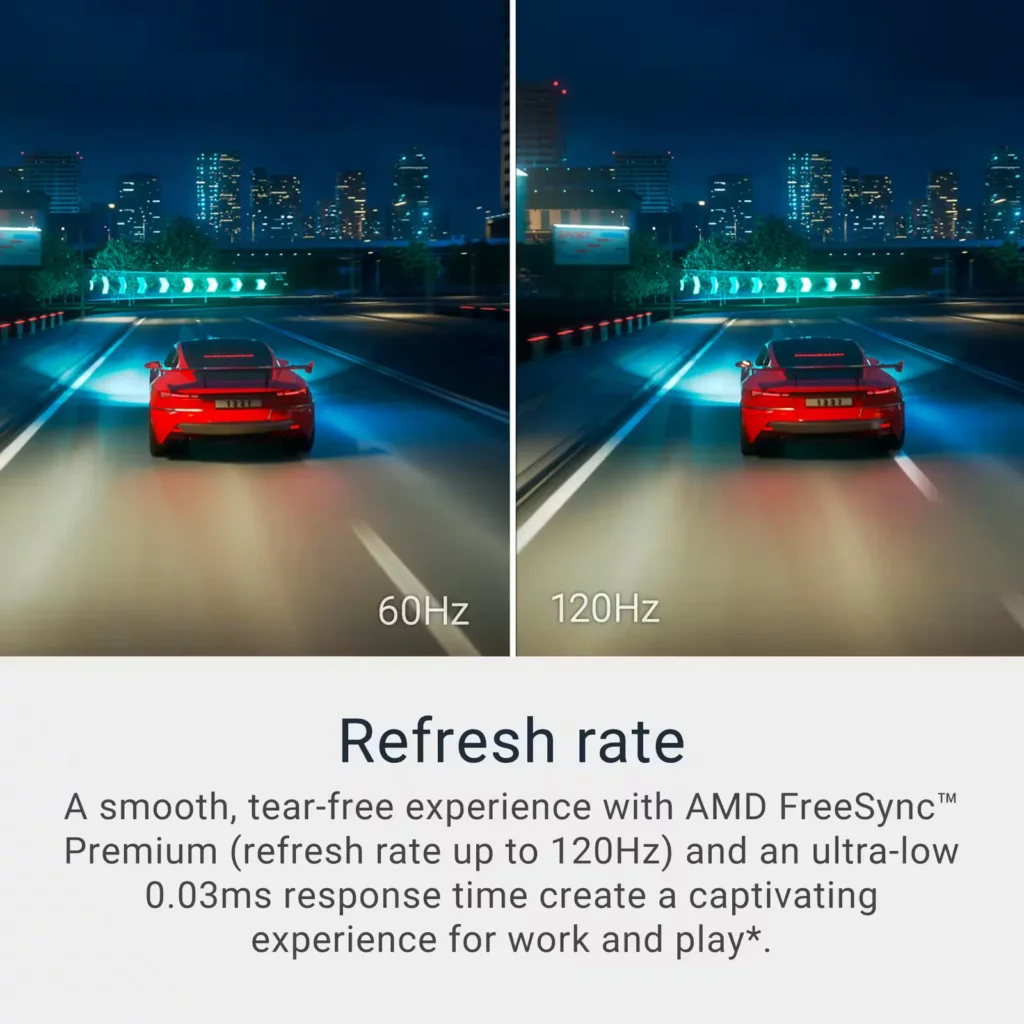
| Stunning 4K Visuals with 120Hz Smoothness | Experience breathtaking clarity with 3840 x 2160 UHD resolution on a 27-inch IPS panel. The upgraded 120Hz refresh rate provides significantly smoother motion for both productivity and casual gaming compared to standard 60Hz displays. |
|---|---|
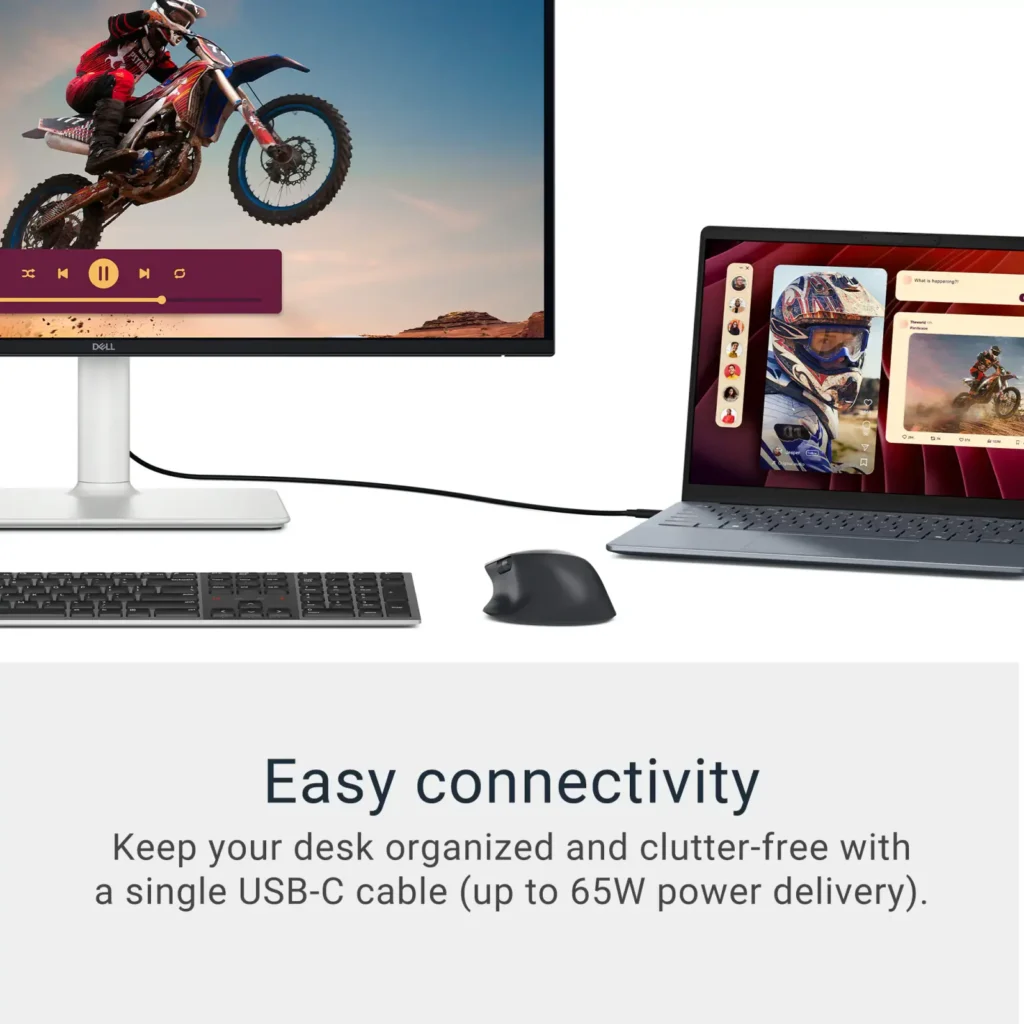
| Single-Cable USB-C Connectivity | Streamline your workspace with a versatile USB-C port that delivers up to 65W of power to charge your laptop while simultaneously transmitting video and data signals through a single cable. |
| AMD FreeSync Premium Technology | Enjoy a tear-free and fluid viewing experience during fast-paced action. This monitor supports AMD FreeSync Premium and VRR (Variable Refresh Rate) to eliminate screen tearing and stuttering for seamless visuals. |
| Enhanced Integrated Audio | Equipped with dual 5W speakers, this monitor offers re-engineered sound quality with deeper frequency response and greater output power than previous generations, eliminating the need for external speakers. |
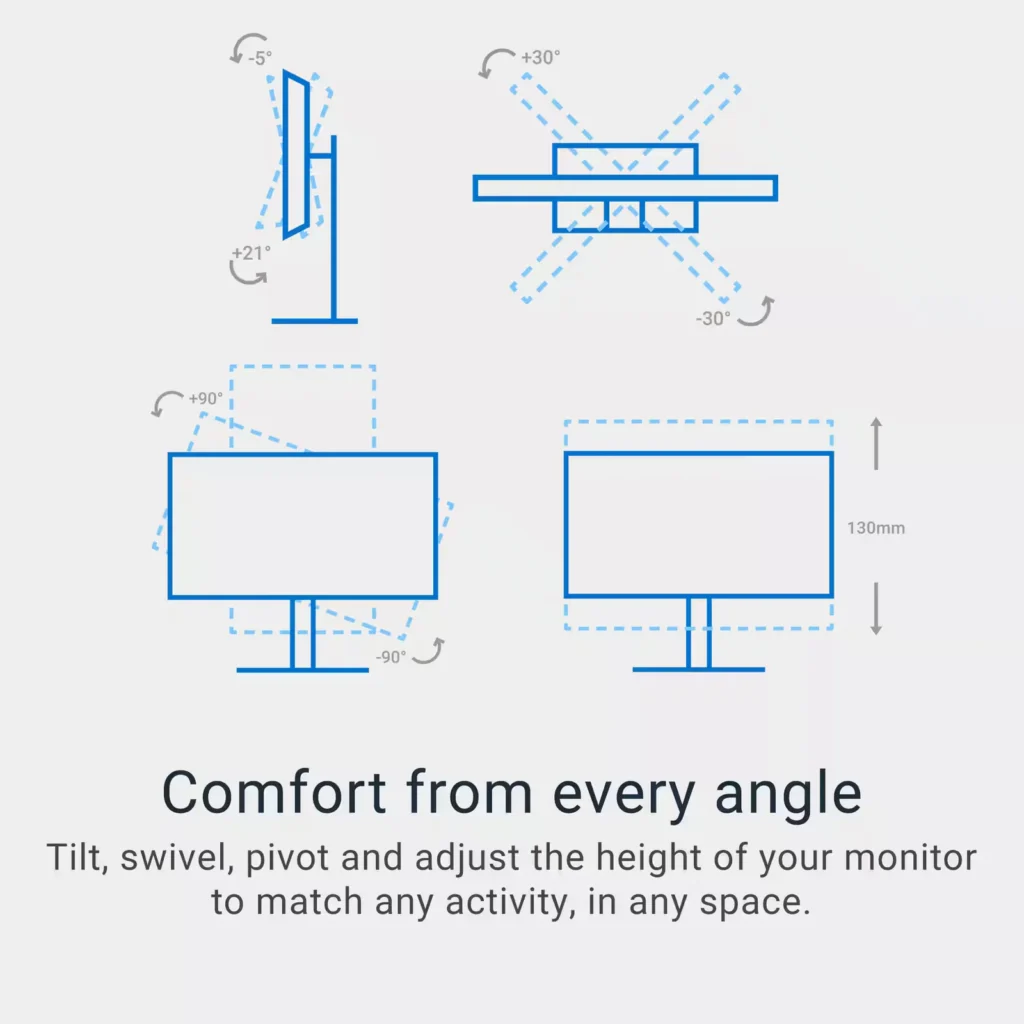
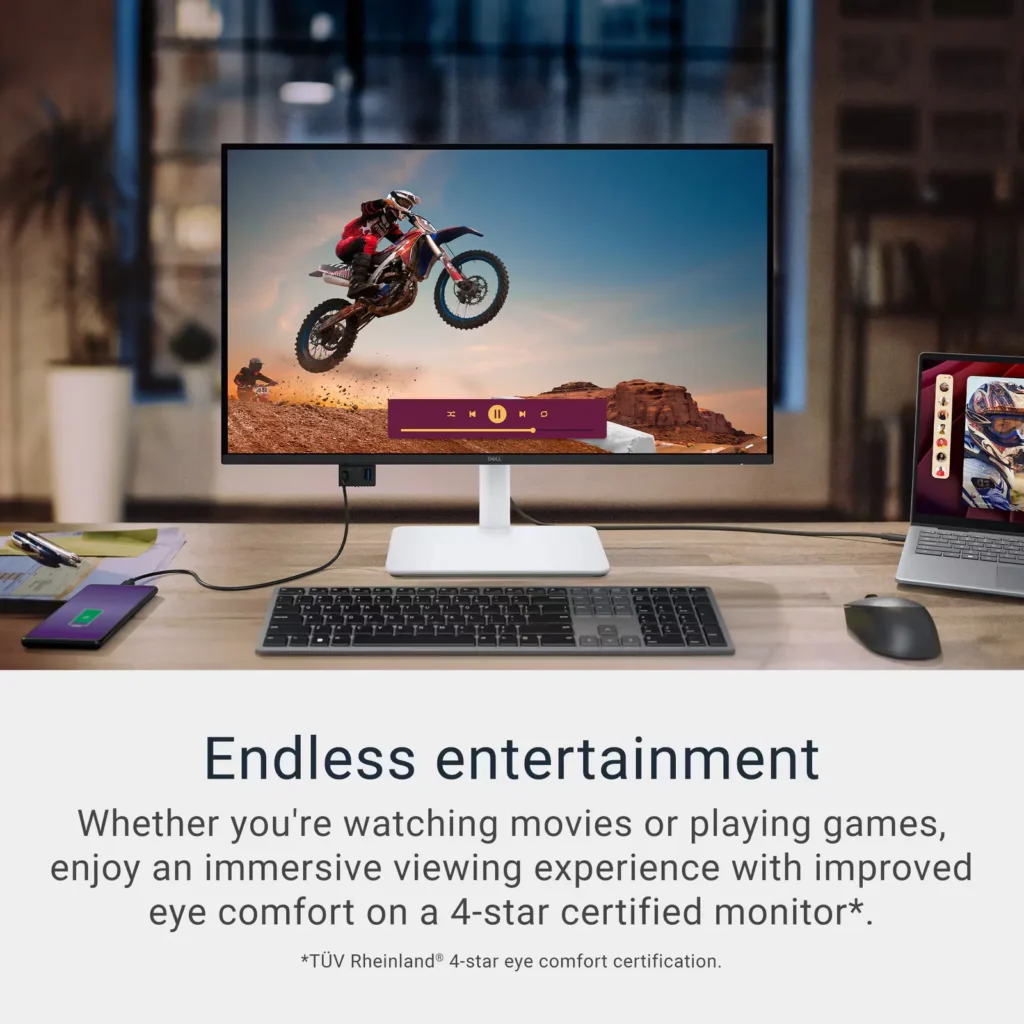
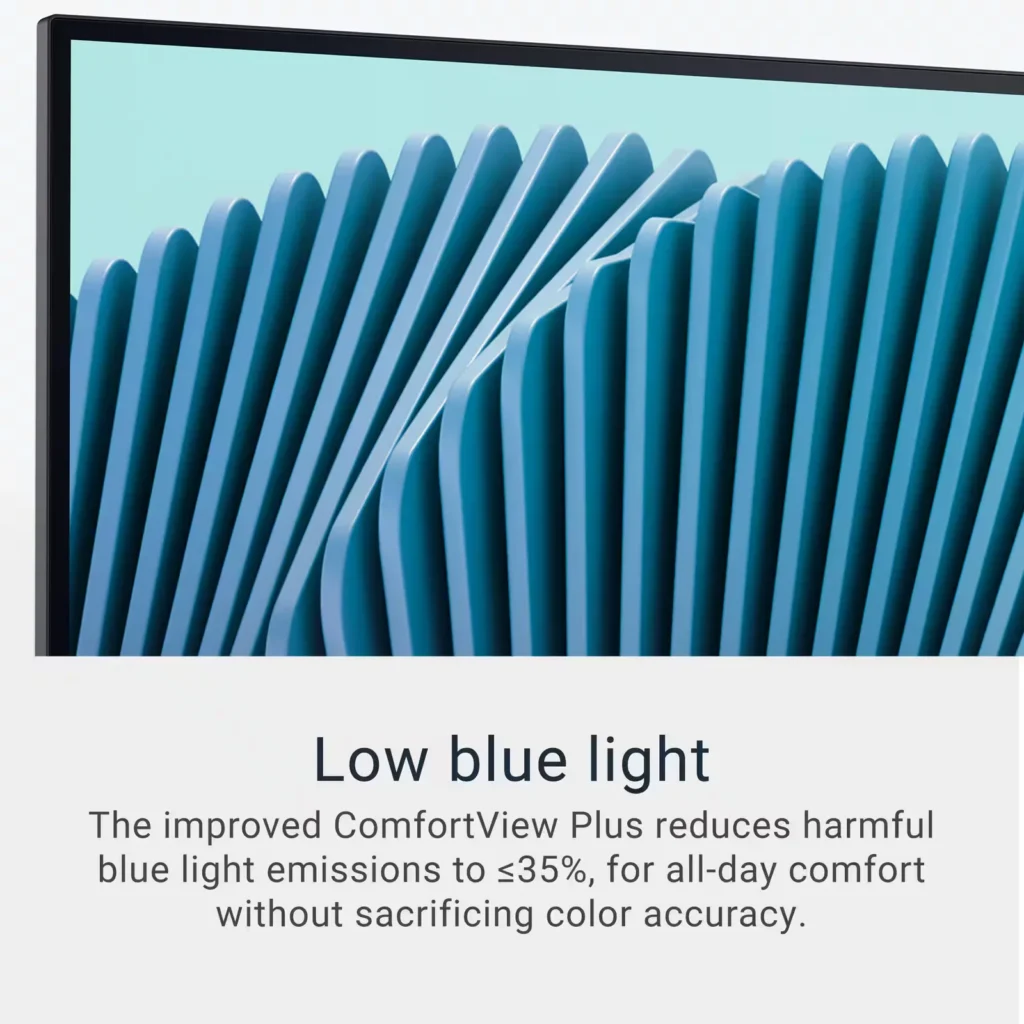
| Advanced Eye Comfort and Ergonomics | Features a TÜV Rheinland 4-star eye comfort rating with improved ComfortView Plus to reduce blue light emissions without sacrificing color accuracy. The fully adjustable stand allows for height, tilt, swivel, and pivot adjustments for all-day comfort. |
Pros & Cons
Pros
- Exceptional 4K and 120Hz Performance: The monitor delivers breathtaking 4K visuals with sharp text and vibrant colors, while the 120Hz refresh rate provides buttery-smooth motion that is highly beneficial for both productivity and casual gaming.
- Convenient USB-C Single-Cable Setup: The USB-C connectivity acts as a docking station, providing video, data, and 65W power delivery to charge laptops through a single cable, which effectively reduces desk clutter.
- High-Quality Integrated Speakers: Many reviewers were surprised by the built-in speakers, describing them as loud, clear, and possessing decent bass, making them far superior to typical integrated monitor audio.
Cons
- Hardware Reliability and Defects: There are multiple reports of significant hardware failures, including horizontal or vertical dead pixel lines appearing shortly after use, flickering screens, and USB-C ports that stop functioning entirely.
- Mac Compatibility and Control Issues: Mac users frequently noted that they cannot control the monitor's volume or brightness through the Apple keyboard, and some reported difficulties with text scaling and a persistent yellow tint from the non-disableable ComfortView feature.
- Inconsistent Quality Control and Shipping: Several customers received units that appeared to be used or open-box items despite being sold as new, and others reported physical defects like wobbly stands or even an ant infestation in the packaging.
Customer Reviews
Showing reviews 21-30 of 294
-
Defective product – has to return
Verified purchase Verified purchase: This reviewer bought the product.Helen December 5, 2025Review source: AmazonThis monitor showed a horizontal line across the screen. Don’t buy it – Dell product quality has really significantly deteriorated. My last Dell monitor lasted a few years, this one just a few days. Be careful. No one wants to have the hassle to buy and return. Dell needs some improvement in quality assurance which is subpar based on this product.
-
Great monitor for remote work with Mac Air/Book.
Verified purchase Verified purchase: This reviewer bought the product.Maya December 4, 2025Review source: AmazonI previously used a SANSUI 27-inch curved 100Hz USB-C monitor as an additional display for my MacBook Air when working from home, but the resolution was horrible. I had to constantly zoom in just to read shared documents during Webex meetings.
Now, this Dell monitor has a seamless, sharp resolution comparable to my Retina display, and it has made my work life so much easier. I highly recommend this monitor for anyone working from home. It also comes with a nice long power cable and USB-C cable.
-
Great entry level 4k monitor
Verified purchase Verified purchase: This reviewer bought the product.D@rkFX December 4, 2025Review source: AmazonBeing a Dell I was pleasantly surprised that mine didn’t come with dead pixels. The image is crisp at 4k disregarding the light bleed on dark image. What is a disappointment is that the USB-C port cannot power laptops that require more than 60W so this monitor is useless for enterprise laptops you get from your workplace. I guess you could use it to charge your phone if you’re driving the display over HDMI or some older laptop that happens to take USB-C. I love that it has integrated speakers which sound good and loud for what they are.
-
Dell 27 Plus 4K USB-C Monitor – S2725QC – works for my needs, but don't expect the world.
Duhkgeorge December 4, 2025Review source: AmazonMonitor Works for me, but I’m not an expert on the specs.
The stand feels solid and while it came with no assembly instructions it was pretty intuitive. It has 3 sections. The base, the “pole”, and the monitor attachment. There is a single point of attachment with a screw on the base. it has a flip up “handle” that you can manually use to turn the screw, and thus no screw driver required. The Pole also has a screw, plus a metal piece that helps align and hold the monitor attachment in place. The material feels mostly metal and solid. However, if you have a shaky table, the screen will move. I’m using my kitchen table and getting wobbles when I type. The stand is able to rotate 180 degrees (maybe more?), but you need to tilt it back to do so.
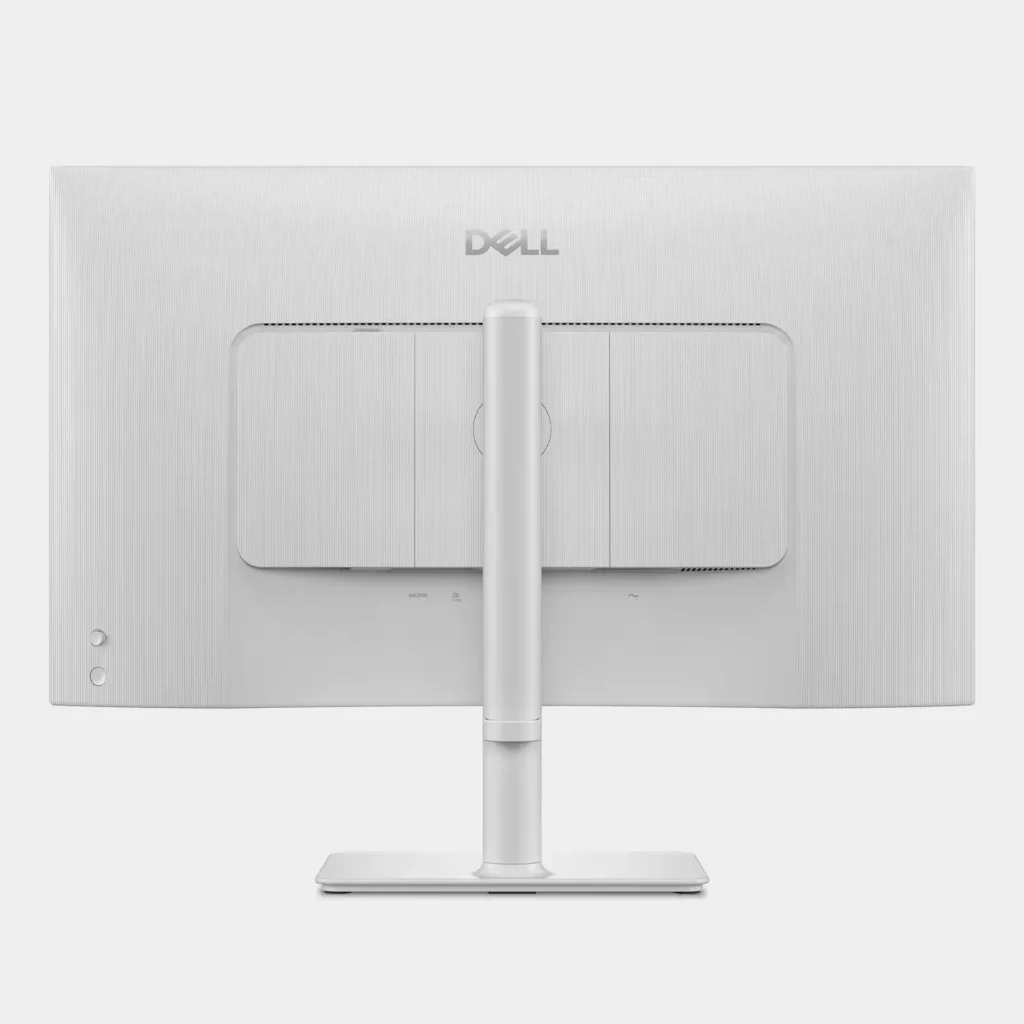
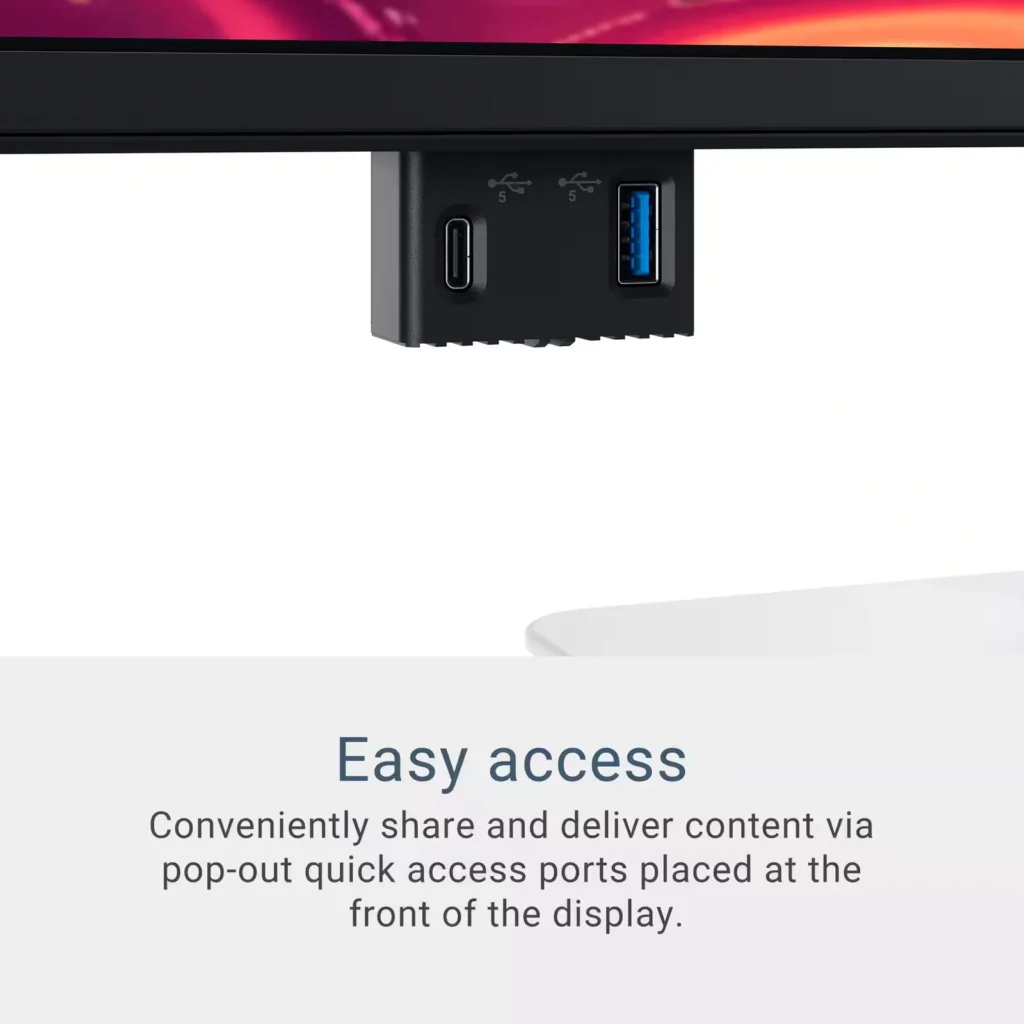
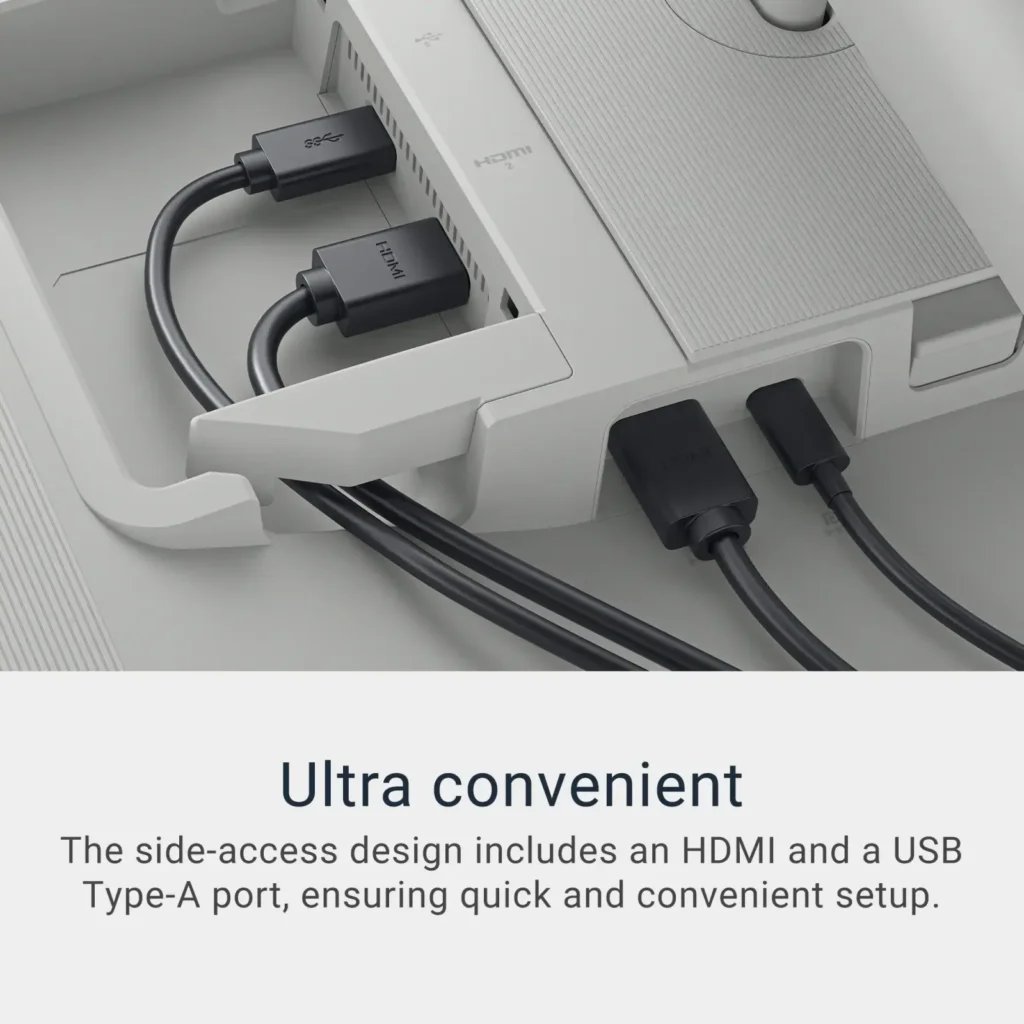
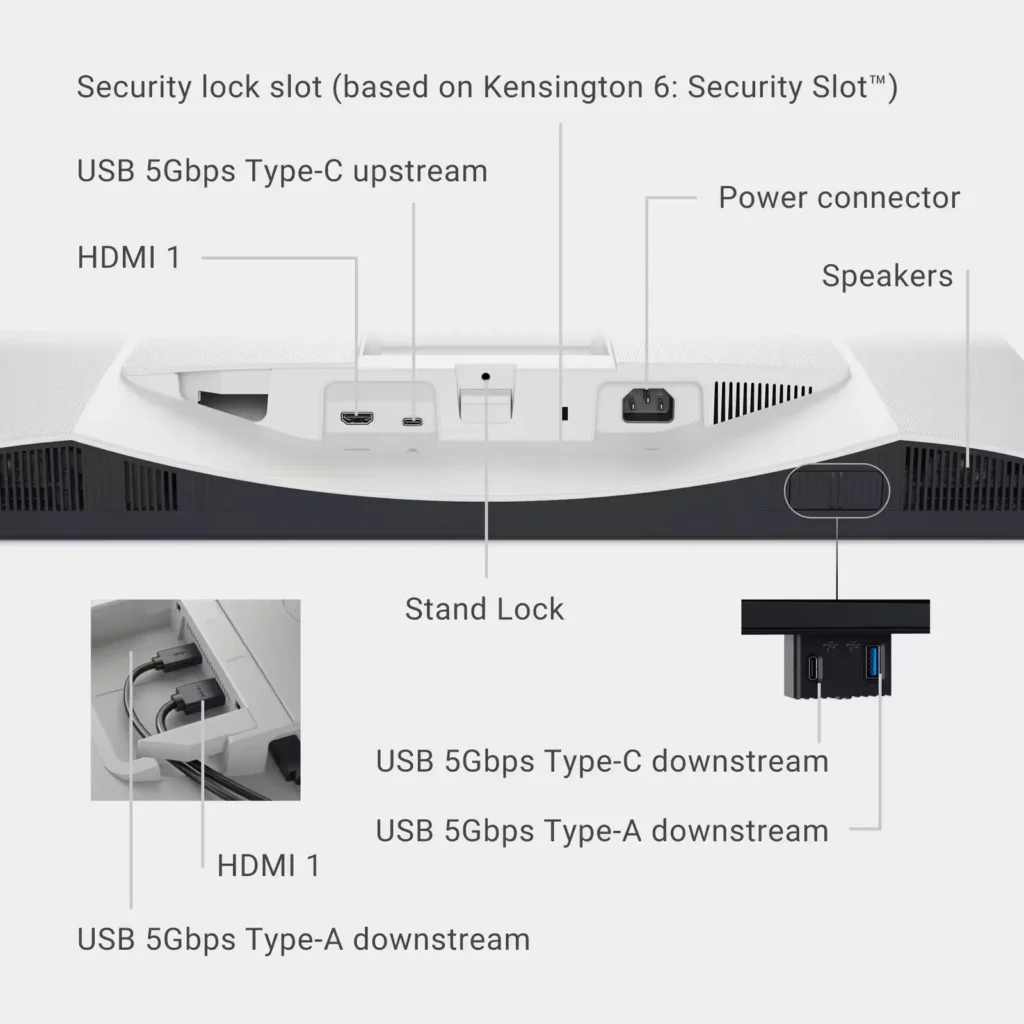
The monitor connection ports are strange. This is a USB-C monitor, yet a USB-A and HDMI port are located behind a panel that pops off. This is where I would put my USB-C port as I see both those ports as a great place for a monitor cord which will always be in use. I assume the USB-A port is for a mouse, so maybe not a big deal. There’s another spot on the back for my USB-C cord (that came with the monitor), and a little pop down connection point on the underside of the monitor. This piece feels workable but also a little flimsy.
The monitor: This is thicker than I was expecting. I expected something thinner more like my 7 year old 77″ TV. I’m not saying this is a bad thing, but I was surprised. The colors are more muted than my Surface Studio Laptop screen. I think it’s less blue, but also colors just feel like they pop less. It does feel better on the eyes. The power on button is in the back and above it is a setting button/joystick to set language. The monitor was plug and play. The casing is a plastic as is the screen. The images the monitor produces are not going to blow you away with amazing color/quality. I see this monitor more as a work horse to get things done. Hopefully this proves to be true.
Charging seem adequate. My laptop needs a 100-120 watt charger if it’s working hard (although cooling isn’t appropriate to it working hard). However, for every day use and playing the cosmere RPG on foundry with the mods I use, it appears to be enough power. My concern was whether it would charge or not, and my laptop will charge even when underpowered. I didn’t find an affordable monitor with a more appropriate 100-120 watts, but this will do.
At some point I’ll verify the power usage claim.
Shipping: It should be noted that amazon shipped it in the box with no covering or protection. Keep that in mind if package theft is an issue. I had no damage so, for me, the packaging was enough to arrive safely.
Overall, I’m happy with the monitor. I was extremely impressed with the thought process for assembly. It feels rare to find engineering that is intuitive and consumer friendly these days.
-
works great with mac
Verified purchase Verified purchase: This reviewer bought the product.Wolong Lu December 4, 2025Review source: AmazonUsing this with my MacBook over USB-C and it’s been really smooth. One cable setup keeps my desk clean and setup simple. Screen is sharp and comfortable for studying and daily use. Overall, very happy with it as a student.
-
Gaming Monitor
Verified purchase Verified purchase: This reviewer bought the product. Incentivized Incentivized review: The reviewer received a benefit for sharing feedback.AnthonyD December 3, 2025Review source: BestbuyExcellent product; I use it for my gaming system and the picture quality is pristine.
-
Good for macbook connection
Verified purchase Verified purchase: This reviewer bought the product.Jgd328 December 3, 2025Review source: Amazonjust got it and connected to my macbook pro. Overall, pretty good and happy with the picture quality coming from a 27 5k imac.
-
WARNING! Change this setting.
Verified purchase Verified purchase: This reviewer bought the product.Henrik E. Hansen December 2, 2025Review source: AmazonSo there I was, eagerly unboxing and hooking up the highly rated Dell 27 inch 4K monitor to my M4 MacBook Air running the latest Sequoia, and……WHAT A JOKE! The text was blurry, the colors sort of OK and it didn’t fill the screen. YUK. I immediately started online reviewing for a better monitor and looking at You Tube videos on how to set up External Displays. However, the thought occurred that maybe I was missing something. So I opened “Display” under the System Settings under the Apple Icon in the upper left corner of the Desktop. Clicked on the Dell S2725QC display symbol and on that page noticed a line titled “Optimized for”. When I clicked it, Saw the MacBook Air and the Dell. When I clicked the Dell, OMG the screen became crisp, the colors improved and the screen was filled. What a difference! It isn’t Retina quality, but very close. Some of you out there probably already know about this setting but it was new to me. In my defense, in all the online searching I don’t remember ever hearing or reading about this setting. Happy computing!
-
Not worth the horrible customer service
Chris P December 2, 2025Review source: AmazonKudos to the Dell family for their philanthropy, however I cannot say the same for Dell as a company. Terrible seems to be too kind of a word for their customer service. 11 phone calls, twice the line disconnected, more than 2 hours on the phone to try to fix something that they admit was their fault and still no resolution. Why would I ever buy something from this company knowing that it would be impossible to speak with anyone competent enough to fix an issue?
-
27-inch 4K Smoothness Meets USB-C Convenience
Verified purchase Verified purchase: This reviewer bought the product.Jeanne November 28, 2025Review source: AmazonThe 27-inch 4K IPS panel is sharp and color-accurate, and 120Hz feels buttery smooth for both work and entertainment. The USB-C single-cable setup makes laptop connection super clean, and built-in speakers help save desk space. Contrast is just average, so dark-scene performance isn’t stunning, but overall it’s a solid, cost-effective choice with great usability.