

Customer Media
Highlights
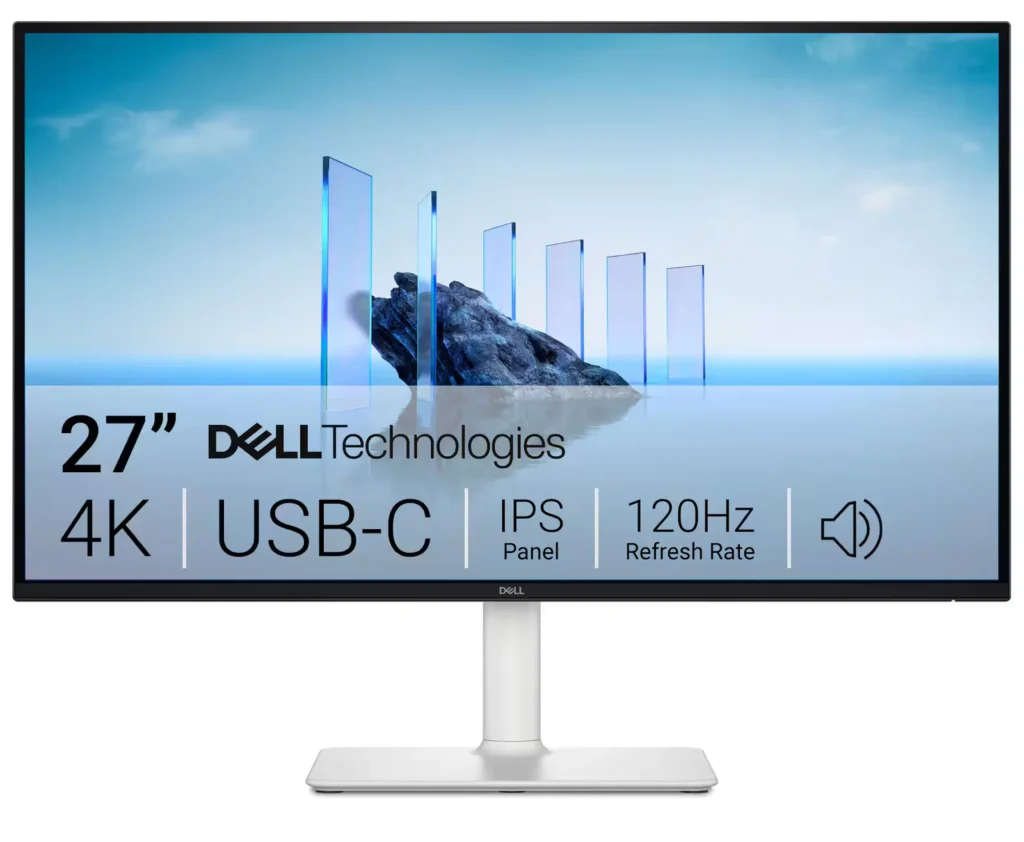
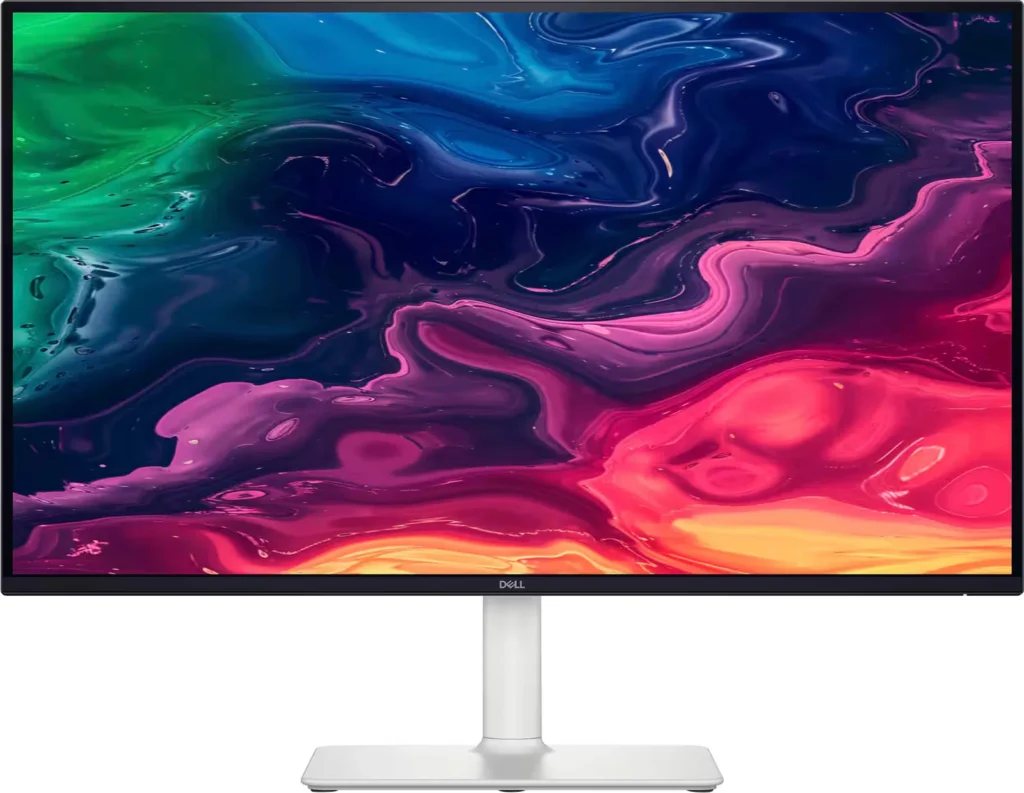
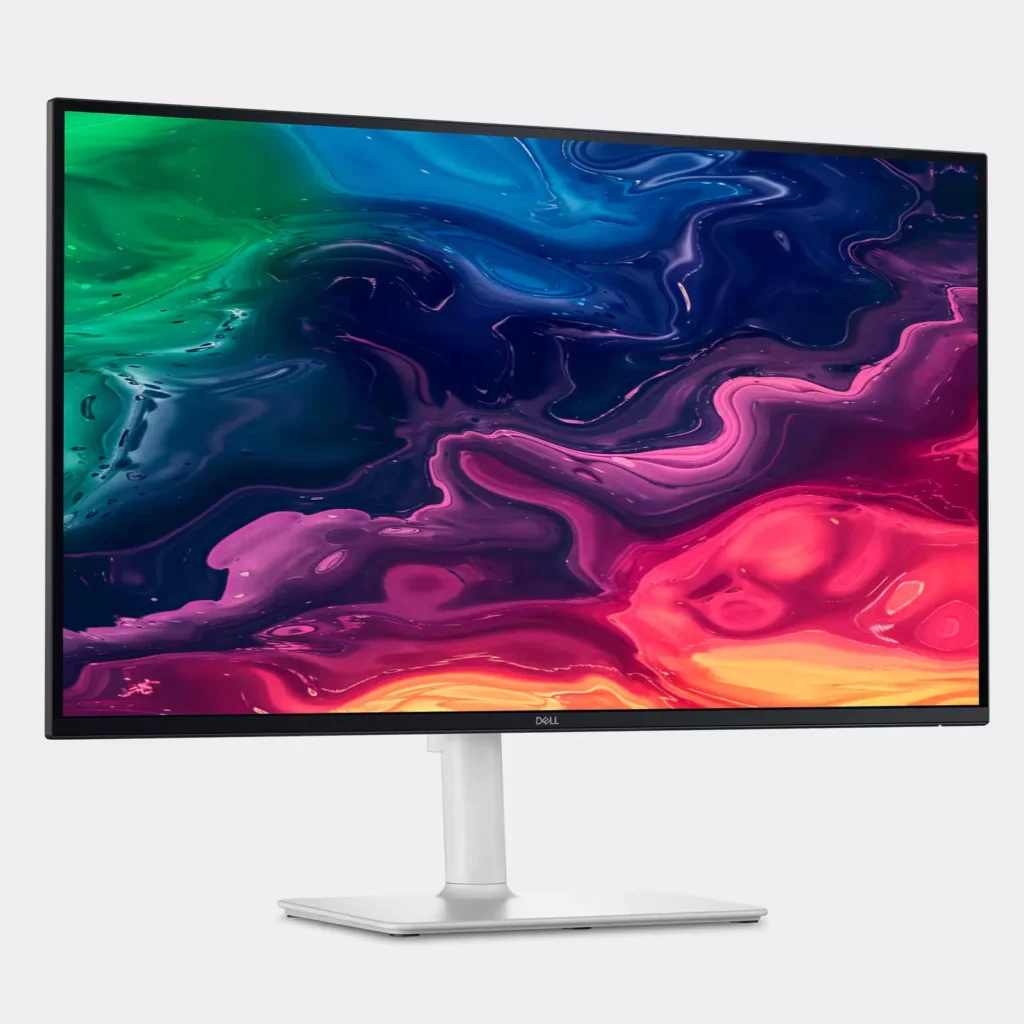
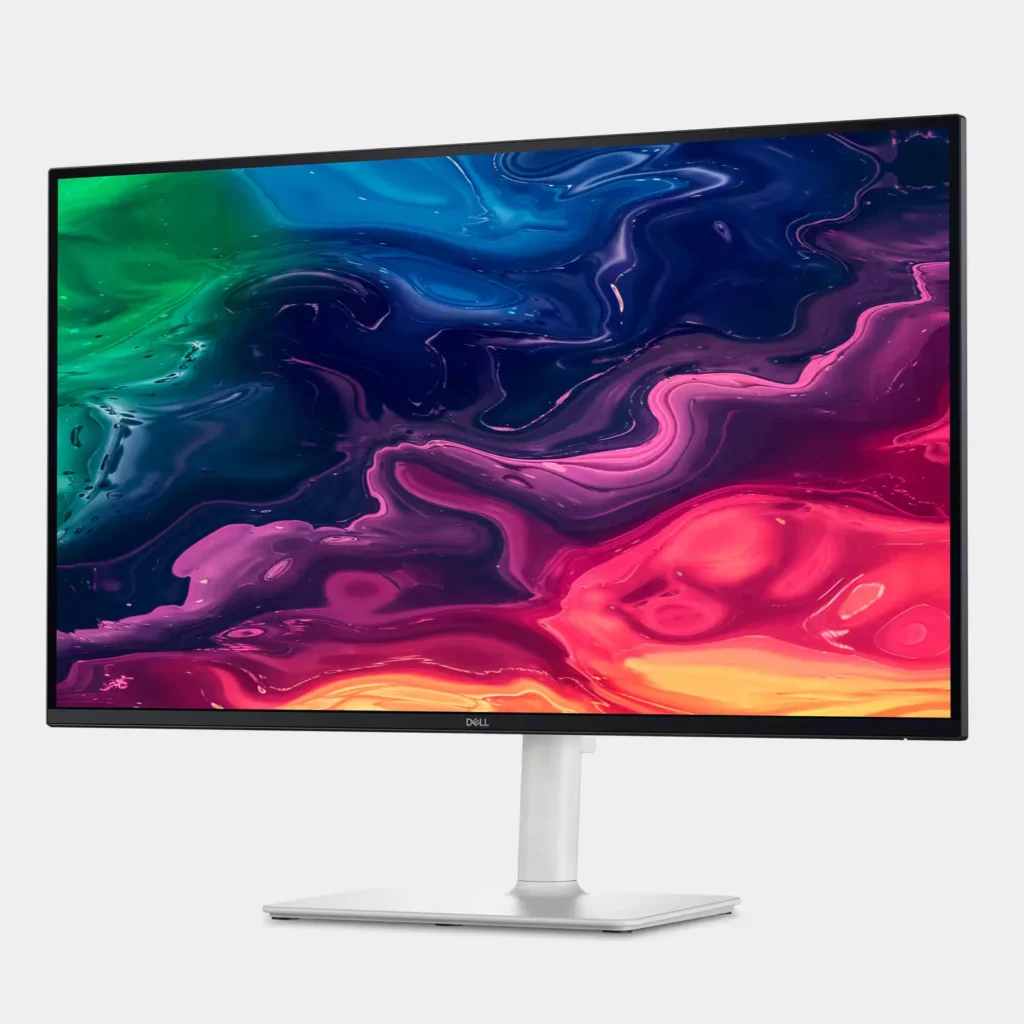
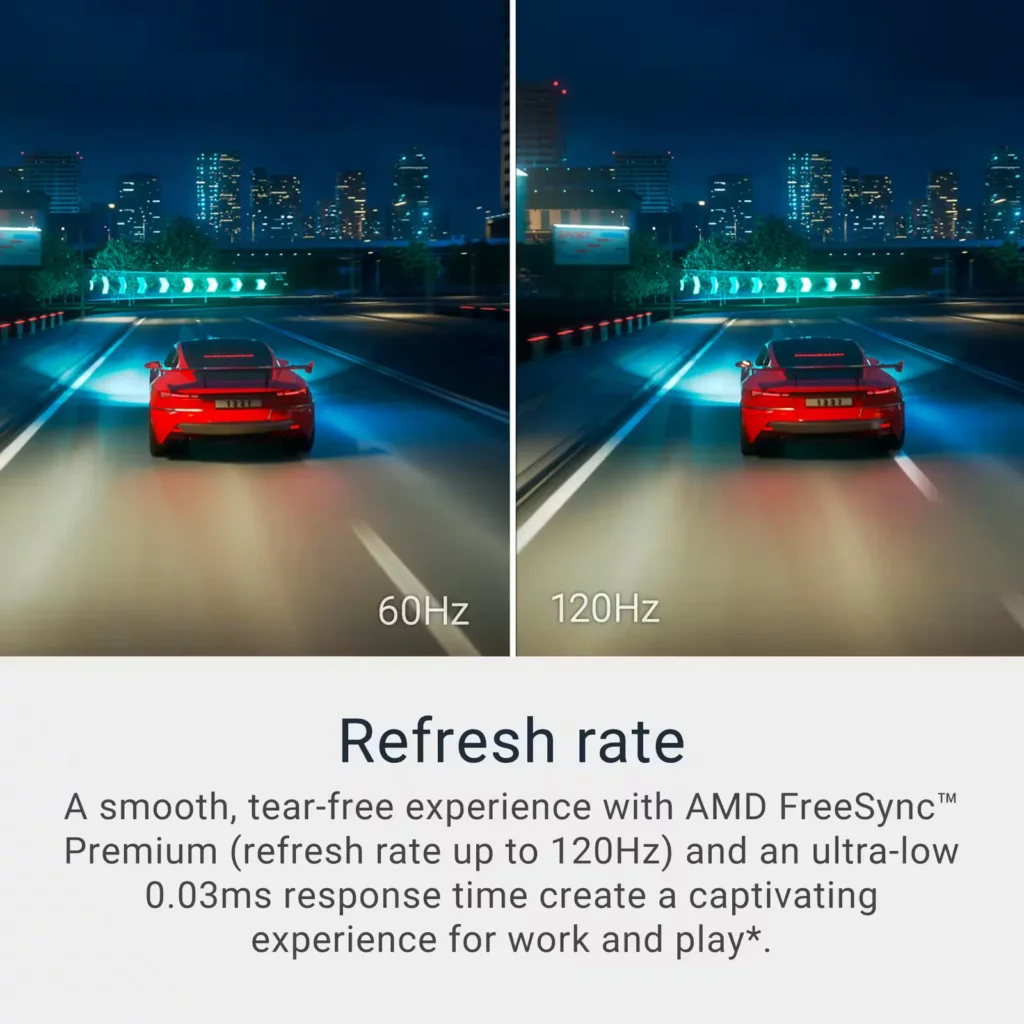
| Stunning 4K Visuals with 120Hz Smoothness | Experience breathtaking clarity with 3840 x 2160 UHD resolution on a 27-inch IPS panel. The upgraded 120Hz refresh rate provides significantly smoother motion for both productivity and casual gaming compared to standard 60Hz displays. |
|---|---|
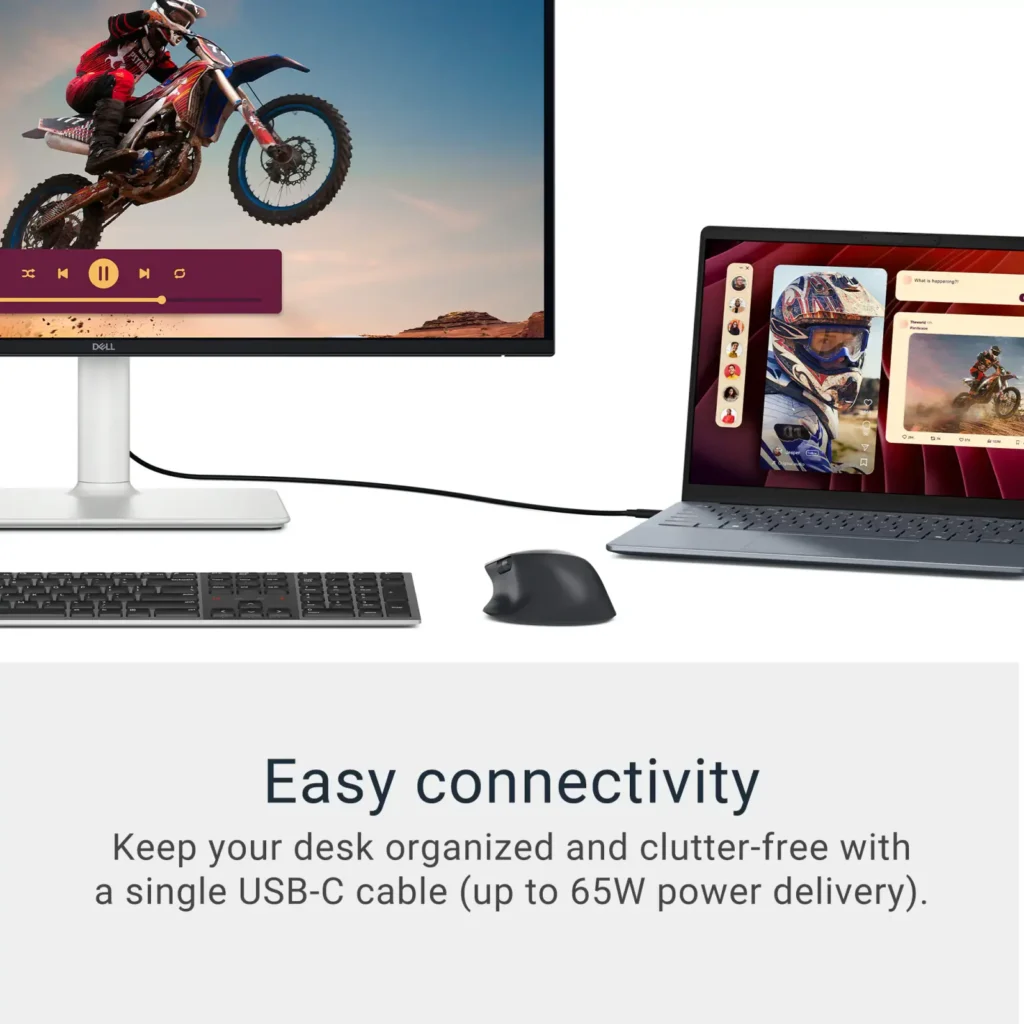
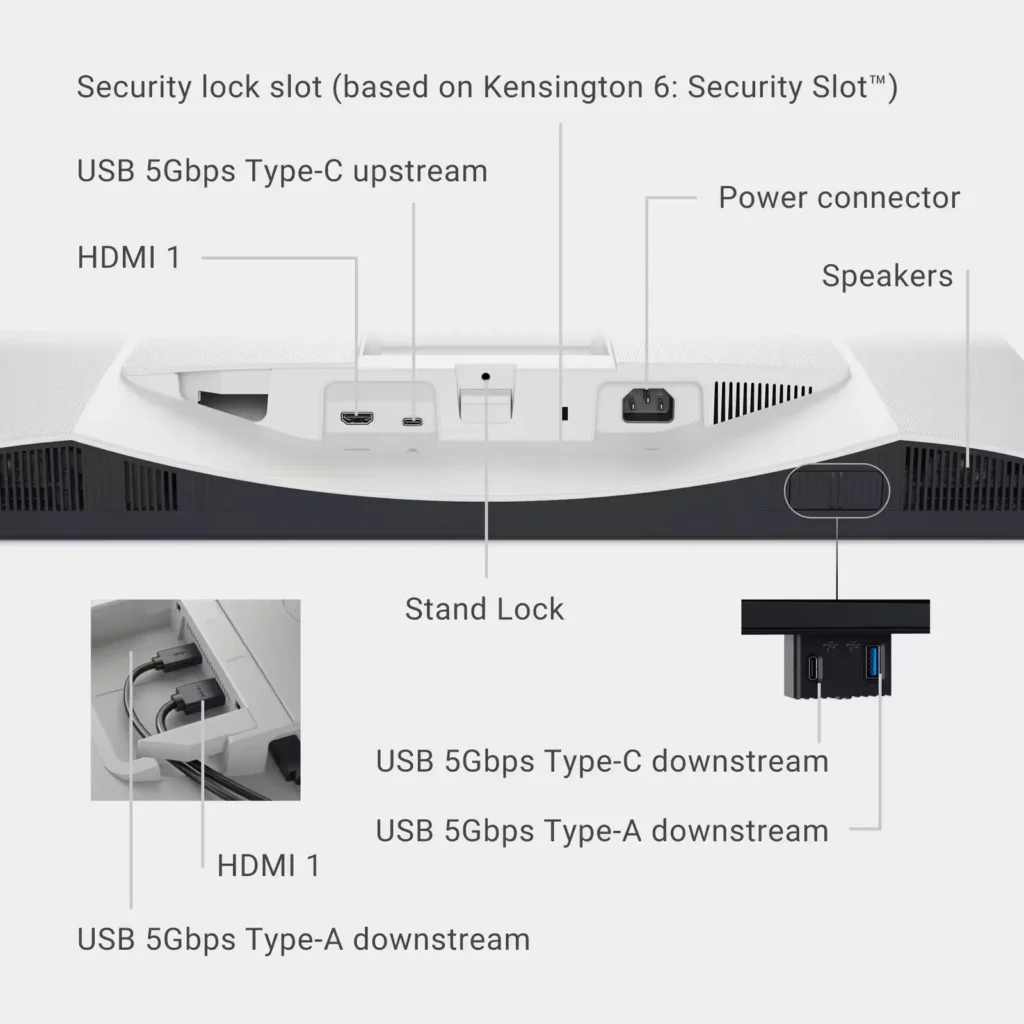
| Single-Cable USB-C Connectivity | Streamline your workspace with a versatile USB-C port that delivers up to 65W of power to charge your laptop while simultaneously transmitting video and data signals through a single cable. |
| AMD FreeSync Premium Technology | Enjoy a tear-free and fluid viewing experience during fast-paced action. This monitor supports AMD FreeSync Premium and VRR (Variable Refresh Rate) to eliminate screen tearing and stuttering for seamless visuals. |
| Enhanced Integrated Audio | Equipped with dual 5W speakers, this monitor offers re-engineered sound quality with deeper frequency response and greater output power than previous generations, eliminating the need for external speakers. |
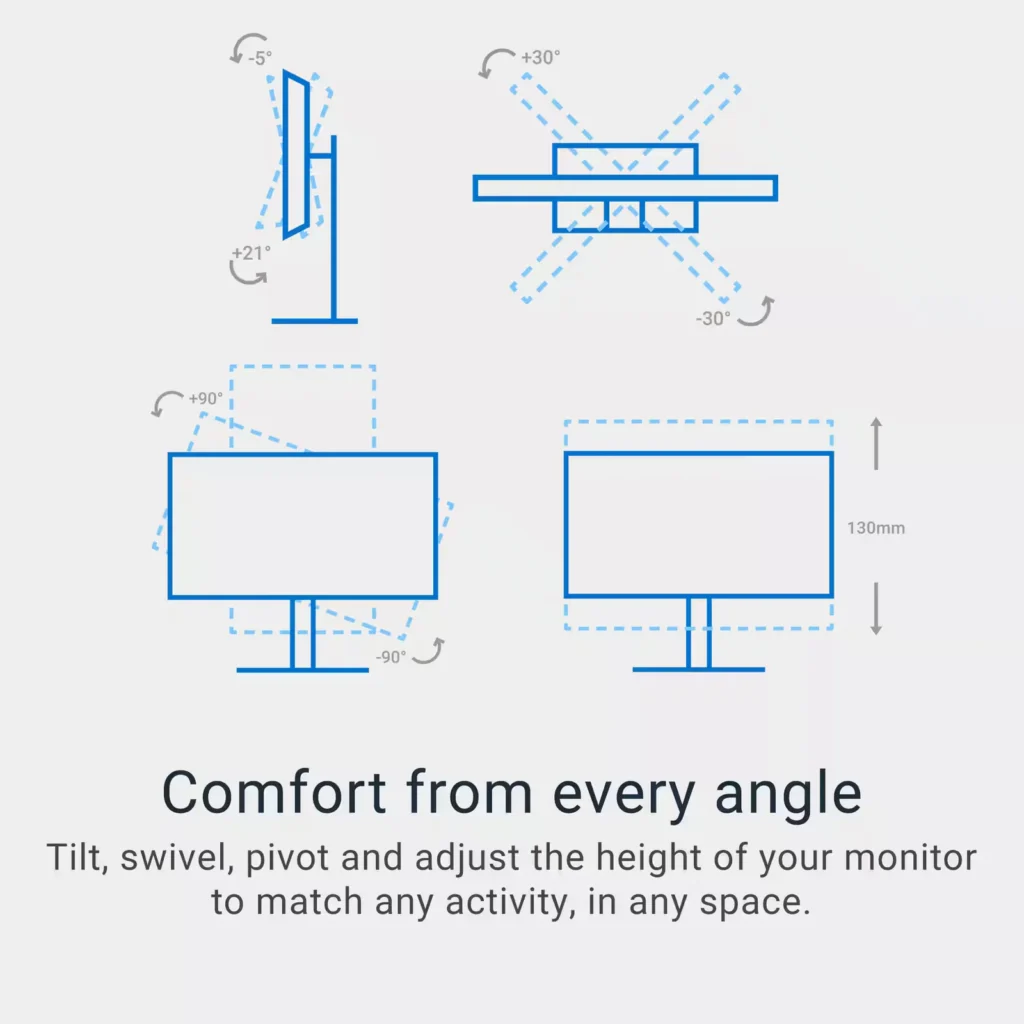
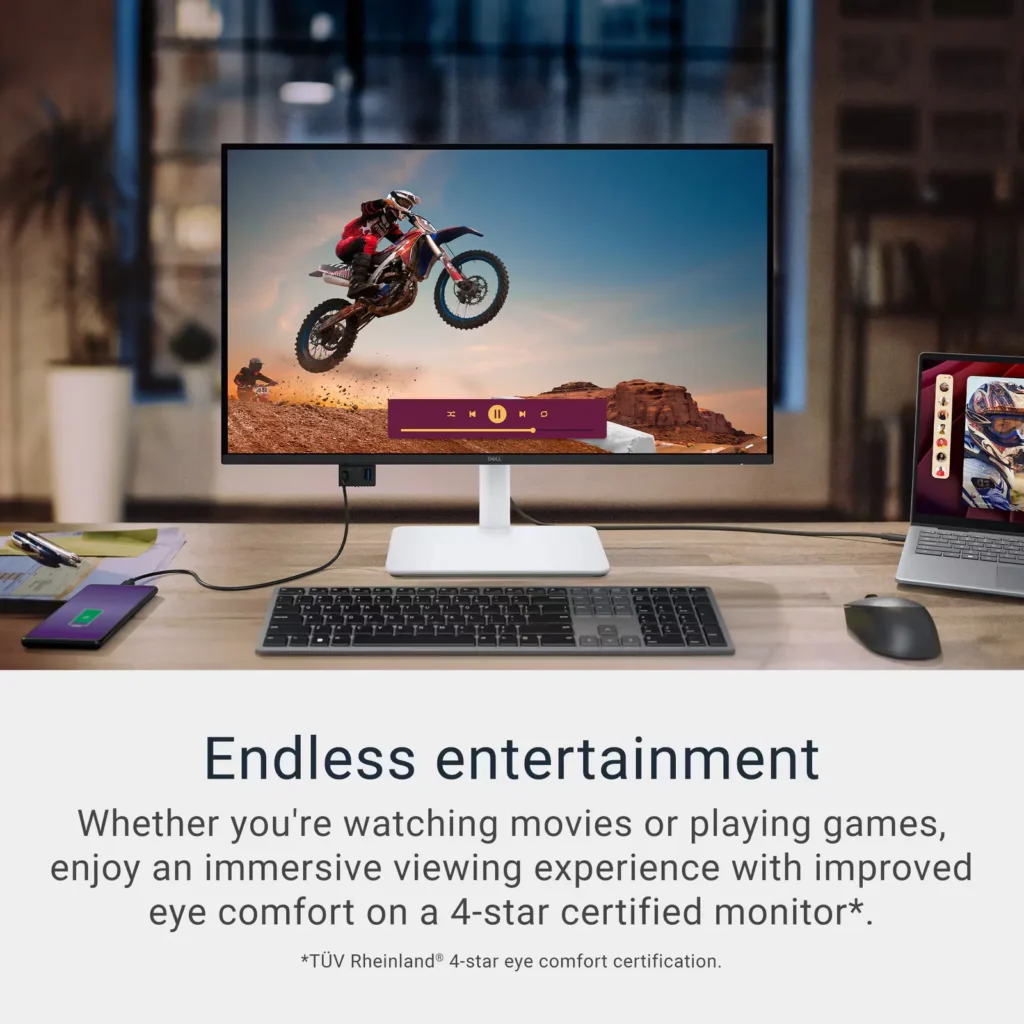
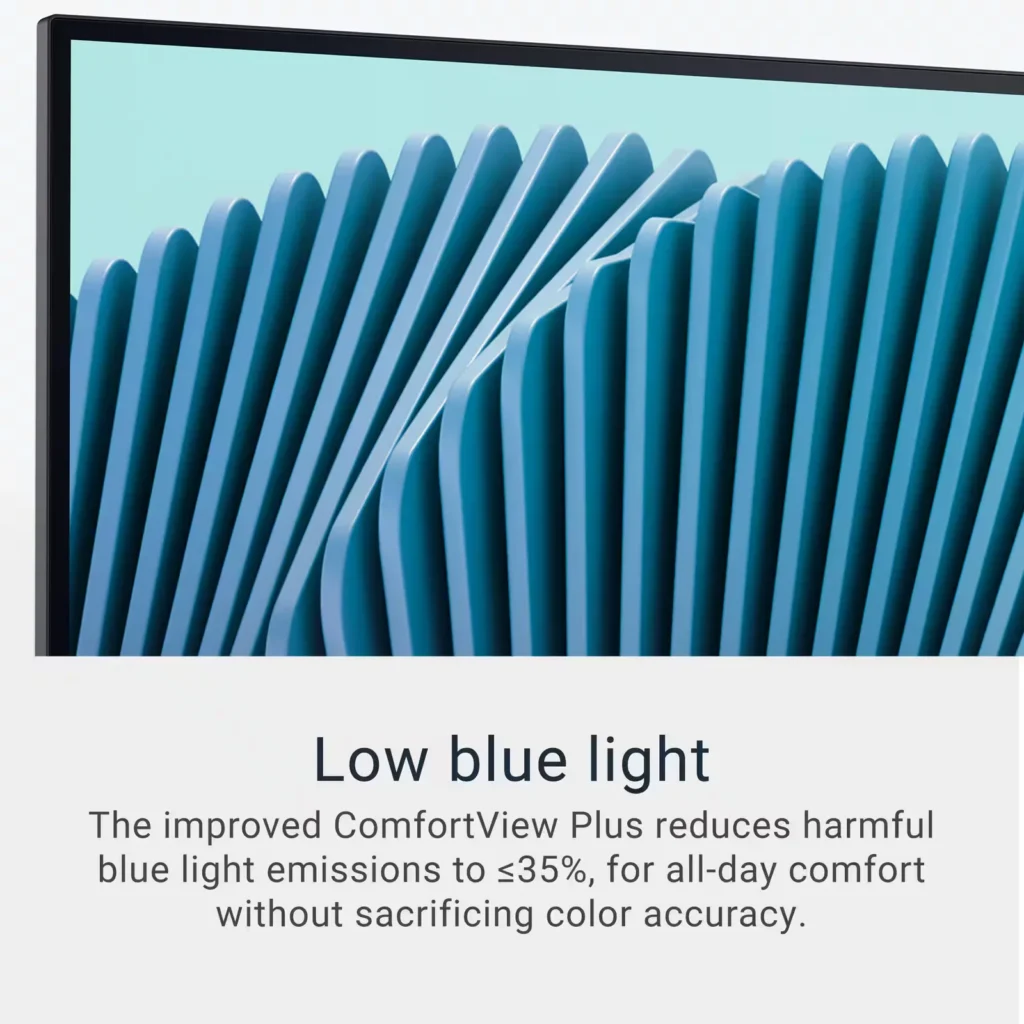
| Advanced Eye Comfort and Ergonomics | Features a TÜV Rheinland 4-star eye comfort rating with improved ComfortView Plus to reduce blue light emissions without sacrificing color accuracy. The fully adjustable stand allows for height, tilt, swivel, and pivot adjustments for all-day comfort. |
Pros & Cons
Pros
- Exceptional 4K and 120Hz Performance: The monitor delivers breathtaking 4K visuals with sharp text and vibrant colors, while the 120Hz refresh rate provides buttery-smooth motion that is highly beneficial for both productivity and casual gaming.
- Convenient USB-C Single-Cable Setup: The USB-C connectivity acts as a docking station, providing video, data, and 65W power delivery to charge laptops through a single cable, which effectively reduces desk clutter.
- High-Quality Integrated Speakers: Many reviewers were surprised by the built-in speakers, describing them as loud, clear, and possessing decent bass, making them far superior to typical integrated monitor audio.
Cons
- Hardware Reliability and Defects: There are multiple reports of significant hardware failures, including horizontal or vertical dead pixel lines appearing shortly after use, flickering screens, and USB-C ports that stop functioning entirely.
- Mac Compatibility and Control Issues: Mac users frequently noted that they cannot control the monitor's volume or brightness through the Apple keyboard, and some reported difficulties with text scaling and a persistent yellow tint from the non-disableable ComfortView feature.
- Inconsistent Quality Control and Shipping: Several customers received units that appeared to be used or open-box items despite being sold as new, and others reported physical defects like wobbly stands or even an ant infestation in the packaging.
Customer Reviews
Showing reviews 61-70 of 294
-
It s pretty good
Verified purchase Verified purchase: This reviewer bought the product. Incentivized Incentivized review: The reviewer received a benefit for sharing feedback.ElenaK October 17, 2025Review source: BestbuyIt works. I’m not exited about it just a normal 4 k monitor
-
Monitor review
Verified purchase Verified purchase: This reviewer bought the product. Incentivized Incentivized review: The reviewer received a benefit for sharing feedback.KelvinD October 17, 2025Review source: BestbuyI was a bit skeptical about wether to buy this monitor for my ps5 to enable that beautifull 4k 120hz but thanfully the kind assistant help me out on what monitor should be the best and it turns out that this the cheapest monitor you could find in here that does that and im happy with it.
-
Excellent Value
Verified purchase Verified purchase: This reviewer bought the product.JTW October 16, 2025Review source: AmazonJust installed this and have to say it’s an excellent value. I bought a similar LG monitor last year that both blows and LG simple can’t fix the connectivity issues.
Lesson learned, stick with the Dell.
Using MB Pro M1.
-
1 star for the condition of the packaging. 4 star for the monitor
Verified purchase Verified purchase: This reviewer bought the product.A October 12, 2025Review source: Amazon1 star for the condition of the packaging.
4 star for the monitorMet the driver dropping off package and i took the box in straight away.
Opened the box and there was an ant colony infestation inside!! There was larvae, drones and soldier ants all swarming around.
I don’t know where the ants were from but it was definitely from the warehouse or van.
Not acceptable and needs better quality checks.
After spending 30 minutes outside removing all the ants so i could keep the box packaging in case there was somethign wrong with the monitor I came in and checked the monitor.
Monitor seems ok with no visible ant infestation. Seems to only have been on the cardboard inside and didn’t get in the wrapping of the monitor.
Setup was easy and straightforward.
Initial colour settings need adjusting.
-
The best 4k monitor under $300
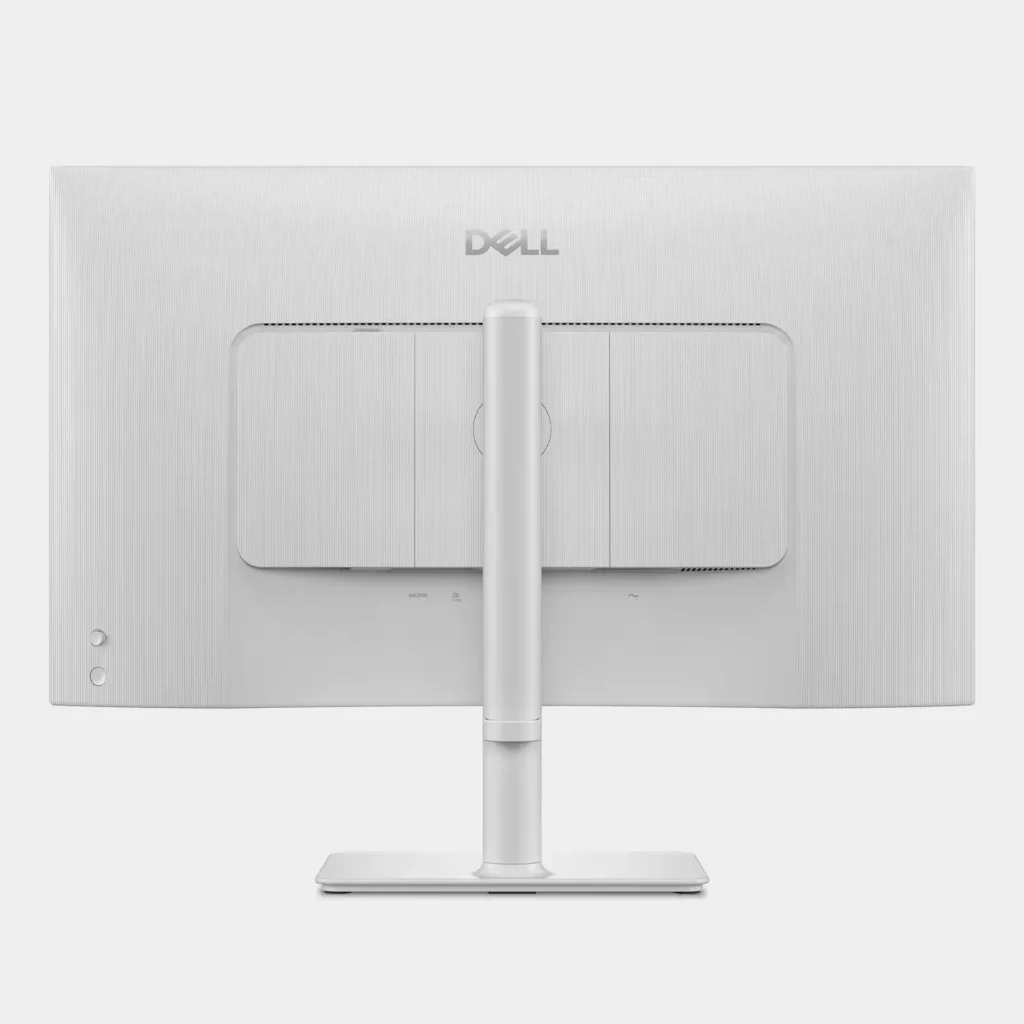
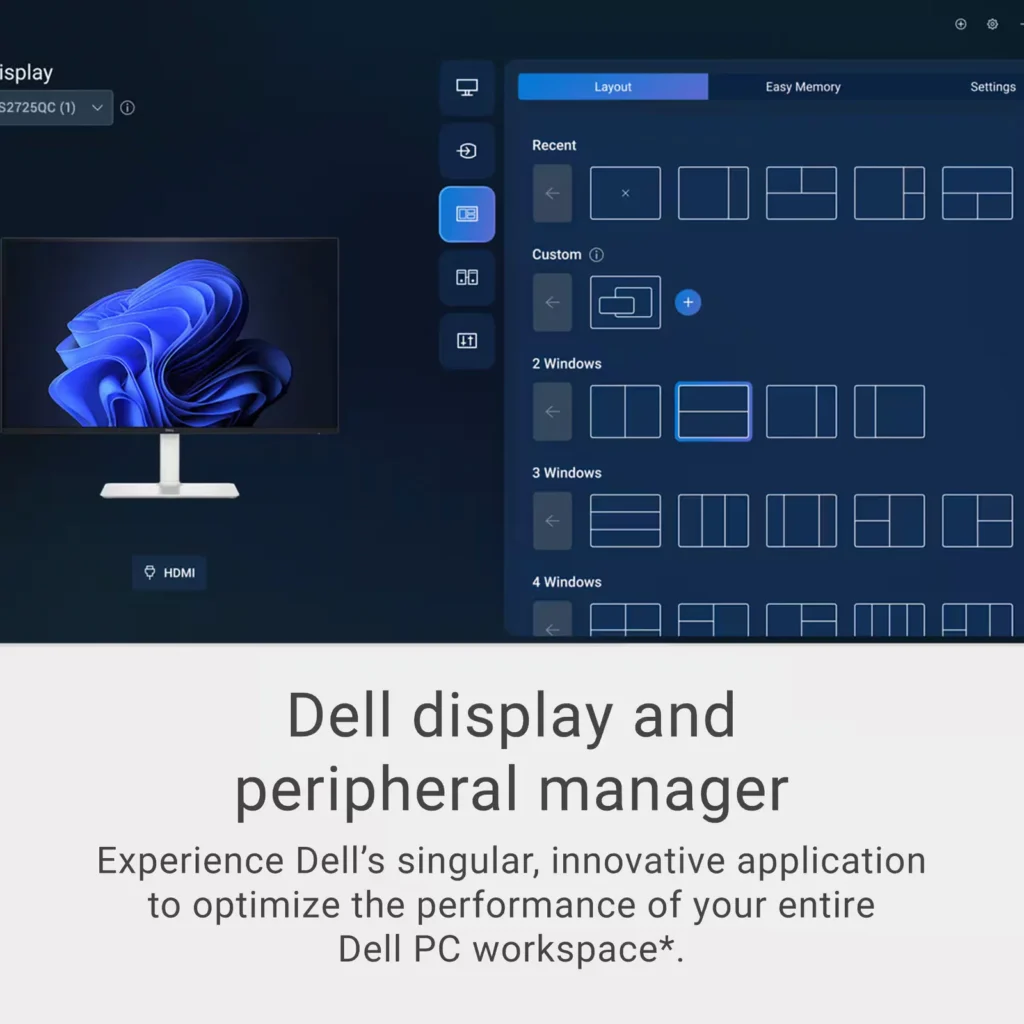
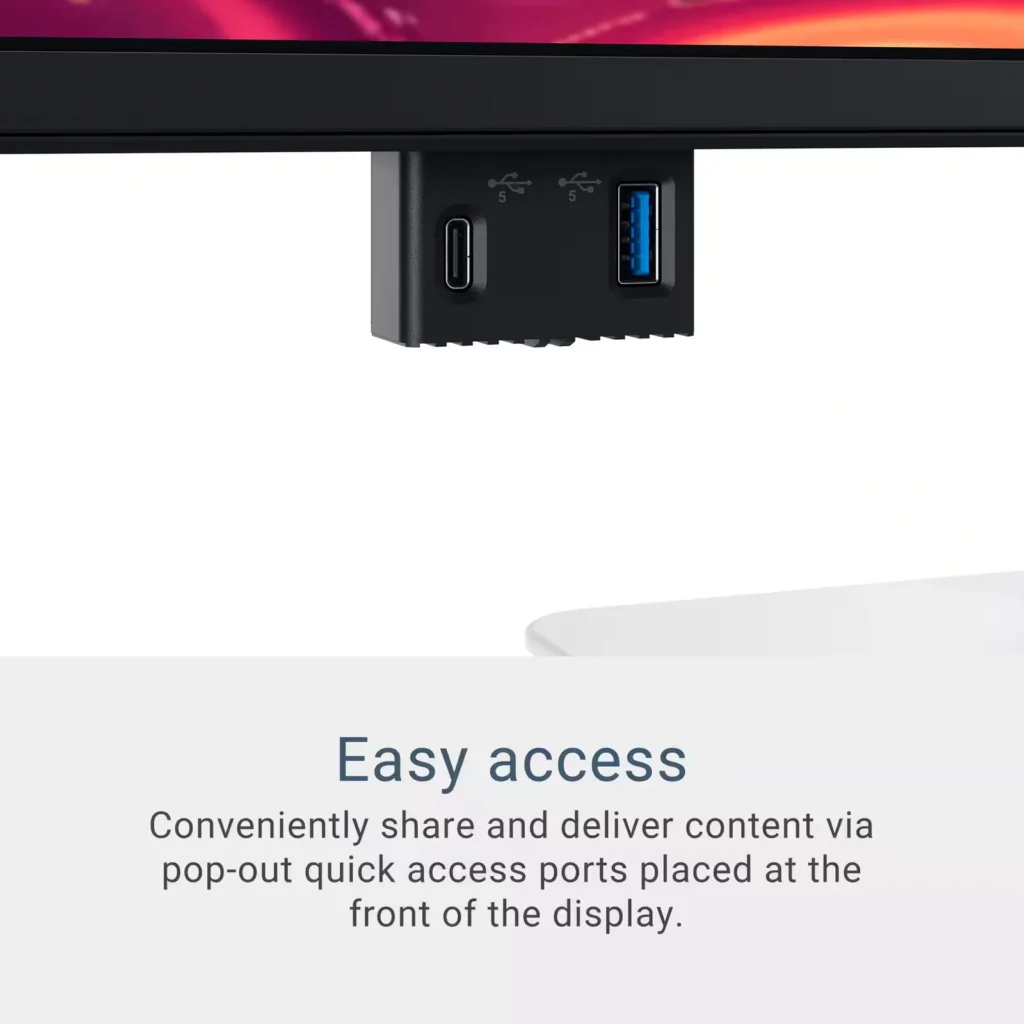
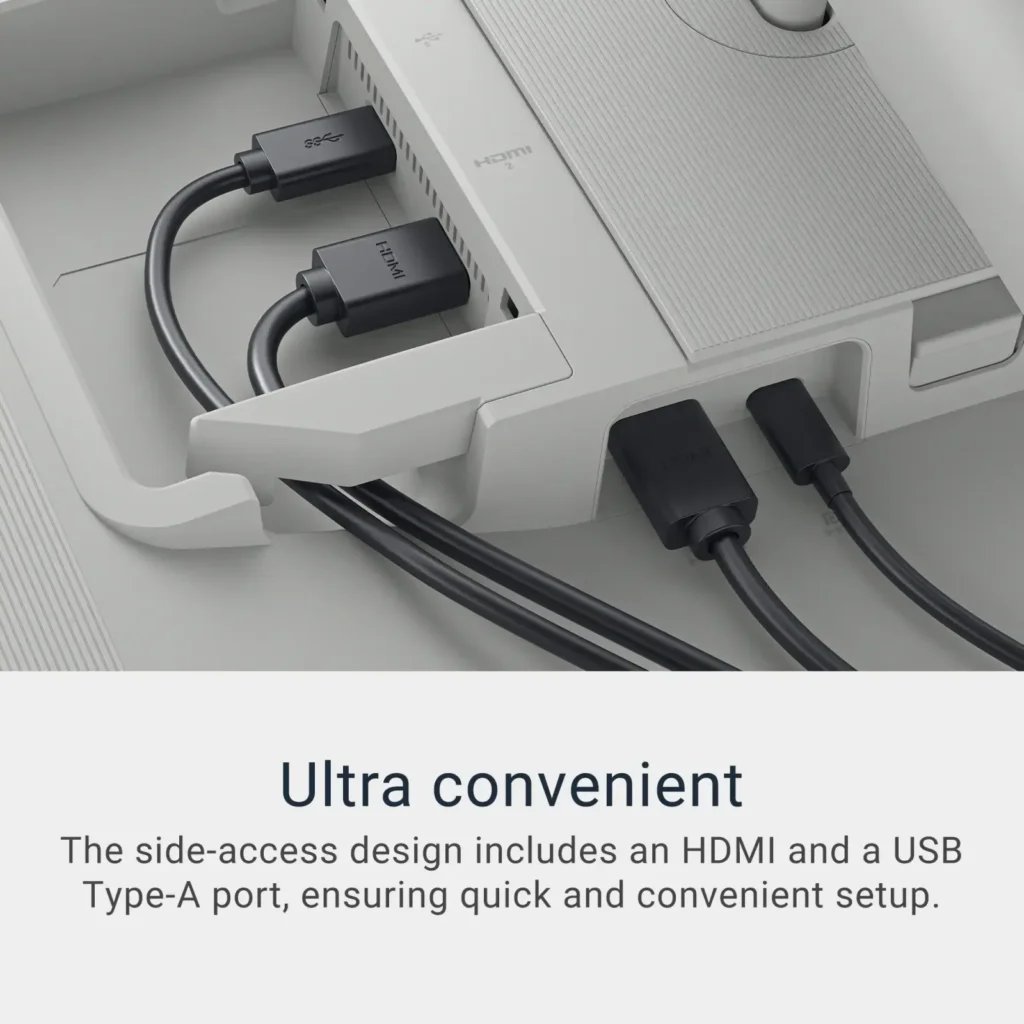
Verified purchase Verified purchase: This reviewer bought the product. Incentivized Incentivized review: The reviewer received a benefit for sharing feedback.deborinquen October 10, 2025Review source: BestbuyAn amazing 4K monitor for my Mac mini. Probably the best 4k monitors under $300. Picture quality is amazing. Sound is pretty impressive for built-in speakers. For comparison, I connected to both, the USB-C (Video Display) and HDMI. Flawless picture on both. There are plenty of ports for data in the back and, my favorite, the retractable two ports (USB-A and USB-C) on the lower left of the display. The monitor stand adjusts both height and tilt nicely. I had to download the Dell app (Dell Display and Peripheral Manager) to control some features like volume and brightness (need to use the fn key) from my Magic Keyboard. Very good app. I am very please with this monitor.
-
Great monitor
Verified purchase Verified purchase: This reviewer bought the product. Incentivized Incentivized review: The reviewer received a benefit for sharing feedback.RemyR October 10, 2025Review source: BestbuyGreat monitor at a great size and the picture quality and resolution are really nice! Great upgrade from a HD monitor
-
Good monitor
Verified purchase Verified purchase: This reviewer bought the product. Incentivized Incentivized review: The reviewer received a benefit for sharing feedback.user181895 October 10, 2025Review source: BestbuyVery good quality and delivery. Love it. Really makes my life easier
-
Good 4K monitor
Verified purchase Verified purchase: This reviewer bought the product. Incentivized Incentivized review: The reviewer received a benefit for sharing feedback.Beanbandit October 10, 2025Review source: BestbuyBe sure to download the Dell app which contains additional features and info. Was happy to ‘hear’ that it has decent speakers.
-
Excellent monitor
Verified purchase Verified purchase: This reviewer bought the product. Incentivized Incentivized review: The reviewer received a benefit for sharing feedback.TE002 October 10, 2025Review source: BestbuyI’ve always been skeptical buying Dell products but this monitor is beautiful. I plan to purchase a 2nd one
-
Easy connectivity
Verified purchase Verified purchase: This reviewer bought the product. Incentivized Incentivized review: The reviewer received a benefit for sharing feedback.OFCM October 8, 2025Review source: BestbuyGreat to charge a laptop from the monitor via USB-C for a clean look