
Customer Media
Highlights
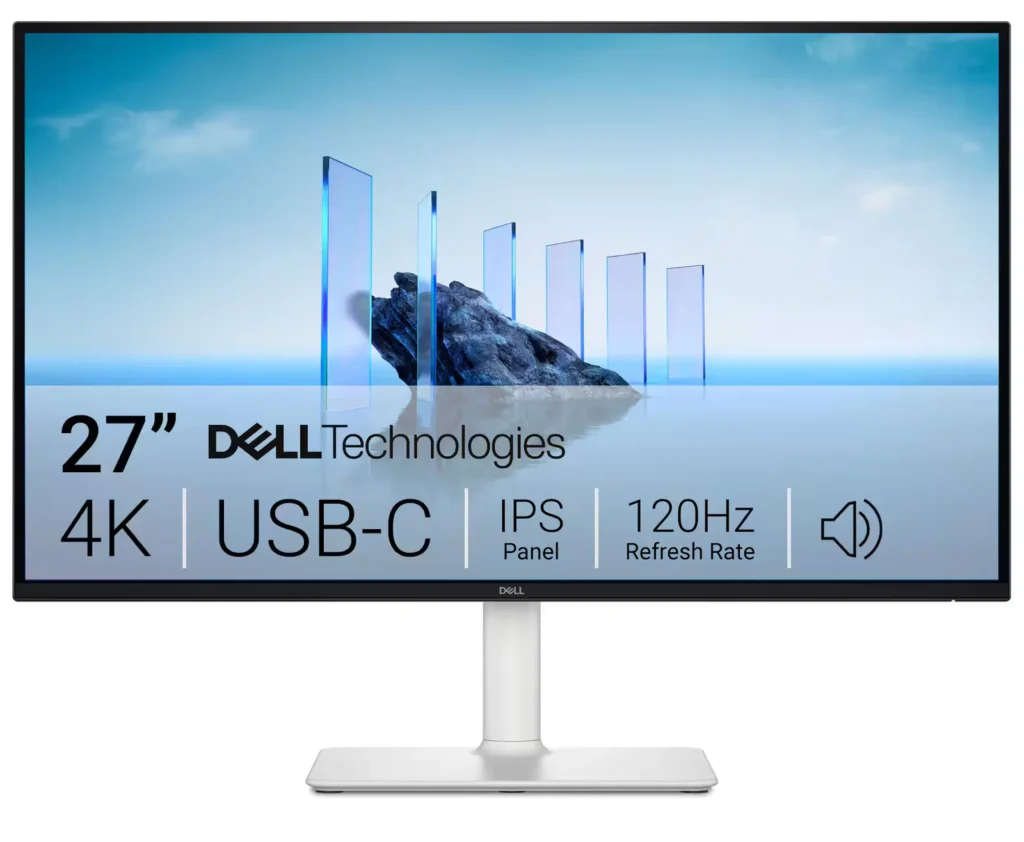
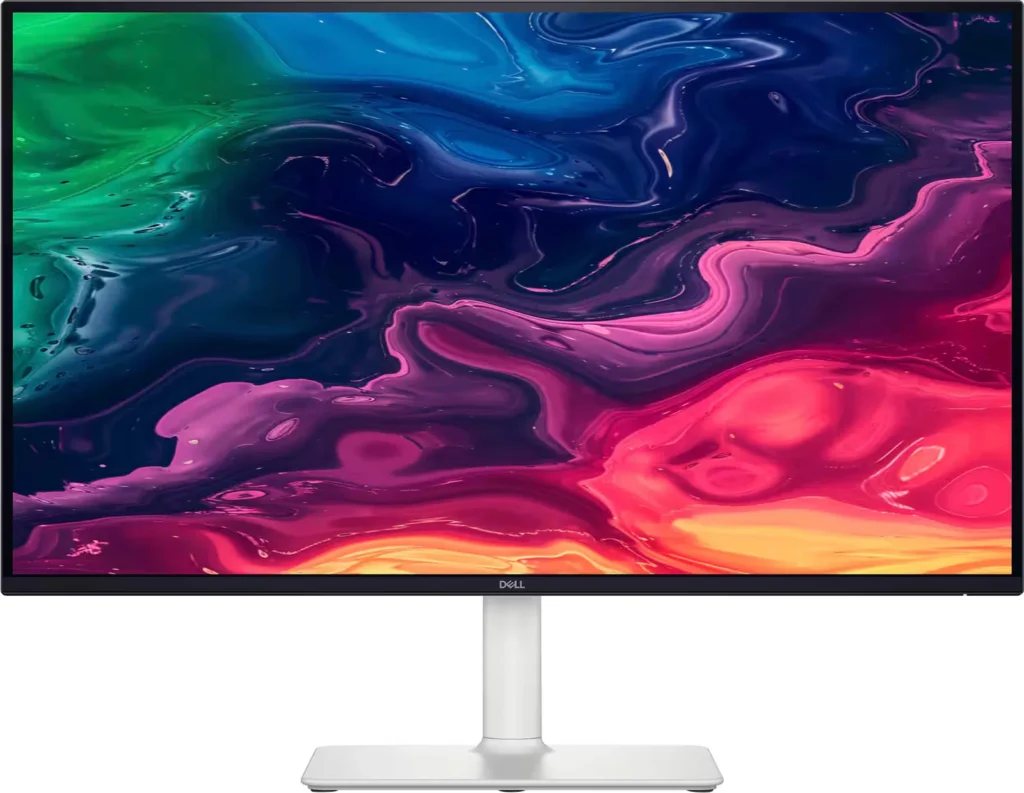
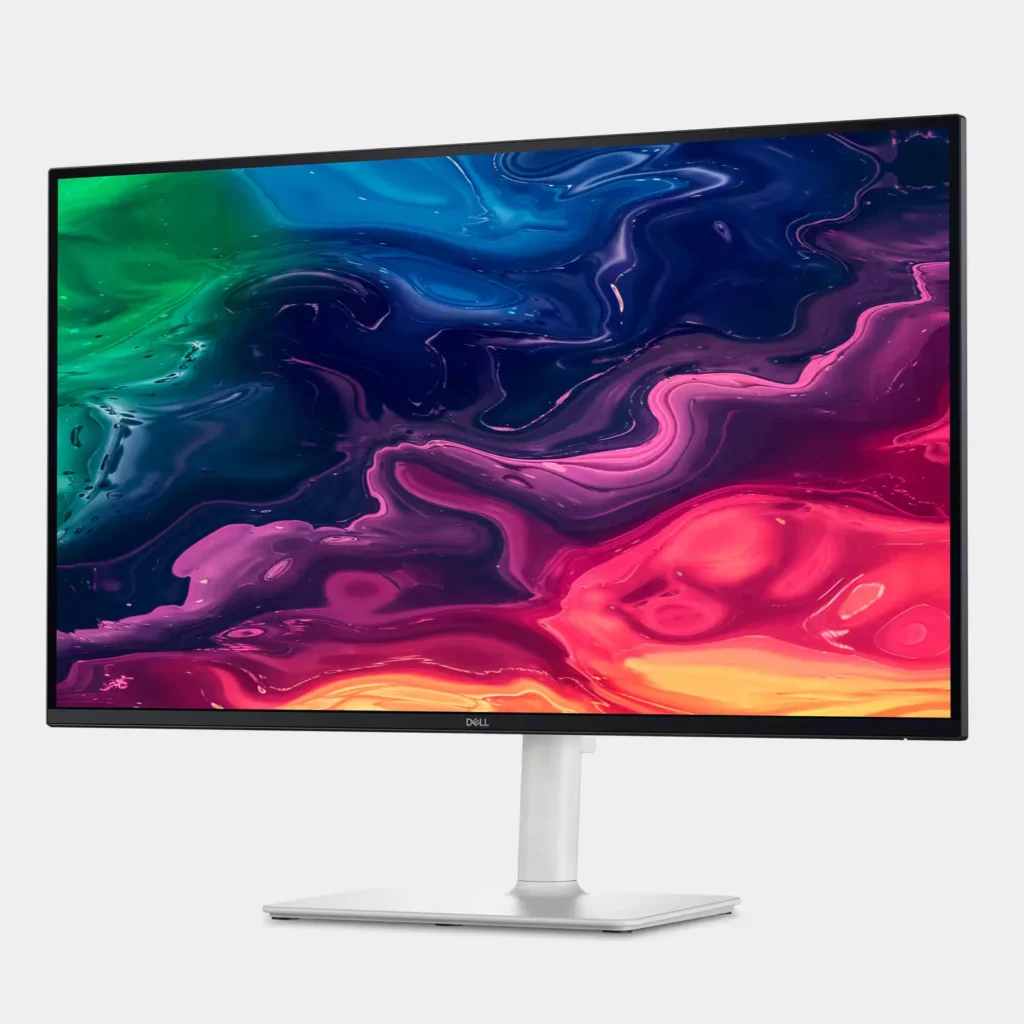
| Stunning 4K Visuals with 120Hz Smoothness | Experience breathtaking clarity with 3840 x 2160 UHD resolution on a 27-inch IPS panel. The upgraded 120Hz refresh rate provides significantly smoother motion for both productivity and casual gaming compared to standard 60Hz displays. |
|---|---|
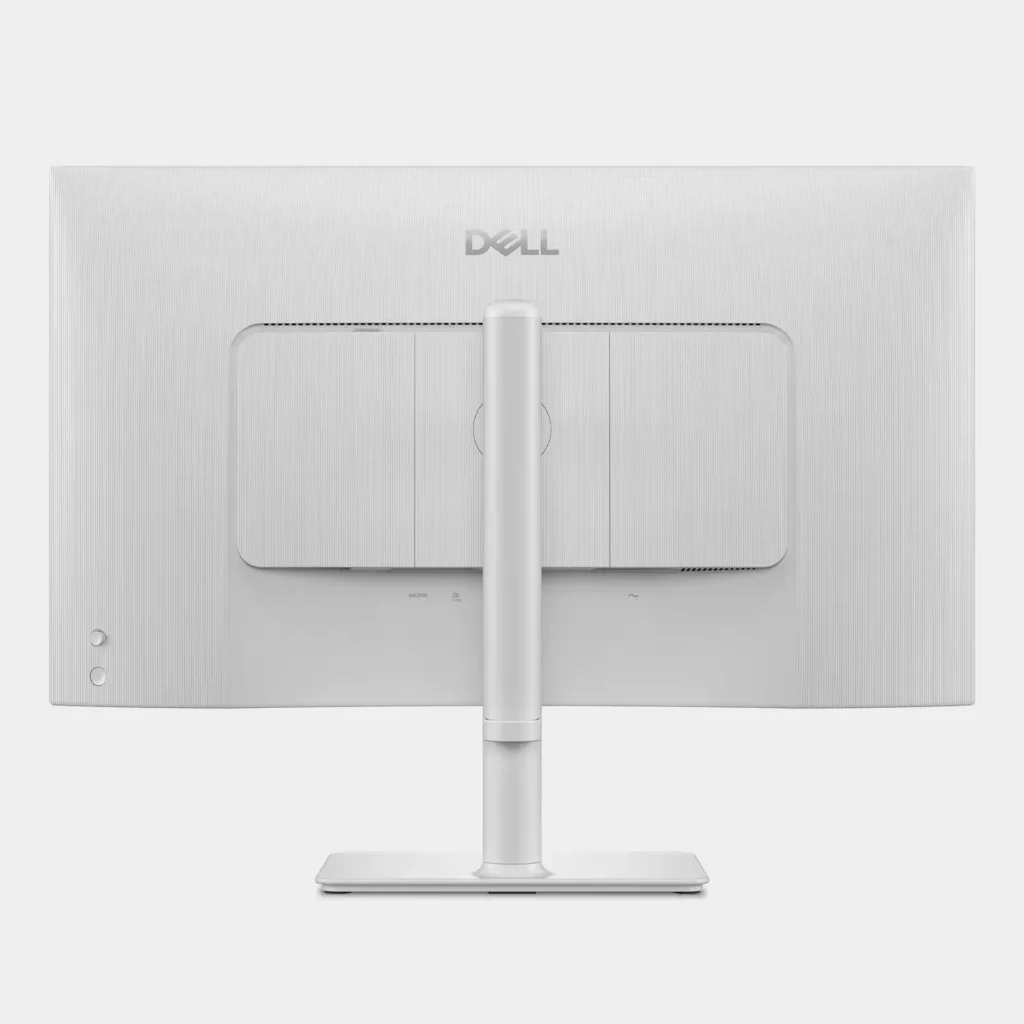
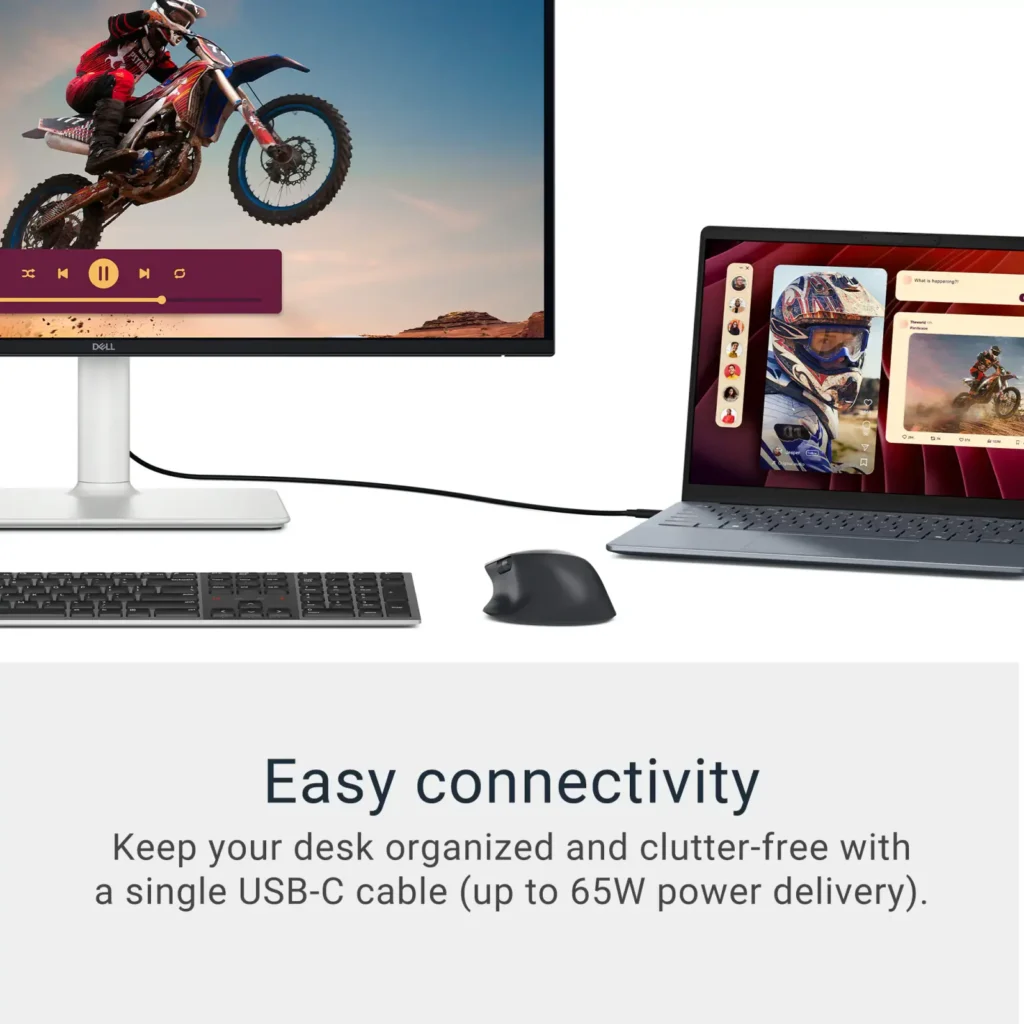
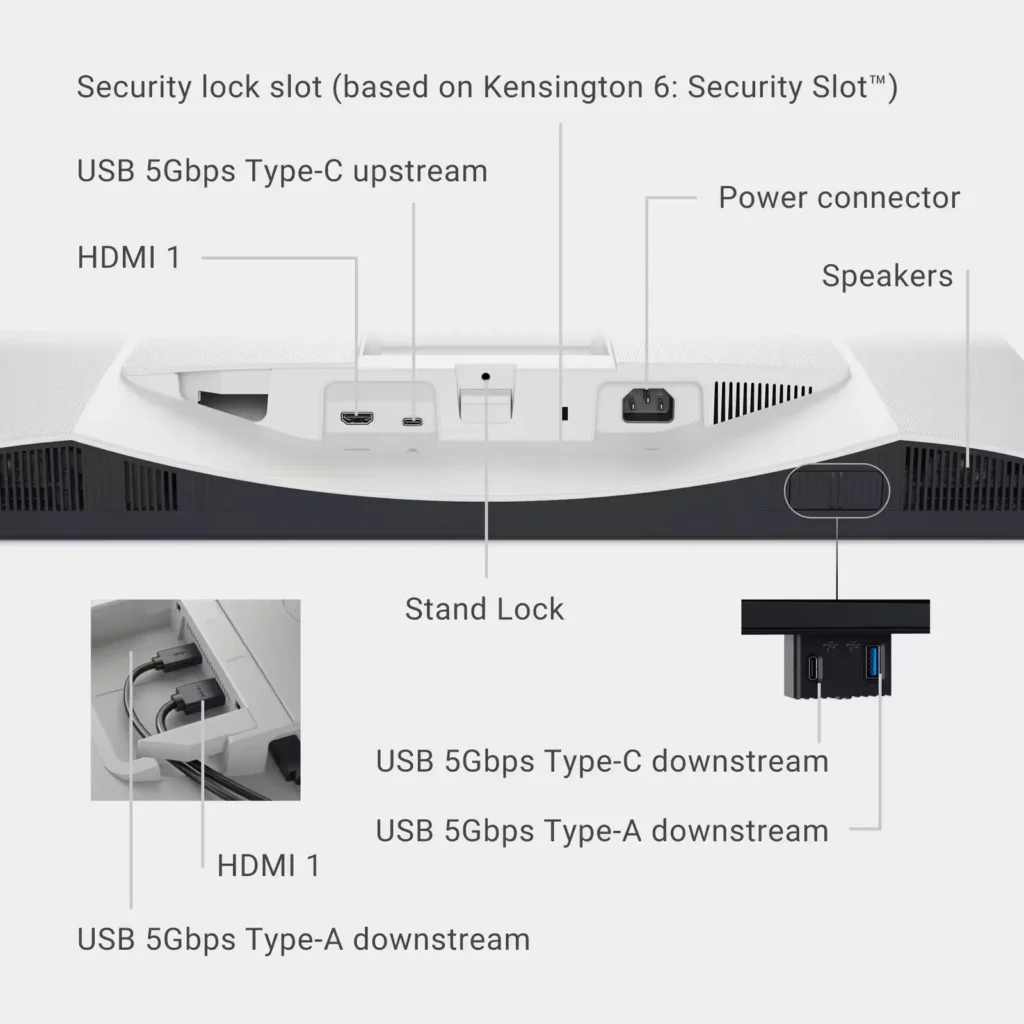
| Single-Cable USB-C Connectivity | Streamline your workspace with a versatile USB-C port that delivers up to 65W of power to charge your laptop while simultaneously transmitting video and data signals through a single cable. |
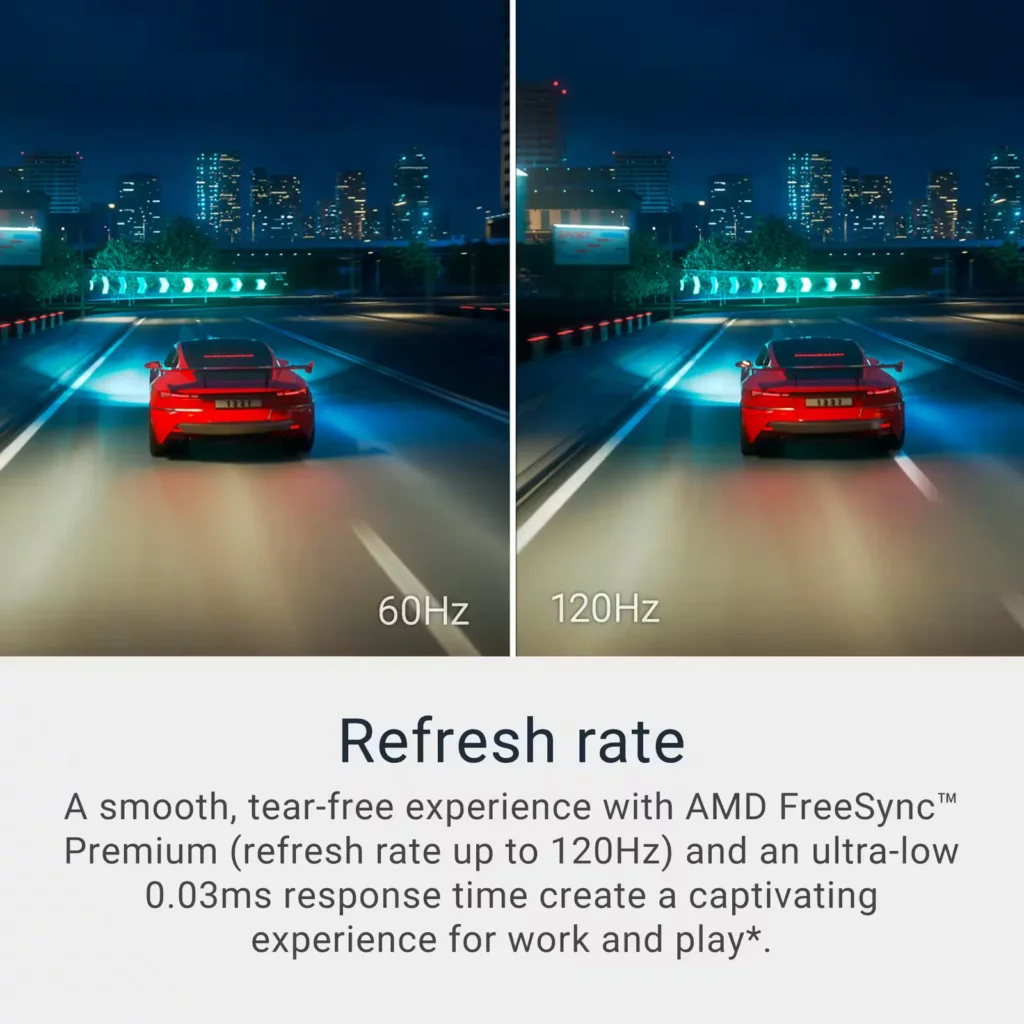
| AMD FreeSync Premium Technology | Enjoy a tear-free and fluid viewing experience during fast-paced action. This monitor supports AMD FreeSync Premium and VRR (Variable Refresh Rate) to eliminate screen tearing and stuttering for seamless visuals. |
| Enhanced Integrated Audio | Equipped with dual 5W speakers, this monitor offers re-engineered sound quality with deeper frequency response and greater output power than previous generations, eliminating the need for external speakers. |
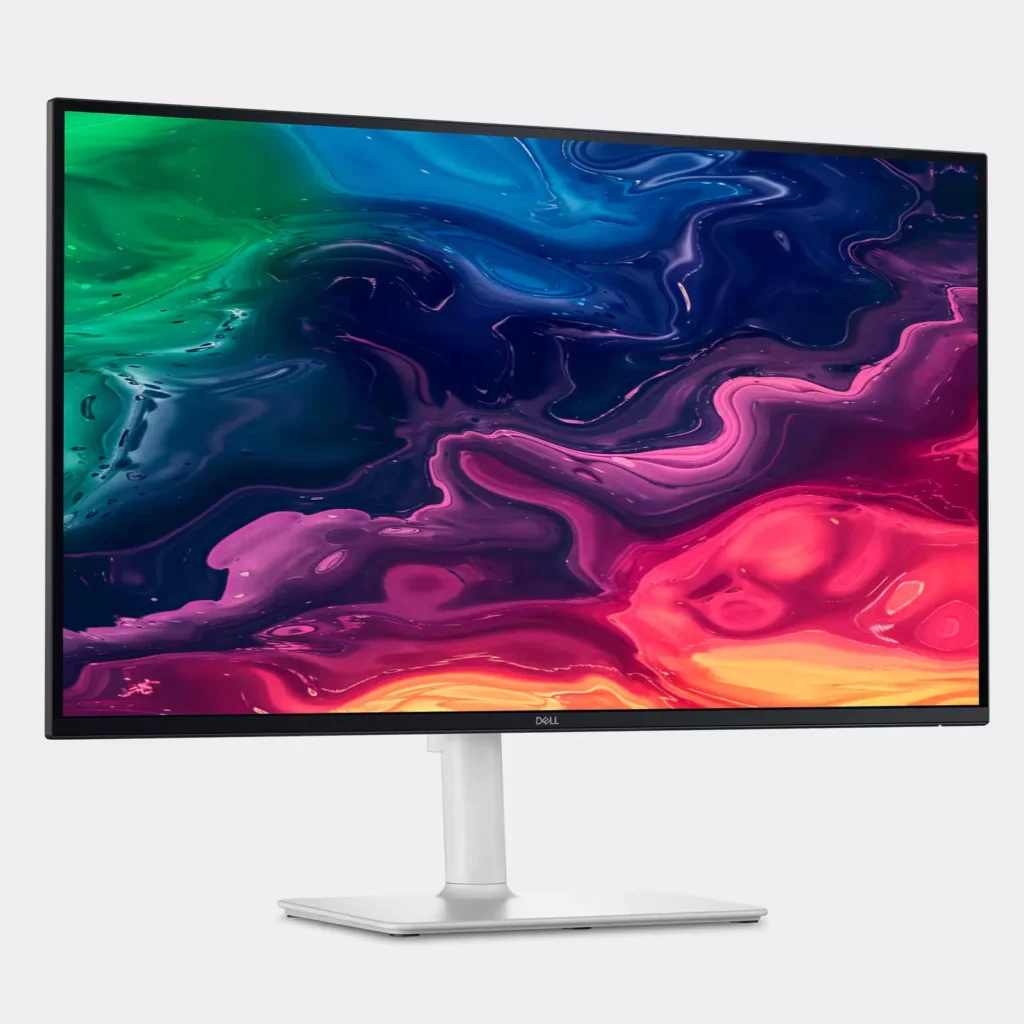
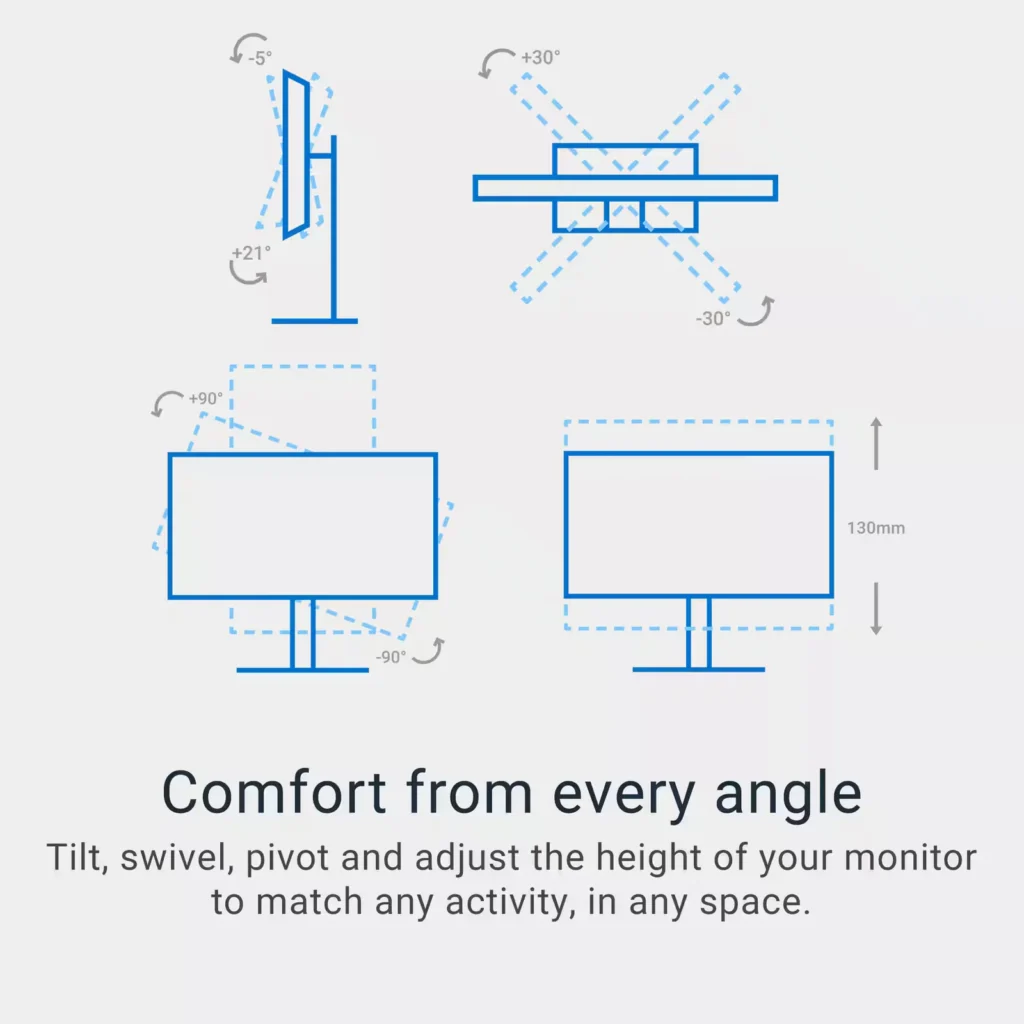
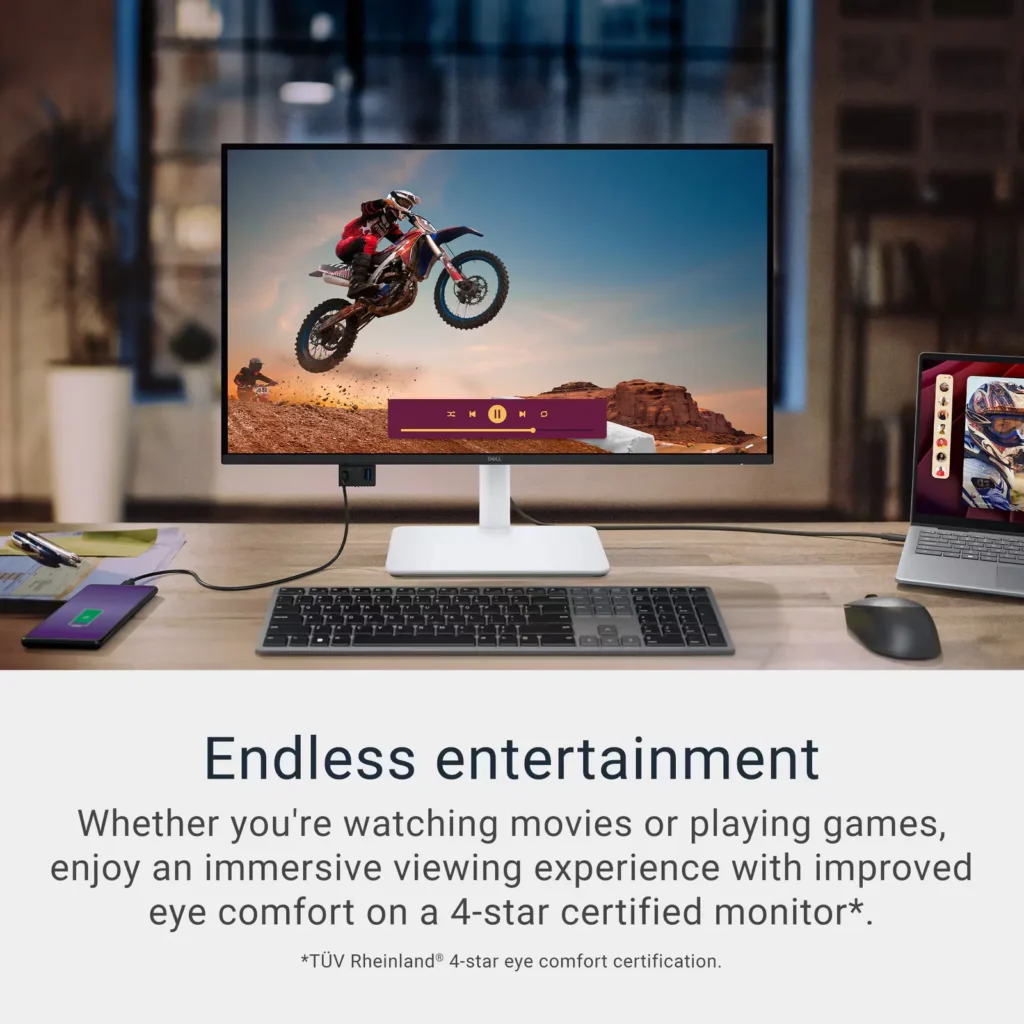
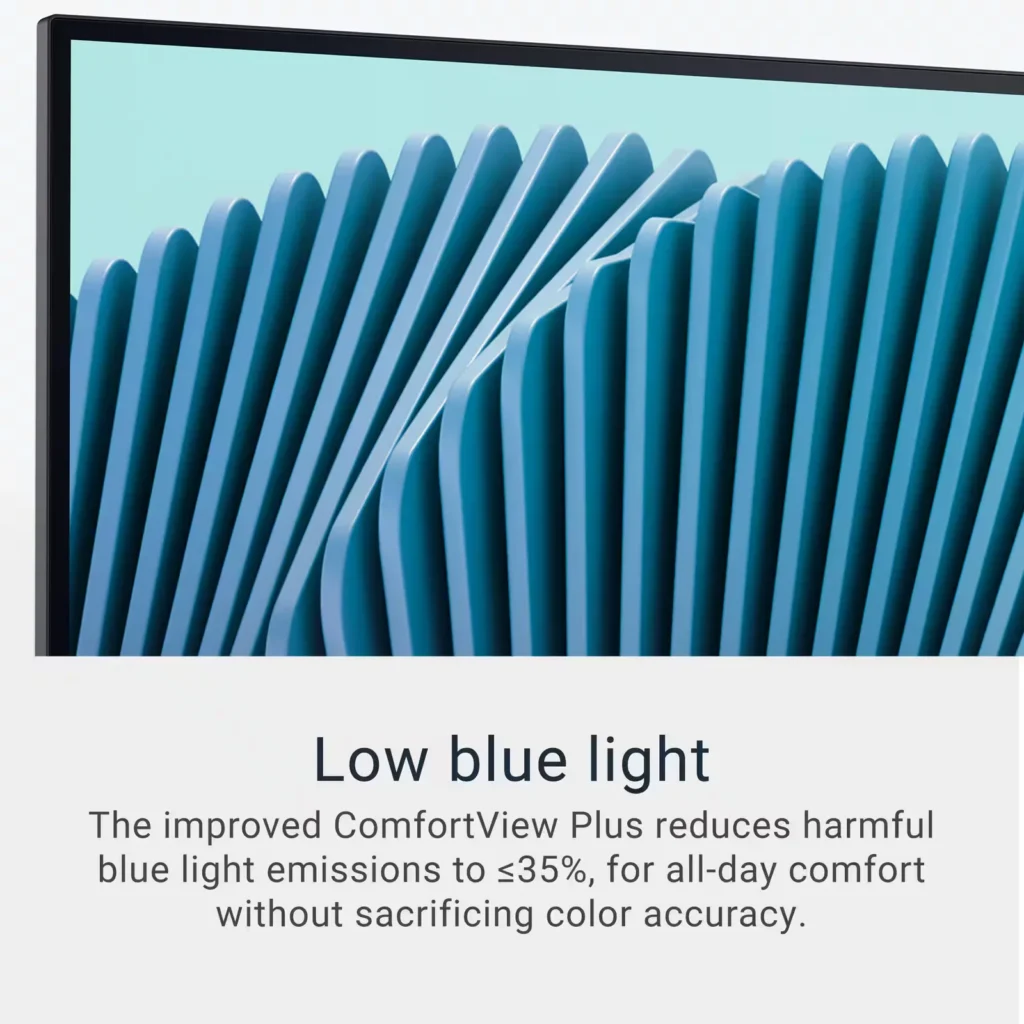
| Advanced Eye Comfort and Ergonomics | Features a TÜV Rheinland 4-star eye comfort rating with improved ComfortView Plus to reduce blue light emissions without sacrificing color accuracy. The fully adjustable stand allows for height, tilt, swivel, and pivot adjustments for all-day comfort. |
Pros & Cons
Pros
- Exceptional 4K and 120Hz Performance: The monitor delivers breathtaking 4K visuals with sharp text and vibrant colors, while the 120Hz refresh rate provides buttery-smooth motion that is highly beneficial for both productivity and casual gaming.
- Convenient USB-C Single-Cable Setup: The USB-C connectivity acts as a docking station, providing video, data, and 65W power delivery to charge laptops through a single cable, which effectively reduces desk clutter.
- High-Quality Integrated Speakers: Many reviewers were surprised by the built-in speakers, describing them as loud, clear, and possessing decent bass, making them far superior to typical integrated monitor audio.
Cons
- Hardware Reliability and Defects: There are multiple reports of significant hardware failures, including horizontal or vertical dead pixel lines appearing shortly after use, flickering screens, and USB-C ports that stop functioning entirely.
- Mac Compatibility and Control Issues: Mac users frequently noted that they cannot control the monitor's volume or brightness through the Apple keyboard, and some reported difficulties with text scaling and a persistent yellow tint from the non-disableable ComfortView feature.
- Inconsistent Quality Control and Shipping: Several customers received units that appeared to be used or open-box items despite being sold as new, and others reported physical defects like wobbly stands or even an ant infestation in the packaging.
Customer Reviews
Showing reviews 71-80 of 294
-
Crisp image, smooth motion, and great design
Verified purchase Verified purchase: This reviewer bought the product. Incentivized Incentivized review: The reviewer received a benefit for sharing feedback.Aidan October 7, 2025Review source: BestbuyThis Dell 27” 4K monitor is simply awesome. The image quality is super sharp and colors look vivid and accurate — perfect for editing, gaming, or watching movies. The 120Hz refresh rate makes everything feel smooth, and the USB-C connection is super convenient for laptops. The design looks sleek and premium, and the stand is sturdy and easy to adjust. I’ve been using it daily and couldn’t be happier with the purchase. Totally worth it!
-
Would recommend!
Verified purchase Verified purchase: This reviewer bought the product.Laurel F. October 7, 2025Review source: AmazonLooks great! Just what the office needed to update info.
-
Everything you could want for a mac in a sleek box
Verified purchase Verified purchase: This reviewer bought the product.Timothy Marks October 6, 2025Review source: AmazonBrilliant color, packed with features and with USB-C charging and connectivity this has been a mac users dream desktop extension. Would highly recommend.
-
Surprisingly Good Monitor
Verified purchase Verified purchase: This reviewer bought the product.Irene Adler October 5, 2025Review source: AmazonI have only been using this product for a few weeks but I find that it’s an excellent monitor for people who get headaches from computer use. It may not use the latest technology but it looks great and can be set to a very low brightness level.
-
Nice deal for a 4K 120HZ monitor
Verified purchase Verified purchase: This reviewer bought the product.Domolico October 3, 2025Review source: AmazonIt’s a good deal for productivity task and also usbc-charging. Although, the display is a bit warmer compared to my MacBook Pro, my eyes are comfortable after using for long periods of time!
-
High quality, nice price
Verified purchase Verified purchase: This reviewer bought the product.Mao Solano October 3, 2025Review source: AmazonI loved it! Very good monitor for reasonable price
-
Great buy
Verified purchase Verified purchase: This reviewer bought the product. Incentivized Incentivized review: The reviewer received a benefit for sharing feedback.PiotrG October 3, 2025Review source: BestbuyNeeded HDMI 2.1 for PS5 monitor. Monitor was a great buy
-
Great 4K display for work and at a great price.
Verified purchase Verified purchase: This reviewer bought the product. Incentivized Incentivized review: The reviewer received a benefit for sharing feedback.mantoothnation October 1, 2025Review source: BestbuyGot this Geek Squad Certified Refurbished and am very happy with it. I had been wanting to make the jump to 4K monitors for quite some time so when I saw the deal, I pounced on it.
It’s a real game changer – especially if you are coming from years of using a 1080p monitor. If you use your computer monitors primarily for work – like I do – MS Suite, web browsers, etc. all look crisp and clear and easier on the eyes. No more screen door effect. If you have this monitor sitting next to a 1080p monitor it’s night and day.
I use a two monitor set up and actually ended up getting rid of my other FHD monitor as well and buying the S2725S version of this one (A little cheaper. Exact same panel / display – does not have the upstream USB-C feature and no built in USB hub.)
The upstream USB-C feature is something I never thought I would have needed but it’s actually very cool. Basically, charges your computer and carries a DisplayPort 1.4 signal at the same time over the included USB-C cable.
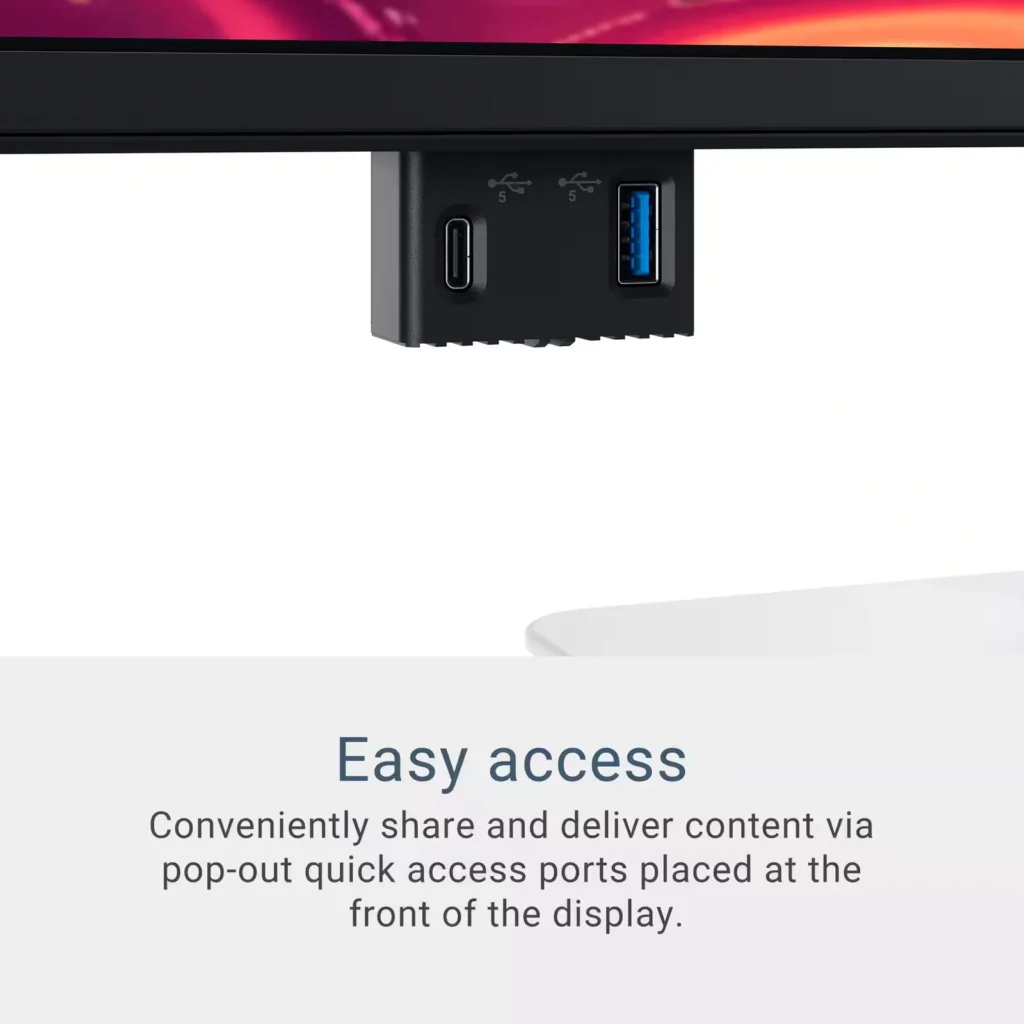
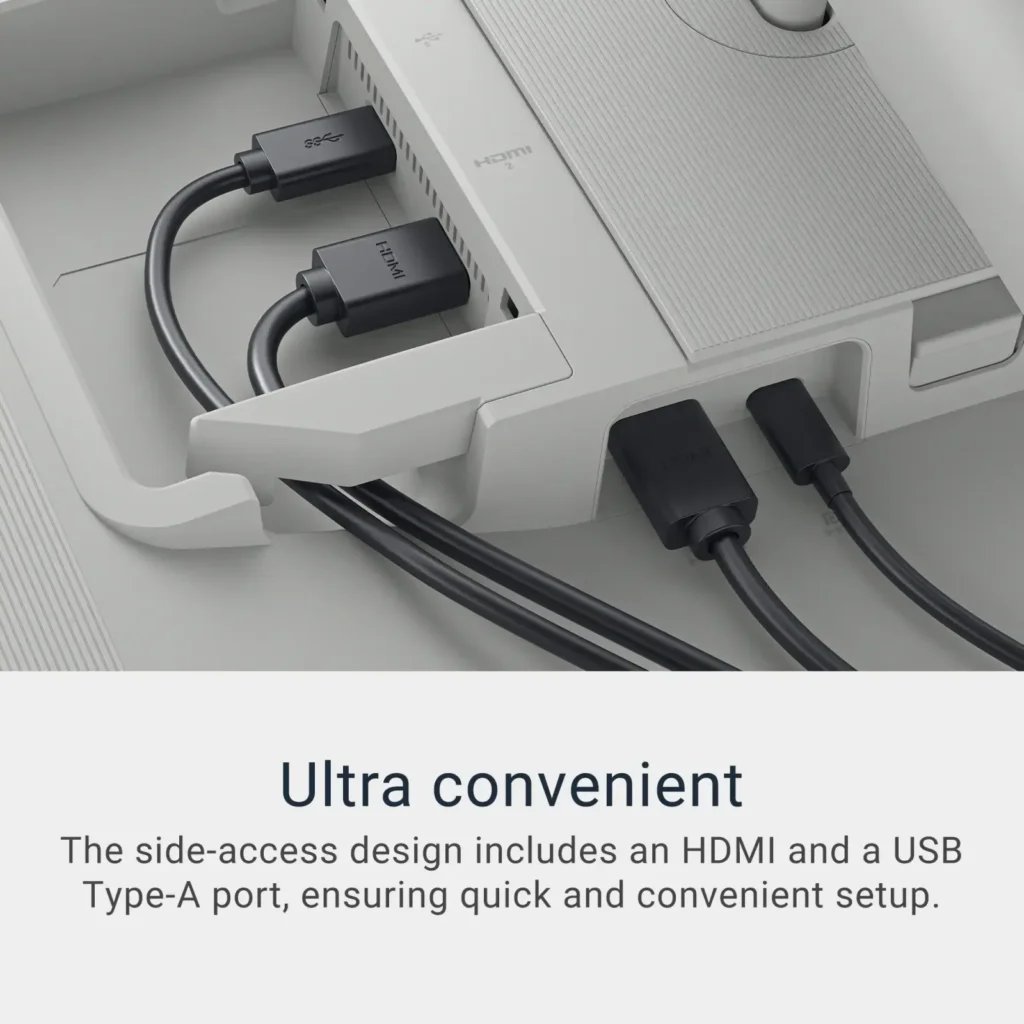
It also has a little USB hub – one USB-A and one USB-C – that pops down from the inside of the monitor and allows you to connect a mouse and keyboard, thumb drives, external drives, etc.
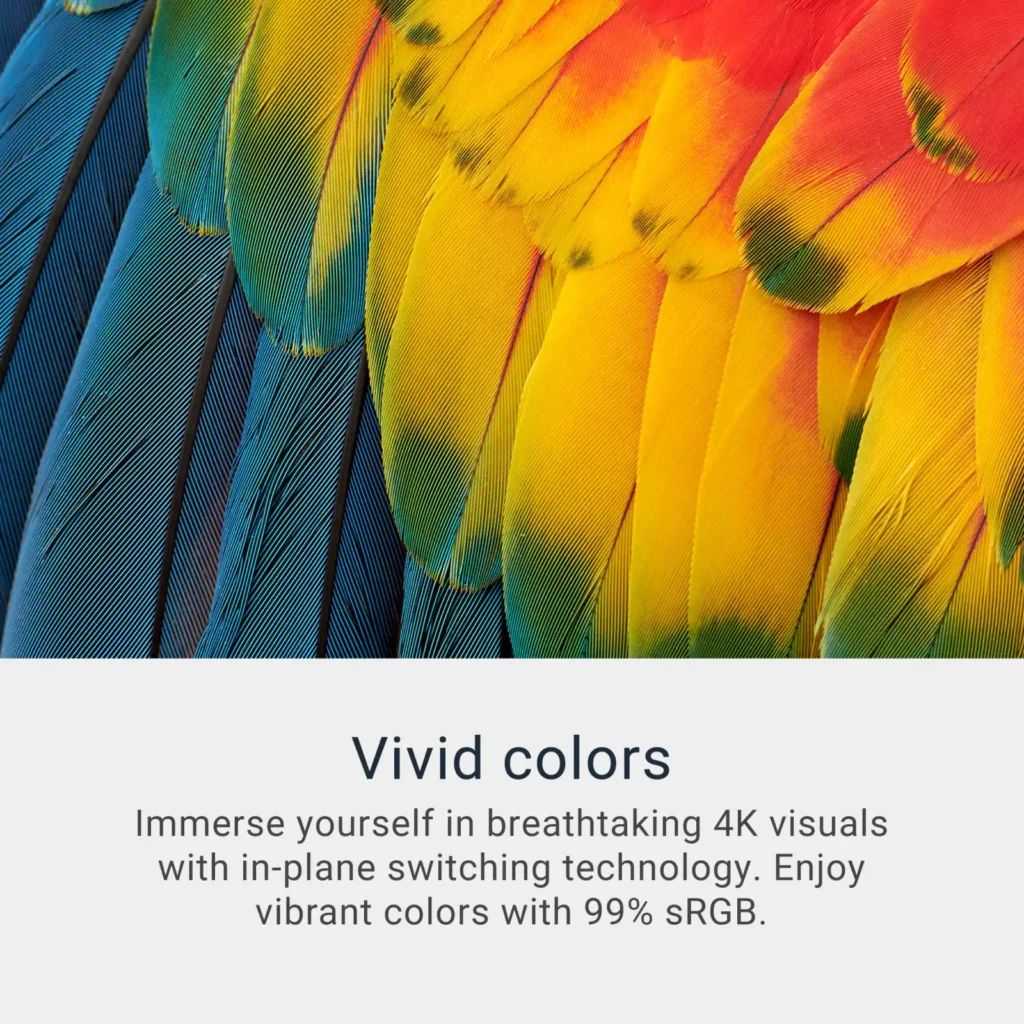
While there’s no HDR you still get 99% of the RGB range so the colors are all really vivid and accurate. It’s more than adequate for the majority of video editing projects. PRO TIP – if you are using this with a MacBook, Mac mini or Mac Studio – go into display settings and change the color profile from the preset Dell one to “Display P3.” The monitor will then match Apple’s built in color profiles across their computers.
Last but not least – it’s not a bad little gaming monitor either. I connect my Rog Ally up to it via the DisplayPort cable and it can push a true 4K @ 120hz. It has Free Sync and VRR as well.
TLDR: For the price I’m not sure you can do much better in terms of a 4K monitor. Once you start talking OLED and HDR the price increases significantly. If you are using this primarily for work – with a little gaming on the side – like I am then it’s pretty spot on.
-
Beautiful picture, horrendous operation
Verified purchase Verified purchase: This reviewer bought the product.Chris Khaleel September 28, 2025Review source: AmazonDon’t get me wrong, the picture quality on this monitor is crisp and beautiful. It’s really great for color work for video editing and whatnot. Definitely one of the best budget panels on the market.
Unfortunately, I had to remove two stars because this monitor is incredibly glitchy. If your PC falls asleep, sometimes it will freeze and not respond to any input. I can’t even use the power button to turn it off. I can tell it’s the monitor and not the PC because I have two completely different PCs I use with updated drivers and it still happens on both machines. Additionally, the power LED pulsates when the monitor is asleep. The LED just stays on. The only way I can get it to work again is to unplug the power cable and plug it back in. Then it works like nothing happened.
Getting 4K@120Hz in RGB is also a nightmare. Yes, the monitor actually supports this, but Windows cannot pick up on it until I plug the DP cables out and in again. If I don’t do this, I have to settle for 60Hz or 4:2:2 coloring. Only after adjusting the cables do I get the option for RGB at 120Hz. Additionally, the screen flickers to black constantly when I’m doing GPU-intensive rendering, despite having a 48Gbps DP cable, which should have no problem with these resolutions.
-
Monitor
Verified purchase Verified purchase: This reviewer bought the product.Christian31 September 28, 2025Review source: AmazonGood Monitor