
Customer Media
Highlights
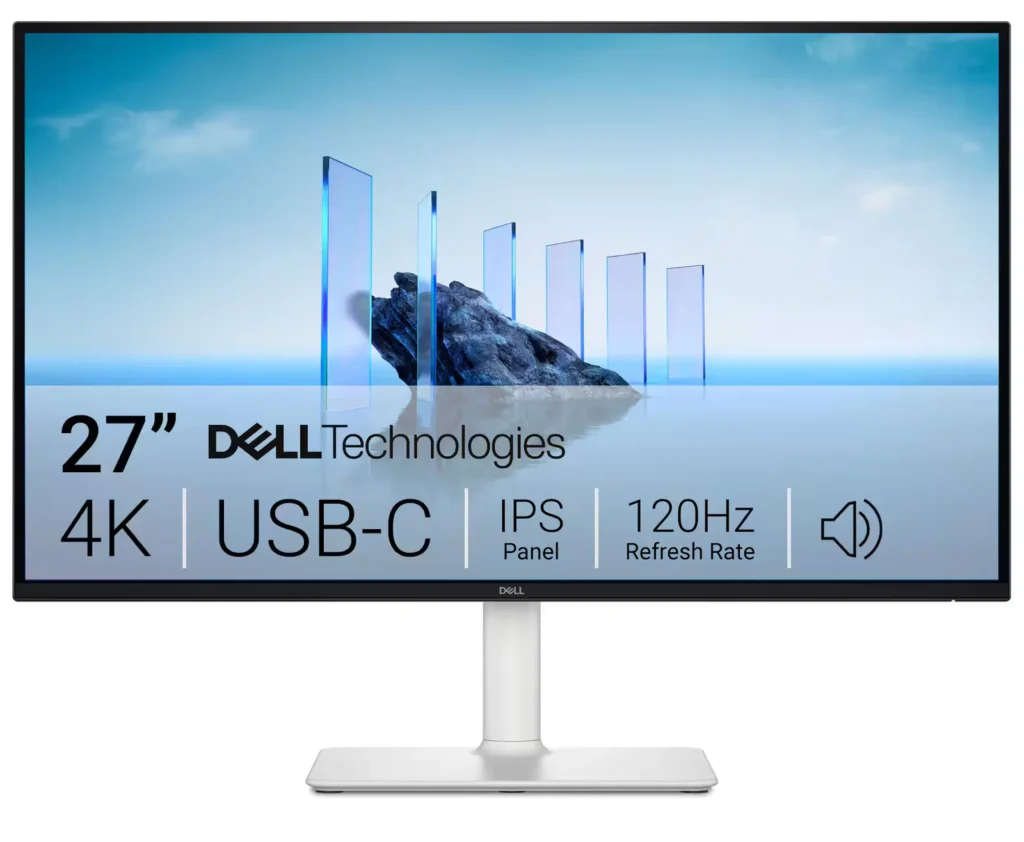
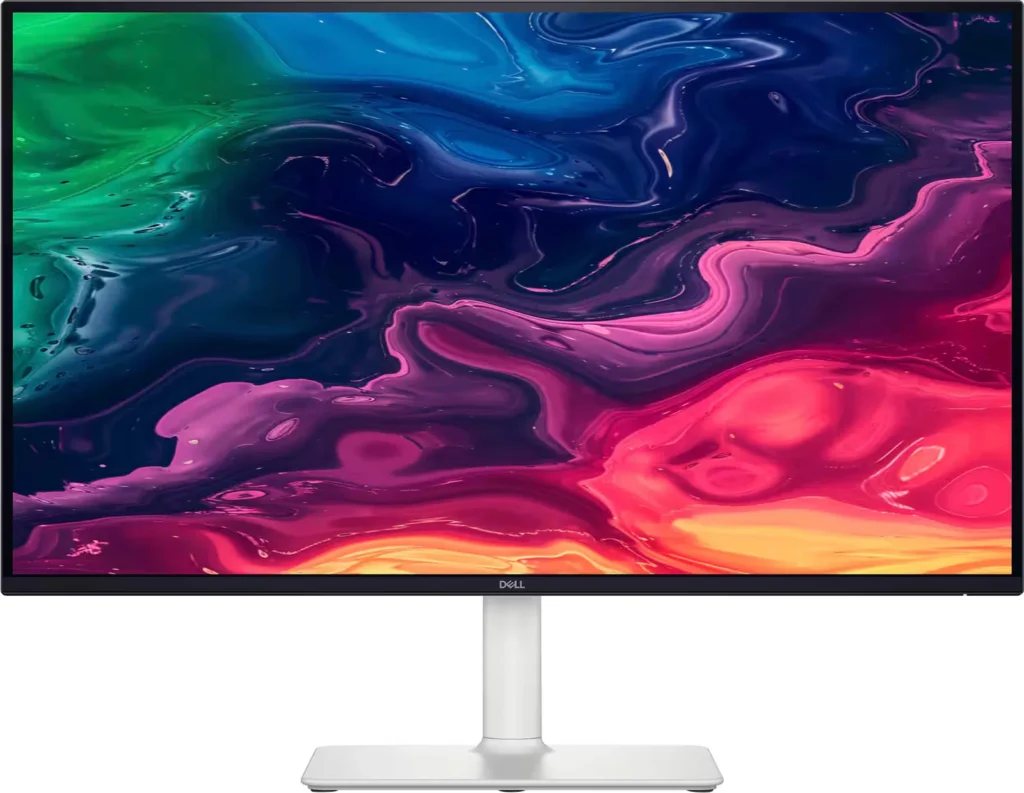
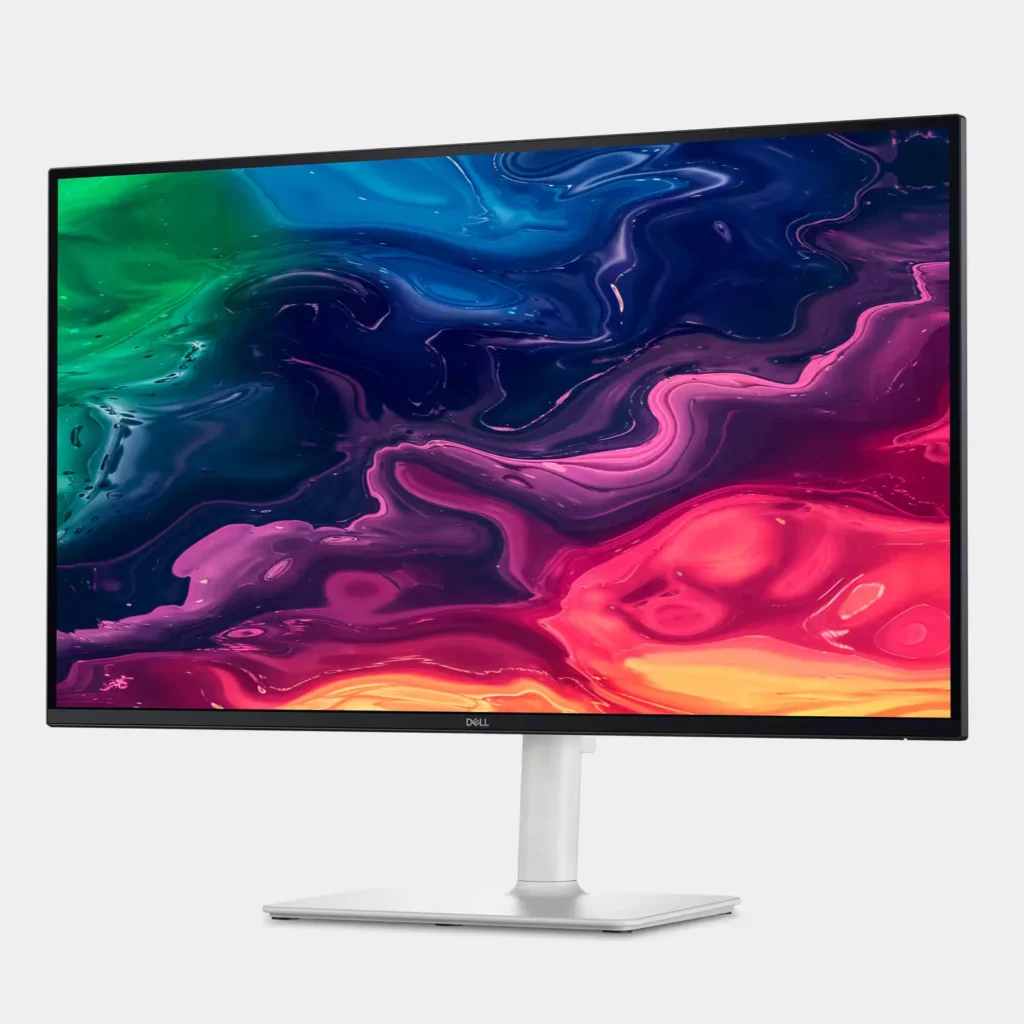
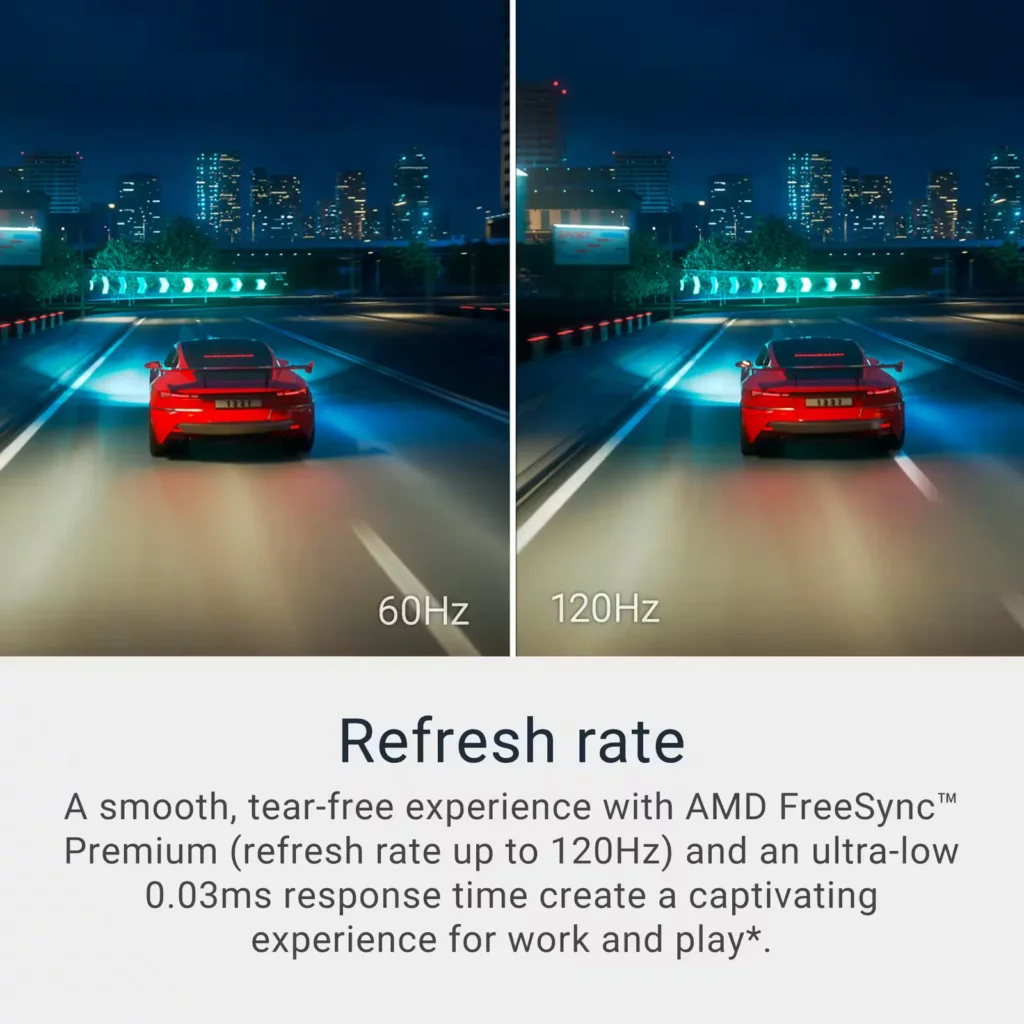
| Stunning 4K Visuals with 120Hz Smoothness | Experience breathtaking clarity with 3840 x 2160 UHD resolution on a 27-inch IPS panel. The upgraded 120Hz refresh rate provides significantly smoother motion for both productivity and casual gaming compared to standard 60Hz displays. |
|---|---|
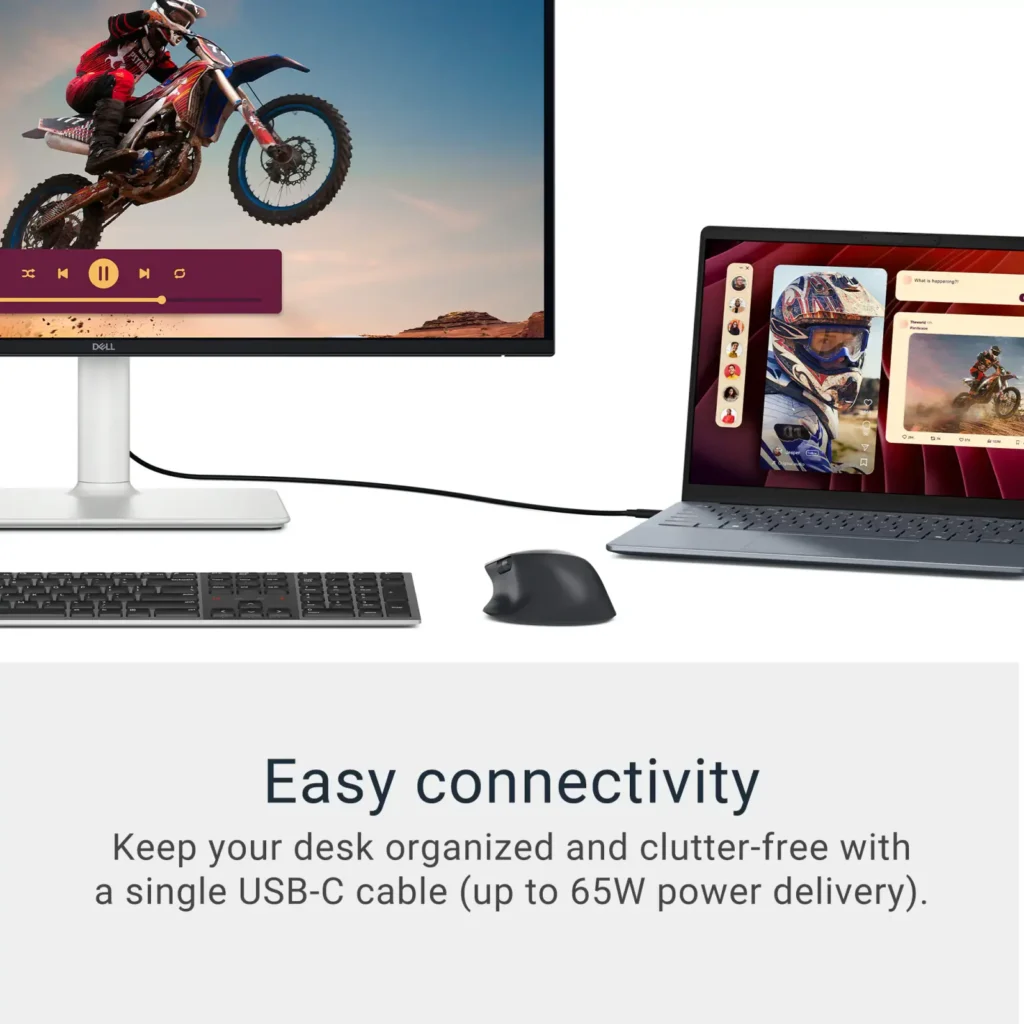
| Single-Cable USB-C Connectivity | Streamline your workspace with a versatile USB-C port that delivers up to 65W of power to charge your laptop while simultaneously transmitting video and data signals through a single cable. |
| AMD FreeSync Premium Technology | Enjoy a tear-free and fluid viewing experience during fast-paced action. This monitor supports AMD FreeSync Premium and VRR (Variable Refresh Rate) to eliminate screen tearing and stuttering for seamless visuals. |
| Enhanced Integrated Audio | Equipped with dual 5W speakers, this monitor offers re-engineered sound quality with deeper frequency response and greater output power than previous generations, eliminating the need for external speakers. |
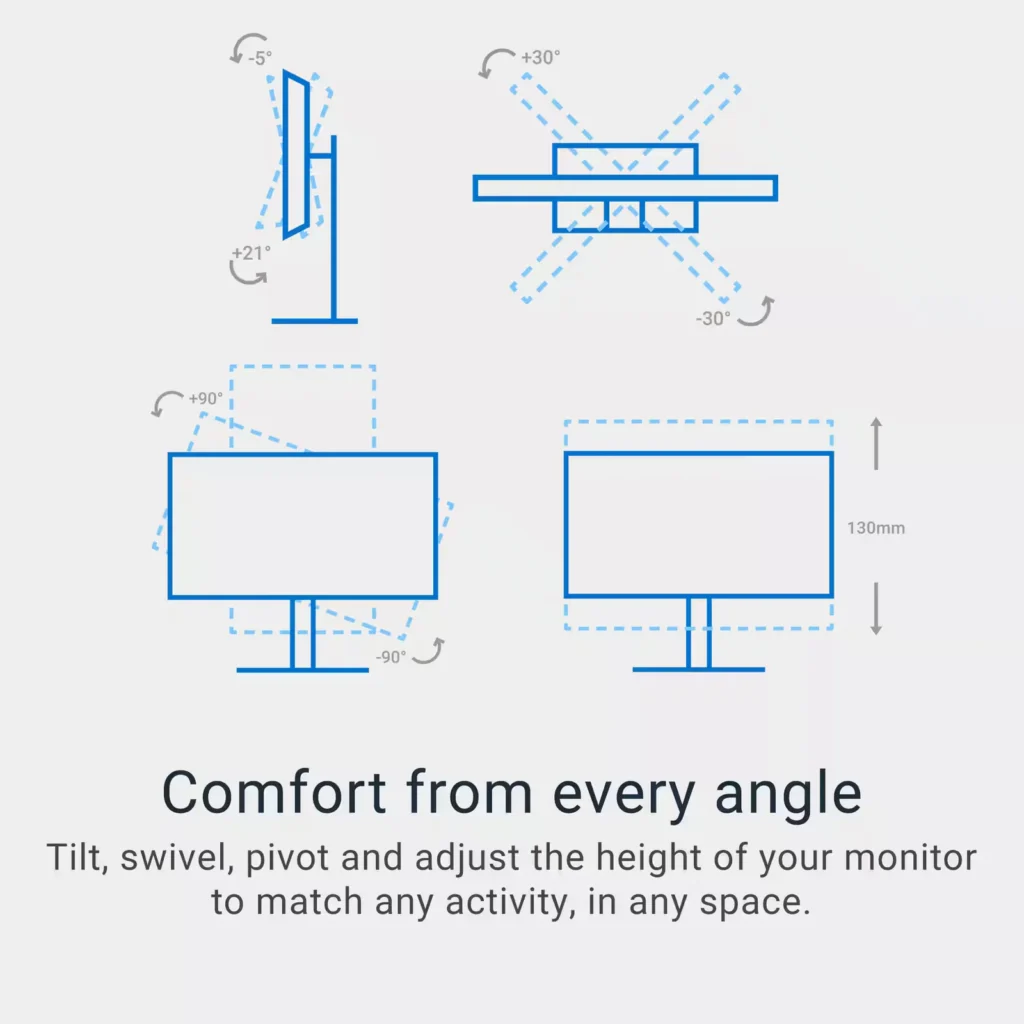
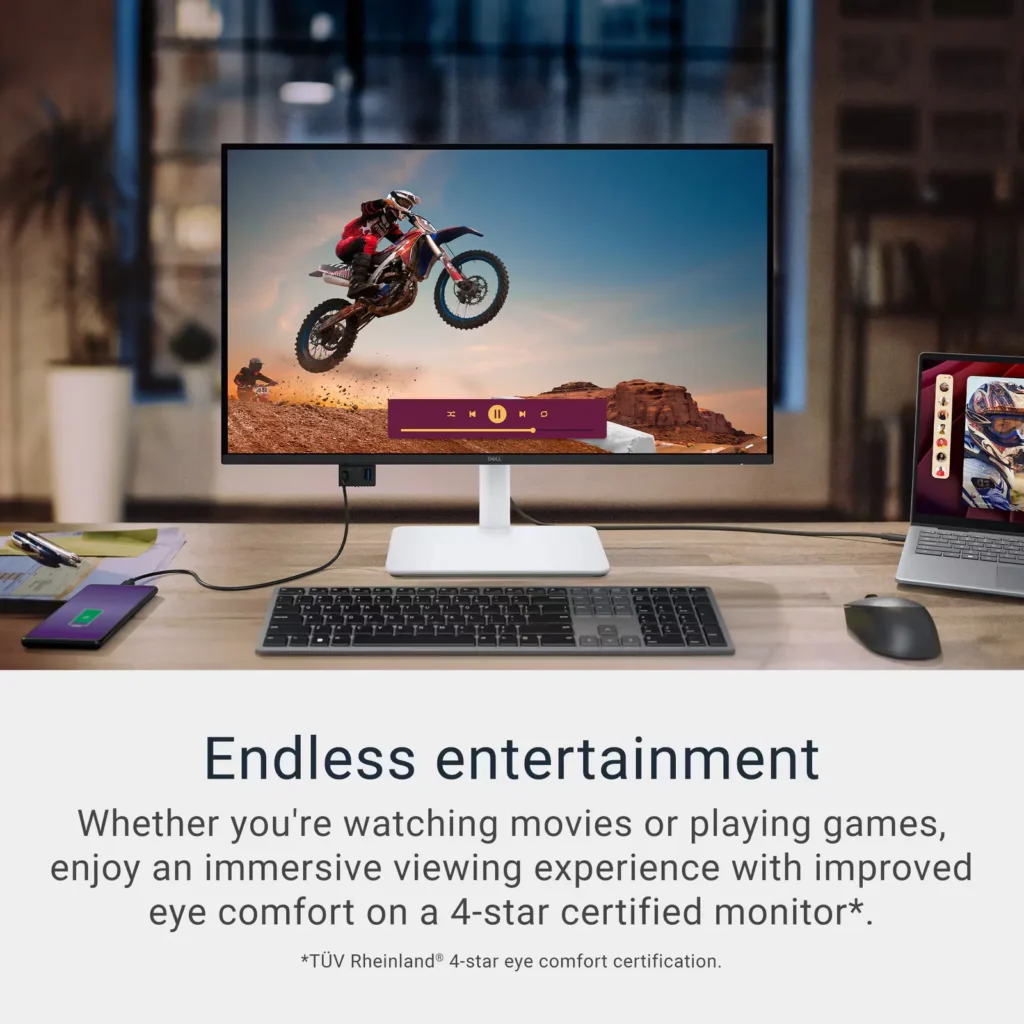
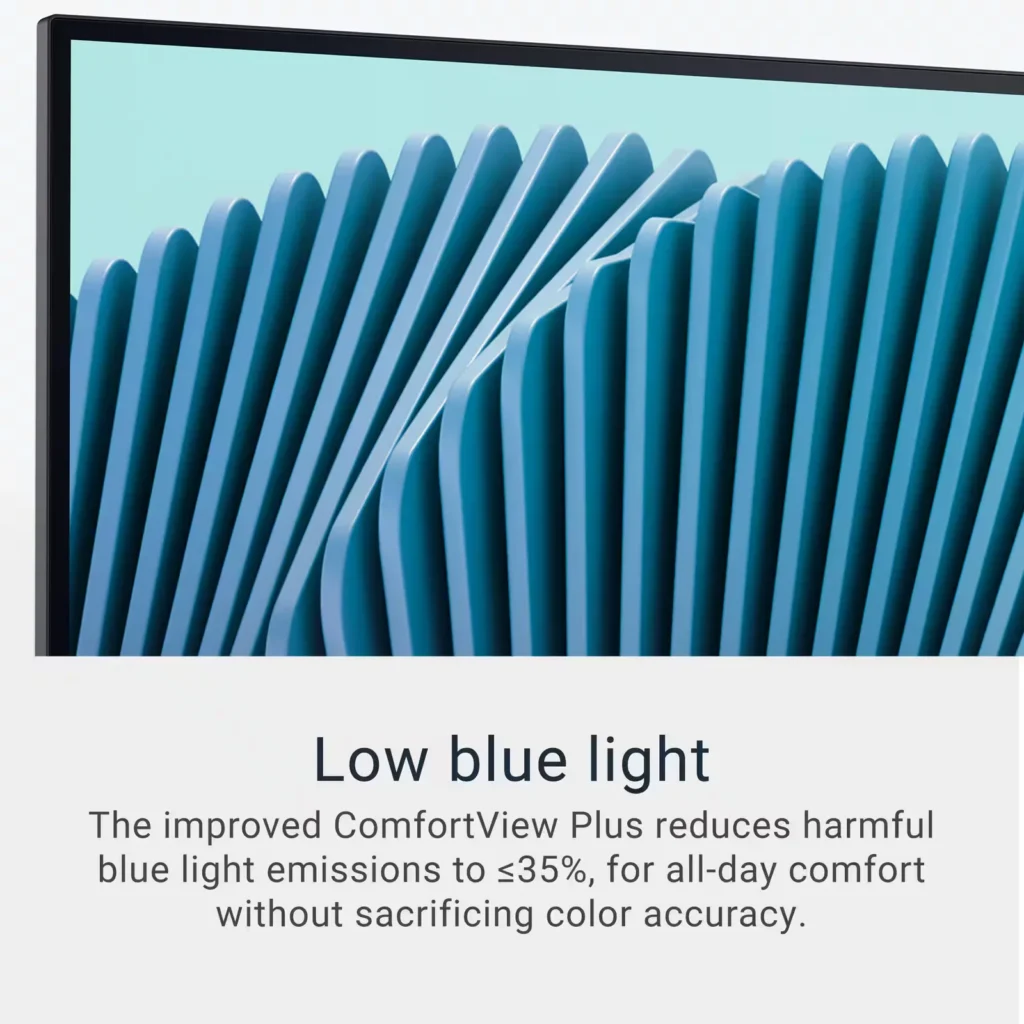
| Advanced Eye Comfort and Ergonomics | Features a TÜV Rheinland 4-star eye comfort rating with improved ComfortView Plus to reduce blue light emissions without sacrificing color accuracy. The fully adjustable stand allows for height, tilt, swivel, and pivot adjustments for all-day comfort. |
Pros & Cons
Pros
- Exceptional 4K and 120Hz Performance: The monitor delivers breathtaking 4K visuals with sharp text and vibrant colors, while the 120Hz refresh rate provides buttery-smooth motion that is highly beneficial for both productivity and casual gaming.
- Convenient USB-C Single-Cable Setup: The USB-C connectivity acts as a docking station, providing video, data, and 65W power delivery to charge laptops through a single cable, which effectively reduces desk clutter.
- High-Quality Integrated Speakers: Many reviewers were surprised by the built-in speakers, describing them as loud, clear, and possessing decent bass, making them far superior to typical integrated monitor audio.
Cons
- Hardware Reliability and Defects: There are multiple reports of significant hardware failures, including horizontal or vertical dead pixel lines appearing shortly after use, flickering screens, and USB-C ports that stop functioning entirely.
- Mac Compatibility and Control Issues: Mac users frequently noted that they cannot control the monitor's volume or brightness through the Apple keyboard, and some reported difficulties with text scaling and a persistent yellow tint from the non-disableable ComfortView feature.
- Inconsistent Quality Control and Shipping: Several customers received units that appeared to be used or open-box items despite being sold as new, and others reported physical defects like wobbly stands or even an ant infestation in the packaging.
Customer Reviews
Showing reviews 81-90 of 294
-
You need an dp to hdmi cable
Verified purchase Verified purchase: This reviewer bought the product.starsineyes September 27, 2025Review source: AmazonCheck if you need a dp to hdmi cable cord, check an online video to set it up. (helpful)
other than that the picture is sharp and everything came up right away. -
Definitely USB-C hook up.
Verified purchase Verified purchase: This reviewer bought the product. Incentivized Incentivized review: The reviewer received a benefit for sharing feedback.GwenB September 26, 2025Review source: BestbuyEven though I exchanged it for a different 4k monitor, it has good features. I did not research it well enough. It is essentially set up for USB-C even though it has a HDMI port I had to switch the settings to HDMI every time I turned it on and after it went into sleep mode. If you want to hook it up with USB-C it would be a good choice.
-
Good for Videos & Office Work
Verified purchase Verified purchase: This reviewer bought the product. Incentivized Incentivized review: The reviewer received a benefit for sharing feedback.SoozieQue September 26, 2025Review source: BestbuyThe monitor seems to be good for my purposes, which is mainly office work and some video editing. I am using with a Mac Studio desktop and the USB-C plug-and-play was convenient. Set up was easy as well, as I just went into Settings and changed the display resolution to match my other monitor. The housing does feel a bit cheap, but it helps make the monitor fairly light and easy to move, which I do sometimes have to do due to my work set up being on a dining room table.
-
A keeper
Verified purchase Verified purchase: This reviewer bought the product. Incentivized Incentivized review: The reviewer received a benefit for sharing feedback.MaryB September 26, 2025Review source: Bestbuybright, crisp, and clear; able to adjust brightness easily; set up relatively easy.
-
A solid 4K monitor for Mac & PC users alike!
Incentivized Incentivized review: The reviewer received a benefit for sharing feedback.Gadgeteer September 24, 2025Review source: BestbuyA great monitor for work and play! Colors pop. Text is sharp. Motion is smooth. With USB-C-enabled devices you can have a clean “one cable” (technically two with power) setup. The screen has a matte finish which is great if you’re going to be using it in a room with a lot of natural light — you won’t have to worry about reflections. Do note, it was a little bright out of the box (personal opinion) but not overly bright to where anything was washed out but you may turn the brightness down a little (To be fair, I found my laptop to be the same out of the box and don’t ever run my laptop anywhere near peak brightness).
+ + + Pros + + +
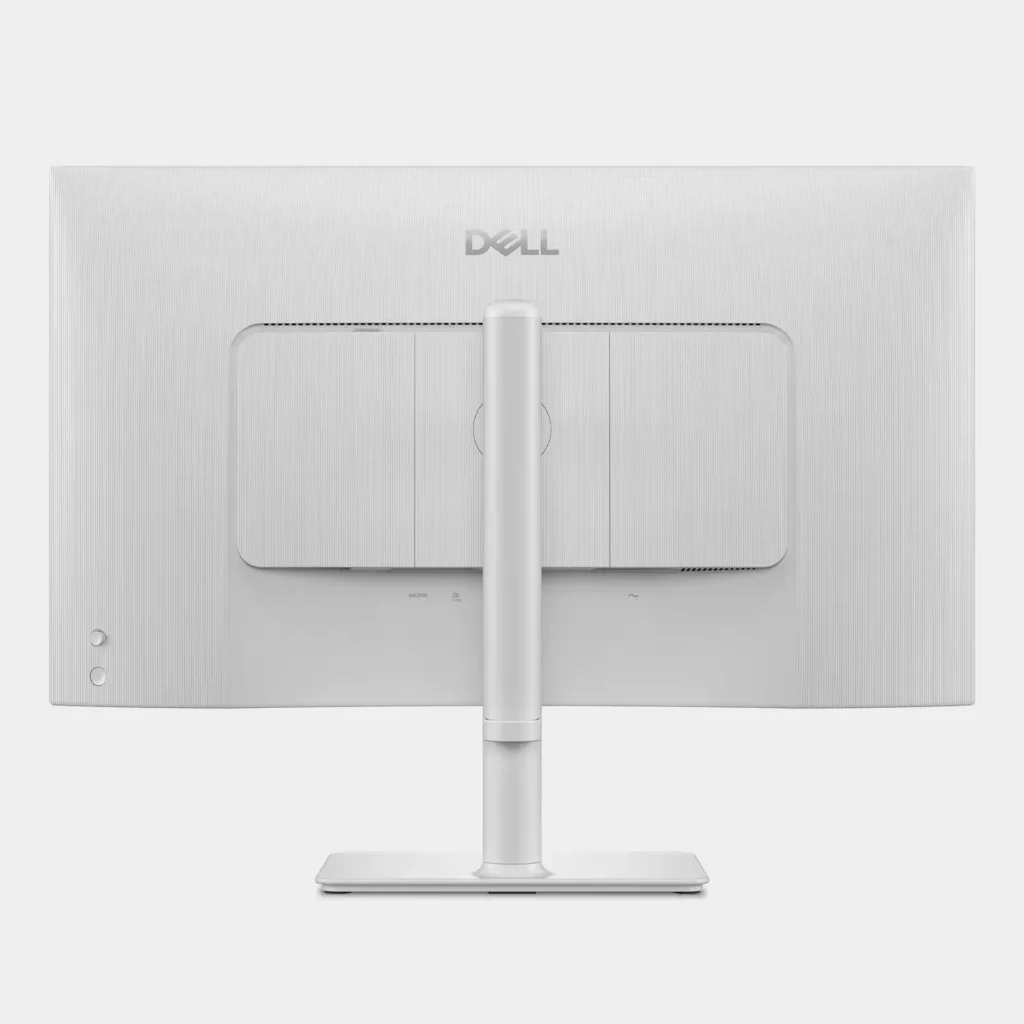
• Easy, tool-less assembly compliments of ingenious thumb screw. Then tilt the stand into the back of the monitor and add your cabling before attaching the cable cover panel.
• Integrated VESA mount for those wishing to mount this monitor to an arm.
• Includes a cover to cancel cables for a clean, seamless aesthetic. There’s also a cable management troth built in towards the bottom of the stand.
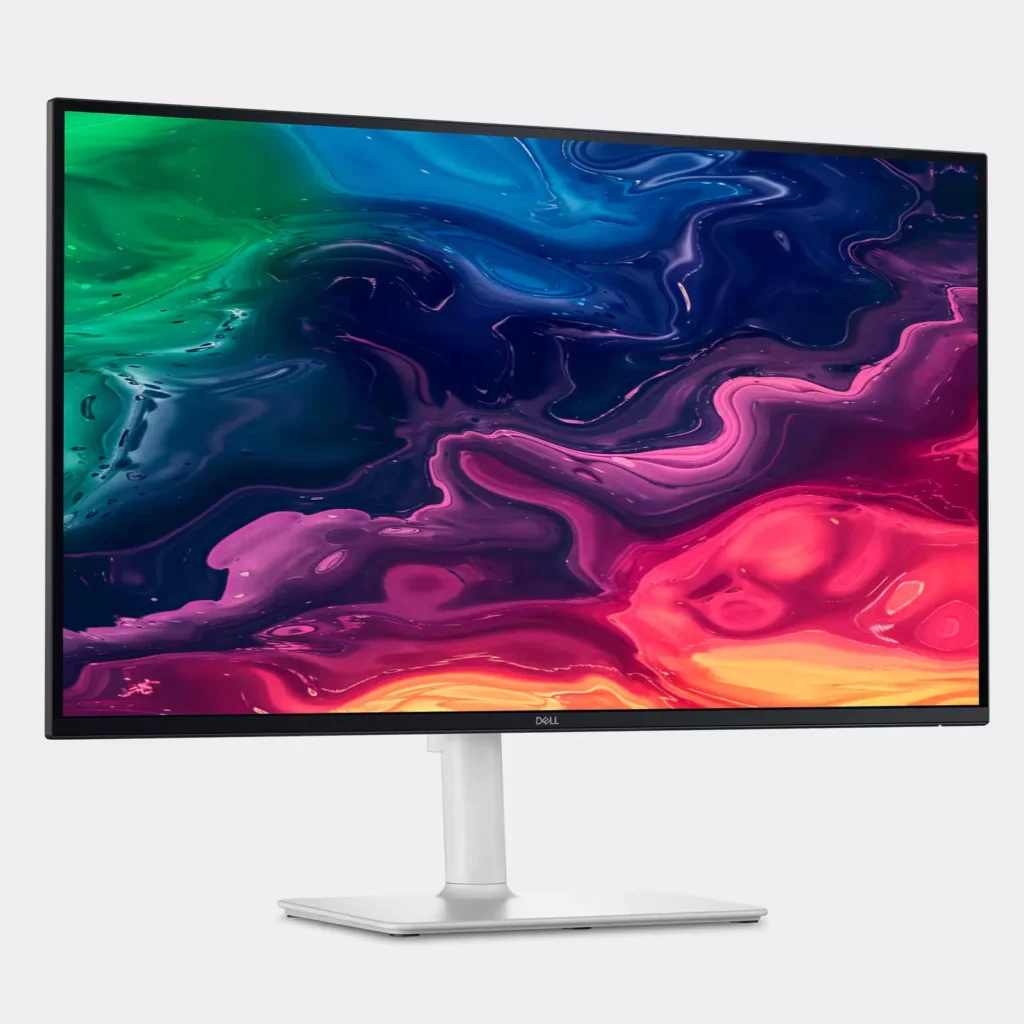
• Adjustability: height (up/down); swivel (side-to-side); tilt (forward); pivot (vertical/horizontal) provides flexible comfort for different scenarios – e.g. standing vs. sitting (height); sharing your screen (swivel) or running different apps (e.g. vertical could be great for coding).
• Adjustability: height (up/down); swivel (side-to-side); tilt (forward); pivot (vertical/horizontal) provides flexible comfort for different scenarios – e.g. standing vs. sitting (height); sharing your screen (swivel) or running different apps (e.g. vertical could be great for coding).
• 4K: Outside of the great picture quality for text, photos and videos – it’s wider than my laptop screen so multi-tasking is easier and allows me to see more of things I may be working on (e.g. I can see more rows and columns in spreadsheets) and comfortably fit a full size Excel window next to say an Email window without cutting off as much as I would with just the laptop display.
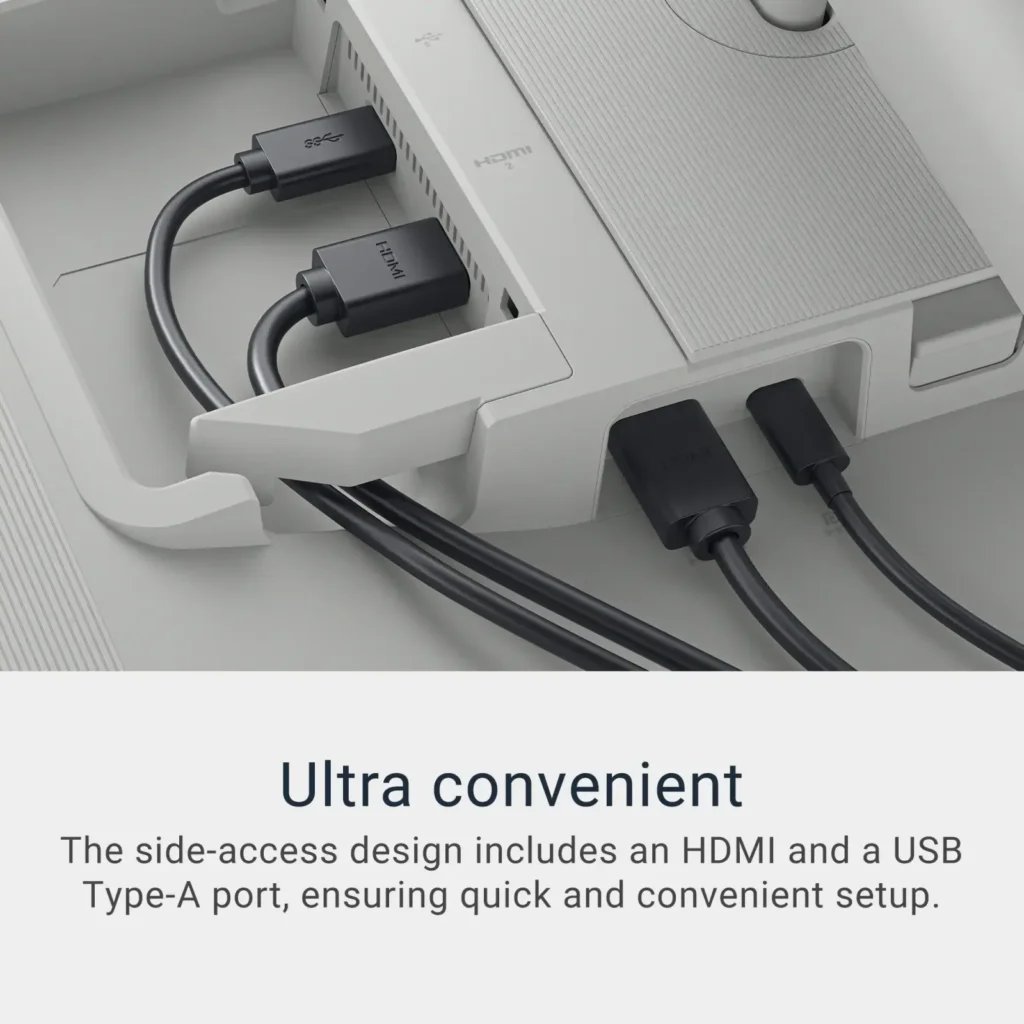
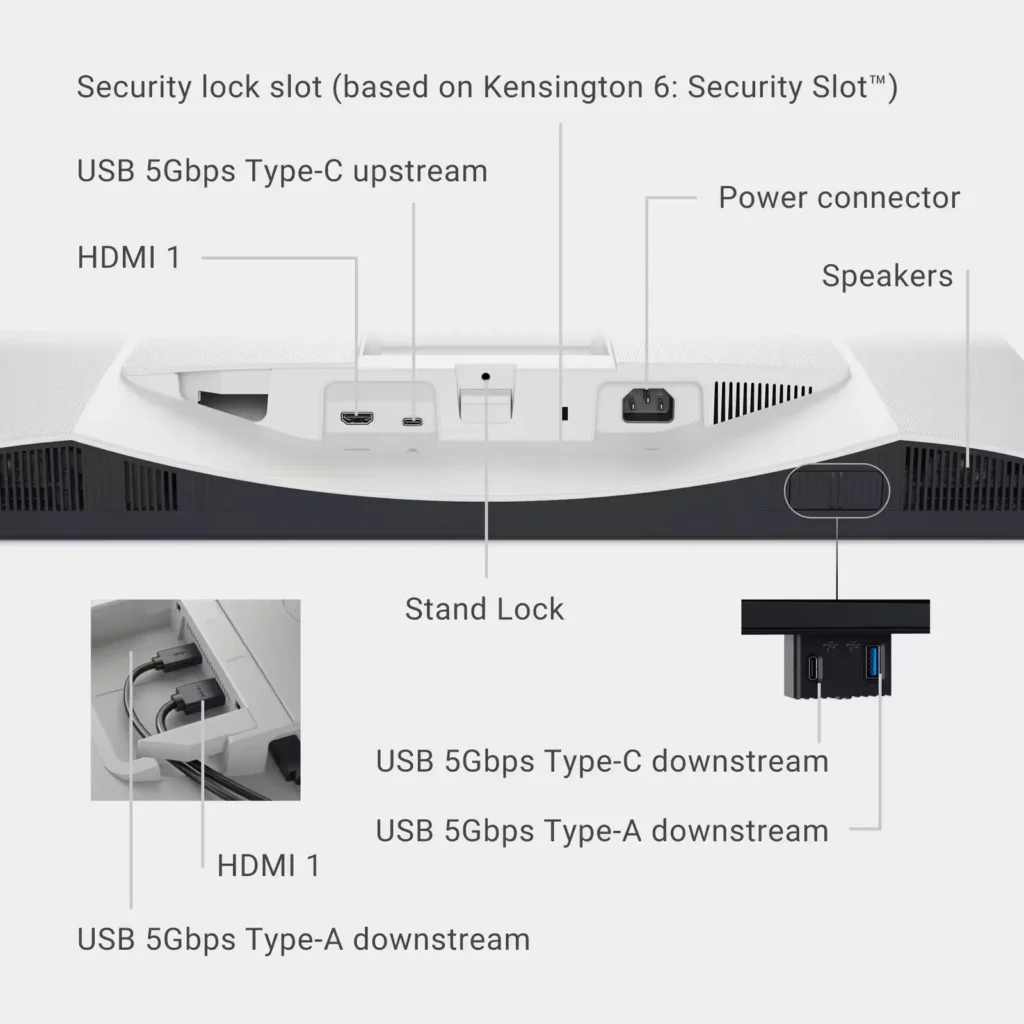
• Connectivity: supports connectivity to Mac via upstream port and accessories via downstream port. If you opt to run USB-C vs. HDMI this allows for a single cable for both charging and display. I also recently located and don’t have room for my office TV. Because this monitor has HDMI on it, it can pull double duty and I can connect my NVIDIA Shield or Apple TV to stand use it as a “tv.”– – – Cons – – –
• No webcam. No a complete deal-breaker if you have a laptop with one built-in, but it would be nice to be able to have your work and audio/video for conference calls coming out of the same source.
• So-so speakers.
• 120Hz disables HDR on macOS but you can use HDR at 60Hz scaled at 1440p.
• The stand isn’t quite high enough for the monitor to clear (height-wise) without tilting the monitor forward/out first.
• I wish the USB-As on this were all USB-C since its rare nowadays to find devices that are still connecting via USB-A. Having to purchase dongles to convert these not along adds expense, but also clutter. -
Good value
Verified purchase Verified purchase: This reviewer bought the product.pentiumx September 23, 2025Review source: AmazonGreat quality! It will be even better if there are more USB inputs
-
No cords in the box
Verified purchase Verified purchase: This reviewer bought the product.adam kanani September 22, 2025Review source: AmazonI never received any cords at all with the monitor. I’m missing the power cord and connectivity cord, like the HDMI and USB-C cord.
-
Great affordable monitor compared to the U series
Verified purchase Verified purchase: This reviewer bought the product.mistaplane September 22, 2025Review source: Amazonso far so good, a little bit different color compared to a U27XXQ (which looks more washed out, but is supposed to be more?)
anyway, this S2725QC produces a little bit more vibrant color contrast it seems.
something to note if you are looking for accurate color representation -
Poor text rendering for work
Verified purchase Verified purchase: This reviewer bought the product.M&M_here September 22, 2025Review source: AmazonI got this as a second monitor for work. I spend a lot of time programming and reading walls of text. The font rendering on this monitor is bad. The subpixel rendering is bad enough to cause eye strain. Can’t take a screenshot as the same screenshot renders nicely on my native display.
I have another LG 4K display which is now almost 2 years old, and it still performs much better than this.
-
Best value out there.
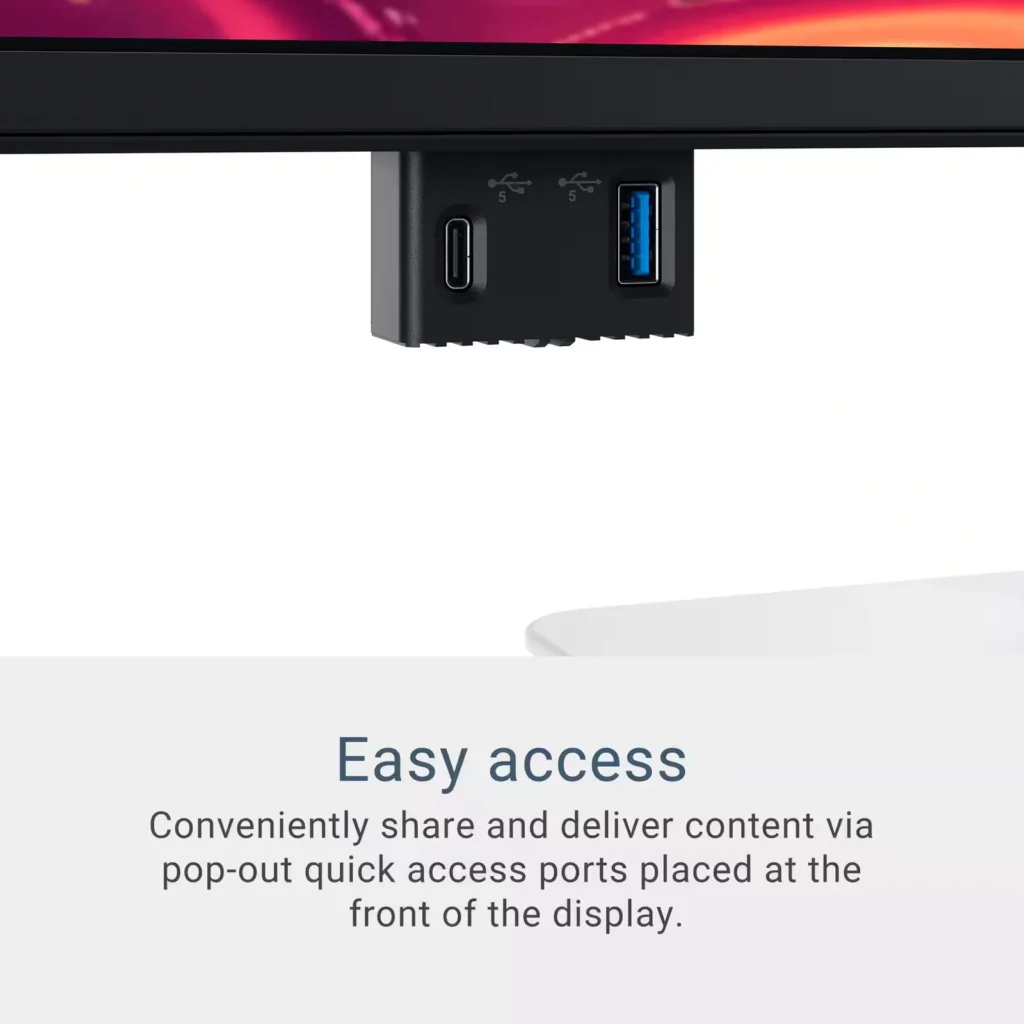
Verified purchase Verified purchase: This reviewer bought the product.Omar September 21, 2025Review source: AmazonI got this when it was at $290 and I cannot believe what value this thing has. USB-C, 4K, 120 Hz, IPS, and as other folks mention the speakers are actually good. If the 32″ equivalent was IPS I probably would have gone with that (it is VA only) but I really can’t complain with the 27″ one. I even use the sliding USB ports often. A+ product and price.