Customer Media
Highlights
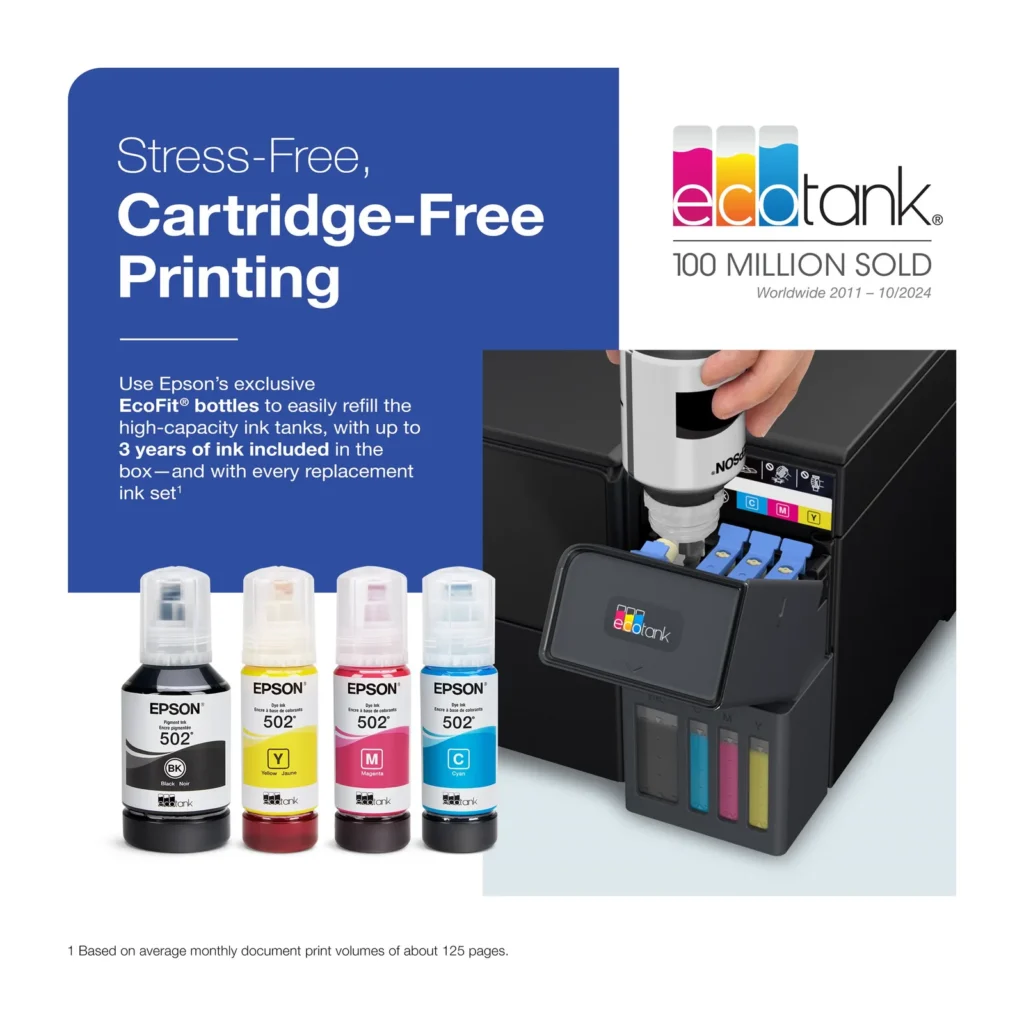
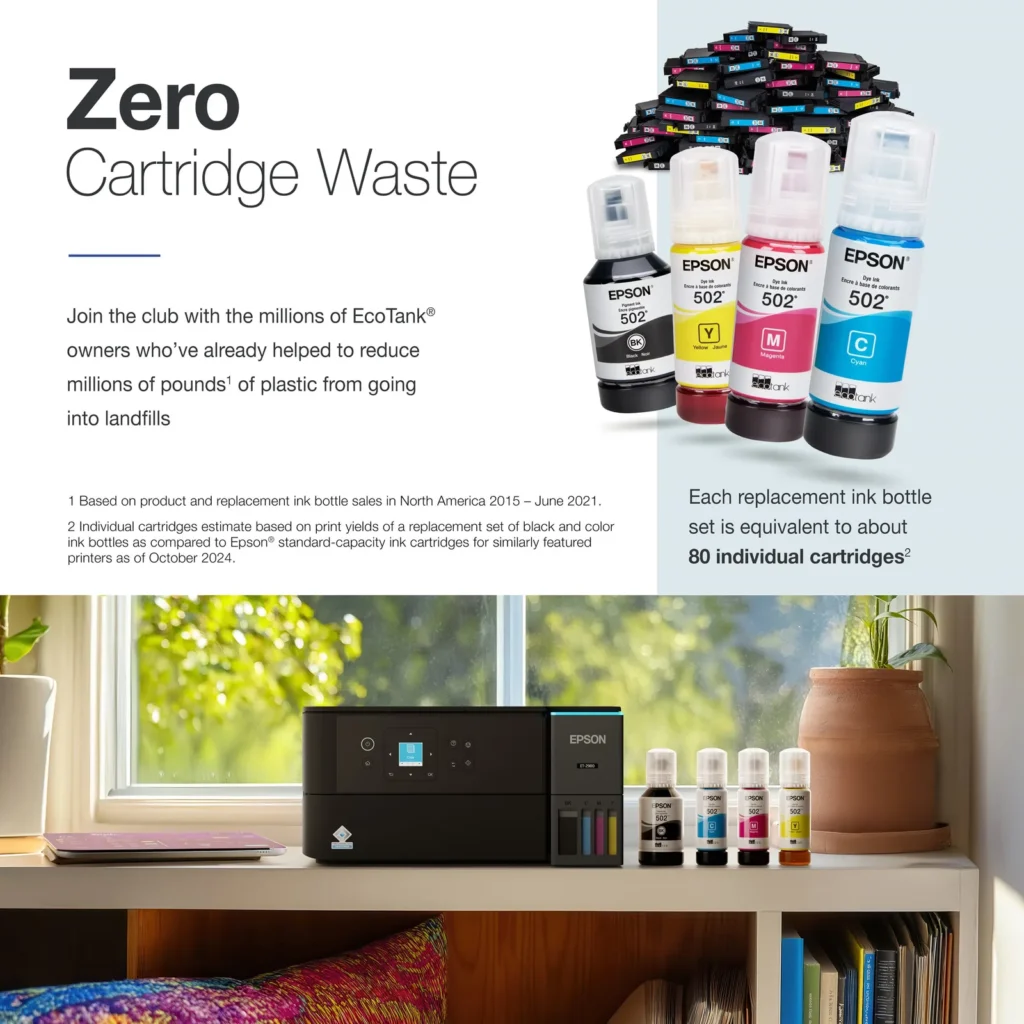
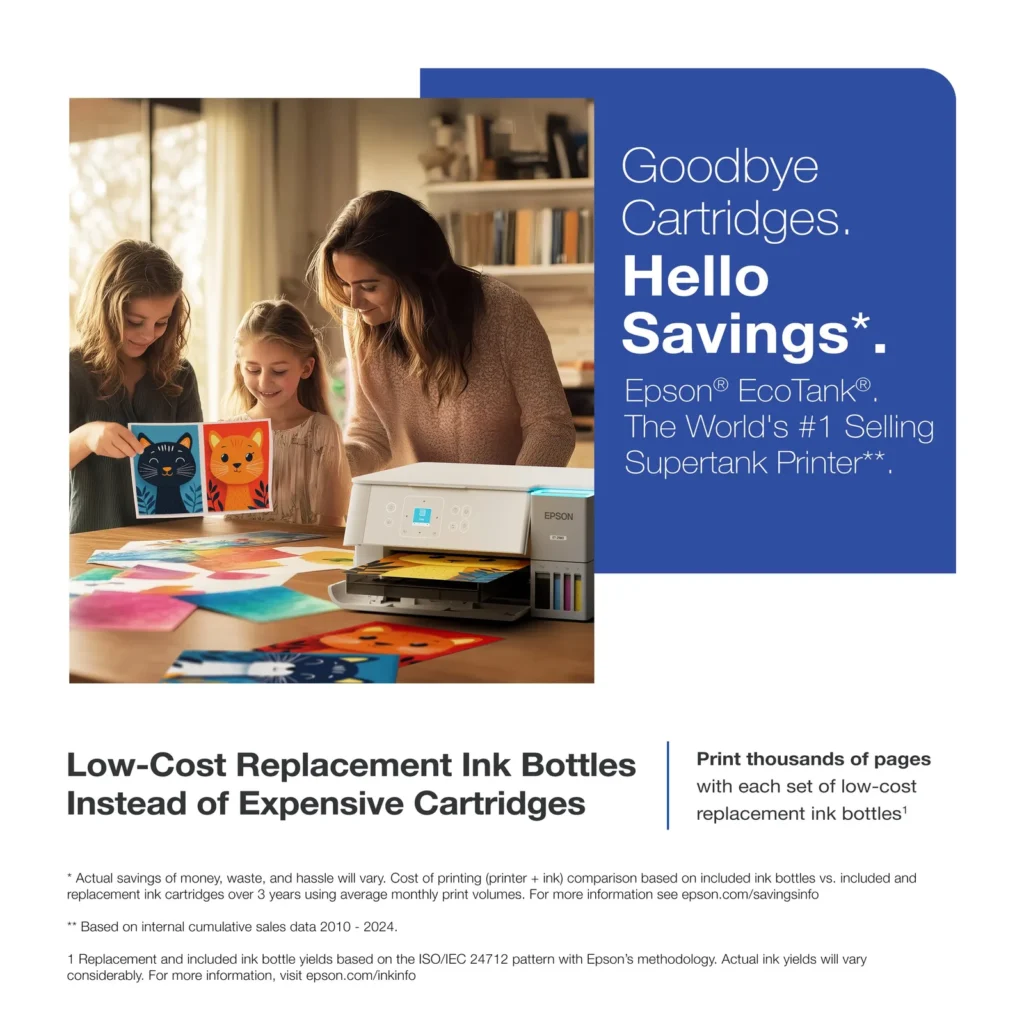
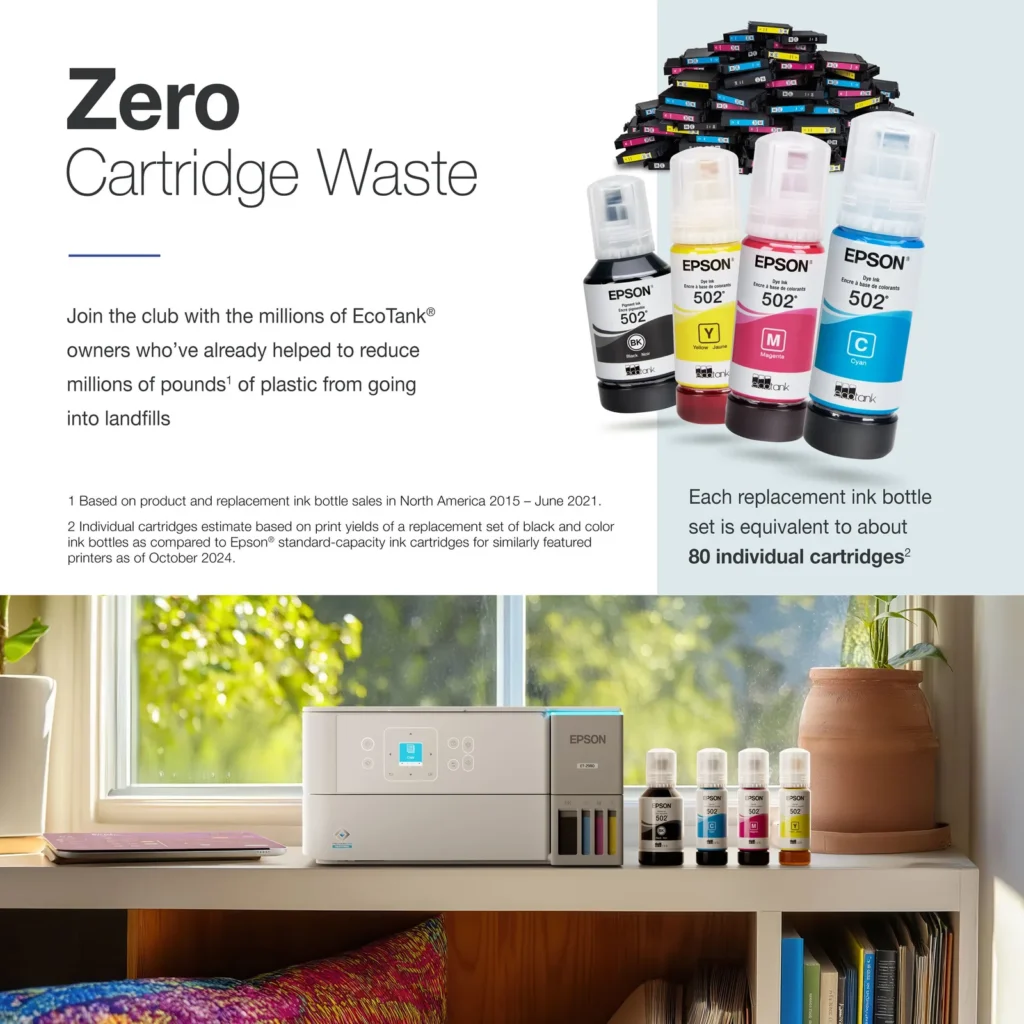
| Incredible Value and Savings | Save significantly on replacement ink with high-capacity ink tanks; each set of replacement ink bottles is equivalent to about 90 individual cartridges, providing a low cost-per-print. |
|---|---|
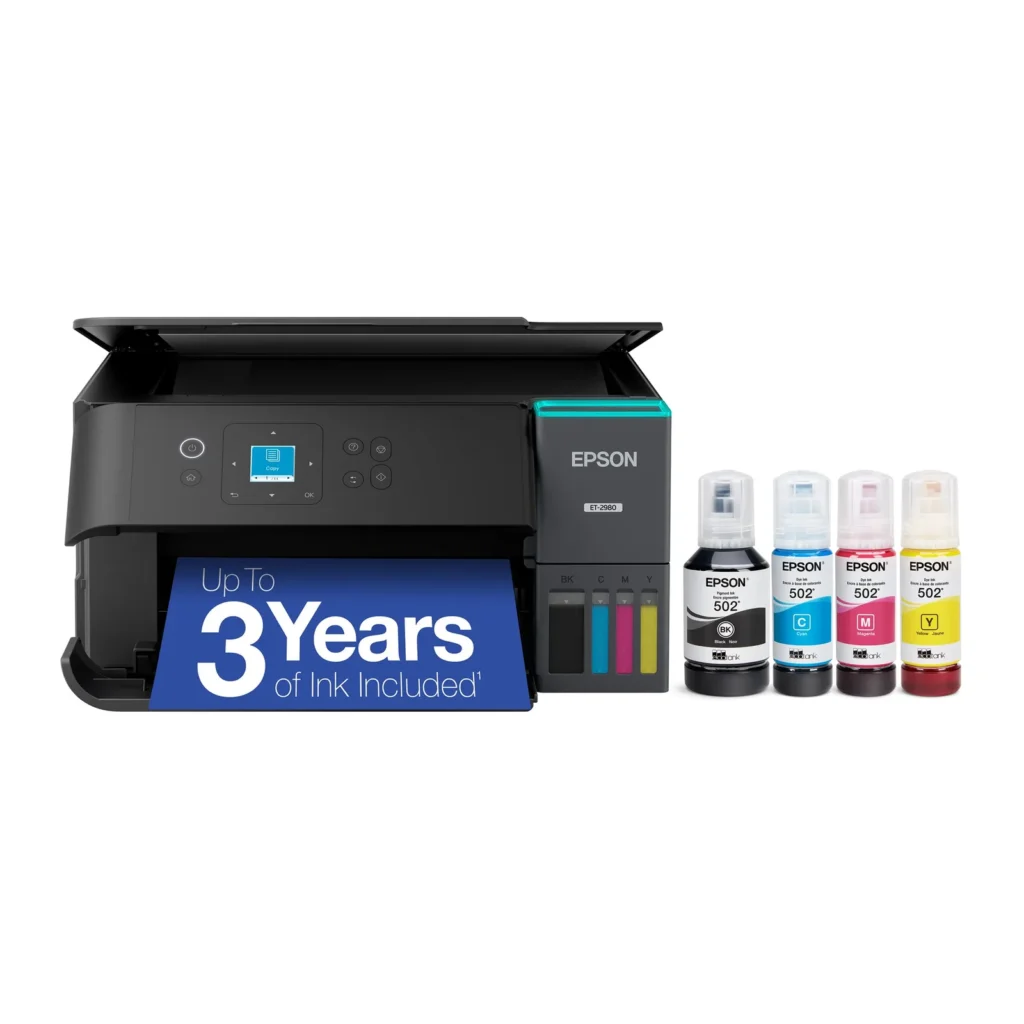
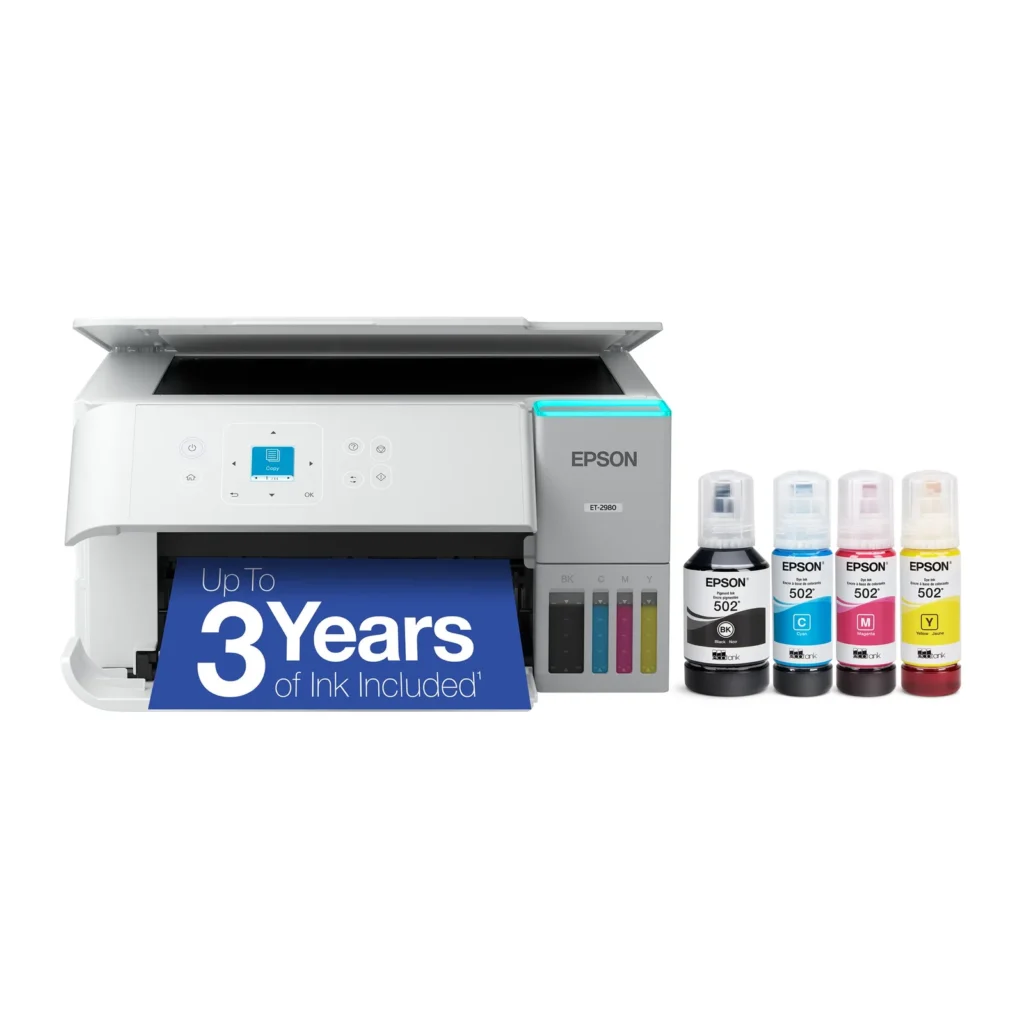
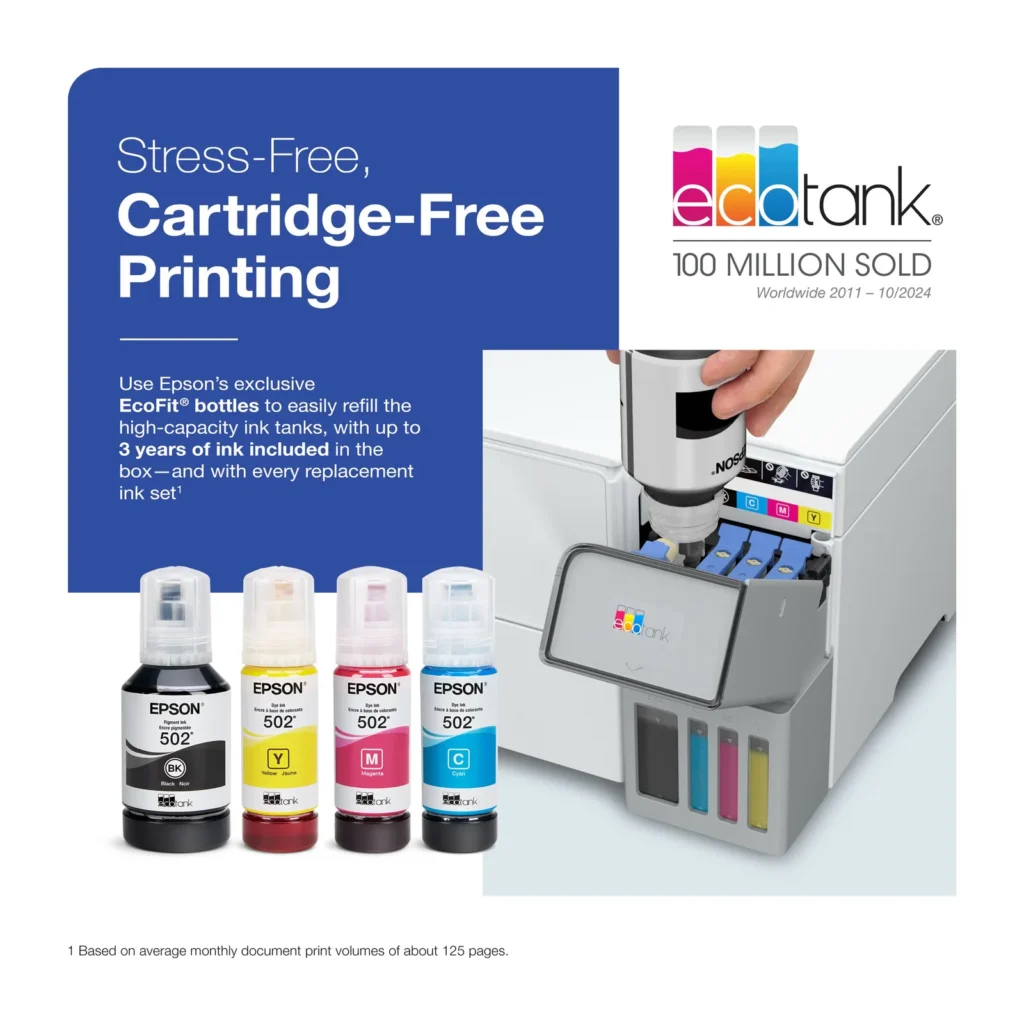
| Up to 3 Years of Ink Included | The printer comes with enough ink in the box to last up to three years, allowing you to print up to 6,600 black and 5,500 color pages before needing a refill. |
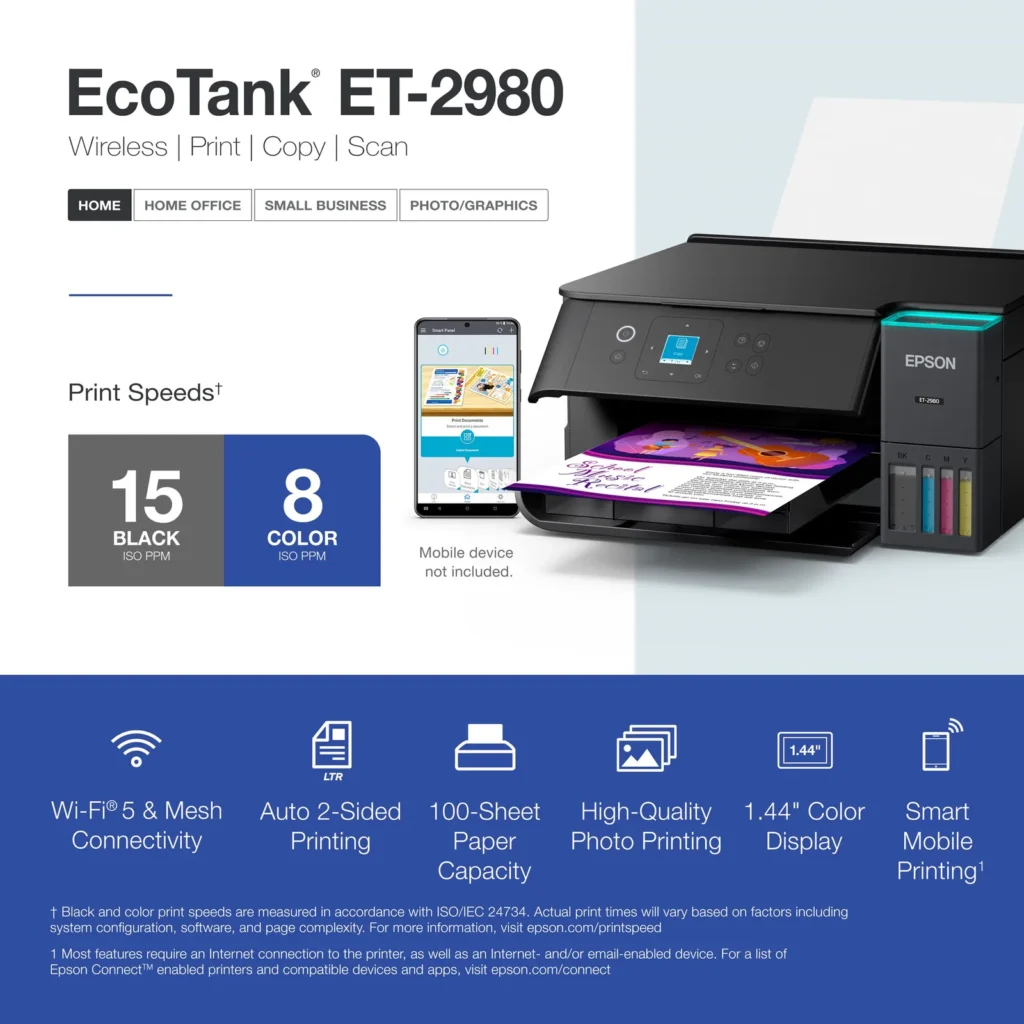
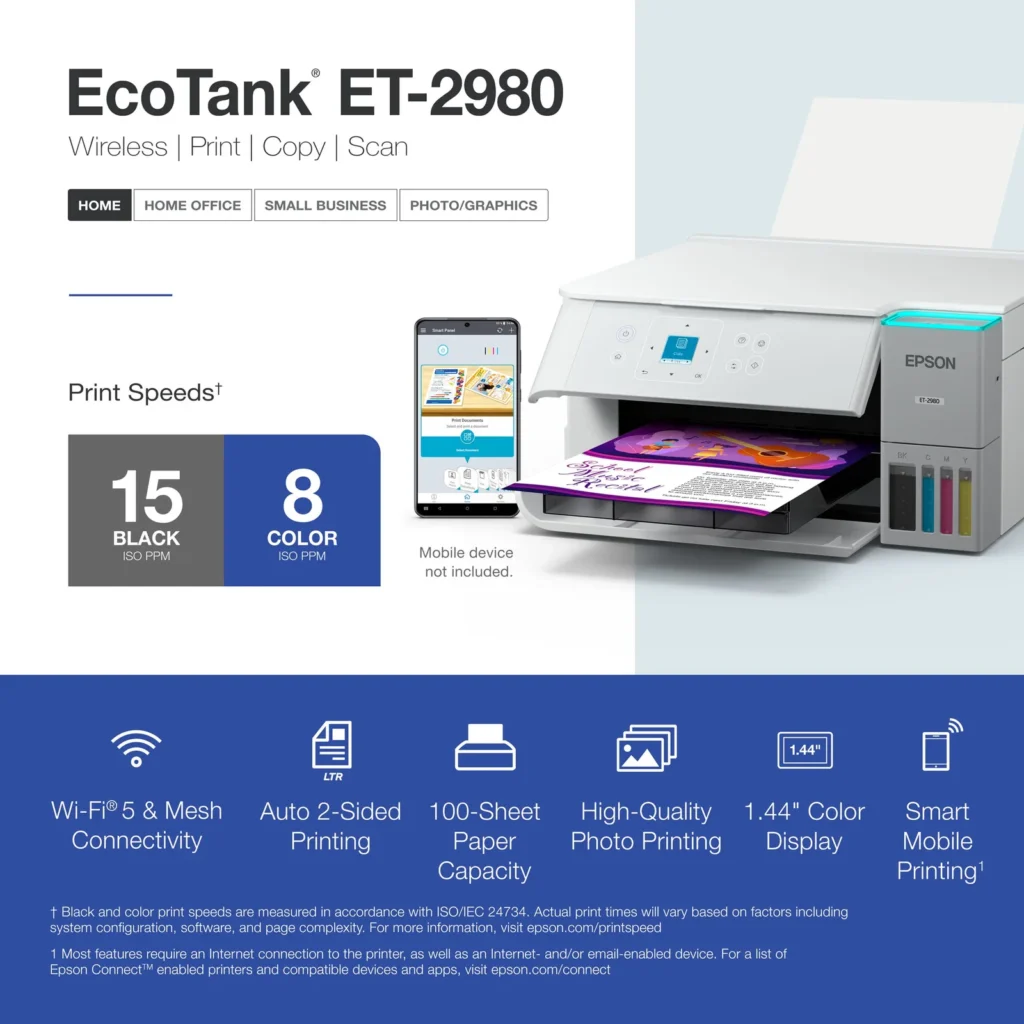
| PrecisionCore Heat-Free Technology | Delivers fast print speeds of up to 15.0 ISO ppm in black and 8.0 ISO ppm in color, featuring a unique permanent printhead designed to last the life of the printer. |
| Seamless Wireless and Mobile Printing | Easily print and scan from your smart device using the Epson Smart Panel app, with full support for Apple AirPrint, Mopria Print Service, and Wi-Fi Direct. |
| User-Friendly Features and Auto Duplexing | Includes a 1.44" color display for easy navigation, a 100-sheet paper tray, and automatic two-sided printing to help save paper and improve efficiency. |
Pros & Cons
Pros
- EcoTank Ink System: The refillable tank design eliminates the need for expensive cartridges, providing a massive ink supply that users find much more convenient and environmentally friendly.
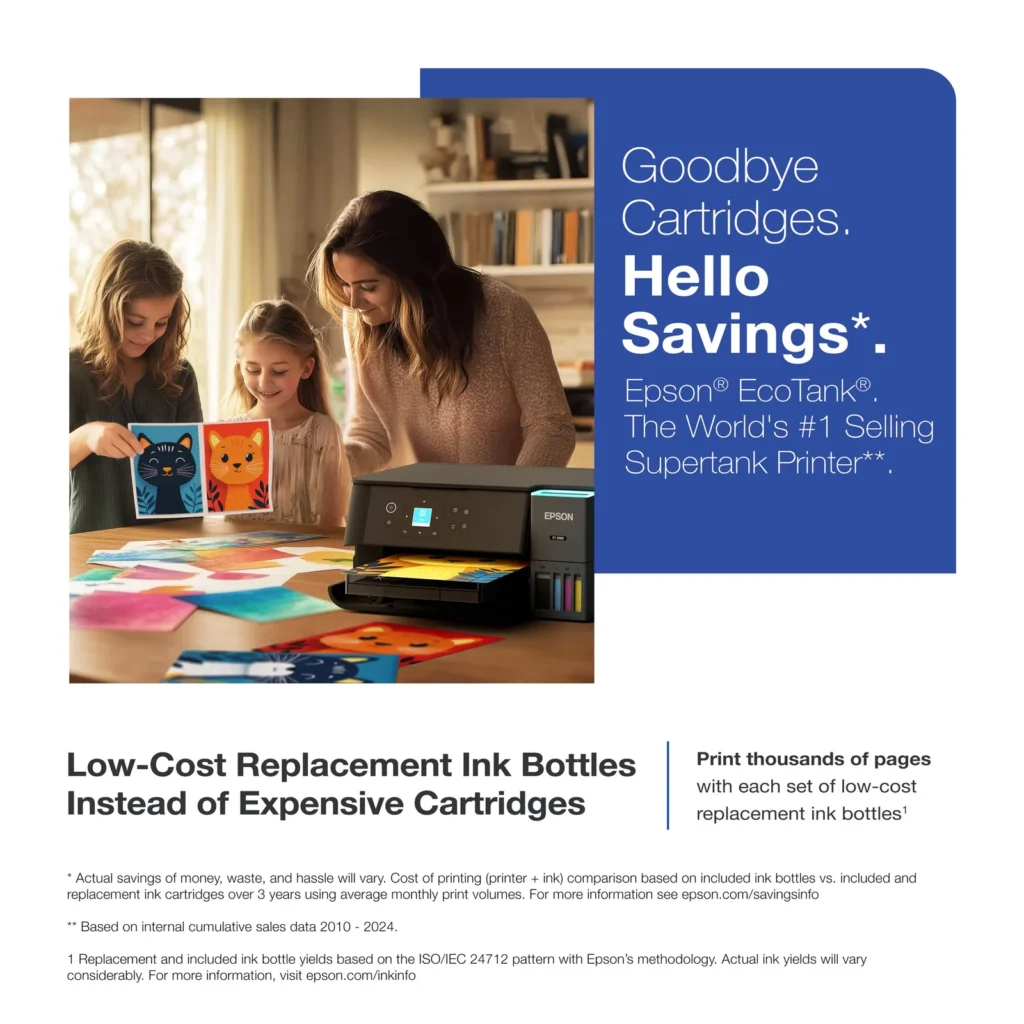
- Cost-Effectiveness: The printer is highly economical over time because the bottled ink is reasonably priced and lasts significantly longer than traditional cartridges, with some users reporting thousands of prints on a single fill.
- Easy Mobile Integration: The Epson Smart Panel app is frequently praised for making the initial setup and wireless printing from smartphones a seamless and intuitive process.
Cons
- Small LCD Screen: The 1.44-inch display is widely criticized for being far too small and difficult to read, often requiring users to use a magnifying glass or flashlight to navigate menus.
- Connectivity and Setup Issues: Many reviewers experienced significant frustration with the printer dropping its WiFi connection or found the initial driver installation on computers to be overly complex and time-consuming.
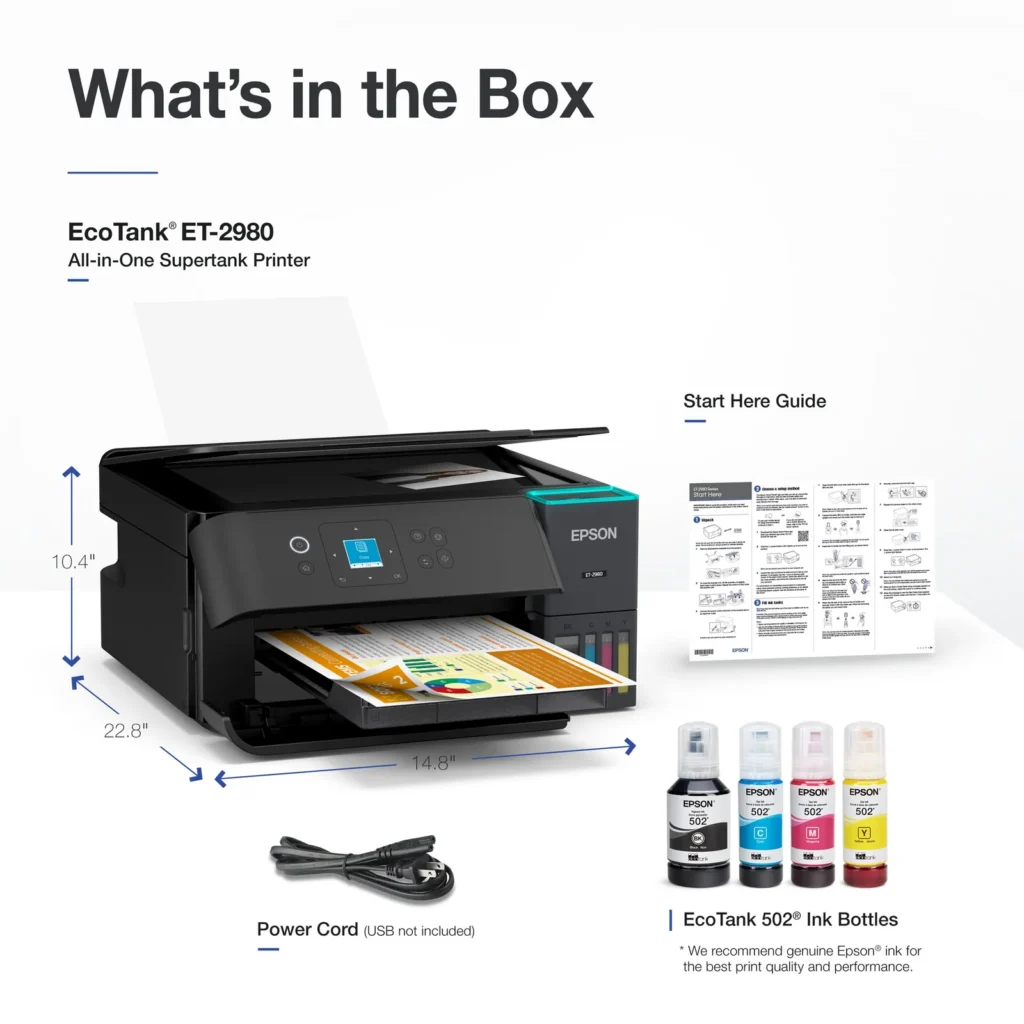
- Paper Handling Limitations: The lack of an internal paper tray and reliance on a rear feeder with limited capacity is a common complaint, along with reports of frequent paper jams during automatic double-sided printing.
Customer Reviews
Showing reviews 1-10 of 319
-
Great home printer
Verified purchase Verified purchase: This reviewer bought the product. Incentivized Incentivized review: The reviewer received a benefit for sharing feedback.CoreyA December 17, 2025Review source: BestbuyPerfect ,ittle home printer. Easy to set up and the computer found it with no problem
-
Ve
Verified purchase Verified purchase: This reviewer bought the product.Tim TERWELP December 16, 2025Review source: AmazonExcellent printer, extremely easy to set up, great size!
-
Photo prints are beautiful and vibrant.
Savvy shopper December 15, 2025Review source: AmazonThis printer has great quality!
I was reluctant to buy because of the cost, but ultimately found it on sale and took the gamble out of desperation and need.
If you follow the directions for set up it goes smoothly. I had no issues.
FYI if you purchase the wire to also set up the password you need is the serial number on the bottom of the device.
It prints beautifully.
This is a picture I drew and colored digitally after taking a photo of my drawing. It looks amazing!!! -
Great printer
Verified purchase Verified purchase: This reviewer bought the product. Incentivized Incentivized review: The reviewer received a benefit for sharing feedback.AlonzoG December 15, 2025Review source: BestbuyWorks great has yet to fail setup was very easy and quick
-
Smoothe copying and scanning.
Verified purchase Verified purchase: This reviewer bought the product. Incentivized Incentivized review: The reviewer received a benefit for sharing feedback.CelesteP December 13, 2025Review source: BestbuyThe ET-2980 is a much better printer than the ET-2850. I’ve just started using it, but already it is much faster than expected. The set up was easy and the ink charged correctly and does not smear at all. Once the ink charged, I was able to add the remainder of the ink in the bottles, but needed to encourage the ink to go from bottle into the tank with a little nudging (no tapping). The printer bed is level with the edges not recessed like the 2850, so it provides easier scanning capability. I don’t like where the OK button is when shutting off the machine. I much prefer it to the right of the main menu like on the ET-2650 and ET-2850. The front door is automatic and the paper tray extends automatically as well. When the machine is shut off, the tray retracts and the door closes. My only concern is with so many moving parts, will it hold up over time? We’ll see. I had my ET-2650 for 7 years without an issue. The ET-2850 I had for almost 2 years and it was very problematic. Thankfully, I was within the 2 year warranty when it became inoperable. Hopefully, I will have this for many years to come.
-
Functional for Informal Documents and photos
Verified purchase Verified purchase: This reviewer bought the product. Incentivized Incentivized review: The reviewer received a benefit for sharing feedback.PaulO December 13, 2025Review source: Bestbuythis newer model is better than the previous. Its not for photo quality printing but the reliability of the ink and easy maintenance is all you need for informal documents.
-
Poor Design – Doesn't work.
Verified purchase Verified purchase: This reviewer bought the product.Katie Andrade December 12, 2025Review source: AmazonImpossible to set up – always gives an error, but no explanation. Nothing intuitive about this printer. I’m going to return and get a different company – someone who understands how to design a printer.
-
Dont waste your money!
Verified purchase Verified purchase: This reviewer bought the product.flavio December 12, 2025Review source: AmazonHorrible Printer! Dont buy!
-
Doesn’t stay online too long
Verified purchase Verified purchase: This reviewer bought the product. Incentivized Incentivized review: The reviewer received a benefit for sharing feedback.YRC1 December 12, 2025Review source: BestbuyI’ve only had it for less than a month. It works very well. The only issue is that once a couple of days it becomes disconnected from the internet on its own and I have to turn off and turn it back on to get it back online.
-
Good product
Verified purchase Verified purchase: This reviewer bought the product. Incentivized Incentivized review: The reviewer received a benefit for sharing feedback.rock December 12, 2025Review source: BestbuyWorks great. Easy set up. This is my second Epson printer and I like the brand.